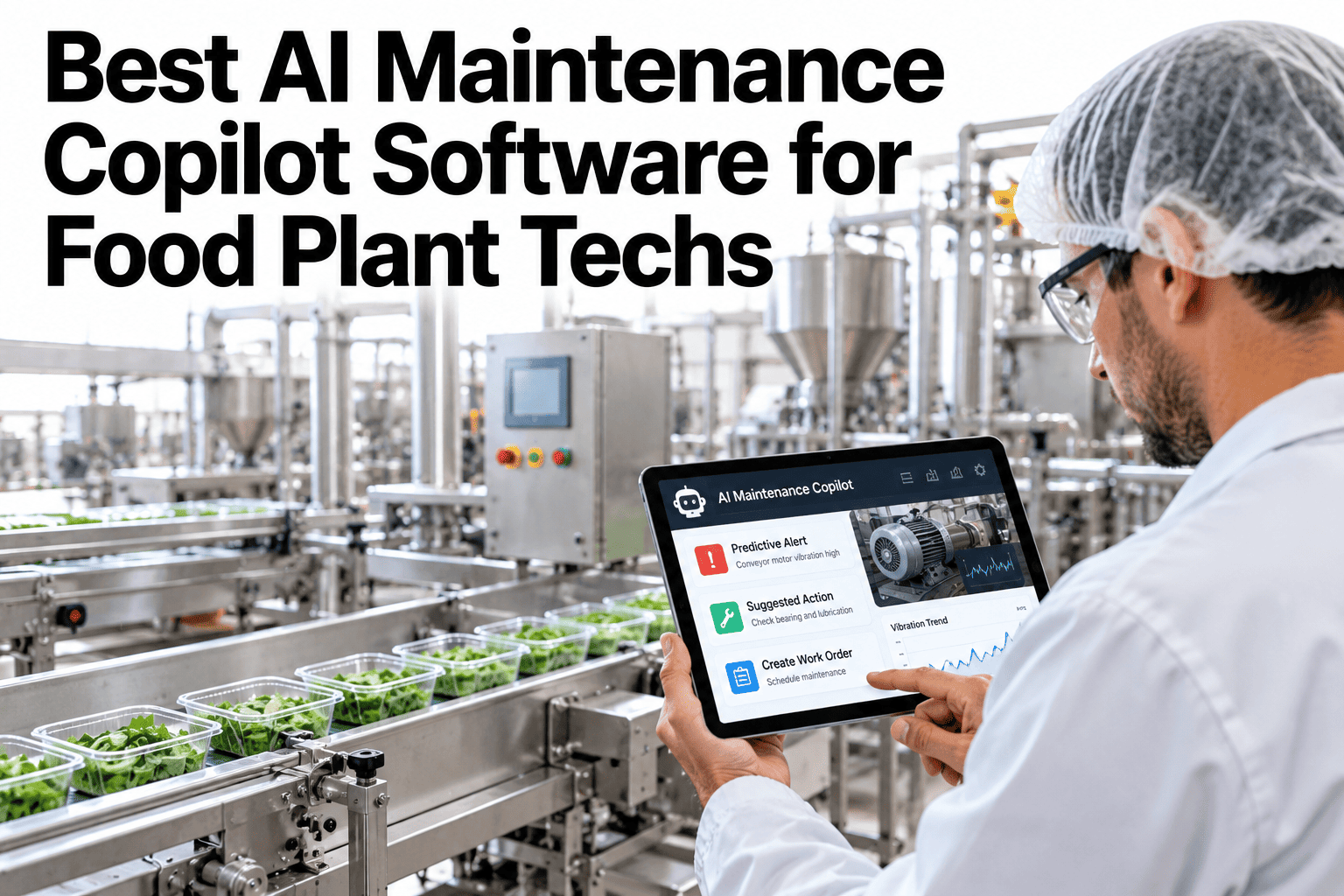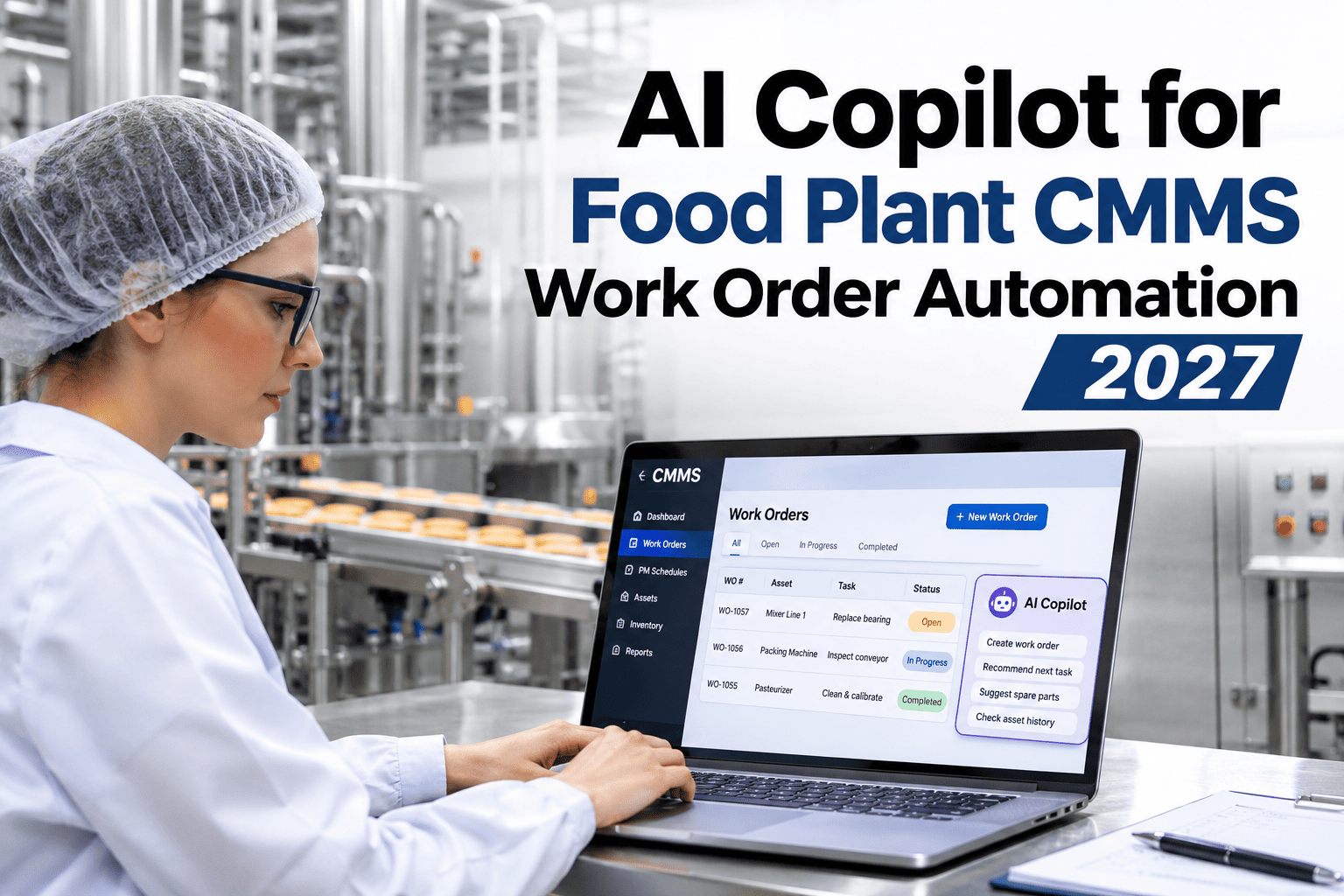
A technician standing in front of a jammed filler rarely wants to stop and type a structured work order — they want to snap a photo, say what happened, and get back to the fix. Most CMMS systems still expect the opposite: a dropdown for failure code, a free-text cause field, a manual parts lookup, all filled in after the fact from memory. An AI copilot that fills those fields from a photo or voice note closes that gap directly. Food plant maintenance teams who want to see this against their own work order backlog can walk through a live auto-fill demo with iFactory AI.
Let the Copilot Fill the Work Order While the Technician Fixes the Machine
iFactory AI turns a photo or voice note into a tagged work order — failure code, likely cause, recommended action and parts kit — in seconds, not minutes of dropdown hunting.
Why Most Work Orders Get Filled In Wrong, Late, or Not at All
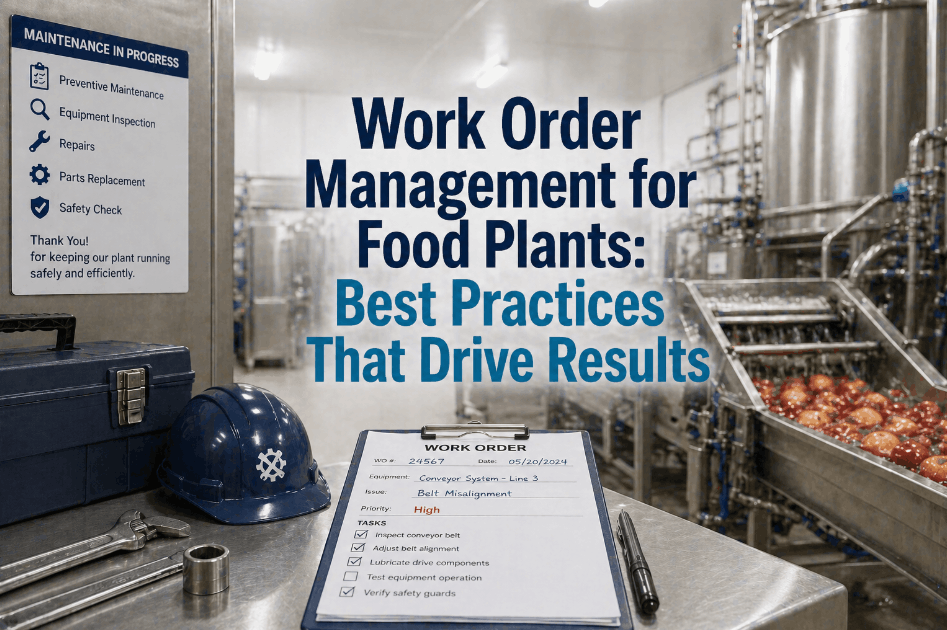
A technician who has to stop mid-repair to navigate a long dropdown list usually picks whatever is closest, not what is accurate, or defers the full write-up to the end of shift when details have already blurred. Either way, the CMMS fills up with records that are technically complete but not reliably useful for anyone analyzing downtime later.
What the Copilot Actually Fills In
| Field | Typical manual effort | With copilot suggestion |
|---|---|---|
| Failure code | Scroll a long dropdown from memory | Suggested from photo or voice match |
| Likely cause | Free text, often skipped under time pressure | Drafted from similar past tickets on that asset |
| Recommended action | Written from scratch each time | Pulled from what worked on prior occurrences |
| Parts kit | Separate lookup in a parts catalog | Linked automatically to the suggested cause |
See How Much Time This Saves on Your Own Backlog
Share a sample of recent work orders and a short session will show how much manual entry the copilot would have removed.
Why This Matters More in Food Plants Specifically
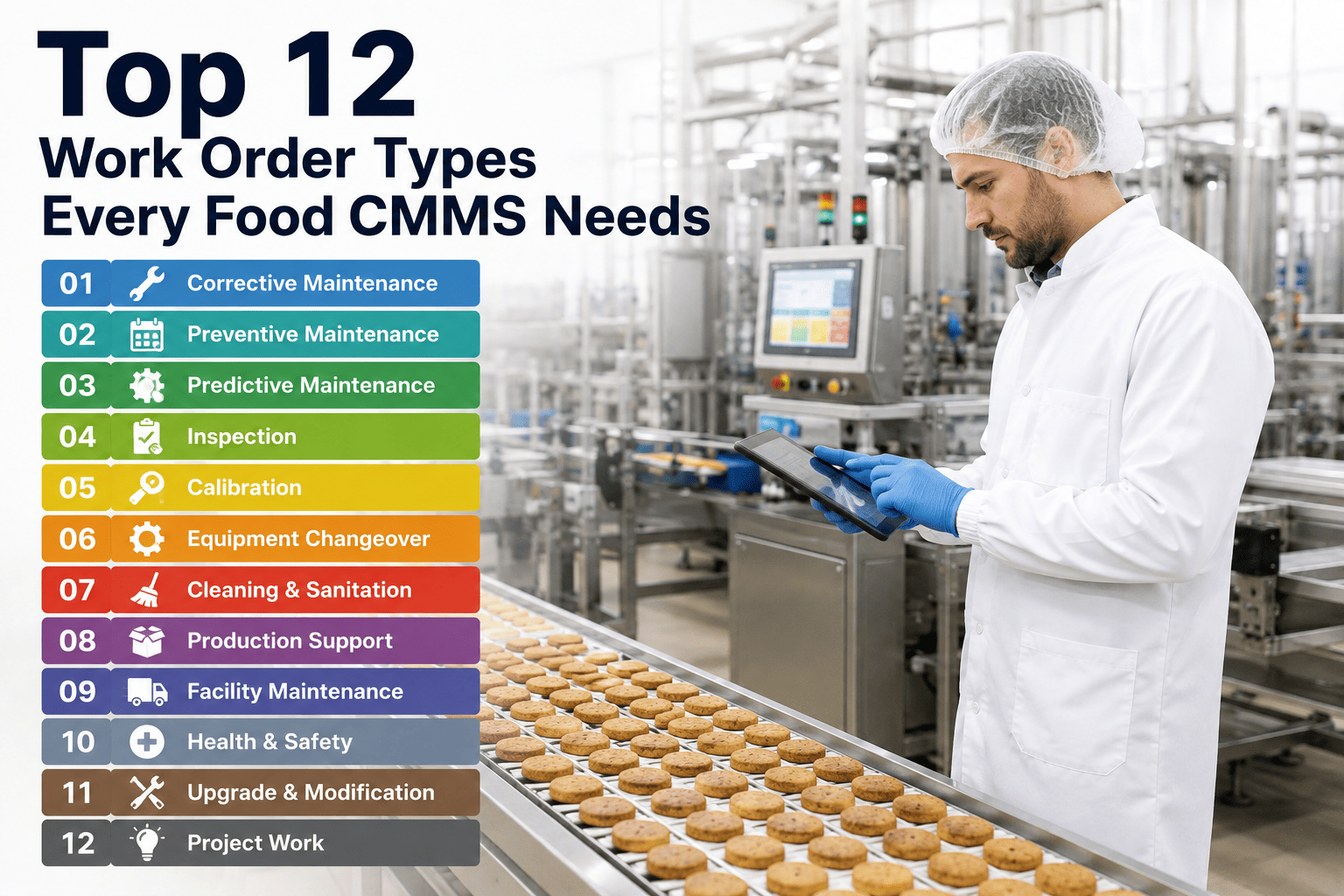
Food manufacturing lines often run a wide mix of mechanical, pneumatic and hygienic-design equipment, each with its own failure vocabulary, which makes a generic dropdown list even less useful than in a single-process plant. A copilot that learns asset-specific failure patterns handles that variety automatically, suggesting the right code for a filler differently than it would for a case packer or a CIP skid.
A Composite Scenario: The Ticket That Used to Take Ten Minutes
A plant's maintenance team routinely spent several minutes per ticket navigating a shared dropdown list that had grown to dozens of overlapping failure codes over the years, with technicians often picking the first plausible option just to move on. Replacing that step with a photo-based suggestion, confirmed rather than typed from scratch, cut average ticket entry time from roughly ten minutes to under two, while also improving the consistency of which code got applied to similar failures across different technicians — a change iFactory AI's team can walk through against your own current ticket volume.
What This Does Not Replace
The copilot suggests, it does not decide. A technician still confirms or corrects every field before it saves, which matters both for accuracy and for keeping the suggestion model improving over time as corrections feed back into future suggestions for that asset.
Frequently Asked Questions
Stop Letting Work Orders Slow Down the Fix
iFactory AI turns a photo or voice note into a tagged, ready-to-confirm work order in seconds. Book a walkthrough with your own ticket backlog.