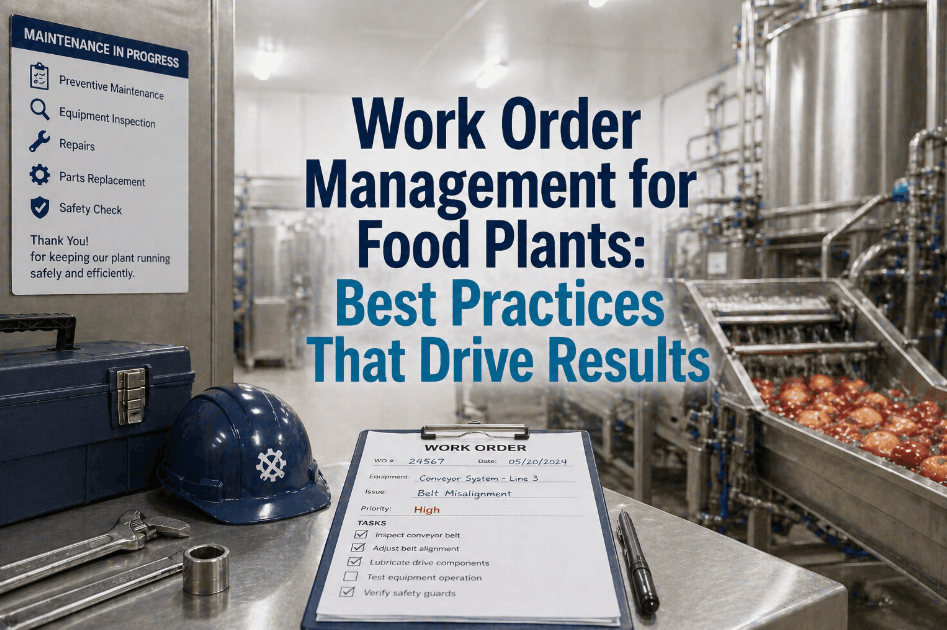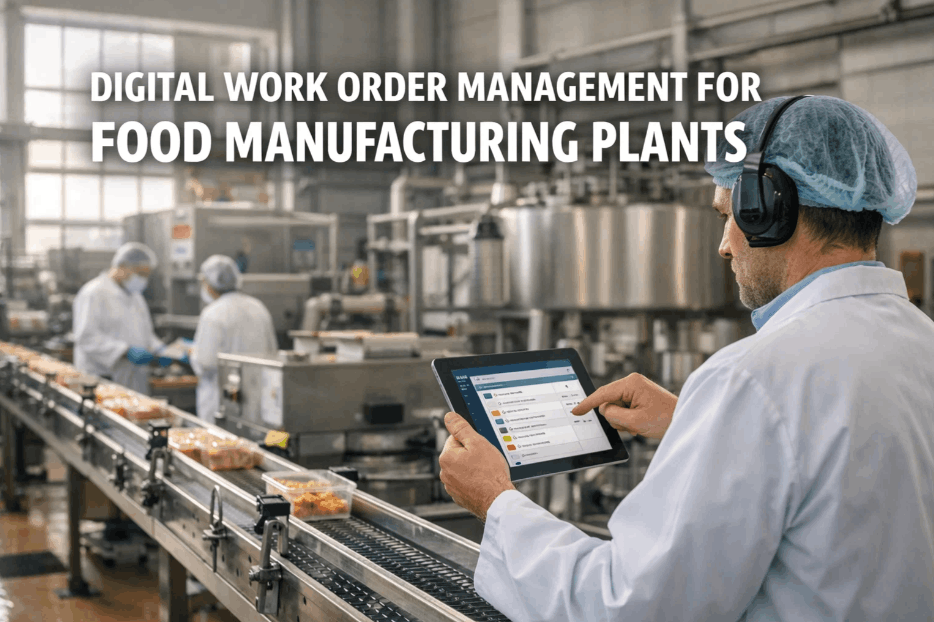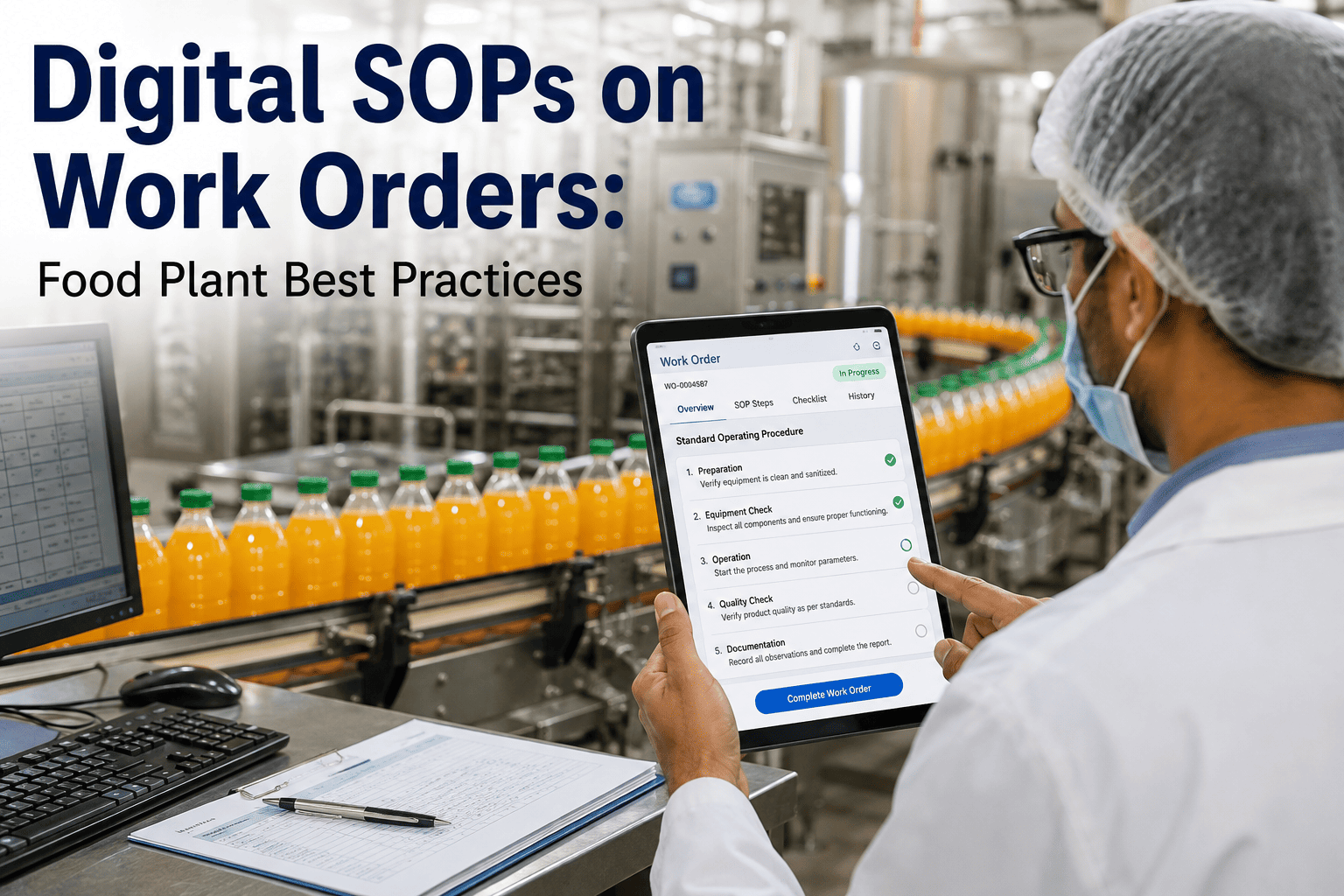
A repair instruction buried in a binder in the maintenance shop office does a technician no good when they're standing at the equipment with a panel open, and a step skipped or done out of order because the written procedure wasn't actually consulted is one of the most preventable causes of repeat failures and safety incidents in food plant maintenance. Attaching the actual SOP — photos, video, step-by-step text, in whatever language the technician reads most comfortably — directly to the work order they're looking at on their phone closes that gap completely. This looks at what makes digital SOPs on work orders actually get used, not just technically available. Book a session with iFactory to see SOP attachment working inside a real work order.
Food & Beverage · Digital Work Instructions
Digital SOPs on Work Orders: Food Plant Best Practices
Photo, video, multi-language, step-by-step guidance attached directly to the work order a technician is already looking at — here is what actually makes it get used.
The Gap Digital SOPs Close
Where Written Procedures Break Down Today
The gap between a written SOP existing and it actually being followed in the moment of repair is where most procedural non-compliance actually happens, and it's a gap that's almost entirely about accessibility, not technician willingness.
Paper SOP Binder
Sits in an office, not at the equipment
Text-only, hard to follow for visual steps
Single language, a barrier for some technicians
Outdated revisions circulate unnoticed
Digital SOP on Work Order
Opens directly on the phone at the equipment
Photo and video guidance for complex steps
Multi-language options selected per technician
Single current version, always up to date
Bring an Existing SOP to the Demo
See One of Your Own SOPs Attached to a Live Work Order
The clearest way to evaluate digital SOP attachment is with a procedure your own technicians already use — bring one and we'll show you the workflow.
What Changes
Three Measurable Outcomes Plants See
Fewer Procedural Errors
Step-by-step guidance with photos reduces the chance a step gets skipped or performed in the wrong order, especially for less experienced technicians.
Shorter Repair Time
Technicians spend less time trying to recall or hunt down a procedure and more time actually executing it correctly the first time.
Consistent Training Reinforcement
Every technician follows the same current procedure regardless of when they were originally trained, closing the gap between training and daily practice.
Field Perspective
The plants that get the most value from digital SOPs aren't the ones with the most polished procedure documents — they're the ones where the SOP actually opens on the technician's screen at the exact moment they're standing in front of the equipment. A beautifully written procedure sitting in a binder three rooms away might as well not exist during an actual repair. The behavior change comes from proximity and timing, not document quality alone, and that's the specific thing attaching SOPs directly to work orders solves.
Wilhelmina Osei-Bergstrom
Maintenance Training and Documentation Specialist · 11 years developing work instruction systems for food manufacturing · Former Training Coordinator, food processing operations
Common Questions
Digital SOPs on Work Orders — Frequently Asked
Can we upload our existing SOP documents, or do they need to be rebuilt from scratch?
Existing SOP documents, photos, and videos can typically be uploaded and attached directly to relevant work order types, so plants don't need to recreate procedures that already exist and work well. Book a demo to see how your current SOP library translates into digital attachments.
How do multi-language SOPs work if our maintenance team speaks several different languages?
Procedures can be attached in multiple language versions, with technicians selecting their preferred language, so the same underlying procedure reaches every technician in a language they're comfortable working in. Book a demo to review multi-language setup for your team's language mix.
How do we make sure technicians are using the current version of an SOP, not an outdated one?
Digital SOPs attached to work orders always reference the current live version, eliminating the risk of a technician following a printed copy that predates a recent procedure update. Book a demo to see version control in the SOP attachment workflow.
Can SOPs include video, or just photos and text?
Video is supported for procedures where a static photo doesn't adequately convey a motion or technique, giving technicians a more complete demonstration for complex or unfamiliar repair steps. Book a demo to review video attachment options for your most complex procedures.
Do digital SOPs help with audit readiness for food safety and quality standards?
Yes — having documented, version-controlled procedures actively attached to work orders provides clear evidence that standardized processes are being followed, which auditors generally view favorably compared to informal or undocumented practices. Book a demo to review audit-relevant SOP documentation features.
Get the Procedure in Front of the Technician
Attach Digital SOPs to Every Work Order in Your Food Plant
iFactory connects your existing procedures — photo, video, multi-language — directly to work orders, closing the gap between documentation and actual practice.