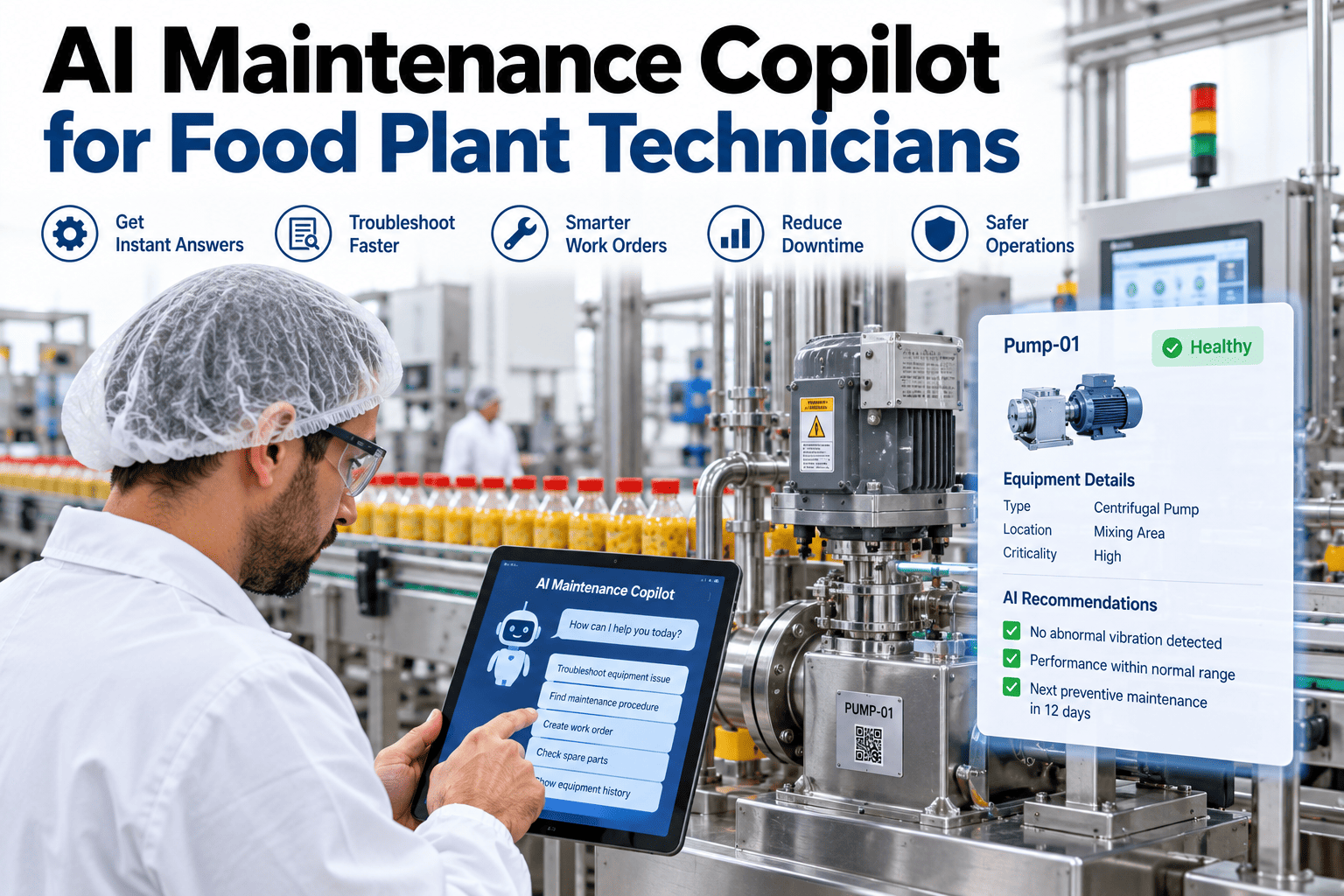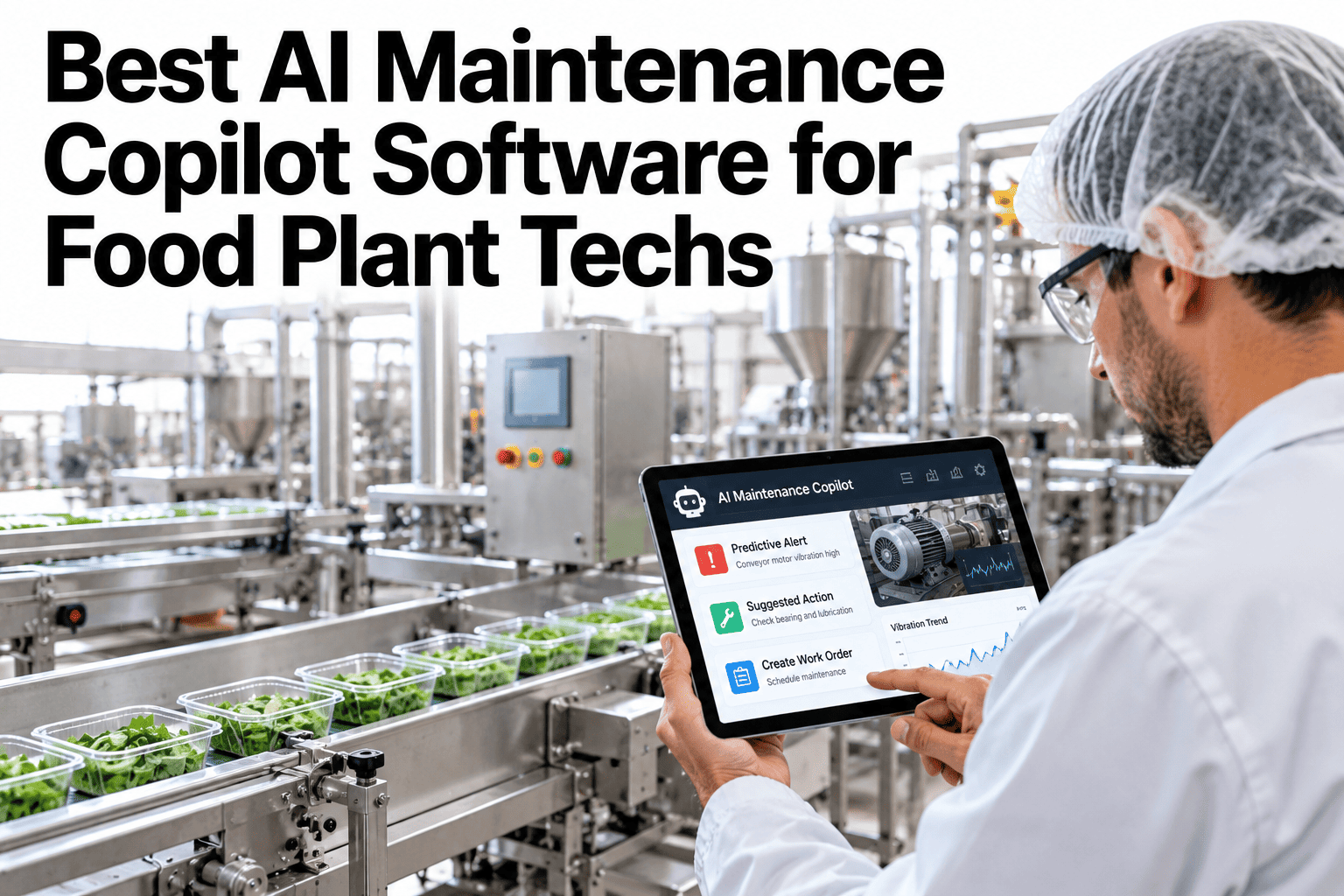
A technician standing in front of a stopped filler at two in the morning usually has two options: dig through a binder of OEM manuals for the right page, or call someone more senior and hope they pick up. Neither is fast, and every minute spent searching is a minute the line stays down. An AI maintenance copilot collapses that search into a question typed or spoken on the floor, answered from the plant's own manuals and work order history rather than a generic internet search. Maintenance leaders can see a copilot trained on their own equipment library on iFactory AI before the next overnight call-out.
Stop Searching the Manual. Start Asking It.
iFactory AI answers technician questions from your own manuals, work orders and past fixes, right at the asset.
Why Manual Searches Take So Long
The problem is rarely that the answer does not exist. It usually sits somewhere in a PDF, a binder, or a more senior technician's memory, just not where the person standing at the machine can quickly reach it.
A 300-page OEM document covers every configuration, not just yours.
Past fixes for the same fault sit in a CMMS few people search carefully.
Senior technicians are often unavailable during the hours faults happen.
A retiring technician's shortcuts rarely get written down anywhere.
What a Copilot Actually Draws On
| Source | What It Adds to an Answer |
|---|---|
| OEM manuals | Manufacturer-specified procedures and part references |
| Work order history | What actually fixed this fault on this asset before |
| Sensor and fault logs | Current readings that narrow which cause is likely |
| Technician notes | Shortcuts and context that never made it into a formal document |
Load Your Own Manuals Into a Working Copilot
Bring a sample manual and a recent repeat fault to a 30-minute session.
Before and After a Copilot Is in Place
How a Question Becomes an Answer
A plain-language question is typed or spoken at the asset.
Manuals, work orders and logs for that specific asset are checked.
A direct answer is returned with the source it came from.
What worked is recorded back into the asset's own history.
Why Scoping to the Specific Asset Matters
A generic answer pulled from the internet about a filler fault code might describe the typical cause across hundreds of different installations, none of which match the exact configuration running on a particular line.
A copilot scoped to the plant's own equipment library answers from what is actually installed, including any modifications made since the original commissioning. That difference is often the gap between an answer that sounds plausible and one that actually fixes the machine in front of the technician.
A Scenario: The 2 AM Filler Fault
Picture a night shift technician facing a filler fault code that has not shown up in months, with the day-shift lead who usually knows this machine unreachable until morning.
A manual search for that fault code in a 300-page document could easily take twenty minutes before the right page turns up, and even then it may not match the exact configuration installed on this line. A copilot that already knows this specific asset's history can surface the same fault from four months earlier, the part that was replaced, and the verification step that confirmed the fix, in well under a minute.
Handling Questions the Copilot Cannot Answer Yet
No library of manuals and work orders covers every possible fault from day one, and a copilot that pretends otherwise erodes trust the first time it guesses wrong on something unfamiliar.
A well-designed copilot says plainly when it does not have enough information, and routes the question to a senior technician or opens a path for the eventual answer to be logged back in, so the same gap does not repeat the next time someone hits it.
What Makes a Copilot Trustworthy on the Floor
What Changes for the Supervisor, Not Just the Technician
A copilot's value is not limited to the person asking the question. Supervisors gain visibility into what is actually being searched for, which faults recur often enough to justify a deeper fix, and where training gaps are showing up across the team.
That visibility turns an informal sense of "we keep having trouble with that machine" into a specific, countable pattern that can be acted on, whether that means scheduling a deeper inspection, updating a procedure, or flagging a part that keeps failing early.
Capturing Knowledge Before It Walks Out the Door
A maintenance team's most experienced technicians carry years of undocumented shortcuts that rarely make it into a formal procedure. A copilot that logs every resolved fault, including the informal notes added along the way, turns that knowledge into something the next technician can actually use.
Each closed work order becomes a searchable reference for the next one.
A technician's shorthand gets captured instead of staying in their head.
Years of fixes stay searchable after the person who made them moves on.
A new technician gets the same answers a ten-year veteran would give.
Measuring Whether the Copilot Is Actually Helping
A copilot that nobody uses provides no value, regardless of how well it answers questions. The real test is whether technicians reach for it before anything else when a fault appears, and whether that habit holds up weeks after the initial rollout excitement fades.
How quickly a technician moves from fault to a specific next step.
Whether known faults get fixed faster than the first time they appeared.
How often a technician still needs to call someone more senior.
Whether night shift uses it as much as day shift, where the gap usually matters most.
Rolling Out Without Disrupting the Floor
A copilot rollout works best when it starts narrow and expands based on real usage, rather than launching across every asset and every shift at once.
The Difference a Few Minutes a Shift Makes
Shaving even a few minutes off every search adds up quickly across a plant running multiple assets on multiple shifts, since those minutes are typically minutes the line itself is not producing.
The savings are rarely dramatic on any single fault, but they compound across hundreds of searches a month, and the clearest sign of a working copilot is simply that fewer faults turn into extended downtime while someone goes looking for an answer.
Where iFactory AI Fits
Reads your manuals
Indexes OEM documents against your actual asset list.
Connects to work orders
Pulls past fixes directly from your CMMS history.
Answers at the asset
Scopes every answer to the specific machine being asked about.
Logs the resolution
Feeds each fix back in so the next search is faster still.
Expert Review
A maintenance reliability perspective, reviewed for accuracy before publication: the biggest cost of a slow manual search is rarely the search itself, it is the downtime accumulating while it happens, and most plants underestimate how much of that time is recoverable. A copilot earns trust slowly, by being right and showing its source every time, not by sounding confident. Testing a copilot against a real repeat fault from your own history is the fastest way to see whether it actually helps. Confirm specific equipment procedures with your OEM documentation before relying on any workflow.
Frequently Asked Questions
Does a copilot replace the technician's judgment?
No, it speeds up the search for relevant information so the technician can apply their own judgment faster, rather than making the decision for them. The technician still verifies the fix before closing the work order. See how a copilot fits into your existing workflow.
What if the copilot gives a wrong answer?
Every answer should show its source, so a technician can judge whether it applies to their situation, and a flagging mechanism lets the team correct answers that turn out to be wrong. Ask about how answer accuracy is reviewed over time.
How much manual content needs to be loaded before it is useful?
Even a partial library covering the highest-fault assets provides value quickly, since those machines generate the most repeat questions. Coverage typically expands asset by asset after that. Explore starting with your highest-fault equipment.
Can technicians ask questions by voice on the floor?
Yes, voice input is commonly supported for hands-busy situations, which matters most during an active repair when typing is impractical. Talk through voice access for your maintenance team.
Does this help with training new technicians?
Yes, a new hire gets access to the same depth of answer a senior technician would give, which shortens the ramp-up period considerably and reduces how much overall fix quality depends on any single person being on shift. See how new technicians onboard with a copilot in place.
Give Your Technicians an Answer, Not Just a Manual
iFactory AI turns your manuals and work order history into a copilot your team can trust. Book a walkthrough with your own equipment list.