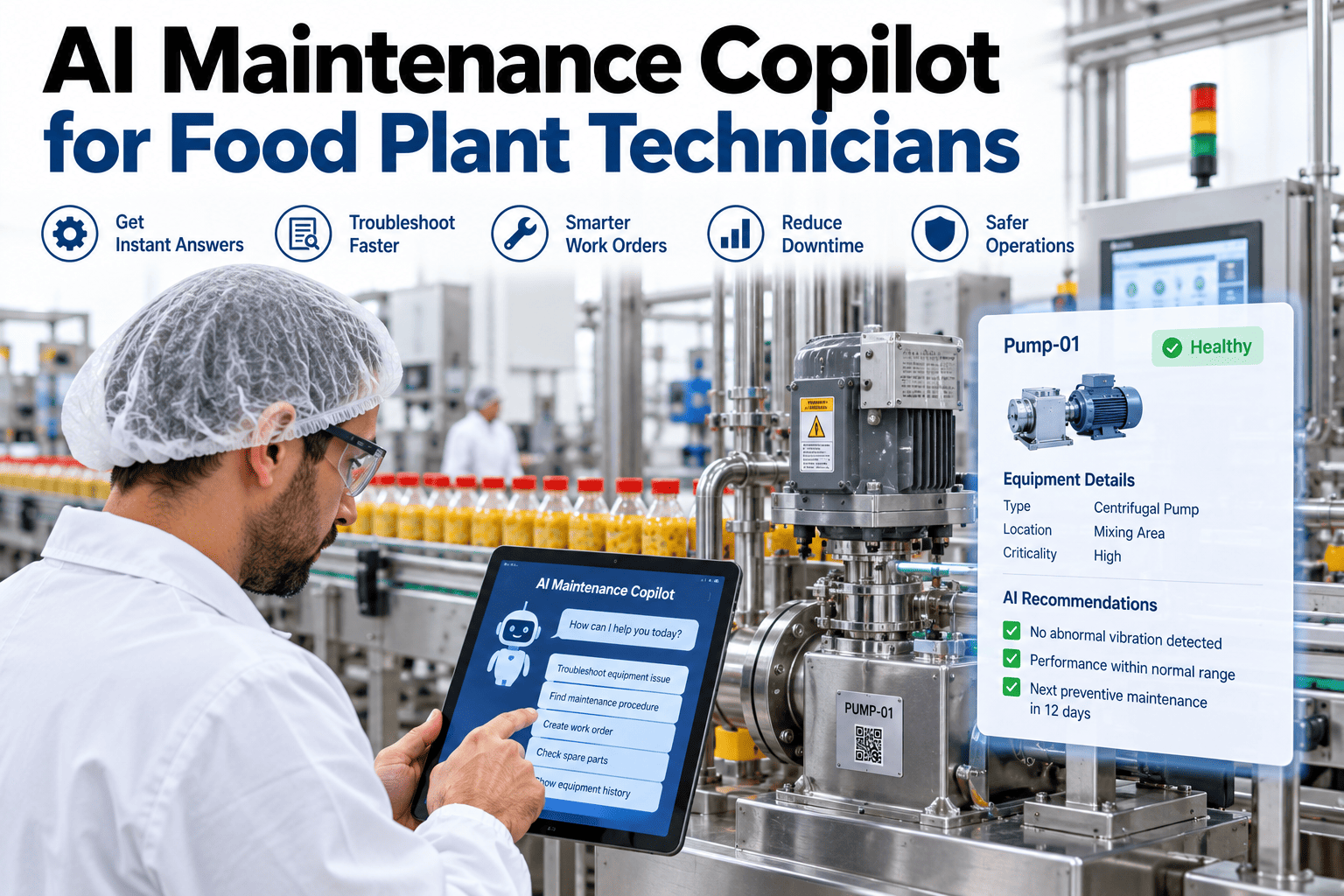
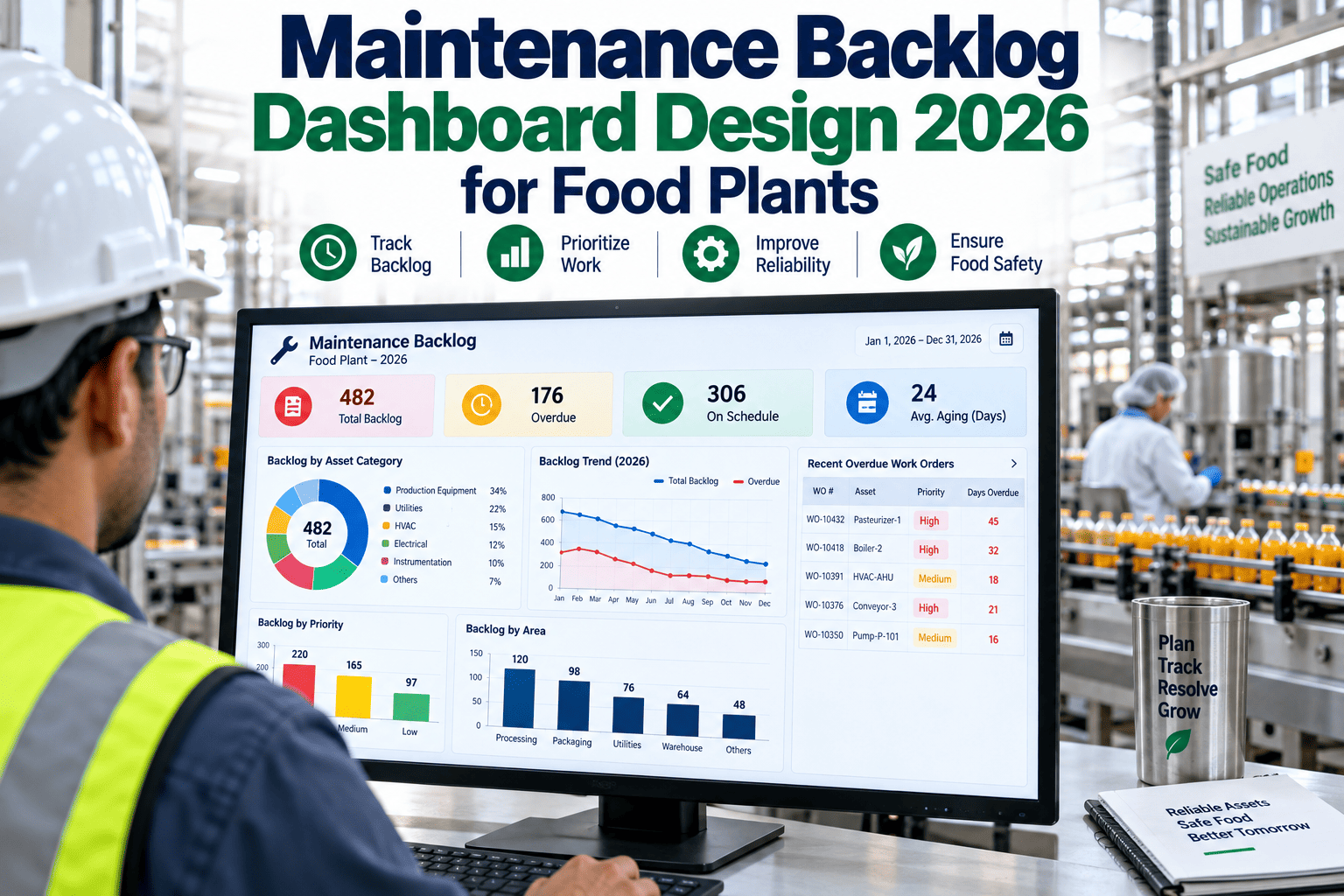
A technician standing in front of a jammed filler at two in the morning doesn't need a four-hundred-page manual, they need the answer to one specific question: what's wrong with this machine and how do I fix it. Research on technician time consistently finds that well over a quarter of a shift goes to searching for information rather than actually repairing anything, digging through binders, waiting on a supervisor who may not even be on shift, and trying to remember whether this exact fault happened before and what fixed it last time. An AI copilot answers that question directly, in plain language, pulling from your plant's own repair history and documentation instead of a generic manual that was never written with your specific equipment in mind. If your technicians are still hunting for answers more than they're actually turning wrenches, book a demo to see what a direct answer looks like.
FOOD & BEVERAGE · AI MAINTENANCE COPILOT
Ask in Plain Language, Get the Fix in Seconds
iFactory's AI copilot answers technician questions directly from your plant's own repair history, parts data, and SOPs, cutting the time spent searching so more of the shift goes to actual repair work.
Filler Line 2 jammed at the labeler exit, third time this month. What's going on?
This asset had two similar jams in the past six weeks, both traced to film tension drift after the last changeover. Recommended check: labeler tension roller calibration. Replacement part in stock, Storeroom B. Relevant SOP attached.
WHERE THE SHIFT ACTUALLY GOES
A Technician's Time Isn't Spent Where You'd Expect
Ask most plant managers how their technicians spend a shift and they'll describe diagnosis and repair. The reality, measured directly, looks different, and the gap between the two is exactly what an AI copilot is built to close.
28%Searching manuals, schematics, and part numbers
22%Waiting for supervisor or engineering guidance
18%Reviewing prior repair history on the asset
17%Identifying and sourcing correct replacement parts
15%Actual hands-on troubleshooting and repair
Only a small fraction of a typical diagnostic shift is spent on the work that actually fixes the machine. Everything else is friction, information that exists somewhere in the plant but takes too long for one person to find alone in the moment they need it.
WHAT SHOWS UP ON EVERY WORK ORDER
Four Things the Copilot Pulls Together Automatically
Fault History Summary
The three to five most relevant prior events on this exact asset, what the symptom was, what the diagnosis turned out to be, and what actually fixed it.
Step-by-Step Diagnostic Path
Guidance tailored to the specific fault code, asset model, and current sensor readings, not a generic page pulled from a four-hundred-page manual.
Parts & Inventory Lookup
Likely replacement parts identified from the fault type, checked against current storeroom inventory so a technician isn't guessing or making a trip to find out.
Applicable Safety Procedures
The correct lockout-tagout and safety steps for this specific repair surfaced automatically, rather than relying on memory or a separate binder.
See a real technician question answered live
iFactory can run the copilot against your own asset history and show you exactly how fast a real diagnostic question gets answered.
A LONGER EXCHANGE, START TO CLOSE
What a Full Diagnostic Conversation Actually Looks Like
A single question and answer only tells part of the story. The real value shows up across a full troubleshooting exchange, where the copilot keeps context from one question to the next instead of treating every message as a fresh, disconnected search.
Mixer 3 seal leaking again.
This is the fourth seal failure on Mixer 3 in eight months, all on the same component. Prior root cause notes point to an incorrect torque spec used during the last two replacements. Want the corrected torque spec?
Yes, and is the part in stock?
Corrected spec: 45 Nm, not 60 Nm as previously used. Replacement seal kit confirmed in stock, Storeroom A, 2 units. Reserving one against this work order now.
By the end of an exchange like this, a technician has gone from "it's leaking again" to a confirmed root cause, a corrected repair spec, and a reserved part, without a single trip to a storeroom, a binder, or a supervisor's office.
TECHNICIAN ALONE VS WITH COPILOT
What Actually Changes on a Real Repair
| Factor |
Technician Alone |
Technician With Copilot |
| Finding fault history |
Manual search through separate CMMS screens |
Summarized automatically in plain language |
| Diagnostic guidance |
Generic manual pages, not asset-specific |
Tailored to the specific fault and asset model |
| Parts sourcing |
Separate storeroom trip or phone call |
Checked and reserved directly in the conversation |
| Repeat callouts |
Higher, root cause often missed under time pressure |
Lower, repeat patterns surfaced automatically |
| Typical MTTR impact |
Baseline |
30-42% faster mean time to repair |
TURNKEY DEPLOYMENT
How iFactory Gets the Copilot Running on Your Floor
What Gets Built
Copilot trained on your existing work order history and SOP library
Direct integration with your parts inventory and storeroom data
Mobile access so answers arrive on the device technicians already carry
Automatic fault history summaries pulled onto every open work order
Feedback loop so incorrect suggestions get corrected quickly
Rollout Timeline
Weeks 1-2: Document and work order history ingestion
Weeks 3-4: Parts and inventory integration, mobile rollout
Week 5: Technician training and first live shift on the copilot
FREQUENTLY ASKED QUESTIONS
What Maintenance Teams Ask Before Rolling Out a Copilot
Is this just a chatbot that reads the internet, or does it actually know our plant?
It's built specifically to read your data, not the internet generally, which is the entire point of the distinction. The copilot is trained on your plant's own work order history, uploaded OEM manuals, SOPs, and repair logs, so an answer to "why does Mixer 3 keep leaking" comes from what has actually happened on that specific asset at your specific plant, not a generic troubleshooting guide that could apply to any mixer anywhere. This grounding in your own operational record is what makes the answers genuinely useful rather than a slightly more polished version of a generic manual search.
Book a demo to see it answer a real question from your own asset history.
What happens if the copilot gives a technician wrong guidance?
Every suggestion the copilot makes is traceable back to the specific work order or document it was drawn from, so a technician isn't just trusting an opaque answer, they can see exactly where it came from and use their own judgment alongside it. When a suggestion turns out to be incorrect or doesn't match the actual repair, that feedback is captured directly and used to correct future answers on that same fault pattern, meaning the system improves specifically from the mistakes it makes rather than repeating them indefinitely.
Contact our support team to review how the feedback and correction loop works in detail.
Will experienced technicians see this as a replacement for their expertise?
The framing that lands best, and the one that actually reflects how the tool works, is that it captures and shares expertise rather than replacing it. A large share of the value comes from surfacing exactly what an experienced technician already knows, faster, so a newer hire troubleshooting the same asset at 2 AM gets the benefit of that institutional knowledge even if the person who has it isn't on shift. Experienced technicians tend to see the value quickly once they realize it's saving them from repeating the same explanation to every new hire individually, rather than threatening the value of what they know.
Book a demo to discuss a rollout framing for your specific team.
Does this require our manuals and SOPs to be digitized and perfectly organized first?
No, existing documentation in most common formats, PDFs, scanned manuals, spreadsheets, can be ingested directly without requiring a separate digitization project first. Some manual review during setup helps confirm the ingestion captured content accurately, particularly for older or lower-quality scans, but this is a matter of weeks rather than the lengthy documentation overhaul plants sometimes assume is a prerequisite. Work order history, which is often the single most valuable input, typically already lives in a structured format inside your existing CMMS and requires no additional preparation at all.
Contact our support team to review what your existing documentation would need before ingestion.
How fast does the copilot actually respond during a real troubleshooting session?
Response time is designed to be fast enough that it fits naturally into an active troubleshooting session rather than becoming its own source of delay, typically returning a first answer to a natural language question in well under a minute, drawing simultaneously from work order history, inspection records, and repair documentation. This speed is what makes the difference in practice, a technician mid-repair with a question needs an answer in the moment, not a report to review after the shift ends, and the tool is built around that specific use case rather than a slower, more exhaustive research workflow.
Book a demo to see live response time against a real question.
EVERY ANSWER, RIGHT WHEN IT'S NEEDED
Give Every Technician the Knowledge of Your Best Technician
iFactory's AI copilot answers plain-language questions from your plant's own repair history, parts data, and SOPs, cutting the search time out of every diagnostic shift.