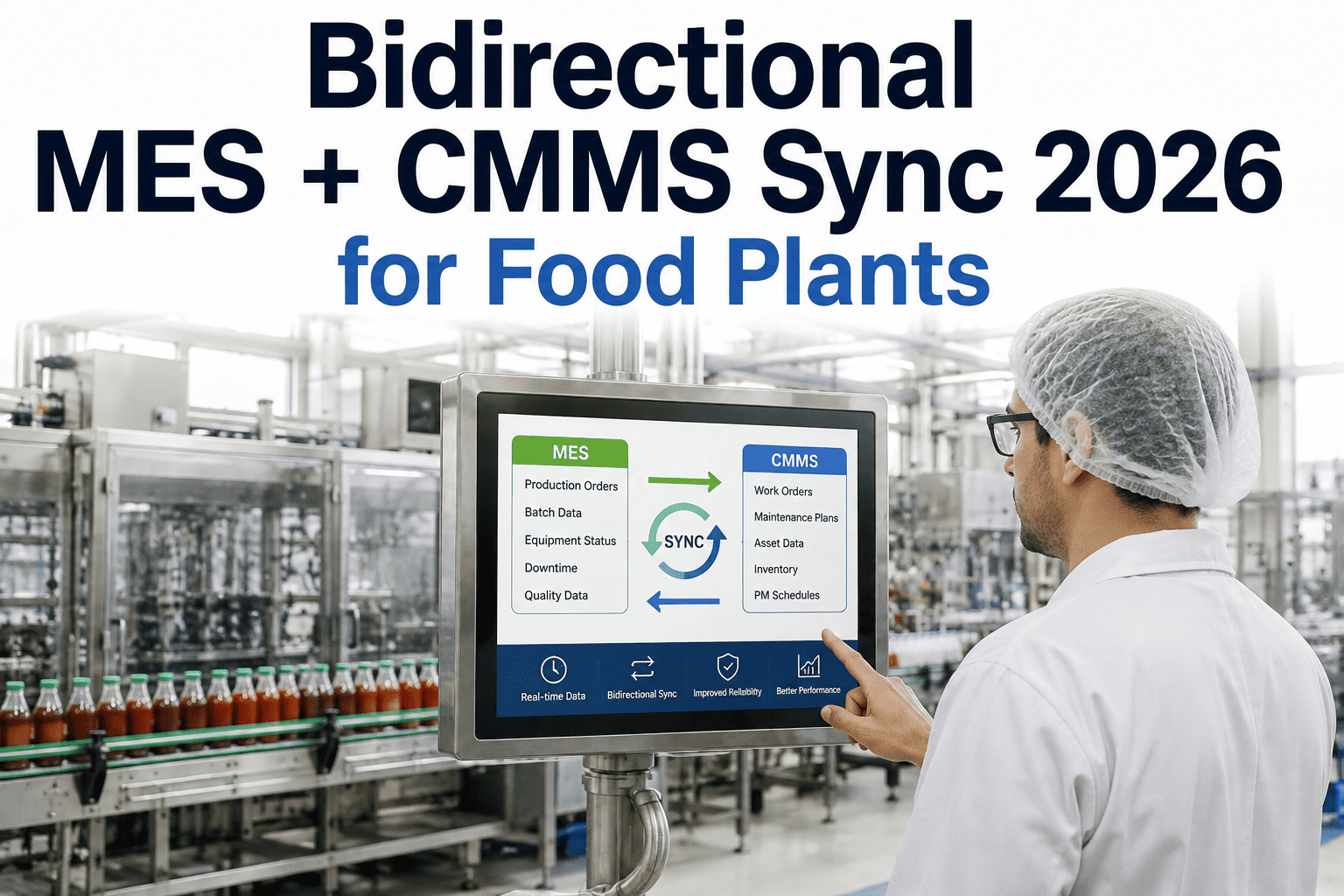
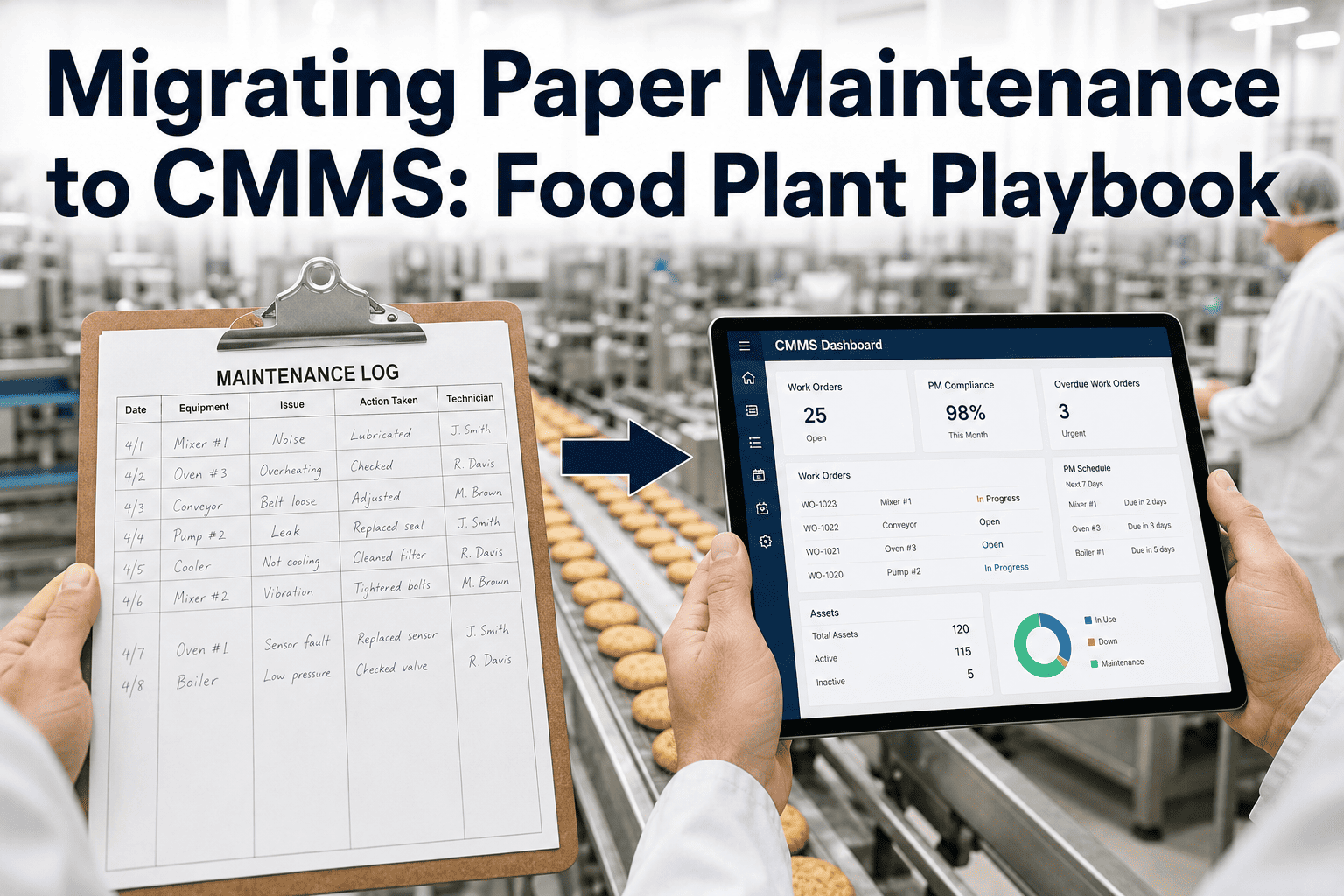
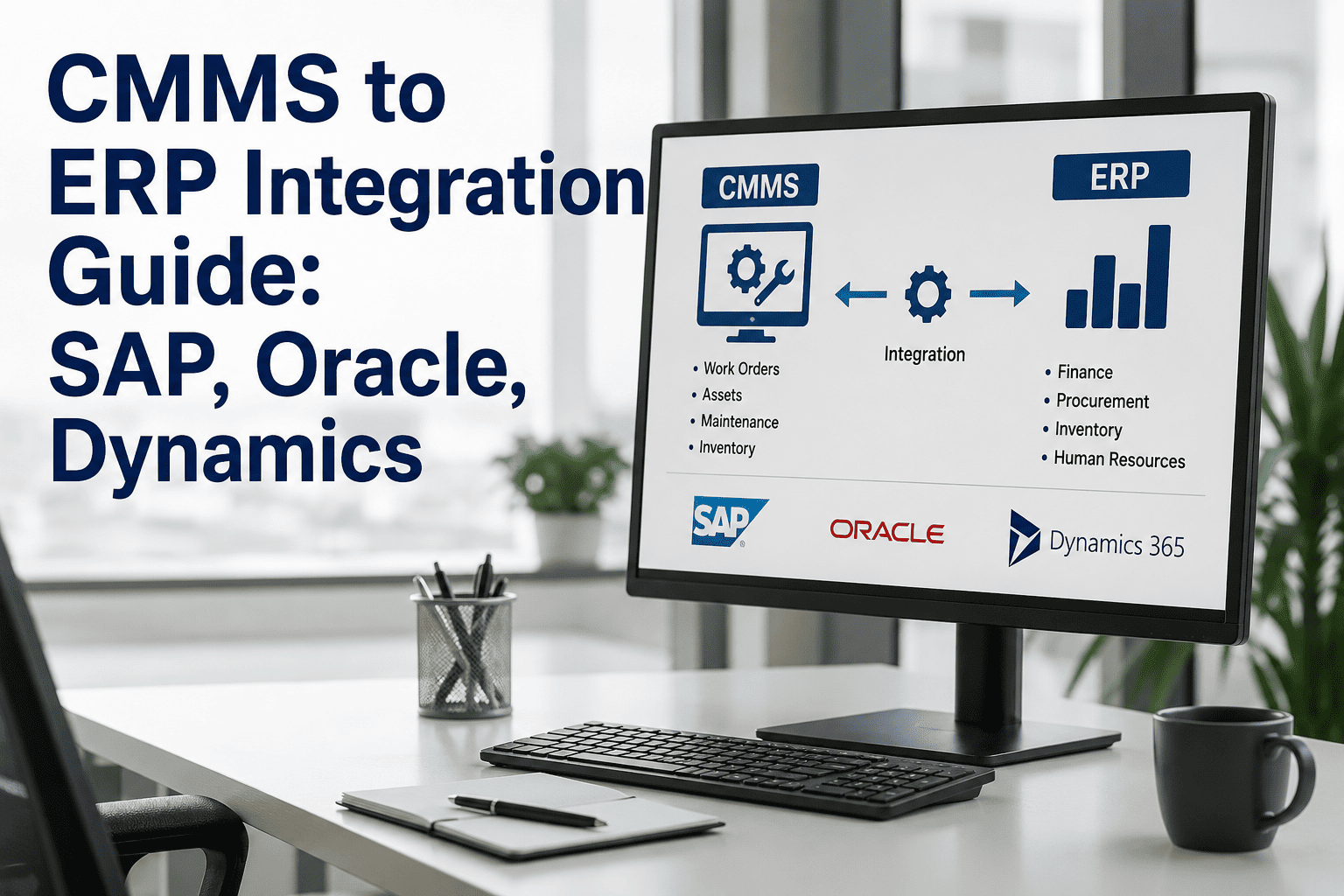
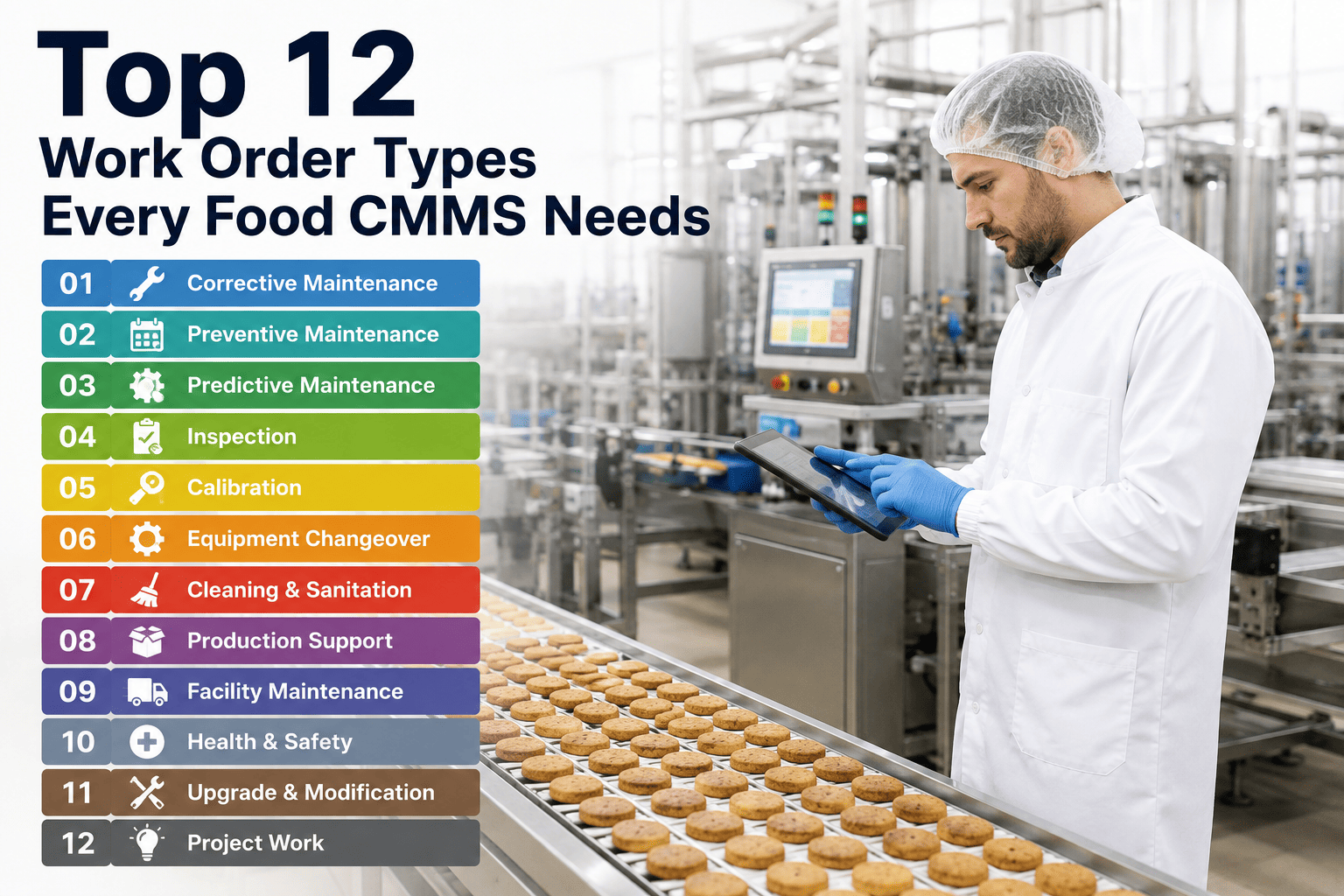
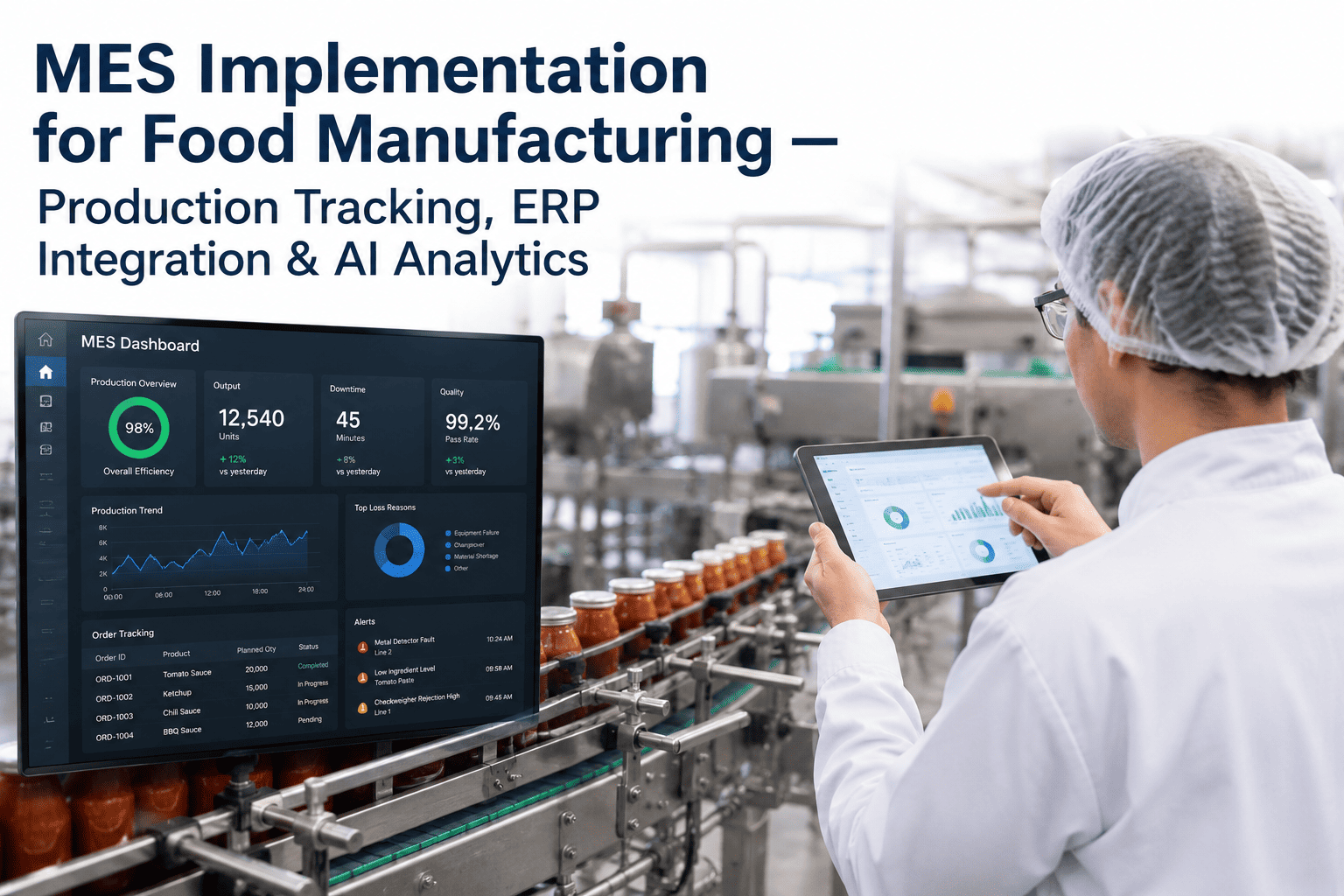
In the modern food processing environment, maintenance and production can no longer operate as islands. For too long, maintenance data lived in isolated CMMS systems while production planning and financial oversight were locked within an ERP like SAP, Oracle, or Microsoft Dynamics. This "data silo" effect leads to unplanned downtime, inaccurate inventory forecasting, and hidden operational costs. In 2026, the industry standard is moving toward seamless ERP and CMMS integration — ensuring that when a critical machine goes down, production schedules adjust in real-time, spare parts are automatically ordered, and financial stakeholders have a clear view of total cost of ownership. To see how integrated Book a Demo with our technology team today.
Bridge the Gap Between Maintenance and Finance
iFactory integrates with your existing ERP system to synchronize inventory, automate purchase orders, and align maintenance schedules with production targets. Book a Demo to explore our integration capabilities.
Why ERP-CMMS Silos Fail Your Production Goals
When maintenance and production systems don't talk, the results are always the same: missed production targets and inflated costs. These are the six failure patterns that cost food plants millions annually. Book a Demo to see our integration dashboard.
Phantom Inventory stockouts
ERP shows parts are "available," but the CMMS doesn't show they've been reserved for an upcoming PM. Maintenance begins, parts are missing, and production remains offline.
Cost: $20,000+ per hour in extended unplanned downtime
Production Planning Blindness
Production schedules a high-speed run while CMMS has scheduled a 4-hour major overhaul. The conflict leads to emergency rescheduling and wasted operator labor.
Cost: 15% drop in Overall Equipment Effectiveness (OEE)
Manual PO Data Entry Errors
Technicians manually enter parts usage into CMMS, and clerks re-enter it into ERP. Errors in part numbers or quantities lead to financial discrepancies and wrong orders.
Cost: $5,000+ per month in wasted procurement and correction labor
Delayed Financial Reporting
Maintenance costs take 30+ days to reflect in the ERP financial modules. Management makes decisions based on month-old data, missing critical cost-containment windows.
Cost: Inaccurate P&L statements for production lines
Vendor Lead-Time Mismatch
CMMS triggers a work order, but ERP procurement hasn't updated vendor lead times. Critical parts arrive late, forcing production to run sub-optimal, high-risk equipment.
Cost: High-risk operational environment/Safety risks
Major overhauls that should be capitalized are treated as expenses because the CMMS asset list isn't synced with the ERP fixed asset register.
Cost: Misstated asset valuation and tax benefits loss
The 7 Stages of Integrated Maintenance Data Flow
Integration ensures that data moves automatically between maintenance, production, and finance, eliminating manual entry. Book a Demo to see this lifecycle in action.
System Trigger
Production Demand vs. Maintenance Needs
ERP production targets are compared against CMMS PM schedules. The system identifies potential conflicts before they hit the floor.
Output: Unified production and maintenance calendar
Inventory Check
Automated Spares Reservation
When a PM work order is generated, the required parts are automatically "Reserved" in the ERP inventory module.
Output: Accurate real-time inventory visibility
Procurement
Auto-Generated Purchase Requests
If stock falls below the threshold, the CMMS triggers a Purchase Request (PR) directly into the ERP procurement module.
Output: Zero-manual-entry procurement cycle
Execution
Work Order Fulfillment & Consumption
As technicians use parts, CMMS records consumption. This triggers an immediate stock deduction in the ERP database.
Output: Real-time stock level updates across all systems
Labor Sync
Labor Cost Allocation
Technician hours logged in CMMS are synced to ERP payroll and cost-center accounting modules for precise labor overhead tracking.
Output: Exact labor cost per asset production hour
Compliance
Quality Assurance & HACCP Sign-off
Maintenance compliance records are shared with ERP quality modules, ensuring only maintained assets are used for production runs.
Output: 100% audit-ready production data
Financial Audit
Real-Time Cost of Ownership Tracking
Maintenance labor and parts costs are synced back to ERP finance modules, giving a true picture of per-asset profitability.
Output: Full financial transparency per production line
Integration SLA: Data Synchronization Targets
For an ERP-CMMS integration to be effective, data must sync at these speeds. Book a Demo to see our real-time sync in action.
Data Category
Sync Priority
Max Latency
Sync Frequency
Data Accuracy
Critical Faults
Emergency Machine Down
Under 60 sec
Real-time Push
100%
Inventory usage
Parts Deductions
Under 15 min
Event-driven
99.9%
Procurement
PO Approvals / PRs
Under 2 hours
Scheduled Batch
100%
Master Data
New Asset Onboarding
24 Hours
Daily Batch
100%
The 5 KPIs for Integrated Plant Management
Integration allows you to track these critical business metrics automatically. Book a Demo to see them tracked in real-time.
Asset Total Cost of Ownership (TCO)
Maintenance Cost + Energy + Capital Depreciation
By combining CMMS labor data with ERP purchase data, you get the true cost of every asset, enabling smarter "repair vs. replace" decisions.
Inventory Turnover Rate
Average Inventory / Spares Usage
Integration reduces "just-in-case" hoarding. Maintenance only stocks what the PM schedule actually demands, freeing up operational capital.
Planned Maintenance % of Production
PM Hours / Total Production Capacity
Measures how well maintenance is planned into the production schedule. High numbers without downtime indicate a perfectly synced integration.
Maintenance Variance to Budget
Actual Spend vs. ERP Budget allocation
Tracks spending against financial planning. Integration prevents end-of-quarter budget surprises by providing continuous spending visibility.
OEE Recovery Time
Downtime End to Target Speed Reached
Measures how fast production returns to full capacity after maintenance. Integration ensures production and maintenance are aligned for a smooth restart.
Integration Roadmap: 4 Phases to Data Synergy
A structured approach ensures that ERP-CMMS integration is stable and scalable. Book a Demo to discuss your custom roadmap.
Phase 1: Discovery
Data Mapping and API Handshake
Audit existing ERP data structures (SAP MM/PM, Oracle EAM) and map them to iFactory fields. Establish secure API authentication and connectivity.
Phase 2: Master Data Sync
Asset and Inventory Alignment
Synchronize asset registers, part numbers, and vendor lists. Ensure both systems share a "Single Source of Truth" for all industrial assets.
Phase 3: Transactional Sync
Work Order and Procurement Automation
Enable live syncing of parts consumption, labor hours, and purchase requests. Automate the financial reconciliation of maintenance events.
Phase 4: Optimization
Advanced Analytics and OEE Integration
Leverage integrated data to drive predictive maintenance models and real-time OEE reporting across all production lines.
Ready to Connect SAP, Oracle, or Dynamics to iFactory?
Our API-first architecture makes ERP integration straightforward. Let our engineers show you how to eliminate your data silos forever. Book a Demo to start your integration journey.
Frequently Asked Questions
Does iFactory support real-time sync with SAP S/4HANA?
Yes. iFactory utilizes a RESTful API and pre-built connectors to ensure bi-directional, real-time synchronization with SAP S/4HANA and ECC modules, specifically focusing on Material Management (MM) and Plant Maintenance (PM) data points.
How does integration prevent "Phantom Inventory" stockouts?
When a technician schedules a work order in iFactory, the parts required are immediately flagged as "Reserved" in your ERP inventory. This prevents production or other departments from using those parts, ensuring they are available when the technician arrives at the machine.
Book a Demo to see inventory sync.
What is the typical implementation timeline for an ERP integration?
While timelines vary based on ERP complexity, a standard API-based integration for inventory and cost tracking typically takes 4–6 weeks. This includes mapping data fields, setting up the secure handshake, and thorough UAT (User Acceptance Testing) to ensure data integrity.
Can we integrate custom, legacy ERP systems?
Yes. Our engineering team can develop custom middleware or utilize flat-file (CSV/SFTP) automation for legacy systems that do not support modern REST APIs. We ensure that even older systems can participate in the digital data flow.
How is data security handled during the API handshake?
We use enterprise-grade security protocols, including OAuth 2.0 authentication, SSL/TLS encryption for all data in transit, and IP whitelisting to ensure that only authorized systems can access your production and maintenance data.