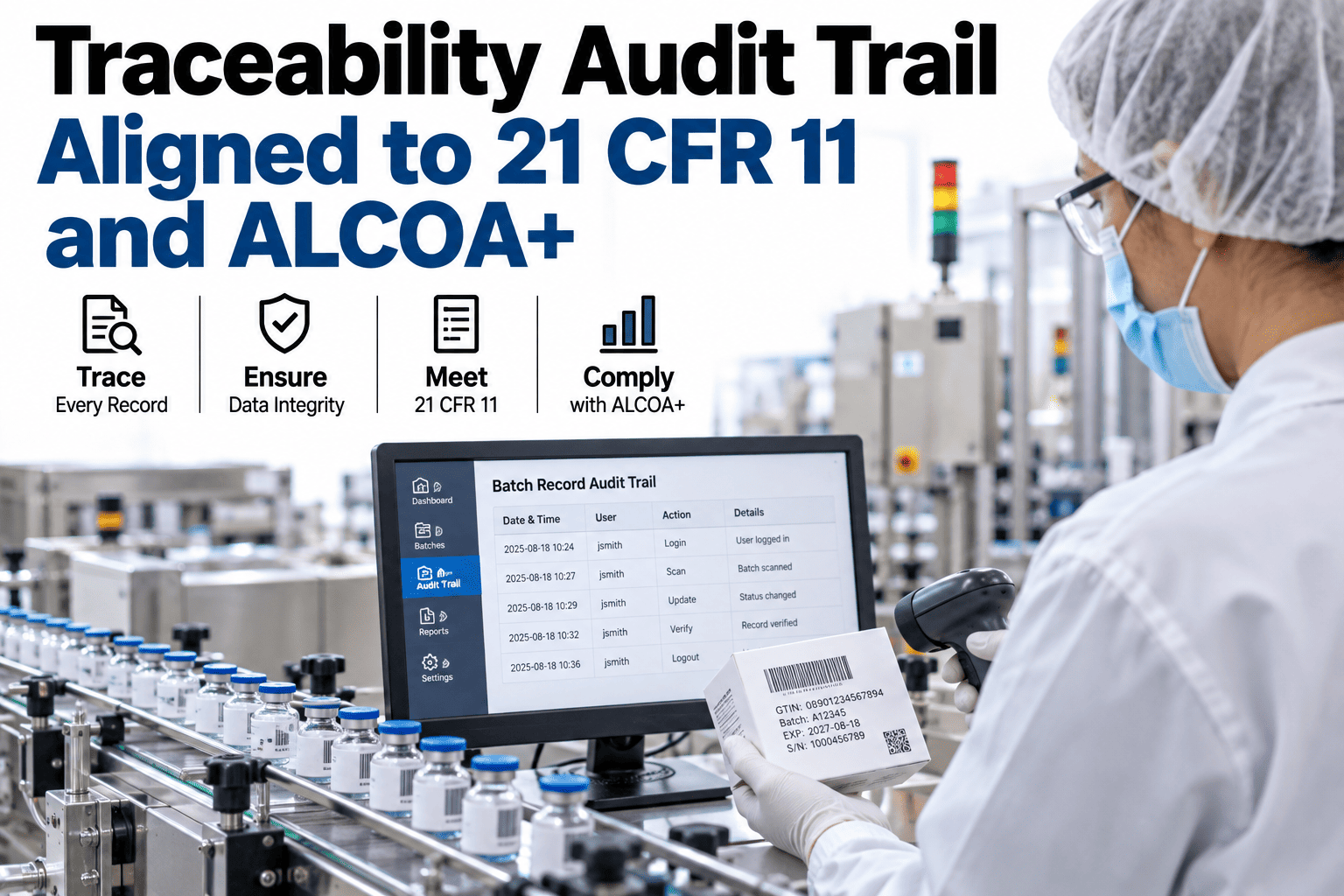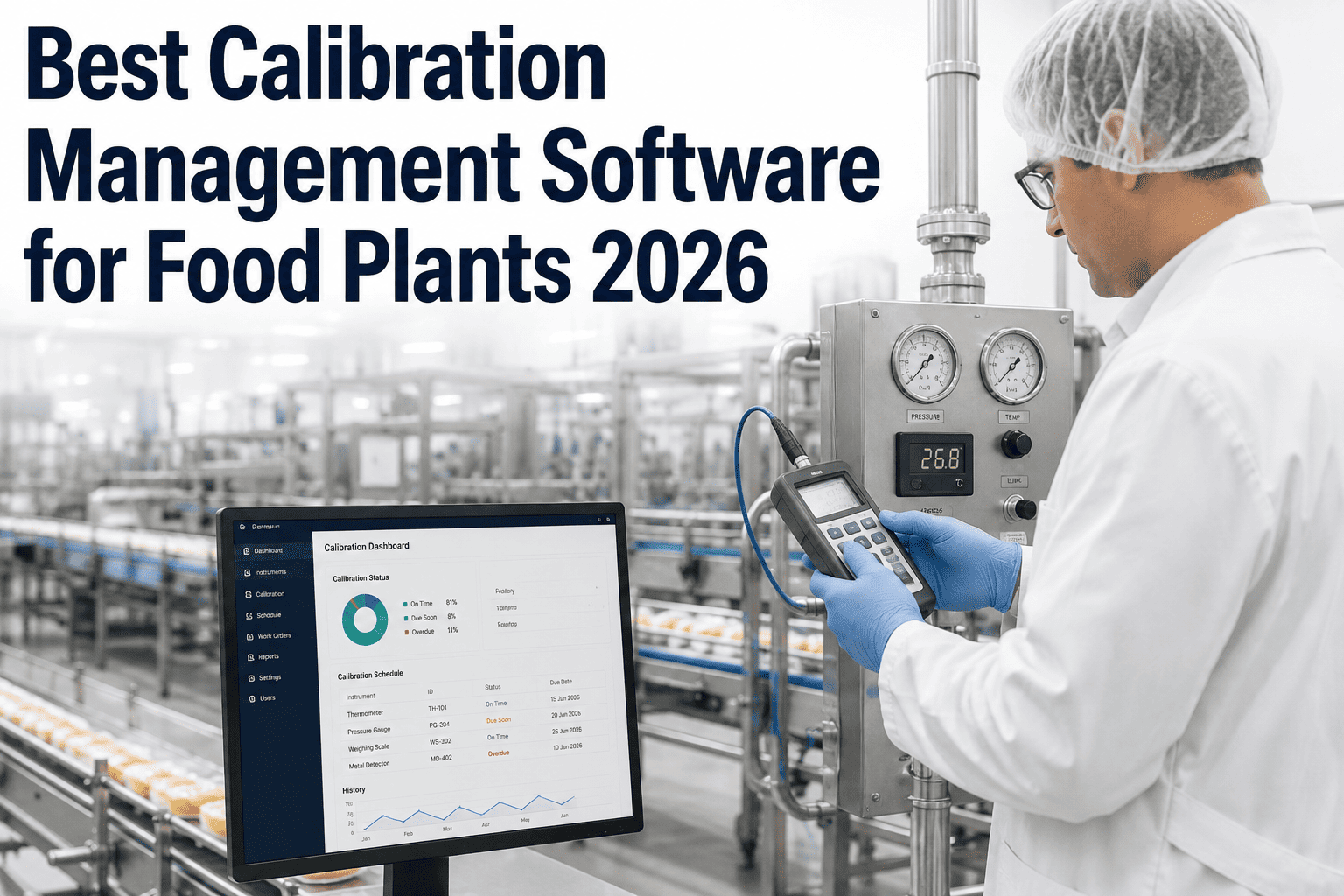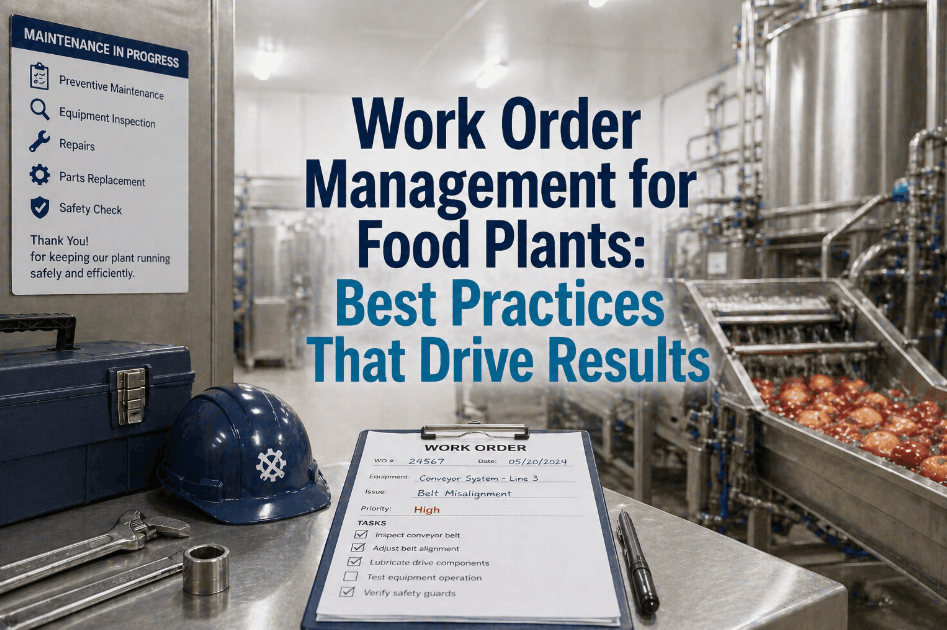
A food plant that only runs "corrective" and "preventive" work orders is missing most of what actually happens on its floor every week — sanitation verification, calibration checks, changeover resets, deviation investigations, and safety work all get logged as generic notes instead of trackable records with their own history and compliance trail. That gap shows up hardest during an SQF or BRC audit, when an auditor asks for every calibration record on a metal detector over the past twelve months and the plant has to dig through a mix of spreadsheets, paper logs, and mislabeled work orders to piece it together. Building a complete work order taxonomy from day one — before the CMMS fills up with thousands of generic entries — is the difference between a system that supports compliance and one that merely documents that something happened. Maintenance leaders setting up or restructuring their CMMS can Book a Demo to see a pre-built work order taxonomy mapped for food and beverage operations.
Why Two Work Order Types Are Not Enough for Food Manufacturing
Most CMMS platforms ship with a default of two or three work order categories, built for general industrial maintenance. Food and beverage plants operate under a different set of pressures — hygienic design, allergen control, calibration integrity, and regulatory audits — that a generic taxonomy simply does not capture. Left unaddressed, this gap creates blind spots in exactly the areas regulators and customers scrutinize most closely, and it tends to compound over time as more and more unrelated work gets funneled into the same two or three overloaded categories, making each one less meaningful with every passing month.
Sanitation Gets Buried in Corrective Notes
Without a dedicated sanitation work order type, CIP verification, allergen changeover cleaning, and pre-operational inspections get logged as generic corrective tasks — making it impossible to pull a clean sanitation compliance report during an audit, and forcing QA teams to reconstruct records manually from technician comments after the fact.
Calibration Records Scatter Across Systems
Thermometers, checkweighers, and metal detectors need calibration history that stands alone, tied to a specific frequency and tolerance. Mixing calibration into general PM tasks makes it hard to prove compliance instrument by instrument, and turns a simple audit request into a multi-day reconciliation exercise across whatever records happen to still exist.
Deviations Lose Their Investigation Trail
A food safety deviation — a temperature excursion, a missed CCP check — needs its own record type with root cause fields and CAPA tracking, not a generic corrective ticket that closes without documenting why it happened, leaving the same failure mode free to repeat undetected across future production runs.
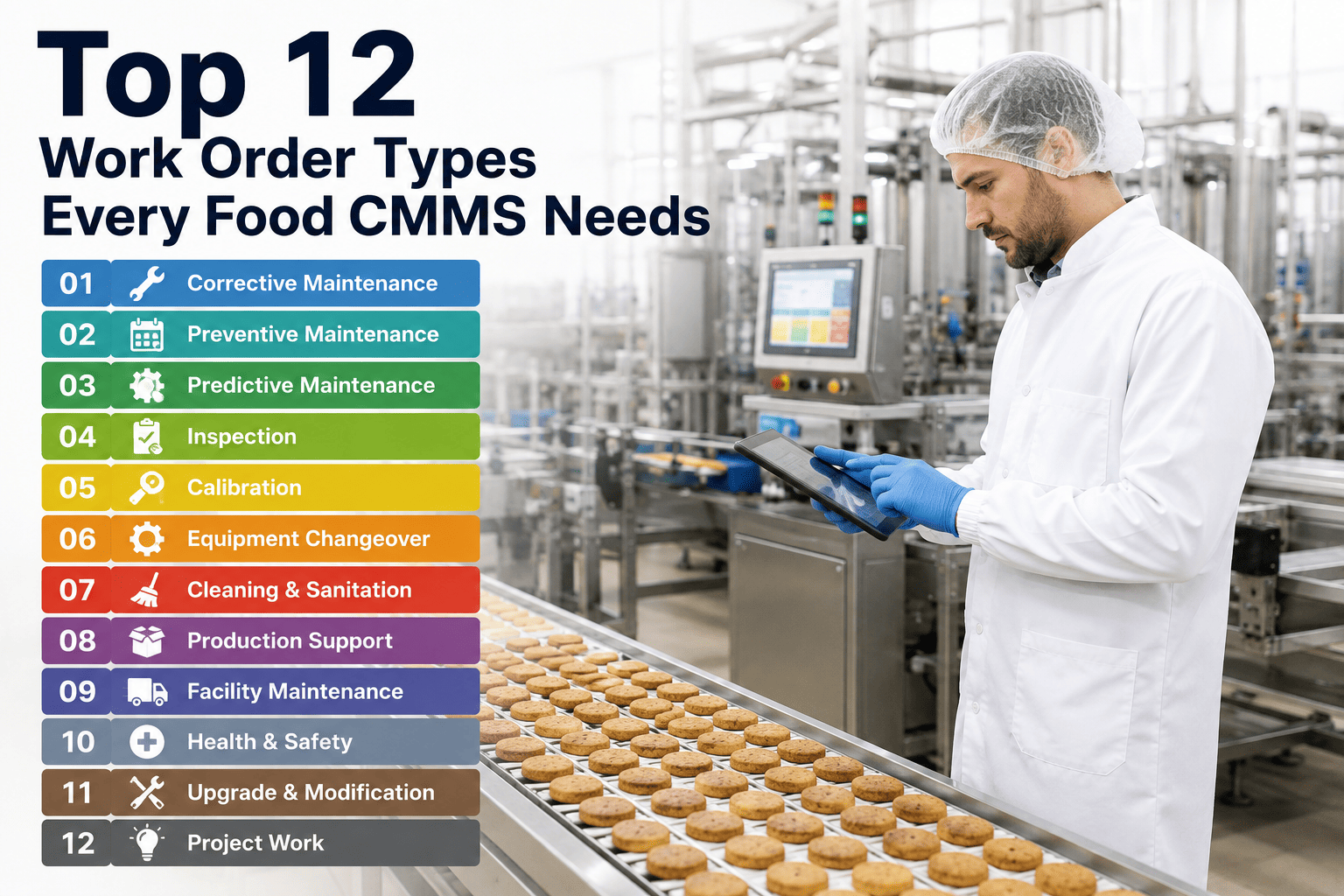
The 12 Work Order Types, Grouped by Function
The full taxonomy below groups naturally into four functional categories. Not every plant needs all twelve from day one — most start with the first six and add the remainder as their CMMS maturity and audit requirements grow. Grouping types this way also helps when designing dashboards later, since a plant manager reviewing compliance posture wants a very different view than a maintenance planner reviewing backlog, and a taxonomy organized by function makes both views easy to build without duplicating data entry.
Corrective
Unplanned repair after a failure or breakdown is reported, tracked from detection through resolution and root cause.
Preventive
Scheduled, calendar or usage-triggered tasks designed to prevent failure before it happens.
Predictive / Condition-Based
Work triggered by a sensor reading, vibration alert, or inspection finding that indicates developing wear.
Sanitation
CIP verification, pre-operational inspection, and allergen changeover cleaning with pass/fail sign-off.
Calibration
Instrument-specific checks against a defined tolerance, with a standalone certificate trail per device.
Deviation / CAPA
Investigation of a food safety or quality deviation, with root cause and corrective action tracking built in.
Changeover
Format, flavor, or allergen changeover resets that need to be verified and signed off before the next run starts.
Inspection / Rounds
Routine floor inspection rounds that log condition readings without necessarily generating a repair task.
Project / Capital
Installation, upgrade, or capital equipment work tracked separately from routine maintenance spend.
Safety / Lockout
LOTO verification, safety guard repair, and incident-related work with its own escalation path.
Standby / On-Call
Time logged for weekend or off-shift coverage that is not tied to a specific asset failure.
Emergency
Line-down, safety-critical work that bypasses normal approval queues and triggers immediate escalation.
A Typical Week of Work Orders: How the Types Actually Break Down
It helps to see how this taxonomy plays out in practice rather than as an abstract list. Across F&B plants running a full twelve-type taxonomy, the weekly distribution of work orders tends to follow a consistent pattern, and understanding that pattern helps a plant decide where to focus configuration effort first and where to expect the highest transaction volume once the system is live.
Preventive and Sanitation Dominate Volume
Preventive and sanitation work orders together typically account for 55 to 65% of total weekly volume in a food plant, since both are schedule-driven and generate recurring tasks across every line, every shift, without exception.
Corrective Work Stays Steady but Concentrated
Corrective work orders usually represent 20 to 25% of volume, and tend to concentrate heavily on a small number of high-criticality assets — the same 15 to 20% of equipment identified during an asset criticality review.
Calibration and Changeover Follow Production Rhythm
Calibration volume is fairly stable week to week, while changeover work order volume scales directly with SKU count and production scheduling complexity — high-mix plants generate far more changeover work orders than single-SKU lines.
Deviation, Safety, and Emergency Stay Low but Critical
These types are intentionally low-volume — typically under 5% of total work orders combined — but carry outsized compliance and safety weight, which is exactly why they need dedicated approval routing rather than being buried in general categories.
This distribution matters for CMMS configuration because it tells a plant where to invest in automation first. Sanitation and preventive work orders, being high-volume and schedule-driven, benefit most from templated tasks and auto-generation rules, while deviation and emergency work orders benefit more from strong approval routing and escalation logic than from volume-focused automation.
Which Fields Each Work Order Type Actually Needs
A common mistake is applying the same field set to every work order type, which either bloats simple tasks with irrelevant fields or strips compliance-critical types of the documentation an audit requires. The table below shows the minimum field set that separates a compliant work order record from a generic one, based on what auditors and quality managers consistently ask to see when reviewing a plant's maintenance records during certification renewals.
| Work Order Type | Required Fields Beyond Standard | Typical Trigger |
|---|---|---|
| Sanitation | Verification method, ATP swab result, allergen flag | Schedule / changeover |
| Calibration | Tolerance range, as-found / as-left reading, certificate ID | Calendar / usage |
| Deviation / CAPA | Root cause code, CAPA owner, target close date | QA event trigger |
| Changeover | Product code from/to, verification sign-off | Production schedule |
| Safety / Lockout | LOTO points, incident reference, safety sign-off | Incident / schedule |
| Emergency | Line-down flag, escalation contact, downtime clock | Real-time alert |
These field requirements are not arbitrary — each one maps to a specific question an auditor, a customer quality team, or an internal CAPA review will eventually ask. Building them into the work order template at creation, rather than relying on technicians to remember what documentation a given task requires, is what turns a compliance requirement into a system default instead of a training dependency that erodes the moment a new hire joins the team.
Approval Routing: Who Signs Off on Which Work Order Type
Work order taxonomy is only half the design — approval routing determines whether the taxonomy actually enforces compliance or just organizes records after the fact. Different work order types warrant different sign-off chains, and getting this wrong either creates bottlenecks on routine work or lets compliance-critical tasks close without proper review. The goal is proportional oversight: light-touch review for high-volume routine work, and mandatory multi-step sign-off for the smaller set of types where a missed review could mean a food safety or audit failure.
Getting routing right also protects technician trust in the system. When routine corrective work gets stuck behind unnecessary multi-step approval, technicians start looking for workarounds — logging real repairs under a lighter-weight category just to close the ticket faster. Proportional routing keeps the friction where it belongs, on the small set of work orders where a missed review genuinely carries food safety or audit risk.
Rolling Out a New Taxonomy Without Disrupting Open Work
Plants adding this taxonomy to an existing CMMS do not need a hard cutover. A phased approach protects open work orders and gives technicians time to adjust without a disruptive retraining event mid-production, and it gives the maintenance team room to correct mapping mistakes for individual assets or PM templates before they get locked into the new structure permanently.
Add Types, Keep Old Categories Active
Introduce the new twelve types alongside existing categories for two to three weeks, letting technicians get comfortable before old categories are retired. Use this window to gather feedback on any type or field that feels unclear on the floor.
Migrate Templates and PM Schedules
Reassign existing PM schedules and recurring tasks to the correct new type, prioritizing sanitation and calibration first since they carry the highest compliance weight and the clearest audit exposure if left misclassified.
Retire Old Categories and Lock Routing
Disable legacy work order types and activate the approval routing rules so compliance-critical work orders cannot close without the required sign-off.
Metrics a Full Taxonomy Finally Makes Possible
The real payoff of a complete work order taxonomy is not organizational tidiness — it is the reporting that becomes possible once every task on the floor is captured under the correct type. Plants that complete the rollout consistently unlock the following categories of insight within the first quarter of operating on the new structure, insight that was previously buried across spreadsheets, paper logs, and mismatched CMMS categories.
These reports are not built through custom development work — they fall out naturally once the taxonomy is in place and work orders are consistently typed at creation. The effort is entirely front-loaded into the initial setup and technician training, which is exactly why getting the taxonomy right during initial CMMS configuration is worth more than almost any other early implementation decision a food manufacturer makes.
Common Mistakes When Rolling Out a New Taxonomy
Plants that have attempted a work order taxonomy rebuild before often repeat a small set of avoidable mistakes. Recognizing these ahead of time saves weeks of rework and prevents the rollout from losing technician buy-in early.
Too Many Types Introduced at Once
Rolling out all 12 types simultaneously overwhelms technicians who are used to picking between two or three categories. A phased introduction, starting with the four highest-value types, produces far better long-term adoption than a single big-bang launch.
No Clear Rule for Ambiguous Cases
Technicians need a simple decision rule for edge cases — for example, a repair that also requires a sanitation reset. Without documented guidance, the same scenario gets logged inconsistently across shifts, undermining the reporting the taxonomy was built to enable.
Approval Routing Copied From Corrective Work
Applying the same lightweight approval chain used for corrective work to compliance-critical types like calibration and deviation removes the very oversight those types exist to enforce, defeating the purpose of separating them in the first place, and often only becomes visible when an auditor finds a calibration record with no manager sign-off.
Legacy Categories Never Retired
Leaving old generic categories active alongside the new taxonomy indefinitely gives technicians an easy default to fall back into under time pressure, quietly eroding the new structure's accuracy over the following months. Setting a firm retirement date during Phase 3, communicated well in advance, keeps the transition from stalling indefinitely.
Frequently Asked Questions: Work Order Types for Food CMMS
Do we need all 12 work order types from the start?
No — most food plants start with corrective, preventive, sanitation, and calibration, since these four cover the majority of daily work and the highest compliance risk. Changeover, deviation, and safety types are typically added next as the plant's audit scope expands or as specific gaps surface during an SQF or BRC assessment. Predictive, project, standby, and emergency types are usually the last to be configured, often once the CMMS is mature enough to support automated alerting and once the maintenance team has enough historical data to justify condition-based triggers over calendar-based ones.
How does this taxonomy help during an SQF or BRC audit?
Auditors ask for evidence by category — all calibration records for a specific instrument, all sanitation verifications for a specific line over a date range, all deviation investigations tied to a specific CCP. A generic work order taxonomy forces manual searching through unstructured notes to answer these requests, often consuming days of quality team time in the week before an audit. A properly typed CMMS lets a plant filter and export exactly the record set an auditor asks for in minutes rather than days, which materially changes how an audit conversation goes and reduces the stress of scrambling to reconstruct history under time pressure.
Should emergency work orders bypass normal approval routing?
Yes, with a caveat — emergency work orders should be creatable and actionable immediately without waiting on approval, since the priority is stopping the line-down event, but they should still require retroactive documentation and sign-off once the immediate issue is resolved. This preserves the fast response emergency work needs while still capturing the compliance trail auditors and reliability teams both depend on later, and it prevents the emergency category from becoming an unmonitored shortcut that technicians use to bypass approval on non-urgent work.
Can one work order cover both maintenance and sanitation on the same asset?
It is possible but not recommended. Combining types in a single work order makes it harder to pull clean compliance reports later, since a search for "all sanitation work" would also need to parse mixed-type records. Best practice is to create linked but separate work orders — a maintenance repair and a follow-up sanitation verification — so each record type stays clean and independently reportable. Teams restructuring an existing taxonomy can contact iFactory Support for a migration walkthrough.
How do work order types affect maintenance cost reporting?
Typed work orders let finance and operations separate routine maintenance spend from compliance overhead, capital projects, and emergency response cost — categories that get lumped together in a generic taxonomy and make budget planning far less accurate. A plant that can show leadership exactly how much labor and parts spend goes toward calibration versus corrective repair is in a much stronger position to justify headcount, tooling, or CMMS investment requests, and finance teams consistently report that typed cost data changes how quickly capital requests move through approval.