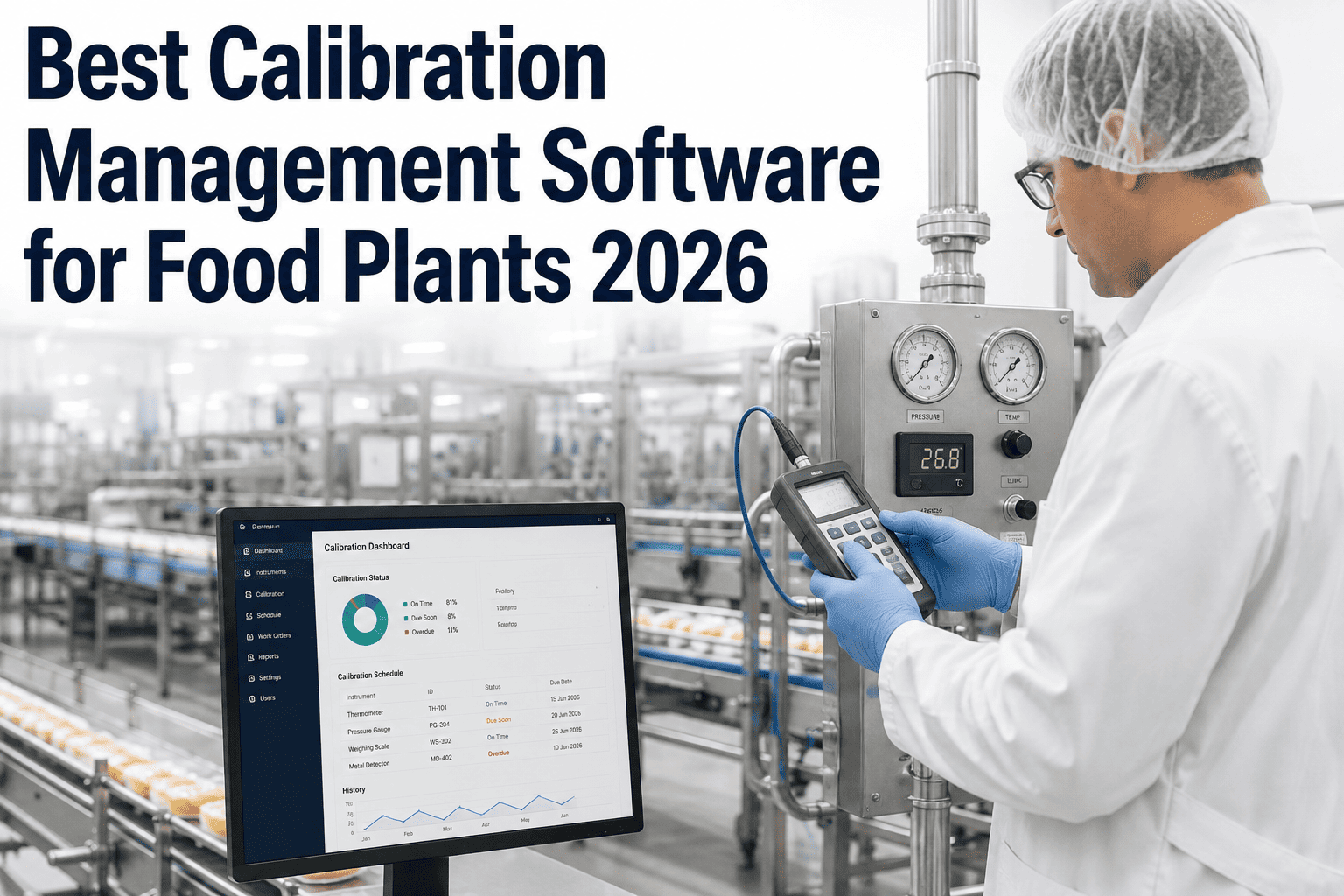
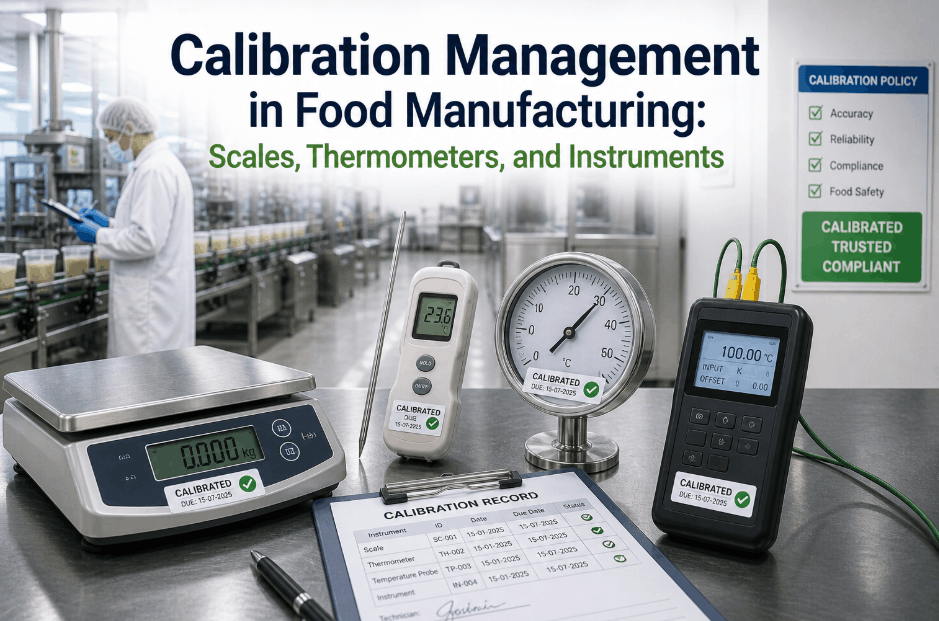
A thermometer used to verify cook temperature on a critical control point is only trustworthy if its calibration is current, documented, and traceable to a certified standard — and the moment a food plant can't immediately produce that documentation for a specific instrument during an FDA inspection, the credibility of every reading that instrument ever recorded comes into question. Calibration management in a food plant isn't a nice-to-have adjacent to maintenance — it's a direct line to food safety defensibility, and tracking it through a spreadsheet or a separate standalone calibration tool disconnected from the CMMS creates exactly the kind of fragmented record an auditor knows how to pull apart. This looks at what a proper calibration management setup covers for food manufacturing specifically. Book a session with iFactory to see calibration tracking integrated with your maintenance system.
Food & Beverage · Calibration Management
Best Calibration Management Software for Food Plants in 2026
Instrument register, schedules, standards, records, and an FDA-ready audit trail — integrated with the same system that manages your maintenance work.
The Instrument Register
What a Proper Calibration Record Actually Includes
A defensible calibration program starts with a complete instrument register — every measuring device that affects food safety or quality decisions, tracked with enough detail to satisfy an auditor asking for a specific instrument's full history on the spot.
| Register Field |
Why It Matters |
| Instrument ID and location |
Confirms exactly which device produced a given reading and where it's deployed |
| Calibration standard used |
Establishes traceability to a certified reference standard |
| Calibration frequency and due date |
Drives the schedule and flags overdue instruments before they're used on a critical reading |
| Historical calibration results |
Shows drift trends over time and supports investigation if a reading is later questioned |
See Your Instrument List Set Up Live
Build a Calibration Register From Your Current Instrument List
iFactory shows how your existing calibration spreadsheet or standalone tool maps into a connected, audit-ready register.
Why Integration Matters
What Changes When Calibration Lives Inside the CMMS
One Source of Truth
Calibration due dates sit alongside PM schedules and work orders, instead of living in a disconnected spreadsheet nobody cross-checks.
Automatic Overdue Flagging
An instrument approaching its calibration due date is flagged automatically, rather than relying on someone remembering to check a separate list.
Instant Audit Export
A complete calibration history for any instrument or timeframe can be exported in minutes instead of being manually assembled under audit pressure.
Linked to Related Work Orders
A calibration record connects directly to any maintenance work performed on the same instrument, keeping the full history in one place.
Field Perspective
Calibration is one of the areas where I see food plants pass every day-to-day check but still stumble hard during an actual audit, because the calibration data lives in a separate system or spreadsheet that isn't kept in sync with what's actually happening on the floor. An auditor pulling a random thermometer and asking for its full calibration history is a completely reasonable request, and a plant that can produce it in thirty seconds versus a plant that needs to go digging through three different files sends a very different signal about how seriously that plant takes food safety documentation overall.
Genevieve Falconbridge-Osei
Food Safety Quality Systems Auditor · 15 years auditing calibration and measurement programs in food manufacturing · Former Quality Assurance Director, food processing operations
Common Questions
Calibration Management — Frequently Asked
Can we import our existing calibration records and schedules from a spreadsheet or older system?
Yes — existing calibration history and instrument lists can typically be imported so historical records remain accessible rather than starting the register from a blank slate.
Book a demo to review data migration options for your current calibration records.
How does the system handle instruments calibrated by an external certified lab versus in-house?
Both workflows are supported — external lab calibration certificates can be attached to the instrument record, while in-house calibration results are logged directly through the same system.
Book a demo to review your specific mix of internal and external calibration.
Can calibration due dates trigger automatic reminders before an instrument goes overdue?
Yes — configurable advance reminders alert the responsible technician before the due date, giving enough lead time to schedule calibration without an instrument lapsing out of compliance.
Book a demo to configure reminder timing for your calibration schedules.
What happens if an instrument is found out of tolerance during calibration?
Out-of-tolerance results can trigger a documented investigation workflow to assess the impact of readings taken since the last valid calibration, supporting the traceability an audit would expect to see.
Book a demo to review out-of-tolerance handling workflows.
Can we generate a calibration audit report for a specific instrument or date range on demand?
Yes — full calibration history can be exported by instrument, date range, or location in minutes, which is specifically designed to support the kind of on-the-spot documentation request an FDA or customer audit typically makes.
Book a demo to see a sample audit export.
Make Calibration Documentation Audit-Ready
Bring Calibration Management Into Your Maintenance System
iFactory tracks your instrument register, schedules, and calibration history alongside your maintenance work orders, ready to export the moment an audit asks.