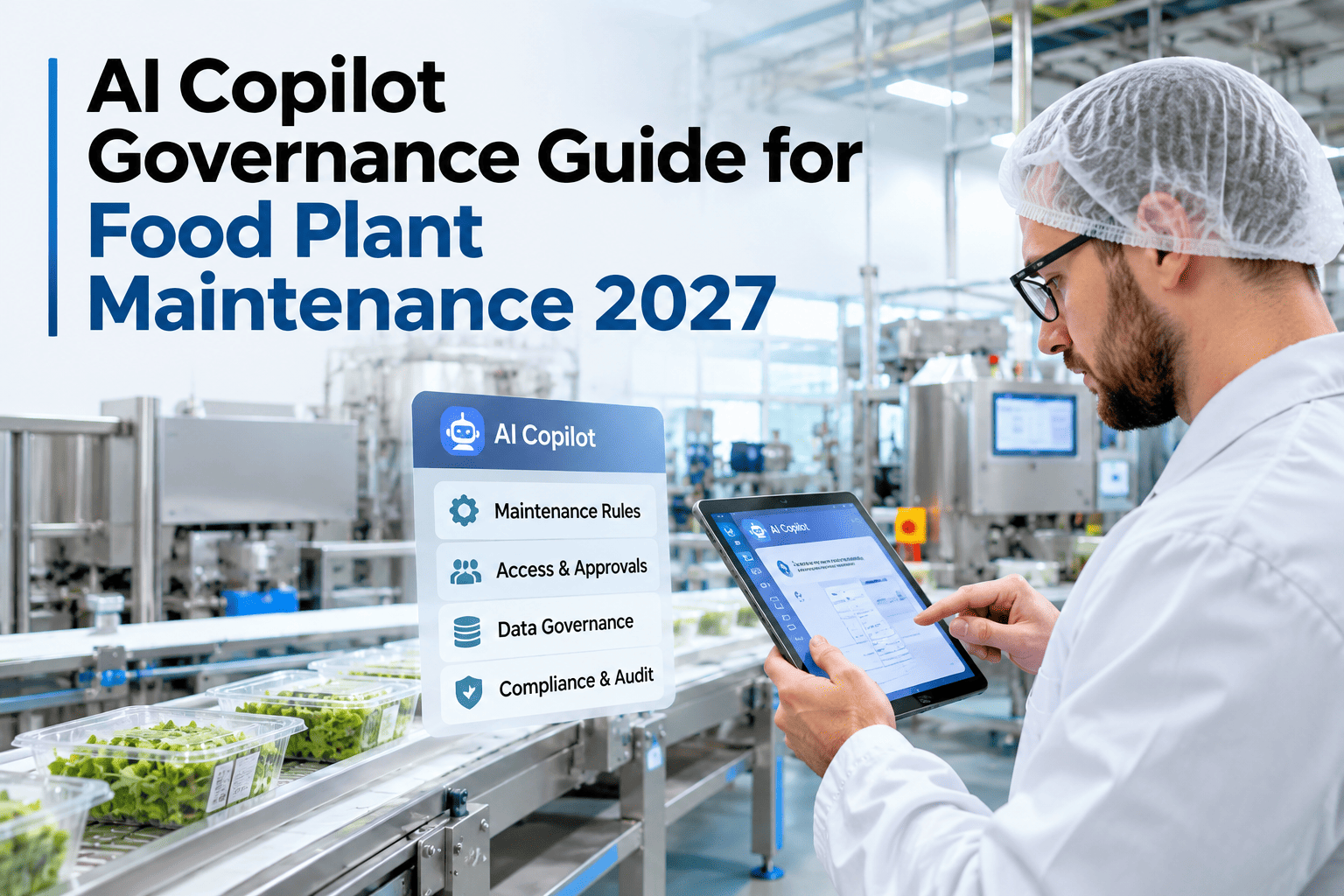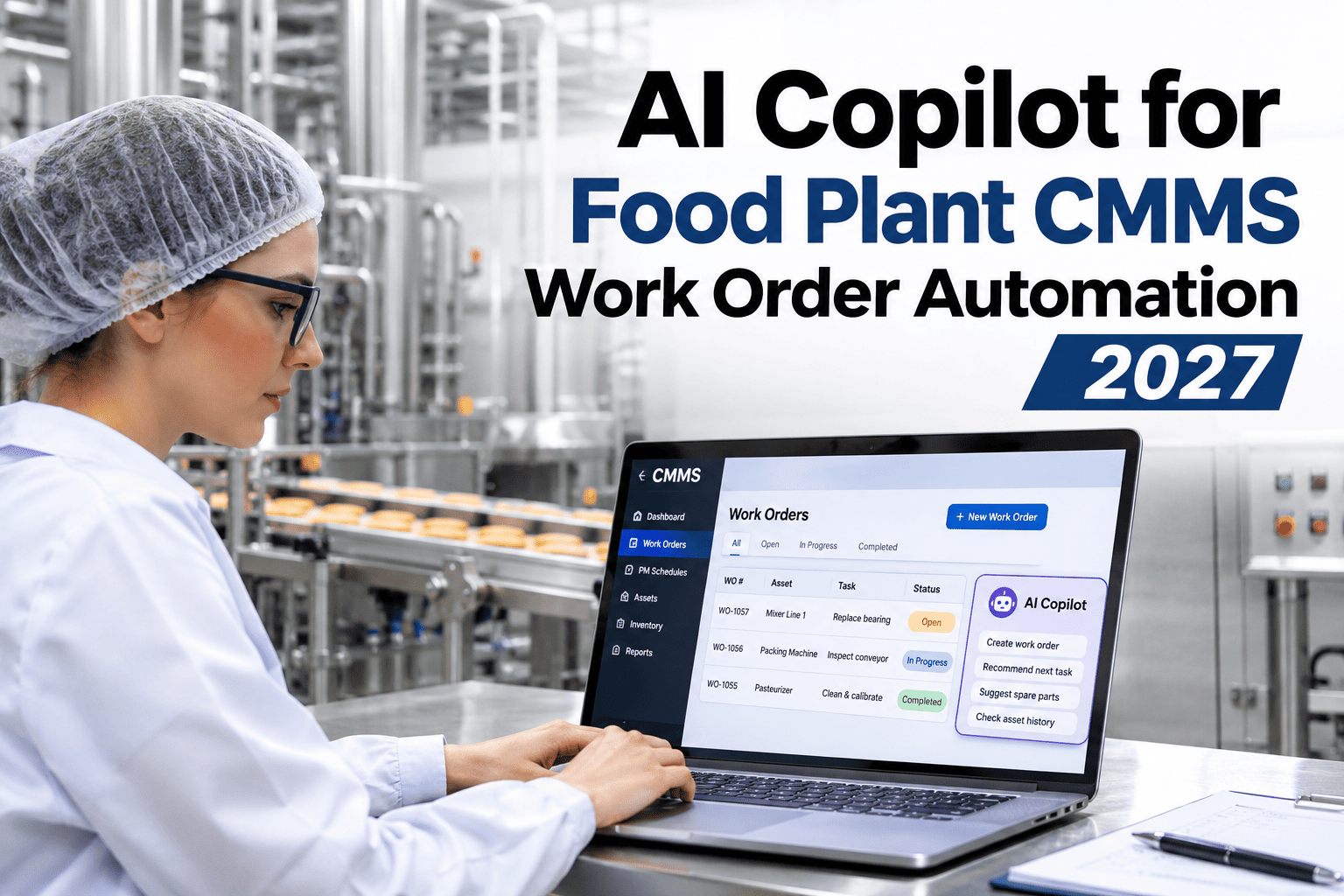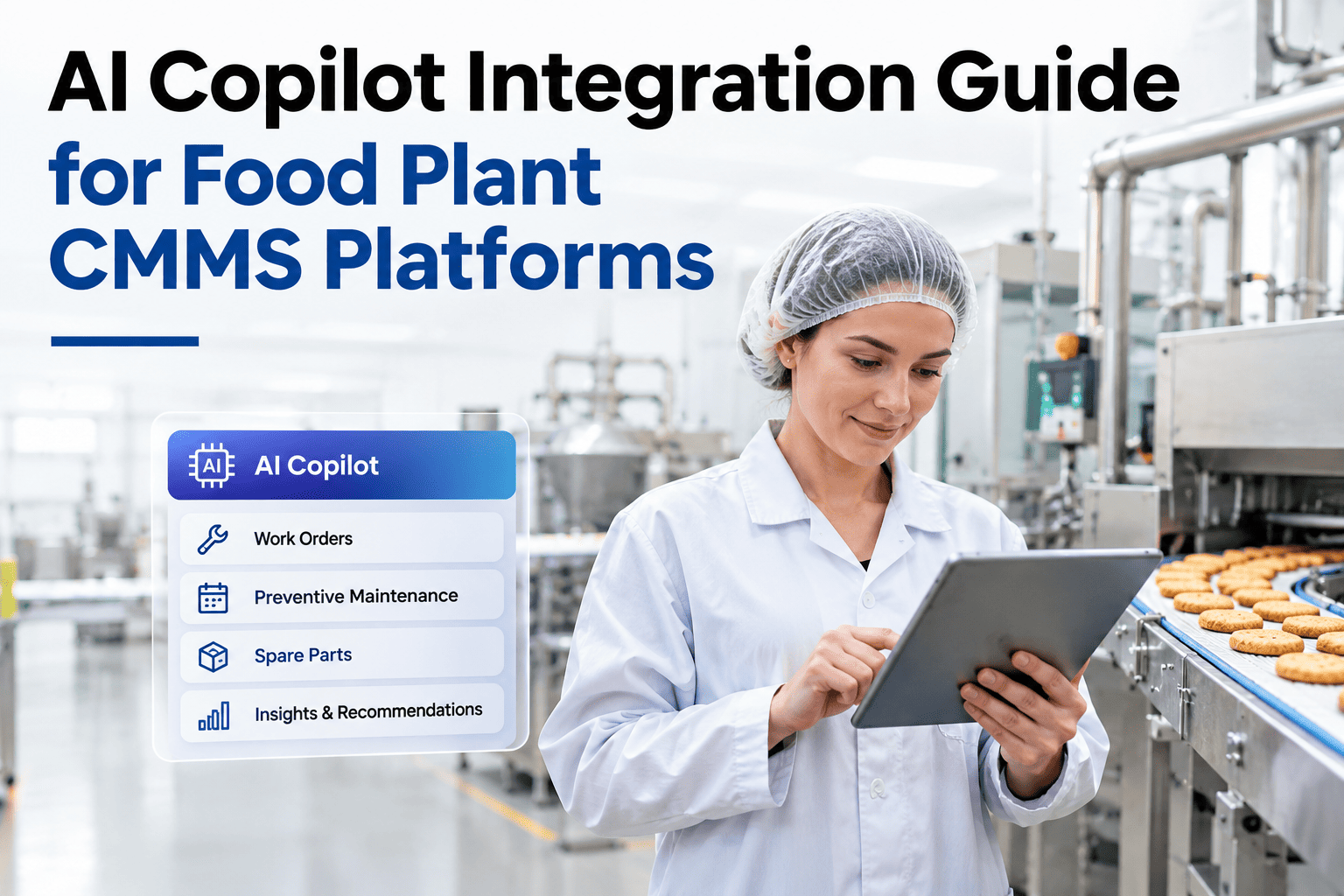
Bolting an AI assistant onto a food plant CMMS is not a plug-in installation. The CMMS is the system of record for every maintenance event that matters to a food safety audit — work orders, parts traceability, technician sign-offs, corrective action records. An AI integration that breaks the data model, bypasses the audit trail, or creates a parallel record outside the CMMS is not an upgrade; it is a liability. The right integration approach adds AI guidance on top of the CMMS without changing what the CMMS owns — the record. iFactory AI, an on-premise AI platform for food manufacturing, is designed for exactly this layered approach: the AI guides and the CMMS records, with no ambiguity about where authoritative data lives. Teams planning a CMMS AI integration can review the integration architecture with iFactory AI's food plant engineering team.
Add AI to Your Food Plant CMMS Without Breaking the Data Model, Audit Trail, or Role Permissions
iFactory AI integrates with your existing CMMS as an intelligence layer — reading work order history, guiding technicians through tasks, and writing structured close-out data back through your CMMS's own API. No parallel records. No audit gaps.
What "CMMS Integration" Actually Means for a Food Plant AI
A CMMS integration for an AI copilot has three distinct data flows: reading historical data to train the AI knowledge base, reading live data to give context-aware guidance, and writing structured output back to the CMMS as work orders are completed. Each flow has different technical requirements and different food safety implications.
CMMS Platforms: Integration Patterns by Platform Type
Different CMMS platforms expose different integration capabilities. iFactory AI's integration team has mapped the standard connection approach for the most common food plant CMMS platforms. The approach differs by API maturity, data model structure, and audit trail architecture.
| CMMS platform type | Read integration | Write integration | Audit trail handling |
|---|---|---|---|
| Modern SaaS CMMS (REST API) | REST API with token auth — real-time and historical | POST to work order endpoint under user token | Native CMMS logs the write under technician ID |
| Legacy on-premise CMMS | SQL view or CSV export — batch refresh | CMMS-provided API or middleware adapter | Middleware preserves technician attribution |
| SAP PM module | RFC function calls or OData services | OData PATCH to notification/order | SAP change log captures technician user |
| IBM Maximo | REST API (Maximo Application Framework) | POST/PATCH to WOTRACK or WORKORDER object | Maximo audit log retains user attribution |
| No CMMS (paper/spreadsheet) | Import structured historical data to iFactory AI | iFactory AI acts as CMMS of record | iFactory AI provides native audit trail |
Map the Integration Path for Your Specific CMMS Platform
iFactory AI's food plant engineering team will design the read, live, and write integration for your CMMS — including API authentication, role mapping, and audit trail verification — before deployment begins.
Role-Based Access: What the AI Can and Cannot Do by User Role
An AI copilot in a food plant must respect the same role-based access controls that the CMMS enforces. A maintenance technician should not be able to approve their own corrective actions through the AI. A contractor should not access SOP documents outside their scope. iFactory AI maps its guidance permissions to the CMMS role structure.
Protecting the CMMS Data Model During AI Integration
The CMMS data model in a food plant is often more complex than it looks — work order types, maintenance classes, asset hierarchies, and cost centre assignments have been built up over years and are relied on by ERP systems, food safety audits, and management reporting. An AI integration that writes malformed data, creates orphaned records, or uses the wrong work order type pollutes the data model and breaks downstream reports.
Maintaining the Audit Trail for SQF, BRC, and FDA Maintenance Records
Food safety certification bodies require that maintenance records are attributable, complete, and unalterable after close-out. The AI copilot's integration architecture is designed to satisfy all three requirements without additional configuration.
Teams preparing for SQF or BRC audits that want to understand how AI-assisted maintenance records are presented to auditors can ask iFactory AI's support team for a sample audit package.
Frequently Asked Questions
Will the AI integration break our existing CMMS configuration or workflows?
No — iFactory AI integrates through your CMMS's existing API without modifying the CMMS configuration, database schema, or workflow rules. The integration is additive: it reads from and writes to the CMMS via standard API calls, using your existing field definitions and work order types. All changes to the CMMS itself — if any are needed to enable API access — are minimal and are performed by your CMMS administrator, not by iFactory AI's team. Book a session to review the integration impact on your specific CMMS configuration.
How does the AI know which CMMS work order corresponds to the technician's current task?
The technician opens the AI copilot from within the work order context — either by tapping "AI guidance" on the work order in the CMMS mobile app, or by scanning the asset QR code to pull the current open work order. The AI receives the work order ID and asset ID from the CMMS session and uses them to retrieve relevant history, SOPs, and parts data. There is no ambiguity about which work order the guidance applies to. Ask the support team how the work order context handoff works for your CMMS platform.
What happens to the AI integration if the CMMS is updated or migrated?
API-based integrations are more resilient to CMMS updates than database-level integrations because they interact with the CMMS through its documented interface rather than its internal data structure. When a CMMS vendor releases an update, iFactory AI's integration team reviews any API changes and updates the connector before the update goes live in your environment. For a full CMMS migration, a re-mapping exercise is required — typically 2–4 weeks depending on the new platform's API documentation. Discuss migration planning with iFactory AI's integration team.
Can the AI integration work if our CMMS is cloud-hosted but we want on-premise AI?
Yes. iFactory AI's on-premise NVIDIA server communicates with a cloud-hosted CMMS via its REST API over your secure network connection. The AI processing — model inference, knowledge retrieval, guidance generation — happens entirely on-premise. Only API calls and their structured responses cross the network boundary. No raw CMMS data is sent to any external AI service. Ask the support team about network architecture for hybrid cloud-CMMS plus on-premise AI deployments.
How long does the CMMS integration phase take as part of the overall deployment?
The CMMS integration phase typically takes 3–5 weeks within iFactory AI's standard 6–12 week deployment timeline. This includes API access setup (1 week), historical data export and ingestion (1–2 weeks), live API connection testing (1 week), and sandbox write-integration validation (1 week). The timeline is influenced primarily by the CMMS platform's API maturity and the quality of historical work order data. Well-documented modern CMMS APIs integrate faster than legacy systems. Review the integration timeline for your specific platform in a planning session.
Integrate AI Into Your Food Plant CMMS Without Risking the Audit Trail
iFactory AI's food plant engineering team designs and validates every CMMS integration before go-live — protecting your data model, audit trail, and food safety record integrity at every step.