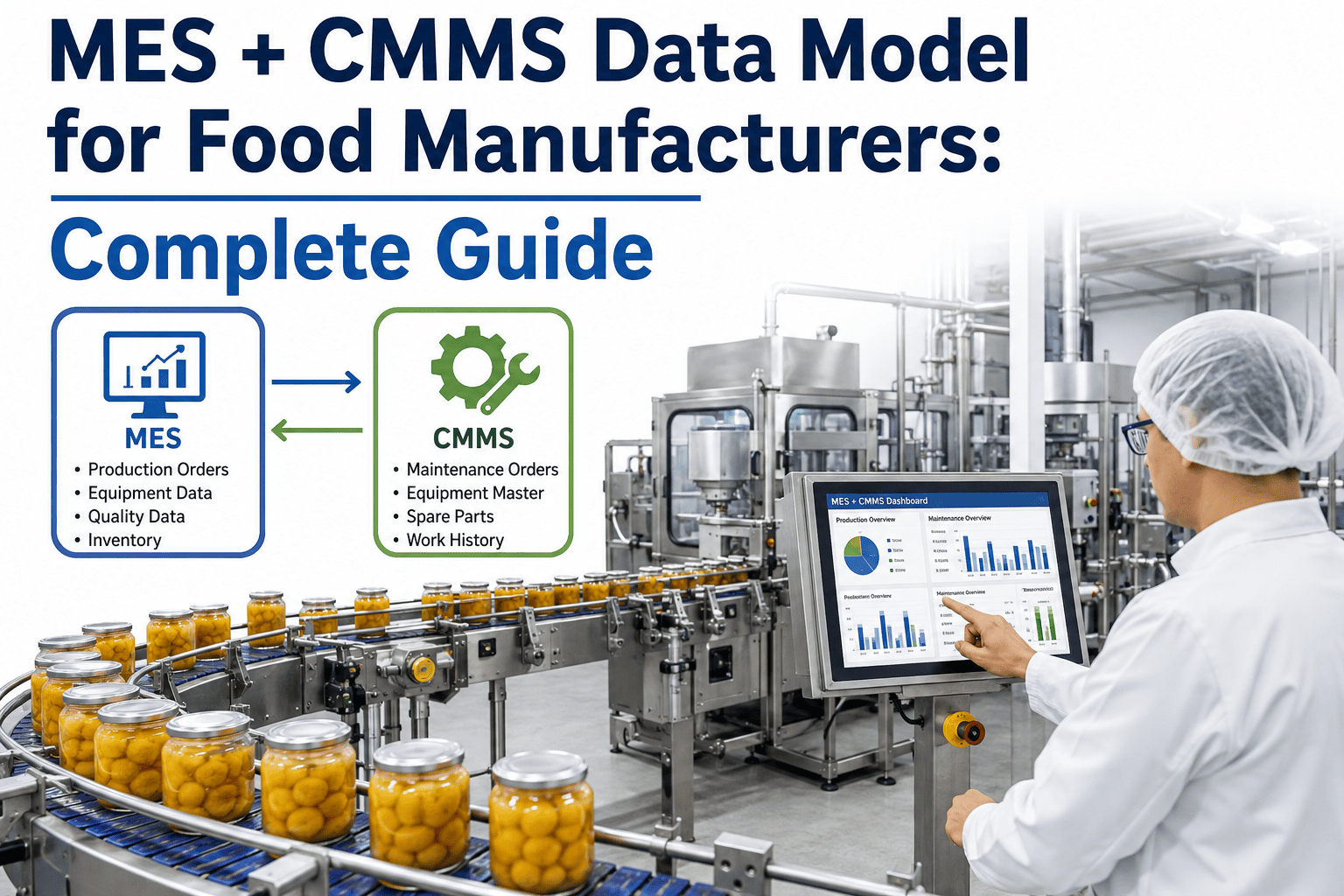
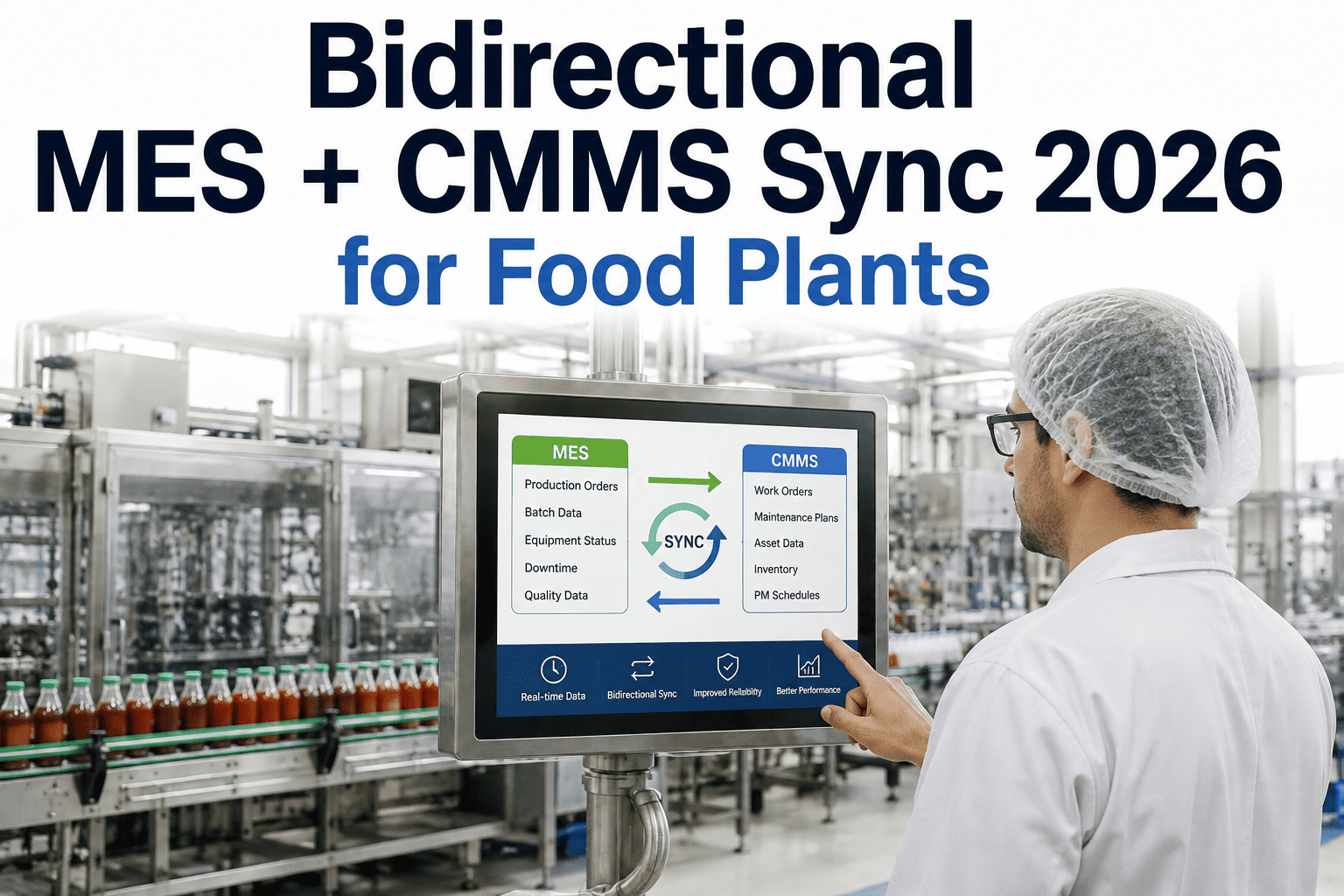
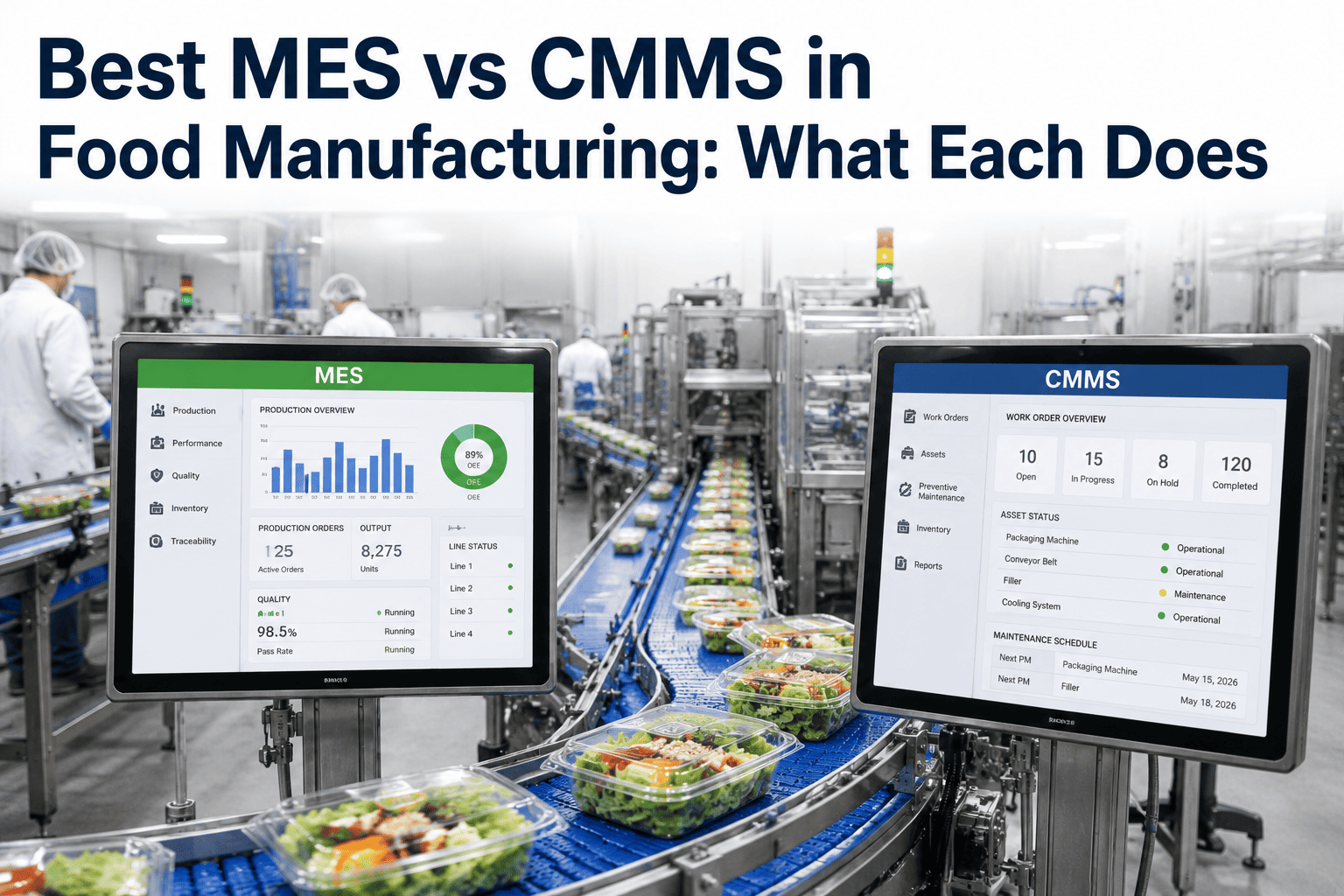
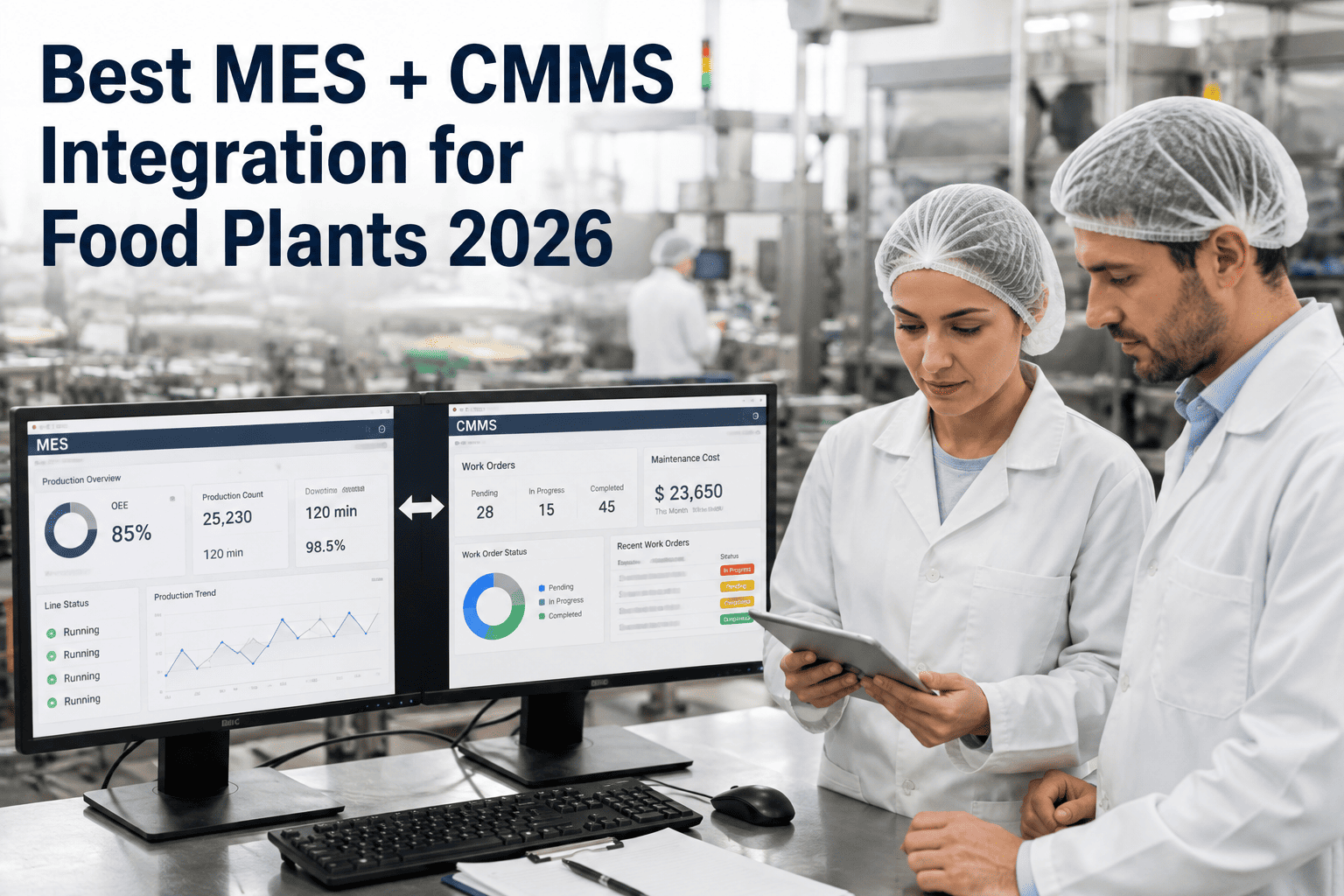
Ask two engineers at the same food plant what "asset 4471" refers to and you'll sometimes get two different answers — one from the MES asset master, one from the CMMS equipment record, and neither one wrong exactly, just built at a different time by a different team for a different purpose. That's the real starting point for most MES-CMMS integration failures: not a technical connectivity problem, but a data model that was never designed to be shared. Getting the asset master, work order entity, downtime event, and quality notification schemas aligned before any integration work begins is what keeps the numbers honest once the two systems start talking, and it's the piece iFactory's data engineering team spends the most time on during onboarding.
Food & Beverage · Data Architecture
The MES + CMMS Data Model Food Manufacturers Actually Need
Asset master alignment, work order entity structure, downtime event schema, and quality notification mapping — the four data model decisions that determine whether your MES and CMMS numbers agree with each other or quietly drift apart.
1:1
Target asset ID mapping ratio
Zero
Duplicate asset records post-alignment
6–8wk
Typical schema alignment window
Why Data Models Diverge
Two Systems, Two Purposes, Two Versions of the Same Asset
MES platforms and CMMS platforms were built by different vendors, for different buyers, solving different problems, and their data models reflect that origin story even when both systems end up describing the exact same physical equipment. The MES asset master exists to support production scheduling and OEE calculation, so it's organized around line position, cycle time, and product routing. The CMMS equipment record exists to support maintenance planning, so it's organized around bill of materials, PM schedules, and spare parts. Both are legitimate ways to model a filling line or a pasteurizer — they just don't share a common key by default, and nobody designed them to.
This divergence compounds over time in ways that are easy to underestimate. A new pump gets added to the CMMS with a serial-number-based ID during commissioning, while the MES team names the same asset by its line position for scheduling convenience. Eighteen months later, a plant with four production lines can easily have three hundred assets in the CMMS and two hundred in the MES, with maybe sixty percent of them mapping cleanly to each other and the rest requiring someone's institutional memory to reconcile. Any integration attempted on top of that mismatch inherits the mismatch — a downtime event that can't resolve to the correct CMMS asset ID either fails silently or, worse, gets attached to the wrong equipment.
Work order structure carries a parallel problem. A CMMS work order typically models a single maintenance activity against a single asset with a defined lifecycle of states. An MES downtime or quality event often needs to reference multiple work orders, multiple assets, or a work order that doesn't exist yet at the moment the event fires. Without an explicit entity relationship defined ahead of time — one downtime event to many work orders, one quality notification to one asset-freeze state — the two systems end up with structurally incompatible assumptions about how these records relate.
The Four Core Entities
What Has to Be Mapped Before Anything Else
iFactory's data model alignment work focuses on four entity types because they account for the overwhelming majority of cross-system data quality problems in food and beverage plants specifically.
1
Asset Master Alignment
A canonical asset ID cross-reference table that maps every MES asset record to its corresponding CMMS equipment record, resolving naming convention differences and flagging orphaned records on either side for cleanup before go-live.
2
Work Order Entity Structure
A defined relationship model specifying whether downtime events map one-to-one or one-to-many with work orders, and how work order status enumerations in the CMMS translate to asset-availability states the MES scheduler can consume.
3
Downtime Event Schema
A shared reason-code taxonomy so that a downtime code logged in the MES maps predictably to a work order category in the CMMS, rather than requiring a technician to re-classify the failure type manually every time.
4
Quality Notification Schema
A structure for how a quality hold, deviation, or CAPA record in the quality system references the specific asset and batch it affects, so maintenance scheduling logic can correctly interpret and respect an active hold.
See the Cross-Reference Table Built Live
Watch iFactory Map Your Asset Master in a Working Session
Bring an export of your MES asset list and CMMS equipment list, and iFactory's data engineering team will walk through building the cross-reference mapping live, showing exactly where the two systems already agree and where cleanup is needed.
Schema Reference
Field-Level Mapping Across the Four Entities
The table below shows the practical field-level correspondence iFactory establishes during a typical food plant data model alignment engagement.
| Entity | MES Field | CMMS Field | Alignment Approach |
|---|
| Asset Master | Line position code | Equipment serial ID | Cross-reference table with canonical ID |
| Work Order | Downtime session ID | Work order number | One-to-many linking table |
| Downtime Event | Reason code | Failure category | Shared taxonomy dictionary |
| Quality Notification | Hold/deviation ID | Asset-freeze flag | Event-triggered state field |
Alignment Process
How the Data Model Gets Built, Step by Step
01
Export and Compare
Full asset lists, work order histories, and reason code tables are exported from both systems and compared to identify overlap, gaps, and naming inconsistencies.
02
Build the Cross-Reference Table
A canonical asset ID is established for every physical piece of equipment, with mappings back to both the MES and CMMS native identifiers.
03
Define Entity Relationships
Work order and downtime event relationships are formalized — one-to-one, one-to-many, or many-to-many — based on how your plant's actual maintenance and production workflows operate.
04
Reconcile Taxonomies
Downtime reason codes and CMMS failure categories are mapped to a shared dictionary, with new shared codes added where neither system's existing taxonomy fits cleanly.
05
Validate Against Historical Data
The completed data model is tested against a sample of historical downtime and work order records to confirm the mappings hold up against real, messy production data rather than only clean test cases.
What Good Alignment Delivers
Why This Groundwork Pays Off Before Integration Even Starts
Reporting That Actually Reconciles
OEE and downtime reports pulled from the MES and maintenance cost reports pulled from the CMMS reference the same underlying assets, so the numbers can be cross-checked without a manual translation step.
Faster, Cheaper Integration Projects
Once the data model is aligned, the actual sync or integration build moves faster because the hardest ambiguity — what maps to what — has already been resolved.
Cleaner Asset Lifecycle Records
Equipment replacements, upgrades, and decommissions get reflected consistently across both systems instead of one system quietly carrying a stale asset record.
A Foundation for Future Systems
A canonical asset ID and shared taxonomy make it substantially easier to bring a third system — a quality platform, a historian, an analytics layer — into the same data ecosystem later.
Common Questions
Frequently Asked Questions
How long does asset master alignment take for a typical multi-line plant?
For a plant with three to five production lines and a few hundred tracked assets, the export-compare-reconcile cycle typically takes four to six weeks, with most of that time spent resolving the ambiguous cases where an asset exists in one system but not clearly in the other. Plants with well-maintained CMMS records and consistent naming conventions move faster; plants with years of informal naming drift or multiple past system migrations take longer.
iFactory's data engineering team scopes the specific timeline after reviewing a sample export from both systems.
What do we do with assets that exist in one system but not the other?
Orphaned assets get flagged during the export-compare step and reviewed individually — some represent genuine gaps where an asset was added to one system but never entered into the other, and some represent decommissioned equipment that was removed from one system's active records but never cleaned up in the second. The resolution is usually straightforward once someone with plant floor knowledge reviews the flagged list, and the cross-reference table only goes live once every asset has an intentional, documented status rather than an unexplained gap.
Do we need to change our CMMS or MES naming conventions to do this?
No — the cross-reference table approach is specifically designed to avoid forcing either system to change its native naming convention. Both the MES and CMMS keep using their own asset IDs internally, and the canonical mapping layer translates between them behind the scenes. This matters because renaming assets inside a live production or maintenance system carries its own risk of breaking reports, dashboards, and historical trending that your teams already depend on.
Can this data model support more than just MES and CMMS eventually?
Yes, and this is one of the stronger arguments for doing the alignment work properly the first time rather than treating it as a one-off integration task. A canonical asset ID and shared downtime taxonomy extend naturally to a quality management system, a historian, or an analytics platform added later, since those systems only need to map to the existing canonical structure rather than requiring a fresh three-way reconciliation. Plants that build this foundation early tend to onboard additional systems considerably faster.
Is this something our internal IT team can do without outside help?
Technically capable IT teams can absolutely do parts of this work, but the entity relationship decisions — how downtime events relate to work orders, how quality holds should interact with PM scheduling — usually benefit from having done this specific mapping across many food and beverage plants before, since the edge cases are more numerous than they first appear. Many plants use their internal team for the data export and cleanup work and bring in outside expertise for the entity relationship design.
Booking a demo is a good way to see which parts of the process fit your team's existing capacity.
Get the Data Model Right Before You Integrate
Align Your Asset Master, Work Orders, and Quality Data
iFactory's data engineering team builds the canonical asset cross-reference, entity relationships, and shared taxonomy your MES and CMMS need to agree with each other — the foundation every successful integration project depends on.