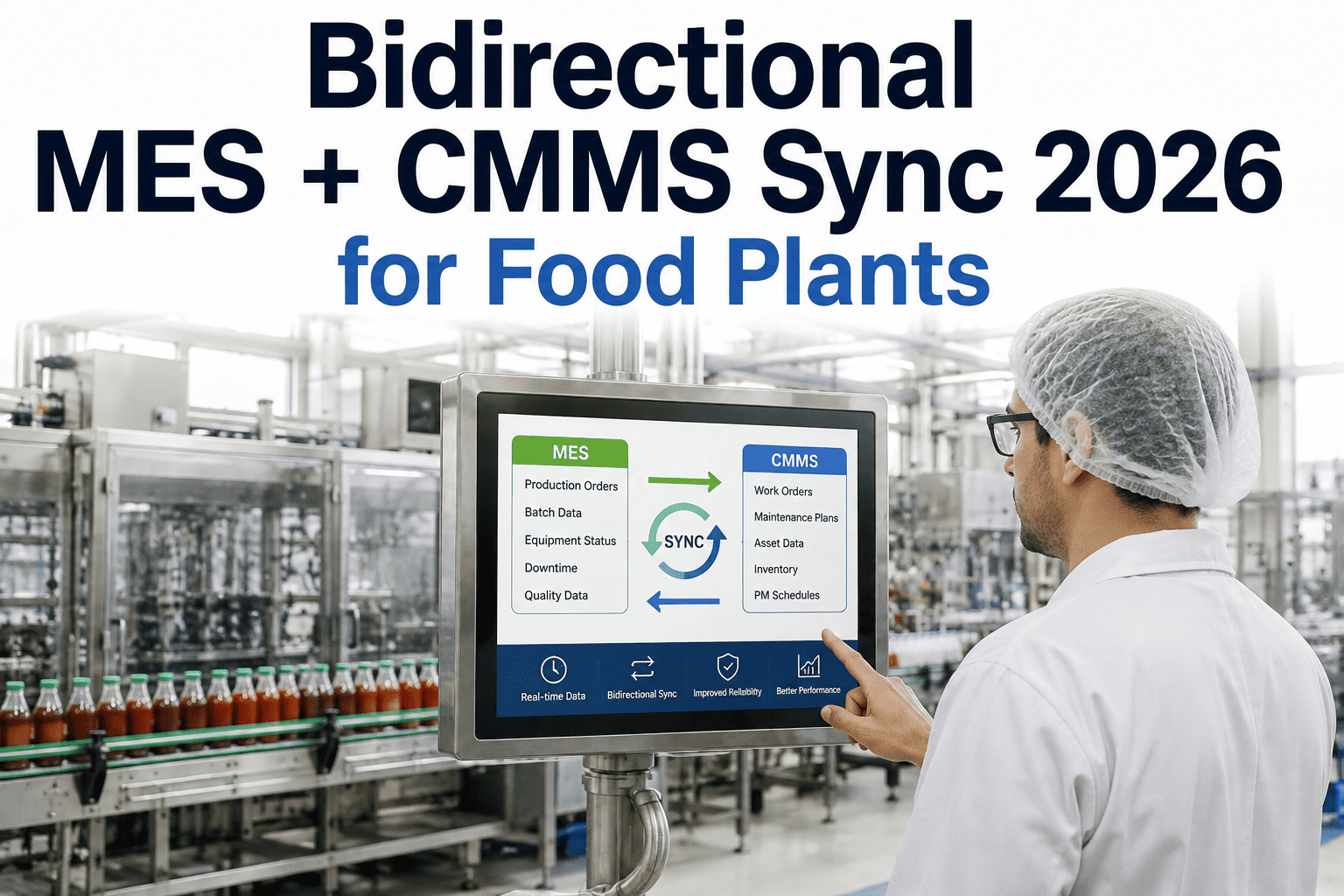
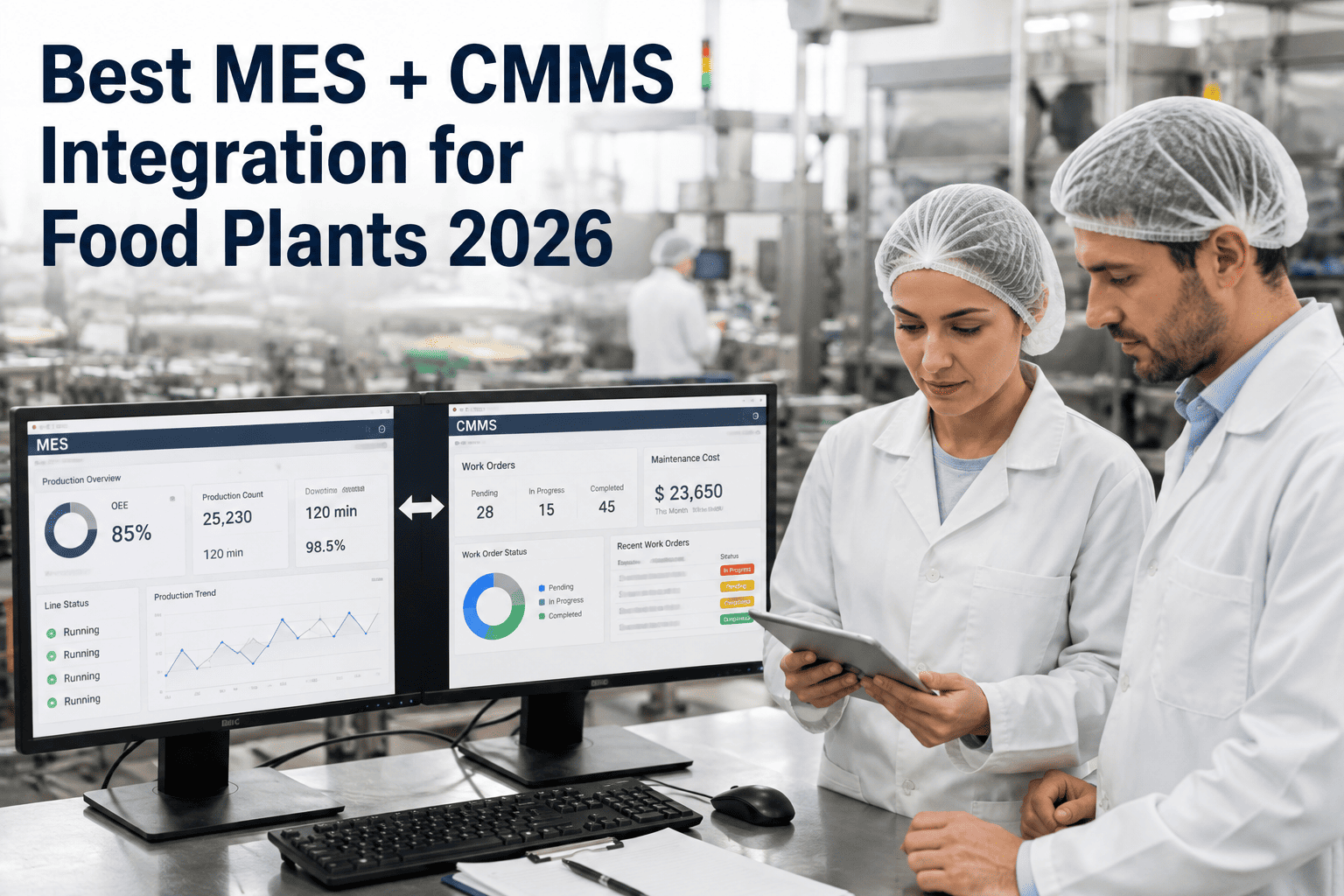
Most food plants that run separate MES and CMMS platforms eventually hit the same wall: information flows in one direction only. A work order closes in the CMMS and the MES never learns the asset is back in service. A quality hold fires on the line and the CMMS never learns a repair might now be urgent rather than routine. Each system keeps its own version of the truth, and the two versions drift apart a little more with every shift. Bidirectional sync closes that gap by treating downtime, asset state, work order lifecycle, and quality holds as shared events rather than system-specific records, so a change made in either platform for iFactory's integration engineering team shows up correctly on both sides within the same production cycle.
Food & Beverage · Systems Integration
Bidirectional MES + CMMS Sync for Food Plants in 2026
Stop reconciling two versions of the truth. Bidirectional sync moves downtime events, asset state changes, work order lifecycle updates, and quality holds both ways between your MES and CMMS automatically, so maintenance and production planning finally work from the same numbers.
Sync Latency Benchmarks
<5s
Typical event propagation time
4
Core event types synced both ways
Zero
Manual re-entry between systems
24/7
Continuous event queue processing
The One-Way Sync Problem
Why One-Directional Integration Quietly Fails Food Plants
Most MES-CMMS integrations built in the last decade were designed to solve a single, narrow problem: get downtime minutes from the plant floor into a maintenance ticketing system so someone gets notified. That's a one-way flow — production tells maintenance something happened — and it works fine for the specific case it was built for. The trouble starts everywhere else. When a technician closes a work order in the CMMS after replacing a worn bearing, the MES has no native way to learn that the asset's health state changed, so the production schedule keeps treating that line at the same risk level it had an hour before the repair. When a batch fails a quality check and gets placed on hold, the CMMS has no visibility into that hold, so a routine PM on the same asset might get scheduled at the exact moment engineering needs the line frozen for root cause investigation.
Food and beverage plants feel this more acutely than most manufacturing sectors because the two systems are protecting different but tightly linked risks. The MES is tracking product safety, batch genealogy, and regulatory hold status. The CMMS is tracking asset condition, spare parts, and technician workload. A sanitation-related quality hold and a scheduled equipment teardown are not independent events on a filling line — they interact, and when the systems recording them can't talk to each other in both directions, someone has to notice the interaction manually, usually after it has already caused a problem.
The workaround most plants adopt is a manual reconciliation ritual: a shift supervisor cross-checks the CMMS work order queue against the MES downtime log at shift change, or a plant engineer runs a weekly report comparing asset status between the two systems and chases down the discrepancies. This works right up until the plant scales, adds lines, or loses the one person who remembers all the informal rules for reconciling the two systems. Bidirectional sync removes the reconciliation step entirely by making the event flow symmetric — whichever system learns something first pushes it to the other automatically.
What Actually Syncs
The Four Event Types That Move Both Directions
Not every field in an MES or CMMS needs to sync bidirectionally — most configuration data, master records, and historical logs are fine living in one system of record. The events that genuinely need two-way movement are the ones where either system can be the first to learn about a change that matters to the other.
Downtime Events
When the MES logs a downtime event with a reason code, it pushes a work request to the CMMS automatically, pre-filled with the asset, timestamp, and downtime reason. When a technician logs unplanned work directly in the CMMS without an MES-triggered downtime code, the reverse sync creates the missing downtime record so production reporting stays accurate without a second manual entry.
Asset State Changes
A CMMS work order closing out with "repair complete" pushes an asset-available state back to the MES scheduling engine. A CMMS work order status of "parts on order" pushes an asset-restricted state to the MES so the scheduler doesn't plan production against a line that's about to go down for a known reason.
Work Order Lifecycle
Work order creation, assignment, in-progress, and closure states sync to the MES so production supervisors see real-time maintenance activity against their lines without needing CMMS login access. Conversely, a production-initiated urgent request from the MES creates a prioritized work order in the CMMS queue automatically.
Quality Holds
A quality hold placed on a batch or line in the MES pushes an asset-freeze flag to the CMMS, blocking non-emergency PM scheduling on that asset until the hold clears. When the hold is released after investigation, the CMMS receives the release event and any deferred maintenance work automatically re-enters the normal scheduling queue.
See the Event Flow Live
Watch a Downtime Event Sync Both Ways in Real Time
iFactory's integration team will walk you through a live sync — a downtime event created in the MES, a corresponding work order appearing in the CMMS within seconds, and the reverse path when the work order closes. Bring your current MES and CMMS platforms and we'll map the specific event fields your plant needs synced.
How the Sync Engine Works
From Event Trigger to Confirmed Update on Both Sides
Bidirectional sync isn't a nightly batch job comparing two databases and patching differences — that approach is too slow for downtime events that need action within minutes, not hours. iFactory's sync engine treats every relevant change as a discrete event published the moment it happens, queued, transformed, and delivered to the other system with confirmation.
01
Event Detection
A change in either system — a downtime code, a work order status change, a quality hold — is captured at the source system's event layer or API the moment it's saved, rather than waiting for a scheduled poll.
→
02
Schema Translation
The event is translated from the source system's data model into the destination system's expected format — asset IDs, reason codes, and status enumerations are mapped according to the cross-reference table established during onboarding.
→
03
Conflict Check
If both systems have modified the same record within the sync window, a conflict rule set — configurable per event type — decides which change takes precedence, typically favoring whichever system owns that data type as its system of record.
→
04
Delivery and Confirmation
The transformed event is written to the destination system and a confirmation is returned to the sync engine. Failed deliveries are retried on a backoff schedule and flagged for review if they fail repeatedly, rather than silently dropped.
→
05
Audit Logging
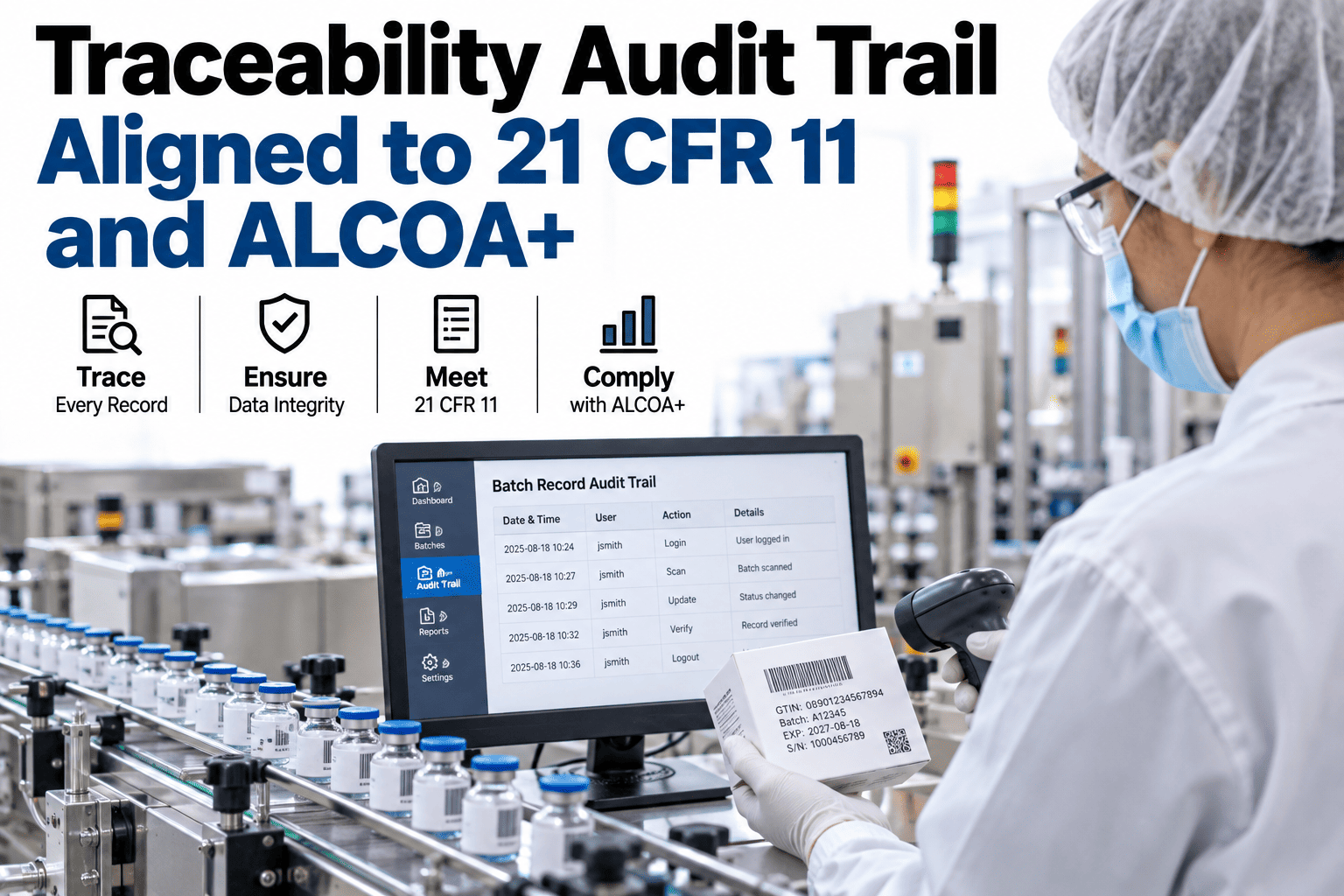
Every synced event is logged with source, destination, timestamp, and payload, giving quality and compliance teams a traceable record of exactly when an asset state or quality hold propagated between systems.
One-Way vs. Bidirectional
What Changes When Sync Runs Both Directions
The table below reflects the practical difference plants report after moving from a one-way downtime feed to full bidirectional sync across all four event types.
| Capability | One-Way Sync (MES → CMMS) | Bidirectional Sync |
|---|
| Downtime to work order | Automatic | Automatic |
| Work order closure updates MES | Manual re-entry required | Automatic |
| Quality hold blocks PM scheduling | Not possible | Automatic |
| Asset availability accuracy | Drifts within days | Continuously current |
| Reconciliation labor | Weekly manual audit | Not required |
Deployment Timeline
Live Bidirectional Sync in 8–10 Weeks
iFactory's integration team has built connectors for the MES and CMMS platforms most common in food and beverage manufacturing, which shortens the typical deployment considerably compared to a from-scratch custom integration.
Weeks 1–3
Event Mapping Workshop
Downtime reason codes, asset ID formats, work order status enumerations, and quality hold triggers are mapped between your specific MES and CMMS configurations.
Weeks 4–7
Connector Configuration and Shadow Sync
Connectors are configured against your test environment and run in shadow mode alongside existing manual processes, so discrepancies get caught before go-live.
Weeks 8–10
Go-Live and Monitoring
Sync goes live in production with the audit log active from day one, and iFactory's team monitors delivery success rates during the first weeks of full operation.
1000+Clients on iFactory platform
99.9%Platform uptime SLA
8–10wkTypical deployment window
4Core event types included
What Plants Actually Gain
The Operational Impact of Closing the Loop
The value of bidirectional sync shows up less in any single dramatic save and more in the steady removal of small frictions that used to require a person to notice and fix manually.
No More Reconciliation Audits
The weekly cross-check between MES asset status and CMMS work order status stops being necessary because both systems already agree, continuously.
PM Scheduling Respects Quality Holds
Maintenance no longer accidentally schedules routine work on an asset that's frozen for an active quality investigation, because the CMMS knows about the hold the moment it's placed.
Production Sees Real Maintenance Status
Supervisors get accurate asset-availability data for scheduling without needing CMMS credentials or waiting for a maintenance planner to relay status verbally.
Cleaner Downtime Attribution
Downtime reason codes and the maintenance work performed against them stay linked automatically, improving the accuracy of MTTR and downtime-cause reporting over time.
Common Questions
Frequently Asked Questions
Do we need to replace our existing MES or CMMS to get bidirectional sync?
No — bidirectional sync is designed to work with your existing platforms rather than requiring a replacement of either system. iFactory's connectors integrate through each platform's standard API or event layer, translating data between the two without touching how either system is configured for its own users. Most plants keep their current MES and CMMS entirely as-is and simply gain the sync layer sitting between them. If your specific platform combination hasn't been connected before,
iFactory's integration engineering team will scope the connector work as part of the initial assessment.
What happens if both systems try to update the same record at once?
Each event type has a configurable conflict rule that determines which system's change takes precedence when both are modified within the same sync window, which in practice is a rare occurrence given how quickly events propagate. Typically, the system that owns a given data type as its system of record wins the conflict — for example, the CMMS is authoritative for work order status, while the MES is authoritative for quality hold status. Every conflict resolution is logged in the audit trail so nothing is resolved silently without a record of what happened and why.
How fast does an event actually propagate between systems?
Most events complete the full detection-to-confirmation cycle in under five seconds under normal network conditions, which is fast enough that a technician closing a work order sees the corresponding asset-available state reflected in the MES scheduler almost immediately. Retries on failed deliveries follow a backoff schedule rather than an instant retry loop, so a temporary network blip doesn't flood either system with duplicate attempts, and any event that fails repeatedly is flagged for manual review rather than silently lost.
Can we start with just downtime and work order sync before adding quality holds?
Yes, most plants phase in event types rather than turning on all four simultaneously, and starting with downtime and work order lifecycle sync is the most common first phase since it delivers the clearest immediate value with the least configuration complexity. Quality hold and asset state sync typically follow once the initial event mapping and connector work has been validated in production. This phased approach also gives your team time to adjust internal processes around the new data flow before adding the next layer of automation.
Will this integration disrupt our current production schedule during setup?
The shadow-sync phase of deployment is specifically designed to avoid disruption — connectors run against a test environment first, and even once connected to production systems, they operate in shadow mode alongside your existing manual reconciliation process before officially going live. This means any discrepancies or mapping errors get caught and corrected while your team's existing workflow is still the operative one, and the cutover to full bidirectional sync happens only once shadow-mode results have been validated.
Booking a demo is the fastest way to see the shadow-sync validation process in detail.
Stop Reconciling Two Systems by Hand
Get Bidirectional MES + CMMS Sync Live in 8–10 Weeks
iFactory's integration engineering team maps your specific MES and CMMS event flows, configures the connectors, and validates everything in shadow mode before go-live — so downtime, asset state, work order lifecycle, and quality holds finally move both ways automatically.