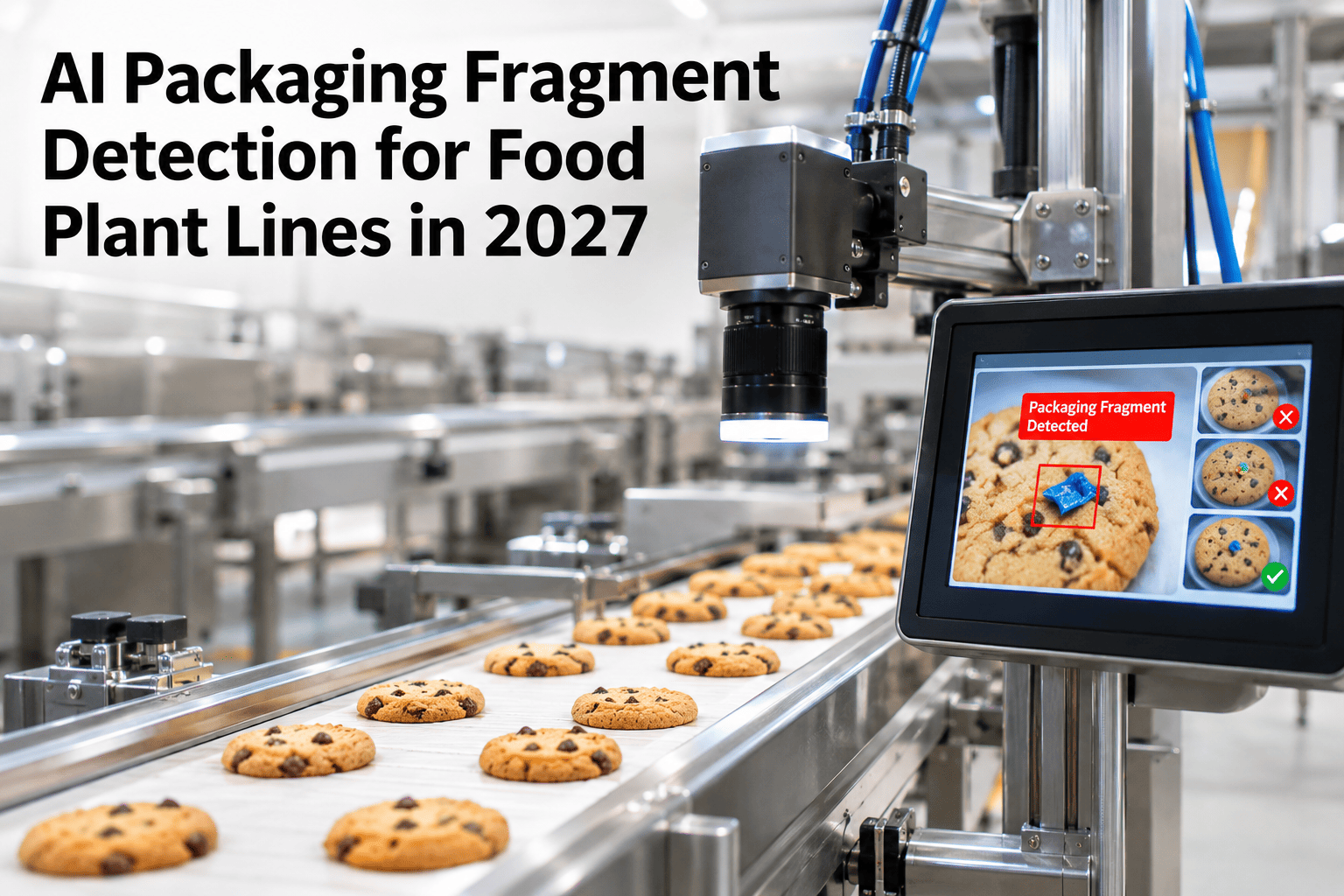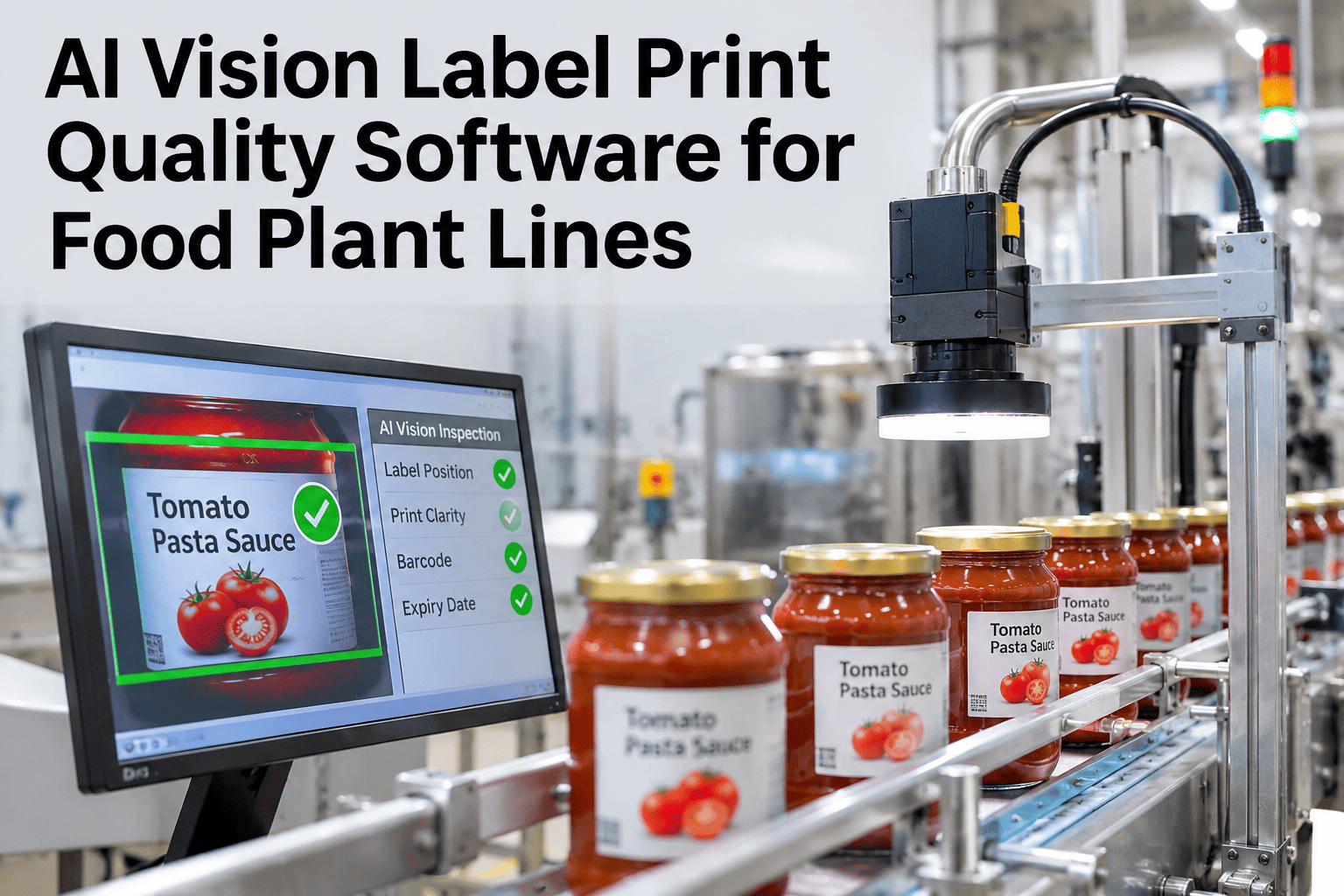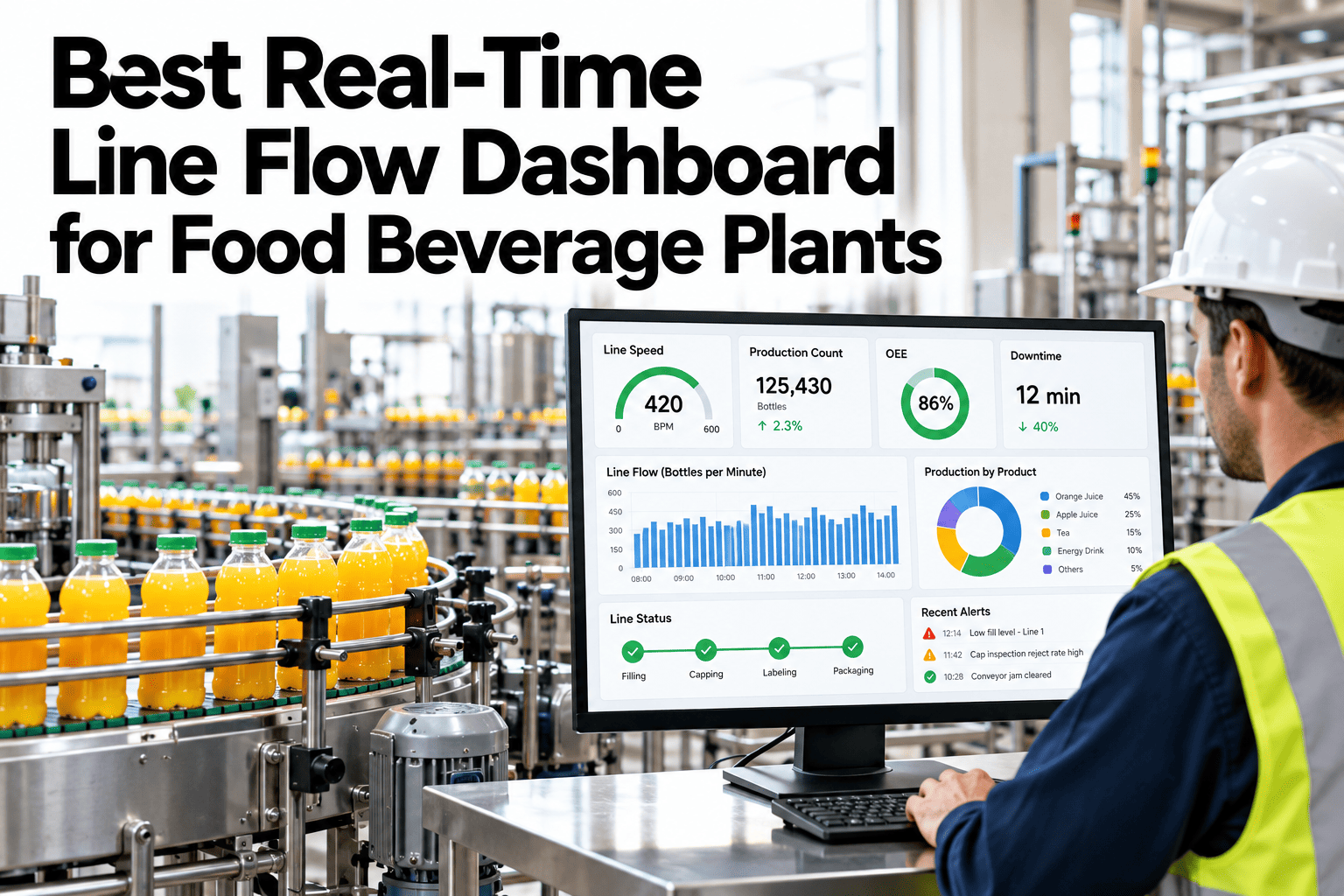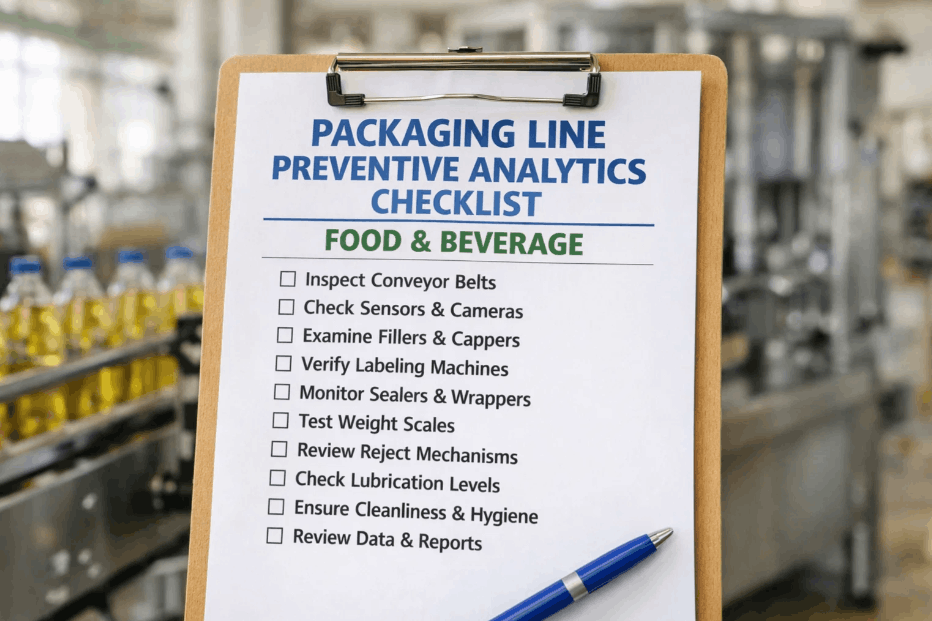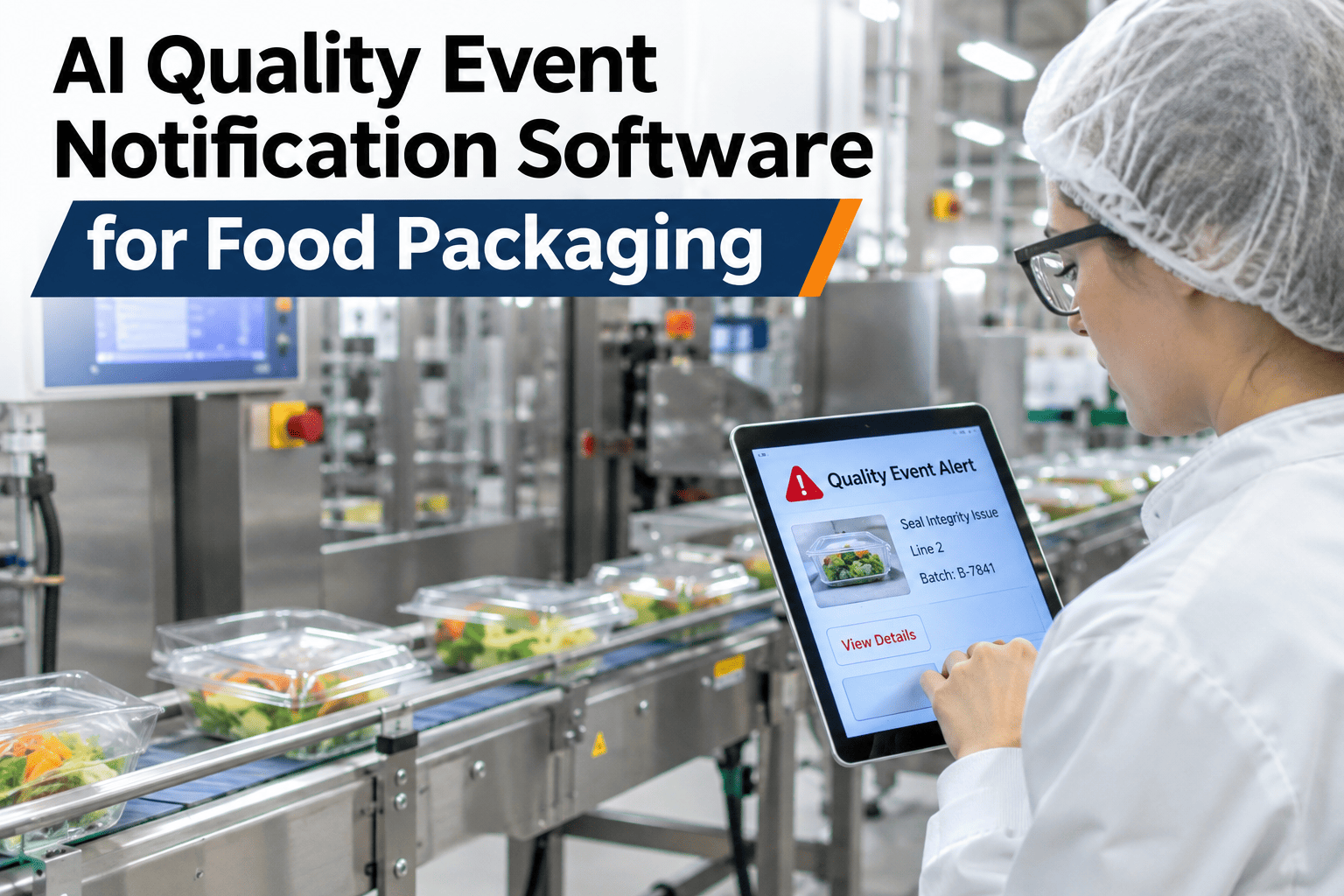
An allergen mislabel found at 2 a.m. does nobody any good if the quality manager does not see it until the 8 a.m. shift meeting. AI quality event notification software closes that six-hour gap by reading the vision or sensor signal the moment a HACCP breach, allergen finding or CCP deviation occurs and routing it straight to whoever is actually on call, in under sixty seconds. The goal is not another dashboard nobody opens at night, it is a message that reaches a phone before the product reaches the next truck. Food packaging teams can see a sample notification routed through their own escalation chain in a short session with iFactory AI.
From Deviation to the Right Phone in Under Sixty Seconds
AI quality event notification software for food packaging detects a HACCP breach, allergen finding or CCP deviation and routes it to the correct responder immediately, day or night.
Why a Six-Hour Delay Is the Real Risk, Not the Deviation Itself
Most quality deviations are caught by the equipment that already exists on the line. The failure point is rarely detection, it is the gap between detection and the right person finding out, especially on night shifts when a dashboard sits unwatched and an incident waits for the morning meeting to surface.
How a Deviation Becomes a Notification
See Your Escalation Chain Mapped
Share your current on-call schedule and event types, and iFactory AI will show how notifications would route through it.
What Happens to the Record After the Alert Is Sent
A notification is the first step, not the whole system. Once a responder acknowledges and acts on an alert, the event, the response time and the outcome should land in the same record a CAPA or HACCP review will later need, so the speed of the alert and the thoroughness of the documentation support each other instead of living in separate systems.
That link matters most during an audit. An auditor asking how quickly a plant responds to an allergen finding deserves a specific, timestamped answer, and a notification system that records its own acknowledgement times turns that question from an estimate into evidence.
Three Event Types and How Urgently Each One Should Travel
| Event type | Typical cause | Routing urgency |
|---|---|---|
| Allergen finding | Wrong allergen statement or cross-contact risk | Immediate, to quality lead and shift supervisor |
| HACCP breach | Critical limit exceeded at a monitored CCP | Immediate, to on-call quality and plant manager |
| Routine CCP deviation | Minor reading outside target but within tolerance | Logged, reviewed at next shift handover |
A Dashboard Waits to Be Checked, a Notification Does Not
Why Night Shifts Need This More Than Day Shifts Do
Day shifts usually have more eyes on the floor, a quality technician walking the line, a supervisor checking the dashboard between rounds, which means a deviation has more chances to be caught even without active notification. Night shifts rarely have that same coverage, which is exactly why the gap between detection and response tends to be widest overnight, and why a notification system's value is disproportionately a night-shift story.
Plants that roll this out often start by measuring overnight response time specifically, comparing it against daytime response for the same event types, because that gap is usually the clearest evidence of where the system is paying for itself fastest.
Mistakes That Slow a Notification System Down
What a Plant Needs Before the First Alert Can Fire
Getting notification working reliably is less about new hardware and more about three pieces of information being current: which event sources are already producing a signal, who is on call for each shift and line, and which events count as immediate versus logged for later review. Most of the setup work is agreeing those three answers, not installing anything new.
An Allergen Finding That Didn't Wait for Morning
Picture a vision system on a packaging line flagging a label mismatch on a peanut-free run at 1 a.m. Under a dashboard-only setup, that flag sits unread until the day shift opens the screen at 7 a.m., by which point six hours of product has already shipped. With active notification, the same flag reaches the on-call quality lead's phone within a minute, the line is held, and the affected product never leaves the building. The sensor did its job either way; what changed was whether anyone found out in time to act on it.
What a Food Safety Manager Checks First
What Food Packaging Teams Ask About Notification
Close the Gap Between Detection and Response
Book a session with iFactory AI to see quality event notification routed through your own escalation chain.