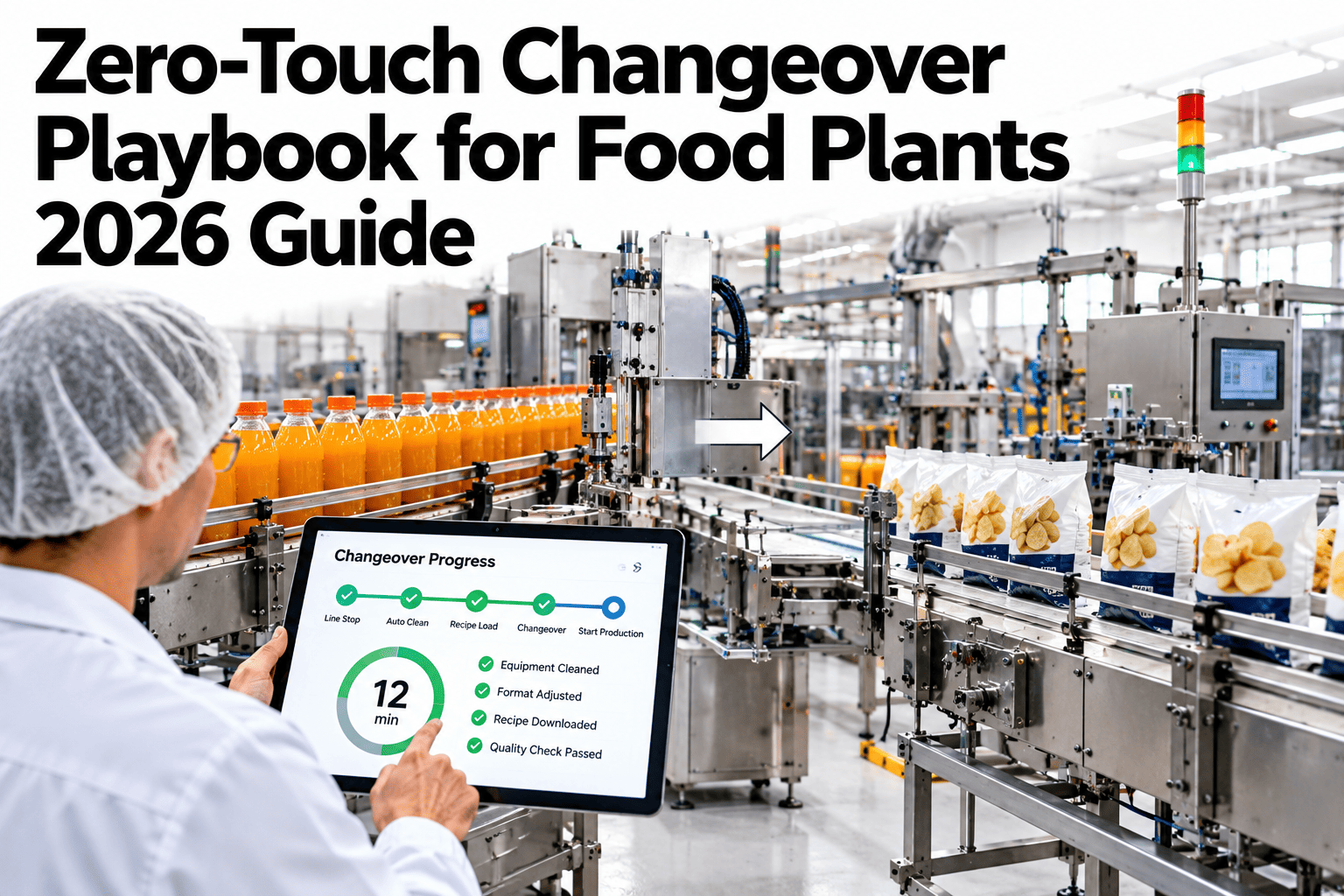
Full touchless changeover, where a line reconfigures itself for a new SKU with zero manual intervention, is still mostly aspirational for food plants. What's not aspirational is getting roughly seventy percent of the way there with three specific pieces of automation: recipe download that pushes the new product's parameters automatically, servo re-set that repositions format-specific components without manual adjustment, and vision checks that confirm the changeover landed correctly before the line restarts. That combination removes most of the manual, error-prone steps without requiring a full robotic rebuild. Plants can assess their own changeover against this playbook in a short session.
Three Pieces of Automation Get You 70% of the Way There
iFactory automates recipe download, servo re-set and vision verification, removing most manual steps from every changeover.
What Gets Automated, and What Doesn't Yet
Zero-touch is a direction, not a single switch to flip. Being honest about what each piece actually covers, and what still needs a person, is what makes a rollout realistic.
| Stage | What's Automated | What Still Needs a Person |
|---|---|---|
| Recipe download | Product parameters pushed to the line automatically | Confirming the right recipe was selected for the run |
| Servo re-set | Format-specific components reposition automatically | Physical tooling changes outside servo-controlled components |
| Vision verification | Camera confirms correct setup before restart | Resolving a flagged mismatch if verification fails |
Find Out How Much of Your Changeover Could Automate
Book a 30-minute session and iFactory will assess which parts of your changeover fit this automation model.
Three Building Blocks of Zero-Touch
Automated Recipe Download
Selecting the next SKU pushes its full parameter set to the line automatically, eliminating manual entry errors.
Servo-Controlled Re-Set
Components on servo drives reposition to the new format's specifications without a technician making manual adjustments.
Vision-Based Verification
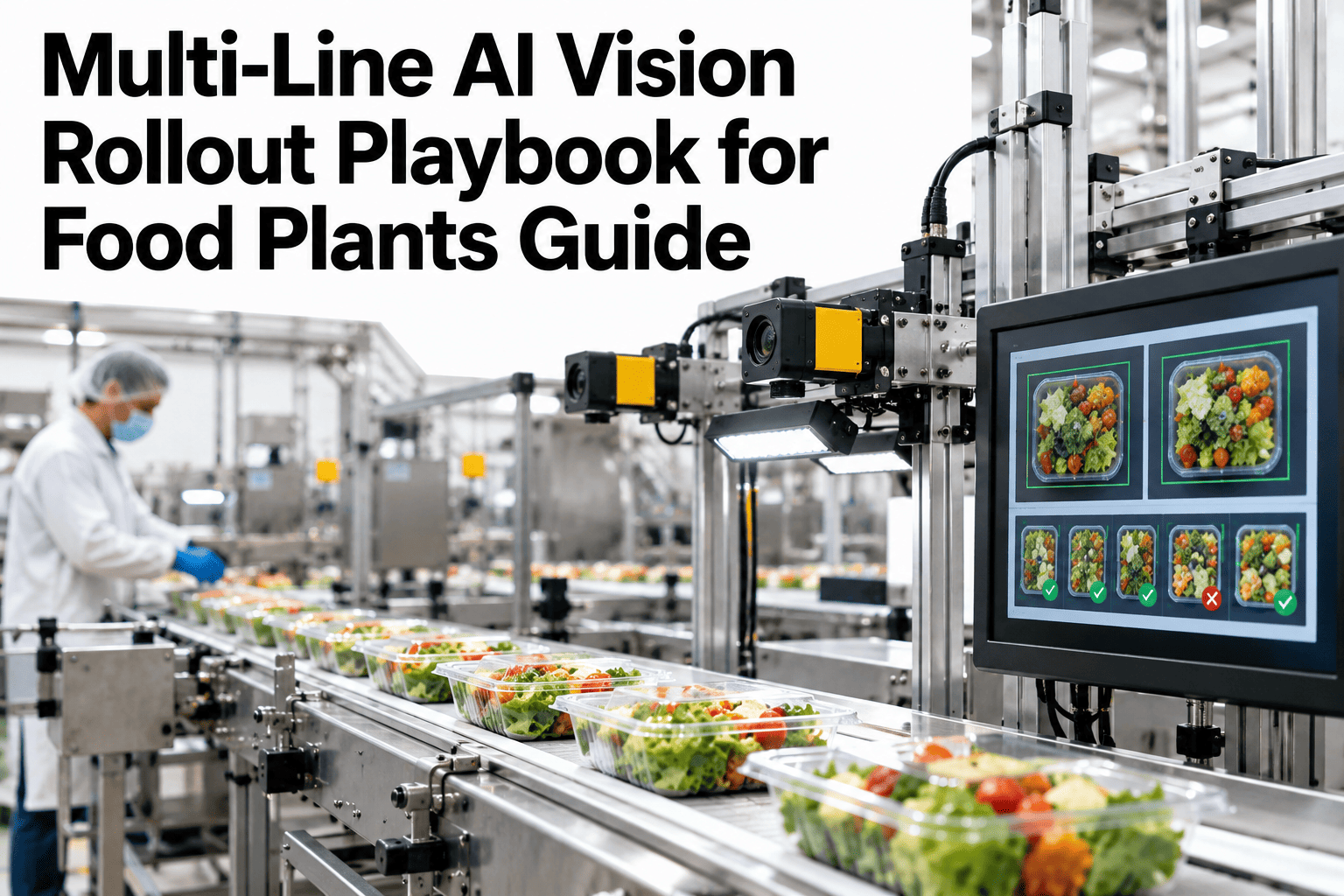
A camera check confirms the changeover landed correctly before the line restarts, catching a mismatch before it becomes scrap.
The Remaining 30%
The parts that still require manual work are usually physical tooling changes outside servo control, format kit swaps, and any mismatch resolution flagged by vision verification. These are the right next targets once the first 70% is in place.
Signals a Line Is a Good Candidate for This Automation
Where iFactory Fits
iFactory implements all three automation pieces as an integrated changeover system, not three separate point solutions.
Integrated Recipe Management
SKU parameters are stored, versioned and pushed automatically, removing manual entry from the changeover process.
Servo Re-Set Configuration
Servo-controlled components are configured to reposition automatically based on the downloaded recipe.
Pre-Restart Vision Checks
A verification camera confirms correct setup before production resumes, flagging mismatches for quick resolution.
Automation Coverage Tracking
The share of changeover steps automated is tracked over time, showing progress as more components move to servo control.
Reviewed by iFactory's Automation Engineering team for alignment with current zero-touch changeover practice. The 70% figure shown is illustrative; actual automation coverage depends on how much of your line's tooling is already servo-controlled and how complex the format changes are.
Frequently Asked Questions
Do we need new servo hardware to get started?
Some lines already have servo-controlled components that simply aren't yet connected to automated recipe download. The assessment identifies what exists already versus what would need to be added. Support can review your current servo and tooling setup.
What happens if the vision check flags a mismatch?
The line holds and the specific discrepancy is shown to the operator, who resolves it manually before restart, rather than the line continuing with an unverified setup.
Can this be implemented in phases rather than all at once?
Yes, many plants start with recipe download automation alone, since it's often the fastest to implement, then add servo re-set and vision verification as subsequent phases. See a phased rollout plan for your own line in a short session.
Does automation reduce the need for changeover-trained staff?
It changes the skill needed more than it eliminates the role, since someone still oversees the automated process and handles any flagged exceptions, rather than manually performing every step.
How does this relate to a SMED program on the same line?
They complement each other well, SMED restructures and streamlines the manual steps while zero-touch automation removes a portion of those steps from human hands entirely. Ask support how these two programs combine for your line.
Automate the 70% You Can, Starting Now
iFactory automates recipe download, servo re-set and vision verification for faster, more consistent changeovers. Book a walkthrough on your own line.