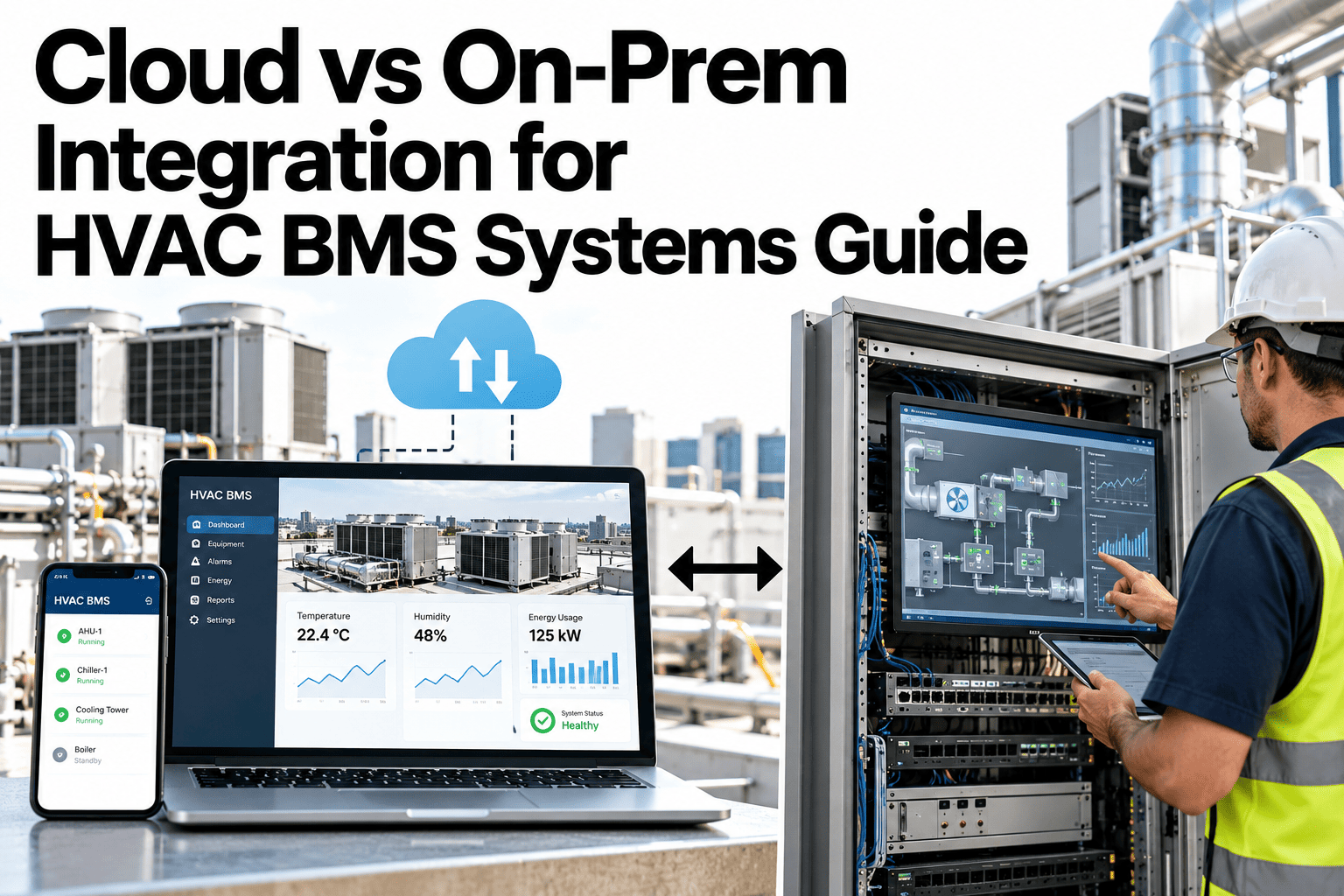
Large HVAC portfolios rarely have one answer to the cloud-versus-on-premise question, because a single property with one BAS and reliable fiber faces a different set of constraints than a hundred-building portfolio with mixed connectivity and strict uptime requirements. Latency, resilience during a network outage, ongoing cost, and regulatory data requirements each pull toward a different answer, and the right call usually differs by building, not by company policy. Facility teams can work through this decision against their own portfolio in a short session.
The Right Deployment Model Depends on the Building, Not a Blanket Policy
iFactory supports both cloud and on-premise deployment, so each building gets the model its connectivity and criticality actually call for.
Four Factors That Actually Decide the Answer
The decision is rarely about company preference for cloud or on-premise in general. It comes down to how a specific building scores on these four factors.
| Factor | Favors Cloud | Favors On-Premise |
|---|---|---|
| Control loop latency | Non-critical monitoring and reporting | Fast local control sequences and alarms |
| Network reliability | Stable, high-bandwidth connection | Frequent outages or limited bandwidth |
| Cost model preference | Lower upfront, ongoing subscription | Predictable cost, capital available |
| Regulatory data residency | No residency restriction | Data must stay on site or in-region |
Score Your Buildings Against These Four Factors
Book a 30-minute session and iFactory will help map your portfolio's buildings to the right deployment model.
Where On-Premise Tends to Win
Critical Control Sequences
Alarms and control loops that need a sub-second response cannot depend on a round trip to a remote data center.
Unreliable Site Connectivity
Rural or older buildings with inconsistent internet service need local resilience during an outage.
Regulated Facility Data
Healthcare, government and certain industrial sites may require building data to stay within specific boundaries.
Where Cloud Tends to Win
Portfolio-Wide Reporting
Rolling up energy and maintenance KPIs across many buildings is naturally a centralized cloud job.
Lower Upfront Capital
A subscription model avoids a hardware purchase at every building, useful for a rolling portfolio rollout.
Stable, Well-Connected Sites
A modern building with reliable fiber has little to gain from local infrastructure for non-critical workloads.
Resilience During a Network Outage
What happens to building operations when the internet connection drops is one of the most overlooked parts of this decision, and it plays out very differently by deployment model.
Signals Your Current Model Doesn't Fit
Where iFactory Fits
iFactory supports both deployment models, so the decision is made per building rather than forced into one company-wide standard.
Hybrid-Ready Architecture
Local control stays on-site while rollup reporting syncs to the cloud, giving the benefits of both models.
Per-Building Deployment Choice
Each building is scored and deployed on its own merits, not a single portfolio-wide default.
Outage-Resilient Local Control
Critical alarms and control sequences keep functioning locally even if the cloud connection drops.
Unified Portfolio View
Regardless of deployment model per site, data still rolls up into one consistent portfolio dashboard.
Reviewed by iFactory's Solutions Architecture team for accuracy against current HVAC BMS deployment practice. The quadrant model is a starting framework; actual scoring should reflect your own buildings' connectivity data, criticality classification and regulatory requirements.
Frequently Asked Questions
Can a single portfolio mix both deployment models?
Yes, and this is the most common real-world setup. Critical or poorly connected buildings run on-premise while well-connected, lower-criticality sites run cloud, with reporting unified across both. Support can help design a mixed-model rollout.
How is building criticality actually assessed?
Criticality typically considers occupancy type, safety systems involved, and the cost of a control or monitoring gap during an outage, assessed building by building rather than assumed from building type alone.
Does on-premise mean losing remote visibility?
No, on-premise deployments still sync data to a central dashboard when connectivity is available, they simply don't depend on that connection for local control and alarms to function. See how remote visibility works for an on-premise site in a short session.
What does moving a building between models involve?
It depends on direction, moving to on-premise typically requires adding local hardware, while moving to cloud mainly involves reconfiguration, since most data paths are already designed to support either model.
How does this affect total cost across the portfolio?
Mixed deployment typically lands between a pure cloud and pure on-premise cost structure, since capital spend concentrates on the buildings that actually need local resilience. Ask support for a cost comparison against your own portfolio size.
Put Every Building on the Deployment Model It Actually Needs
iFactory supports cloud, on-premise and hybrid deployment across your HVAC portfolio. Book a walkthrough to map your own buildings.