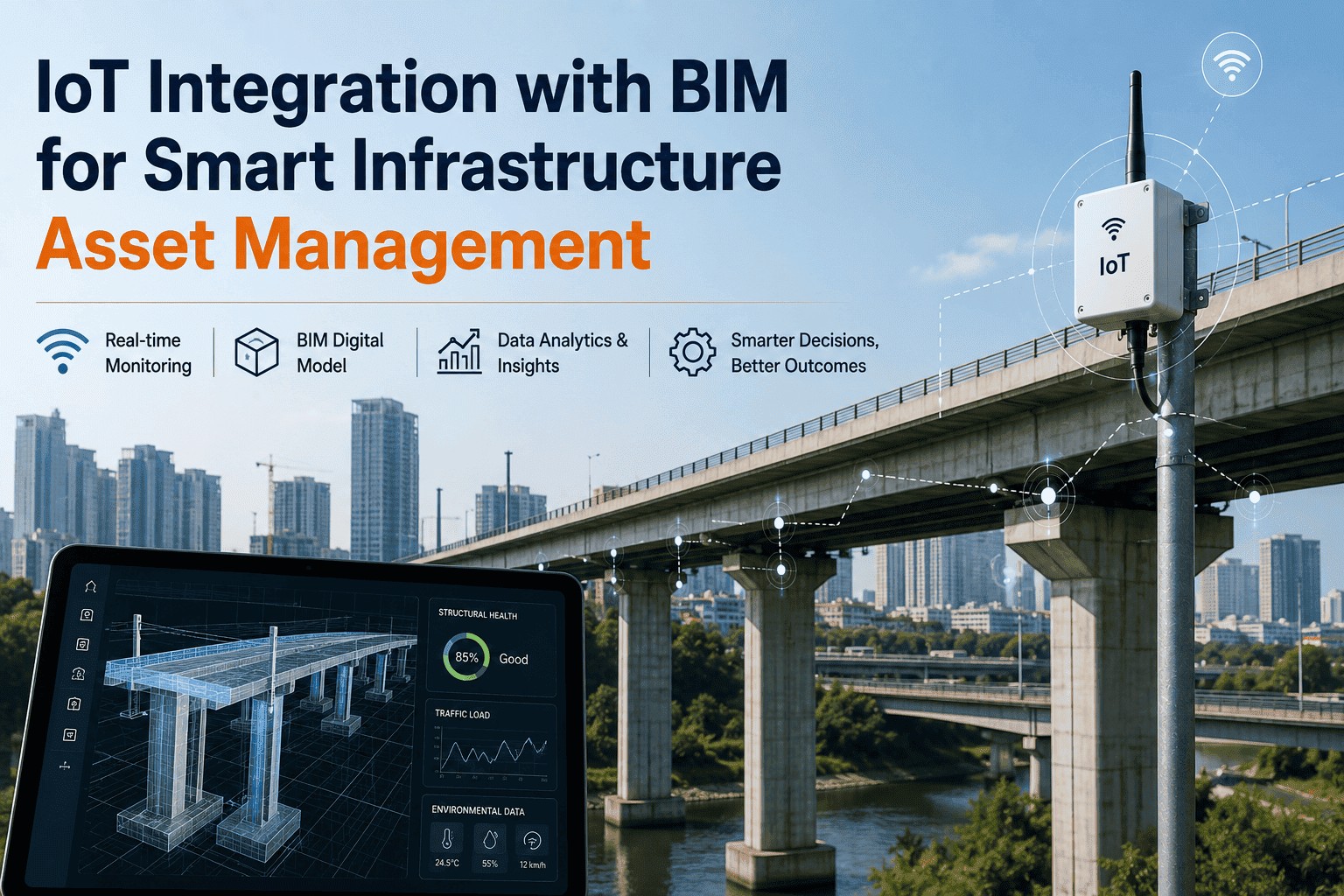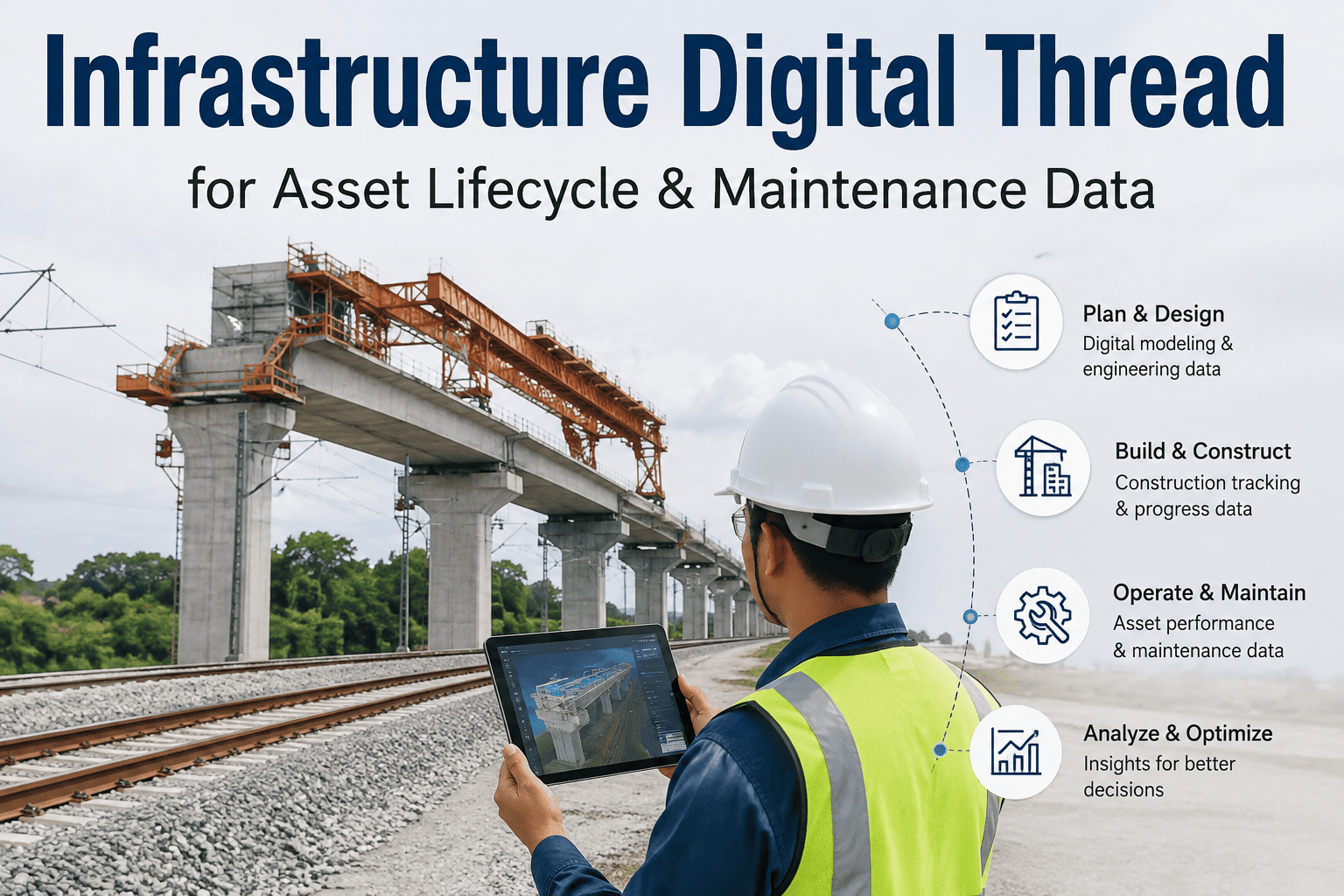
Every infrastructure asset generates a mountain of information before it ever enters service, from design drawings and construction submittals to commissioning checklists and warranty documents, yet most of that information never makes it into the hands of the team responsible for maintaining the asset for the next thirty years. Studies of building and infrastructure handovers have found that a significant share of lifecycle data is effectively lost the moment a project moves from construction to operations, forcing maintenance teams to manually reconstruct asset histories from PDFs, spreadsheets, and institutional memory. That gap only widens over time as inspection reports, repair records, and replacement parts data pile up in separate systems that were never designed to talk to each other. An infrastructure digital thread solves this by connecting design, construction, commissioning, inspection, maintenance, and replacement data into one continuous asset record instead of a series of disconnected handoffs. Infrastructure owners and asset managers evaluating what a connected lifecycle record looks like for their own portfolio can start by reaching out to the iFactory support team.
Your Asset's History Shouldn't Reset Every Time It Changes Hands
iFactory's digital thread links every stage of an asset's life, from design intent through construction records, commissioning data, inspections, and maintenance history, into one continuously updated record instead of a folder of disconnected files.
Why Asset Data Falls Apart Between Every Lifecycle Stage
Infrastructure data does not usually disappear all at once. It erodes gradually, at every handoff between the teams and systems responsible for a different phase of the asset's life, until what remains by the time an asset needs major maintenance bears little resemblance to what was actually built.
Handover Is Treated as an Endpoint
Construction teams often consider their job finished at handover, so asset data gets delivered as static documents instead of structured, ready-to-use records.
Every Stage Uses a Different System
Design tools, construction management platforms, commissioning software, and maintenance systems rarely share a common data structure, so information gets re-keyed or simply dropped between them.
Institutional Knowledge Walks Out the Door
Details that never made it into a formal record often live only in the memory of the engineers and technicians who worked on an asset, and that knowledge leaves when they do.
Inspection and Repair History Sits in Silos
Years of inspection reports and repair records accumulate in separate folders and systems, making it difficult to see a clear condition trend for any single asset.
What Gets Generated at Each Lifecycle Stage and Where It Usually Gets Lost
Each phase of an asset's life produces valuable data, but without a structured thread connecting those phases, most of that value never reaches the team that could actually use it during operations.
| Lifecycle Stage | Data Generated | Where It Typically Gets Lost | What the Digital Thread Preserves |
|---|---|---|---|
| Design | Models, specifications, design intent | Buried in CAD or BIM files never reopened after construction | Structured asset attributes linked to the physical asset record |
| Construction | As-built drawings, submittals, change orders | Static PDFs disconnected from the maintenance system | As-built configuration tied directly to each asset ID |
| Commissioning | Test results, warranty terms, startup baselines | Warranty and baseline data filed away and rarely referenced later | Warranty windows and baseline readings visible at the point of maintenance |
| Operations and Maintenance | Inspections, work orders, condition data | Scattered across CMMS entries, spreadsheets, and paper logs | Continuous condition history tied to the same asset record |
| Replacement or Renewal | Decommissioning notes, replacement specifications | Treated as a new asset with no link to prior history | Full prior lifecycle carried forward into the replacement asset's record |
The Systems a Digital Thread Needs to Connect
A digital thread is only as useful as the systems it actually connects. Rather than replacing the tools teams already use, it links the data those tools already produce into one continuous record.
Design and BIM Platforms
Model geometry, specifications, and design intent flow forward into the asset record instead of staying locked inside a design file nobody in operations opens.
Construction and Commissioning Records
As-built documentation, submittals, and commissioning test data attach directly to the asset they describe rather than sitting in a project archive.
CMMS and Enterprise Asset Management
Work orders, inspections, and maintenance history feed back into the same thread, keeping the asset record current as the asset ages in service.
IoT and Condition Monitoring Data
Live sensor readings and condition trends attach to the asset's historical baseline, giving current data the full context of how the asset has performed over time.
Stop Rebuilding Asset History Every Time It Changes Hands
iFactory connects design, construction, commissioning, and maintenance data into one continuously updated record per asset, so the next team never starts from a blank folder.
What Broken Lifecycle Data Actually Costs an Infrastructure Owner
Disconnected asset data rarely shows up as a single obvious expense. It shows up as dozens of small inefficiencies and a handful of large ones, and together they add up to a meaningful drag on how well an infrastructure portfolio is actually managed.
Time Lost Searching for Records
Technicians and engineers routinely spend hours per week hunting for the right specification, warranty document, or as-built drawing instead of doing the actual work.
Missed Warranty Claims
Warranty terms buried in commissioning paperwork often go unused simply because nobody realized a failed component was still covered when the repair was made.
Capital Planning Without Real History
Replacement and renewal decisions made without a full condition history tend to either replace assets too early or leave failing ones in service too long.
Compliance and Audit Exposure
Regulated infrastructure often requires a demonstrable record of inspections and maintenance, and fragmented data makes that record far harder to produce on demand.
How Fragmented Data Becomes One Living Asset Record
Turning years of scattered documents and disconnected systems into a genuine digital thread happens in stages, not all at once, and each stage adds a layer of usable structure to the record.
Data Capture and Ingestion
Design files, construction records, commissioning data, and existing maintenance history are pulled in from wherever they currently live.
Structuring and Asset Tagging
Unstructured documents and disconnected spreadsheet rows get tagged to a consistent asset identifier, so every piece of data has a clear home.
System Linking
The structured records connect to the systems teams already use daily, including CMMS, EAM, and condition monitoring platforms, rather than requiring a separate tool.
Continuous Synchronization
New inspections, work orders, and sensor readings update the same asset record automatically, keeping the thread current rather than letting it go stale again.
A Single Point of Access
Any team, from field technicians to capital planners, can pull a complete history for any asset from one place instead of assembling it from scratch each time.
A Composite Scenario: The Substation That Stopped Losing Its History
A regional infrastructure operator managing a portfolio of substations had a recurring problem where each major maintenance cycle started with weeks of searching through paper commissioning binders and disconnected spreadsheets just to confirm original equipment specifications and prior repair history. After connecting design records, commissioning test data, and five years of maintenance history into a structured digital thread for each substation asset, the team cut that pre-maintenance research time from roughly three weeks to under three days for a major transformer overhaul.
During that overhaul, the team also discovered an unused warranty extension on a component that had been flagged for replacement, buried in a commissioning document nobody had reopened since the substation was built. The claim was submitted and honored, offsetting a meaningful portion of the replacement cost that would otherwise have gone unrecovered.
The operator has since extended the same digital thread approach to two additional substations in the portfolio, using the first deployment as the template for how design, commissioning, and maintenance data get structured and linked going forward.
Common Mistakes Infrastructure Owners Make With Lifecycle Data
Treating Handover as a Document Delivery Event
Receiving a folder of PDFs at project closeout is not the same as receiving structured, usable asset data, even when every required document is technically present.
Starting the Thread Too Late
Waiting until an asset is already years into operation to build a connected record means reconstructing early lifecycle data that may no longer be easy to recover.
Building a Record Nobody Updates
A digital thread that only reflects data as of handover day loses its value quickly if new inspections and repairs are not continuously linked back to it.
Assuming One System Can Replace All the Others
Forcing every team onto a single new platform is slower and riskier than connecting the systems they already use into one shared thread of data.
Is Your Asset Portfolio Ready for a Digital Thread
You can name where your lifecycle data actually lives today
If your teams already know which systems hold design, construction, and maintenance records, that inventory is the right starting point for connecting them.
You have a consistent way to identify assets
A shared asset identifier across design, construction, and maintenance records makes linking historical data significantly faster, though one can also be established during the process.
Your maintenance systems can accept linked records
A digital thread only pays off if the CMMS or EAM your field teams already use can surface the connected history at the point of work.
Leadership wants lifecycle data to inform capital planning
A connected asset record delivers the most value when replacement and budget decisions are actually made using the full history it provides.
Frequently Asked Questions
How is a digital thread different from a standard BIM handover?
A BIM handover typically delivers a static as-built model and a set of documents at the end of construction, which is a valuable starting point but does not continue to grow once operations begin. A digital thread treats that handover as the first entry in a continuously updated record, linking every subsequent inspection, work order, and condition reading back to the same asset over its entire life. The two are complementary, with the digital thread carrying the BIM handover data forward instead of letting it go stale. Owners can see how this applies to their own portfolio by contacting iFactory support.
Do we need to migrate off our existing CMMS or EAM system?
No, a digital thread is designed to connect to the systems your teams already use rather than replace them. Most deployments link existing CMMS, EAM, and design or document management systems together so records flow between them, with new structured data captured going forward and historical data brought in progressively rather than all at once.
What happens to data from assets that were built years before this program started?
Existing documentation, however fragmented, can typically still be ingested and tagged to the correct asset, even when it originated well before a digital thread program began. The process usually starts with the highest-value or highest-risk assets in a portfolio, structuring available historical records for those first before expanding coverage to the rest of the asset base over time.
Can this scale across a large, multi-site infrastructure portfolio?
Yes, the platform is built to maintain a connected record for every asset across a large portfolio, whether that portfolio spans a single facility or dozens of sites and asset types. Most large-scale rollouts begin with one asset class or site as a proof of concept before scaling the same structure and connections across the wider portfolio. Book a demo to see how a phased rollout is typically scoped for a portfolio your size.
Who typically uses the digital thread day to day?
Field technicians use it to pull specifications, warranty status, and prior repair history at the point of a work order, engineers use it to understand design intent when planning a modification, and capital planners use the accumulated condition history to prioritize renewal and replacement budgets. Because all three groups draw from the same continuously updated record, decisions made at any stage are informed by the full lifecycle rather than whatever fragment of history happened to be on hand.
Give Every Asset a History That Follows It From Day One
iFactory builds a connected digital thread across design, construction, commissioning, and maintenance data, so your team always has the full asset history in one place before booking the next work order.