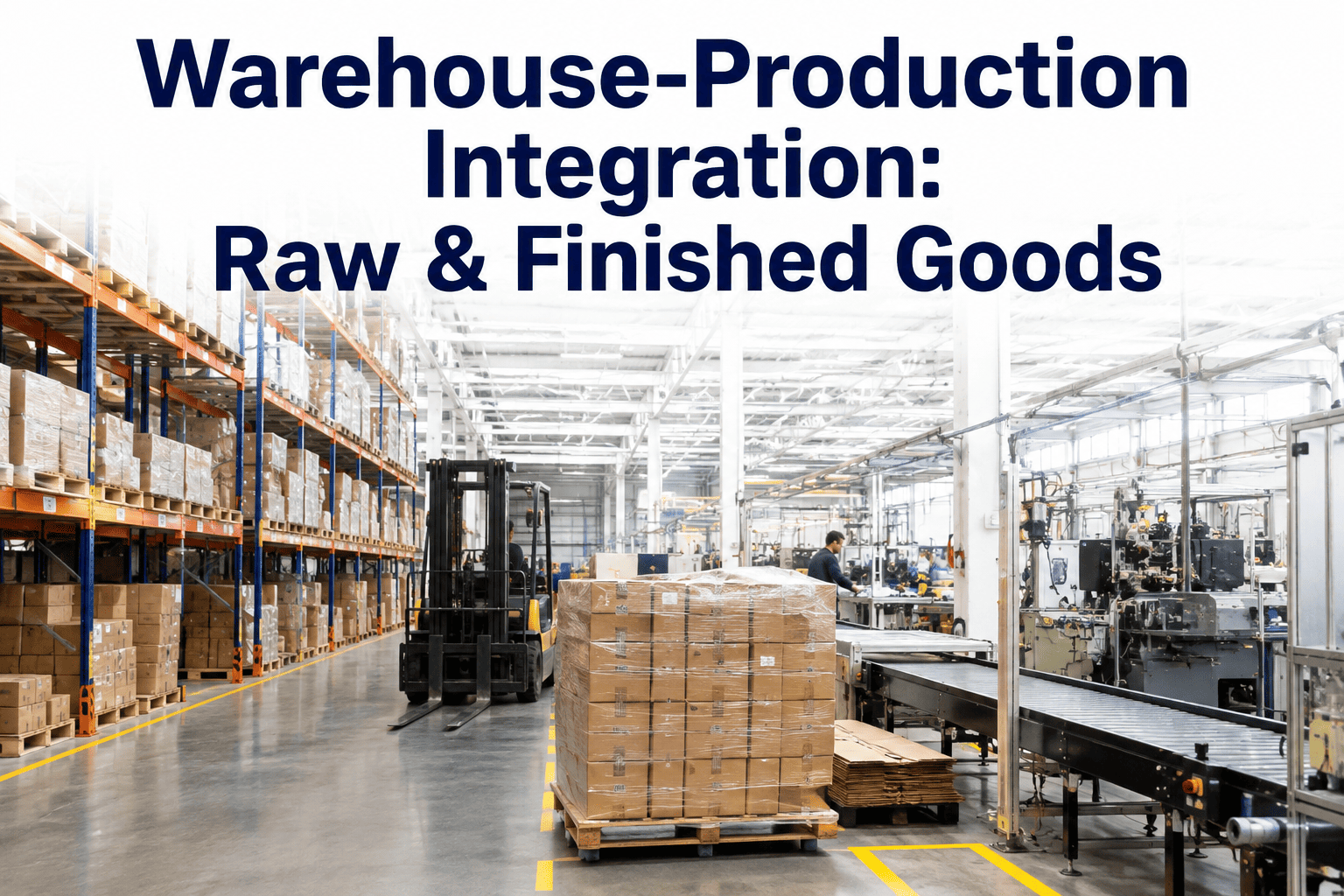
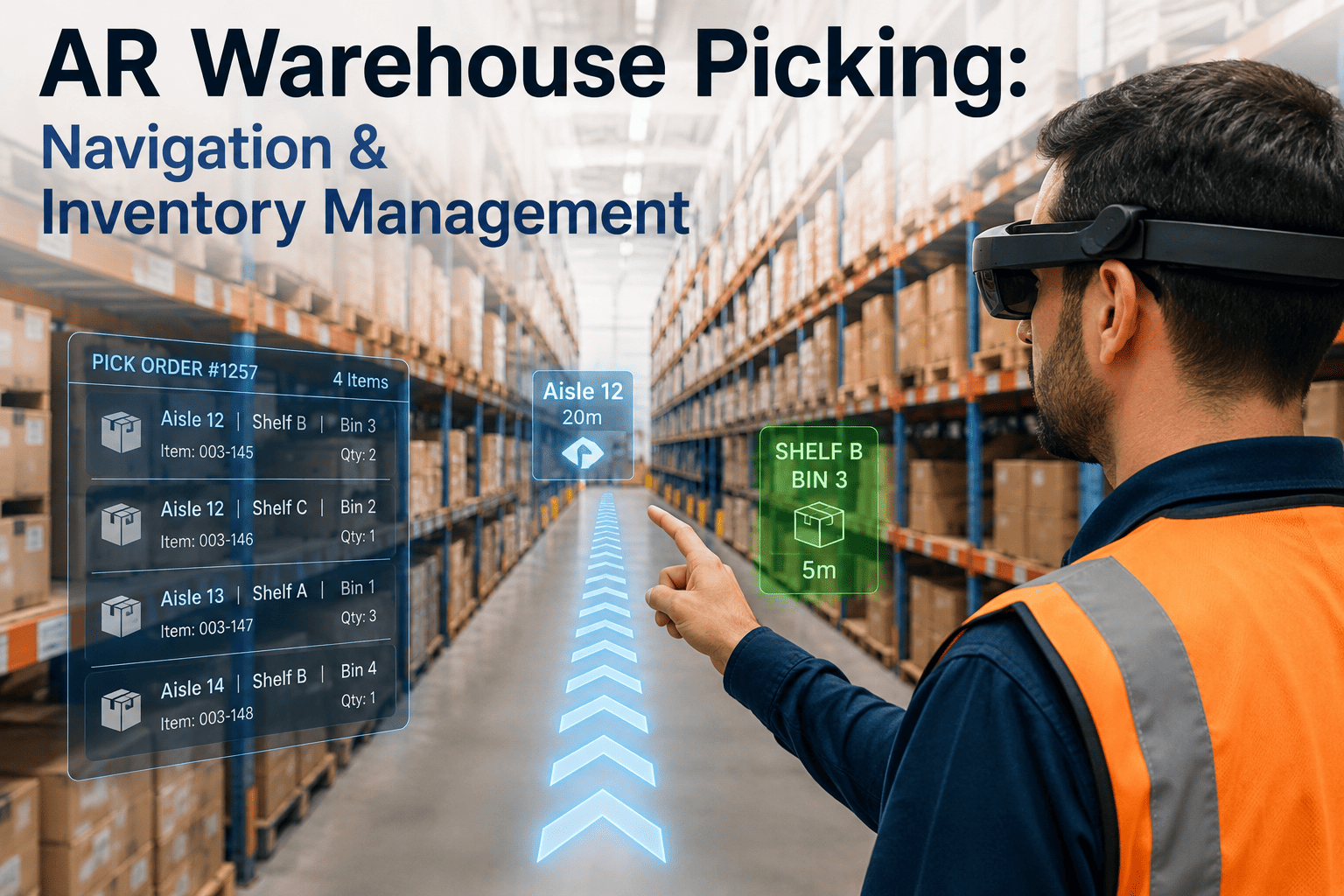
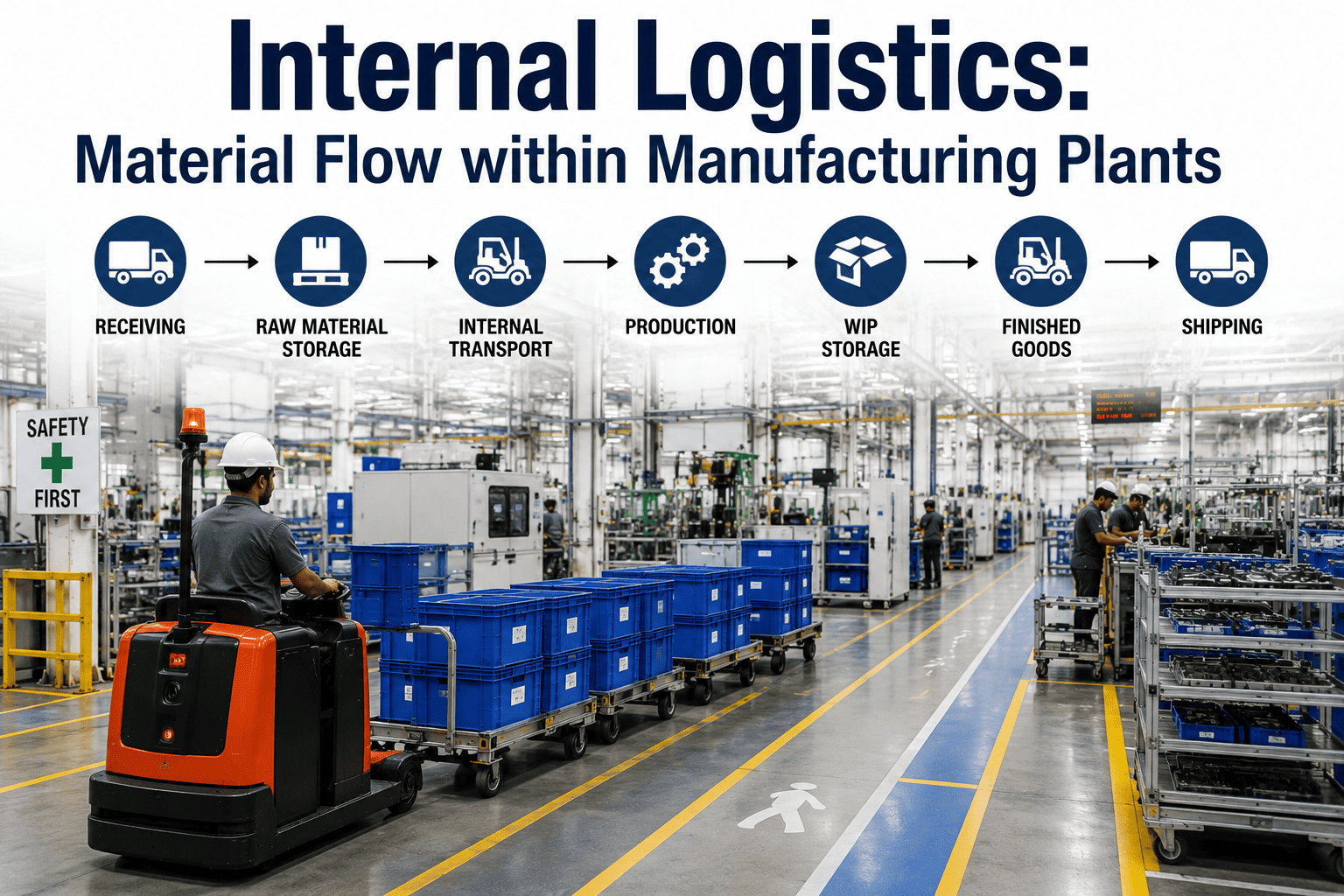
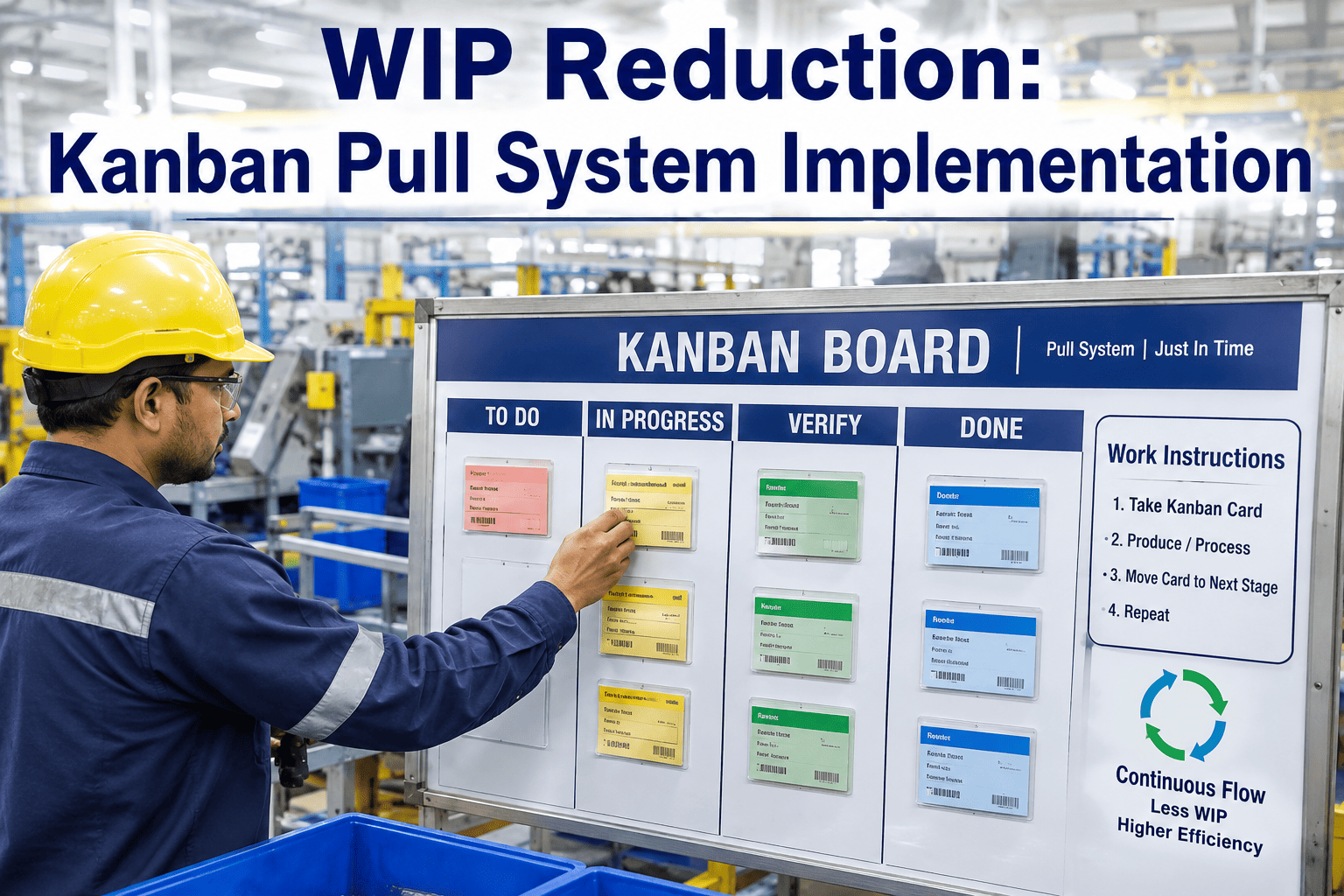
Warehouse-Production Integration: Raw & Finished Goods
By Johnson on August 12, 2026
A production line rarely stops because a machine fails. It stops because the raw material that should have been staged at the line an hour ago is still sitting on a receiving dock three aisles away, or because finished goods have nowhere to go and pull the whole cell to a crawl. Warehouse operations and production scheduling are usually run by two different teams, on two different systems, looking at two different versions of what is actually happening on the floor. That gap between what the warehouse thinks is available and what the line actually needs is where changeovers slip, where expediters run laps with a forklift, and where a plant that looks efficient on paper loses hours it never reports. See how iFactory connects warehouse and production data in one view at ifactory support.
iFactory Warehouse-Production Integration
Stop Running Your Warehouse and Your Line as Two Separate Plants
Connect raw material staging, WIP buffers, and finished goods movement to real production demand — so the line pulls what it needs, when it needs it, without a planner working the phones to find out where a pallet went.
The Cost of a Warehouse That Doesn't Know What the Line Is Doing
Most plants built their warehouse operation and their production schedule at different times, often with different software, and integrated them years later with a spreadsheet export and a daily stand-up meeting. That arrangement works fine on a slow day. It falls apart the moment demand shifts, a supplier ships early, or a work order gets pulled forward to cover a customer expedite, because nobody on the floor has a live picture of what material is actually staged, what is still in transit, and what the next four hours of production will actually consume. The four numbers below are what that disconnect costs a mid-size discrete or process manufacturer over the course of a year, and they are the ones plant managers usually underestimate until someone actually measures them, because each one shows up as a small, forgivable delay rather than a single dramatic failure that forces a fix.
15-20%
Of a material handler's shift spent searching
Walking the floor or checking multiple systems to confirm where a specific lot or component actually sits right now.
2-4 Hours
Average line-down time per stockout event
From the moment a cell runs dry to replenishment actually arriving line-side, including the time to notice and escalate.
8-12%
Excess WIP carried as a buffer against uncertainty
Extra work-in-process built up because nobody trusts the replenishment signal to arrive on time, so cells over-order to be safe.
1 in 4
Expedited internal moves that were preventable
Rush pallet moves triggered by a stockout that a live consumption signal would have flagged a shift earlier.
Three Material Flows That Decide Whether Production Waits
Warehouse-production integration is not one problem — it is three distinct material flows that each fail in a different way when they are not connected to real demand. Raw material staging determines whether the right component reaches the line before the work order calls for it. WIP buffers determine whether one station's output actually matches the next station's intake rate, rather than piling up or starving. Finished goods movement determines whether completed product clears the line fast enough to keep the last operation from backing up into the cell behind it. Treating these as one generic "inventory" problem is why most integration attempts stall — each flow needs its own trigger logic, its own buffer sizing, and its own visibility into what production is actually doing minute to minute.
Flow 1 · Inbound
Raw Material Staging
Getting the right component to the right point of use before the work order needs it, without staging so far ahead that the floor fills with material nobody is touching yet.
Kitting and sequencing tied to the actual production schedule, not a fixed daily pull list
Lot and expiry tracking that flags material approaching a use-by window before it becomes scrap
Point-of-use min-max levels set per line, not one blanket rule across the whole plant
Flow 2 · In-Process
WIP Buffers
Sizing the cushion between stations so a slower downstream step does not starve, and a faster upstream step does not flood the floor with half-finished product.
Buffer sizes calculated from real takt and cycle time data, not a fixed count set once at commissioning
Visual and system signals when a buffer crosses a high or low threshold during the shift
Root-cause visibility into which station is consistently overfilling or draining a shared buffer
Flow 3 · Outbound
Finished Goods Movement
Clearing completed product away from the last operation fast enough that it never becomes the reason the line ahead of it has to slow down.
Automatic pallet or tote moves triggered the moment a completion event posts, not on a fixed forklift route
Staging lane visibility so shipping knows what is ready before a truck is already at the dock
Direct tie-in to order status so customer service can answer a status question without calling the floor
How Material and Signal Move Through an Integrated Plant
See Your Own Floor Mapped
Walk Through Your Material Flow With Our Team
Bring a work order, a bill of materials, and a floor layout to the call. We will show you where your current handoffs between warehouse and production are losing time, before you commit to anything.
Most plants that have not integrated their warehouse and production systems are running a push model whether they call it that or not: material is released to the floor based on a schedule built the night before, and the warehouse's job is to have it ready by a fixed time regardless of what the line has actually consumed. A pull-based model flips that logic — replenishment is triggered by actual consumption at the point of use, so material only moves when a real signal says the line needs it. The comparison below lays out where each model tends to break down and what a plant gains by moving toward the pull side of that line, even if it never fully abandons scheduled staging for long-lead items.
Where Push and Pull Actually Differ on the Floor
Dimension
Push Scheduling
Pull-Based Replenishment
Trigger for material movement
Fixed schedule set in advance, regardless of actual line pace
Real consumption event at the point of use
Typical WIP levels
Higher, built as a buffer against schedule uncertainty
Lower, sized to actual takt and variability
Response to a schedule change
Requires a manual re-plan and re-release of material
Adjusts automatically as consumption patterns shift
Visibility needed
Snapshot reports reviewed at shift change or daily meeting
Continuous, near real-time data from the line
Failure mode when it breaks
Overstock at some stations, stockouts at others, at the same time
Delayed replenishment if the signal itself is slow or unreliable
The distinction matters most when a plant is deciding where to spend its integration budget first. A push model is not inherently wrong — long-lead items, imported components, and materials with minimum order quantities often still need to be scheduled and staged well ahead of when the line will actually touch them, because a pull signal alone cannot compress a six-week supplier lead time into a same-shift response. The mistake most plants make is applying push logic to everything, including high-turn components that could easily run on a simple consumption trigger, which is where the excess WIP and the phantom stockouts both tend to concentrate. A realistic integration plan usually keeps push scheduling for the genuinely long-lead materials and moves everything else onto a pull trigger, rather than treating the whole bill of materials as one uniform policy.
Why the Signal Matters More Than the Software
Plants sometimes approach warehouse-production integration as a software selection problem — pick a WMS, pick an MES, connect them, and the replenishment problem solves itself. In practice, the software is rarely the hard part. The hard part is defining a consumption signal that the floor will actually trust and act on consistently, shift after shift, without a supervisor having to double-check it. A signal that fires late, fires on the wrong SKU, or gets ignored during a busy hour is worse than no automation at all, because it teaches operators and handlers to route around the system rather than through it. That is why the mapping and buffer-sizing phases of a rollout matter as much as the technical integration itself — a system connected to a bad signal just automates the same confusion at higher speed.
This is also where a lot of plants underestimate the change-management side of the work. Material handlers who have spent years working off a printed pick list or a verbal request from a line lead need a real reason to trust a generated task queue over their own judgment, and that trust is built by the system being right consistently for weeks, not by a single successful pilot day. Building that credibility early, on a small and visible SKU set, is usually what determines whether the wider rollout gets adopted or quietly ignored six months later.
How a Pull Signal Actually Moves Through the Plant
Switching to pull-based replenishment does not mean ripping out a schedule entirely — most plants keep a master production schedule for planning and run pull logic underneath it for the physical material movement. The five steps below are what happens between a component being consumed at a station and its replacement arriving, and this is the sequence an integration project is actually automating, whether the trigger is a physical kanban card, a barcode scan, or a machine-generated completion event from the MES. None of these steps need to be invisible to the floor — operators and handlers should be able to see why a task was generated, not just that one appeared in their queue.
From Consumption to Replenishment in Five Steps
1
Consume
An operator pulls the last unit from a bin, scans a component into a work order, or a machine posts a completion event that implies material was used.
2
Signal
That consumption event is logged against the specific SKU, line, and location, and compared instantly against the min-max threshold set for that point of use.
3
Release
Once the threshold is crossed, a replenishment task is generated automatically in the warehouse queue, sequenced against other pending moves rather than sitting in an inbox.
4
Move
A material handler or automated transport picks the correct lot and delivers it to the point of use, guided by a task list rather than memory or a fixed milk-run route.
5
Confirm
Delivery is confirmed against the original signal, closing the loop and updating both the warehouse inventory record and the production system in the same transaction.
Curious what this loop would look like on your own bill of materials? Send us a sample work order and we will map the replenishment logic against it.
What Plants Actually Measure After Integrating Warehouse and Production
The value of connecting the warehouse to production shows up in metrics most plants are already tracking on a scorecard somewhere — they are just usually stuck at a plateau because the underlying data is fragmented across two systems. The four ranges below reflect what mid-size manufacturers have reported over the first year of running an integrated pull system, with the actual result depending heavily on how many SKUs are in scope, how variable the schedule is, and how disciplined the floor is about scanning or confirming events at the point of consumption.
30-45%
Reduction in line-down time from stockouts
Replenishment triggers before the buffer actually runs dry instead of after a station has already stopped.
15-25%
Lower WIP carrying levels across the floor
Buffers sized to real consumption data instead of a padded estimate nobody has revisited in years.
20-30%
Fewer expedited internal material moves
Handlers work off a generated task queue instead of reacting to a radio call from a stalled cell.
Same-Shift
Visibility into finished goods ready to ship
Shipping and customer service see completion events as they post instead of waiting for an end-of-shift count.
How the Integration Actually Rolls Out
Connecting a warehouse management system to a production floor is not a single software cutover — it is a phased effort that proves the replenishment logic on a small set of SKUs before it is trusted across the whole plant. The four phases below reflect how most mid-size manufacturers sequence the work, and each phase has a clear exit condition so the project does not stall in a permanent pilot without a decision to expand.
Phase 1
Map the Flow
Walk the actual physical path material takes today, from receiving through staging, WIP, and finished goods, and document every handoff where the warehouse and production systems currently disagree.
Phase 2
Set Buffer Logic
Calculate min-max levels and buffer sizes from real takt time and consumption data for the pilot SKUs, rather than carrying over legacy quantities set years ago.
Phase 3
Connect the Systems
Integrate the WMS and MES data streams so a consumption event on the floor automatically generates a replenishment task in the warehouse queue, tested against real work orders before going live.
Phase 4
Expand and Tune
Widen the SKU scope in stages, reviewing buffer performance and stockout data monthly to tighten thresholds as confidence in the replenishment signal grows.
Frequently Asked Questions
Do we need to replace our WMS or MES to connect warehouse and production data?
In most cases no — the goal is integration, not replacement, and the majority of deployments connect an existing WMS and MES rather than swapping either system out. The platform sits between the two, translating consumption events from the production side into replenishment tasks the warehouse system already understands, and posting delivery confirmations back so both systems stay in sync without manual reconciliation at shift change. Where a plant is running spreadsheets or a paper-based system on either side, that gap gets addressed during the mapping phase rather than assumed away. Talk to our integration team about what you are running today and what would actually need to connect.
How do you size WIP buffers correctly instead of just guessing at a number?
Buffer sizing starts with real cycle time and takt data pulled from the stations on either side of the buffer, not a number carried over from when the line was first commissioned. The calculation accounts for the variability between those two stations, including changeover frequency and typical downtime patterns, so the buffer is sized to absorb normal fluctuation without being padded as a hedge against uncertainty nobody has actually measured. That sizing is revisited during the tuning phase as real consumption data accumulates, so the buffer shrinks as trust in the replenishment signal grows. Book a walkthrough and bring your current buffer counts to compare against calculated targets.
What happens if the replenishment signal fails or a scan gets missed on the floor?
Missed scans and signal failures are treated as an expected part of floor operations rather than an edge case the system ignores, which is why threshold-based alerts and manual override paths exist alongside the automated trigger. If a consumption event does not post within an expected window relative to the production schedule, a supervisor gets an alert rather than the buffer silently running dry until someone notices at a stalled station. Every deployment includes a fallback procedure for handlers to manually request replenishment when the automated signal has not fired, so the floor is never left waiting on a system that missed one scan. Reach out to our support team for the specific fallback workflow used in your industry.
Can this handle multiple production lines with different consumption rates from one warehouse?
Yes, this is one of the more common deployment patterns, since most plants run several lines with very different takt times and material profiles out of a shared warehouse footprint. Each line gets its own min-max thresholds and buffer logic tuned to its actual consumption pattern, and the replenishment queue prioritizes and sequences tasks across all lines rather than treating every request as equally urgent. That prevents a fast, high-volume line from starving a slower specialty line's replenishment simply because it generates more frequent signals. Contact our team to walk through a multi-line configuration for your specific plant layout.
How long does a typical warehouse-production integration project take from kickoff to live operation?
A pilot scoped to a handful of high-volume SKUs on one or two lines typically moves from the mapping phase to live pull-based replenishment within eight to twelve weeks, depending on how much system integration work is required between the existing WMS and MES. Full-plant expansion beyond the pilot usually runs over several additional months as buffer thresholds are tuned and confidence builds with the floor teams actually running the new workflow. Timelines shift based on data quality going in — plants with clean, structured bill-of-materials and routing data move faster than those still working from static spreadsheets. Book a scoping call to get a realistic timeline for your specific plant.
Connect the Warehouse to the Line.
See Your Material Flow Mapped Against Real Production Data
Bring your current bill of materials and a rough floor layout. We will show you where raw material staging, WIP buffers, and finished goods handoffs are costing you time today, and what a pull-based signal would change.