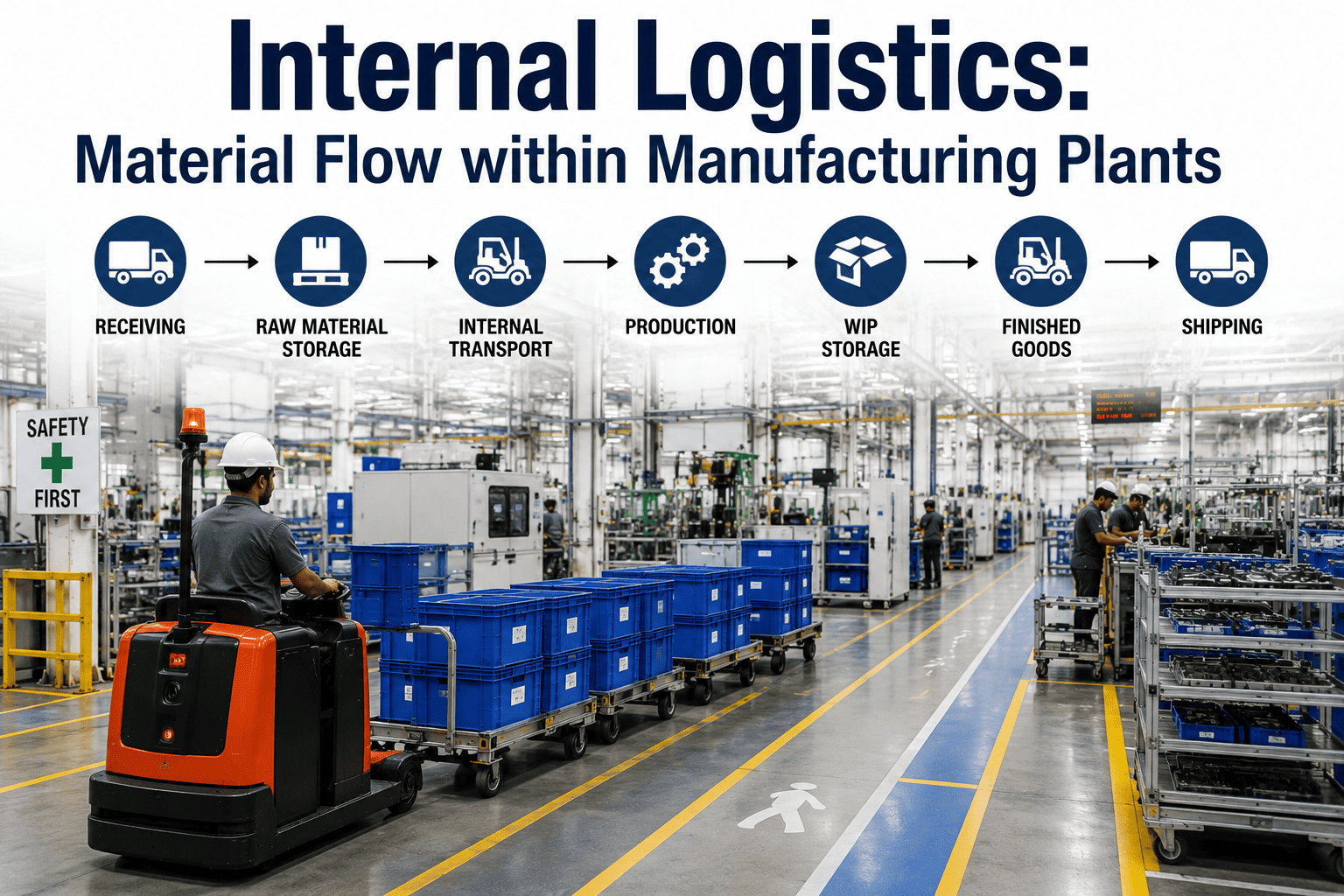
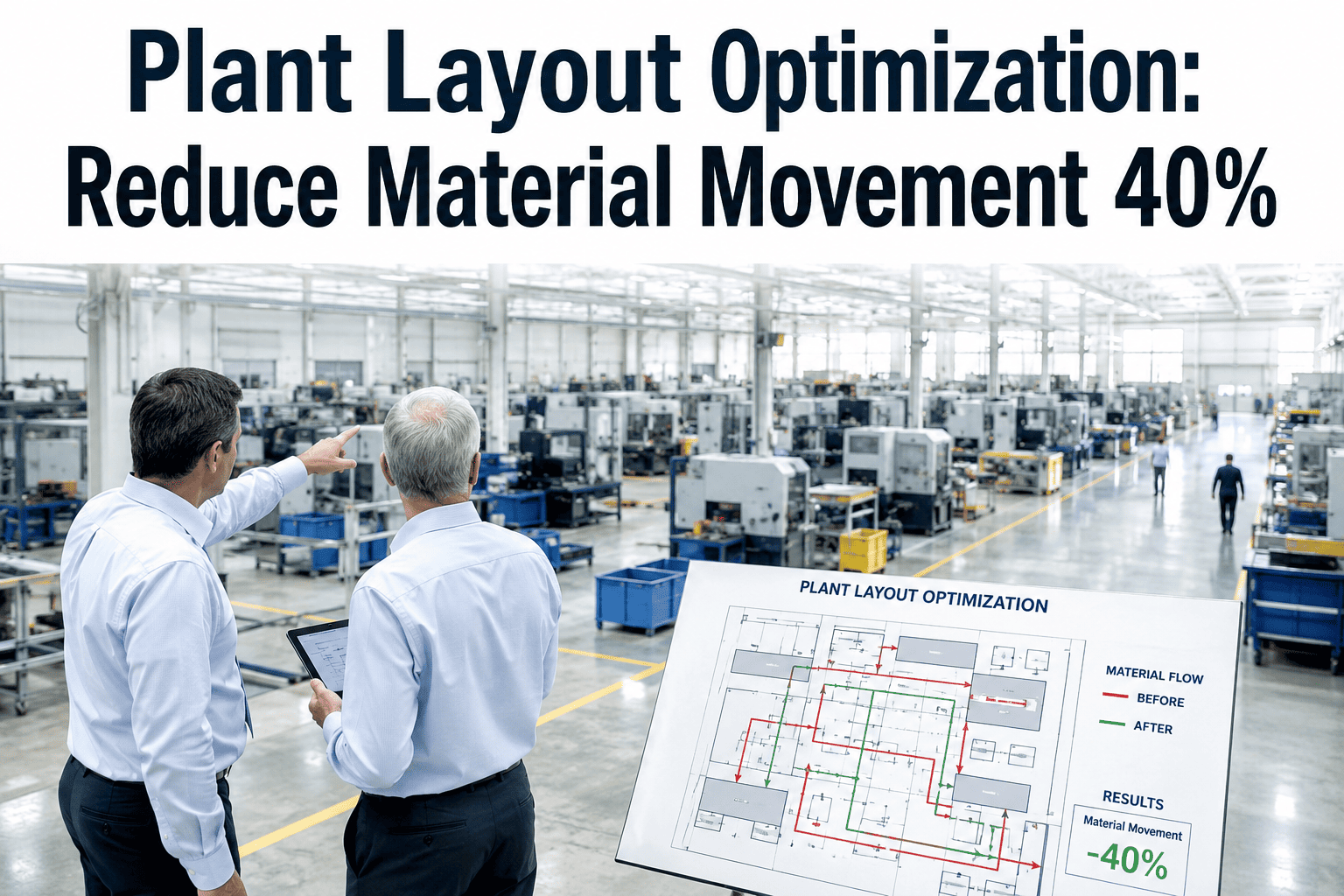
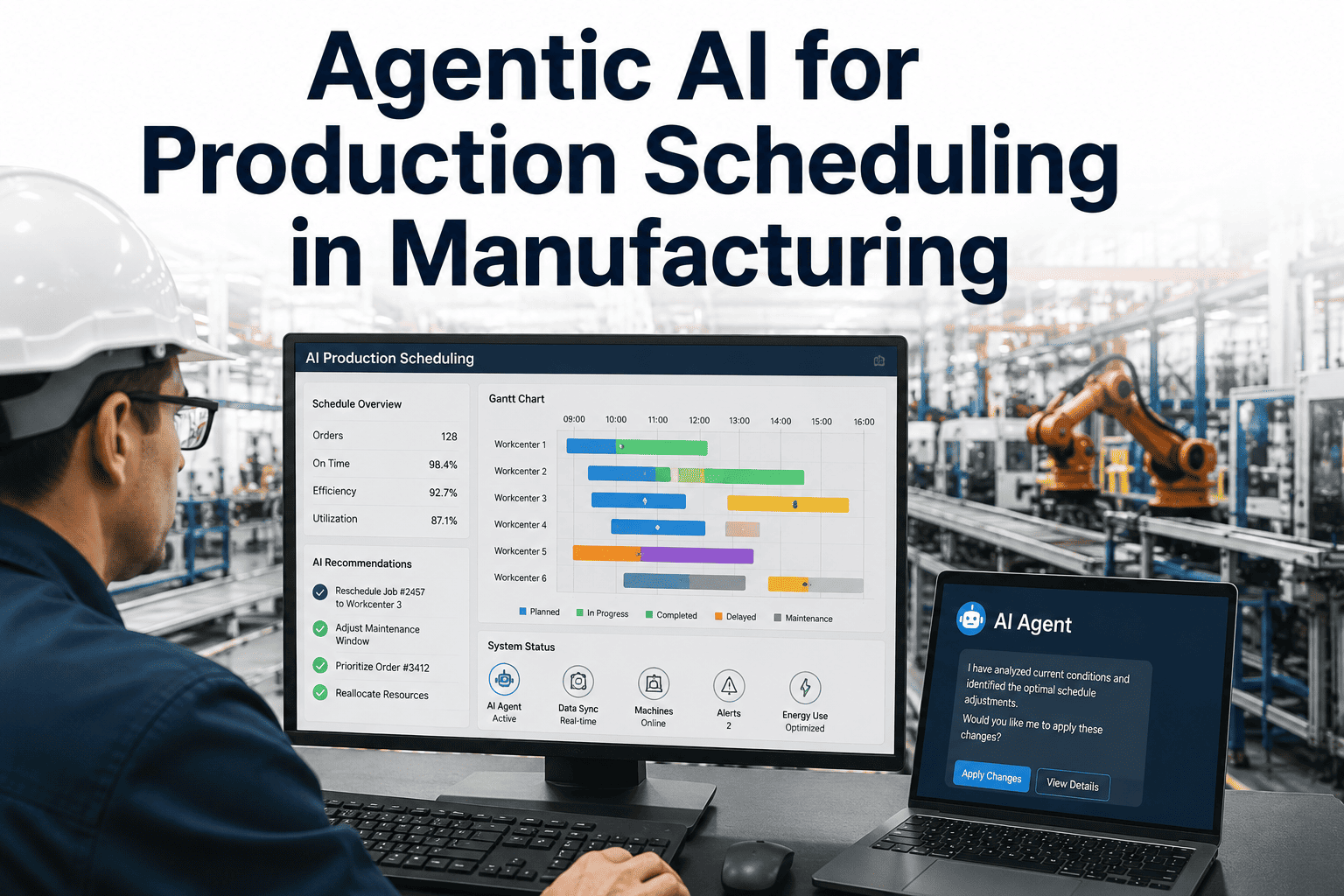
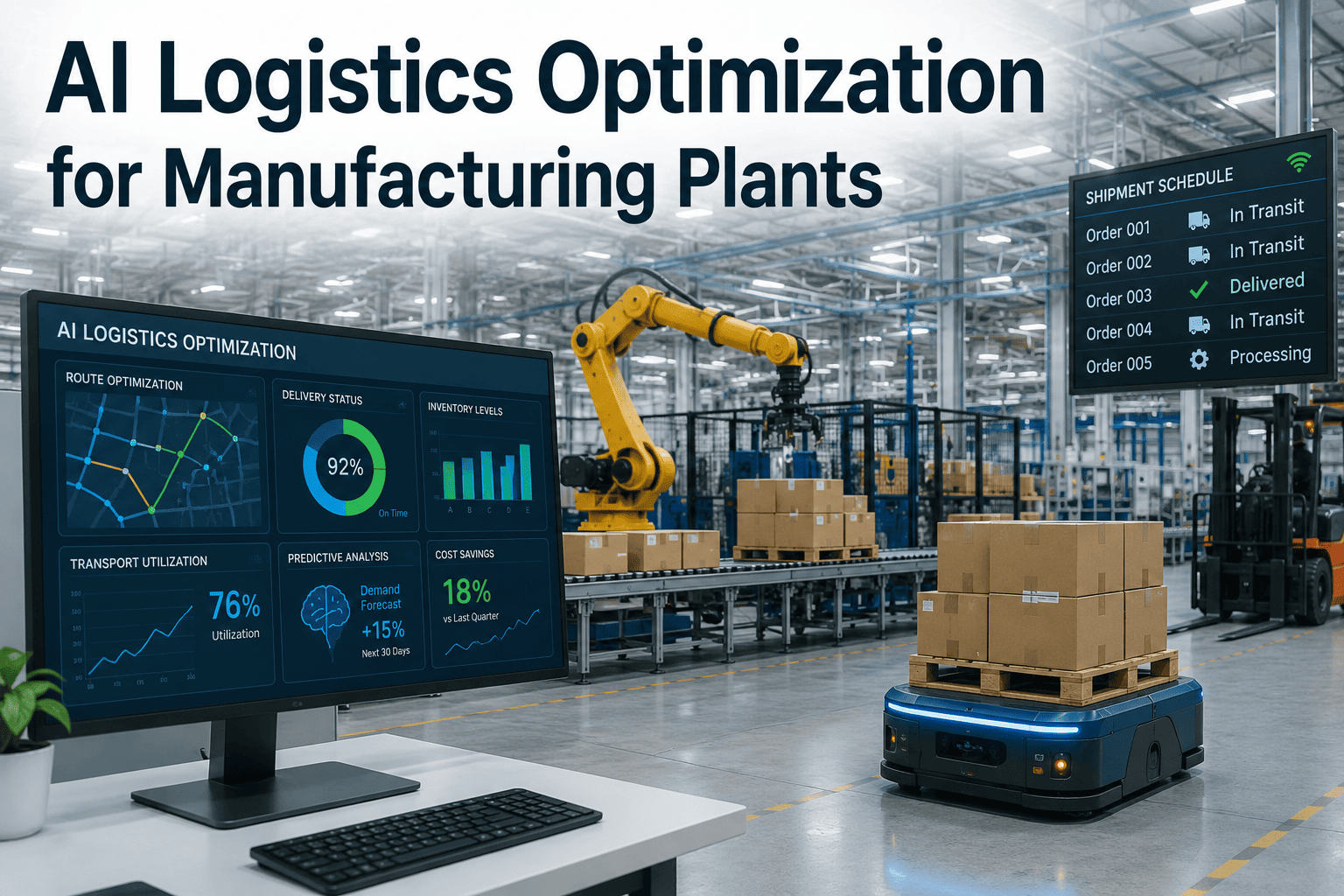
Walk the floor of almost any manufacturing plant and you will see it happening: a forklift idling at a crossover point, an operator scanning three aisles for a tote that should already be at the line. None of this shows up as downtime on a report, yet it quietly eats into cycle time every hour. Internal logistics is treated as background noise even though it decides whether every other investment in the plant pays off, which is exactly why it helps to book a demo and see how iFactory routes it differently.
INTERNAL LOGISTICS · MATERIAL FLOW · ROUTE INTELLIGENCE
Every Meter Material Travels Without Adding Value Is Cost You Are Already Paying
iFactory maps, monitors, and optimizes how material moves inside your plant, turning internal logistics from a source of hidden delay into a measurable driver of throughput, so every delivery, route, and replenishment decision is made from real data instead of habit.
THE HIDDEN COST
Four Places Where Material Flow Quietly Breaks Down
Material flow problems rarely announce themselves as the root cause of a missed production target. Instead they show up as inconsistent cycle times, operators standing idle waiting for parts, and a general sense on the floor that things are not moving the way they should. Below are the four breakdowns that show up most consistently once a plant actually starts tracing how material moves.
01
Congested Routes And Crossovers
Aisles that were never designed for today's volume become chokepoints where forklifts, tuggers, and pedestrian traffic compete for the same narrow space, and every one of those waits is time the line does not have.
02
Reactive Delivery Scheduling
Material is pushed to the line on a fixed run sheet instead of being pulled based on actual consumption, so operators either run out mid-shift or end up storing excess inventory right at the point of use.
03
No Visibility Into Where Material Sits
When a tote, pallet, or kit cannot be located without walking the floor, operators default to searching in person, which turns a two-minute replenishment into a fifteen-minute interruption to production.
04
Static, Manually Planned Routes
Dispatchers plan tugger and forklift routes from memory or a printed layout drawn years ago, so the route never adjusts when a line changes over, a dock gets busy, or a new work cell is added.
None of these four problems is dramatic on its own, which is exactly why they survive for years inside plants that otherwise track production metrics closely. A single blocked crossover costs a few minutes. A single late delivery costs a short pause at one station. A single search for a missing tote costs one operator's attention for a quarter of an hour. It is only when these events are counted across every shift, every route, and every department that the true scale of the problem becomes visible, and by then it has usually been absorbed into the plant's working assumptions about what a normal day looks like. Teams that map their internal logistics honestly, tracing exactly how a pallet moves from receiving to the line rather than how it was designed to move on paper, are almost always surprised by how much of their operating cost sits inside this invisible layer.
WHY IT ADDS UP
Small Delays Per Trip Become Large Losses Per Shift
A single delayed delivery or unnecessary detour looks negligible in isolation. Multiplied across every route, every shift, and every day of production, the same small inefficiencies compound into a measurable share of your total operating cost.
Travel Time On An Unmapped, Reactive Route
Travel Time On A Layout-Optimized Fixed Route
Travel Time On An AI-Routed, Demand-Based Delivery
Time Operators Spend Searching For Missing Material
HOW IT WORKS
What The Platform Actually Optimizes On Your Floor
iFactory does not replace your forklifts, tuggers, or AGVs, it decides where they go, when they go, and why, using real consumption data instead of a fixed run sheet drawn up once and never revisited.
Dynamic Route Optimization
Routes are recalculated continuously against live floor conditions, congestion at specific aisles, dock activity, and line status, instead of following a static path drawn on a layout drawing that is years out of date.
Consumption-Based Delivery Scheduling
Replenishment triggers off actual line consumption rather than a fixed interval, so material arrives before a station runs dry without stacking up excess inventory at the point of use.
Real-Time Material Location Tracking
Every tote, pallet, and kit is tracked from receiving through to line-side consumption, so an operator or supervisor can locate material in seconds instead of walking the floor to find it.
Congestion And Bottleneck Detection
The platform flags recurring congestion points, whether it is a single aisle, a dock door, or a crossover, and surfaces them with enough data to justify a layout change instead of a guess.
Kitting And Sequencing Support
For lines that consume kitted or sequenced components, the platform coordinates delivery order against the actual production sequence, so parts arrive in the order the line needs them rather than in whatever order they were picked.
Shift-Level Reporting And KPIs
Every route, delivery, and delay is logged and rolled up into shift and department level reporting, giving supervisors a way to see internal logistics performance without relying on anecdotal walk-throughs.
These capabilities are designed to work together rather than as separate tools bolted onto an existing process. A route recalculated without knowing real consumption levels is only half the improvement, and a delivery scheduled accurately but sent down a congested aisle still arrives late. Because iFactory tracks material location, consumption, and floor conditions in the same system, routing decisions account for all three at once, which is where most of the measurable gain in on-time delivery and reduced travel distance actually comes from.
Your Layout Did Not Cause This, Your Routing Decisions Did
Most plants do not need a new building or a bigger fleet, they need routes, schedules, and replenishment triggers that respond to what is actually happening on the floor right now. iFactory builds exactly that layer on top of the equipment you already run.
MATERIAL FLOW, MAPPED
How a Single Delivery Moves Through an Optimized Plant
The steps below trace one delivery from the moment it is triggered to the moment it lands line-side, showing exactly where the platform is making a decision instead of leaving it to habit or memory.
1
Consumption Signal Triggers The Request
A line-side sensor or scan event registers falling stock and generates a replenishment request automatically, rather than waiting for an operator to notice and call it in.
2
The Platform Checks Current Floor Conditions
Before a route is assigned, the system checks which aisles are congested, which tuggers are already loaded, and which dock is active, so the request enters a route that is actually clear.
3
A Route Is Assigned And Sequenced
The delivery is sequenced against other pending requests on the same run, so a single trip can serve multiple stations instead of dispatching a separate trip for each one.
4
Material Arrives Before The Line Runs Dry
Because the request was triggered off real consumption and routed around known delays, the material lands at the station with enough buffer to avoid a stoppage, without sitting there for hours beforehand.
5
The Trip Becomes Data For The Next One
Travel time, wait time, and any congestion encountered are logged automatically, which is exactly what feeds the route recalculation for the next delivery on that same path.
What makes this loop valuable is that it never stops running. A traditional run sheet is accurate on the day it is written and gradually less accurate every day after, as lines change over, new work cells get added, and traffic patterns shift. A continuously learning routing system does the opposite, it becomes more accurate the longer it runs, because every trip adds another data point about what actually happens on your floor rather than what was assumed when the layout was first designed.
HEAD TO HEAD
Manual Internal Logistics vs AI-Optimized Material Flow
The table below lines up the dimensions that determine whether material reaches the line on time, or whether the line finds out it is missing something only once production has already stopped. Most plants running manual internal logistics are not doing anything wrong on any single dimension, they are simply running a process that was built for a lower volume, a smaller part mix, or a layout that has since changed, and nobody has gone back to redesign it against current conditions.
MEASURED OUTCOMES
What Changes Once Internal Logistics Is Actually Optimized
These are the categories of improvement plants most consistently report after moving from manual, run-sheet based internal logistics to a continuously optimized, demand-driven material flow system.
30%
Lower Handling Cost
From Optimized Routing And Layout Decisions
25%
Higher Throughput
From Fewer Line Stoppages Waiting On Material
50%
Fewer Search Delays
From Real-Time Material Location Tracking
20%
Faster Changeovers
From Flexible, Data-Backed Route Planning
These figures are not the result of a single sweeping change, they are the compounded effect of removing dozens of small delays that used to be treated as unavoidable. A route that used to detour around a congested aisle now avoids it before the detour is even needed. A delivery that used to arrive on a fixed schedule regardless of demand now arrives when the line is actually ready for it. A tote that used to require a five-minute search is now located in seconds from a dashboard. None of these changes require a new building, a new layout, or a larger logistics team, they require a system that can see the floor continuously and make routing decisions from what it sees rather than from what was planned months earlier.
WHERE THIS MATTERS MOST
The Plants That See The Fastest Return From Optimized Material Flow
Internal logistics optimization helps almost any manufacturing environment, but the return is largest and fastest in a specific set of conditions, and it is worth checking how many of these apply to your own floor before assuming the improvement would be marginal.
High Mix, High Changeover Environments
Plants running many different parts or products on the same lines see the largest gains, because a fixed run sheet cannot keep up with routes and delivery timing that change every time the line changes over.
Multi-Shift, High-Volume Operations
Facilities running two or three shifts multiply every small delay across far more trips per day, which means the same percentage improvement in routing translates into a much larger absolute saving.
Brownfield Sites With Evolved Layouts
Facilities that have grown organically over years, with aisles and storage zones added around whatever space was available, tend to carry the most unmapped congestion and the most to gain from route intelligence.
Plants Already Investing In Automation Elsewhere
Facilities that have already automated inspection, quality, or production scheduling often find internal logistics is the remaining manual layer holding back the return on those other investments.
If even two or three of these describe your current operation, the underlying issue is very unlikely to be a lack of equipment or labor, it is a lack of visibility into how material is actually moving right now, today, on your floor, as opposed to how it was designed to move when the layout was first drawn.
FREQUENTLY ASKED QUESTIONS
Questions Plant And Logistics Leaders Ask Before Getting Started
Do we need to replace our forklifts, tuggers, or AGVs to use this platform?
No, iFactory is built to sit on top of the equipment you already operate rather than requiring a fleet replacement. It optimizes the routing, scheduling, and sequencing decisions that direct your existing forklifts, tuggers, and any AGVs you have deployed, so the value comes from smarter dispatch rather than new hardware. Most plants start with their current equipment and only evaluate additional automation later, once the routing data shows exactly where it would help most. You can walk through your current fleet and layout in a
demo session to see what a rollout would look like.
How does the system know when a line is actually running low on material?
Consumption is tracked through a combination of scan events, sensor data, and integration with existing production and inventory systems, depending on what your plant already has in place. Rather than relying on a fixed replenishment interval, the platform watches real usage patterns at each station and triggers a delivery request before the buffer runs out. This is configured specifically for your part mix and line speed during onboarding, so the trigger points reflect how your plant actually consumes material.
Can this handle a plant with multiple buildings or a complex, irregular layout?
Yes, the routing engine is built to work with the layout you actually have rather than requiring a simplified or idealized floor plan. Multi-building sites, irregular aisle structures, and mixed pedestrian and vehicle zones are all mapped individually so routing decisions respect real constraints like dock locations, crossover restrictions, and safety zones. Complex layouts are exactly where continuous route optimization tends to show the largest measurable improvement, since manual planning struggles most in these environments.
How long does it take to see a measurable improvement after deployment?
Most plants see early signals within the first few weeks, particularly around reduced search time and fewer congestion incidents on the busiest routes, since those improvements come directly from visibility rather than a process redesign. Larger throughput and cost improvements typically build over a full production cycle as the routing engine accumulates enough trip data to optimize confidently. Our team reviews these milestones with you during the rollout so progress is visible rather than assumed, and you can raise any questions through
our support team at any stage.
What does the pilot or evaluation process typically look like?
A pilot usually starts with mapping your current material flow on a single line or zone, identifying the routes and delivery patterns causing the most delay, and then running the optimized routing alongside your existing process for a defined comparison period. This lets your team see the difference directly rather than relying on projected numbers alone. From there, expansion to additional lines or the full facility is scoped based on what the pilot data actually shows. The best next step is to
book a demo and walk through what a pilot would look like on your floor specifically.
Stop Planning Routes From Memory And Start Routing From Data
Every congested aisle, delayed delivery, and search for missing material is a signal your current process is not using. iFactory turns that signal into routes, schedules, and replenishment decisions that keep your lines running.