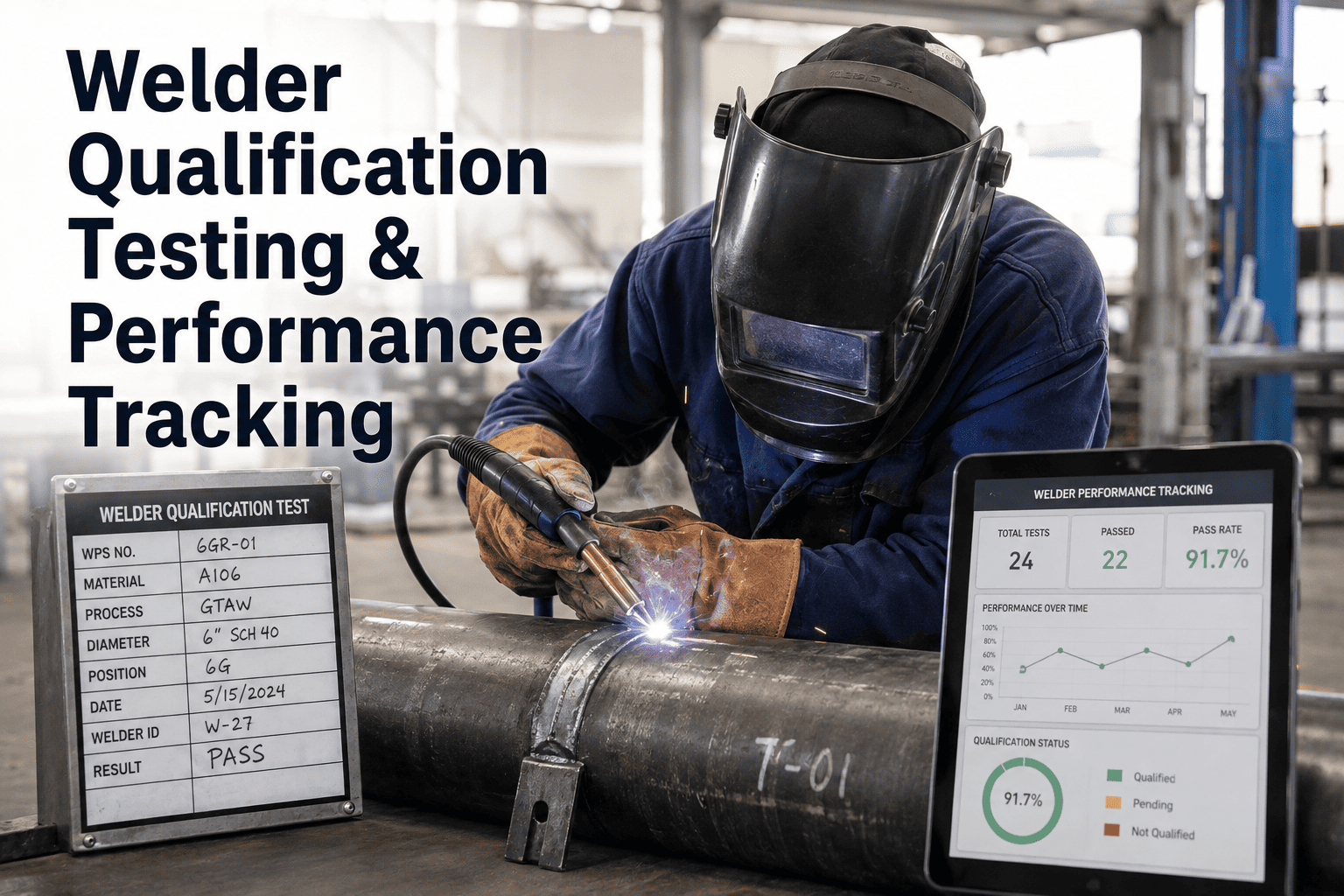
A welder who passed a 6G pipe test in March and has not touched a GTAW rig in seven months is, on paper, still qualified. In practice, that qualification lapsed at the six-month mark under both AWS D1.1 and ASME Section IX continuity rules, and the fabricator who unknowingly assigned that welder to a pressure-piping joint is one audit finding away from a full production hold. Welder qualification is not a filing-cabinet problem — it is a live data problem, where continuity windows, essential-variable ranges, reject-rate trends, and code-specific validity rules all move on their own clocks and need to be checked before a name goes on a work order, not after. Fabrication managers who want to see how continuity, WPQ ranges, and reject-rate dashboards can live in one system can book a demo to walk through iFactory's welder module.
WELDER QUALIFICATION + PERFORMANCE TRACKING + AUDIT READINESS
Welder Qualification Testing and Performance Tracking, End to End
Initial qualification, continuity monitoring, requalification triggers, and live reject-rate dashboards — every welder, every code, every essential variable, in one auditable system your QC manager can defend on inspection day.
Why Spreadsheet Welder Tracking Fails at the Worst Possible Moment
Most fabrication shops start with a welder qualification spreadsheet — one row per welder, columns for test date, position, process, and code — and that spreadsheet works fine for the first year. It stops working the moment the shop grows past twelve or fifteen welders, adds a second code to its scope, or lands a customer that requires reject-rate tracking with monthly submittals. From that point forward, the spreadsheet does not fail visibly — it fails silently, letting expired continuity windows slip through, letting essential-variable violations onto production joints, and leaving the QC manager to reconstruct the trail under audit pressure when the finding has already been written.
1
Continuity clocks run per-process, not per-welder
A welder qualified in SMAW, GTAW, and FCAW has three independent six-month clocks running. A spreadsheet flags none of them until someone manually opens the file and checks each row.
2
Essential-variable ranges get memorized, not enforced
A WPQ qualifies a specific thickness, diameter, and position range. Production work orders regularly drift outside those ranges when the person assigning the joint does not have the WPQ open in front of them.
3
Reject rates hide in the NDT folder
Radiography and UT reports live in a project directory, not linked to the welder who made the joint. Rolling reject-rate trends per welder require someone to build them by hand every month.
4
Audit day becomes archaeology
When a customer or code inspector asks for a specific welder's twelve-month continuity log with production examples, the QC team spends two days digging through weld logs, project folders, and email chains to reconstruct it.
The Welder Qualification Lifecycle — Six Stages That Have to Stay in Sync
Welder qualification is not a single event. It is a continuous lifecycle that runs from initial screening through production, monitoring, expiration, and either renewal or requalification — and every stage generates data the next stage depends on. Understanding these six stages as a connected loop, rather than six independent tasks, is the difference between a program that stays audit-ready by default and one that only holds up when someone remembers to check it.
STAGE 1
Screening and Pre-Test
Verify prior qualifications, review pre-employment weld sample, confirm which code and process scope the welder will test against, book the test coupon and CWI witness time.
↓
STAGE 2
Test Coupon and WPQ
Weld the qualification coupon under witness, run visual inspection followed by bend, radiography, or macroetch per the code, and generate the Welder Performance Qualification record.
↓
STAGE 3
Scope Assignment
Publish the qualified range — process, thickness, diameter, position, F-number, filler class — to the work-order system so no joint outside that range can be assigned to the welder.
↓
STAGE 4
Production and Continuity Logging
Every production weld logged against welder, process, WPS, and joint, with the six-month continuity clock automatically reset each time a process is used and documented.
↓
STAGE 5
Performance Monitoring
NDT results link back to the welder record, driving rolling reject-rate calculations by process, WPS, and joint type — with trend alerts before the rate crosses a customer or internal threshold.
↓
STAGE 6
Renewal or Requalification
If continuity is maintained, qualification extends indefinitely. If continuity lapses or an essential variable changes, the system triggers requalification before the welder can be assigned in-scope work.
Code Differences That Trip Up Shops Working Under More Than One Standard
A single-code shop can build a program around AWS D1.1, ASME Section IX, or API 1104 and stay compliant with disciplined recordkeeping. A shop working under multiple codes — structural fabrication for one customer, pressure piping for another — has to manage three overlapping rule sets simultaneously, and the differences are not academic. A welder qualified to D1.1 is not automatically qualified to ASME IX, plate qualifications behave differently between the codes for pipe work, and continuity rules diverge in ways that quietly invalidate qualifications a QC manager assumed were still live.
| Rule | AWS D1.1 | ASME Section IX | API 1104 |
| Governs |
Structural steel |
Pressure vessels and piping |
Pipeline transmission |
| Continuity window |
6 months |
6 months |
6 months |
| Plate qualifies pipe? |
Per D1.1 Table 4.1 rules |
Only pipe over 24 inch OD |
Pipe test required |
| All-position plate scope |
3G plus 4G |
2G plus 3G plus 4G |
N/A pipe-only code |
| All-position pipe scope |
5G plus 6G required |
6G qualifies all positions |
Position-specific per test |
| Prequalified WPS allowed |
Yes for defined joints |
No PQR always required |
Procedure qualified per test |
| Requalification trigger |
Essential variable change |
Any essential variable per QW-350 |
Any essential variable change |
| Renewal after lapse |
Retest per code |
Retest per QW-322 |
Retest per code |
Manage Every Code, Every Welder, in One Auditable View
iFactory tracks AWS D1.1, ASME Section IX, and API 1104 side by side — each welder's qualifications, continuity clocks, and scope ranges live and code-aware, so scope violations get blocked at work-order assignment, not caught in audit.
The Six-Month Continuity Clock — Visualized Per Welder, Per Process
Under every major welding code, a welder's qualification remains valid indefinitely as long as they use the qualified process at least once every six months and the employer documents that use. Miss a single six-month window on a single process, and that specific process qualification expires — the welder retains their other process qualifications but must retest before returning to production on the lapsed one. The visualization below shows how this typically plays out for a multi-process welder across a rolling twelve-month view, and why manual tracking fails so consistently at the shop-floor scale.
GTAW
Warning — 45 days to expiry
FCAW
Active — used 2 weeks ago
GMAW
Expired — requalification required
Each process runs its own six-month clock. iFactory resets the clock automatically each time a production weld is logged under that process, sends a 60-day and 14-day warning before expiry, and blocks work-order assignment on expired processes until requalification.
Essential Variables — The Small Print That Invalidates Qualifications
Every code defines a list of essential variables that, when changed beyond a specified range, require the welder to requalify. These are not paperwork technicalities — each essential variable represents a change in the physics of the weld being produced. Assigning a welder to a joint that crosses one of these boundaries invalidates the qualification for that joint even if the WPQ is otherwise perfectly valid, and it is one of the most common findings in customer and third-party audits of fabrication shops.
Welding Process
Change from SMAW to GTAW, GMAW to FCAW, or any process substitution requires requalification for the new process — a welder qualified in one process is never automatically qualified in another.
Filler Metal F-Number
A change from one F-number group to another under ASME IX requires requalification. Filler classification changes are one of the most-missed essential variables in day-to-day work-order assignment.
Backing Present or Removed
Qualifying with backing does not qualify a welder to weld without it. Open-root joints require a specific test, and this is one of the highest-risk fields to get wrong on a production assignment.
Position
Each position tested qualifies a specific range of production positions. Assigning a welder qualified only in flat position to an overhead joint invalidates the qualification for that specific weld.
Thickness Range
The thickness of the test coupon defines the range of production thicknesses covered. A thin-plate qualification does not cover heavy-plate work, and drift here is a common audit finding.
Pipe Diameter Range
Diameter ranges are tightly defined per code. Under ASME IX, plate qualification does not cover pipe 24 inch OD and under — a rule regularly missed in shops transitioning between structural and pressure work.
Performance Tracking — The Metrics Customers Actually Ask For
Qualification proves a welder can weld to a code. Performance tracking proves they are still producing acceptable work today. Every serious fabrication customer — energy majors, EPCs, aerospace primes, pressure vessel end users — asks for the same core metrics in some form during vendor qualification and monthly project reviews, and shops that can produce these metrics on demand consistently win repeat work over shops that need two weeks to compile them by hand.
Welder Performance Dashboard — What Belongs on It
Reject Rate
Rolling 30 / 90 / 365 day
Percentage of joints rejected on NDT, per welder, per process. Trended over time with alert thresholds for customer contract limits.
Repair Rate
Rolling 90 day
Percentage of joints requiring rework after any inspection type. Tracked separately from reject rate because it captures visual and dimensional issues too.
Joints Completed
Per shift / per week
Productivity baseline for capacity planning, tracked alongside quality metrics so productivity gains are never mistaken for corner-cutting.
Continuity Status
Per process, live
Days remaining on each process qualification, colour-coded by risk band. Feeds daily supervisor huddle before shift assignments.
Coverage Ratio
Current backlog
Percentage of open work-order joints that current qualified welders can legally accept, flagging capacity gaps before they cause schedule slips.
NDT Cost per Weld
Rolling 90 day
Total NDT and rework cost divided by joints produced, per welder. The single best proxy metric for true weld quality economics.
A Rolling Reject-Rate Read — What the Trend Actually Tells You
Reject rate on any single week is noise. A twelve-week trend is signal. The chart below shows how a welder's rolling reject rate typically behaves under a properly instrumented performance program, and why a shop that only reviews reject rates monthly is often three or four weeks late to intervene on a welder who is already drifting outside the customer's contractual limit.
Rolling Weekly Reject Rate — Sample Welder, 12 Weeks
Within threshold
Warning band
Contract limit breached
iFactory computes the rolling reject rate every time an NDT result is logged, sends an early-warning alert at the first warning-band week, and escalates to the QC manager before the trend crosses the contract limit — turning reject-rate management from a monthly review into a daily control loop.
Audit-Readiness Scorecard — What an Inspector Actually Asks For
Third-party auditors and customer QA representatives all follow a similar script when they review a welder qualification program. The seven checks below are the ones that consistently drive findings, and a shop that can answer each one in under two minutes during the opening meeting has effectively pre-passed the qualification section of the audit before the site walk even begins.
01
Show me the current WPQ for welder [name].
Full record with CWI signature, test coupon photos, bend or radiography evidence, and qualified range summary — retrievable in one click from the welder profile.
02
Prove continuity on all their qualified processes over the past six months.
Continuity log showing at least one production weld logged per process per six-month window, with dates, WPS numbers, and joint IDs supporting each entry.
03
Give me the reject rate for this welder over the last quarter.
Rolling 90-day reject rate with underlying NDT report references, broken down by process and WPS, comparable to customer contractual thresholds.
04
Show me a production joint outside this welder's qualified range.
The expected answer is zero — the work-order system should have blocked out-of-scope assignment. If any exist, the system flags them with an exception log and root cause.
05
Walk me through how you handle an essential variable change mid-project.
Documented procedure showing the trigger, the requalification path, and evidence that no production welds went through during the gap between old qualification lapse and new qualification issue.
06
Who is your CWI and when was their last certification renewal?
CWI certificate on file, renewal date tracked with an alert cadence matching welder continuity — inspection personnel qualifications are audited with the same rigour as welder qualifications.
07
If a customer disputed a joint made six months ago, could you tell me who welded it under which WPS?
Full traceability from joint ID back to welder, WPS, filler metal heat number, NDT result, and inspection sign-off — the traceability audit that separates serious shops from paperwork shops.
Frequently Asked Questions About Welder Qualification and Performance Tracking
How long is a welder qualification actually valid?
Under AWS D1.1, ASME Section IX, and API 1104, a welder's qualification for a given process remains valid indefinitely as long as the welder uses that process at least once every six months and the employer documents that use. AWS D9.1 extends the continuity window to twelve months. If more than six months pass without documented use of a specific process, that process qualification expires and requires retest per the applicable code before the welder can be assigned production work on it. Other process qualifications the welder holds are unaffected — expiry runs on a per-process clock, not a per-welder clock.
Does a welder qualified under AWS D1.1 also qualify under ASME Section IX?
No. Qualifications under one code do not automatically transfer to another. A welder qualified to AWS D1.1 for structural steel is not qualified to weld pressure-retaining components under ASME Section IX, and vice versa. If a project specification calls out a specific code, the welder must hold a current qualification under that specific code. Shops working across multiple codes typically qualify their core welders under two or three codes simultaneously and track each qualification independently, since continuity and essential-variable rules differ between codes. Teams handling multi-code operations can
contact support to walk through code-specific tracking setup.
What triggers a requalification versus a simple recertification?
A recertification generally applies when a qualification has lapsed on continuity — the welder simply retests on the same coupon type to restore the same qualified range. A requalification applies when an essential variable changes — process, filler F-number group, backing versus no backing, position outside the current range, or a change in code — and the welder must test against the new variable set. The distinction matters because recertification is usually a same-day workshop test, while requalification often requires a new test plan, new coupon type, and re-review of the qualified range summary against the project specification.
What reject rate is considered acceptable for tracked welders?
Acceptable reject rates are contract-specific and vary widely by industry. Pressure vessel and pipeline work commonly runs contractual limits of 2 to 5% on radiography, while structural steel with visual and magnetic particle inspection may tolerate higher visual rework rates before triggering a hold. What matters more than an absolute number is the trend — a welder holding steady at 3% for a year is a lower risk than one climbing from 1% to 4% over eight weeks, even though the second welder is still nominally within limits. Rolling trend tracking with early-warning alerts consistently catches drift weeks before contractual thresholds are breached.
Do we need software, or can a well-run shop stay compliant on spreadsheets?
Very small shops with under about ten welders working under a single code can stay compliant on disciplined spreadsheets, provided a single dedicated person owns the file and reviews it weekly. Beyond that scale, or the moment a second code enters the scope, the manual overhead of tracking per-process continuity clocks, essential-variable ranges, and rolling reject rates across every welder becomes the source of the compliance failures the spreadsheet was meant to prevent. The threshold most shops cross without noticing is not a welder count but a customer requirement — the day a customer asks for monthly reject-rate submittals per welder, the spreadsheet becomes the bottleneck. Shops considering the transition can
book a demo to see a live welder module before deciding.
Run Every Welder, Every Code, and Every Reject Rate in One System
iFactory manages initial qualification, per-process continuity, essential-variable enforcement at work-order assignment, and live reject-rate dashboards for every welder in your shop — audit-ready by default, not by scramble.