A gas monitor beeping on a worker's belt and a heads-up display flashing a warning inside a hard hat are two separate events until something connects them, and on most sites nothing does. The monitor logs locally, the hard hat's alert disappears the moment the worker looks away, and the fall-detection harness only matters if someone happens to be watching the right screen at the right second. iFactory pulls smart PPE data into one continuous safety picture instead of a dozen disconnected devices, and the integration model is covered in detail through iFactory support.
Connected Worker Safety · Smart PPE
Your Workers Are Already Wearing Sensors. Most of That Data Never Leaves the Device.
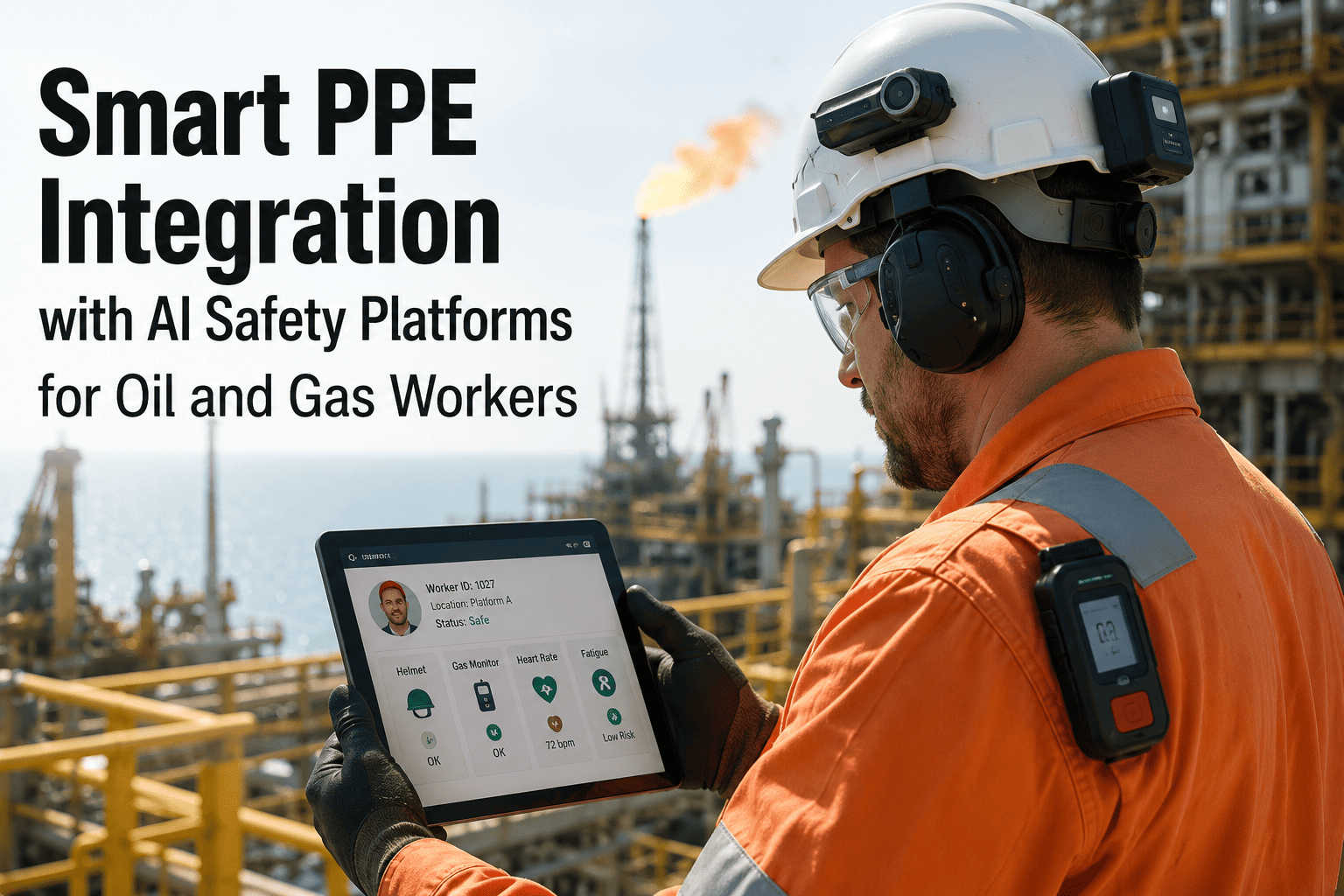
iFactory unifies smart hard hats, gas monitors, heads-up displays, and fall-detection harnesses into one platform, turning isolated device alerts into a coordinated, site-wide safety response.
What's Already on Your Workers
Four Categories of Smart PPE Most Oil and Gas Sites Already Deploy Somewhere
Smart Hard Hats
Impact detection, slip and fall sensors, and in some models fatigue monitoring through built-in accelerometers, typically reporting to a standalone app rather than a site-wide system.
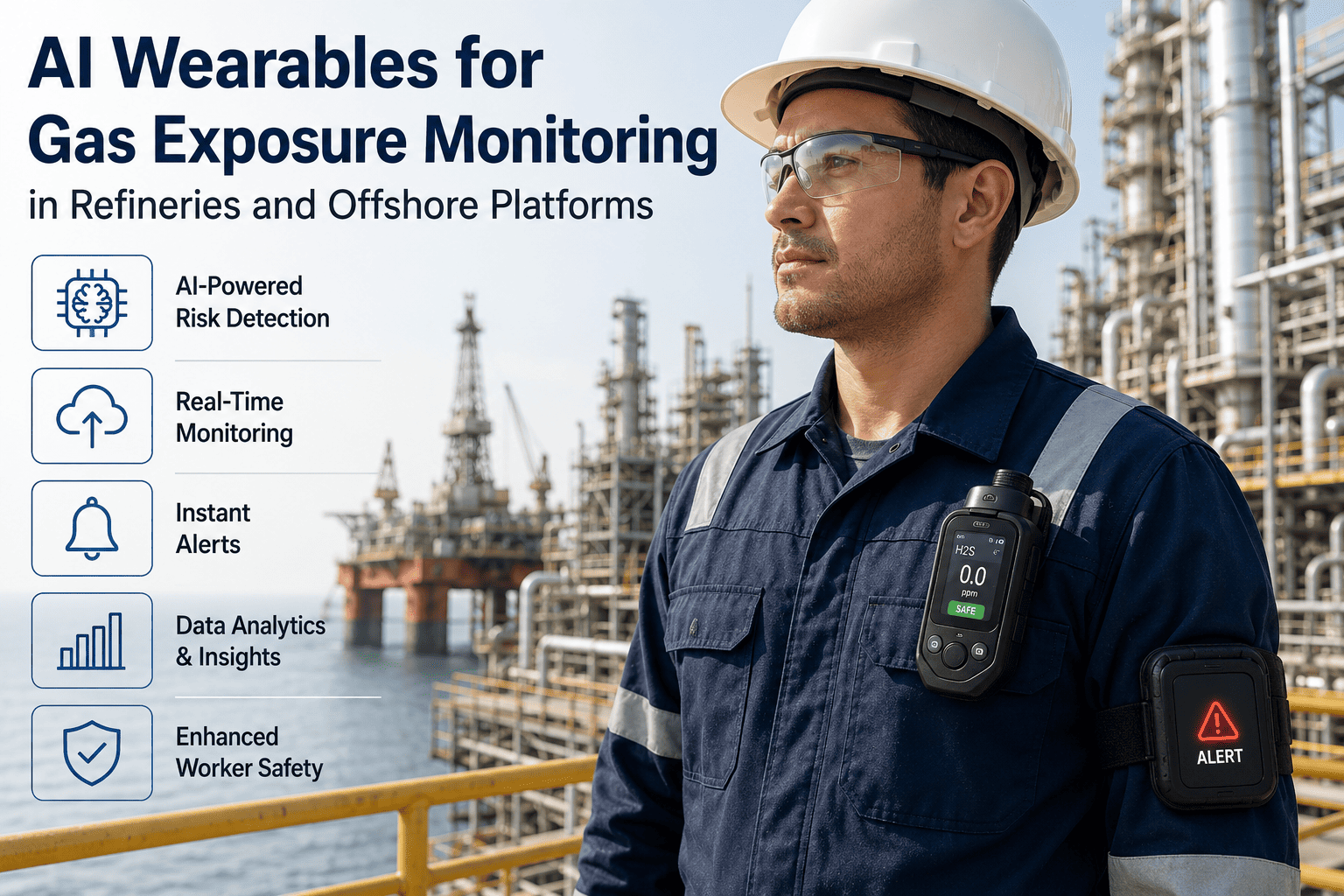
Connected Gas Detectors
Real-time H2S, LEL, and O2 readings with local alarms, often logging to the device itself or a dedicated gas-monitoring dashboard that nobody else on site checks routinely.
Heads-Up Display Safety Glasses
In-field visual alerts, procedure overlays, and hands-free confirmation steps, valuable in the moment but rarely tied back into a permanent work record afterward.
Fall Detection Harnesses
Motion-pattern sensors that flag a fall event and, in better models, GPS or beacon-based location, but only useful if the alert reaches someone positioned to respond immediately.
The Actual Gap
Smart PPE Fails Quietly When Every Device Reports to a Different Screen
Individually, each of these devices does its job. The gas monitor alarms when H2S crosses a threshold. The harness flags a fall event. The problem shows up in the space between devices — when a gas alarm fires on one worker while a second worker forty feet away, wearing a fall-detection harness, is mid-task and has no way of knowing conditions just changed around them. Site-wide awareness requires all of that data landing in one place, correlated by location and time, not four separate apps that nobody has open simultaneously.
Why This Happens
Three Reasons Smart PPE Ends Up Siloed Even at Well-Equipped Sites
Devices are purchased separately, over time. Gas detectors get upgraded on one budget cycle, hard hats on another, and each purchasing decision is made against that device category alone rather than an integration roadmap.
Vendors build closed ecosystems by default. Most smart PPE manufacturers ship a companion app tuned for their own device, with no strong incentive to make that data easy to export into a competitor's platform.
Nobody owns cross-device visibility as a job function. Safety, IT, and procurement each touch a piece of the smart PPE stack, but rarely does one role own the outcome of making all of it talk to each other.
A Gas Alarm and a Fall Alert Forty Feet Apart Are the Same Emergency. Most Systems Treat Them as Two Unrelated Events.
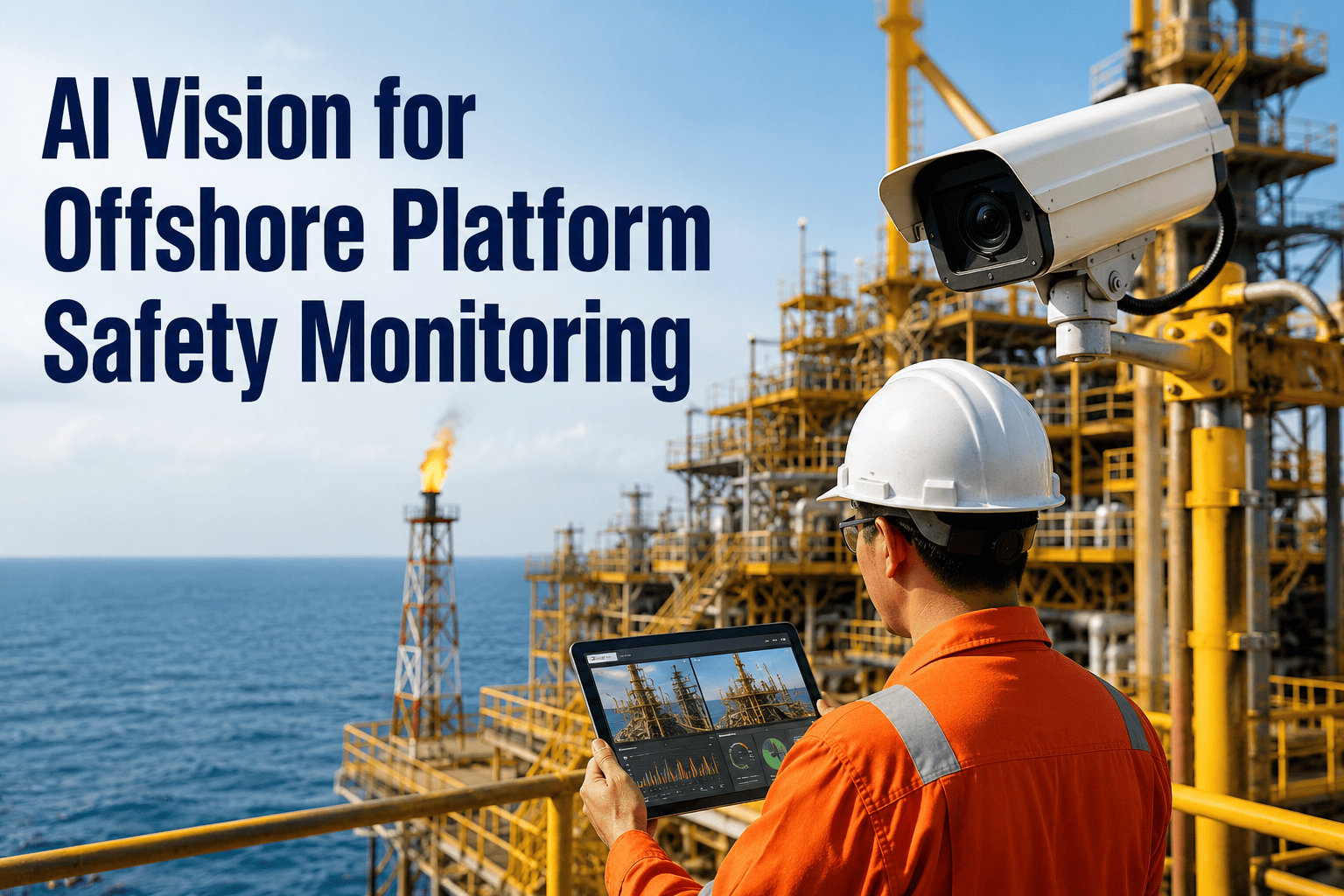
iFactory correlates device alerts by location and time, so a supervisor sees the full picture of what's happening on site, not a scattered stream of single-device notifications.
How the Integration Works
From Device Alert to Coordinated Response
1
Device Emits Reading
Gas concentration, impact force, fall event, or biometric signal is captured by the wearable in real time.
2
Signal Reaches the Platform
Data streams from the device's native protocol into iFactory through the appropriate connector, tagged with worker ID, timestamp, and location.
3
Cross-Device Correlation
Readings from nearby workers and equipment are checked against the new signal to determine whether this is an isolated event or part of a wider condition change.
4
Alert Routes to the Right People
Supervisors, control room, and nearby workers receive a prioritized alert reflecting severity and proximity, not a generic notification everyone has to interpret themselves.
5
Event Becomes a Permanent Record
Every alert, response time, and resolution is logged against the worker, the location, and the equipment involved for later incident review and trend analysis.
Planning a Rollout
What to Line Up Before Connecting Your First Device Category
Applied Example
Cutting Average Emergency Response Time from 4 Minutes to 90 Seconds
A mid-continent gathering and processing operator had smart gas detectors and fall-detection harnesses deployed across its field crews for over a year, but each fed a separate vendor app with no shared visibility. After connecting both device streams into iFactory, the site began correlating alerts by well pad and time window automatically. During a fall-detection event at a remote pad with no direct radio contact, the platform cross-referenced the nearest crew's gas readings and location data, routing a coordinated response to the closest available team rather than waiting for a call to reach the central control room first. Average time from alert to first responder on scene dropped from just over four minutes to roughly ninety seconds across the following quarter. Encouraged by the result, the operator extended the same integration approach to its smart hard hat fleet the following year, bringing impact-detection alerts into the same correlated view and giving supervisors a single dashboard covering three previously separate device categories instead of the two they started with.
4 min → 90 secAverage time from alert to responder on scene
2 device typesUnified into one alert stream
1 quarterTo establish the improved response pattern
Typical Outcomes
What Sites See After Unifying Smart PPE Data
1 platform
Replacing Multiple Standalone Device Apps
Faster
Emergency Response Through Correlated Alerts
Complete
Incident Records Across All Connected Devices
Beyond the First Rollout
Expanding Coverage Once the Initial Integration Proves Out
Add device categories incrementally. Most sites start with whichever two device types generate the highest-severity alerts, then add heads-up displays and additional sensor types once the correlation rules are tuned.
Extend to contractor-worn devices. Where contractors bring their own smart PPE, data-sharing agreements can bring that device stream into the same site-wide view rather than leaving contractor safety data isolated.
Feed alert history into broader safety analytics. Once a full season of correlated alert data accumulates, patterns by location, shift, and task type start to surface trends that no single device's standalone app would ever reveal.
Frequently Asked Questions
Smart PPE Integration — Common Questions
Do we need to replace our existing smart PPE devices to use this?
In most cases, no. iFactory is built to connect with commonly used smart hard hats, gas detectors, heads-up displays, and fall-detection harnesses through their existing manufacturer APIs or gateway hardware, rather than requiring a wholesale device replacement. The typical starting point is auditing what your teams already wear and identifying which devices have an accessible data feed.
Book a Demo to review your current device inventory.
How does the platform decide which alerts are actually related to each other?
Correlation is based primarily on location proximity and time window, so a gas alarm and a nearby worker's status are checked against each other automatically rather than requiring a person to manually connect the dots across separate screens. Thresholds for what counts as "nearby" and "related" are configured per site based on facility layout and typical crew spacing.
Contact support to discuss configuration for your site.
What happens to the alert data after an incident is resolved?
Every alert, along with the response timeline and outcome, is retained as a permanent record tied to the worker, location, and equipment involved, giving safety teams a real dataset to review during incident investigations and periodic trend analysis rather than relying on individual recollection of how an event unfolded.
Can supervisors see this data on a phone or tablet in the field, not just a control room screen?
Yes, the platform is designed to be accessible from mobile devices so field supervisors receive the same prioritized alerts as the control room, which matters most in remote locations where the fastest available responder is rarely sitting at a desk. Alert routing accounts for who is actually closest, not just who holds the supervisor title.
Does this work across multiple device vendors, or only one ecosystem?
iFactory is designed to be vendor-agnostic, pulling data from multiple smart PPE manufacturers into a single view rather than locking a site into one hardware ecosystem, which matters since most facilities accumulate devices from different vendors over several purchasing cycles.
Book a Demo to confirm support for your specific device mix.
Stop Letting Smart PPE Data Sit Trapped in Separate Apps Nobody Checks Together.
See how iFactory turns connected devices into one coordinated safety system.