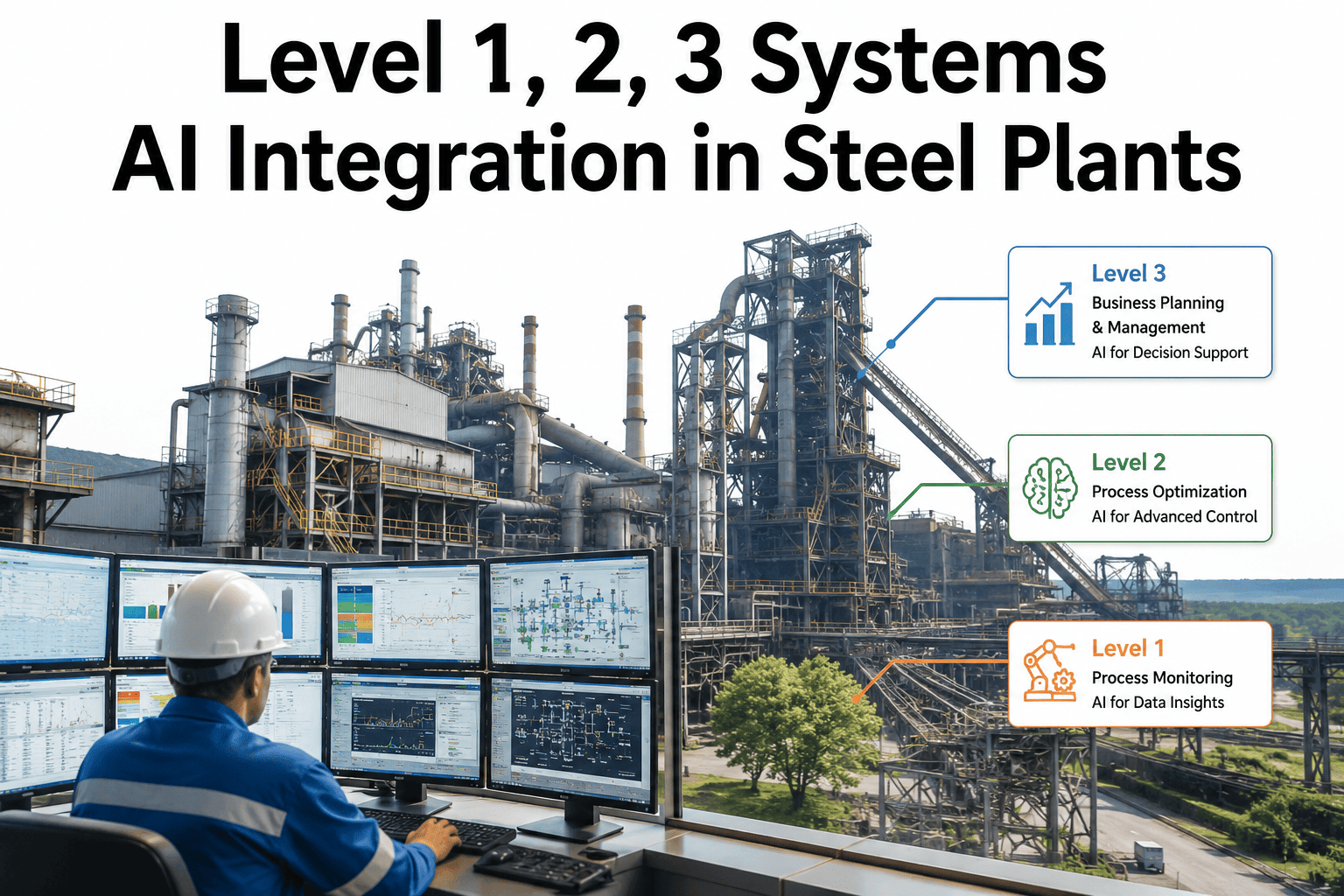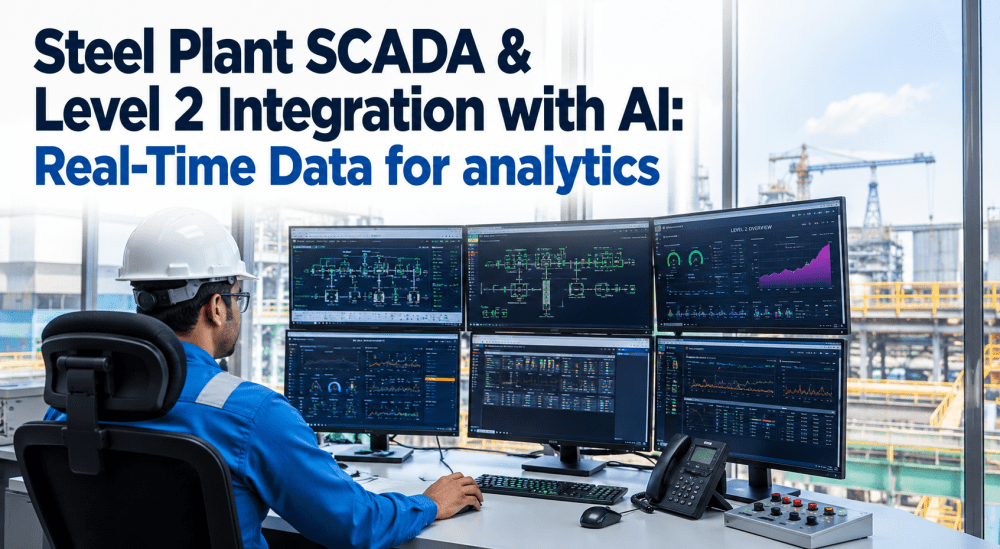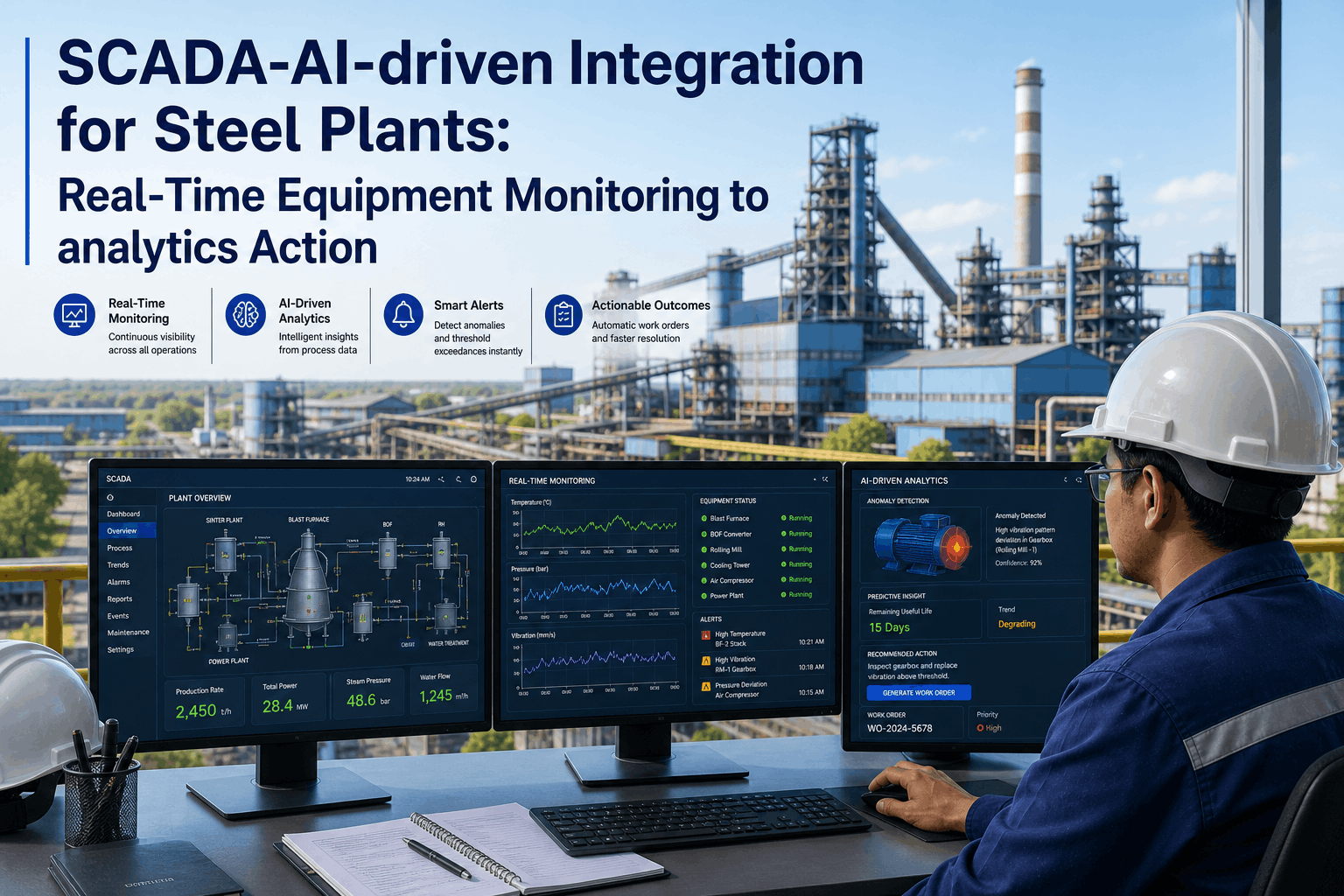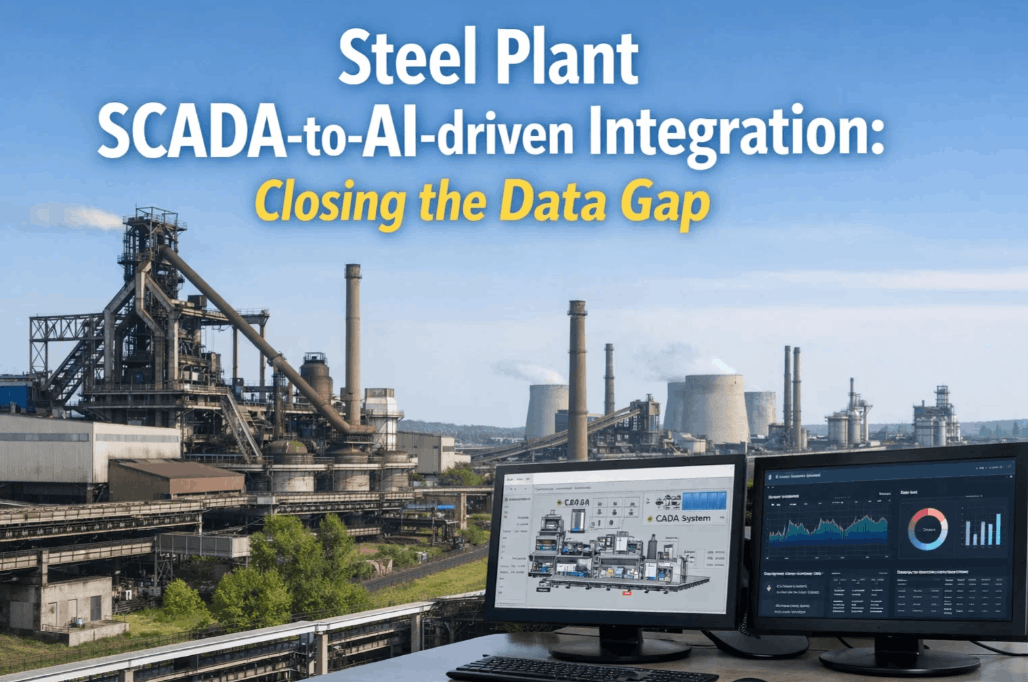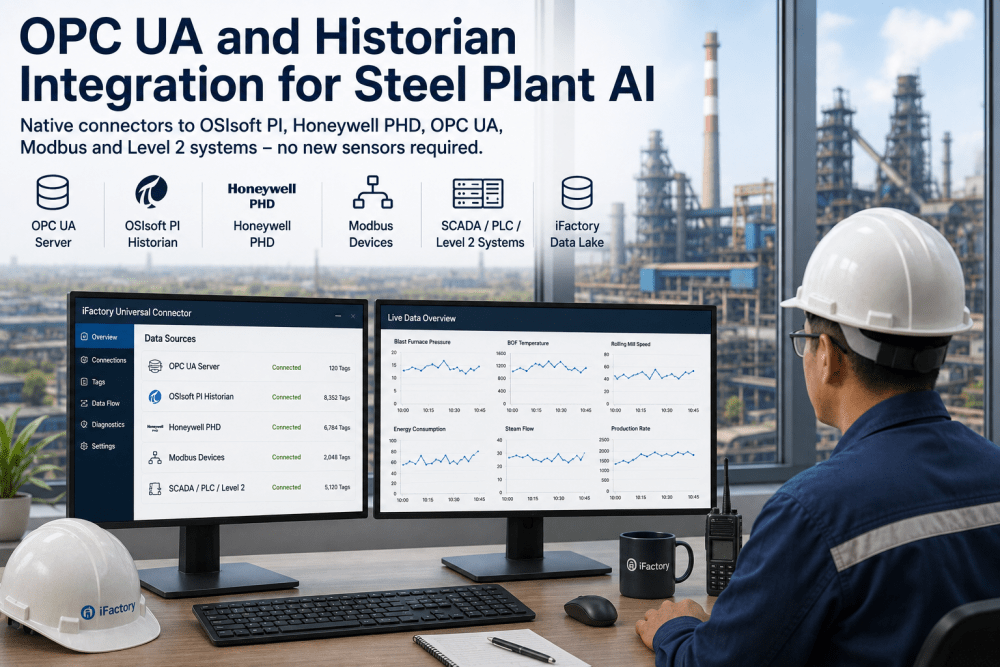
The single most expensive step in deploying AI at a steel plant is not the model development, the hardware procurement, or the team training — it is the data integration. Every steel plant operates a unique combination of automation infrastructure: OSIsoft PI historians logging 50,000 to 200,000 tags from the DCS Honeywell PHD nodes collecting process data from distributed control networks, OPC-UA servers exposing real-time PLC data at sub-second intervals, Modbus RTU networks connecting field instruments to the SCADA layer, and Level 2 systems managing production scheduling and quality tracking for each process zone. Connecting AI applications to these systems has historically required custom point-to-point integration for each data source — writing OPC-UA client code for historian access, configuring Modbus TCP mappings for PLC data, building REST API clients for Level 2 system connectivity — with each integration taking two to six weeks of an automation engineer's time and requiring ongoing maintenance every time a system is patched, upgraded, or reconfigured. iFactory's Universal Connector eliminates this integration tax by providing a single, pre-built connectivity layer that supports native connectors to all major steel plant automation and information systems — OSIsoft PI, Honeywell PHD, OPC-UA, Modbus, and Level 2 systems — with a unified configuration interface, automatic data mapping, and built-in failure handling that requires no custom coding. Automation engineers evaluating the platform can book a demo to review the connector library, data mapping workflow, and integration timeline for their facility's specific system topology.
Supported Systems and Connector Specifications
The Universal Connector supports every major data source found in steel plant automation and information technology environments, organized into five connector categories. Each connector is a pre-built, configurable module that implements the native communication protocol for its target system — no custom code, no SDK development, no protocol reverse engineering. The table below details each connector category, the systems it supports, the communication protocol used, the data rate it can sustain, and the typical configuration time for an automation engineer familiar with the target system. Automation engineers evaluating connector coverage for their facility can book a demo to review the full connector library against their specific system inventory.
| Connector Category | Supported Systems | Communication Protocol | Sustained Data Rate | Typical Configuration Time |
|---|---|---|---|---|
| Historian Connector | OSIsoft PI Server, PI Data Archive, PI Asset Framework; Honeywell PHD Historian; AspenTech IP.21; Canary Labs Historian | Native PI SDK / PI Web API for OSIsoft; PHD API for Honeywell; OPC HDA for legacy historian access | 50,000 tags per second with configurable compression and deadband filtering | 2–4 hours per historian instance — server address, authentication, and tag list configuration |
| OPC-UA Connector | OPC-UA servers from Siemens, Rockwell, ABB, Schneider Electric, Emerson, and Yokogawa DCS and PLC systems | OPC-UA Binary (client) with support for data access, alarms and conditions, and historical access profiles | 10,000 variables per second per OPC-UA server connection with configurable sampling interval | 1–2 hours per OPC-UA server — endpoint URL, security policy, and namespace browsing |
| Modbus Connector | Modbus TCP devices from any manufacturer — field instruments, remote I/O, variable frequency drives, intelligent motor controllers, and third-party sensor gateways | Modbus TCP with support for all function codes (01–23), multiple unit IDs per connection, and automatic polling interval optimization | 1,000 registers per second per Modbus connection with configurable polling rate | 30–60 minutes per Modbus device — IP address, unit ID, and register mapping configuration |
| Level 2 System Connector | MES systems (Siemens SIMATIC IT, Rockwell FactoryTalk MES); scheduling systems (AspenTech, Quintiq); quality management systems; laboratory information management systems | REST API, SOAP, or database connector (ODBC/JDBC) depending on system interface — configurable per system in the connector setup | System-dependent — typically 100–500 transactions per second via REST or database batch reads | 4–8 hours per Level 2 system — API endpoint, authentication, and data mapping configuration |
| Database Connector | SQL Server, Oracle, PostgreSQL, MySQL, and SAP HANA databases used by plant information systems, quality labs, and maintenance management platforms | ODBC or JDBC with configurable connection pooling and query scheduling | 1,000 queries per second with connection pooling and result caching — handles batch reads of 10,000+ rows | 1–2 hours per database — connection string, authentication, and query definition |
How the Universal Connector Works — From System Connection to AI-Ready Data
The Universal Connector transforms raw automation data into AI-ready data through a five-stage pipeline that runs on the iFactory on-premise appliance — no cloud processing, no data leaving the plant network, no custom integration development required from the automation engineering team. The workflow below details each stage as it would be experienced by an automation engineer configuring the connector for a typical steel plant deployment. Automation engineers who want to evaluate the connector configuration workflow against their own plant systems can book a demo for a live walkthrough with an iFactory integration engineer.
Traditional Point-to-Point Integration vs. Universal Connector Approach
Every steel plant automation engineer has experienced the frustration of developing and maintaining point-to-point integrations between plant systems — writing OPC-UA client code that breaks when the server is patched, building Modbus TCP mappings that need updating every time a field device is replaced, and creating custom API clients for Level 2 systems that require rework when the system vendor releases a new version. The comparison below illustrates how the Universal Connector approach eliminates these pain points compared to the traditional point-to-point integration that most steel plants currently operate.
- Custom integration code required for every data source — OPC-UA client, Modbus TCP parser, historian SDK wrapper, Level 2 REST API client — each requiring separate development, testing, and documentation by the automation engineering team
- Integration breaks when source systems are patched or upgraded — each historian patch, OPC-UA server update, or Level 2 system release requires the automation team to re-test and often re-write the custom integration code
- Data formats and quality handling inconsistent across integrations — each custom integration handles timestamps, engineering units, quality flags, and failure conditions differently, creating data quality issues that propagate to AI applications
- Integration development delays AI deployment by 4–12 weeks — connecting the first 5–10 data sources consumes one to three months of automation engineering time before any AI modeling work can begin
- No centralized monitoring or alerting for data connectivity issues — when a source system goes offline or a tag mapping breaks, the automation team discovers the issue when an AI application reports missing data
- Pre-built connectors for every major system type — automation engineers configure connections through a GUI, entering server addresses, credentials, and tag selections, with zero custom code required for any supported system
- Connector updates are managed by iFactory — when a source system vendor releases a patch or new version, the connector is updated and tested by iFactory's integration team and deployed to the appliance as a configuration update
- Unified data model with consistent timestamp, engineering unit, quality flag, and failure handling across all connected systems — every data point entering the AI platform follows the same transformation and validation rules
- Data connectivity configured in days, not weeks — an automation engineer can connect 10–20 data sources across historian, OPC-UA, Modbus, and Level 2 systems in 3–5 days using the Universal Connector configuration interface
- Built-in connection health monitoring with automated alerts — the connector dashboard shows live status of every system connection, data point flow rate, and quality metrics, with configurable alerting for connectivity or data quality issues
Measured Impact of the Universal Connector on AI Deployment Speed and Automation Efficiency
The metrics below represent average results from iFactory Universal Connector deployments across steel plants over 12-month validation periods. Individual results vary based on facility size, system diversity, existing integration maturity, and deployment scope.
Automation Engineer's Perspective: What the Universal Connector Changes About AI Deployments
I have been an automation engineer in steel plants for 14 years, and I have lost count of the number of AI and analytics projects I have seen fail not because the models were wrong, but because the data integration was too expensive and too fragile to sustain. One project required connecting to a PI historian, three OPC-UA servers, and a customs-built Level 2 database — I spent six weeks writing and testing the integration code, and when the PI server was upgraded six months later, two of the connections broke and nobody noticed for three weeks because there was no monitoring. The Universal Connector changed my perspective completely. I configured connections to our PI historian and two OPC-UA servers in a single afternoon — the GUI showed me all available tags, I selected the ones I needed, mapped them to a unified data model, and the connector started publishing validated data immediately. When our PI server was patched last quarter, the connector reconnected automatically without any code changes. I now support 30 data sources across six systems in about the same time I used to spend maintaining 5 custom integrations. The automation engineers at our sister plant are in the middle of a Universal Connector deployment now, and they connected 18 data sources in four days — the same scope that took me six weeks with custom code three years ago.
Conclusion: A Universal Connector Is the Missing Layer That Makes Plant-Wide AI Possible
The automation infrastructure of a modern steel plant represents decades of investment in best-in-class systems from multiple vendors — historians that log every process variable, OPC-UA servers that expose real-time control data, Modbus networks that connect field instruments, and Level 2 systems that manage production and quality. The data these systems contain is the foundation for every AI application that can improve steel plant performance, but the value of that data is inaccessible as long as connecting to each system requires custom integration code that is expensive to develop and fragile to maintain. iFactory's Universal Connector solves this problem by providing a pre-built, configurable connectivity layer that speaks the native protocol of every major steel plant automation system — eliminating the integration engineering tax that has slowed every AI deployment in the industry. For automation engineers who have spent years writing and maintaining point-to-point integrations, the Universal Connector represents a fundamental shift: from integration developer to AI deployment enabler, from fragile custom code to configurable connectivity, from weeks of engineering per system to days of configuration across the entire plant.