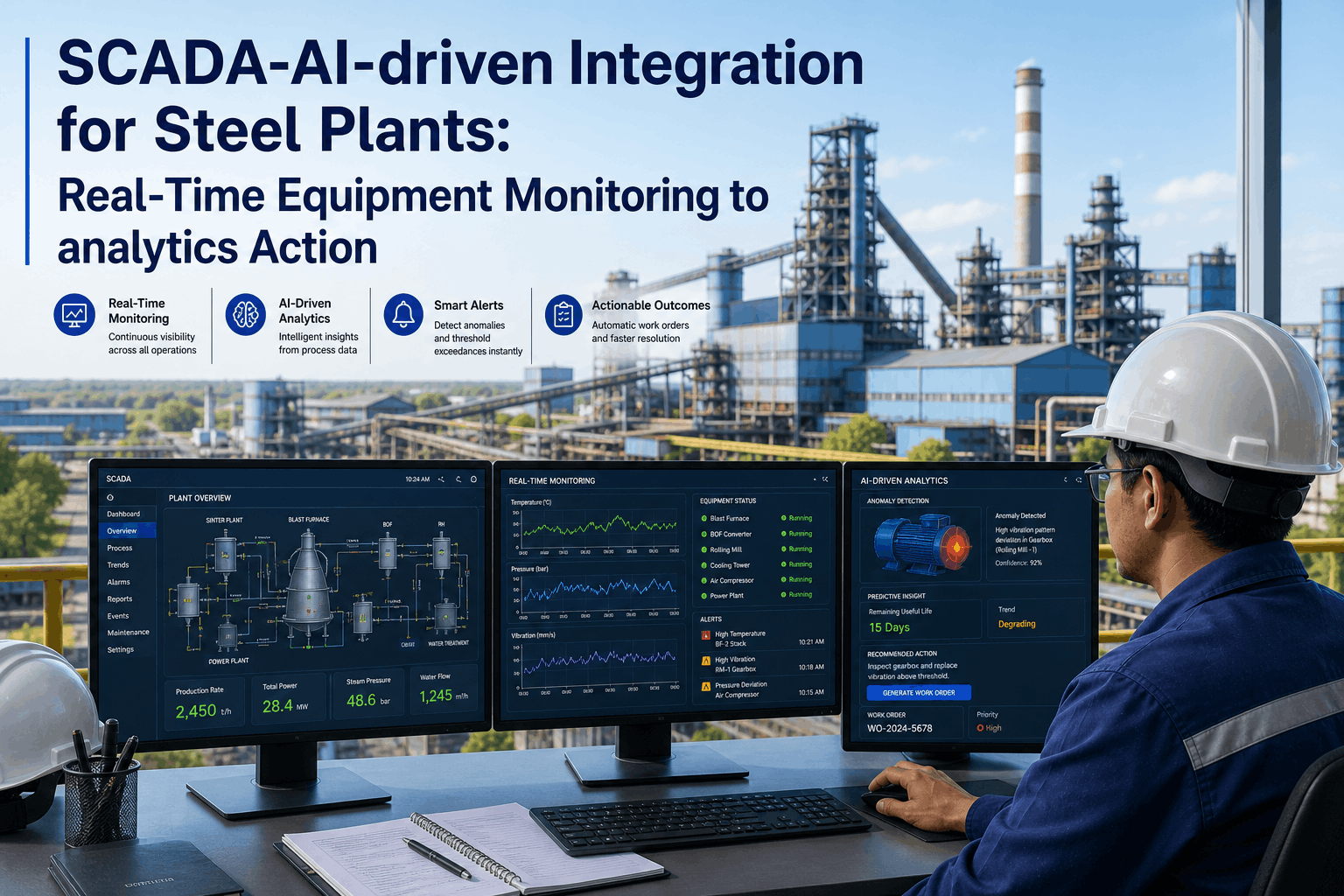
An operations team drowning in alerts is functionally the same as a team with no alerts at all, because once the notification channel is full of noise, the one alert that actually matters gets the same half-attention as the hundred that didn't. Most plants build alerting by turning on every threshold a system offers, which feels thorough but produces exactly this outcome. Good alert design is less about catching more and more about catching the right things, with an escalation path that makes sure the right person actually sees it. See an alert design built around your own plant's real-time data.
Alerts That Focus Attention, Not Fragment It
iFactory AI designs production, energy, emissions, and quality alert rules with clear escalation paths, so operations reviews focus on what actually needs a decision.
More Alerts Is Not Better Alerting
Turning on every available threshold feels like thoroughness, but a team that receives fifty alerts a shift treats all fifty the same way, which is to say barely at all, and the genuinely urgent alert loses its urgency the moment it is buried in a stream of lower-priority noise nobody has time to triage in real time.
Production Alerts
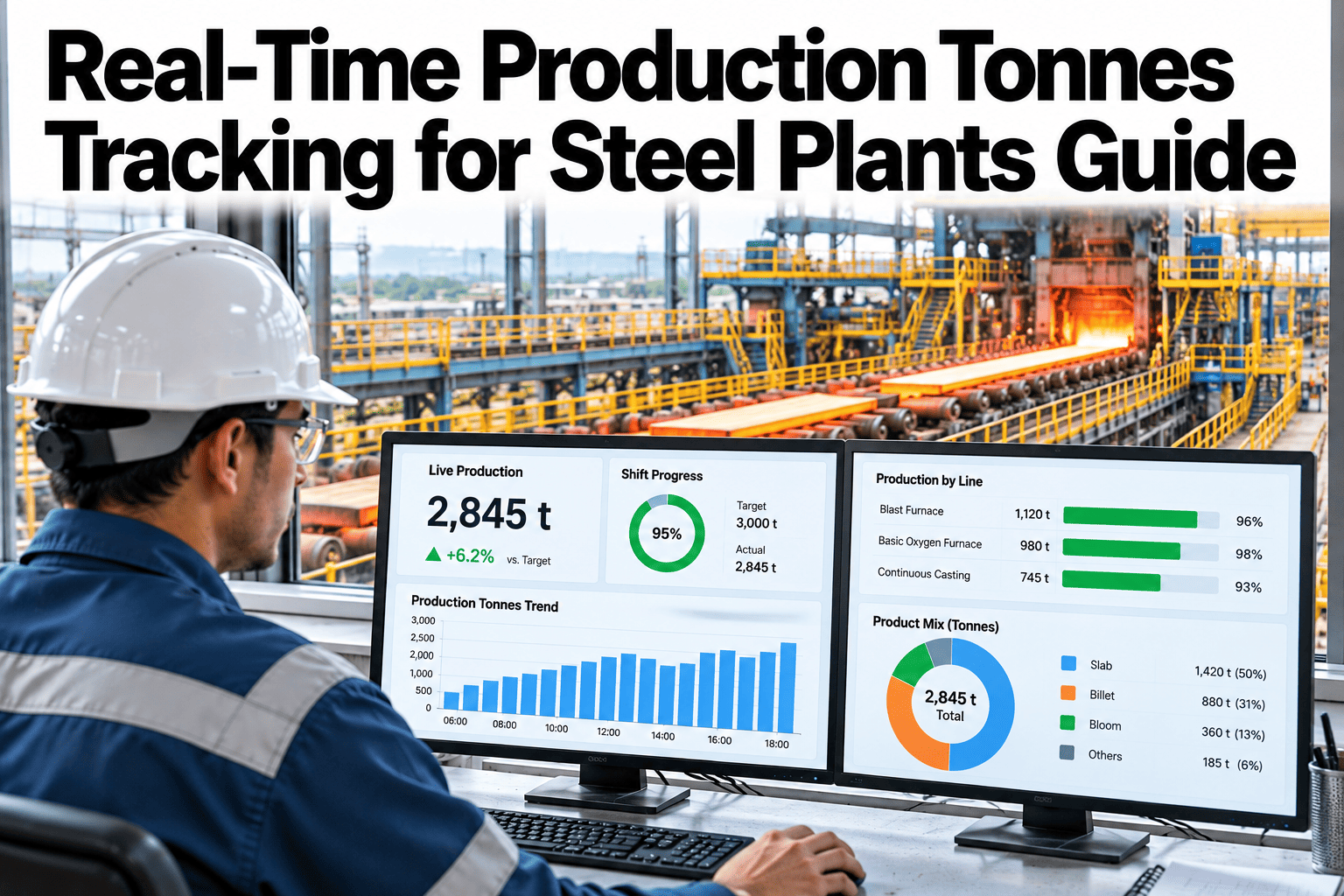
Throughput, yield, and quality deviations that affect output against target.
Energy Alerts
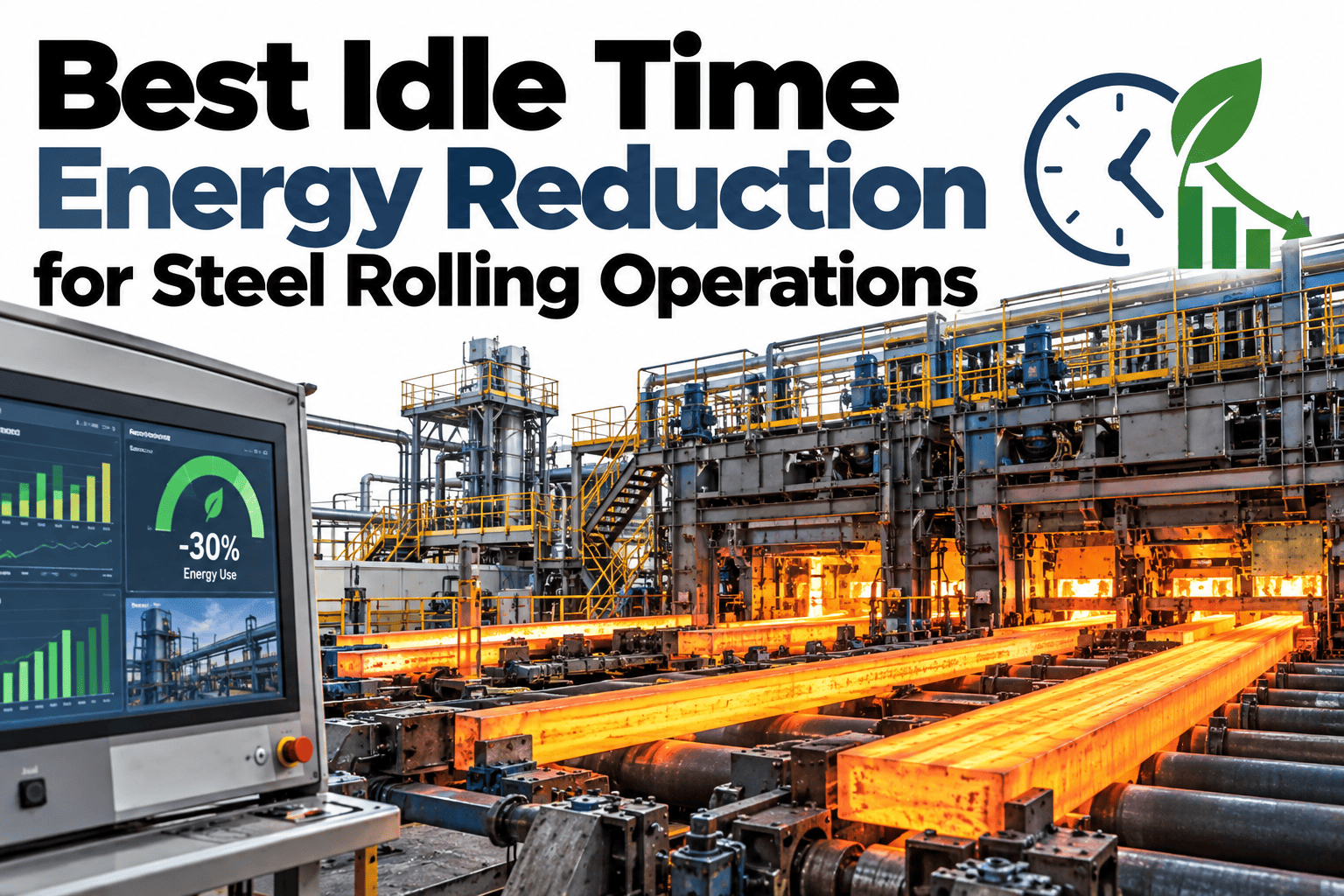
Consumption spikes or intensity drift outside expected operating ranges.
Emissions Alerts
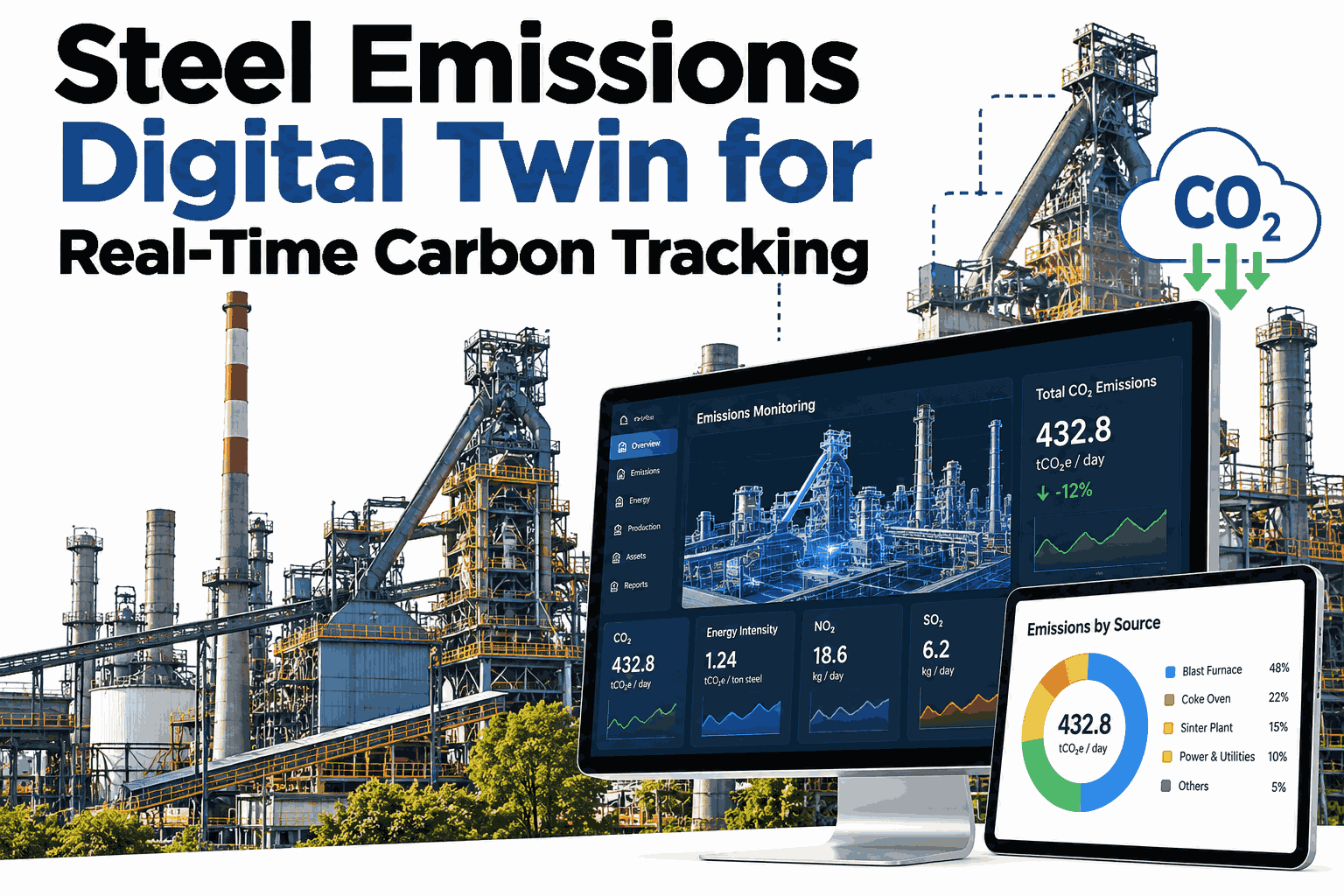
Carbon or emissions thresholds approaching regulatory or internal limits.
Quality Alerts
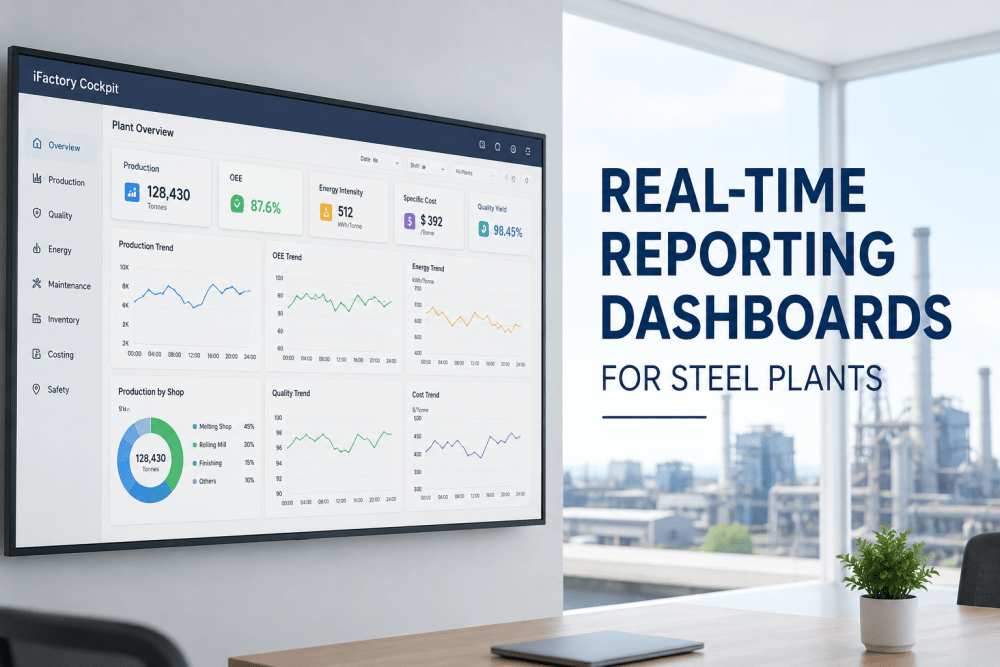
Process parameters trending toward a known quality risk signature.
Design Your Own Alert Rules
Book a 30-minute session and build alert rules and escalation paths around your own plant's real-time data.
Matching Severity to Escalation
Not every alert needs the same response, and a well-designed escalation path reflects that directly.
| Severity | Example | Escalation Path |
|---|---|---|
| Informational | Minor deviation within normal operating variance | Logged, visible on dashboard, no notification |
| Watch | Trending toward a threshold but not yet crossed | Notification to shift operator |
| Action required | Threshold crossed, needs a response this shift | Notification to shift lead with required acknowledgement |
| Critical | Safety, emissions, or major production risk | Immediate escalation to plant manager and on-call team |
Designing an Alert Rule
A good alert rule is built deliberately, not just switched on at a default threshold.
Rolling Out Across Ops Reviews
iFactory AI connects to your existing process control and historian data to build alert rules without a separate monitoring system.
Expert Review
The tuning phase after rollout matters more than the initial rule design, since the first set of thresholds is always an estimate, and a plant that skips the review-and-tune step usually ends up right back at alert fatigue within a few months, just with a newer system generating the noise.
Frequently Asked Questions
Does this replace our existing process control alarms?
No, safety-critical process alarms remain in your control system; this adds a layer of operational and strategic alerting on top, focused on production, energy, and quality trends. Support can clarify how the two layers work together.
How are alert thresholds initially set?
Thresholds start from your plant's own historical operating data rather than generic industry defaults, so the first set of rules reflects your actual normal range from day one.
Can escalation paths differ by shift or team?
Yes, escalation paths are configured per team and shift structure, so an alert reaches whoever is actually on duty and responsible for that area. See escalation configuration on a call.
How do we know if an alert rule needs retuning?
Alert frequency and dismissal rates are tracked over time, so a rule generating excessive noise or being routinely ignored is flagged for review automatically.
Can we add new alert categories beyond the initial four?
Yes, additional categories can be added as your plant's monitoring needs evolve, following the same design and escalation framework used for the initial rollout. Ask support about adding new alert categories.
Make Every Alert Worth Looking At
iFactory AI designs production, energy, emissions, and quality alerts with clear escalation paths. Book a demo to build your own alert rules.