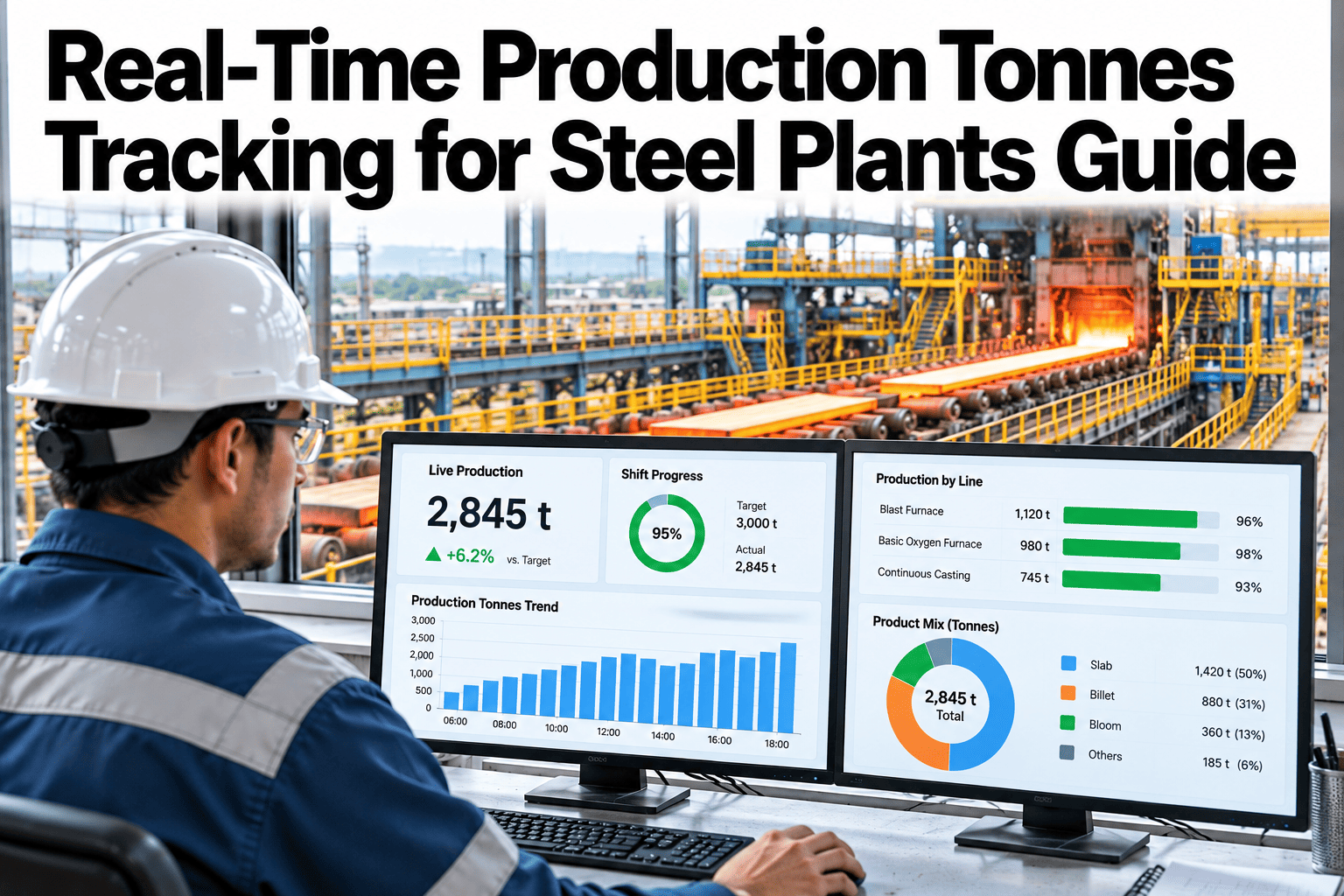
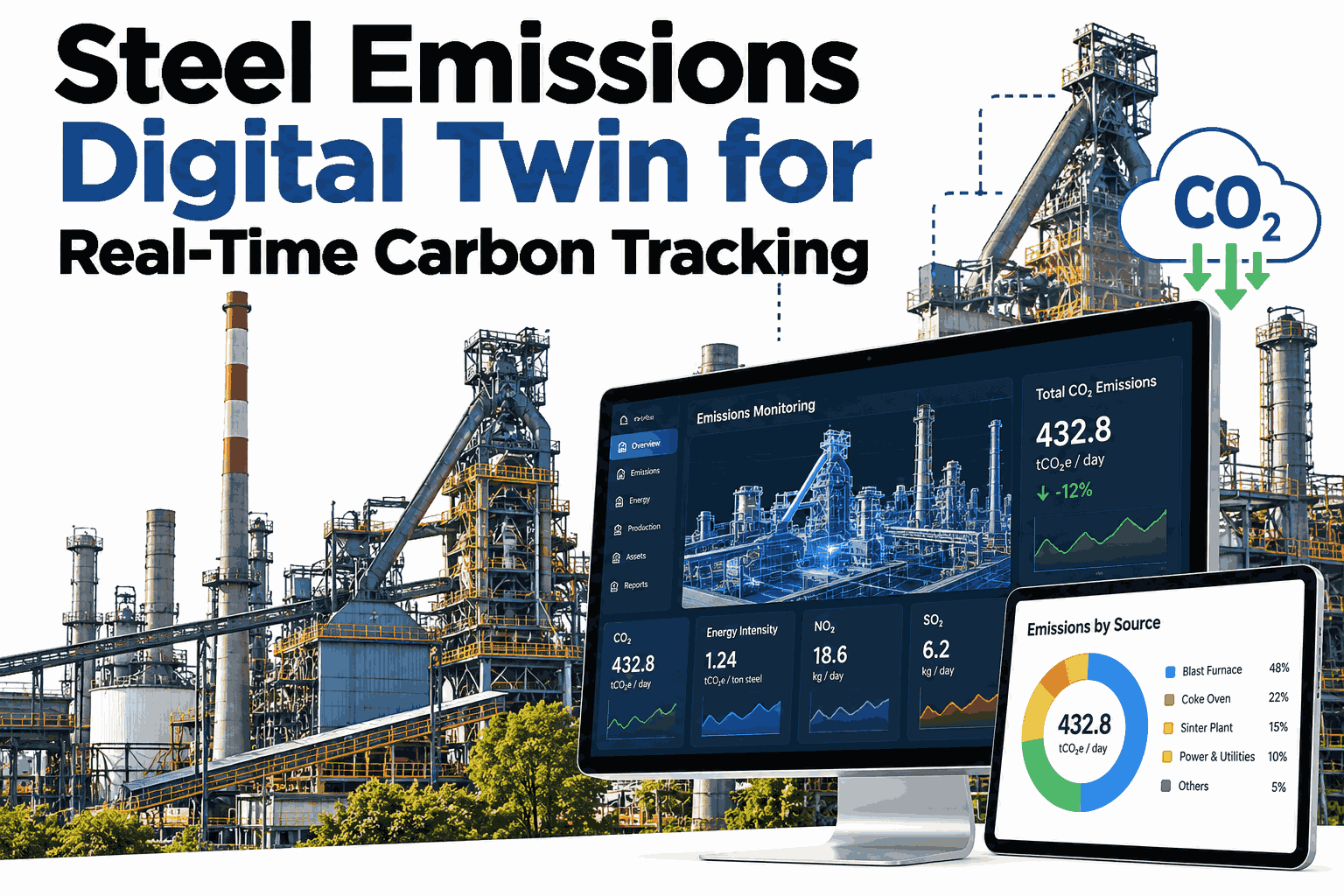
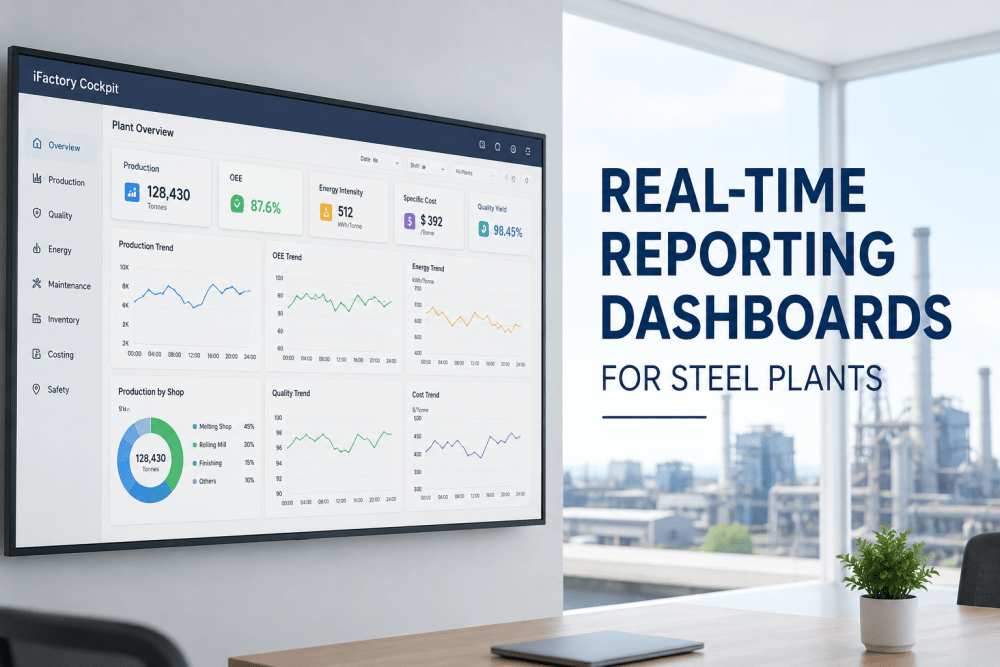
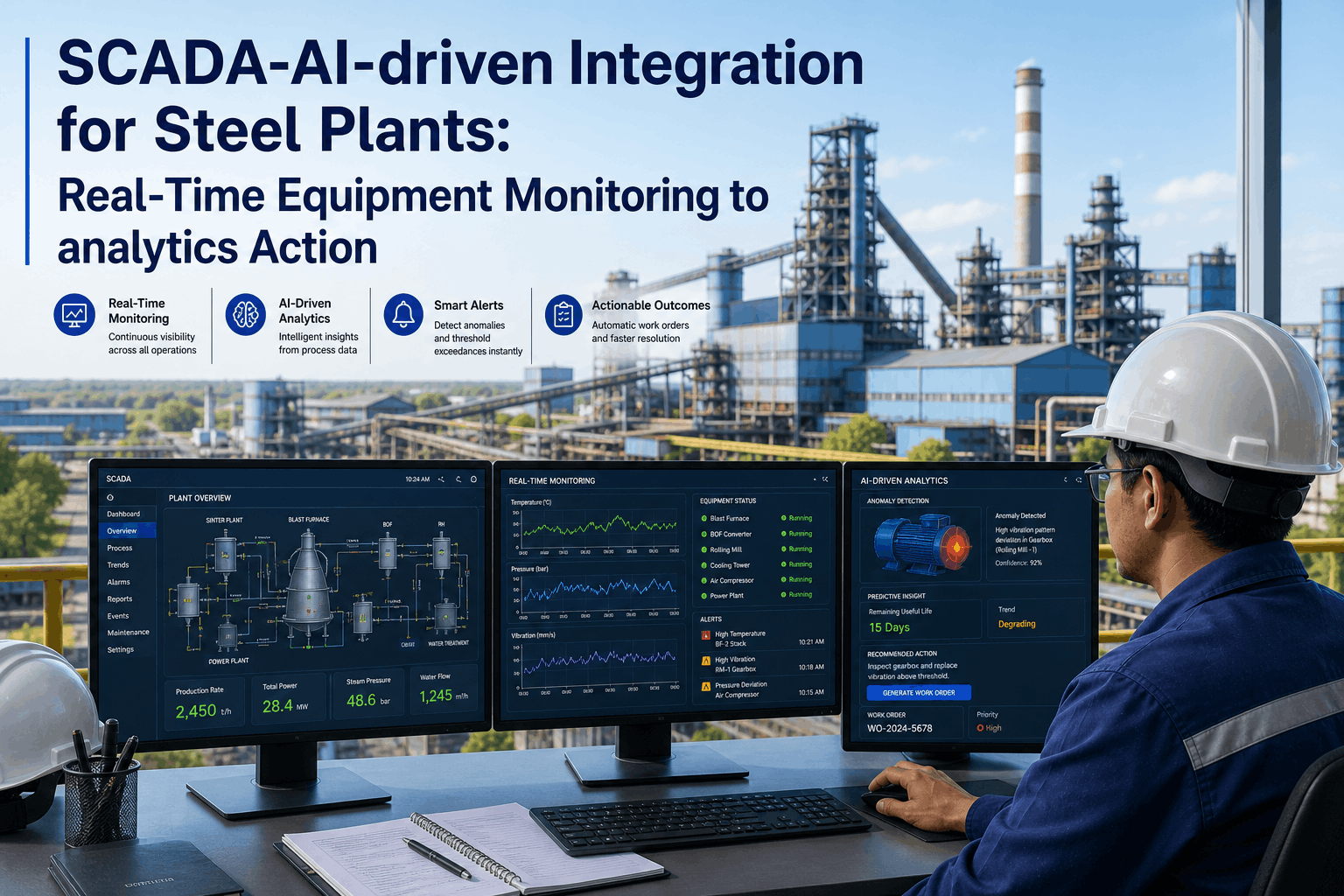
In the ultra-competitive steel industry, the difference between profitability and loss often rests on a few percentage points of operational efficiency. The transition from legacy manual logsheets and end-of-shift reporting to Real-Time OEE Monitoring is no longer just a technology upgrade — it is a survival imperative. Steel plants running on weekly OEE reports are making improvement decisions 168 hours after the problem occurred. iFactory's OEE Tracking platform bridges this visibility gap by connecting directly to Blast Furnace, Continuous Caster, and Rolling Mill PLCs to deliver a single, second-accurate version of production truth. By automating data collection from PLCs, sensors, and MES systems, you eliminate human reporting bias and uncover hidden micro-stoppages that erode up to 12% of annual throughput. Plants that transition to real-time OEE monitoring consistently recover 6–9 OEE percentage points within the first year — equivalent to producing an additional 180,000 tonnes per annum from existing installed capacity, at zero capex.
Real-Time OEE Monitoring in Steel Plants: From Data Collection to Actionable Insights
Replace manual reporting with live PLC-driven OEE dashboards — detect micro-stoppages, classify downtime automatically, and drive world-class throughput from your existing assets.
What Manual OEE Reporting Is Costing Your Plant
Manual logsheets don't just introduce human error — they introduce a 168-hour delay between a loss event and a corrective action. By the time your weekly OEE report is ready, the problem has already repeated itself 40+ times. Schedule a live OEE gap analysis for your plant.
Real-Time OEE Data Collection — What iFactory Connects To
Real-time OEE accuracy depends entirely on the quality of data collection. iFactory integrates with every data source in a steel plant — from PLC signals to MES production orders — to eliminate manual entry completely.
From PLC Signal to Improvement Action — The iFactory OEE Workflow
Every OEE point recovered follows the same digital path — from raw machine signal to classified loss event to improvement action logged in the CMMS. The entire cycle takes under 60 seconds, versus the 168-hour cycle of manual reporting.
Every run/stop event, fault code, speed deviation, and quality rejection is captured directly from PLC signals via OPC-UA. No manual trigger, no minimum duration threshold — every second of lost production is logged.
Latency: <5 seconds · 100% automatediFactory AI classifies every downtime event against a library of 800+ steel plant fault codes — distinguishing planned from unplanned, mechanical from electrical, and process-related from operator-related losses automatically.
AI processing: <30 seconds · 94% classification accuracyShift leader and operations manager dashboards update in real time. OEE waterfall chart shows exactly where today's losses are accumulating — Availability, Performance, or Quality — with drill-down to individual machines.
Dashboard refresh: every 5 secondsWhen OEE drops below shift target or a recurring fault code appears more than 3 times per hour, iFactory automatically alerts the responsible shift engineer with a push notification containing loss value, fault classification, and recommended action.
Mobile push: <60 seconds from eventImprovement actions are logged directly in the iFactory CMMS — linked to the specific OEE loss event, shift, and machine. Weekly OEE review meetings now focus on action status, not data reconciliation.
Closed-loop: action to verified resolutionHow the ROI Builds — Month by Month at a 2.5 MTPA Steel Mill
OEE gains from real-time monitoring are not immediate — they build as the Losses become visible, root causes are identified, and improvement actions accumulate. Here is how a 2.5 MTPA steel mill's savings compound over 12 months.
What a Director of Operations Said
Before iFactory, we spent the first three hours of every Monday arguing over whose logsheet was accurate. Now we spend those three hours acting on the top three downtime triggers that the PLC data verified with zero ambiguity. Our OEE jumped 6.5 points in the first quarter — not because we invested in new equipment, but because we finally stopped guessing and started acting on truth.
Frequently Asked Questions
How does iFactory handle legacy PLCs that don't support modern OPC-UA protocols?
iFactory deploys industrial IoT edge gateways that bridge legacy protocols — including DH+, Profibus, and older Modbus variants — into a modern MQTT/OPC-UA stream. If a PLC can produce a signal, iFactory can capture it. We have never encountered a steel plant PLC we could not connect to within 48 hours.
What is the difference between iFactory OEE and reporting through our existing MES system?
MES systems report OEE at the production order level — they tell you what happened after the order is closed. iFactory monitors OEE in real time at the machine level, alerting operators to losses as they occur and automatically classifying micro-stoppages that MES systems never capture. iFactory integrates with your MES, not replaces it.
Can iFactory's OEE formula be customised for our specific planned downtime and shift schedule?
Yes. iFactory allows complete configuration of Planned Production Time, Planned Maintenance exclusions, grade-change speed standards, and shift schedule boundaries. The OEE formula adapts to your reporting standards — not the other way around.
How quickly does iFactory identify hidden micro-stoppage losses after going live?
Micro-stoppage visibility is available from the first day of PLC connection. Most plants discover 4–6 OEE percentage points of previously invisible losses within the first 48 hours — primarily from stops under 3 minutes that were never captured in manual logs.
See Your Plant's Real OEE Live in 48 Hours
Demo built around your specific PLC landscape, shift structure, and production targets.