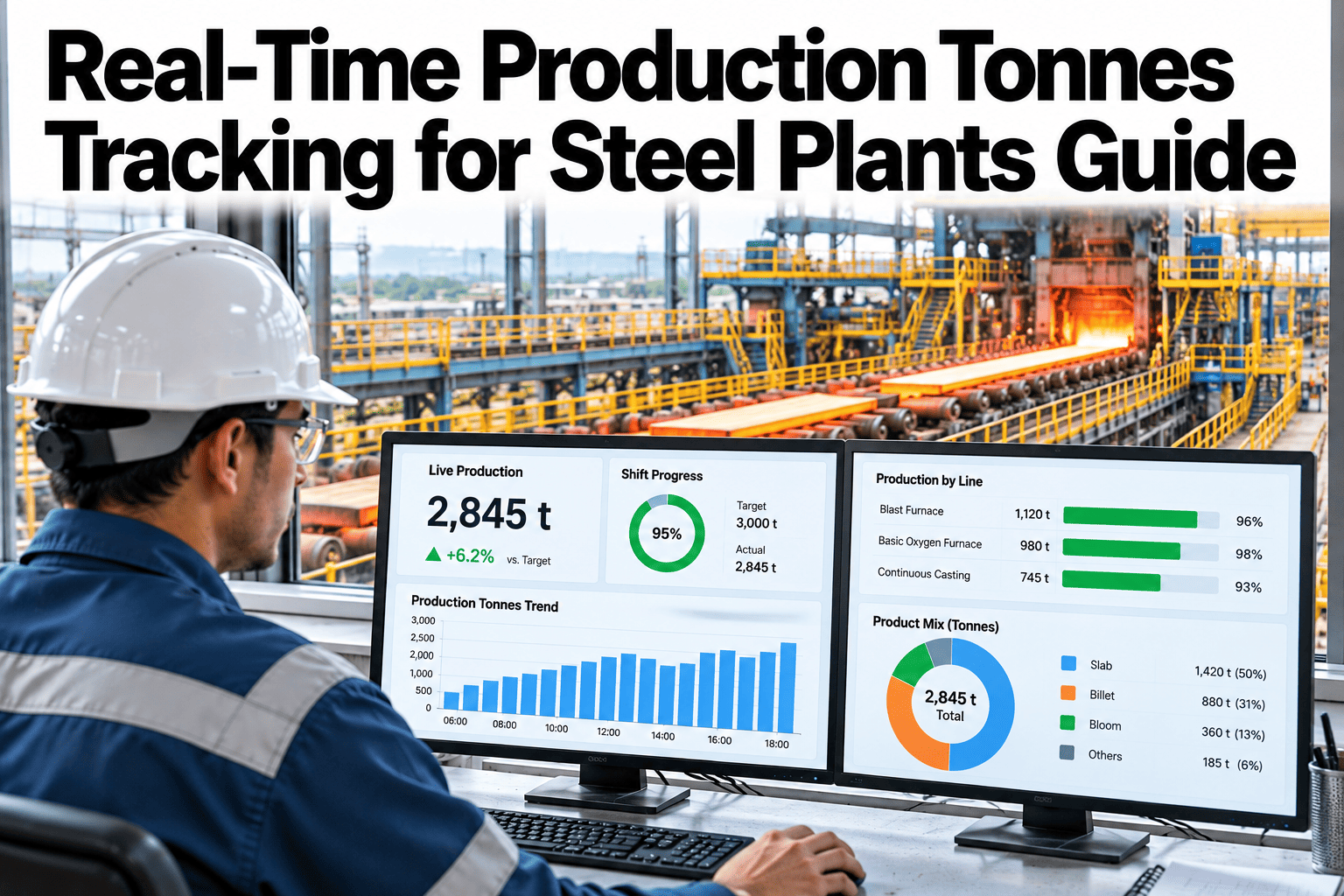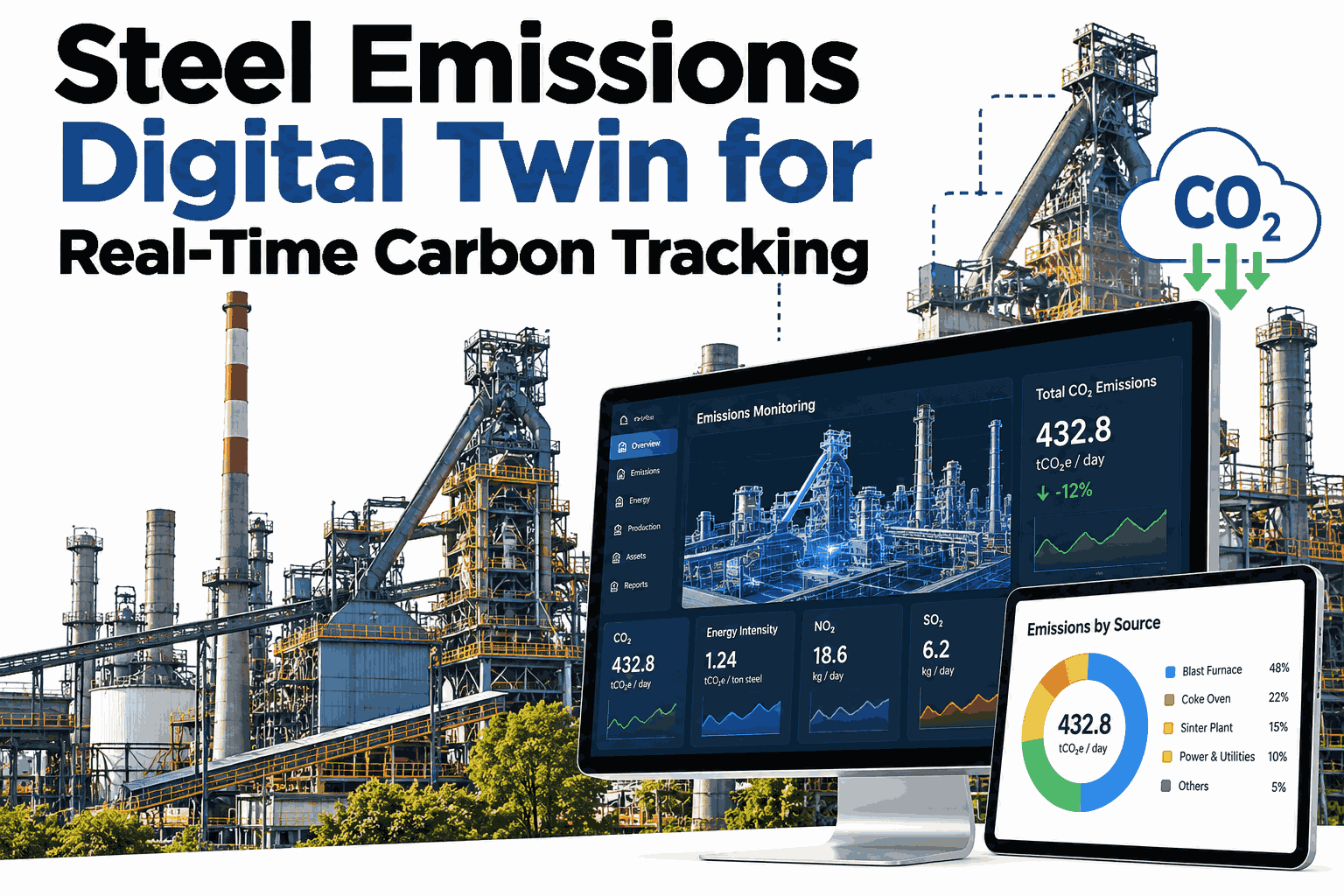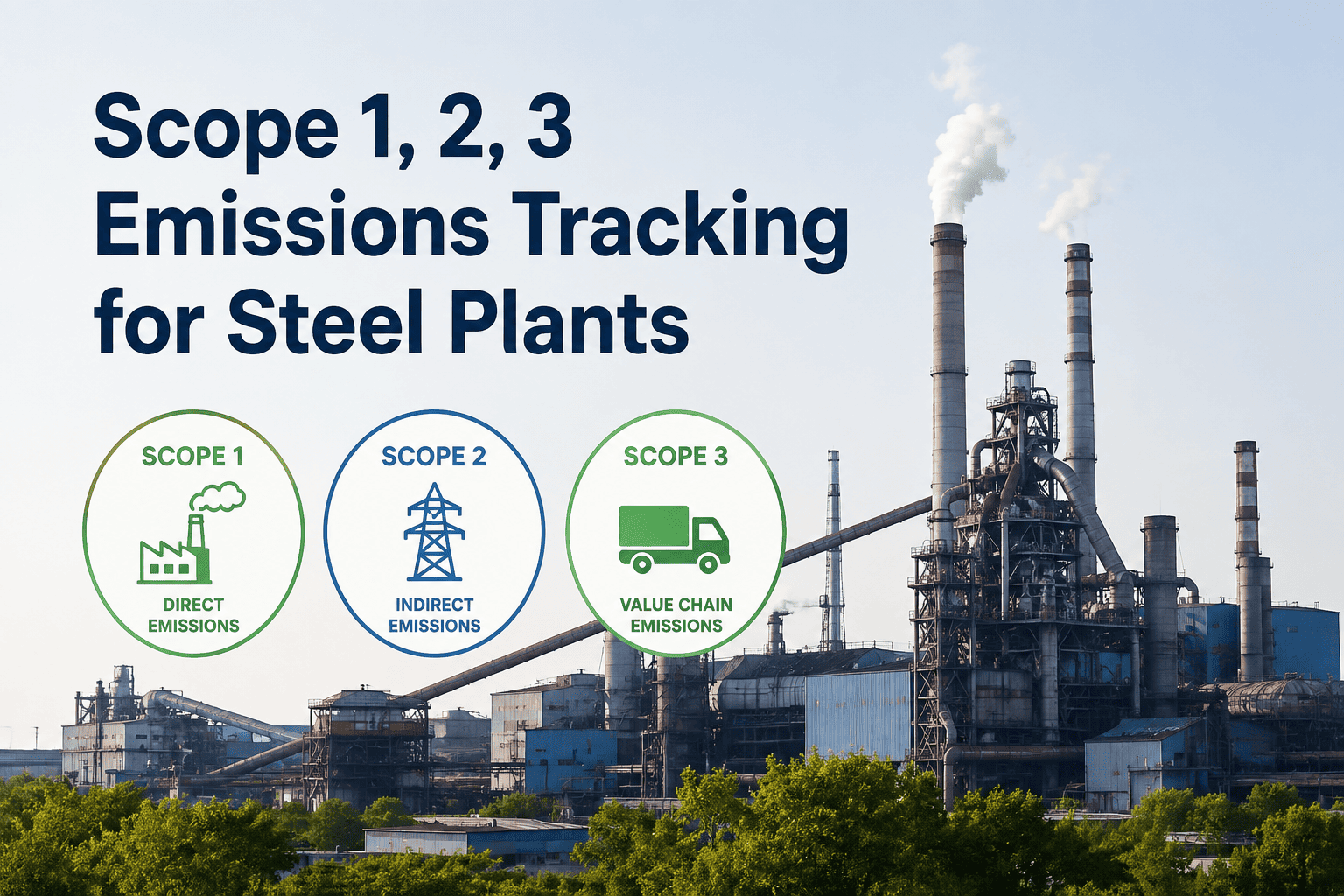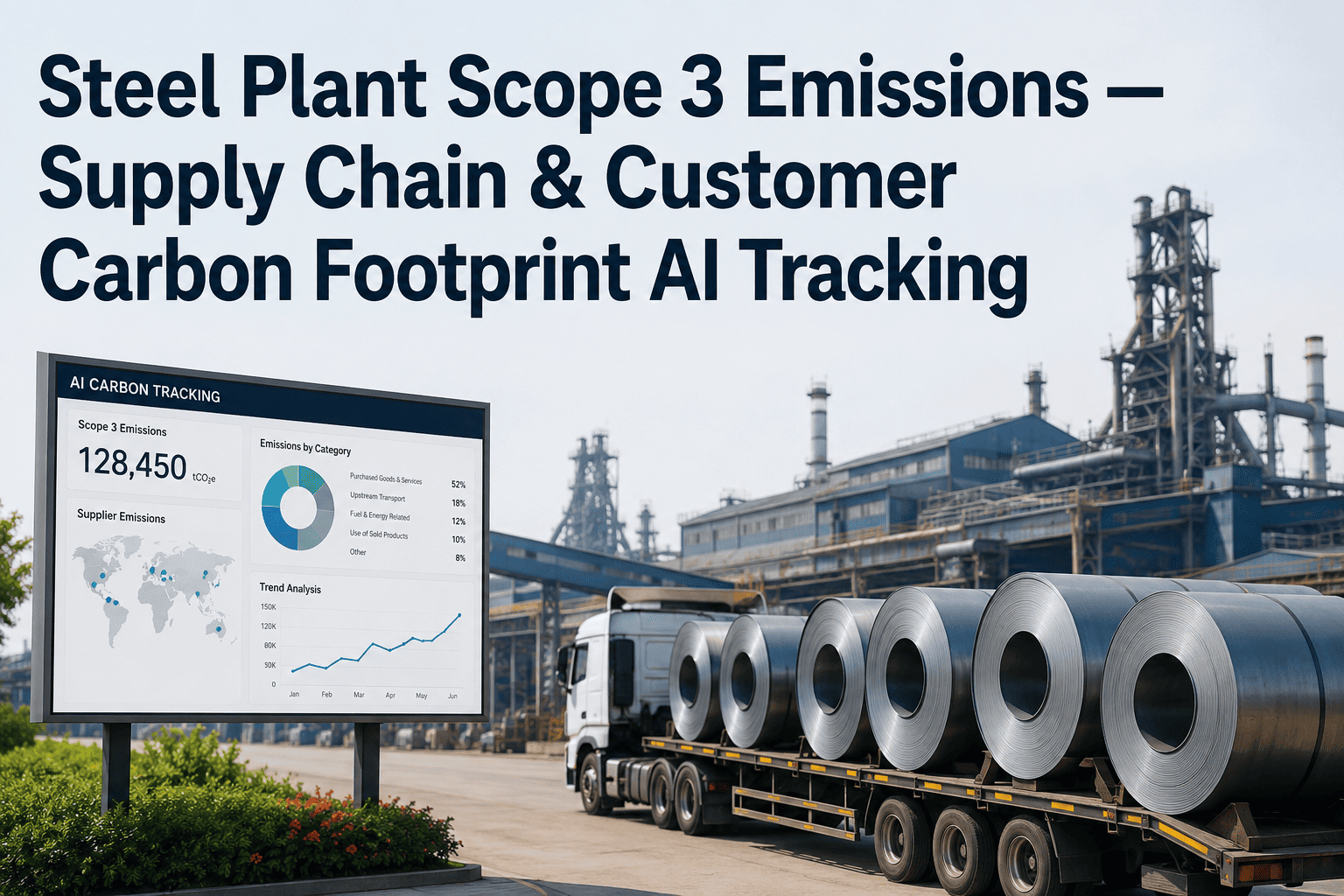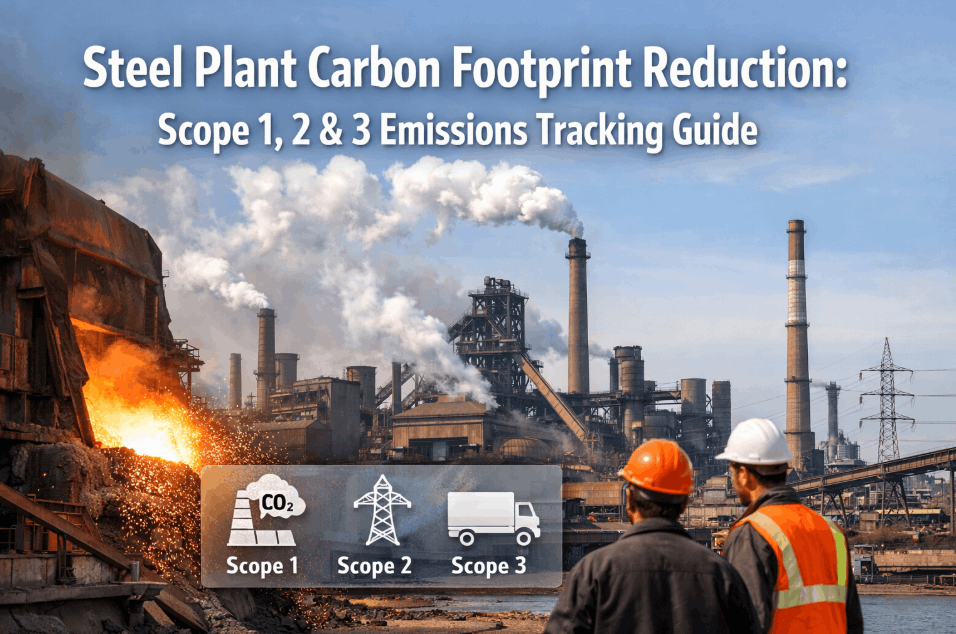
A steel plant's carbon number is never one number. It is process CO2 from the reduction reactions, combustion CO2 from furnace and reheat fuel, and Scope 2 CO2 from purchased electricity, each metered differently and each updating on its own schedule. Most plants still assemble these three into a single figure once a month, by hand, well after the window to act on it has closed. This guide covers what it takes to track all three live and roll them up cleanly to plant, shop and product. Teams ready to see their own emissions this way can book a demo with the iFactory AI team.
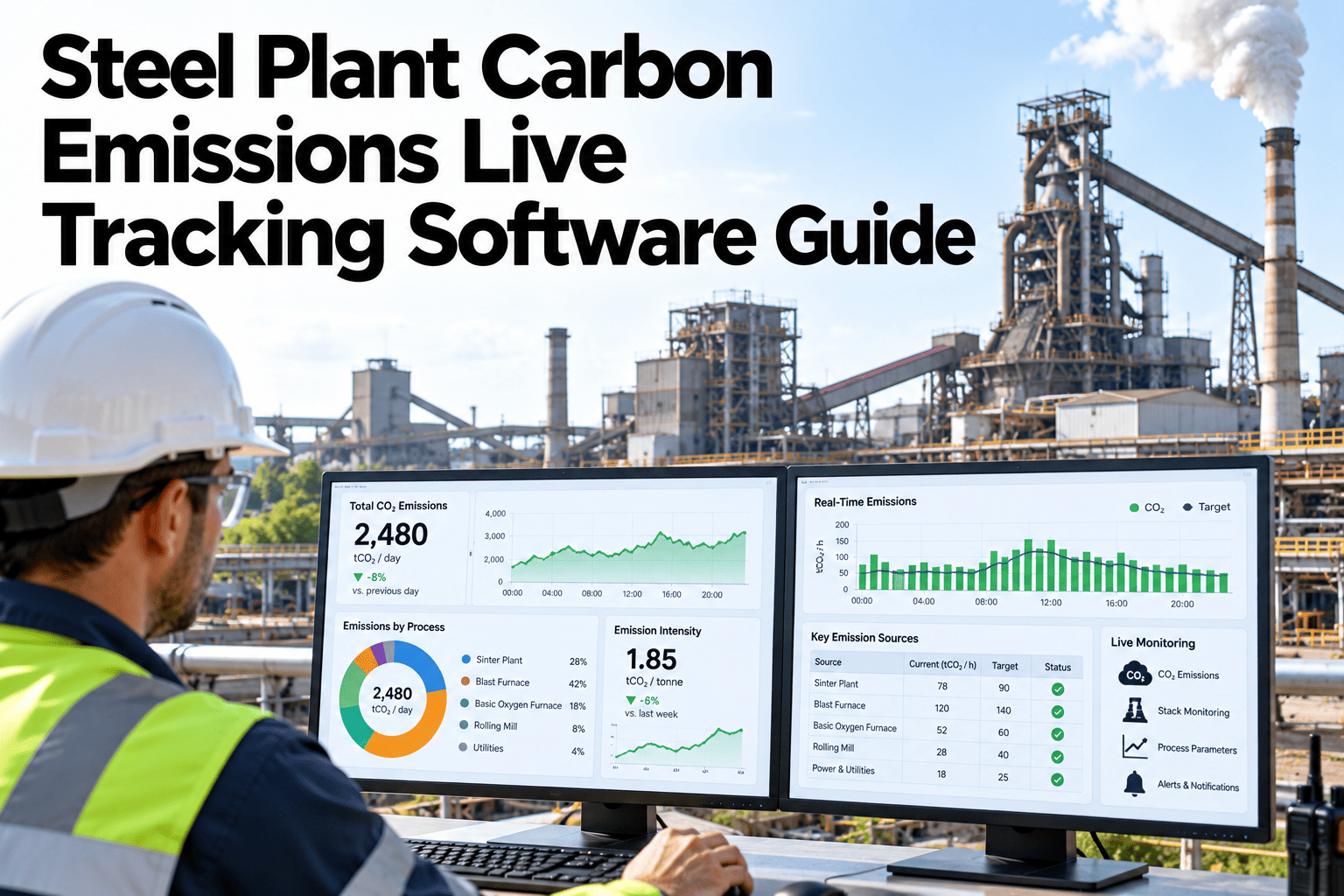
Steel Plant Carbon Emissions Live Tracking Software Guide
Three emission sources, one live figure. Process CO2, combustion CO2 and Scope 2 electricity emissions are tracked continuously and rolled up cleanly to plant, shop and product, instead of waiting for a month-end spreadsheet.
Three Sources, Three Clocks
Each emission source in a steel plant updates on its own rhythm, and a live tracking system has to respect that instead of forcing all three onto the same refresh cycle.
| Source | What Drives It | Typical Update Rhythm |
|---|---|---|
| Process CO2 | Reduction chemistry, carbon content of inputs | Continuous, from process and material flow data |
| Combustion CO2 | Furnace and reheat fuel consumption | Continuous, from fuel flow meters |
| Scope 2 | Purchased electricity volume and grid factor | Near-continuous, tied to meter and grid data updates |
Rolling Up to Plant, Shop and Product
A single plant-wide number hides exactly the detail a sustainability team and a sales team each need, for different reasons. The same underlying data needs to roll up cleanly to three different levels of detail.
Illustrative Hourly Composition
The chart below shows an illustrative breakdown of total hourly emissions by source for one melt shop, as a share of the hour's total.
Process CO2 dominates this illustrative hour, as it typically does for melt shop operations, which is exactly why a plant-wide average hides more than it reveals. A shop that leans heavily on purchased power will show a very different composition, and only a live, source-separated view makes that difference visible.
Watch Carbon Move the Same Way You Watch Production
iFactory AI tracks process, combustion and Scope 2 emissions live, rolled up to plant, shop and product. Book a 30-minute walkthrough.
What Changes With an Hourly Review
Moving from a month-end report to an hourly view changes what a team can actually do about a number, not just how often they look at it.
Setting Alert Thresholds for Emission Spikes
A live tracking system is only as useful as the alerts built on top of it. A threshold set too tight fires on every normal fluctuation in furnace load. A threshold set too loose misses the window where someone could actually have acted.
| Alert Level | Trigger | Typical Response |
|---|---|---|
| Watch | Hourly emissions 10 percent above the shop's rolling average | Logged for the shift review, no immediate action |
| Flag | Hourly emissions 25 percent above average, sustained over two hours | Shift supervisor checks fuel mix and furnace load |
| Escalate | Daily total tracking toward a permit or target breach | Plant leadership notified, corrective plan requested |
Most plants start with wider thresholds than they expect to need, since a flood of watch-level alerts in the first week tends to train people to ignore the system entirely. Tightening the bands gradually, once the baseline is well understood, works better than starting strict.
A Rollout Path for Live Tracking
Moving from a month-end spreadsheet to a live, source-separated view does not need to happen all at once. Most plants find a phased rollout, starting with one shop, reaches a trustworthy figure faster than trying to launch plant-wide on day one.
Plain-Language Glossary
A shared vocabulary keeps sustainability, operations and sales reading the same emissions data the same way.
Expert Review
Sustainability leads who have moved to live emissions tracking across steel plants keep returning to the same two notes.
Keep sources separate
Combining all three sources into one number too early hides which lever actually moves it. Keep them separate through the shop level, and only combine at the final reporting figure.
Match review cadence to the source
Combustion CO2 is worth watching hourly since it responds fast to operating changes. Scope 2 moves more slowly with the grid factor, so a daily review is usually enough there.
Frequently Asked Questions
Can this replace our monthly regulatory emissions report?
Live tracking supports the monthly report rather than replacing its formal submission process, since it gives the underlying data a continuous, auditable trail. Book a demo to see how reporting data is assembled.
What data do we need for product-level emissions?
Production records by grade, tied to the same shop-level emissions data, are the minimum. More detailed material tracking sharpens the figure further. Ask support what product-level tracking requires.
How accurate is a live Scope 2 figure compared to the final grid factor?
A live figure uses the best available factor at the time and is typically reconciled against the final published factor during formal reporting periods.
Can different shops have different review cadences?
Yes, and they often should, since a shop with more combustion-driven emissions benefits from more frequent review than one dominated by steadier process emissions. Book a demo to see cadence set per shop.
Does this work with our existing energy meters?
In most cases yes, since the system reads from existing fuel and electricity meters rather than requiring new hardware throughout the plant.
Make Carbon a Live Number, Not a Month-End Surprise
iFactory AI tracks process, combustion and Scope 2 emissions continuously, rolled up cleanly to plant, shop and product. Book a walkthrough built around your plant.