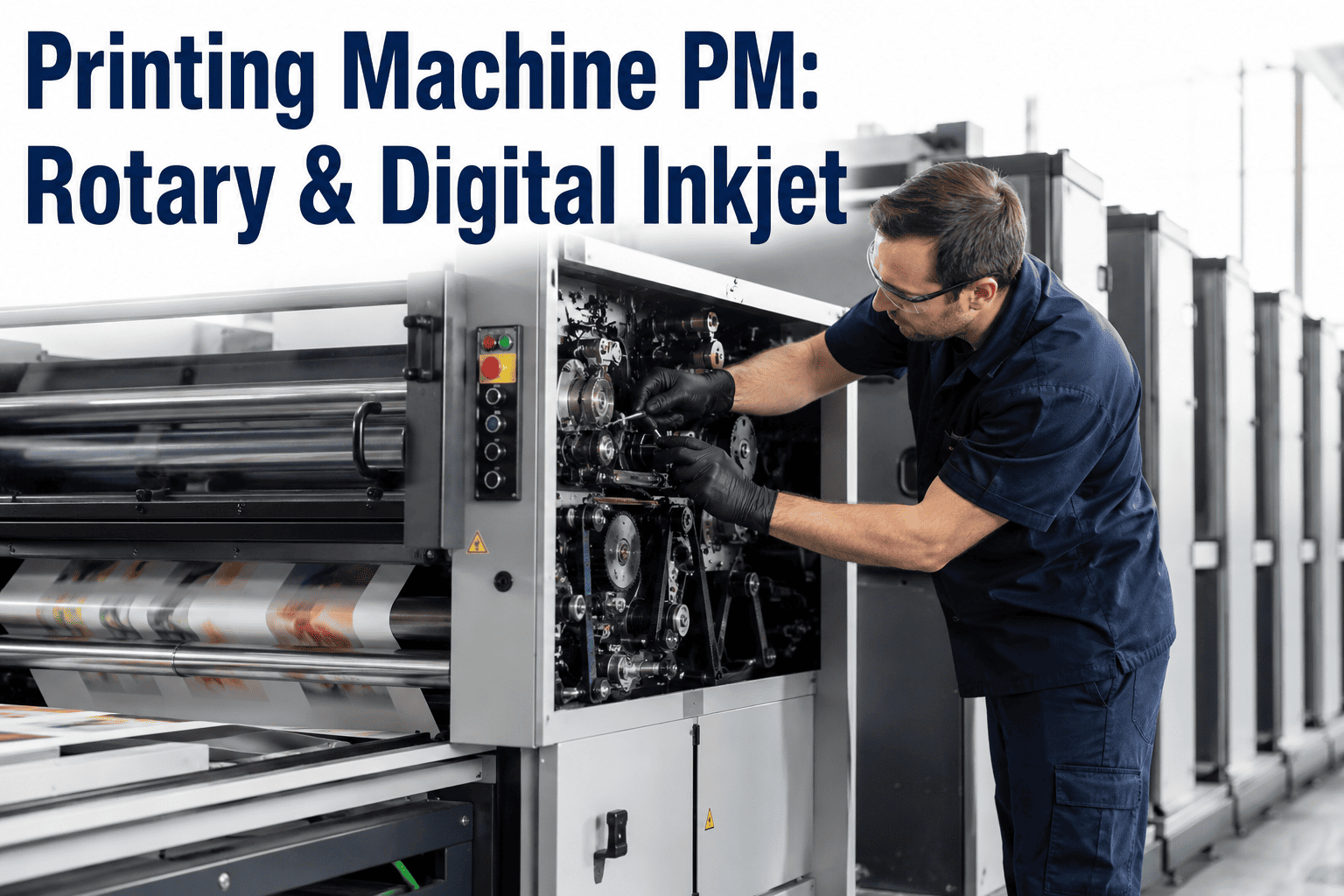
Textile printing quality lives or dies on precision most people never think about — a squeegee blade holding consistent pressure across its full width, a print screen free of dried ink buildup in its mesh, a printhead firing droplets exactly where the design calls for them, repeated thousands of times across a run without drift. Whether a plant runs rotary screen, flat-bed, or digital inkjet printing, the mechanical and technical maintenance discipline behind that machine determines whether a design prints crisp and registered or comes out smeared, misaligned, or streaked. Maintenance teams managing printing equipment are working across genuinely different technology platforms — mechanical screen systems and electronic inkjet systems — each with its own failure modes, its own maintenance rhythm, and its own relationship between neglected maintenance and visible print defects. Understanding both is essential for any plant running mixed print technology, which describes most textile printing operations today.
Why Rotary Screen and Digital Inkjet Maintenance Are Fundamentally Different Disciplines
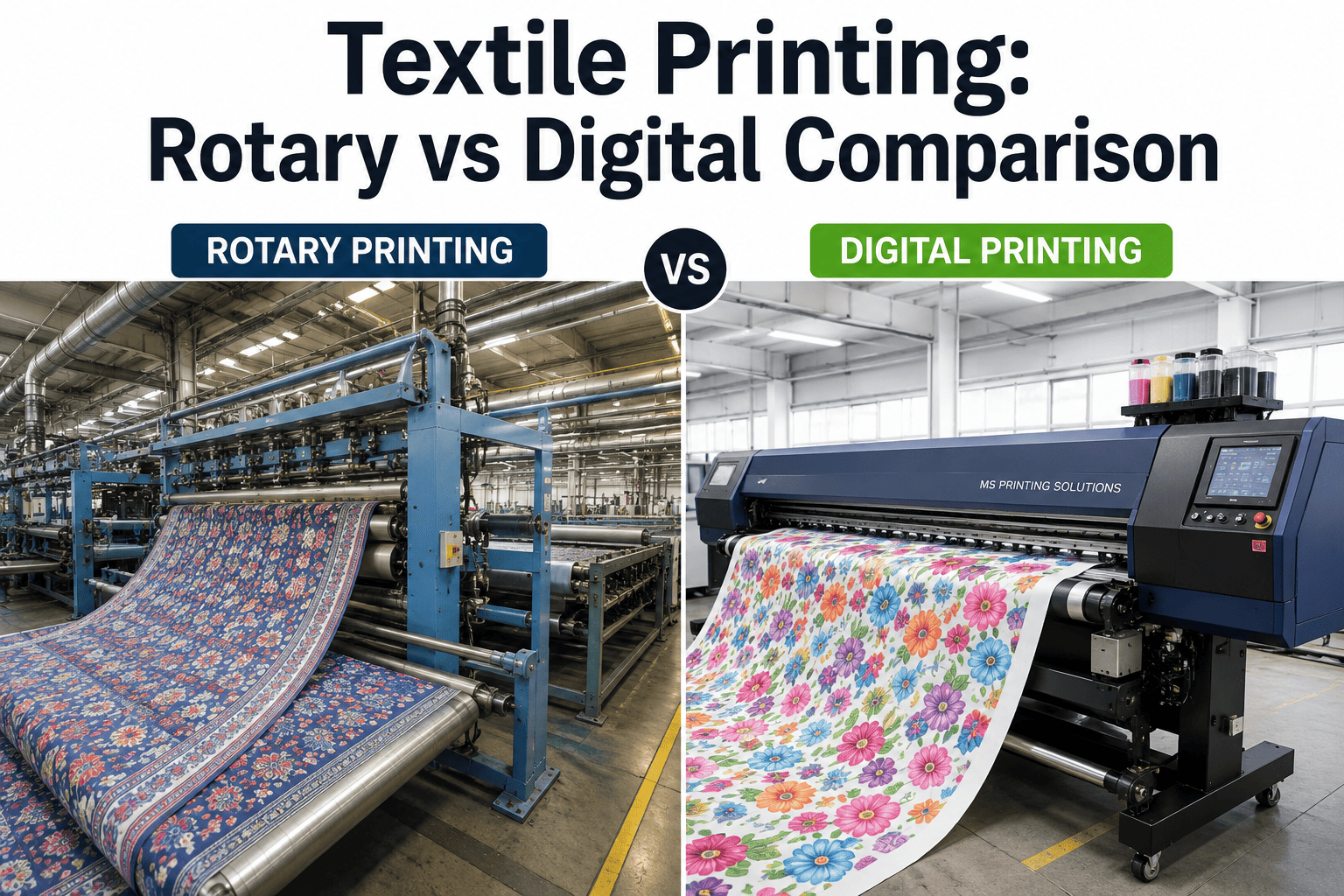
Rotary screen and flat-bed printing are mechanical systems at their core — a screen, a squeegee, and precise physical registration between print stations. Digital inkjet printing is an electronic system built around printheads firing thousands of ink droplets per second with no physical contact between the printing mechanism and the fabric at all. These are genuinely different machines requiring genuinely different maintenance expertise, even though both ultimately serve the same goal of putting an accurate, high-quality design onto fabric.
The maintenance culture that develops around each technology tends to reflect this underlying difference. Technicians who came up through mechanical screen printing maintenance often develop excellent intuition for how physical wear translates to print defects — a feel for how a slightly worn bearing changes registration, or how squeegee blade angle affects ink deposit. That same intuition doesn't transfer directly to digital inkjet troubleshooting, where the relevant skills involve understanding electronic printhead behavior, ink chemistry interactions, and firmware-level diagnostics that have little in common with mechanical wear patterns. Plants that treat these as a single unified "printing maintenance" job function often find their technicians stronger on one technology than the other, which is worth accounting for deliberately in training and staffing decisions.
Most textile printing operations run both technologies side by side, using screen printing for high-volume standard runs and digital inkjet for shorter runs, sampling, and designs requiring frequent changes. This means maintenance teams increasingly need genuine competency across both mechanical and electronic printing systems, rather than specializing exclusively in one and treating the other as a secondary concern.
Rotary and Flat-Bed Screen Printing — The Mechanical Maintenance Core
Screen printing maintenance centers on three interacting mechanical systems — the screen itself, the squeegee mechanism, and the registration system that keeps multiple color stations aligned precisely. Each degrades differently and produces distinct print defects when neglected. Because these systems interact, a defect that looks like a squeegee problem at first glance can sometimes actually originate in bed pressure or fabric tension, which is why an experienced screen printing technician evaluates the full mechanical chain rather than jumping straight to the most commonly suspected component. Book a demo to see how continuous monitoring applies to your specific screen printing configuration.
These four systems don't fail independently in practice — wear in one often accelerates wear in another. A registration system drifting out of alignment can cause the squeegee to contact the screen at a slightly different angle than intended, accelerating blade wear beyond what normal use alone would produce. This is why a maintenance program built around understanding these interactions, rather than treating each system as an isolated checklist item, tends to catch developing problems earlier and more accurately than a purely component-by-component inspection approach.
Digital Inkjet Printing — Printhead and Ink Delivery Maintenance
Digital inkjet maintenance is fundamentally about protecting an extremely precise electronic component — the printhead — from the conditions most likely to degrade it, primarily ink drying, contamination, and thermal stress. Unlike screen printing's gradual mechanical wear, printhead issues can develop quickly and produce immediately visible defects. A printhead that was performing perfectly at the start of a shift can develop clogged nozzles within a few hours if capping or humidity conditions aren't properly maintained, which is why digital inkjet maintenance tends to emphasize environmental and procedural discipline as much as scheduled component inspection.
A useful mental model for digital inkjet maintenance is thinking of the printhead as the component everything else exists to protect. Ink filtration, capping stations, temperature control, and humidity management aren't independent maintenance items competing for priority — they're all supporting systems whose entire purpose is keeping the printhead in the narrow operating envelope it needs to perform consistently. Maintenance teams who internalize this framing tend to prioritize preventive attention to these supporting systems rather than waiting for a printhead failure and only then investigating what allowed it to happen.
Screen vs. Digital Inkjet — Maintenance Profile Comparison
Understanding how these two printing technologies differ in their maintenance demands helps plant managers allocate maintenance resources and technician expertise appropriately across a mixed-technology operation. Staffing and spare parts planning both benefit from this comparison — a plant that under-resources digital inkjet maintenance because it "looks simpler" from the outside, with no visible moving parts to inspect, often discovers the hard way that electronic diagnostic expertise is just as demanding to develop as mechanical adjustment skill, simply in a different direction. Book a demo to see how monitoring adapts to both technologies within a single plant.
| Maintenance Factor | Rotary/Flat-Bed Screen | Digital Inkjet |
|---|---|---|
| Primary failure mode | Mechanical wear — screen, squeegee, registration | Nozzle clogging, thermal drift, ink contamination |
| Failure progression speed | Gradual, develops over a production run | Can develop quickly, sometimes within hours |
| Typical defect signature | Streaking, registration drift, uneven deposit | Banding, missing droplets, color shift |
| Cleaning frequency | Per shift or per run, mesh-dependent | Continuous automated purge cycles plus scheduled deep clean |
| Skilled technician dependency | High — mechanical adjustment expertise | High — electronic diagnostic expertise |
Reading Print Defects Back to Root Cause
Print defects are often the fastest available signal that something in the printing system needs attention, appearing well before a scheduled inspection would catch the same underlying issue. Learning to read defect patterns correctly shortens the path from visible problem to actual root cause considerably. This diagnostic skill matters more on mixed-technology floors than single-technology operations, since the same visible symptom — streaking, for instance — points to a completely different root cause and repair path depending on whether it appeared on a screen print job or a digital inkjet run.
The interval-based recurrence pattern deserves special attention because it's one of the most reliable diagnostic signals available to a maintenance technician. If a defect repeats every meter of fabric, that distance often corresponds directly to the circumference of a specific roller or the repeat length of a screen pattern, immediately narrowing the search to a specific physical component rather than requiring a broader investigation across the entire print system. Technicians who develop fluency in translating defect repeat distances into likely component causes diagnose recurring issues considerably faster than those without this pattern recognition.
Why Continuous Condition Monitoring Matters Across Both Technologies
Traditional printing equipment maintenance relies on scheduled inspections and operator visual checks — valuable, but limited by the same timing gap that affects any periodic inspection regime. A printhead nozzle beginning to clog, or a squeegee blade developing uneven wear, can progress from imperceptible to visibly defective within a single production run, well before the next scheduled maintenance check would catch it. This gap matters more in printing than in many other equipment categories, because printed fabric that has already left the machine with a defect often can't be economically corrected — the material cost and production time are simply lost, in a way that a caught-in-time maintenance issue never would have cost.
Continuous monitoring of squeegee pressure, screen condition indicators, printhead performance metrics, and registration accuracy closes that gap by comparing live sensor and print quality data against established baselines in real time. This doesn't replace the mechanical and electronic maintenance expertise your team already has — it gives that expertise earlier, more precise signals about exactly which system is drifting, catching developing issues while they're still a maintenance adjustment rather than a run of defective fabric that has to be scrapped or reworked. Book a demo to see how this fits into your existing printing equipment maintenance program.





.jpg)
