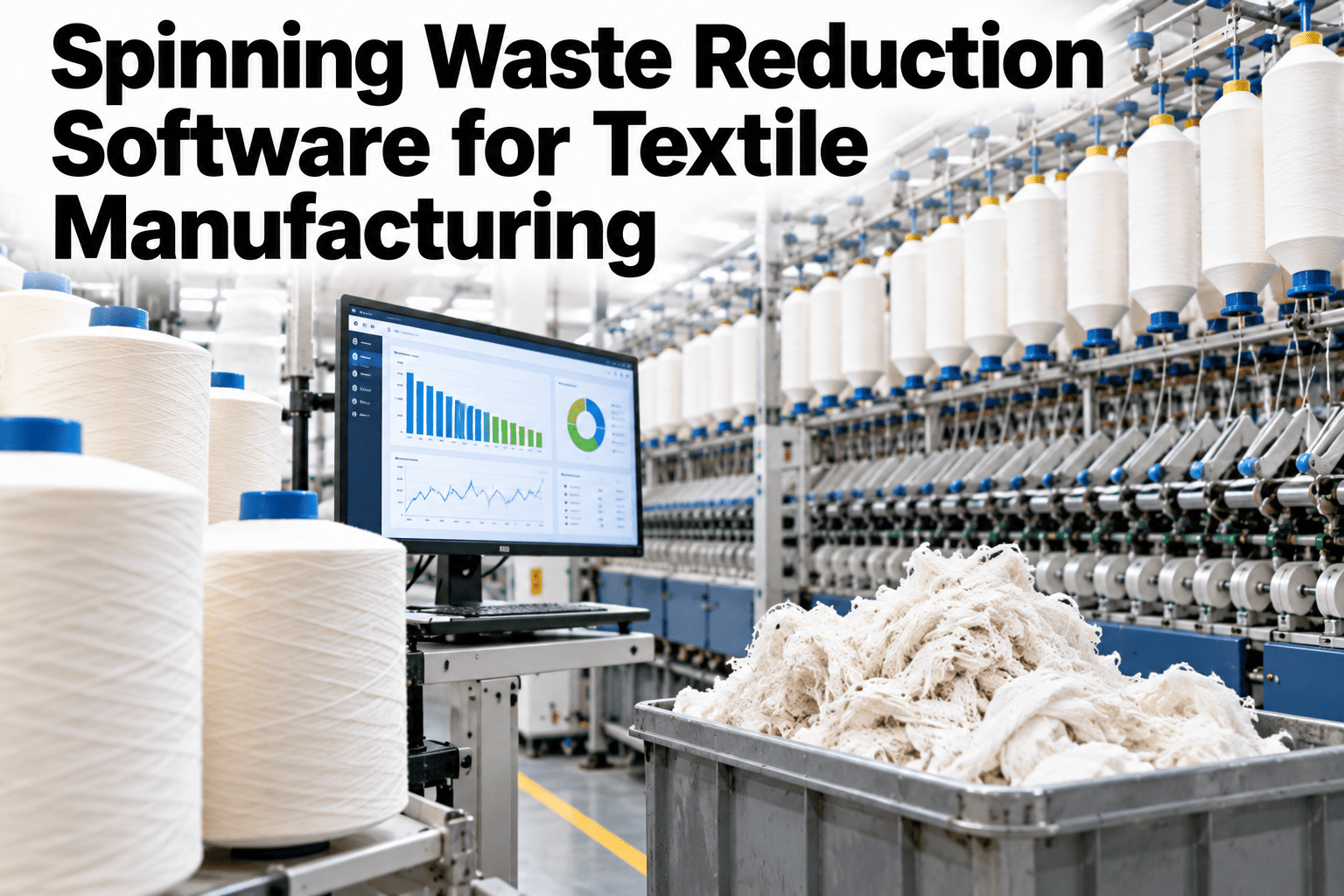
Spinning mills lose fibre in many places, and most of those losses have a name, a machine and a cause, if anyone measures them. Pneumafil suction waste at the ring frames, winding waste at the cone stage, comber noil, card waste and hard waste all end up in different bags and are often weighed at different times, or not at all. Waste reduction software brings those weights together and ties them to frames, lots and shifts. Mills who want that picture can ask iFactory AI how spinning waste is captured and attributed.
Cut Spinning Waste by Seeing Every Loss, From Card to Cone
iFactory AI captures waste weights at each stage and links them to machines, lots and shifts, so pneumafil and winding losses are managed instead of accepted.
Where Fibre Is Lost Between Bale and Cone
Losses occur at every stage. The flow shows the main points where fibre leaves the process.
An Illustrative Waste Mix
The split differs by mill and product. The bar shows an illustrative view of where waste weight usually sits.
Waste Types, Causes and First Checks
Each waste stream has typical causes. This table links them to a first check.
| Waste Type | Typical Cause | First Check |
|---|---|---|
| Card and blowroom waste | Settings, cleaning intensity and fibre quality | Card settings and cleaning points against the lot |
| Pneumafil waste | End breaks, fly and suction settings | Break rates by frame and suction duct condition |
| Roving waste | Breaks and handling at the speed frame | Roving breaks and bobbin handling |
| Winding waste | Yarn faults and clearer settings | Clearer limits and yarn quality |
| Hard waste | Tangles, damaged material and spills | Handling and housekeeping practice |
Where the Biggest Opportunities Usually Sit
The chart shows an illustrative ranking of reduction opportunities.
Find Out Where Your Spinning Fibre Is Really Going
Book a 30-minute session and iFactory AI will review your waste records and production data to show which losses can be reduced without hurting yarn quality.
Which Frames and Lots Create the Most Waste
Waste is rarely uniform across machines and lots. The matrix, shown as an illustration, ranks typical contributors.
| Contributor | Pneumafil Waste | Winding Waste | Card Waste |
|---|---|---|---|
| Older ring frames | High | Moderate | Low |
| Newly installed frames | Low | Moderate | Low |
| Coarser or cheaper cotton lots | Moderate | Moderate | High |
| Fine count and difficult blends | High | High | Moderate |
| Night and weekend shifts | Moderate | Moderate | Moderate |
Weighing on Paper or Linking Waste to Production
Weights recorded on paper tell you how much. Linked weights tell you why.
The Fix Order for Spinning Waste
When every waste stream looks high, start with the one that drives the others.
Getting Started in Five Steps
A first project works best on one department and a few frames.
Agree waste categories and how and when each is weighed.
Tie each weight to frame, lot and shift.
Find the largest stream and the worst frames.
Change one factor at a time and measure the effect.
Record the new standard and review weekly.
Spinning Waste Review Checklist
Use this list at the weekly waste meeting. Each box should be answerable from records.
A Composite Scenario: The Frame Behind the Bag
This is a composite example, not a named mill. It shows how linked weights change priorities.
Mistakes in Spinning Waste Reduction
These habits make waste harder to cut.
Tightening cleaning to cut yarn faults without checking waste
Removing more fibre raises waste and cost.
Weighing waste only at month end
Causes cannot be tied to events.
Mixing waste types in one bag
Streams cannot be ranked or fixed.
Ignoring quality while cutting waste
Savings can reverse in claims.
What iFactory AI Adds to Spinning Waste Reduction
iFactory AI is smart manufacturing and industrial software for spinning and other textile operations. Explore waste reduction in a live product tour on realistic data.
A 30-Day Plan to Start
A month is enough to build a first waste picture for a few frames.
Review of Spinning Waste Reduction
A practical review of what makes waste reduction last, written as editorial guidance rather than a named expert quote.
Separate the waste streams
Mixed bags cannot be ranked or fixed.
Link waste to frames and lots
A weight without a source explains nothing.
Guard quality
Savings that raise claims are not savings.
Frequently Asked Questions
What counts as spinning waste?
Blowroom and card waste, comber noil, roving and fly waste, pneumafil suction waste, winding waste and hard waste. See each waste stream tracked on a live dashboard in a short demo. Some loss is intended, while some is avoidable.
What is pneumafil waste?
It is fibre and yarn removed by the suction system at ring frames, mainly from end breaks and fly. Reducing breaks reduces it. Tracking it by frame shows where the problem sits.
Can waste be reduced without hurting quality?
Yes, when changes are tested one at a time and quality is tracked beside waste. Ask support how quality guardrails are set up in the dashboard. Tight cleaning can raise waste and cost.
Do we need new equipment to track waste?
Usually not. Consistent weighing and linking weights to frames, lots and shifts deliver most of the value. Automated weighing can be added later.
How soon can we see results?
Many mills see their first clear waste ranking within weeks. Book time to scope a spinning waste pilot with your mill team. A cut in the largest stream proves the value.
Turn Spinning Waste From an Accepted Loss Into a Managed One
iFactory AI links every waste weight to its frame, lot and shift so reduction is targeted and quality is protected. Book a walkthrough to see it on your own mill data.