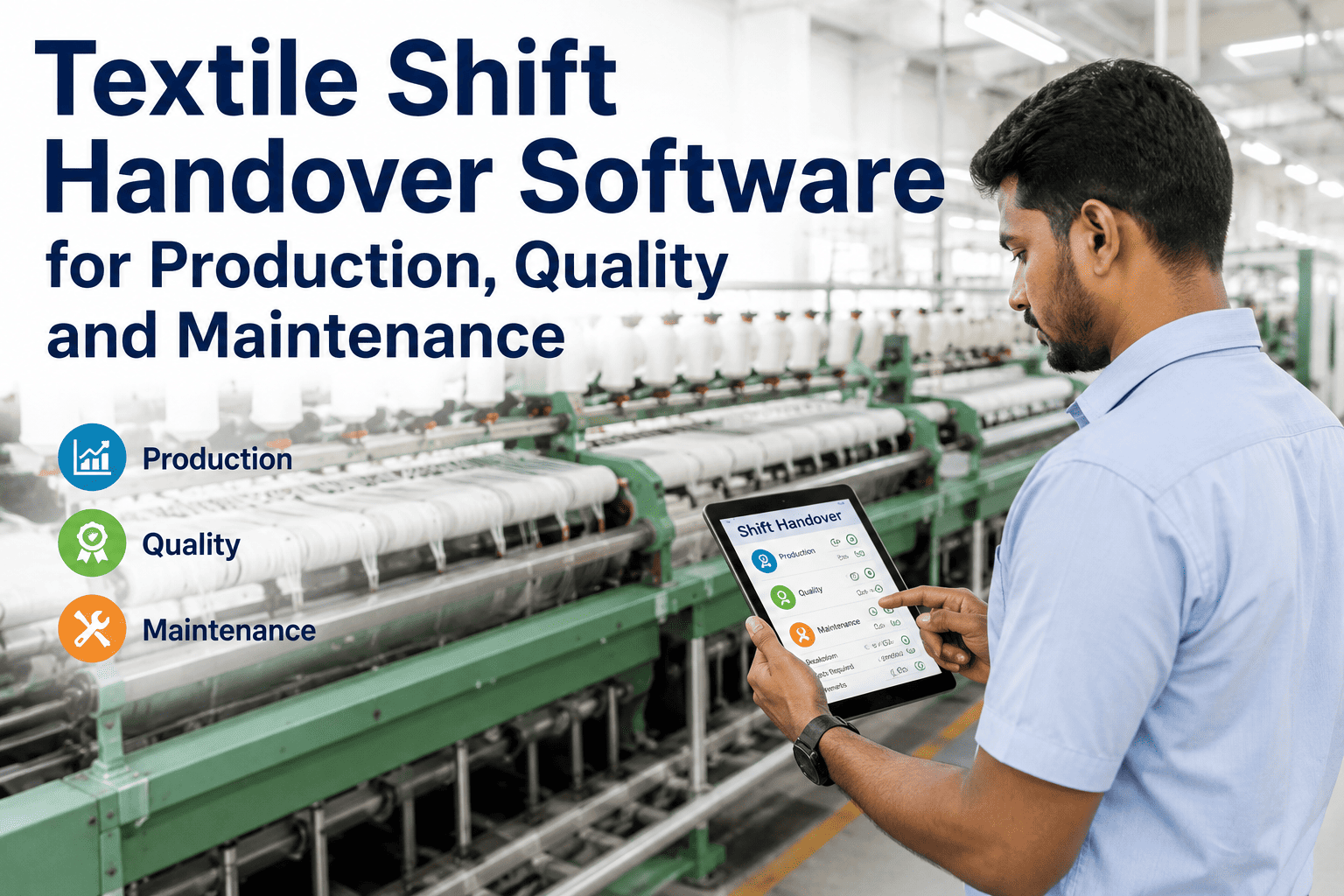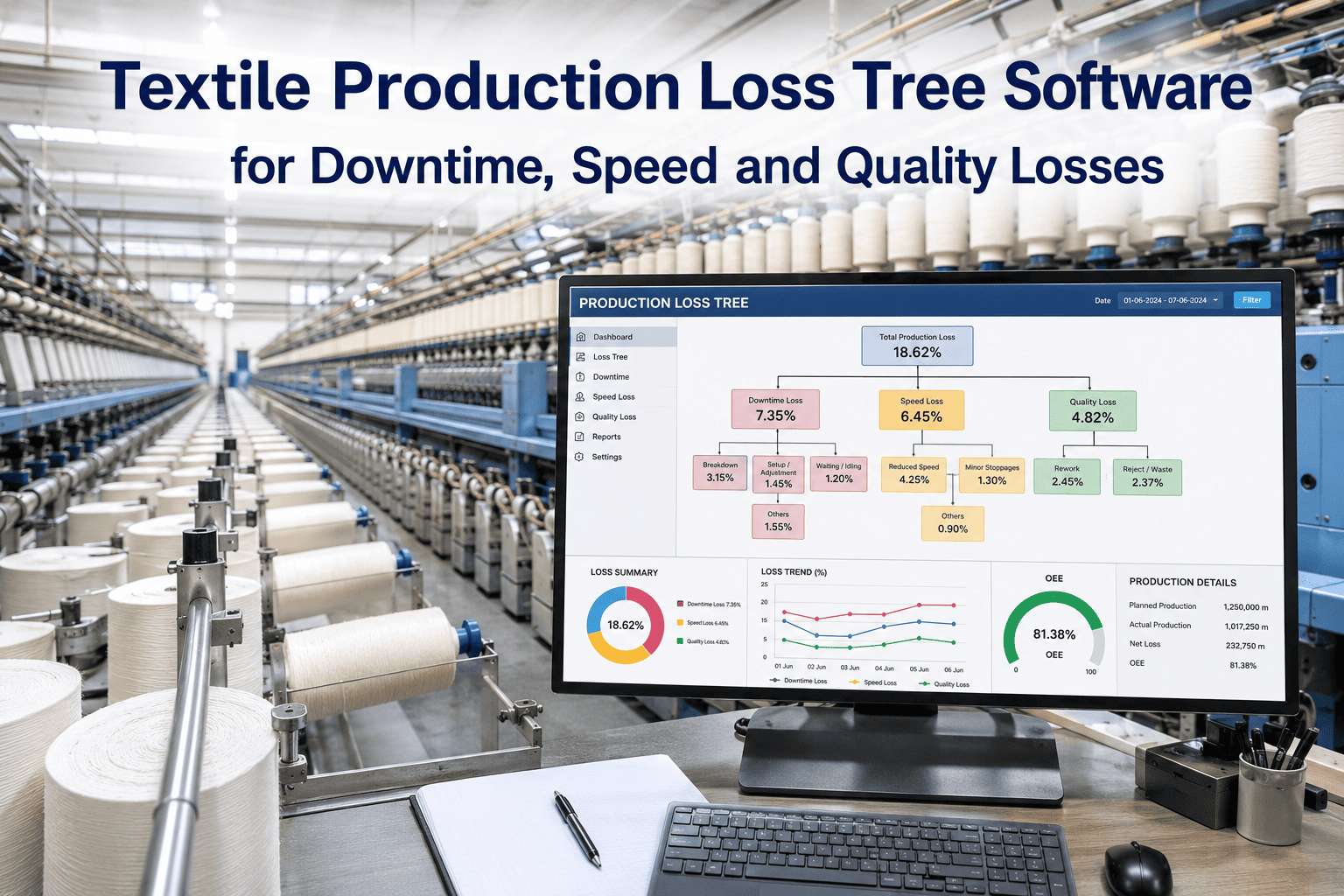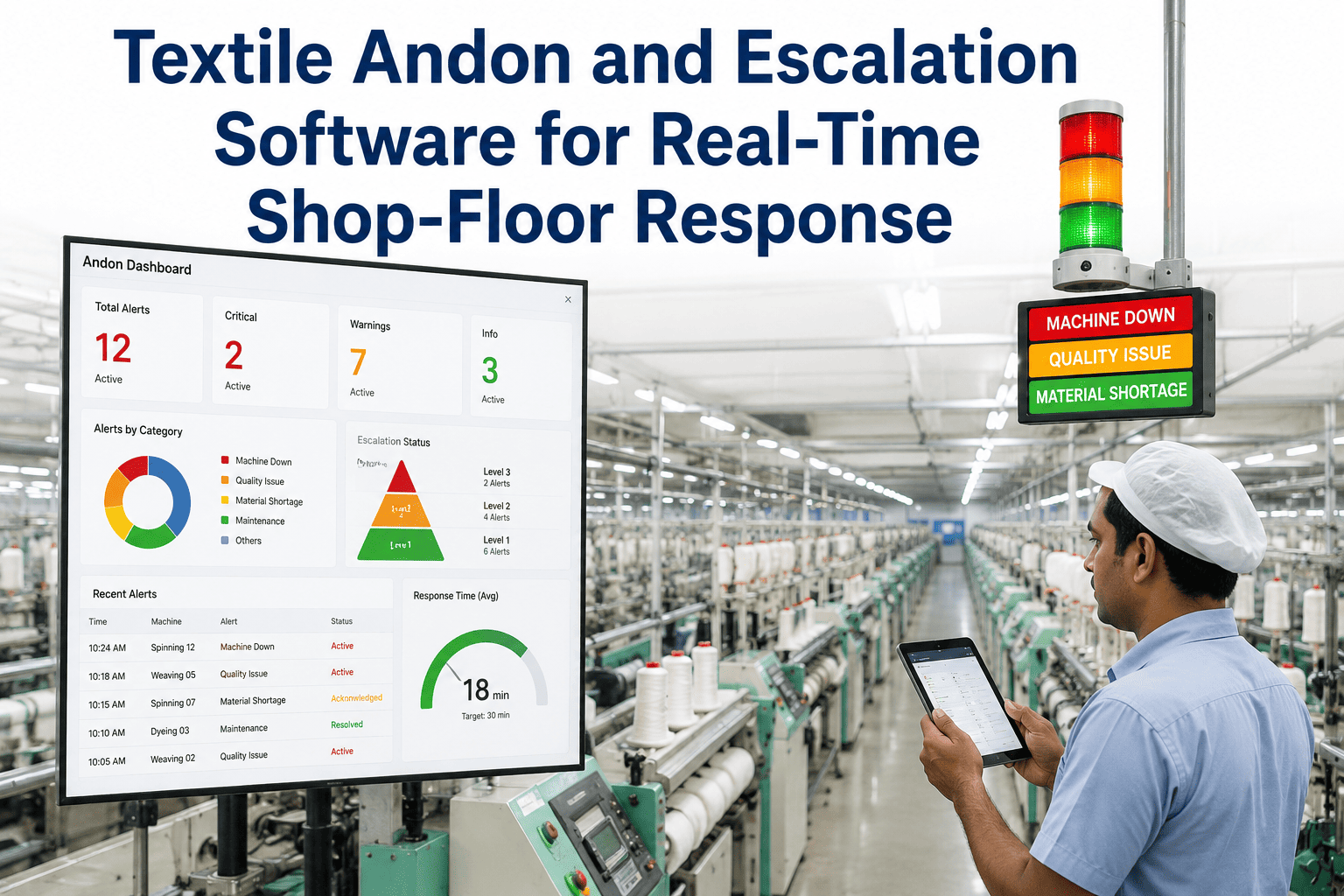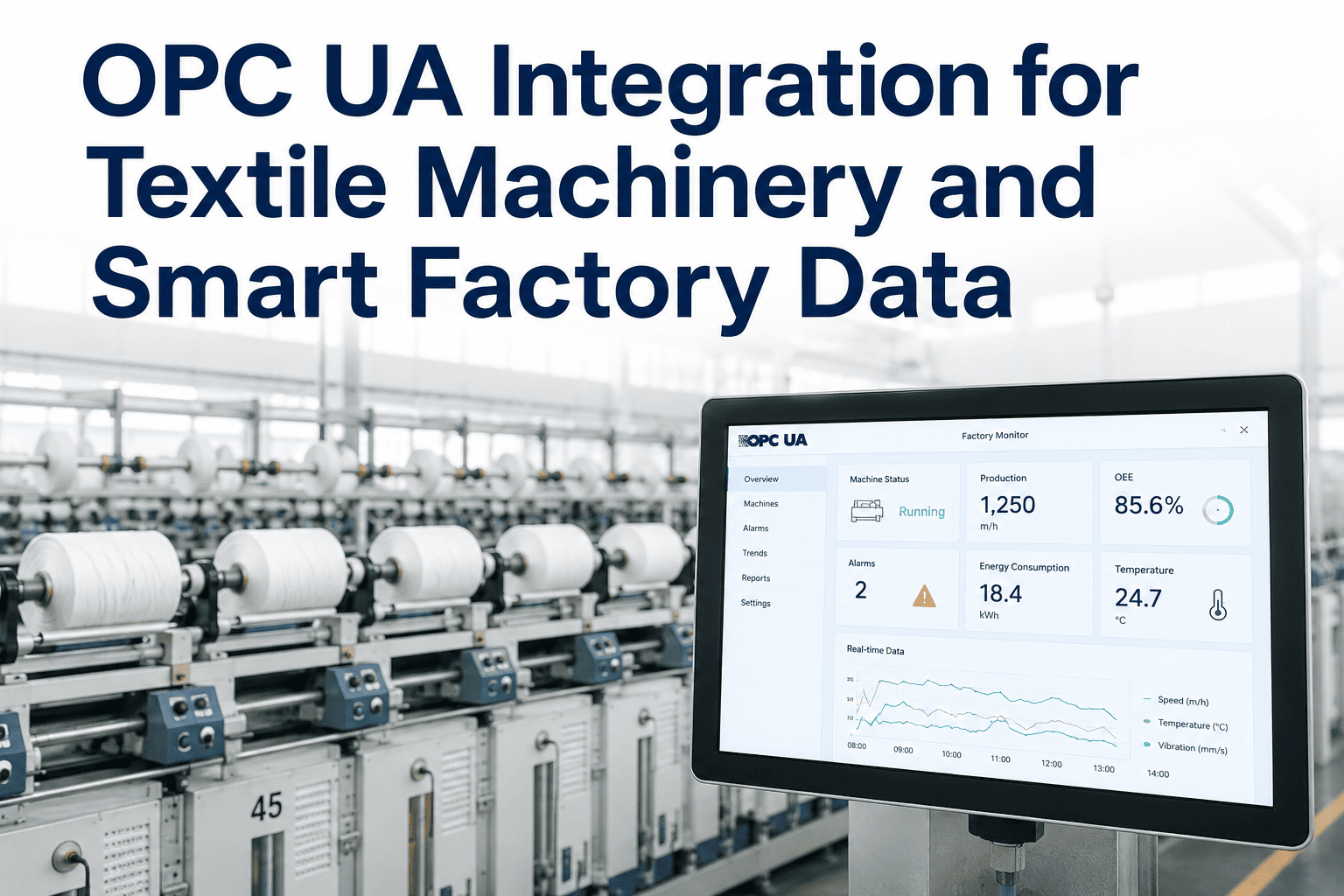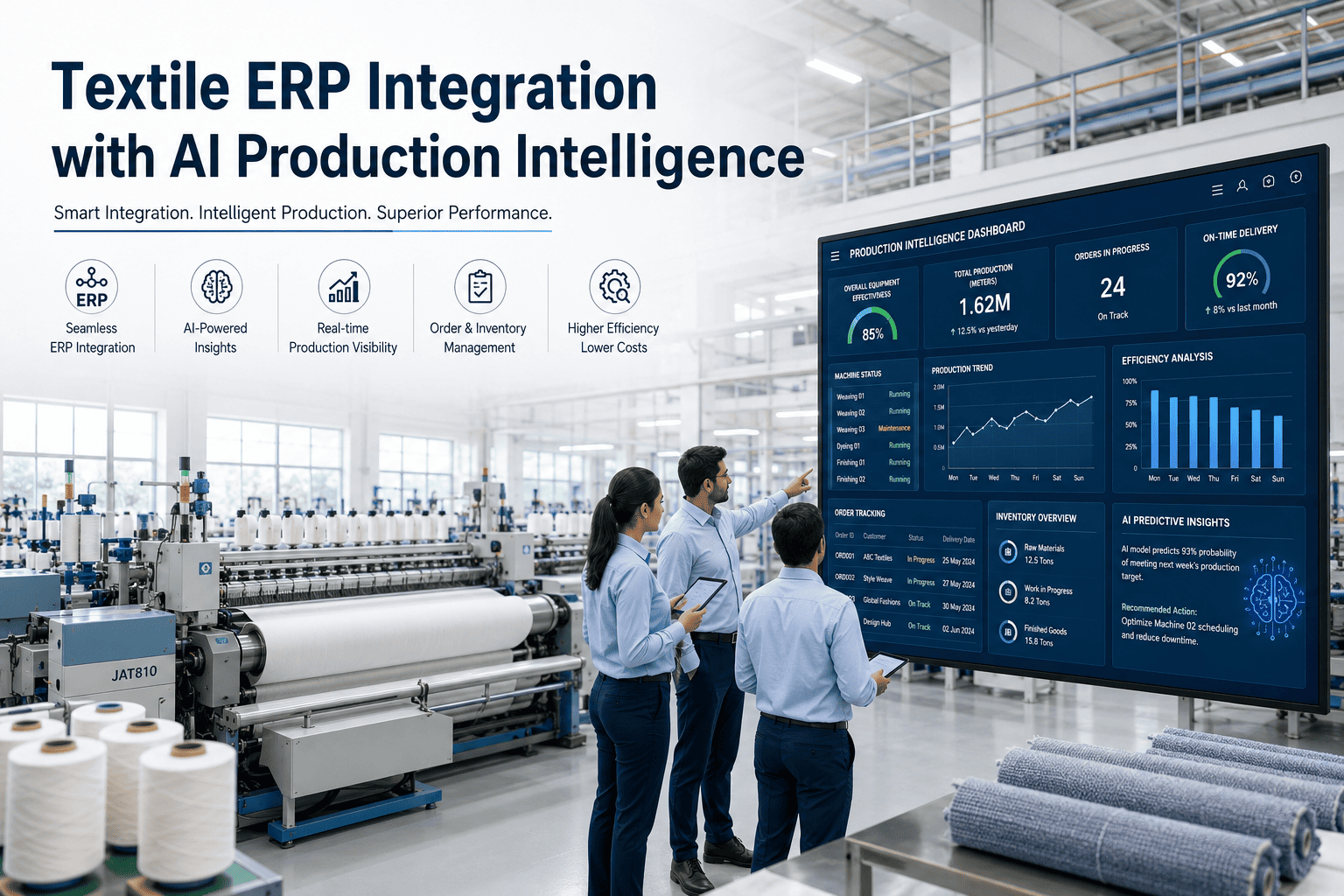
Your ERP knows what was ordered. Your shop floor knows what is actually happening. In most textile plants, those two systems barely talk to each other, so planners end up manually keying yesterday's output into the ERP every morning while today's problems go unnoticed on the floor. Textile ERP integration with AI production intelligence closes that gap by connecting order, inventory, and quality data directly to live machine and shift data, so both systems finally describe the same reality. Plant leaders can see exactly how this connection would work with their own ERP setup by requesting a personalized demo.
TEXTILE ERP + AI · PRODUCTION INTELLIGENCE · 2026
Stop Keying Yesterday's Data Into Today's Decisions
Connect orders, inventory, and quality records in your ERP to live production data from the floor, and let AI flag the gaps before they turn into missed deliveries.
The Disconnect Costing Planners Their Week
Textile ERPs are excellent at what they were built for: orders, costing, procurement, and financial reporting. What most were never built for is real-time shop floor behavior, which is why so many planning teams end up bridging the gap with manual entry, phone calls, and end-of-shift spreadsheets. Every hour spent reconciling floor reality against ERP records is an hour not spent solving the actual production problem, and by the time the reconciliation is done, the order is often already behind schedule.
AI production intelligence sits between the two systems and keeps them synchronized automatically, translating machine and shift events into the language the ERP already understands, and translating order and material context back down to the floor in a form supervisors can act on immediately.
DISCONNECTED SETUP
ERP and Floor Run Separately
- Production entries keyed in manually, often a day late
- Inventory counts drift from actual raw material usage
- Quality holds discovered during order review, not during production
- Planners rebuild schedules from memory and phone calls
AI-CONNECTED SETUP
ERP and Floor Share One Truth
- Production confirmations post automatically as shifts complete
- Material consumption updates inventory in near real time
- Quality issues flagged the moment a batch drifts out of spec
- Schedules rebalance against actual, current machine capacity
What the Integration Actually Connects
Rather than replacing your ERP, this integration layer sits alongside it, pulling in the fields that matter most for daily execution and pushing floor-confirmed data back up on a continuous basis.
| ERP Data | Shop Floor Data | What AI Does With It |
|---|---|---|
| Open sales orders and due dates | Live line output and shift progress | Flags orders at risk of missing dates before the deadline |
| Raw material stock levels | Actual consumption per batch | Predicts stockouts days ahead of the ERP's static reorder point |
| Bill of materials and recipes | Machine parameter readings | Detects when a running batch drifts from its defined recipe |
| Cost and margin data | Downtime and rework events | Attributes real cost impact to specific lines and shifts |
ERP + FLOOR, FINALLY IN SYNC
See Your ERP and Floor Data Side by Side
Walk through a live view of how order, inventory, and quality data would connect to your actual machines.
Rolling Out Integration Without Disrupting Planning
Planning teams cannot afford a blackout period during rollout, so integration is staged to keep the ERP as the system of record throughout while intelligence is layered on top progressively.
Phase 1
Read-only connection. Order and inventory data flows from the ERP into the intelligence layer so AI models can start learning your specific patterns without touching live records.
Phase 2
Floor data capture. Machine and shift data starts flowing upward, giving planners their first side-by-side view of plan versus actual production.
Phase 3
Bi-directional sync. Confirmed production and material consumption begin posting back into the ERP automatically, removing manual entry from the daily routine.
Phase 4
Predictive layer live. AI models actively flag at-risk orders, drifting recipes, and material shortfalls before they affect delivery dates.
What Planning Teams Are Saying
We used to spend the first ninety minutes of every day just figuring out what actually happened yesterday. Now that data is already sitting in the ERP by the time we walk in, and the system has already told us which two orders need attention before we've had coffee.
Production Planning Head, Composite Textile Group
Frequently Asked Questions
Does this replace our existing ERP system?
No, the integration is designed to work alongside your current ERP rather than replace it, since most textile ERPs already handle costing, procurement, and financial reporting well. What it adds is the real-time production layer that ERPs typically lack, feeding accurate, timely data upward instead of relying on manual end-of-day entry. Most planning teams keep their existing ERP as the system of record for financials while the intelligence layer becomes the system of record for execution.
Which textile ERP systems does this connect to?
The integration is built to connect with the major ERP platforms used across the textile industry, including SAP-based systems, Oracle Cloud SCM, Microsoft Dynamics deployments with apparel extensions, and several textile-specific ERPs. Because the connection is built around standard data exchange methods rather than a single vendor's proprietary format, most standard ERP configurations can be connected without custom development work. Teams running a less common or highly customized ERP should confirm compatibility through support before scheduling rollout.
How accurate is the AI at predicting at-risk orders?
Accuracy improves as the models learn your specific plant's rhythms, but even in the early weeks of deployment, the system reliably flags orders where output is trending materially behind the pace needed to hit the due date. Early predictions rely on comparing live shift output against the historical pace of similar orders, which is usually enough to catch the clearest risk cases immediately. Precision continues to improve over the following months as more order cycles complete and feed back into the model.
What happens to data entry roles once manual keying is removed?
Teams that previously spent hours on manual entry typically shift that time toward exception handling and analysis instead, since the system surfaces the two or three issues that actually need a human decision rather than requiring someone to type every transaction. Most plants find this transition improves morale, since planners spend their day solving problems rather than re-typing numbers that already exist somewhere else in the business.
How long does a full ERP integration rollout take?
A phased rollout typically moves from initial read-only connection to a fully bi-directional, predictive setup within eight to twelve weeks, depending on how many ERP modules and plants are in scope. Groups running a single plant on a standard ERP configuration often complete the process faster, while multi-plant groups with custom ERP configurations may need additional time for each site. Interested teams can book a demo to get a rollout timeline scoped to their specific ERP setup.
TEXTILE ERP INTEGRATION · AI PRODUCTION INTELLIGENCE
Give Your ERP a Live Connection to the Floor
Join textile manufacturers already running orders, inventory, and quality on one connected, AI-powered data layer.