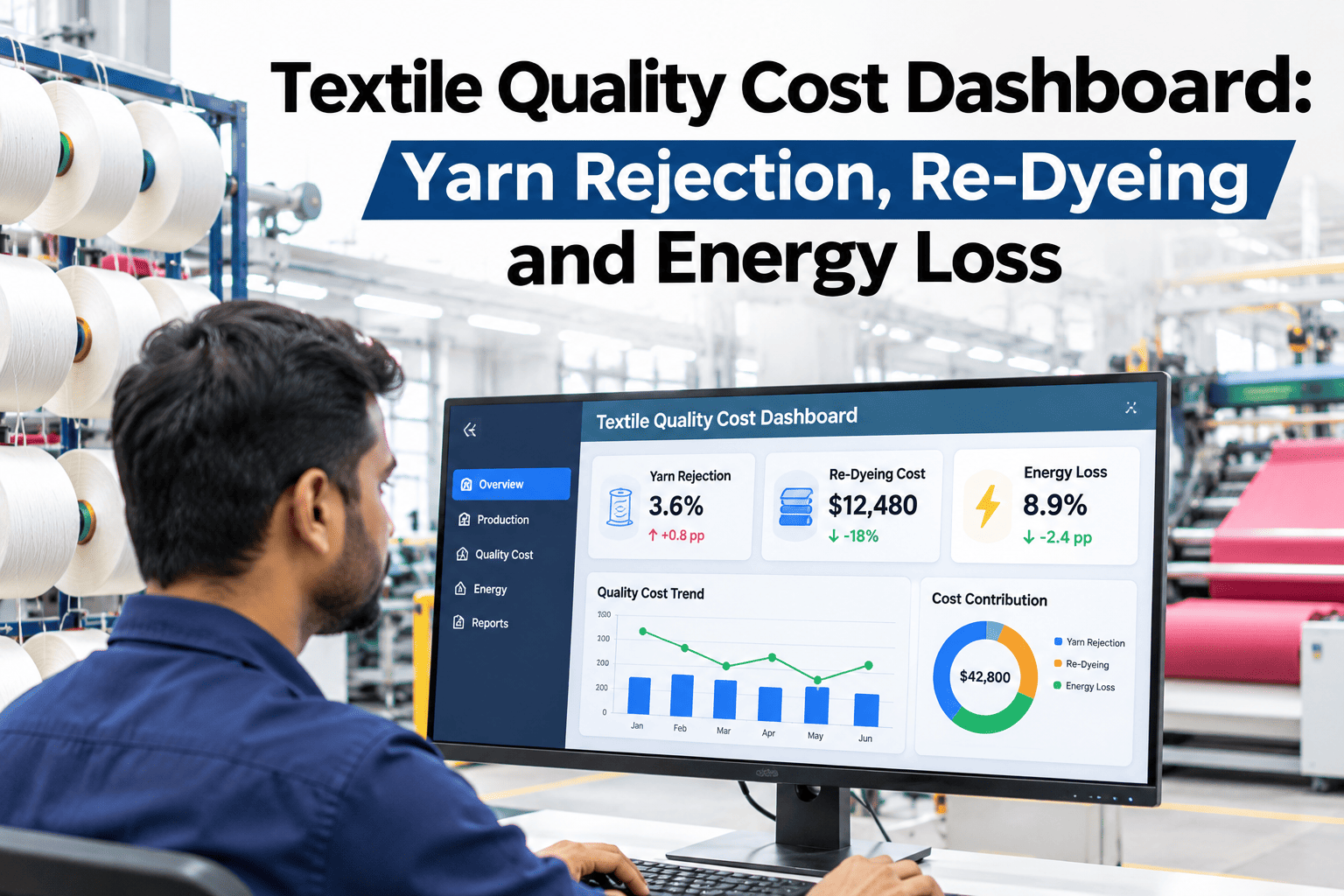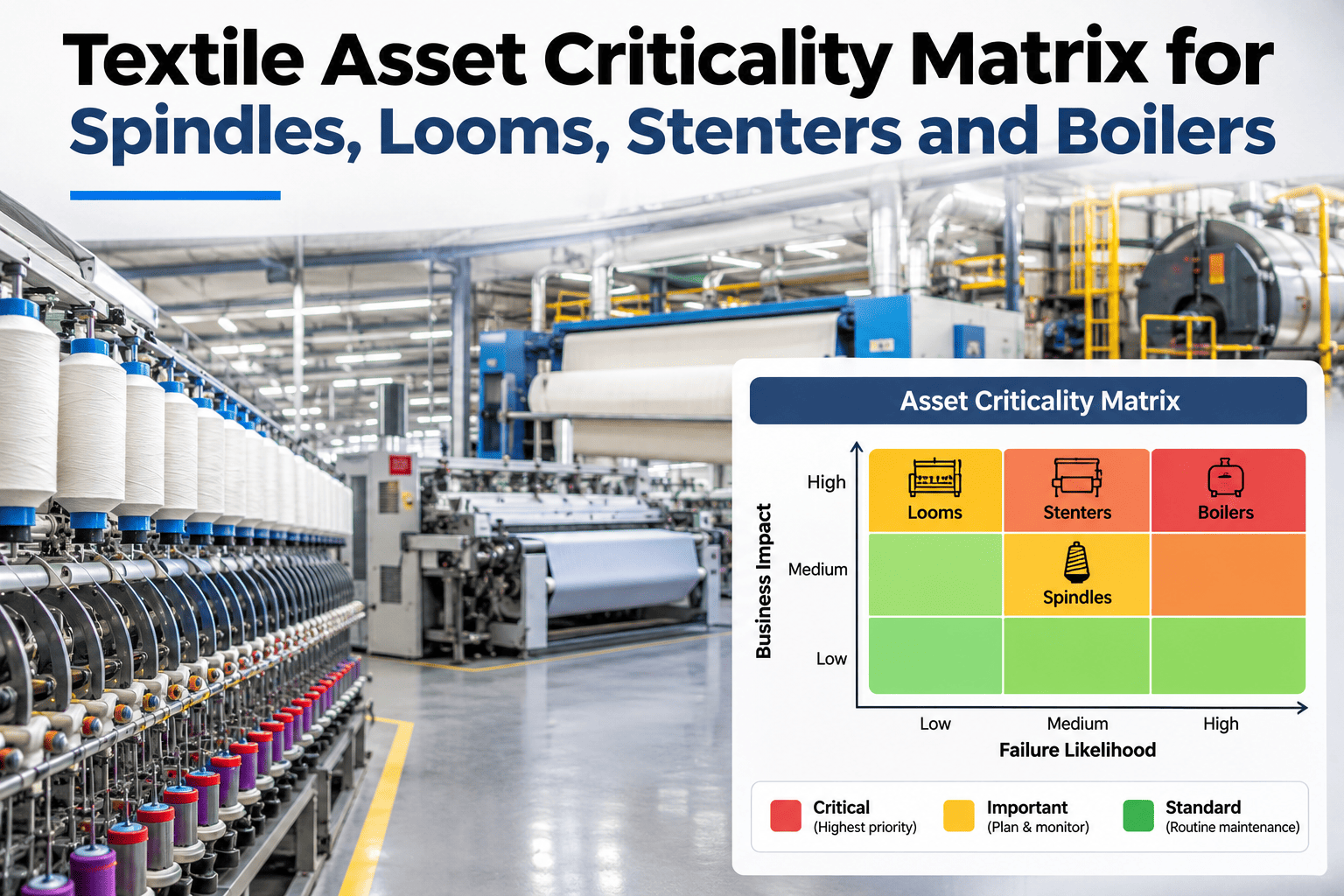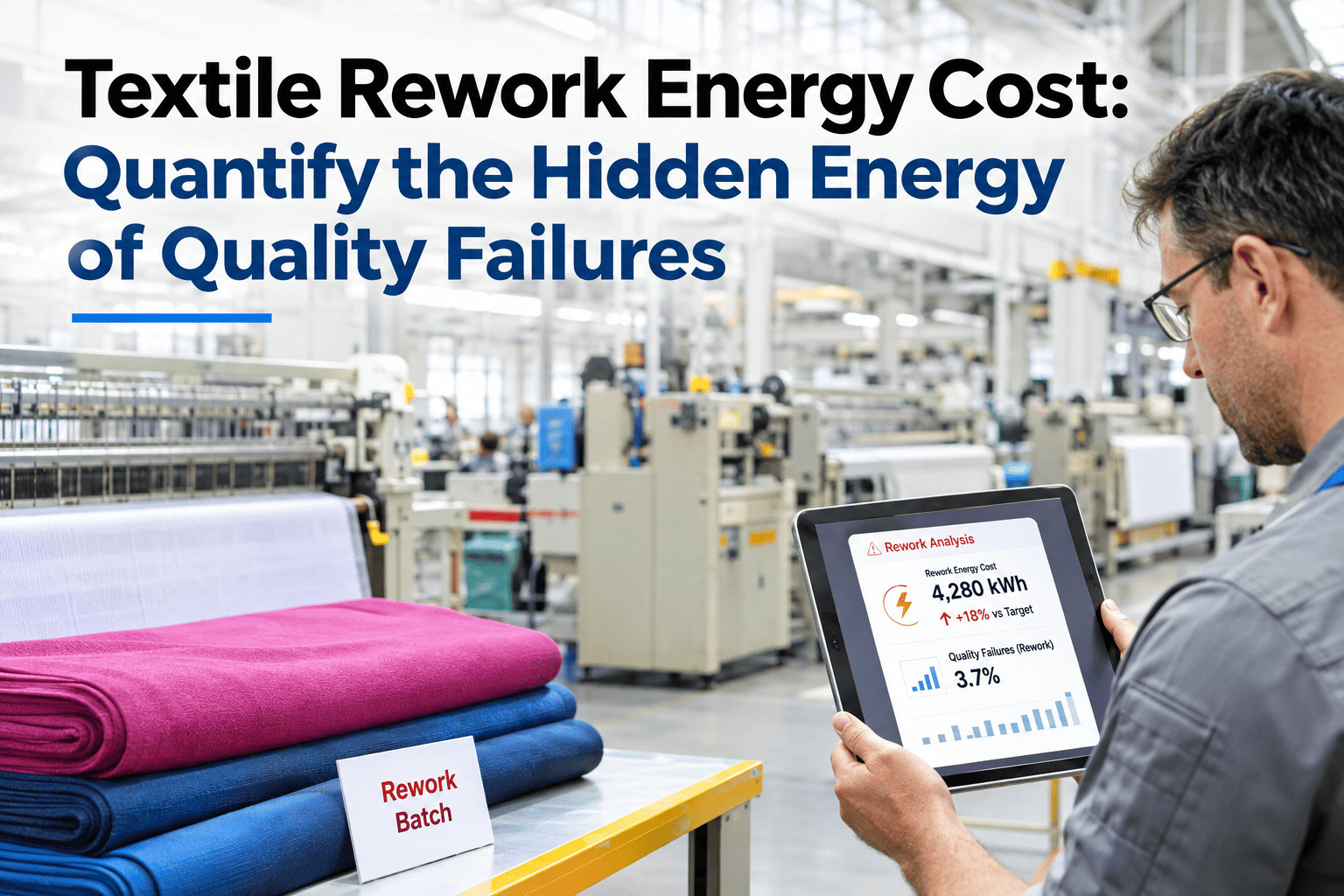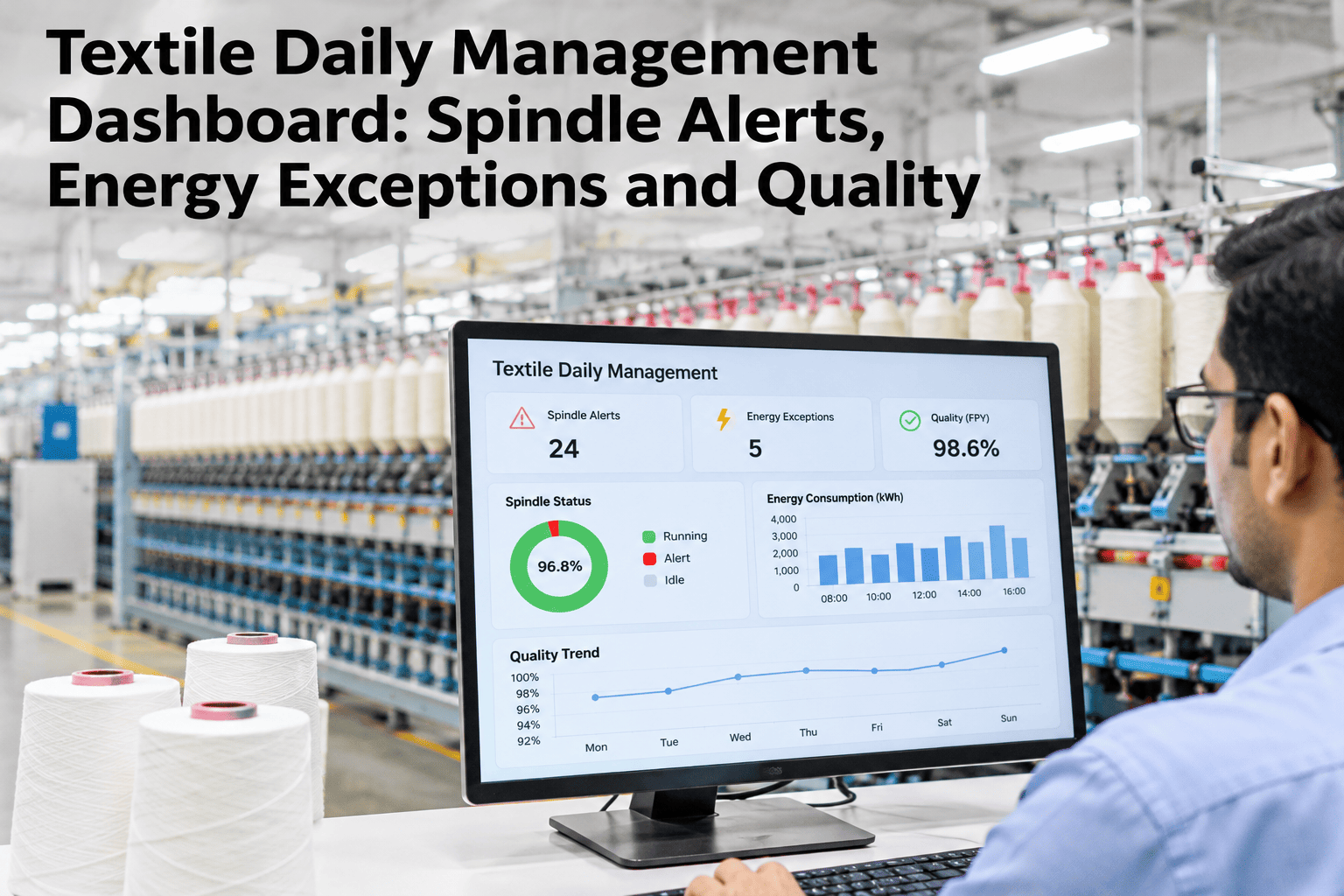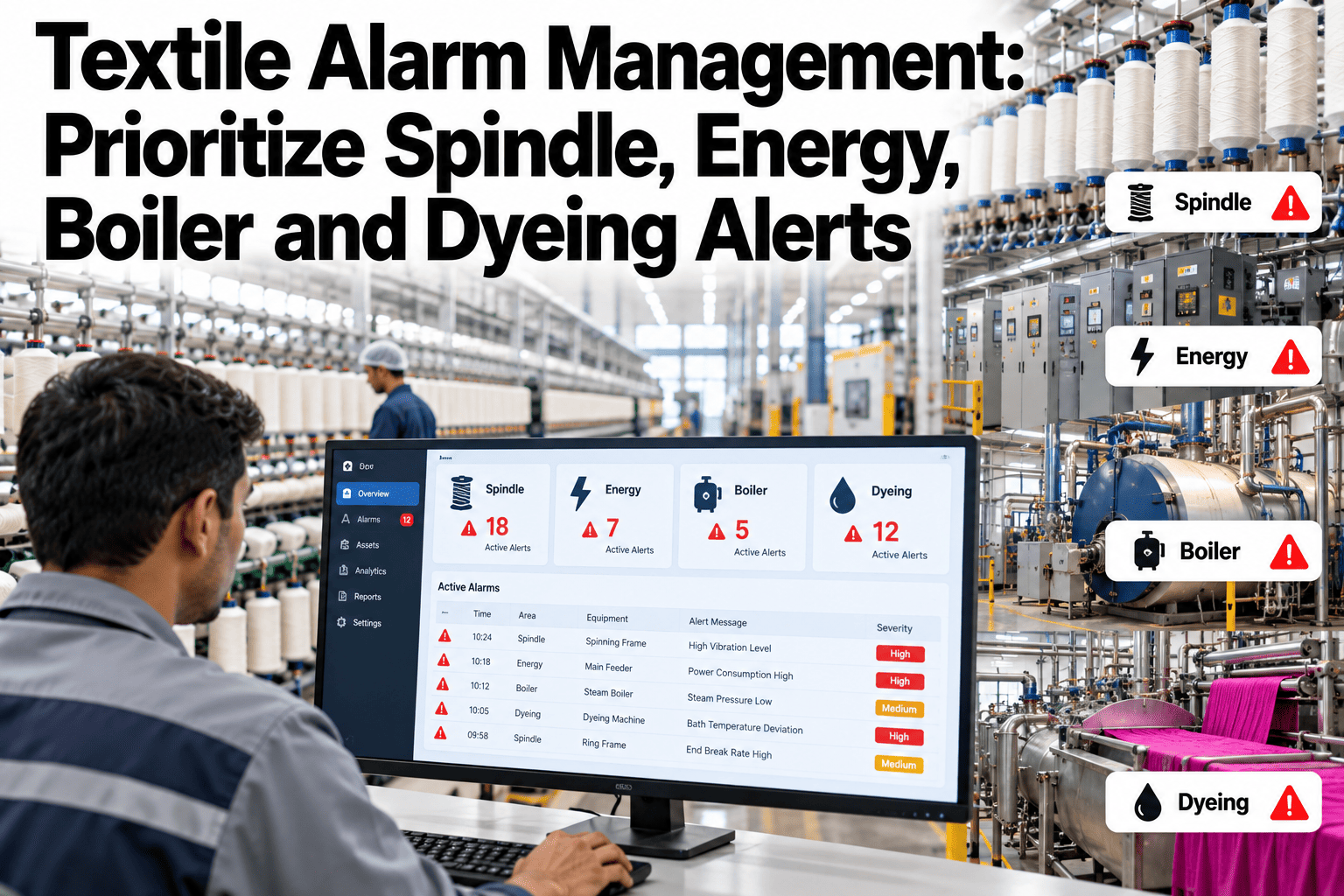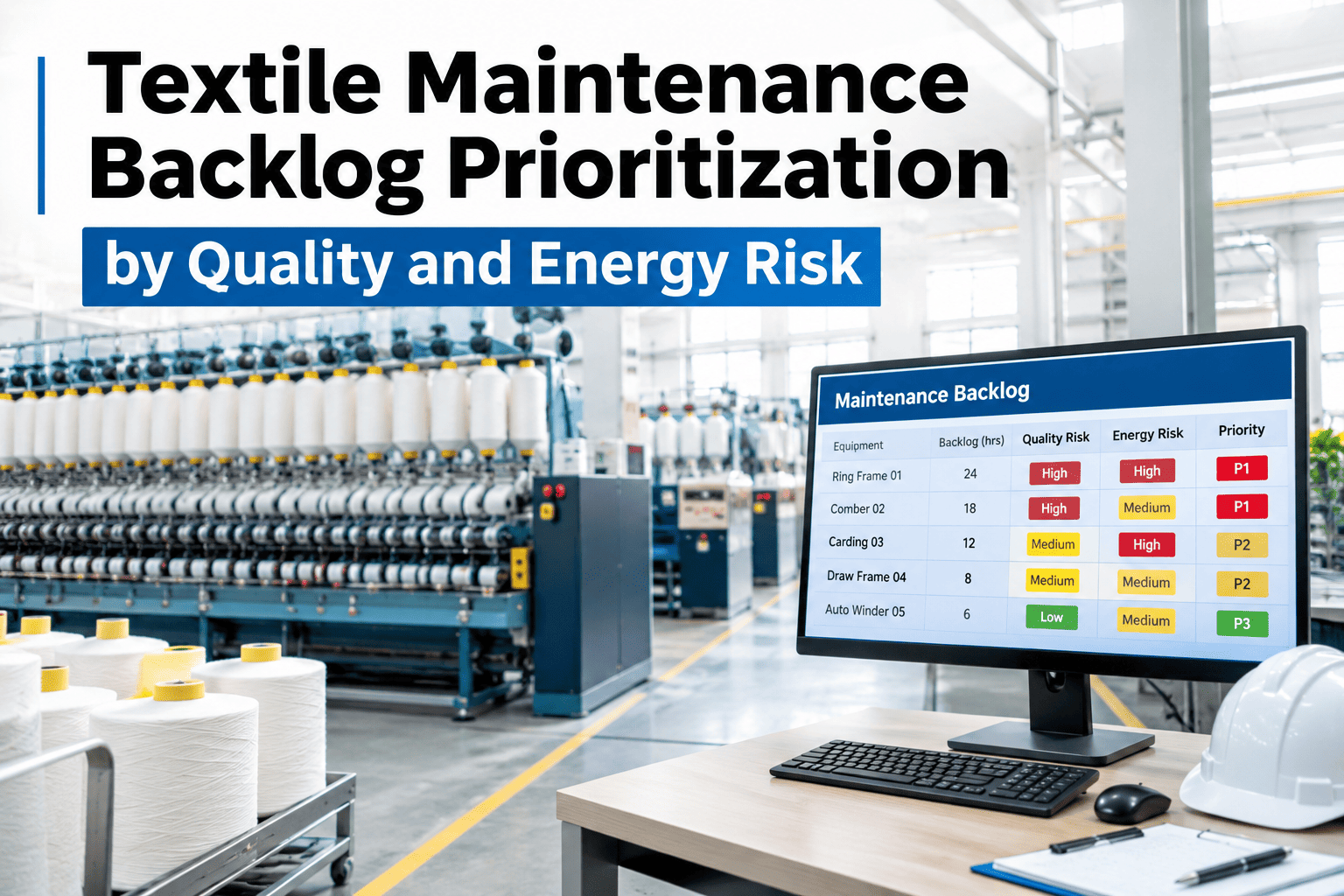
A maintenance leader staring at forty open work orders doesn't need another list sorted by date — they need to know which three to touch first. The fastest way to find them is to stop reading the backlog top to bottom and start scoring each ticket against the four things that actually decide urgency: failure risk, yarn quality impact, energy waste and asset criticality. This page turns that idea into a working checklist you can run against your own open tickets, one at a time, and come out the other side with a ranked order instead of a pile. iFactory AI, an on-premise AI platform for manufacturing, scores a mill's own backlog against these same four factors automatically, and maintenance leaders can see their own open work orders re-ranked with our team.
Score Any Open Ticket in Four Checks
Work through four quick checks per work order — failure risk, quality impact, energy waste and asset criticality — and read the combined priority straight off the scorecard instead of sorting by ticket age.
Why the Oldest Ticket Isn't Always the Most Urgent
Sorting a backlog by ticket age feels fair, but fairness to the paperwork isn't the same as fairness to the plant. A six-month-old ticket to repaint a guard rail and a two-day-old ticket flagging an intermittent spindle bearing fault are not equally urgent just because one has waited longer. A backlog worked oldest-first will reach the guard rail before it reaches a bearing fault quietly degrading yarn quality on every shift it runs. The checklist below exists to surface that bearing fault on day one, not six weeks later.
What Each Check Is Really Asking
Every work order gets the same four yes-or-no checks. Each one maps to a real cost the ticket is building up while it waits, and together they replace a gut feeling with a number you can defend in a planning meeting.
Run Each Open Ticket Through These Checks
Take one work order at a time. Tick every statement that is true of it, then read the band at the end of each group. A ticket that lights up the top group is a this-week ticket however recently it was logged; a ticket that only lights up the bottom group can wait behind it without costing the mill anything meaningful.
The Bearing Fault That Waited Behind a Repaint Job
Picture a backlog where a spindle bearing fault was logged on a Tuesday and a guard rail repaint request had been sitting since the previous quarter. Sorted strictly by age, the repaint job stayed ahead in the queue for weeks, while the bearing fault quietly drove up yarn breakage on its frame every shift it ran. By the time the bearing was finally addressed, the mill had absorbed weeks of elevated breakage and rework that a same-week fix would have avoided, all because the backlog's own ordering logic rewarded patience over actual risk.
Run both tickets through the checklist and the order flips immediately. The bearing fault lights up every high-weight check; the repaint job lights up only the cost-of-waiting group. The repaint still matters eventually — it just costs nothing to wait, while the bearing's cost of waiting accumulates every single shift.
How Four Checks Become One Priority Order
See Your Backlog Scored on All Four Checks
Share your current open work order list, and iFactory AI will show how a combined risk score would reorder it against failure risk, quality impact, energy waste and criticality.
Two Ways to Order the Same Backlog
Three Tickets Scored Side by Side
None of these three tickets is wrong to have in the backlog, and the repaint job still matters eventually. What changes is which one a planner's limited crew hours go to first, based on what each ticket is actually costing the mill while it waits.
The Same Score, Used Differently by Three Roles
Getting the Scoring Weights Right for Your Mill
Not every mill should weigh the four checks identically. A mill under tight energy cost pressure that quarter might reasonably weigh energy waste more heavily for a few months, while a mill facing a specific customer quality escalation might temporarily weigh quality impact higher. The scoring model should be a living configuration reviewed periodically with operations leadership, not a fixed formula set once and never revisited.
What a History of Scored Backlogs Reveals
A single week's ranked backlog solves that week's scheduling problem. A running history of how tickets scored over months starts answering a bigger question: which assets consistently generate the highest-risk tickets, and whether that pattern is getting better or worse as preventive work is done against them.
That longer view is what turns backlog prioritization into a feedback signal for capital and reliability planning, pointing a plant toward the specific machine most worth a deeper investment rather than treating every asset in the mill as an equally likely source of the next high-risk ticket.
Mistakes That Undercut a Risk-Based Backlog
What a Maintenance Planner Would Check First
What Mills Ask About Backlog Prioritization
Give Your Backlog a Rank That Reflects Real Risk
Book a session with iFactory AI to score your own backlog by failure risk, quality impact, energy waste and criticality.