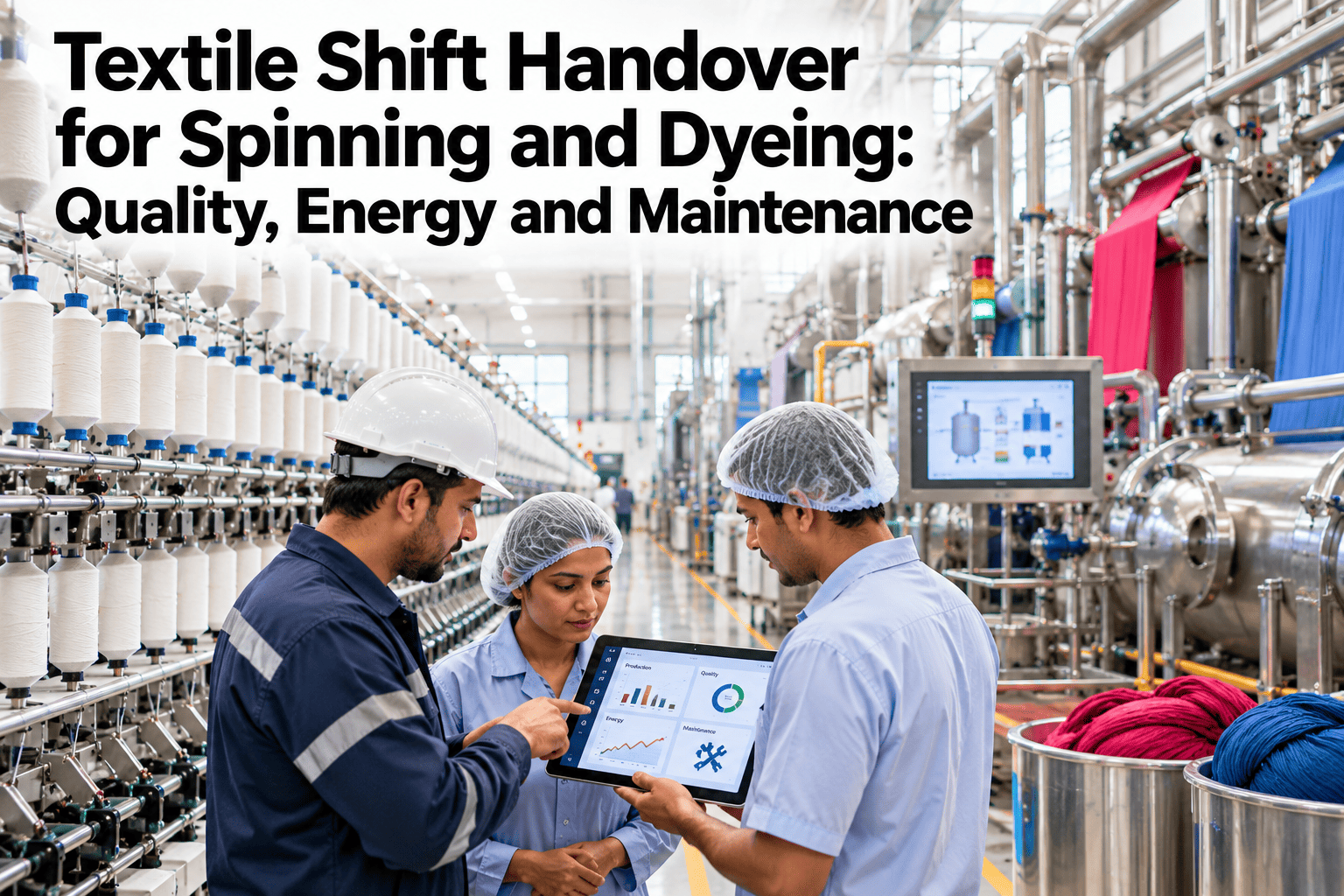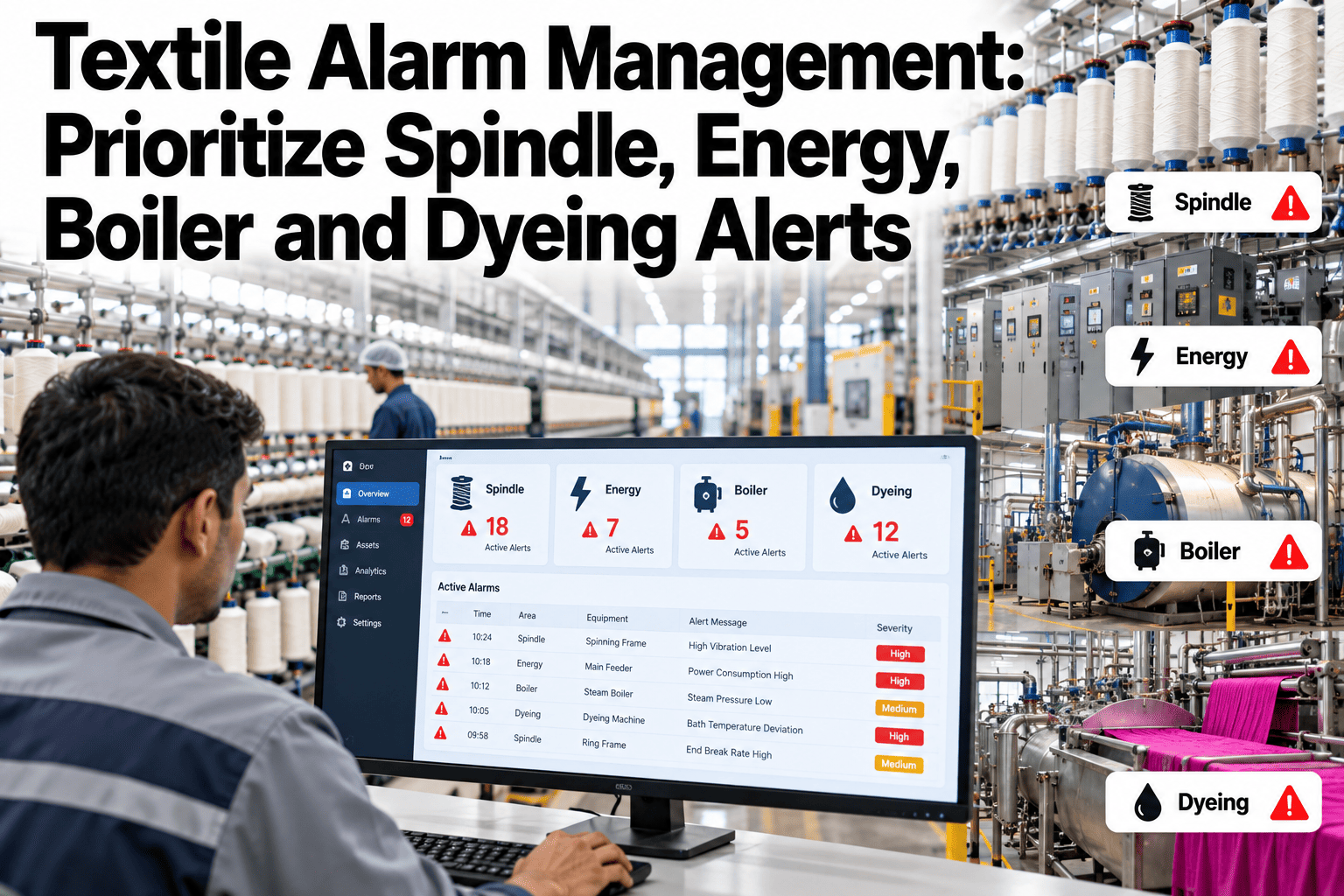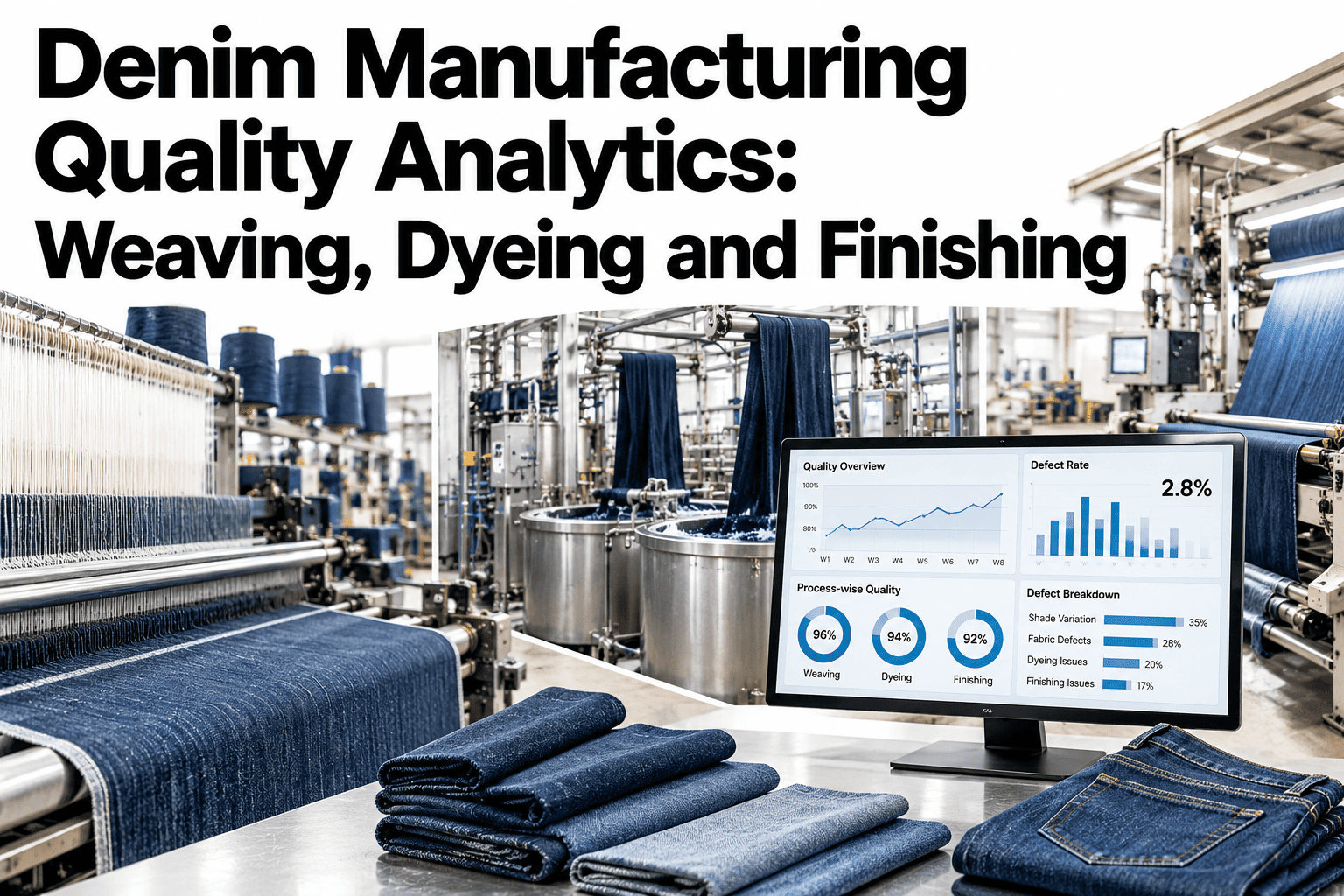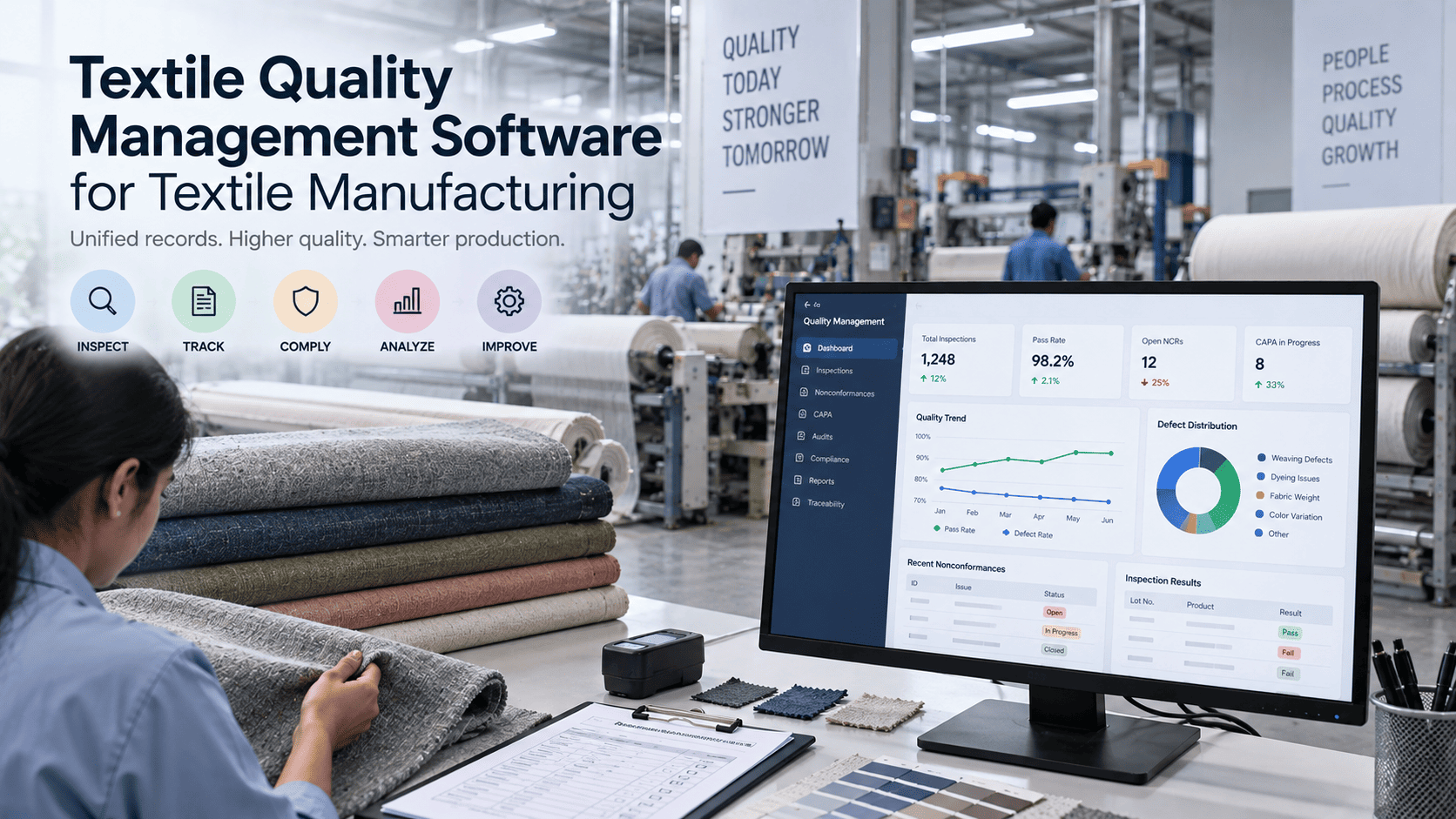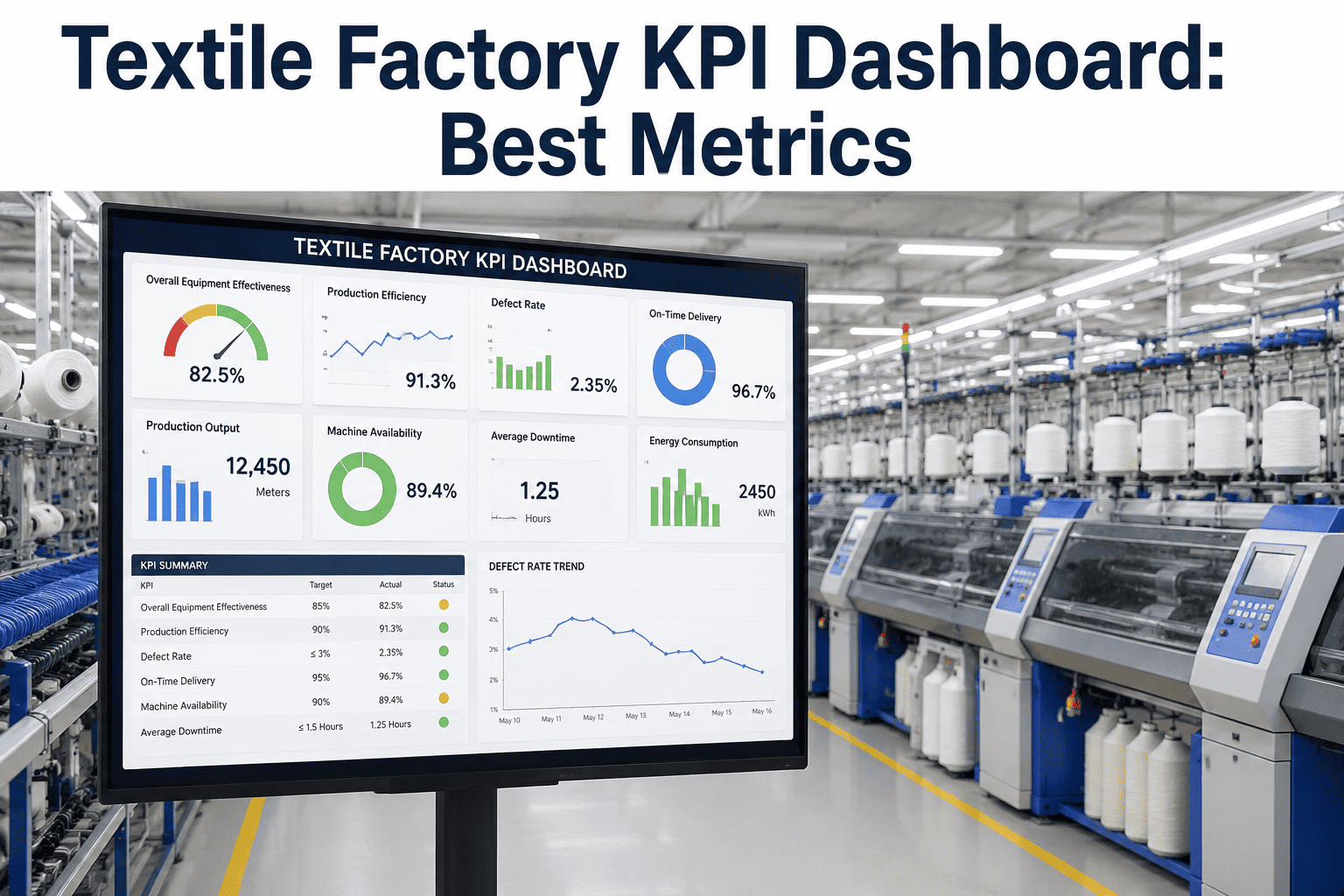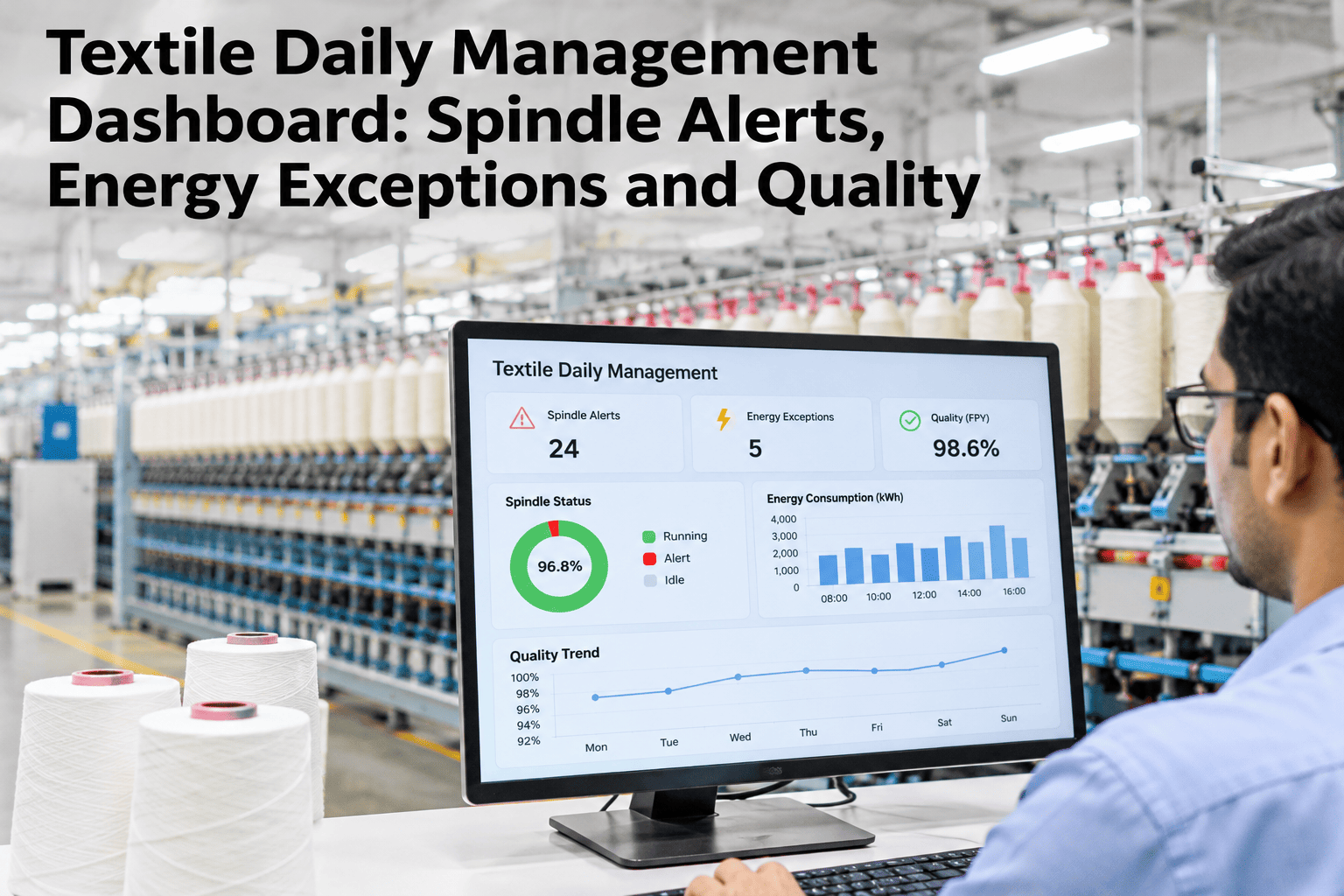
A spinning mill generates exceptions from six different systems every shift — spindle vibration alarms, yarn breaks, energy spikes, boiler issues, dyeing risk flags and quality holds — and most mills still chase them across six different screens or paper logs. By the time a shift supervisor has checked every system, the exception that actually mattered an hour ago has already cost a bale of yarn. iFactory AI, an on-premise AI platform for textile operations, centralizes all six exception streams into one daily board, and mill managers can see their own mill's exceptions consolidated onto a single dashboard before the next shift handover.
Six Systems, Six Screens, One Missed Exception Away From a Lost Shift
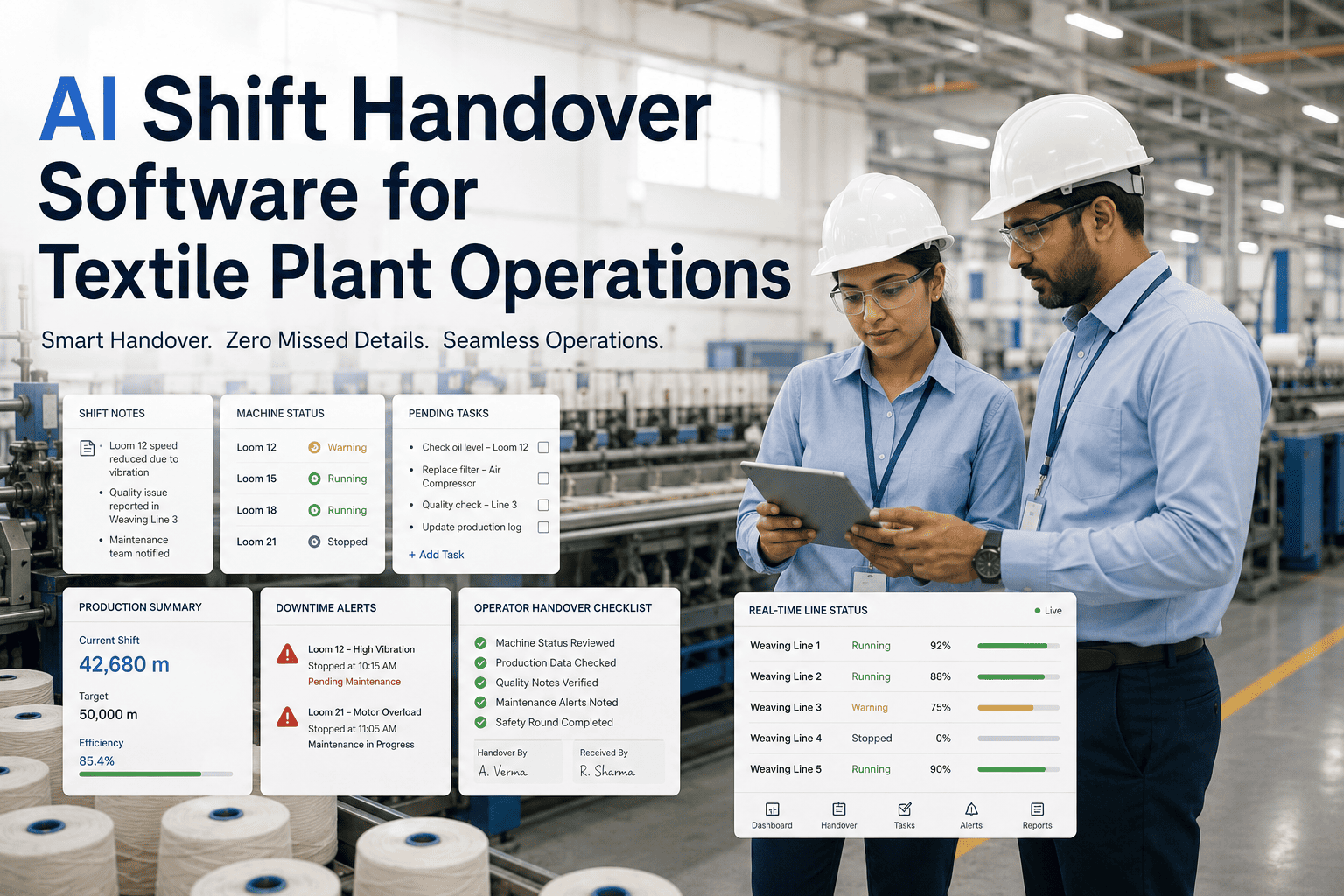
iFactory AI pulls spindle alerts, yarn breaks, energy exceptions, boiler issues, dyeing risk and quality holds onto one daily board, so a shift supervisor sees everything that needs attention without switching systems.
Why Six Separate Screens Costs More Than It Saves
Each department's software was bought to solve its own problem well, which is exactly why nothing forces them to talk to each other. A shift supervisor doing the rounds across spinning, energy, utilities, dyeing and quality systems is doing manual integration work every single shift, and the system that gets checked last is the one most likely to be checked too late.
Each system swap costs attention, and attention is what catches a developing problem early.
Six separate alert lists give no sense of which exception matters most right now.
An exception opened late in a shift often isn't mentioned in the handover at all.
A boiler issue and a dyeing risk on the same day may share a cause nobody connects.
What Belongs on the Daily Board
Not every reading needs a place on the board — only the ones that require a decision today. Our team can help scope which exceptions matter most for your mill's layout before setup.
| Exception Type | Trigger | Who Acts |
|---|---|---|
| Spindle alerts | Vibration above threshold for a position | Spinning maintenance |
| Yarn breaks | Break rate above the frame's normal band | Spinning shift supervisor |
| Energy spikes | Load deviation from the shift's expected profile | Utilities / energy team |
| Boiler issues | Pressure, temperature or efficiency deviation | Utilities engineer |
| Dyeing risk | Batch parameters drifting from recipe tolerance | Dyeing shift supervisor |
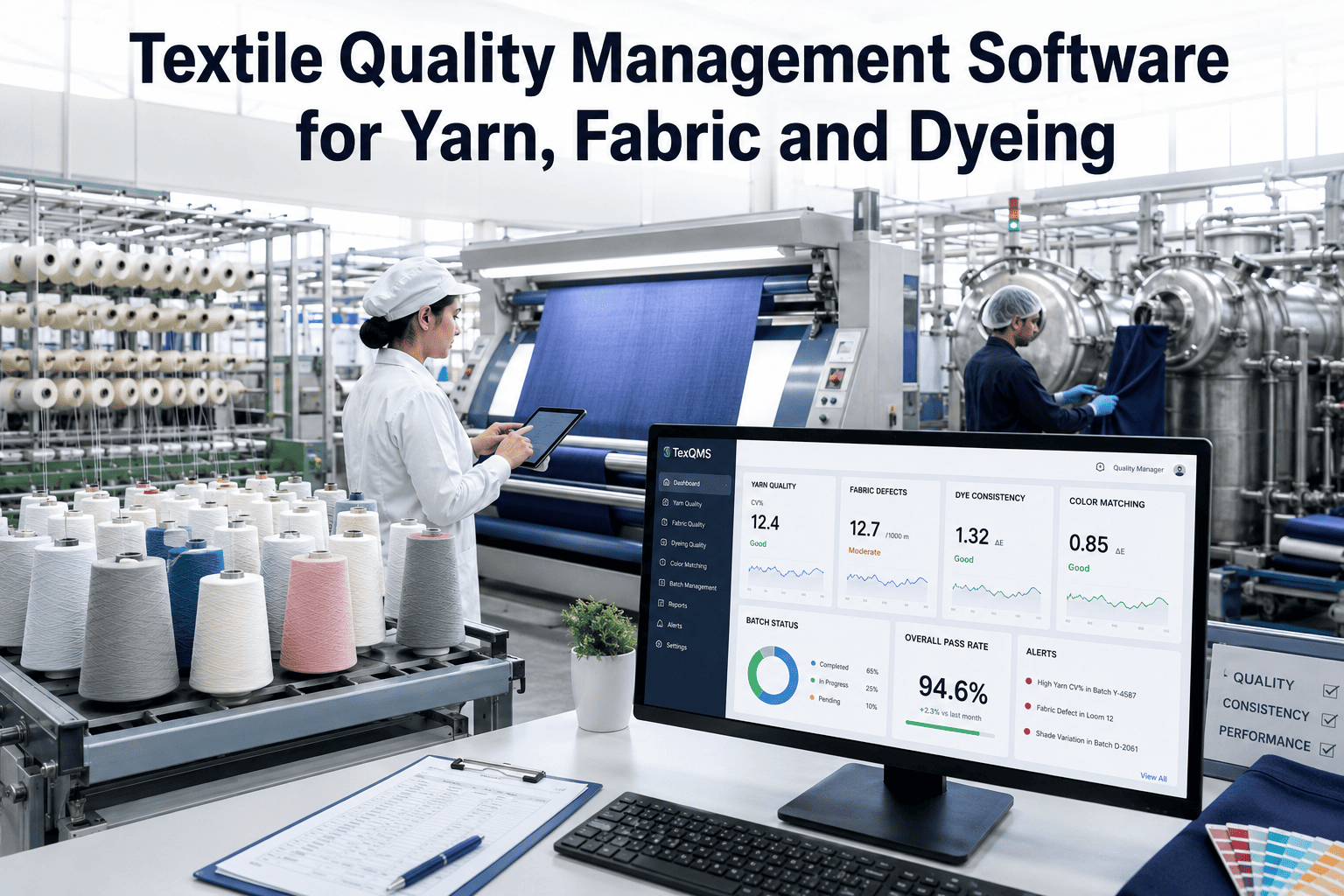
| Quality holds | A lot flagged pending disposition | Quality manager |
Consolidate Your Mill's Exceptions Onto One Board
Bring your current spinning, energy, utility, dyeing and quality systems to a session and see how they map onto a single daily dashboard.
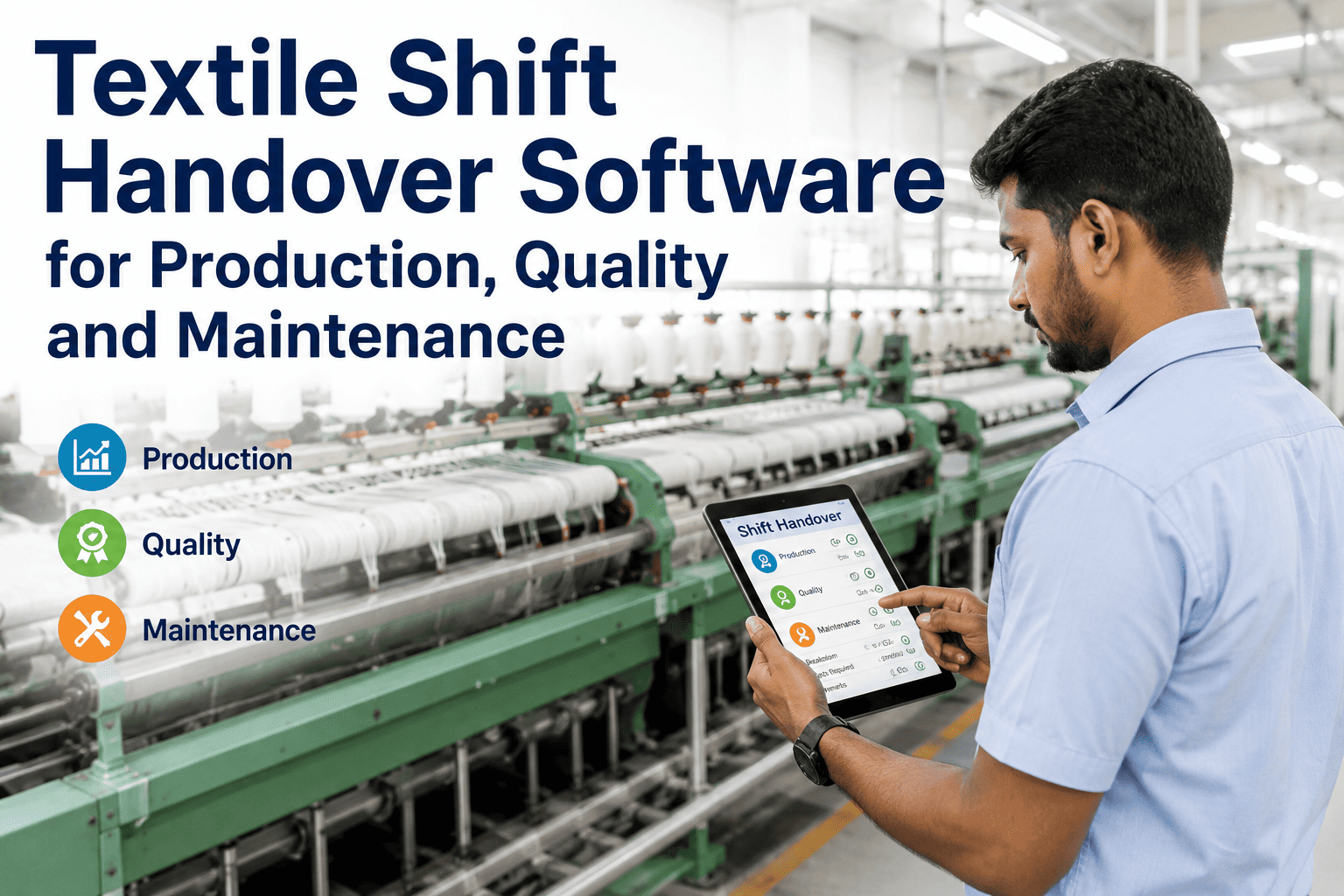
A Shift Handover That Actually Transfers Context
A handover built around one board rather than six separate logs forces the outgoing shift to account for every open exception, not just the ones they remember to mention.
The incoming supervisor sees every open exception across all six systems in one view.
Each exception needs a status update before it drops off the board.
An item open longer than its expected resolution window flags automatically.
A Composite Scenario: The Dyeing Risk Nobody Connected to the Boiler
Picture a mill where a dyeing batch drifted outside tolerance on the same afternoon the boiler was running below its normal efficiency, logged as two unrelated exceptions in two separate systems.
Once both exceptions sat on the same board with the same timestamp, the quality team noticed the pattern and traced the dyeing drift to a steam supply dip caused by the same boiler issue. On six separate screens, that link would likely have gone unnoticed until the next batch drifted too. The scenario illustrates the value of shared visibility, not a guaranteed finding for every mill.
Where iFactory AI Fits
iFactory AI connects to spinning, energy, utility, dyeing and quality systems already running on the mill floor and surfaces their exceptions on one board, ranked by what needs a decision today.
No new hardware required — existing systems feed the same daily view.
Exceptions ordered by urgency, not by which system logged them first.
Nothing closes without a logged status, shift after shift.
Frequently Asked Questions
No, it connects to those systems and surfaces their exceptions in one place, so each department keeps the tool it already knows while the shift supervisor gets one consolidated view. Check compatibility with your current systems in a short review.
Priority weighs how far a reading is from its normal band, how long it has been open, and the production impact of the asset or batch involved, rather than simply the order exceptions arrived. Ask how priority weighting is configured for your mill.
Yes, a shift supervisor typically sees everything, while maintenance, utilities and quality teams can filter to just the exceptions relevant to their own area without losing the shared context. See a role-based view in a walkthrough.
It carries forward into the next shift's board with its full history intact, rather than disappearing into a log nobody reviews, so the incoming team always starts with complete context. Discuss carry-forward rules that fit your shift pattern.
Most mills connect their highest-value sources — typically spinning and quality — within the first few weeks, with energy and utility systems layered in afterward as each connection is validated. Scope a rollout timeline for your mill's systems.
Stop Losing a Shift's Worth of Attention to Six Screens
iFactory AI consolidates spindle, energy, boiler, dyeing and quality exceptions onto one daily board, ranked by what actually needs attention now.