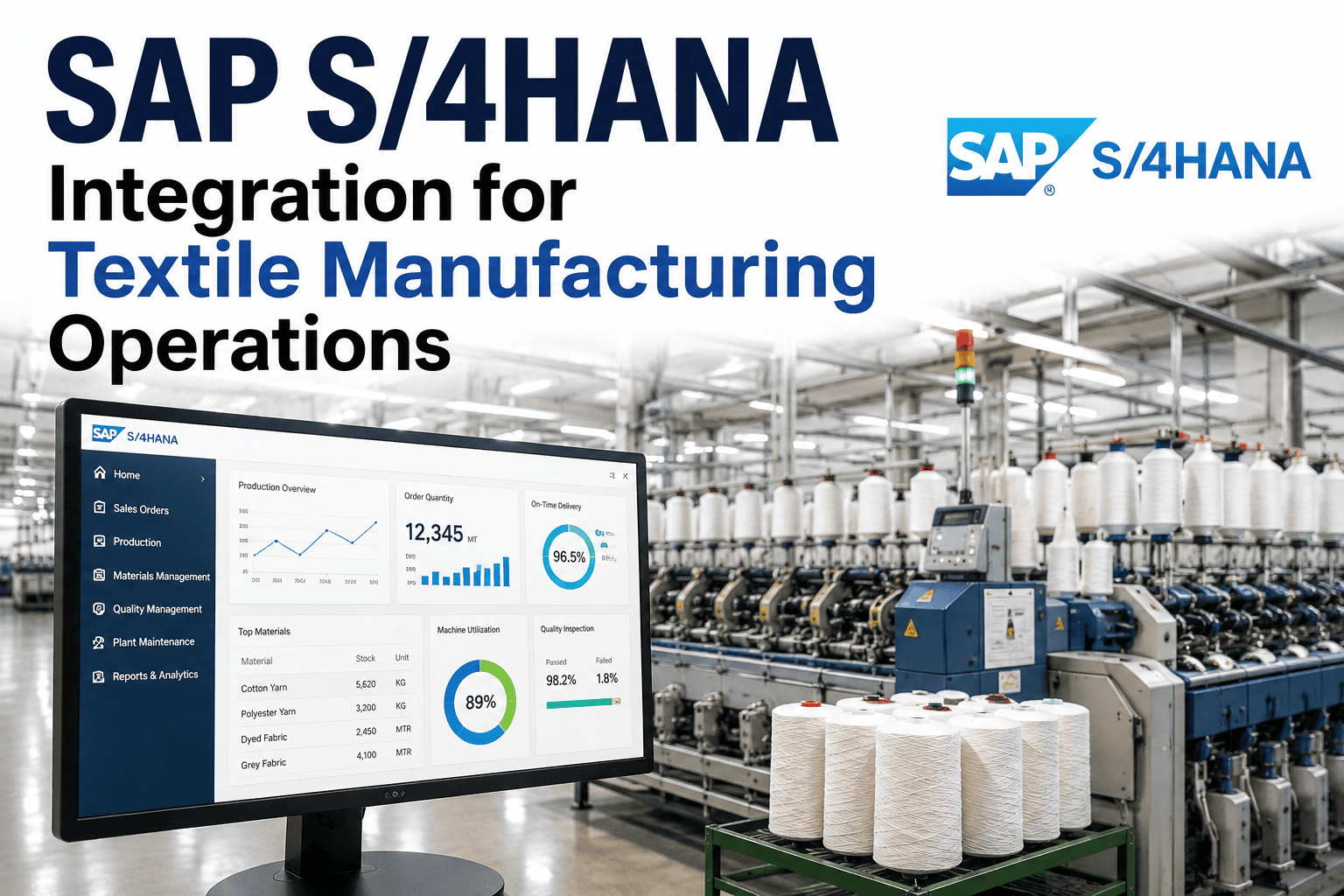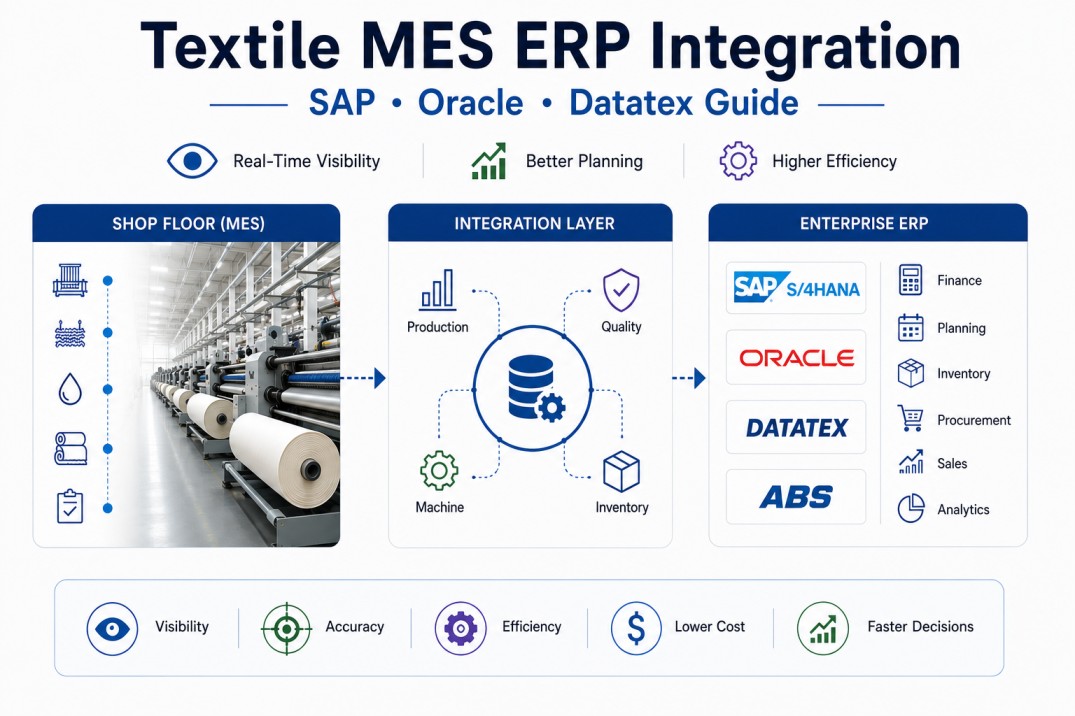
The integration between Manufacturing Execution Systems (MES) and Enterprise Resource Planning (ERP) platforms is the foundational layer of digital textile manufacturing, enabling real-time visibility from shop floor production events to financial and supply chain systems. In a typical textile mill, the ERP system (SAP S/4HANA, Oracle EBS, Datatex ITX/NOW, or ABS) manages order entry, material requirements planning (MRP), procurement, inventory valuation, costing, and financial accounting, while the MES manages machine scheduling, production tracking, quality testing, labor attendance, and machine efficiency data. Without integration, mill data is entered twice — once on the shop floor and once in the ERP — creating a gap of 24 to 72 hours between production events and their reflection in financial and planning systems. Manual data entry errors at reconciliation points cause inventory discrepancies of 3 to 8 percent and cost allocation errors that distort gross margin calculations by 200 to 500 basis points. For textile mills processing 50,000 to 500,000 kilograms of material per month across hundreds of active orders, automated MES-to-ERP integration eliminates these gaps and provides plant-wide data integrity from raw material receipt to finished goods shipment.
Integrate Your Shop Floor with Your ERP in Weeks, Not Months
iFactory Integration Hub provides pre-built connectors for SAP S/4HANA, Oracle, Datatex, and ABS, mapping textile-specific data structures between MES and ERP automatically.
MES-ERP Integration Architecture — Three-Layer Model
A well-architected MES-ERP integration follows a three-layer model that separates system responsibilities, defines data ownership, and ensures data flows in the correct direction with appropriate governance.
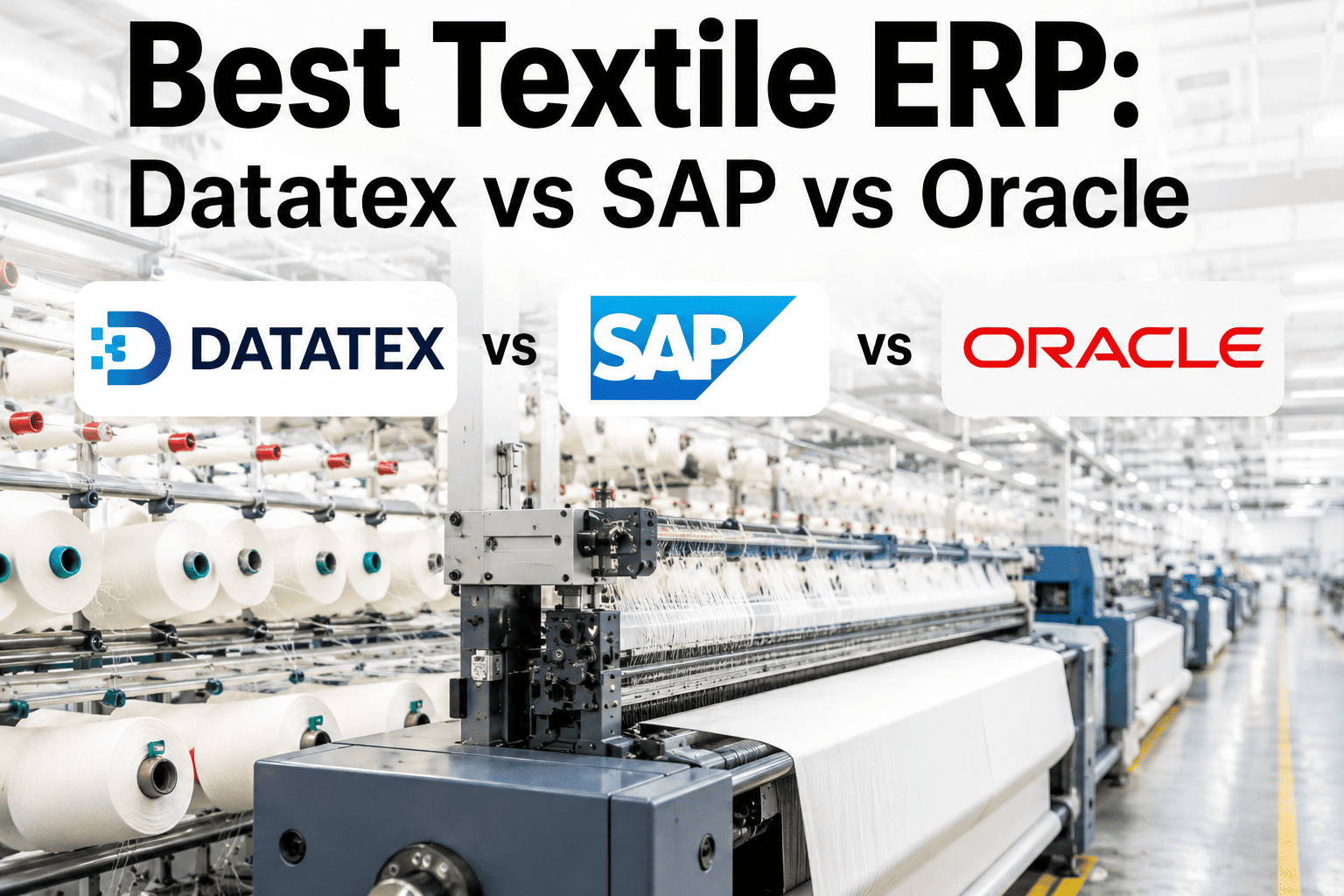
ERP Platform Comparison — Textile-Specific Integration Capabilities
Each ERP platform has different strengths for textile mill integration. The table below compares the four most common textile ERPs across integration-relevant dimensions.
| Capability | SAP S/4HANA | Oracle EBS / Cloud | Datatex (ITX/NOW) | ABS (Fashion/Textile) |
|---|---|---|---|---|
| Textile-Specific | Via add-ons (Fashion, AFS) | Via configurator | Native — built for textiles | Native — built for textiles |
| Integration Protocol | RFC, BAPI, IDoc, OData, API | REST API, SOAP, PL/SQL | REST API, CSV import/export | REST API, XML, flat file |
| Lot/Batch Tracking | Native — batch management | Native — lot serial | Native — lot tracking | Native — batch/lot |
| Quality Integration | QM module, inspection lots | Quality module, COA | Built-in textile QM | Built-in qc module |
| Real-Time Sync | BAPI/RFC (near real-time) | API (real-time available) | API (near real-time) | Batch sync common |
| Implementation Cost | $$$$ | $$$ | $$ | $ |
| Global Adoption | Very high (50%+ of large mills) | High (20% of large mills) | Medium (Europe, Asia) | Medium (India, South Asia) |
Data Flow Map — What Information Moves Between MES and ERP
Six primary data flows connect the MES and ERP layers. Each has a defined direction, frequency, and data structure that must be aligned for successful integration.
Six Data Flows, One Integration — Pre-Built for Your ERP
iFactory Integration Hub maps all six data flows to your ERP's native data structures, with field-level mapping validation and error handling for textile-specific transactions.
Integration Methods — Choosing the Right Approach for Each Data Flow
Different data flows require different integration methods based on frequency, data volume, latency requirements, and ERP capabilities. Most mills use a combination of methods rather than a single approach.
Implementation Roadmap — 6 to 12 Months to Full Integration
MES-ERP integration implementation follows a phased approach that prioritizes high-value data flows first and builds toward full plant-wide integration.
- Map current manual data flows
- Define integration scope per data flow
- Identify master data alignment gaps
- Select integration methods per flow
- Establish ERP connectivity (API/file)
- Map production order data flow
- Map production confirmation flow
- End-to-end test with sample orders
- Roll out material consumption flow
- Roll out quality results flow
- Roll out inventory movements
- Train operators on exception handling
- Labor & machine data flow
- Real-time cost visibility go-live
- Integration monitoring dashboards
- Continuous improvement cycle
Frequently Asked Questions
What is the difference between MES and ERP in a textile mill?
The Manufacturing Execution System (MES) manages real-time production activity on the shop floor — machine scheduling, operator assignments, production tracking, quality testing, and machine efficiency monitoring. The MES answers questions like "What is running on machine 12 right now?" and "What was the actual waste percentage on order 4501?" The Enterprise Resource Planning (ERP) system manages business-level planning and financial transactions — sales orders, purchase orders, material requirements planning (MRP), inventory valuation, cost accounting, and financial reporting. The ERP answers questions like "What is the gross margin on this customer's orders this quarter?" and "How much raw material should we order for next month's production plan?" The MES operates at the minute-by-minute granularity of production events; the ERP operates at the daily-to-monthly level of business cycles. Integration between the two systems ensures that shop floor production events are automatically reflected in financial and planning systems without manual data entry.
How long does it take to integrate MES with an existing ERP system?
Integration timeline depends on the ERP platform, existing data quality, and the scope of integration. For a straightforward MES-to-ERP integration covering production orders, production confirmations, and material consumption — the three highest-value data flows — the typical timeline is 3 to 6 months with dedicated project resources. Adding quality results, inventory movements, and labor data extends the timeline to 6 to 12 months. Key timeline factors include ERP version and customization level (highly customized SAP or Oracle instances require additional mapping and testing), data quality in existing master data (materials, BOMs, routings with inconsistent naming require cleanup before integration), and IT resource availability on the ERP side (ERP team bandwidth for interface development and testing is often the bottleneck). iFactory's pre-built ERP connectors reduce integration timeline by 40 to 60 percent compared to starting from scratch, with SAP S/4HANA typically the fastest to deploy due to mature API frameworks and well-documented textile data structures.
What are the most common integration challenges in textile mills?
The most common integration challenges in textile mills cluster in three areas. Master data alignment is the most persistent issue: the same material may have different codes in MES and ERP, production units differ between systems (kg vs pounds vs meters), and BOM structures may not match between planning (theoretical) and production (actual) versions. Data granularity mismatch between MES real-time data and ERP batch processing cycles creates reconciliation challenges — if the MES sends production confirmations every minute but the ERP only processes them every 4 hours, there is a window where the two systems appear out of sync. Error handling for textile-specific transactions is another major challenge: partial order confirmations (common in textile processes where a single order runs across multiple machines or days), quality downgrades that affect inventory valuation (first-quality vs second-quality accounting), and by-product tracking (waste, recycling, blends) all require textile-aware integration logic that generic ERP connectors do not handle correctly. iFactory's textile data model is designed specifically for these scenarios, with pre-built error handling for partial confirmations, multi-grade quality, and by-product accounting.
Can MES data improve ERP cost accounting accuracy?
Yes — MES-to-ERP integration directly improves cost accounting accuracy by replacing standard cost allocations with actual consumption data. In a typical textile mill without MES integration, material costs are allocated to orders based on standard BOM quantities, labor costs are allocated based on standard routing times, and overhead is applied as a flat percentage of direct costs. These standard cost allocations can differ from actual costs by 15 to 30 percent for individual orders. With MES integration, actual material consumption (including waste) is recorded per order and posted to ERP, actual machine hours and labor hours are recorded and used for overhead allocation, and quality test results automatically trigger cost adjustments for downgraded material. Mills that integrate MES production data into ERP costing report gross margin accuracy improvement of 200 to 400 basis points — meaning they can identify which orders, customers, and product types are truly profitable versus those that only appear profitable under standard cost assumptions. iFactory's integration module includes cost accounting mapping templates for SAP CO, Oracle Cost Management, and Datatex costing modules.
What happens when the ERP connection goes down — does production stop?
Production does not stop when the ERP connection is lost if the MES is designed with offline capability. The MES stores production data locally — production counts, quality results, material consumption records — and queues it for transmission when the ERP connection is restored. This local buffering is critical for textile mills where production runs 24/7 and cannot pause for ERP maintenance windows or network interruptions. The iFactory MES maintains an on-premise or local network database that stores up to 30 days of production data independently of the ERP connection. When the ERP connection is restored, the integration layer replays queued transactions in the correct sequence with duplicate prevention and error handling. Mills should define connection-loss procedures including notification alerts for IT staff if the ERP link is down more than 4 hours, manual override processes for urgent material receipts, and reconciliation reports that identify any discrepancies between locally recorded and ERP-posted transactions. In practice, ERP system availability for integration is typically above 99.5 percent, and planned downtimes for ERP maintenance are scheduled during the mill's low-production hours.
Your ERP Wants Real Data — Your Shop Floor Has It
iFactory Integration Hub bridges the gap with textile-aware connectors, field-level mapping, and error handling that keeps your ERP data as accurate as your shop floor.