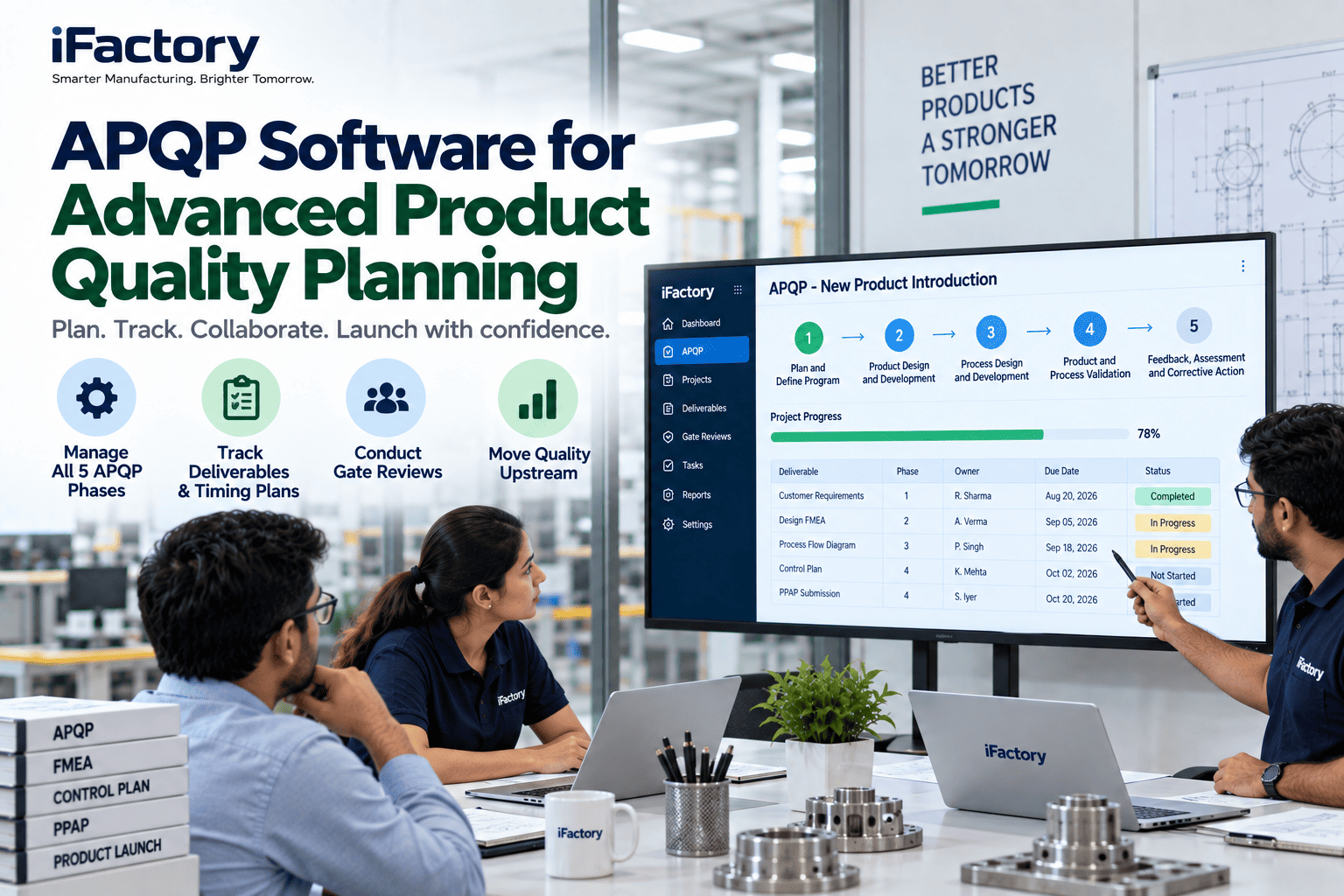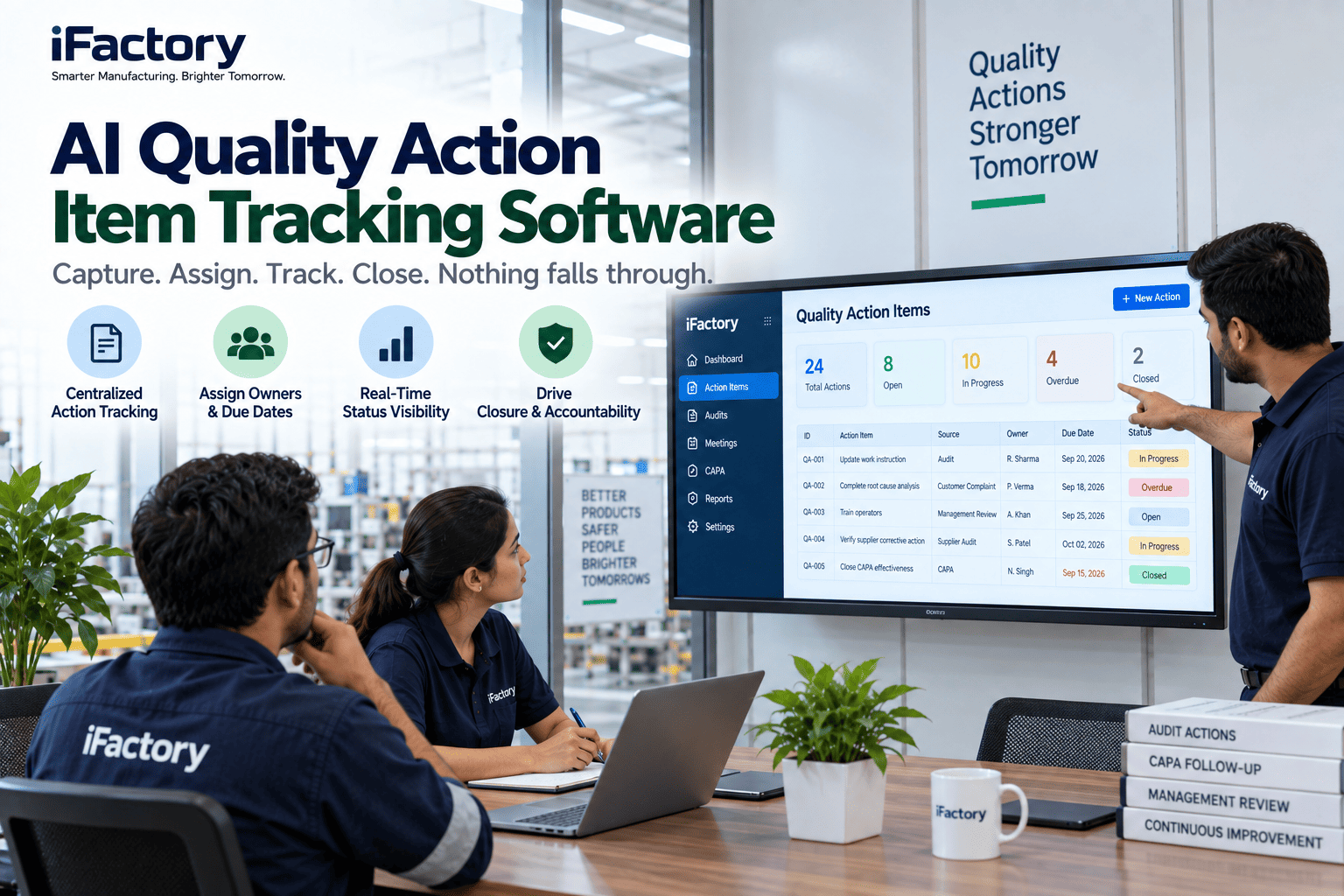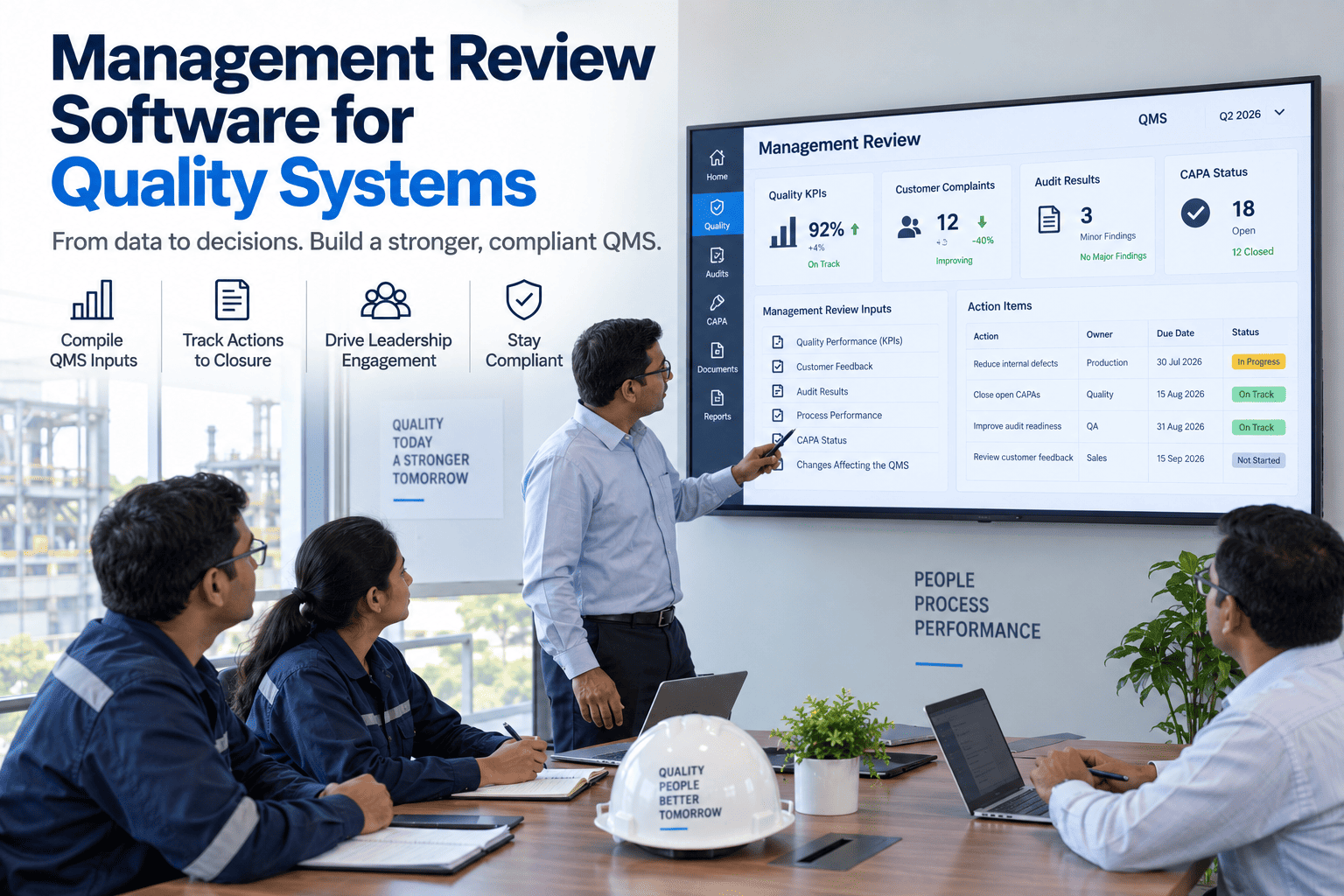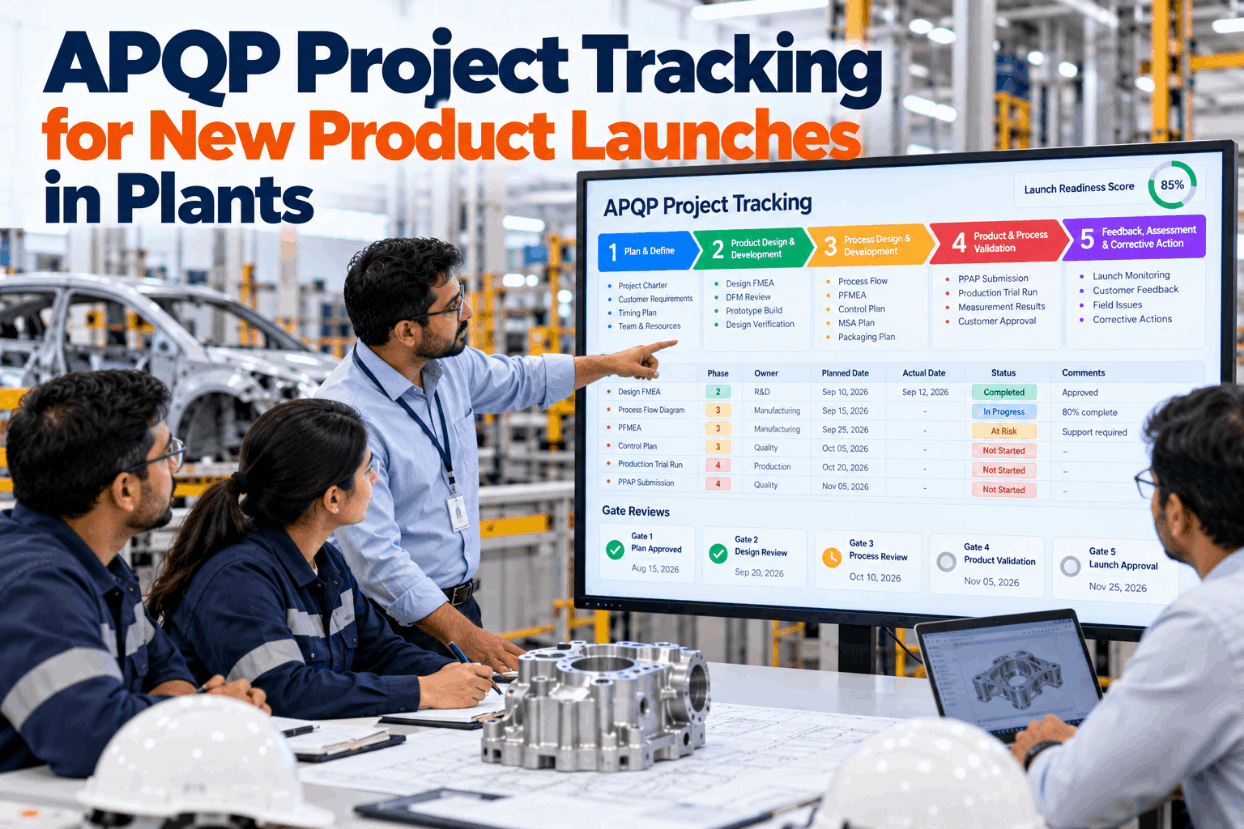
Most new product launches don't fail at start of production. They fail months earlier, when a measurement plan slips a week, a control plan waits on it, and nobody sees the knock-on effect until the gate review. APQP gives a launch its structure, but the structure only helps if every deliverable has an owner, a date and visible evidence. This guide shows how to track an APQP program so slips surface while there is still time to recover. See a live program board in a short APQP board demo.
Track Every APQP Deliverable From Kickoff to Launch Sign-Off
iFactory APQP Board turns each phase deliverable into a card with an owner and a due date, runs gate review checklists and flags late items as risks. An AI launch readiness score shows how close the program really is.
What Each Phase Hands to the Next
APQP splits a launch into five phases, from planning to feedback after start of production. Each phase produces outputs the next one depends on, and a gate review checks them before work moves on. The matrix lists the outputs most programs track, based on the AIAG manual, with the question each gate should answer. Aerospace teams will see the same shape in AS9145, which adds a production readiness review in phase 3 and puts first article inspection in phase 4. Map your own deliverables with our launch support team.
What the 2024 Edition Added for Program Teams
AIAG published the third edition of APQP in March 2024, alongside a standalone control plan manual, CP-1. GM required the new edition from September 2024. The biggest shift for project tracking is a gated management section with suggested checklists for each gate, which turns the timing chart into a series of evidence checks. Training providers also point to a new Gate 0 checklist for the initial project launch, so programs start with agreed scope, team and timing. Compare the editions on your own program in an APQP gap review.
- Five phases with checklists for each
- Control plan method held inside the APQP manual
- Reviews tied loosely to program milestones
- Focus on the organization's own activities
- Little guidance on measuring the program itself
- Gated management, with suggested checklists per gate
- Control plan moved to the standalone CP-1 manual
- Risk assessment and mitigation plan section
- Sourcing and change management sections with checklists
- APQP program metrics, plus sub-tier supplier activity in gate reviews
A Timing Chart That Shows Slip Before the Gate Does
A timing chart is only useful if it shows today's position against the plan. The chart below follows the example cooling plate program at week 22, with the gate 3 review in week 23. Two items are late, and the second one depends on the first. That link is the real risk, because one late plan quietly blocks another deliverable. The program is illustrative. Build a timing chart from your own plan with our support team.
A late item that blocks nothing can often wait for the next meeting. A late item that holds up two others needs action this week. Record what each deliverable needs before it can start, and the chart shows which slips are harmless and which ones spread.
Ask What's Blocking the Next Gate
iFactory reads every deliverable card, dependency and risk flag on the program. Ask in plain words what stands between you and the next gate, and get the short list.
Three Outcomes for Every Gate Review
A gate review should end in a clear decision, not a vague promise to catch up. Agreeing the possible outcomes in advance stops gates closing on schedule while evidence is still missing. The third edition also asks reviewers to look at sub-tier supplier APQP, not just your own. See a gate checklist run on a real program in a gate review demo.
Is the PFMEA linked to the flow by step number? Does the pre-launch control plan carry every special characteristic? Is there an MSA plan for the leak tester? Has the braze supplier finished its own phase 3 work? Is the packaging standard agreed?
A Readiness Score You Can Check by Hand
A readiness score is only trusted if people can see how it was worked out. A simple method weights each gate deliverable by how critical it is and counts only accepted evidence, not items marked done. The weights and counts below are assumed for the example program. Ask our launch team to set weights for your own gates.
Treat the score as a prompt for discussion, not a verdict. Read it next to the open risk list, because one unmitigated risk on a critical part can matter more than several standard items still in draft.
Program Metrics Worth Reviewing Every Week
The third edition adds a section on APQP program metrics, with an example in an appendix. You don't need dozens. A short weekly set, reviewed by the same people at the same time, shows whether the launch is drifting. Trends matter more than single values, so keep the definitions fixed for the life of the program. Pick yours with help from a metrics session.
One Card Per Deliverable
Every deliverable becomes one card with the same fields. When each card names its evidence and what it depends on, late items and their knock-on effects show up without a status meeting. The card below shows the late MSA plan. Ask our support team for a blank card layout.
Three Launches, Three Kinds of Slip
The three cards are invented illustrations, not customer results. Each shows a different way a launch drifts, and how linked cards make the drift visible early. Your own program plan decides the real response. Walk through a current launch in a program review call.
Start With One Program Already Under Way
A live program gives faster feedback than a blank template. Load its current state, run the next gate on the board and compare it with how the last gate went. Plan the first program with our launch support team.
APQP Board, Gate Checklists and NVIDIA Server in One Package
iFactory delivers the APQP Board as a turnkey bundle. A pre-configured NVIDIA AI server ships racked and ready with phase templates, gate checklists and the readiness model pre-loaded, so program plans and drawings remain behind your firewall. You rack it, plug in power and Ethernet, and the AI is live. To scope it for your launches, request a turnkey quote.
- Pre-configured NVIDIA AI edge server, racked and ready
- Five-phase templates with deliverable cards
- Gate review checklists with recorded decisions
- Timing chart with dependencies between cards
- Risk flags on late and blocking items
- AI launch readiness score per gate
- 24×7 remote monitoring of models and hardware
Server installed, phase and gate templates set to your customers, first program loaded.
The pilot program holds its next gate review on the board, with dependencies linked.
More programs added, program managers trained, weekly metrics review started.
APQP Tracking Built for Launch Teams
iFactory keeps deliverables, gates and risks in one place, so launch meetings focus on decisions instead of chasing status by email. Our support team can sketch a first program with you.
What Launch Teams Ask About APQP Tracking
Reach Start of Production With No Surprises
Deliverable cards, gate checklists, risk flags and a readiness score for every launch. Delivered turnkey and live in 6 to 12 weeks.