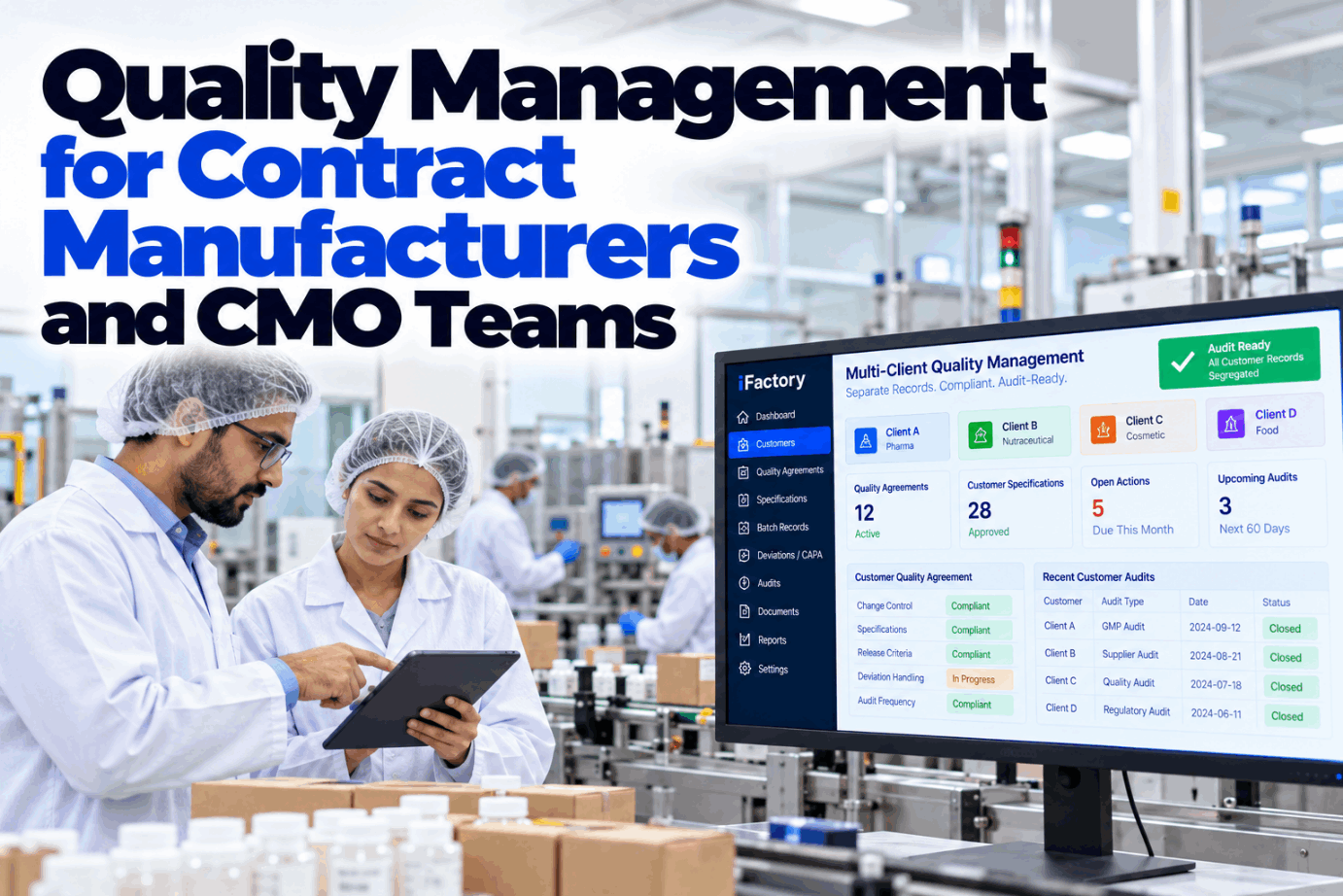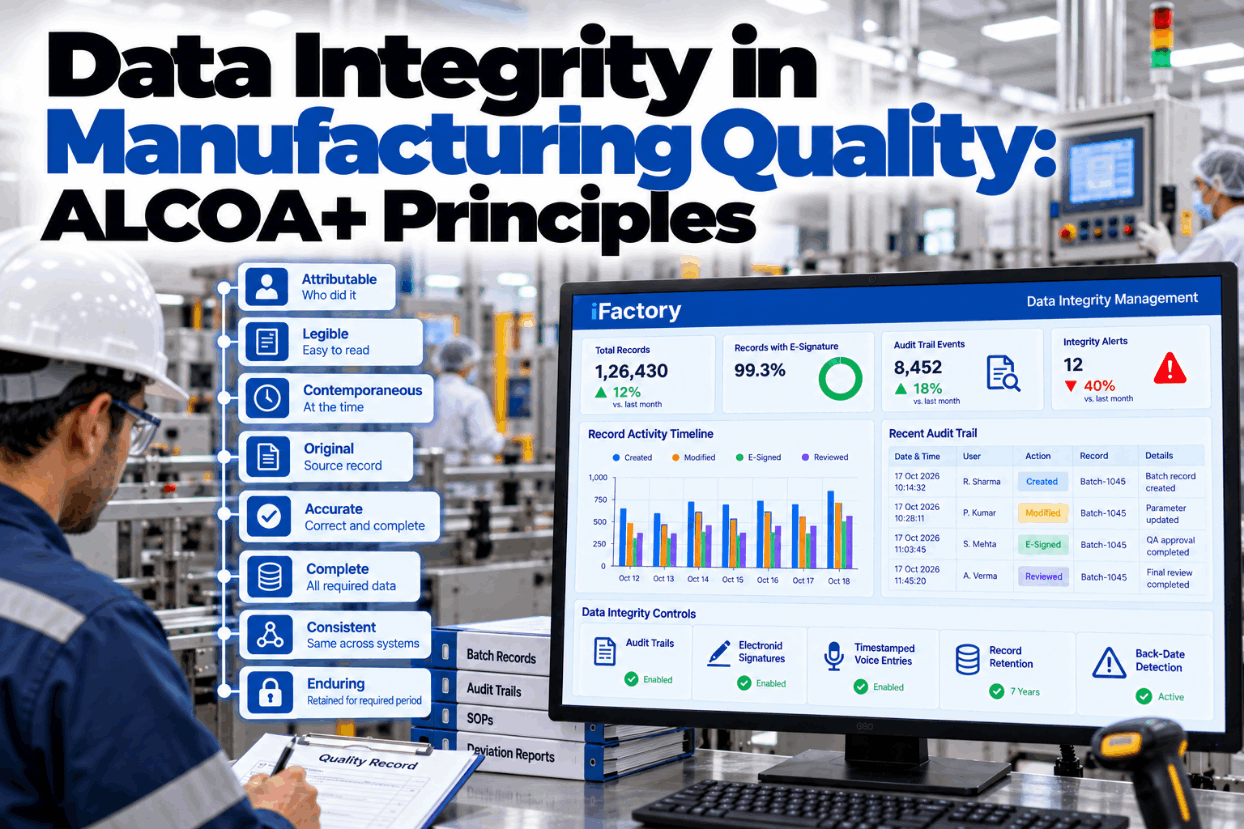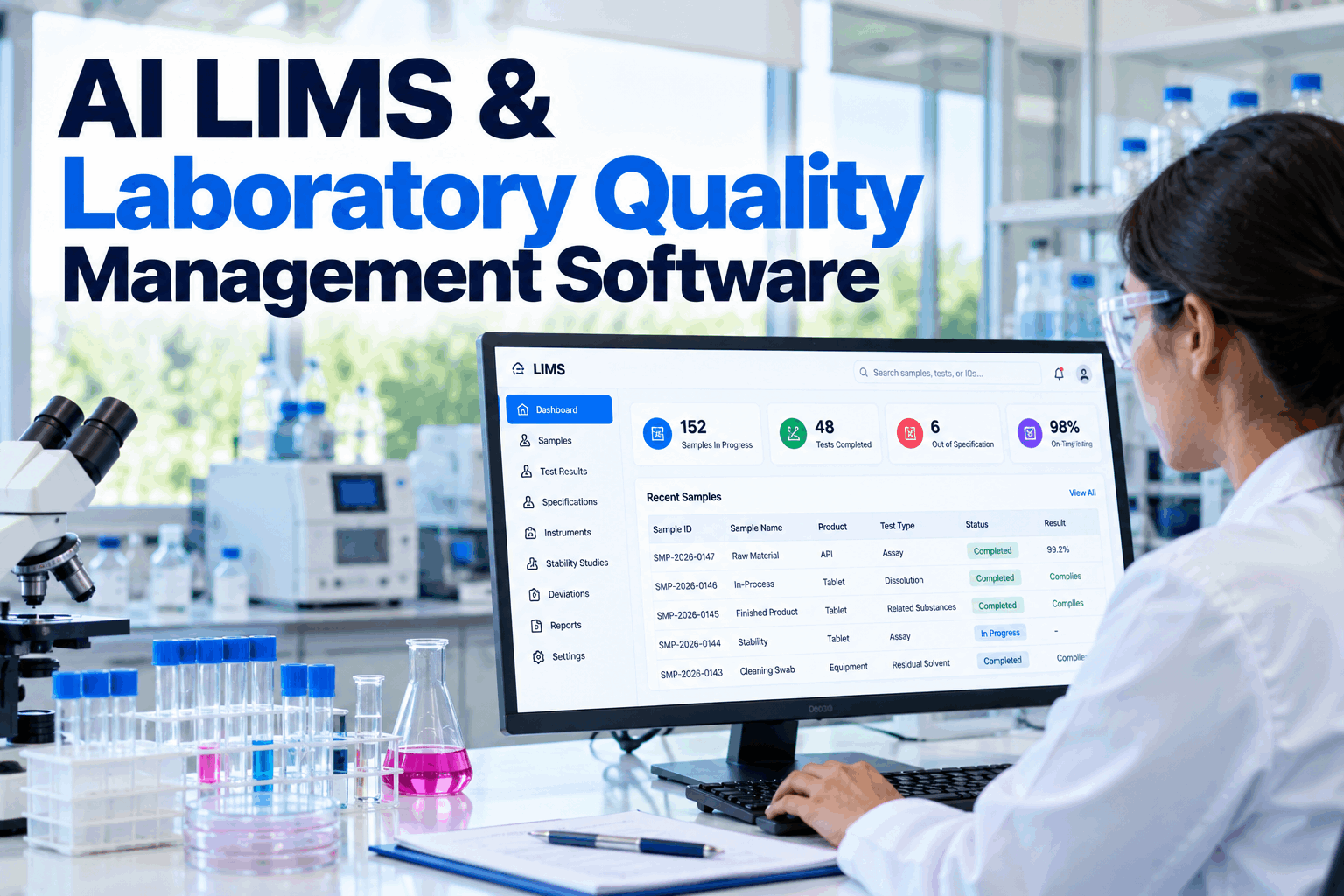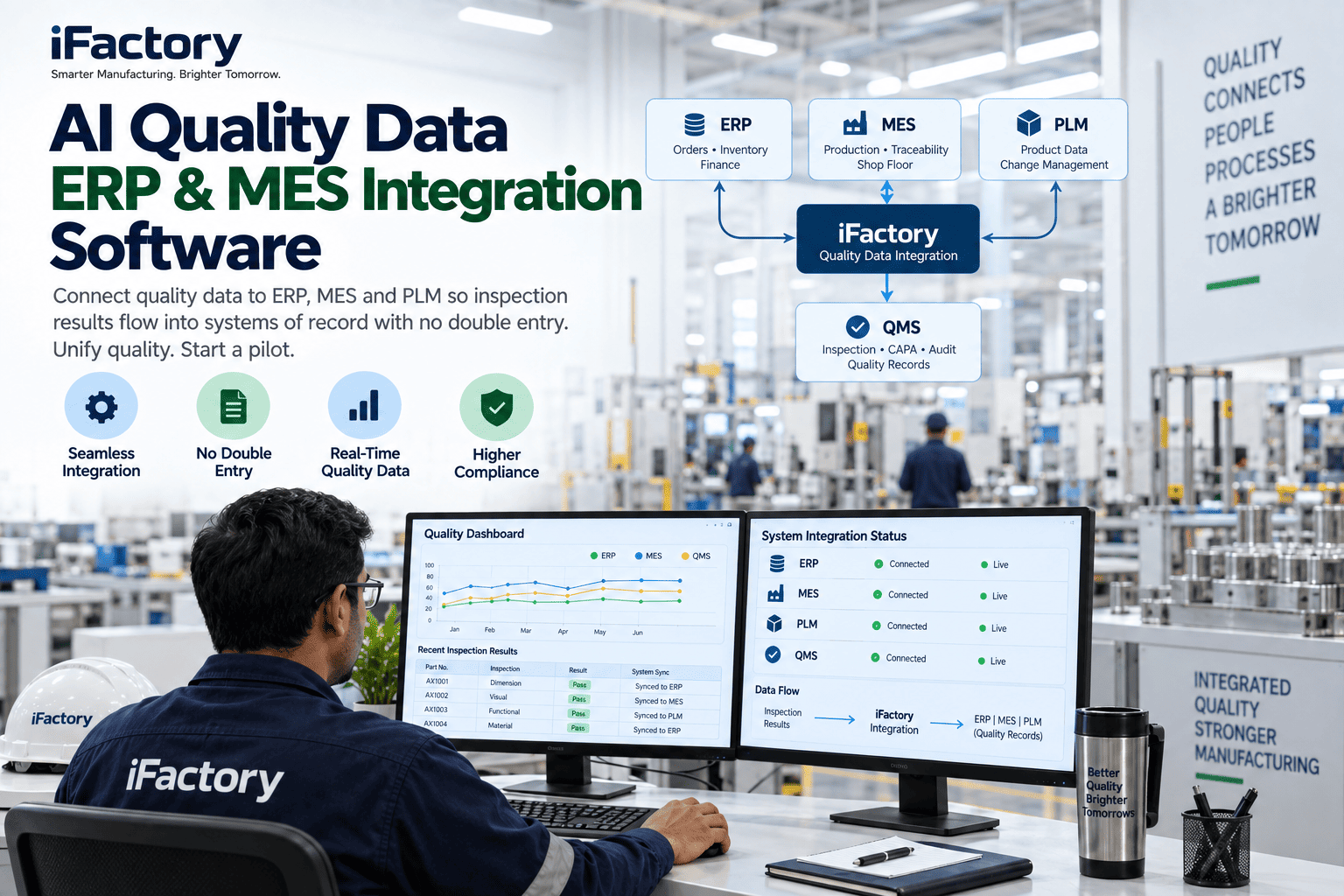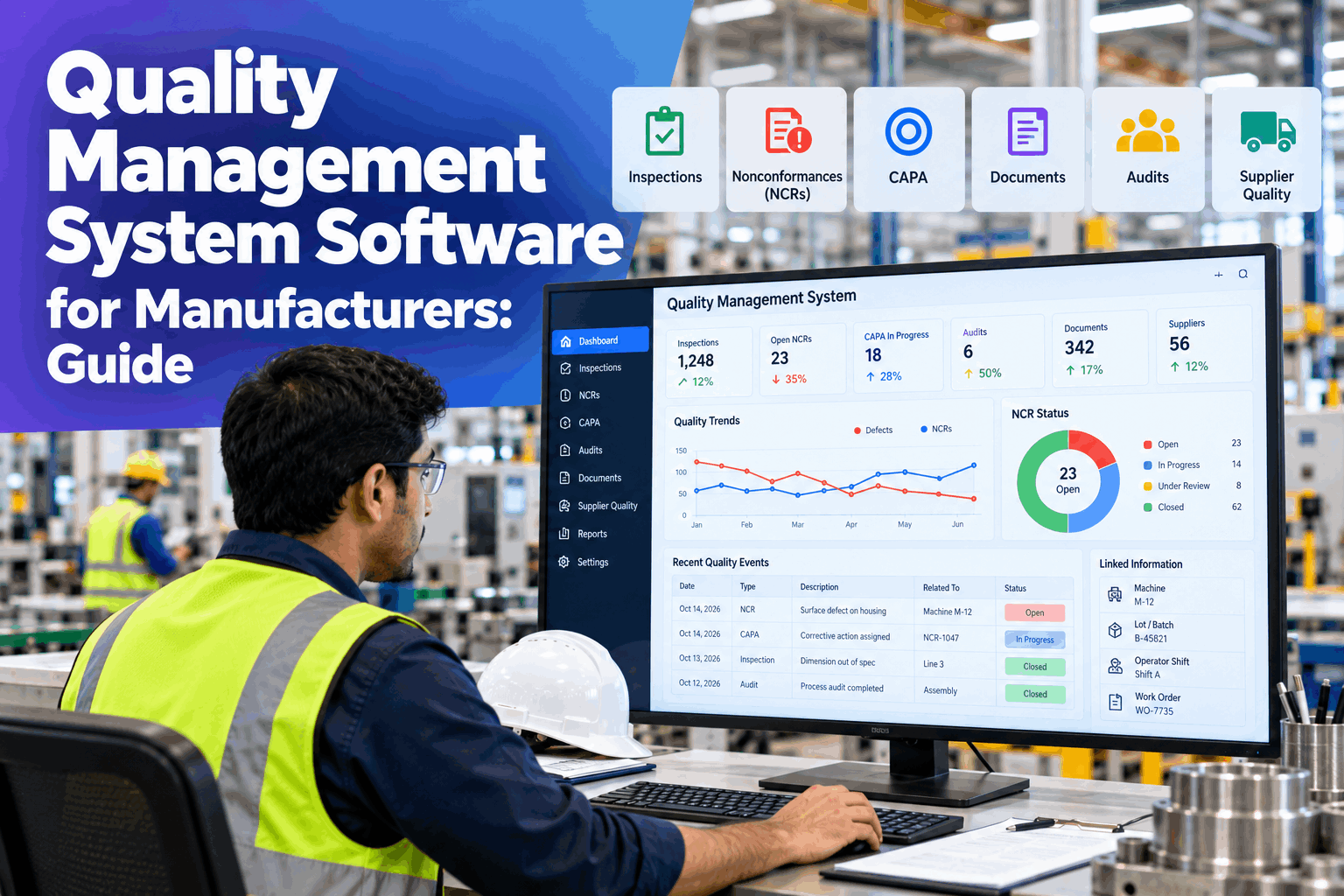
Most manufacturers do not have a quality system problem, they have a quality tools problem. Inspections live in one place, nonconformances in another, CAPA in a spreadsheet and documents on a shared drive, and none of them knows which machine, lot or shift a defect came from. Quality management system software for manufacturers fixes that by putting inspections, NCRs, CAPA, audits, documents and supplier quality in one model, linked to live production and maintenance data. This guide explains how a connected QMS works, with a worked example and a practical rollout path. Plant managers can see it on their own records in a QMS demo.
Quality Management System Software for Manufacturers: Guide
Connected QMS keeps inspections, NCRs, CAPA, documents and supplier records in one model with production and maintenance data, so a defect links straight to the machine, lot and operator shift. It runs on a turnkey on-prem AI server, next to your plant systems.
- One model for every quality record
- Defects linked to machine, lot and shift
- Quality data and plant data in one place
Why Standalone Quality Tools Fall Short
Each tool works, but the quality system does not.
A defect is rarely just a quality event. It involves a machine, a material lot, a work instruction and a shift. When each of those lives in a different tool, finding the link is manual work, and the same problem comes back because nobody could see the pattern. A digital QMS earns its place by connecting the records, not by replacing paper forms one for one. Our QMS specialists can map where your quality system breaks apart today.
Separate tools
Inspections, NCRs and CAPA in different places.
Records that do not link
No path from a defect to its cause.
Plant data outside
Machine and shift data never reaches quality.
Hand-built reports
Management reviews rebuilt from exports.
The Five Modules of a Connected QMS
Each module shares the same part, lot, machine and shift records.
The table below is the template for a quality management platform. Each module holds a familiar set of records, and each is linked to plant data through the same keys. Because the modules share one model, there is no integration project between them. Review the modules for your plant in a working session.
A connected QMS means the modules already agree on what a part, a lot and a machine are. You do not stitch them together afterwards, and a change in one place, such as a new revision or a closed CAPA, is visible everywhere it matters.
A Worked Example: One Defect, One Screen
From a leak at the test stand to the full picture.
Take a seal leak found at the end-of-line test on lot 5120. An NCR is raised, and because the QMS shares one model with production and maintenance data, it links on its own to sealer 2, the night shift and the 2 supplier material lots used. It also shows 1 open maintenance work order on that machine, and a CAPA is opened from the NCR. All figures are illustrative.
See Your Own Quality Records Connected
Bring a recent NCR and a list of your quality tools, and watch the defect link to its machine, lot, shift and cause in one view.
What Connected Means in Practice
Four links turn a record into evidence.
A quality record on its own says that something happened. A connected record says where, when, with what and on whose shift. These four links are what make the difference, and each comes from plant data your systems already hold. Discuss the links you need with our quality platform team.
Machine link
Which asset made the part, and its state.
Lot link
Which batch, order and material lots.
Shift link
Which crew and time window.
Supplier link
Which incoming material and result.
A Practical Rollout Path
Five steps, starting with the modules that hurt most.
You do not need every module on day one. Most plants start with two or three, prove the result and add the rest. Each step builds on the shared model, so nothing has to be redone. Plan the rollout with our implementation team.
Baseline
Record current tools, volumes and cycle times.
Connect
Link plant, MES and maintenance data read-only.
Configure
Set up the first two or three modules.
Pilot
Run live on a line or product family.
Scale
Add modules and sites on the same model.
Ask the QMS What Is Linked
Ask across modules in plain words.
With one model, quality managers and plant managers can ask a question that touches several modules and get one answer. The answers come from the linked records and show where each fact came from. See it on your own data in a live walk-through.
Who Decides What
The platform links the records, and people own the decisions.
A QMS is a system of record, not a decision maker. The software keeps the records joined and the workflow moving. Your quality team decides what a defect means, what the cause is and when an action is effective.
The platform handles
- Linking records to machine, lot, shift and supplier
- Routing NCRs, CAPA and approvals
- Keeping one version of each document
- Building management review data
People decide
- Disposition of nonconforming product
- Root cause and corrective action
- Approval and release of documents
- Effectiveness checks and closure
QMS Software Mistakes to Avoid
Buying more modules does not make the system connected.
These are common best practice gaps when choosing and rolling out QMS software. A short readiness review can find them before a pilot starts.
What works
- One shared model across all modules
- Starting with two or three high-value modules
- A named owner for each module
- A baseline taken before the pilot
What fails
- Separate tools for each quality function
- Turning paper forms into screens one for one
- Switching on every module at once
- No link to production and maintenance data
How iFactory Runs the Connected QMS
The platform and the server, delivered together.
iFactory loads your quality records, links them to plant data and runs the Connected QMS on one on-prem server. After the pilot, results are reviewed against your baseline. Fit questions go to our solutions team.
Inspections
Plans and results tied to the line.
NCR and CAPA
From defect to verified action.
Documents
Versioned and linked to training.
Audits
Risk-based plans and tracked findings.
Supplier quality
Incoming results linked to the line.
On-prem
Quality data stays in the plant.
The figures and exchanges on this page are illustrative. Your own results depend on your records, plant data, processes and systems, and we measure them on your data during the pilot.
Turnkey AI: Delivered, Connected and Live in 6–12 Weeks
You do not build this. It arrives ready.
iFactory ships as a pre-configured NVIDIA AI server with the software pre-loaded, racked and ready. Rack it, plug in power and Ethernet, and the AI is live on your network. Our team handles cabling, network setup, PLC, SCADA, DCS and CMMS integration, MES and ERP links, record migration, operator training and 24×7 remote monitoring. Data stays on your network. For an implementation guide and a quote matched to your plant, request a turnkey quote.
Ship, network and baseline
Server installed. Quality records and plant data connected and the baseline captured.
Setup and pilot
First modules configured. Live pilot runs on a line or product family.
Go-live and measured result
Roll-out across the plant. Teams trained. Results compared with the baseline.
Frequently Asked Questions
What is quality management system software for manufacturers?
It is software that manages the records and workflows of a quality system: inspections, nonconformances, CAPA, audits, documents and supplier quality, so they can be controlled, traced and reviewed.
How is a connected QMS different from a standalone eQMS?
A standalone eQMS holds quality records on their own. A connected QMS also shares production and maintenance data, so a defect links straight to the machine, lot and operator shift without manual matching.
Which modules should we start with?
Start where the pain is greatest, often NCR and CAPA, inspections or document control. Because every module shares one model, you can add the others later without rework.
Can it connect to our MES, ERP and PLC data?
Yes. Connections are made through the interfaces your systems already offer, and they start read-only so production systems are untouched. We confirm the options for your versions during scoping.
What happens to our existing records?
Current NCRs, CAPA, documents and open audit findings are loaded during setup so work continues without a gap. Older history can be loaded in stages or kept as read-only reference.
What are the best practices for rolling out QMS software?
Take a baseline, start with two or three modules, give each one an owner, link records to plant data from the start and review results after a pilot before scaling.
What does it cost and when is the return?
Cost depends on the number of sites, modules, users and integrations, so we issue a turnkey quote after a short scoping call. Return shows up as faster defect tracing, less time on reports and audit preparation and fewer repeat issues, and the pilot measures it against your baseline.
What do plant managers need to prepare?
A list of your current quality tools and spreadsheets, your NCR and CAPA log, inspection plans, a document index and supplier results. A short working session turns these into a pilot scope.
How do we start?
Start with a short session to review your quality tools and one recent defect. A 6-week pilot then connects your records and plant data, captures the baseline and runs live modules on a line. To plan it, contact our team.
Connect Your Quality System to the Plant
In thirty minutes we take a recent defect through the platform and show how it would have linked to its machine, lot, shift and cause. You keep the findings either way.
- 1A list of your quality tools and spreadsheets
- 2Your NCR and CAPA log
- 3Inspection plans and check sheets
- 4Your document index
- 5Supplier scorecards or incoming results