Smart cameras are a genuinely appealing idea: a single unit that captures the image and runs the AI right inside it, no separate server, no extra cabling. For a single lightweight inspection task, they work well. The trouble starts when a real inspection program grows — you want a defect model and a measurement model and a classification model running on the same view, or higher-resolution frames, or a bigger, more accurate model — and the smart camera runs out of room to do it. The compute, memory, and cooling that fit inside a camera body are fundamentally limited, so stacking multiple AI models onto one camera hits a wall fast. Understanding why is the difference between an architecture that scales and one that quietly caps your inspection capability. This guide explains why smart cameras struggle with multiple AI models — the thermal, compute, and memory limits, the inference workload, and the economics — and how iFactory's centralized approach removes the ceiling, on-premise or in the cloud.
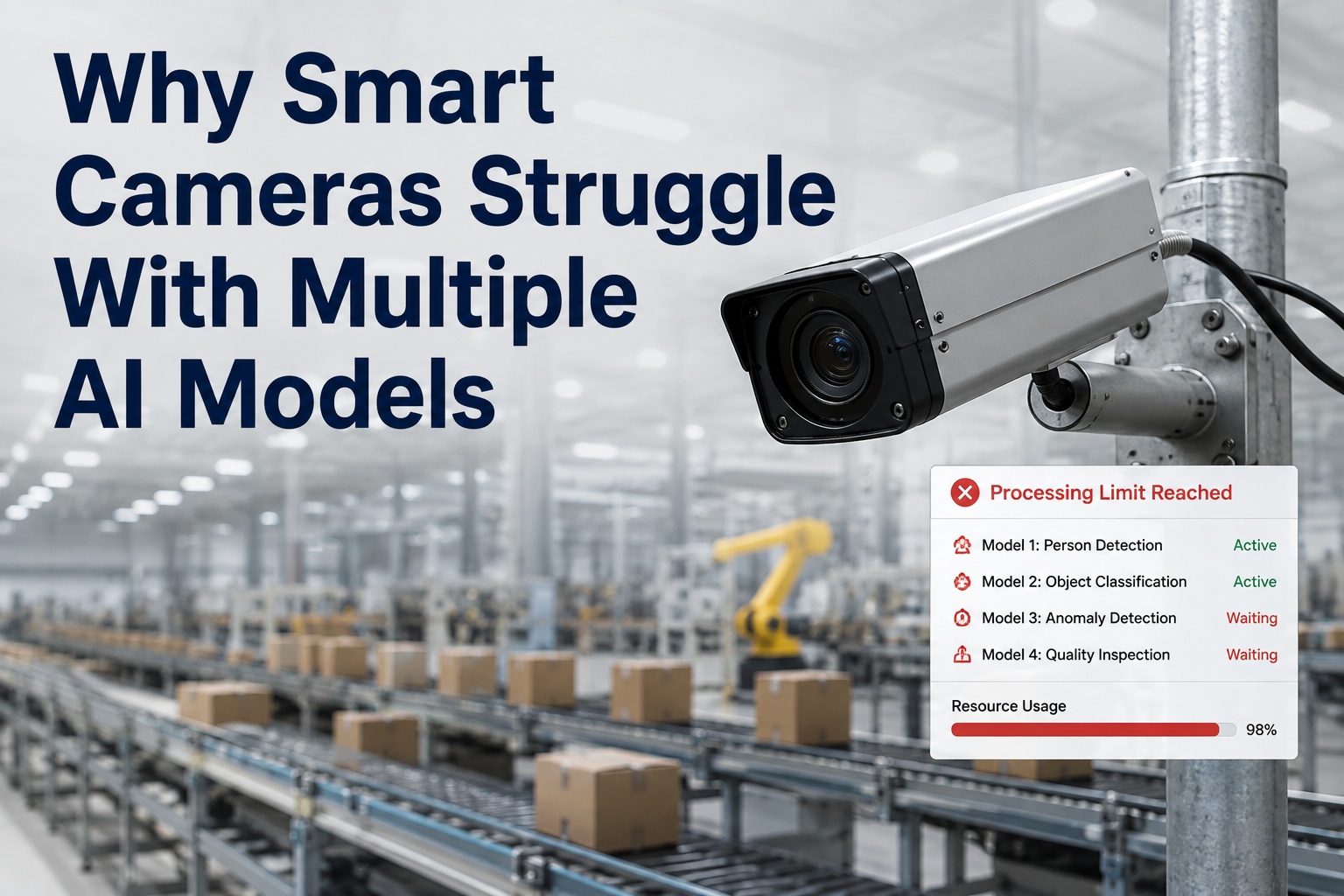
Why Smart Cameras Struggle With Multiple AI Models
A smart camera runs the AI inside the camera body — elegant for one light model, constrained the moment you need several. Thermal limits, embedded compute, and tight memory cap how much inference fits in a camera, so multi-model inspection outgrows it fast. The fix is centralizing the compute — and iFactory delivers that on-premise or in the cloud.
Why Smart Cameras Are Appealing — At First
It's worth being fair to the smart camera, because the appeal is real and for the right job they're a good choice. The problem is only that the job tends to grow past what the form factor can hold.
The Four Limits That Cap a Smart Camera
When you ask a smart camera to run several models, or a bigger one, or higher-resolution frames, you hit four hard physical limits — all consequences of packing compute into a camera body. They compound: each makes the others worse.
Thermal ceiling
A sealed camera body has almost no room to shed heat. Running multiple models generates more than it can dissipate, so the chip throttles to protect itself — and inference slows exactly when you're asking for more.
Embedded compute
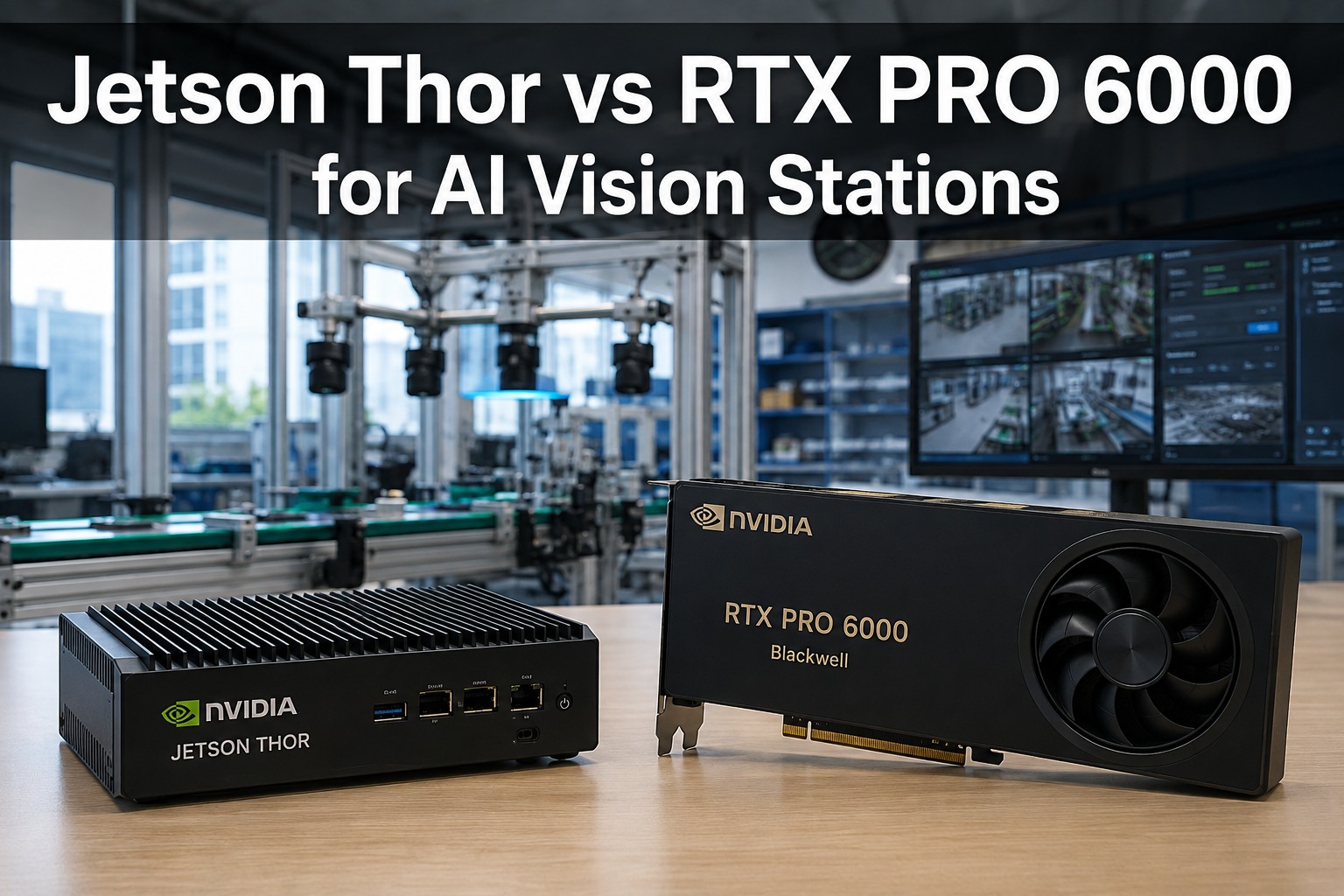
The processor inside a smart camera is a small embedded chip sized for one light task, not a GPU. It simply doesn't have the parallel horsepower to run several models, or a large one, at line speed.
Memory constraint
On-camera memory is tight. Multiple models, or a single large modern model, exceed it — they can't all be resident at once, so you're forced to shrink, swap, or simply not run them together.
Camera economics
Pushing more capability into each camera makes each unit more expensive. Across many views, paying for powerful compute in every camera body costs far more than centralizing it — and you still hit the physical limits.
Hitting the ceiling on what your smart cameras can run? Book a 30-minute demo — iFactory will map the models you want per view and show how centralizing the compute lets them all run without the camera-body limits. Sessions available this week.
What Actually Happens When You Overload One
The failure isn't a clean error message — it's a gradual squeeze. As you add models to a smart camera, the limits interact and force compromises that erode the very inspection quality you were trying to add.
The Fix — Centralize the Compute
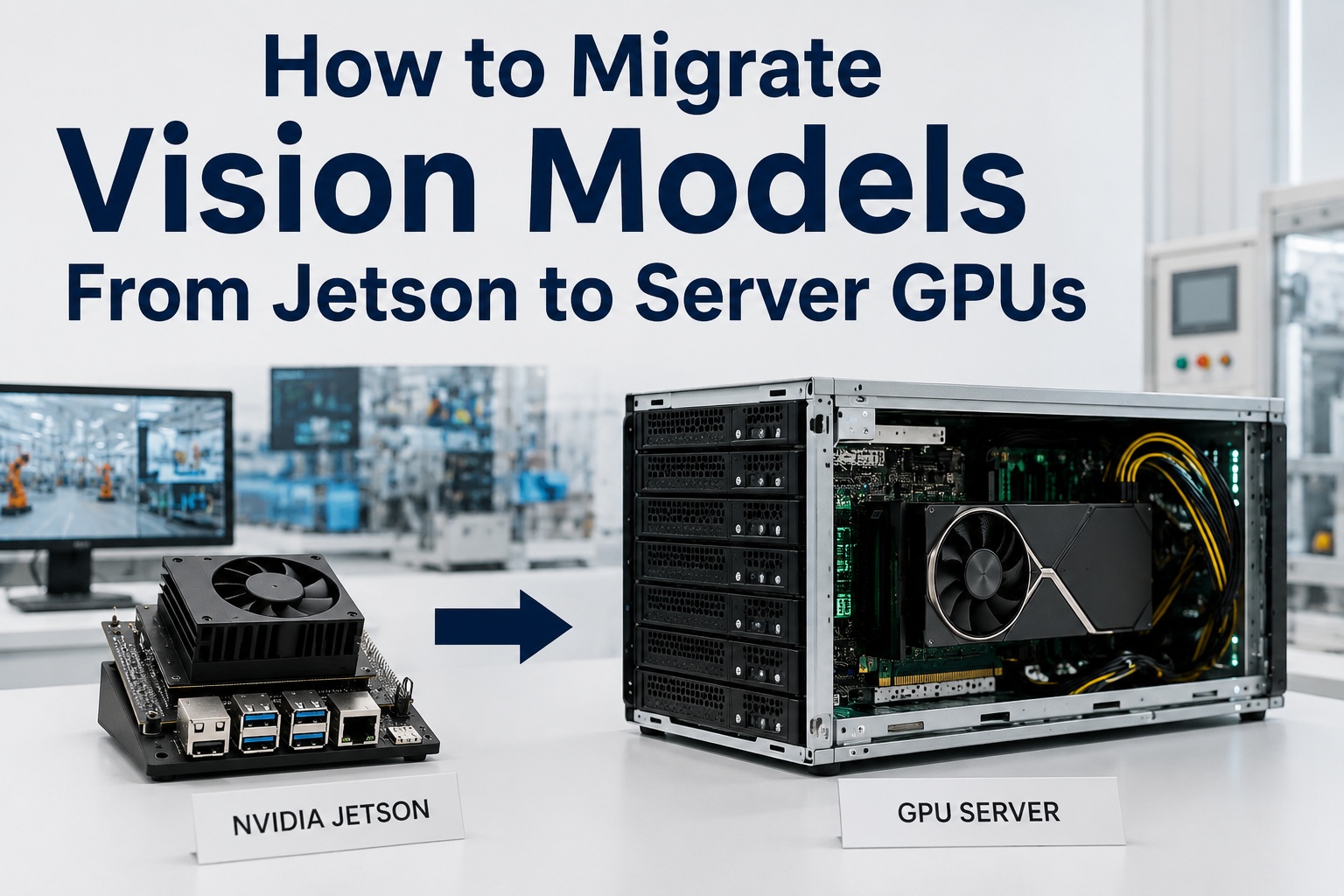
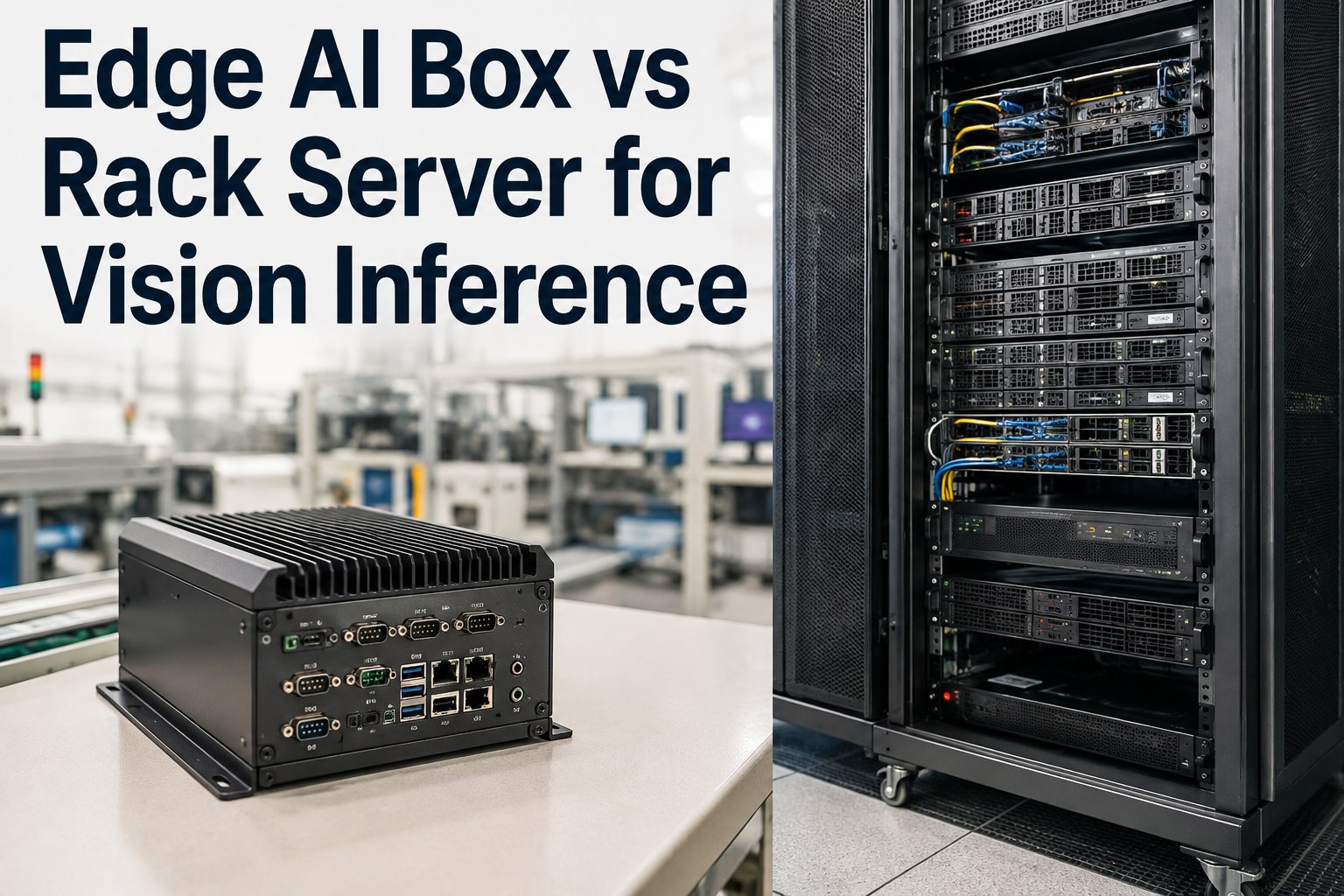
The way out isn't a more powerful camera; it's separating capture from inference. Let cameras do what they're good at — capturing clean images — and send those streams to a central GPU that has the thermal headroom, compute, and memory to run every model you want. This is the architecture that scales.
Compute trapped in the body
Each camera runs its own limited chip. Adding models means hitting thermal, compute, and memory limits per unit — and paying for capability in every camera.
Cameras capture, GPU infers
Standard cameras stream to one powerful GPU with real cooling and memory. It runs many models across many streams at once — no per-camera ceiling, one place to manage.
Want to know how many models and cameras one central GPU could handle for you? Ask iFactory Support with the models you want per view and your camera count, and the team will size the GPU and show the consolidation versus per-camera compute — typically a response within 3 business days, no obligation.
On-Premise or Cloud — Centralized Either Way
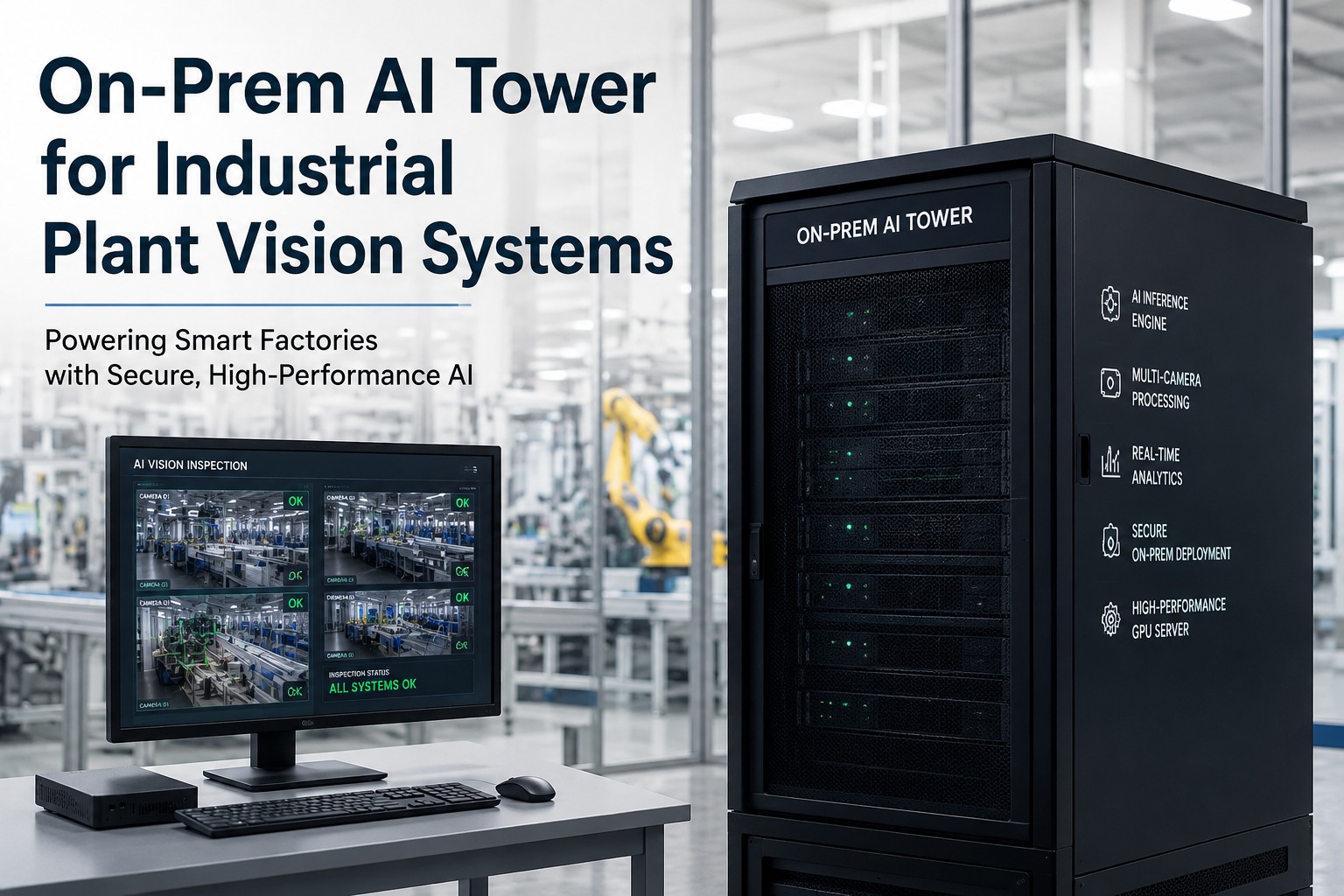
Centralizing the compute is the answer, and iFactory delivers that central GPU on-premise or in the cloud. On-premise is the default where inspection images carry batch genealogy or process IP and reject decisions need line latency — a pre-configured GPU appliance in your fence that your standard cameras stream to. Cloud suits multi-site programs managed centrally. Either way, the models run on real compute, not trapped in a camera body.
iFactory On-Premise Central GPU appliance, images in-fence
- Cameras stream to one GPU — many models per view on a pre-configured appliance.
- Images never leave — full data residency behind your firewall.
- Line-latency inference — local, no round-trip, outage-independent.
- Standard cameras — no need for costly per-unit smart cameras.
iFactory Cloud For multi-site, centrally managed vision
- Fully managed — no on-site GPU hardware to maintain.
- Same many-model engine — identical models, SPC, and analytics.
- Cross-site consistency — one model set everywhere.
- Elastic scale — add cameras, models, and sites freely.
Don't cram AI into the camera — give it real compute.
Smart cameras cap out on multiple models because a camera body can't hold the thermal headroom, compute, and memory that several models need — and paying for it per unit doesn't scale. Centralizing the compute lets standard cameras stream to one powerful GPU that runs every model you want. iFactory delivers that GPU on-premise inside your fence or as a managed cloud service. ROI proven on one line first.
Frequently Asked Questions
Why can't a smart camera run several AI models at once?
Because the compute, memory, and cooling that fit inside a camera body are limited. The embedded processor is sized for one light task, on-camera memory can't hold multiple or large models at once, and a sealed camera body can't shed the heat that running several models generates — so the chip throttles. These limits compound, so stacking models onto one camera forces compromises fast.
Are smart cameras a bad choice, then?
Not at all — for the right job they're excellent. A smart camera is a clean, simple solution for a single lightweight inspection task where one model runs at the source with low latency and no separate server. The limitation only appears when the inspection program grows: multiple models on one view, higher resolution, or a larger, more accurate model. That's when the camera-body form factor runs out of room.
What happens if I just add more models anyway?
You hit a squeeze rather than a clean failure. As models are added, the thermal and memory limits are reached together, the chip throttles or you're forced to drop or shrink a model, and inference slows — so the extra inspection capability you wanted degrades the performance of what was already there. The result is a capped system whose quality quietly suffers, which is hard to diagnose after the fact.
How does centralizing compute solve it?
By separating capture from inference. Instead of running AI inside each camera, standard cameras stream their images to a central GPU that has real cooling, compute, and memory. That one GPU can run many models across many camera streams simultaneously — defect, measurement, classification on the same view, plus larger models — with no per-camera ceiling and a single place to manage and update. It scales where smart cameras cap out.
Isn't a central GPU more expensive than smart cameras?
Usually the opposite at scale. Pushing capable compute into every camera body makes each unit costly, and you still hit the physical limits. Centralizing means your cameras can be simpler and cheaper while one GPU serves many of them — often better economics across a real deployment, and you actually get the multi-model capability that per-camera compute can't deliver. iFactory sizes the GPU to your camera count.
Can the central GPU run on-premise, in the cloud, or both?
Both — iFactory offers on-premise and cloud with the same many-model engine. On-premise is the default where inspection images carry genealogy or process IP and reject decisions need line latency: standard cameras stream to a pre-configured GPU appliance in your fence. Cloud suits multi-site programs wanting central management. Many manufacturers mix them across sites. Contact iFactory Support to choose the right deployment.
Capture at the camera, infer on real compute — and scale.
Smart cameras are great for one light model and capped for many — the camera body just can't hold the compute, memory, and cooling that multi-model inspection needs. iFactory centralizes it: standard cameras stream to one powerful GPU that runs every model you want, on-premise inside your fence or as a managed cloud service. ROI proven on one line first. The next step is a 30-minute demo mapped to the models you want per view. Sessions available this week.