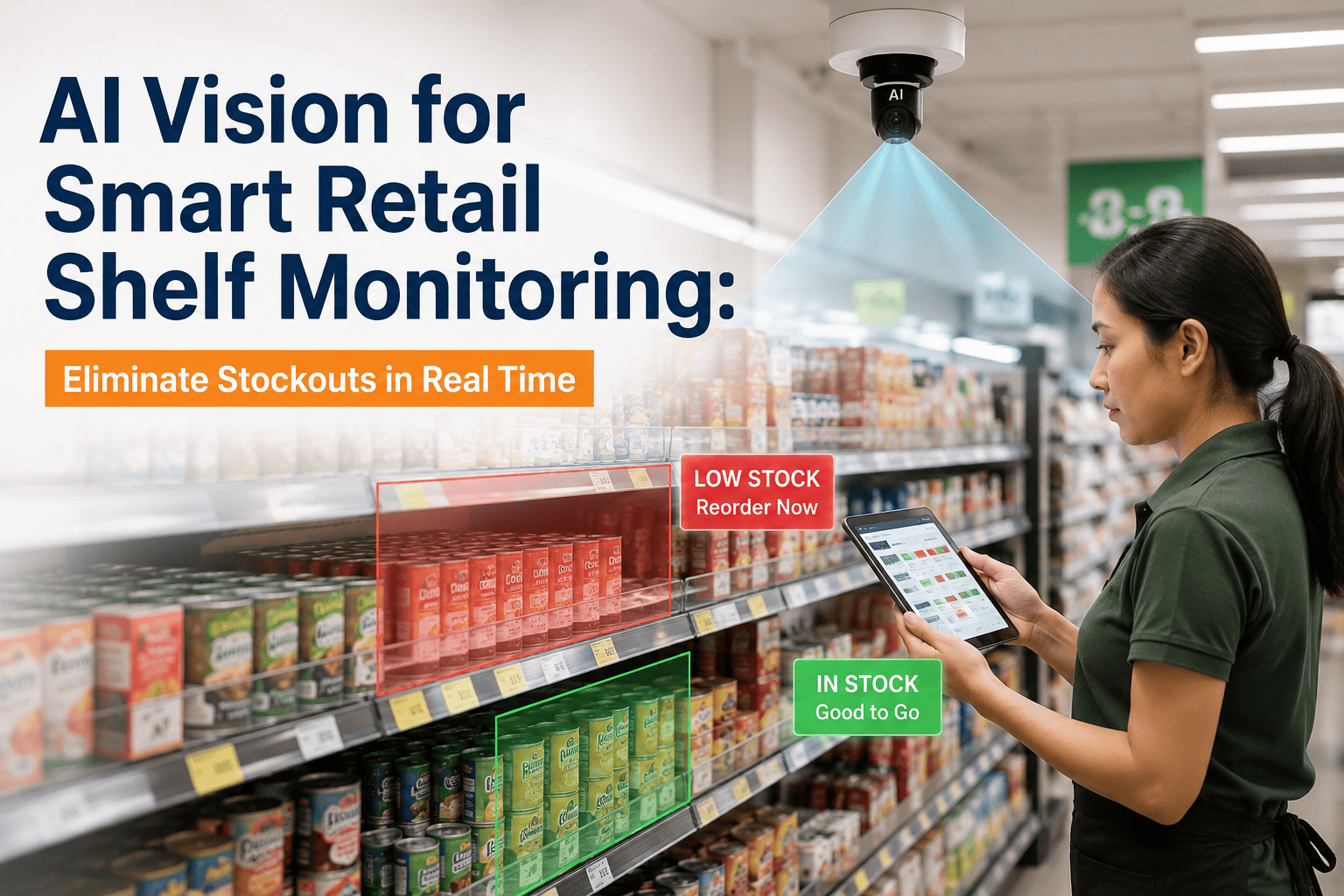
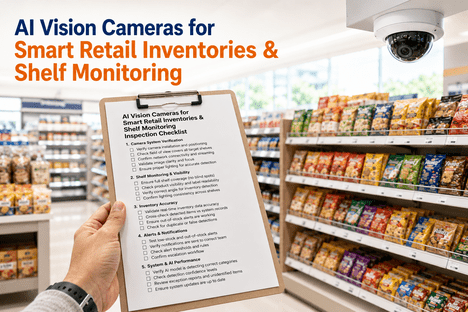
Empty shelves are one of the most expensive problems in retail, and most stores do not find out about them until a customer complains or a store walk happens to pass the right aisle. AI vision cameras watch shelf fill levels continuously, detecting the moment a section drops below a configured threshold and routing a replenishment task straight to a staff member's mobile device — often before the gap is even visible from the end of the aisle. Retailers running this kind of always-on detection are closing stockout windows that used to last an entire shift down to minutes, which is exactly the gap ifactory's AI Vision Camera platform was built to close.
The Real Cost of a Shelf Nobody Is Watching
A store walk catches a gap only if it happens to pass that aisle at the right time, and most stores do not have the labor budget to walk every aisle every hour. Between walks, a fast-moving SKU can sell out and sit empty for hours while sales are quietly lost to a competitor down the street or to a substitute product on the same shelf. Out-of-stock events are rarely a supply chain failure — they are usually a visibility failure, and visibility is exactly what a continuously watching camera can provide that a scheduled walk cannot.
How Fill-Level Detection Becomes a Replenishment Trigger
Detecting an empty shelf is only useful if the detection turns into action fast enough to matter, so the pipeline from camera to task assignment has to be tight at every step rather than just accurate at the first one.
Continuous Facing Capture
Edge cameras positioned above or across from each aisle capture shelf facings on a fixed interval, giving every SKU position a fresh image throughout the trading day rather than a single morning snapshot.
Fill-Level Scoring
The model scores each shelf section's visible product density against its planogram baseline, distinguishing a genuinely empty gap from a normal dip that still has adequate facings remaining.
Threshold Comparison
Each SKU or category carries its own configured threshold, since a fast-moving dairy case and a slow-moving seasonal endcap should not trigger a replenishment task at the same fill percentage.
Context Filtering
Before an alert fires, the system checks for expected temporary gaps — an active restock in progress, a known planogram change — so staff are not sent chasing a shelf that is already being handled.
Routed Task Assignment
A confirmed low-stock event becomes a task pushed to the nearest available associate's device, complete with aisle, SKU, and priority, replacing the informal habit of hoping someone notices on their next pass.
Not Every Empty Shelf Deserves the Same Response
Treating every low-stock detection with equal urgency is how alert systems earn a reputation for being ignored. A mature restocking alert program tiers its thresholds and response expectations by how much a category's absence actually costs the store, so associates learn to trust the priority label attached to each task instead of triaging everything themselves.
| Category Type | Trigger Threshold | Expected Response Window |
|---|---|---|
| High-velocity staples (dairy, bread, produce) | Alert at 60% fill remaining | Same-shift, within 30 minutes |
| Everyday center-store grocery | Alert at 40% fill remaining | Same-shift, within 2 hours |
| Promotional and seasonal endcaps | Alert at 50% fill remaining | Within 1 hour during promo window |
| Slow-moving or niche SKUs | Alert at 15% fill remaining | Next scheduled restock cycle |
Comparing the Three Ways Stores Catch a Stockout
Stores generally rely on one of three methods to know a shelf has run low, and each carries a different cost, coverage, and response time profile that becomes obvious once they are placed side by side.
Scheduled Store Walks
Low upfront cost but limited coverage — a walk only catches a gap if it happens to reach that aisle before the shelf empties, leaving hours of blind time between passes on most floor plans.
Weight or RFID Shelf Sensors
Accurate and continuous for the SKUs they cover, but the per-shelf hardware cost and per-SKU calibration effort make full-store or multi-location rollout a heavy capital undertaking.
AI Vision Shelf Monitoring
Uses existing camera infrastructure to deliver continuous, SKU-level coverage without added per-shelf hardware, while also catching misplacement and display issues that weight sensors cannot see at all.
What Faster Replenishment Actually Recovers
The financial case for shelf monitoring is easiest to make when it is tied to the specific mechanics of how a stockout turns into a lost sale. Every hour a shelf sits empty is an hour of demand that either walks out the door to a competitor, gets substituted onto a lower-margin item, or simply evaporates because the shopper decides not to buy the category at all that trip. Continuous detection does not eliminate every stockout — a supplier delay or a genuine demand spike can still empty a shelf faster than any alert system can restock it — but it closes the much larger category of stockouts that are really a visibility failure rather than a supply failure, and that category is where most of the recoverable revenue sits.
Lost Sales Recovery
Cutting the average stockout window from a full shift to under an hour directly recovers a meaningful share of the 4–8% of sales that out-of-stocks typically cost a store.
Labor Reallocation
Associates stop walking aisles speculatively looking for gaps and instead respond to routed tasks, freeing time for customer-facing work during peak trading hours.
Shopper Retention
Fewer visible gaps means fewer shoppers who leave without buying, which matters most for the trip-defining categories that anchor a store visit in the first place.
Rolling Out Shelf Monitoring Without Disrupting Store Operations
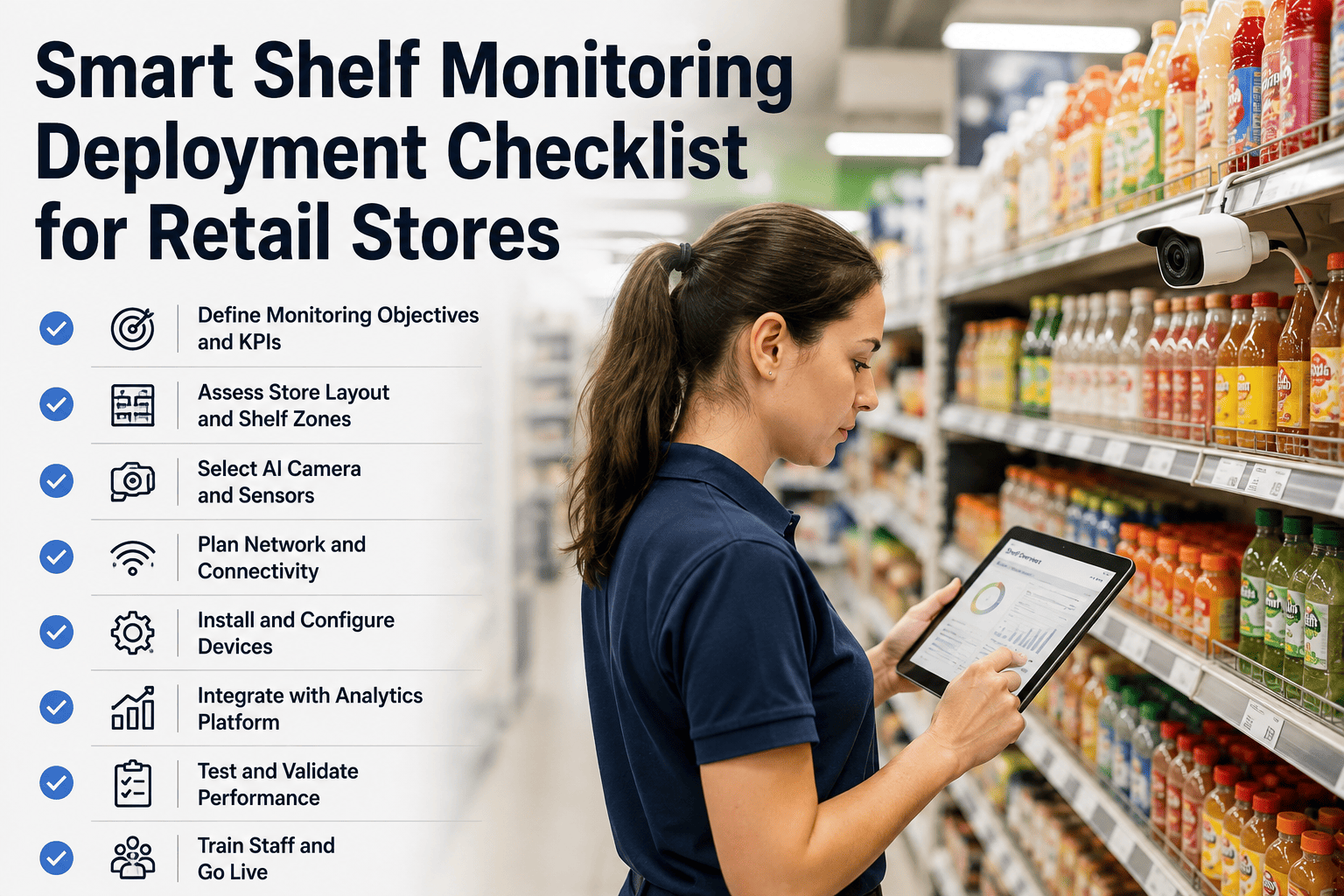
Stores that get the most value from restocking alerts tend to introduce the system in stages rather than flipping every aisle live on day one, which gives staff time to build trust in the alerts before the volume ramps up.
Start with the highest-velocity categories where stockouts are most costly and most frequent, so the first alerts staff see are also the ones most obviously worth acting on.
Run a calibration period where alerts are logged but not yet pushed to devices, letting the team validate threshold accuracy against what staff already know about those aisles.
Expand aisle by aisle rather than store-wide, using early results to tune thresholds before the next category comes online.
Review false-alert rates weekly during the first month, since a threshold that fires too eagerly is the fastest way to lose staff trust in the whole system.
Frequently Asked Questions
How accurate is AI vision at detecting a genuinely empty shelf versus a normal dip in stock?
Modern shelf monitoring models trained on a store's own camera angles and product catalog reach well above 90% detection accuracy on standard shelf formats, with a calibration period built into early deployment to tune thresholds for specific SKU categories. Accuracy depends heavily on camera placement, lighting consistency, and how distinct a category's packaging is, which is why ifactory Support works through a store-specific calibration pass before alerts go live in production.
Do we need new cameras installed, or can this run on our existing store cameras?
Most deployments run on existing overhead or aisle cameras where placement, angle, and resolution are sufficient for the SKU categories being monitored, and additional positions are only added where coverage gaps exist. A site survey during onboarding determines exactly which aisles need a new camera versus which can be covered by repositioning or reconfiguring what is already installed.
How does the system avoid flooding staff with alerts during a known restock or planogram reset?
Context filtering checks each detected gap against active restock windows, scheduled planogram changes, and recent staff activity in that aisle before an alert is generated, so a shelf that is already being addressed does not generate a duplicate task. This filtering layer is what separates a system staff actually trust from one that gets muted within the first week of deployment.
Can thresholds be different for different categories or even different stores in the same chain?
Yes — thresholds are configured per SKU, category, or fixture, and can vary by store format, regional demand patterns, or even day of week, since a fast-moving staple in one location may be a slow mover elsewhere. Book a demo through the ifactory team to see how threshold configuration maps onto your specific store estate.
How long does it typically take to see a measurable drop in stockouts after rollout?
Most stores see the calibration period settle within the first two to four weeks, after which alert accuracy and staff response time both stabilize, and a measurable reduction in stockout duration typically follows within the first full month of live alerts. The exact timeline depends on how many categories are onboarded at once and how quickly staff routines adjust to acting on routed tasks rather than habitual walks.