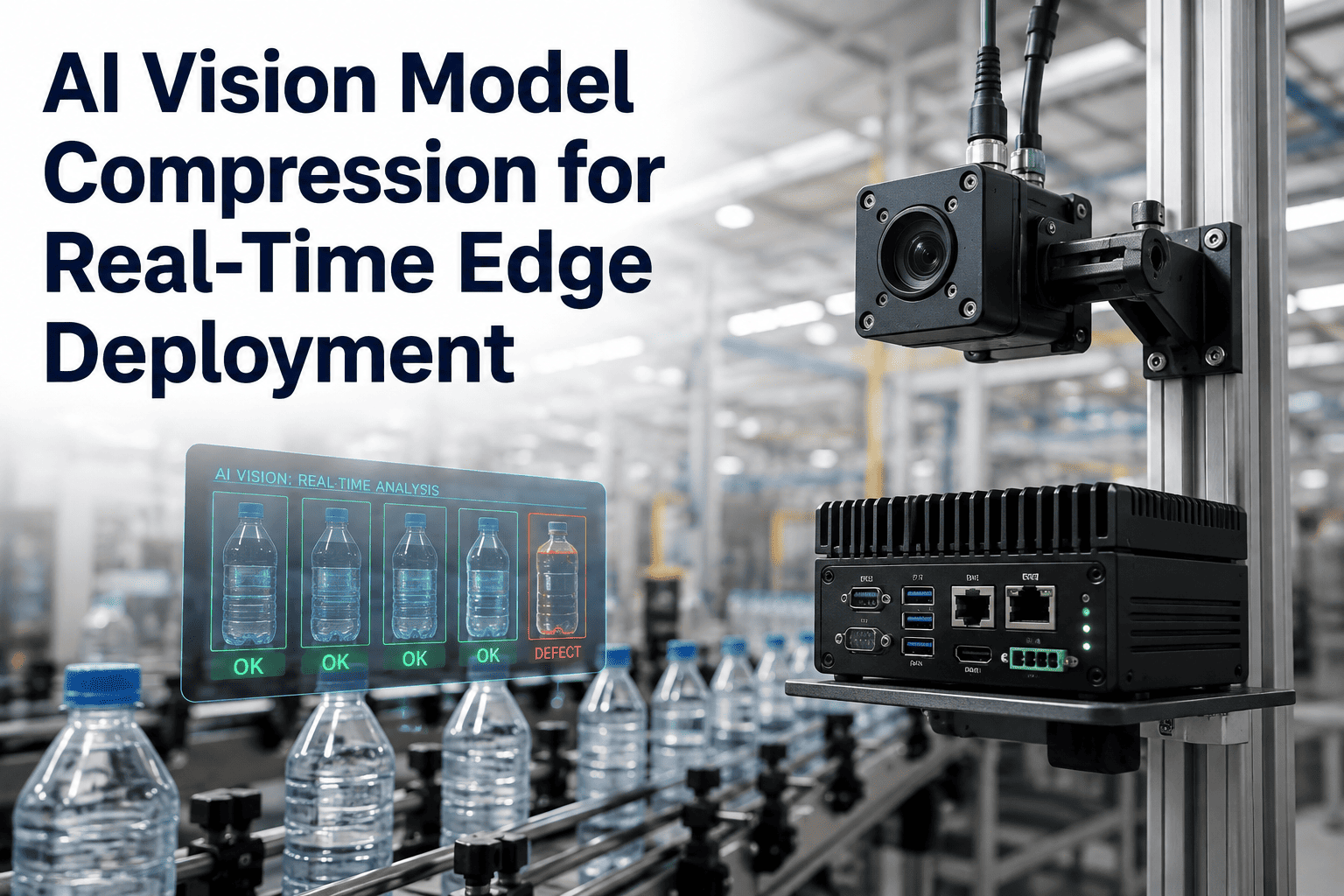
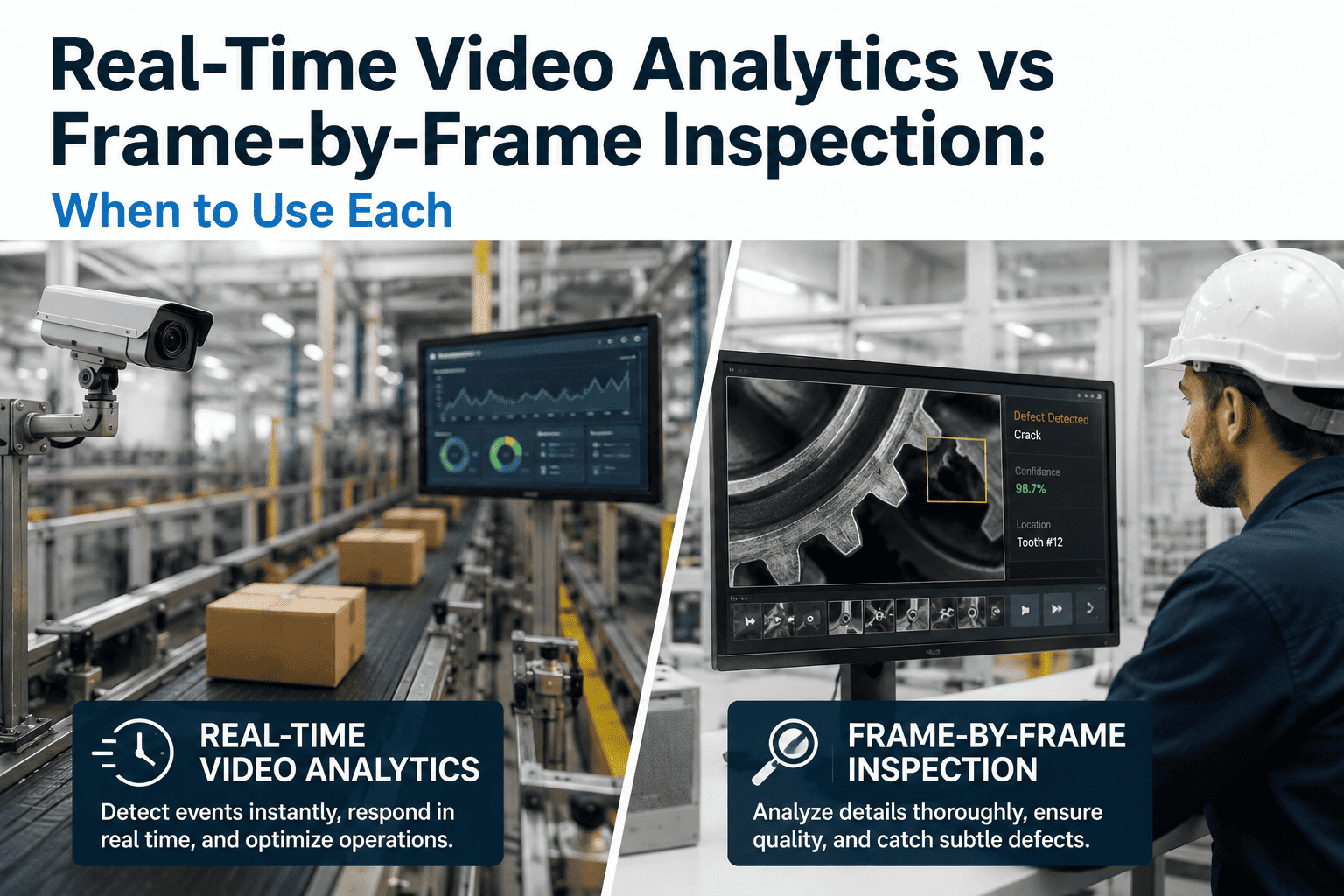
A camera on a production line can see a defect in a fraction of a second, but seeing is not the same as deciding fast enough to matter. The AI model behind that camera might have started life as a research-grade network with hundreds of millions of parameters, built to chase accuracy on a benchmark rather than to run inside a $200 edge box bolted next to a conveyor. Quantization, pruning, and knowledge distillation are the three techniques that close that gap, shrinking a vision model 4 to 10 times over while holding onto 95% or more of its original accuracy. iFactory builds this compression work into every inspection deployment, so the models running at your line edge are sized for the hardware you actually bought rather than the hardware a research paper assumed you had. To see how a compressed model performs against your own defect classes, book a demo.
EMERGING AI · MODEL COMPRESSION · EDGE VISION
Shrink the Model, Not the Accuracy
Quantization, pruning, and knowledge distillation compress vision models 4-10x so they run in real time on cost-effective edge hardware, without giving up the accuracy your line depends on.
THE EDGE HARDWARE PROBLEM
Why a Model That Works in the Lab Can Fail on the Line
A vision model trained for maximum accuracy is usually trained without any regard for the hardware it will eventually run on. Research teams optimize for benchmark scores, stacking layers and parameters until accuracy stops improving, then publish the result. That model, dropped onto an edge device sitting at a workstation instead of a cloud GPU cluster, runs into three walls at once.
MEMORY
The Model Doesn't Fit
Edge devices carry a fraction of the RAM and VRAM of a data center GPU, and a full-precision model that loads fine in the cloud can simply refuse to fit in an edge accelerator's memory footprint.
LATENCY
Inference Runs Too Slow
A part moving past a camera at production speed gives the model a window measured in tens of milliseconds, and an uncompressed network can take several times longer than that window allows.
POWER
The Box Overheats or Drains
Edge inspection hardware is built for continuous duty in a plant environment, not a data center rack with dedicated cooling, so a compute-hungry model raises power draw and thermal load past what the enclosure was designed to sustain.
Compression exists to make the model fit the hardware instead of forcing a plant to buy hardware sized for the model. Done correctly, it is not a downgrade in capability, it is a targeted removal of the redundancy every large network accumulates during training.
THREE TECHNIQUES
Quantization, Pruning, and Distillation Compared
These three techniques attack model size from different angles, and a properly compressed deployment usually combines more than one rather than relying on a single approach. Understanding what each one actually changes inside the model clarifies why the combination outperforms any single technique alone.
| Technique |
What It Changes |
Typical Size Reduction |
Best Fit |
| Quantization |
Numeric precision of weights, from 32-bit floating point down to 8-bit or lower integers |
2-4x smaller, faster on integer-optimized hardware |
Fastest entry point, works on nearly any trained model with minimal retraining |
| Pruning |
Removes weights or entire channels that contribute little to the model's output |
2-3x smaller depending on pruning ratio |
Models with known redundancy, particularly ones trained with more capacity than the task requires |
| Knowledge Distillation |
Trains a smaller student network to reproduce a larger teacher network's behavior |
Often the largest single reduction, since the student architecture itself is smaller |
When accuracy on rare or subtle defect classes must be preserved despite a much smaller footprint |
Quantization is usually the first lever pulled because it requires the least additional training and delivers a fast, reliable size reduction on almost any model. Pruning goes further by identifying which parts of the network are doing real work and removing the parts that are not, which is why pruning strategies that analyze weight distributions layer by layer tend to hold accuracy better than a single fixed pruning ratio applied uniformly. Distillation is the most involved of the three, since it means training an entirely new, smaller student model, but it consistently produces the largest overall size reduction because the student's architecture is compact from the start rather than a trimmed-down version of something larger.
Get your inspection model's edge footprint reviewed
iFactory can benchmark your current model against a compressed version on the same defect classes so you see the accuracy tradeoff before committing to new hardware.
THE ACCURACY QUESTION
How Much Accuracy Actually Gets Lost
The number every plant manager wants before approving an edge deployment is simple: how much accuracy does compression cost. The honest answer is that it depends on how aggressively a model is compressed and how carefully the compression is validated, but well-executed compression pipelines report accuracy losses in the fraction-of-a-percent range rather than the double digits people often assume.
1
Baseline Model
The full-precision model trained on your defect data, evaluated for accuracy before any compression is applied, so there is a fixed reference point to measure every later step against.
→
2
Compress and Calibrate
Quantization, pruning, or distillation applied with a calibration pass on representative production images, not a generic public dataset that doesn't reflect your parts or lighting.
→
3
Validate on Held-Out Data
The compressed model is tested against images it never saw during compression, confirming the accuracy figure is real and not an artifact of testing on familiar data.
→
4
Compare Rare-Class Recall
Overall accuracy can look fine while a rare defect class quietly loses recall, so the comparison has to be checked class by class, not only on the aggregate number.
That last stage is where a compression project succeeds or fails in practice. A vision model guarding against a rare but expensive defect, one that shows up in a small fraction of parts, can post a strong aggregate accuracy number after compression while its recall on that specific rare class has quietly degraded. This is why validation has to be run per defect class rather than trusting a single overall score, and it is a step that generic compression tooling built for general computer vision tasks often skips entirely.
HARDWARE MATCHING
Compressing for the Chip You Actually Have
Compression is not one-size-fits-all across edge hardware, because different accelerator chips are built around different numeric formats and different memory architectures. A model quantized to a format the target chip doesn't natively support gains little, since the hardware ends up converting values back to a slower format at inference time anyway.
Integer-Optimized Accelerators
Chips built around INT8 or lower-bit integer math see the largest speedup from quantization, since the hardware is doing native integer operations rather than emulating them, which is exactly the calculation quantization produces.
Memory-Constrained Edge Boxes
Devices with limited onboard memory benefit most from pruning and distillation, since both techniques reduce the raw parameter count the device has to hold in memory rather than only changing numeric precision.
Multi-Camera Edge Servers
A single edge server running inference for several cameras at once needs a model compact enough that multiple concurrent inference streams still fit inside the device's throughput and memory budget together.
This is also why compression has to be validated on the actual target chip rather than assumed from a spec sheet. A model that reports strong throughput numbers on a reference GPU can behave differently once deployed on the specific accelerator sitting in your plant, and the only way to know for certain is to run the compressed model on that hardware before it goes live on the line.
WHERE COMPRESSION PAYS OFF
Which Inspection Deployments Benefit Most
Every edge vision deployment benefits from a right-sized model, but the payoff scales with a few specific operational characteristics. Recognizing which of these apply to your line helps set realistic expectations for how much compression actually changes your hardware plan and your budget.
HIGH LINE SPEED
Fast-Moving Parts With a Tight Inspection Window
A part that passes the camera in milliseconds leaves no margin for a slow model, making the latency gain from compression the difference between catching a defect and missing it entirely.
MANY CAMERA STATIONS
Multi-Station Lines Scaling Across a Plant
Compressed models let one edge server handle several inspection points at once, which changes the hardware math significantly when a deployment is scaling from one pilot station to dozens across a facility.
COST-SENSITIVE HARDWARE
Budget-Constrained Edge Rollouts
A compressed model can run on a smaller, less expensive edge accelerator than an uncompressed one would require, which lowers the per-station hardware cost across a large rollout.
HOW IFACTORY DELIVERS THIS
Compression Built Into Deployment, Not Bolted On After
iFactory treats model compression as a standard part of every edge inspection deployment rather than an optional optimization step considered only after a problem shows up. The right-sized model ships with the hardware, calibrated against your production images from day one.
What Gets Delivered
Baseline accuracy benchmark on your defect classes before any compression
Quantization, pruning, or distillation matched to your target edge hardware
Per-class accuracy validation, with particular attention to rare defect recall
On-device throughput testing on the actual accelerator, not a reference chip
24×7 remote monitoring once the compressed model is live on the line
Deployment Timeline
Weeks 1-4: Baseline model benchmark, hardware audit, compression strategy selection
Weeks 5-8: Compression, calibration on production images, per-class validation
Weeks 9-12: On-device throughput testing, line integration, go-live monitoring
FREQUENTLY ASKED QUESTIONS
What Plant Teams Ask Before Compressing an Inspection Model
Will compressing our inspection model actually hurt accuracy on our specific defects?
A well-executed compression pipeline reports accuracy losses in the fraction-of-a-percent range when calibrated against representative production images rather than a generic public dataset, but the risk is real if compression is applied without per-class validation. The aggregate accuracy number can look strong while a rare but costly defect class quietly loses recall underneath it, which is exactly why validation has to be checked class by class rather than trusted as a single overall score. iFactory benchmarks the compressed model against every defect class you currently track before it goes anywhere near your production line.
Book a demo to see this benchmark run against your own defect data.
Which compression technique is right for our edge hardware, quantization, pruning, or distillation?
It depends on what's actually constraining your hardware. Quantization delivers the fastest, most reliable size reduction and pairs particularly well with accelerator chips built around integer math, making it the usual starting point for most deployments. Pruning and distillation matter more when memory capacity, rather than raw compute speed, is the binding constraint, since both reduce the parameter count the device has to hold rather than only changing numeric precision. Most production deployments end up combining more than one technique rather than relying on a single approach.
Contact our support team to review which combination fits your specific edge hardware.
Do we need to replace our existing edge hardware to run a compressed model?
Not necessarily, and in many cases the entire point of compression is to avoid a hardware upgrade that would otherwise be required to run a full-precision model at production speed. A model that once needed a larger, more expensive accelerator to hit real-time inference can often run on the hardware already installed once it has been quantized, pruned, or distilled correctly for that specific chip. Where new hardware is genuinely the better path, compression still lowers the specification you need to buy, since a right-sized model runs comfortably on a smaller accelerator than an uncompressed one would require.
Book a demo to review compatibility with your current edge devices.
How do we know if a compressed model will actually hit our line's inspection speed requirement?
The only reliable way to know is to test the compressed model's inference latency on the exact accelerator chip it will run on in production, not a reference GPU or a spec-sheet throughput number, since real-world latency depends heavily on how well the model's numeric format matches the hardware's native operations. A model quantized to a format the target chip doesn't natively support can show disappointing speed gains even after compression, because the hardware ends up converting values back to a slower format during inference anyway. iFactory validates on-device throughput against your actual accelerator before any compressed model goes live on the line.
Contact our support team to discuss latency testing for your specific line speed.
Is model compression a one-time step, or does it need to be repeated as our process changes?
Compression calibrated against your production images at one point in time can drift as your process changes, new part variants are introduced, or lighting and material conditions shift on the line, the same way any vision model can drift without periodic revalidation. Treating compression as a one-time step and never revisiting it risks the same rare-class recall erosion that can slip through an initial validation pass, just delayed until the process has moved further from where the model was calibrated. Recalibrating a compressed model against new production data is a far lighter task than starting compression from scratch.
Book a demo to discuss an ongoing recalibration cadence for your line.
RIGHT-SIZED MODELS, REAL-TIME RESULTS
Get an Inspection Model That Actually Fits Your Edge Hardware
iFactory compresses vision models 4-10x through quantization, pruning, and knowledge distillation, validated class by class on your own defect data before it ever reaches your line.