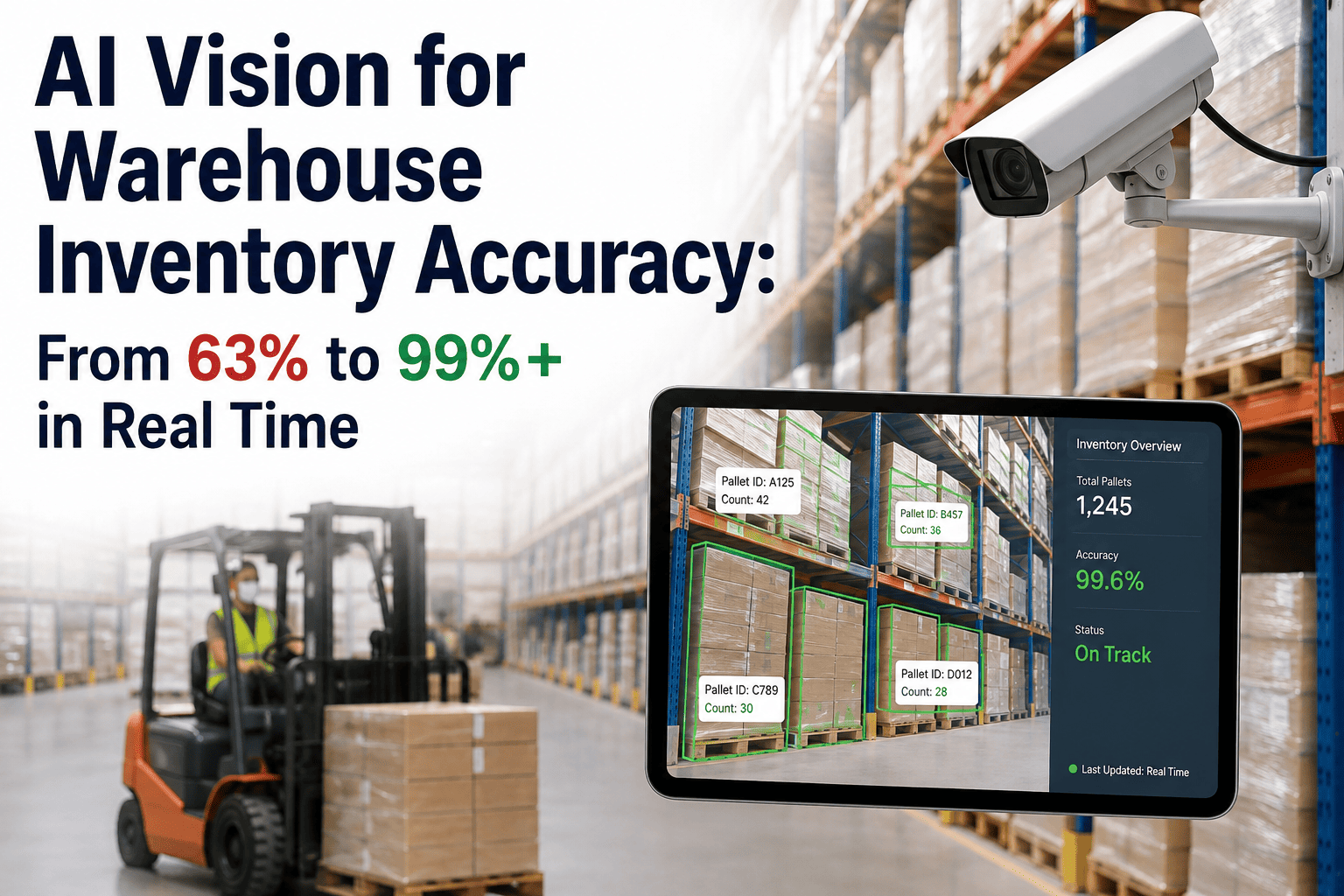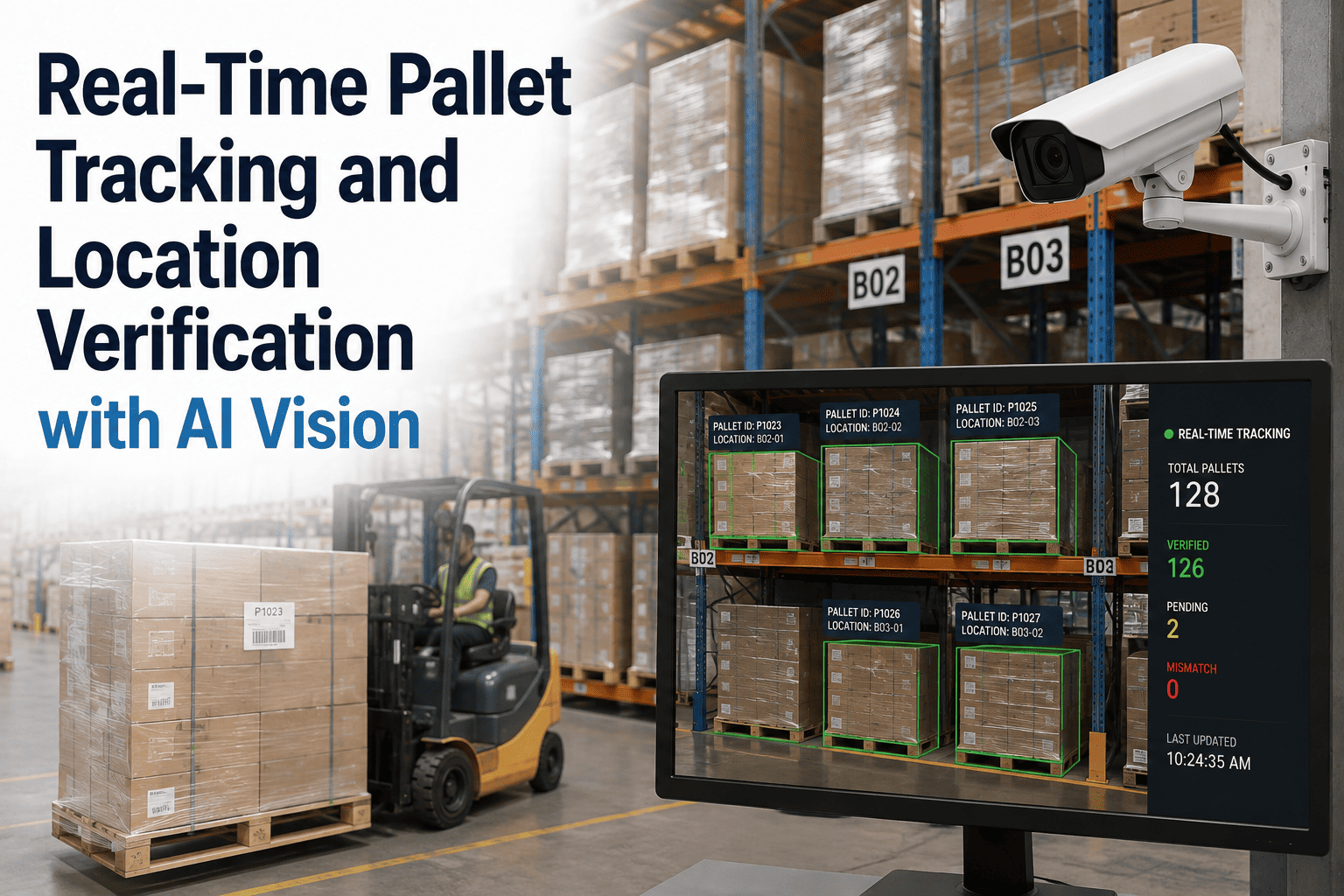
Ask any warehouse manager where a specific pallet is right now, and the honest answer is often "wherever the system last recorded it, plus however many undocumented moves have happened since." Forklift operators relocate pallets constantly for space, rotation, and staging reasons that never make it back into the WMS. Overhead AI cameras solve this by watching every movement continuously, so the system knows where a pallet is because it saw it get there, not because someone remembered to log it. Full setup details are available through iFactory support.
Know Where Every Pallet Is, Because a Camera Watched It Get There
Overhead vision tracks pallet movement continuously and verifies putaway location the moment it happens, eliminating the lag between physical reality and system records.
Every Pallet Move Is an Opportunity for the Record to Go Stale
A pallet's journey through a warehouse rarely follows a single clean path from receiving to shipping. It gets relocated for FIFO compliance, shuffled to clear a blocked aisle, split for partial orders, or staged temporarily near a dock door. Every one of these moves is a chance for the system record to fall out of sync with physical reality, and traditional tracking only catches the moves that happen to include a scan.
Unscanned Relocation
A forklift moves a pallet to a different bay to make room, without a corresponding transaction.
Split and Restage
A pallet is split for two different orders and each portion is staged separately, doubling the tracking burden.
Temporary Staging
Pallets parked near a dock for an upcoming shipment sit outside their recorded home location for hours or days.
Overflow Storage
During peak volume, pallets get placed in overflow slots that were never part of the standard location map.
How Overhead Vision Tracking Works
A grid of overhead and aisle-end cameras maintains continuous visual coverage of racking, staging, and travel lanes. Rather than depending on an operator to scan a barcode at each stop, the system re-identifies each pallet by its label, shape, and load characteristics as it crosses each camera zone.
Pallet Enters Frame
Camera detects a pallet entering a monitored zone during transport or placement.
Identity Confirmed
Label and visual signature matched against the known pallet record to confirm identity.
Location Logged
New rack or staging position recorded automatically the moment the pallet comes to rest.
WMS Updated
Verified location syncs to the warehouse management system without any manual entry.
Putaway Verification Accuracy by Zone Type
Detection performance varies slightly by zone based on traffic density and rack height, but continuous vision tracking outperforms scan-dependent methods across every zone type in a typical distribution center.
| Zone Type | Scan-Dependent Accuracy | AI Vision Tracking Accuracy |
|---|---|---|
| Bulk floor storage | 71% | 98% |
| Selective pallet racking | 68% | 99% |
| Staging and dock lanes | 54% | 97% |
| Overflow and seasonal storage | 47% | 95% |
Overflow storage and staging lanes are usually where location accuracy falls apart fastest. See how continuous vision tracking closes that gap in every zone.
What Live Location Data Unlocks Beyond Accuracy
Once every pallet movement is captured automatically, that data becomes useful for far more than correcting the inventory count. Operations teams use the same movement feed to solve problems that were previously invisible without a dedicated tracking project.
Faster Order Picking
Pickers are routed to the pallet's verified current location instead of its last recorded system location, cutting search time.
Automated FIFO Enforcement
The system flags when a newer pallet is picked ahead of an older one in the same SKU family, supporting rotation compliance.
Dwell Time Reporting
Pallets sitting in staging or overflow longer than expected are surfaced automatically, highlighting slow-moving stock.
Space Utilization Analysis
Continuous location data reveals which zones run at capacity and which carry unused slotting, informing layout decisions.
Deployment Across Facility Types
Pallet tracking requirements differ depending on whether a facility runs high-density selective racking, wide-aisle bulk storage, or a mixed cross-dock operation. Camera density and placement are planned around the specific storage mix rather than applying a single generic layout.
| Facility Type | Primary Tracking Challenge | Camera Approach |
|---|---|---|
| High-density selective racking | Narrow aisles, limited sight lines | Aisle-end and rack-face cameras |
| Bulk floor storage | Wide open zones, frequent restacking | Overhead wide-angle coverage |
| Cross-dock operations | Very high pallet velocity | Dock lane and staging zone cameras |
| Cold storage | Condensation and low visibility | Environmentally rated camera housings |
Connecting Vision Tracking to Your WMS and TMS
Location data only creates value once it flows into the systems your team already relies on for planning and execution. Integration is built around standard data exchange methods so verified location updates reach your warehouse and transportation systems without requiring a custom build for every deployment.
API Connection
Standard API integration links the vision platform to your existing WMS location fields.
Verified Updates
Confirmed location changes push automatically without a manual transaction step.
Exception Queue
Low-confidence matches route to a review queue instead of updating the system automatically.
Reporting Layer
Dwell time, movement history, and accuracy metrics surface in a dashboard for ongoing review.
Planning a Facility-Wide Rollout
A full facility deployment is typically staged across a few defined phases rather than attempted all at once, which limits disruption and gives your team time to build confidence in the system before it becomes the primary source of location truth.
Site Survey and Camera Planning
Facility walkthrough maps rack heights, aisle widths, and lighting conditions to plan exact camera placement.
Installation and Network Setup
Cameras and network infrastructure installed during low-activity windows to avoid operational disruption.
Baseline and Tuning
Initial facility scan establishes the starting inventory map, followed by a tuning period against live activity.
Go-Live and Handoff
System becomes the primary location source, with your team trained on the exception review workflow.
Frequently Asked Questions
Do we need to relabel every pallet for the tracking system to work?
In most cases, existing pallet labels and barcodes are sufficient, since the system combines label reading with visual characteristics like load shape, wrap color, and stacking pattern to maintain identity as a pallet moves. Facilities with inconsistent or damaged labeling may need a brief relabeling pass in the highest-traffic zones to reach top accuracy fastest, but this is typically limited to a small percentage of total inventory. The iFactory support team reviews your current labeling standard during the site assessment and flags any changes needed before go-live.
How does the system handle pallets stacked two or three high in racking?
Camera placement accounts for rack height during the initial site survey, using a combination of overhead and aisle-level angles to maintain visibility into upper storage levels. For very tall racking, additional cameras are positioned at intermediate heights to eliminate blind spots that a single overhead angle would miss. The system has been deployed successfully in facilities with racking up to six levels high, and placement is always validated against your specific rack configuration before installation is finalized.
What happens if a pallet is moved outside of operating hours or camera coverage?
Coverage is designed to include all active storage and travel areas across every operating shift, so movements during off-hours receiving or overnight replenishment are tracked the same as daytime activity. If a pallet is ever moved through a genuinely uncovered area, such as an outdoor yard not yet included in the camera network, the system flags its last known location as unverified rather than assuming it is still there, prompting a quick manual confirmation rather than propagating incorrect data.
Can pallet tracking data be used for labor and travel-path analysis?
Yes, the same movement data that verifies pallet location also captures travel patterns across the facility, which many operations teams use to identify inefficient forklift routing, congested aisles, and opportunities to reslot fast-moving SKUs closer to shipping. This turns a compliance and accuracy tool into an ongoing source of operational improvement data without requiring a separate tracking system.
How disruptive is installation to ongoing warehouse operations?
Camera installation is designed to happen without halting operations, typically scheduled during lower-activity periods or overnight to minimize interference with picking and receiving. Most facilities complete camera mounting and network setup within one to two weeks depending on square footage, with system tuning happening in parallel to live operations. To get a specific installation timeline for your facility layout, book a demo and walkthrough with the iFactory team.
Perpetual, verified pallet location without a single manual scan. Talk to iFactory about deploying overhead vision tracking across your facility.