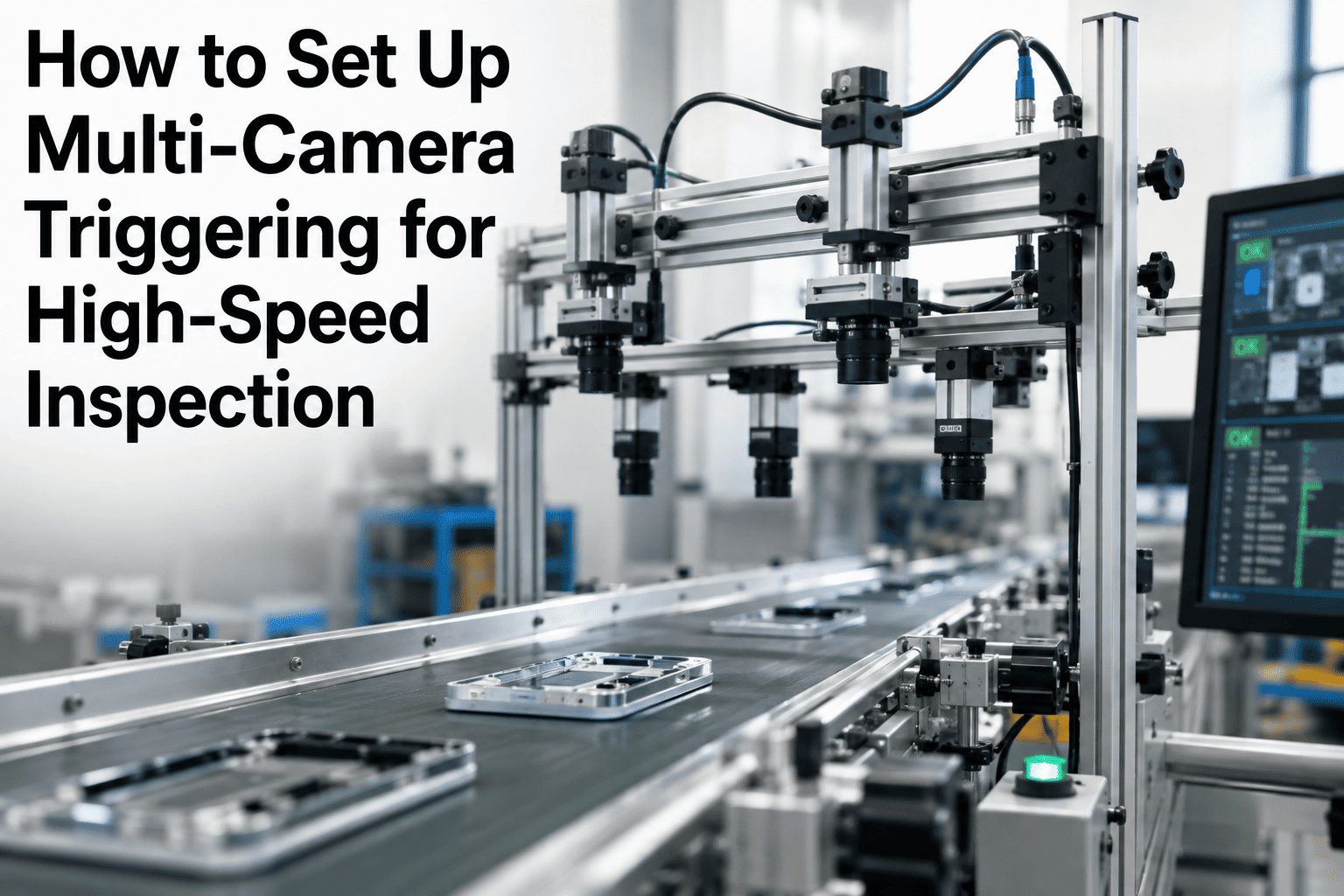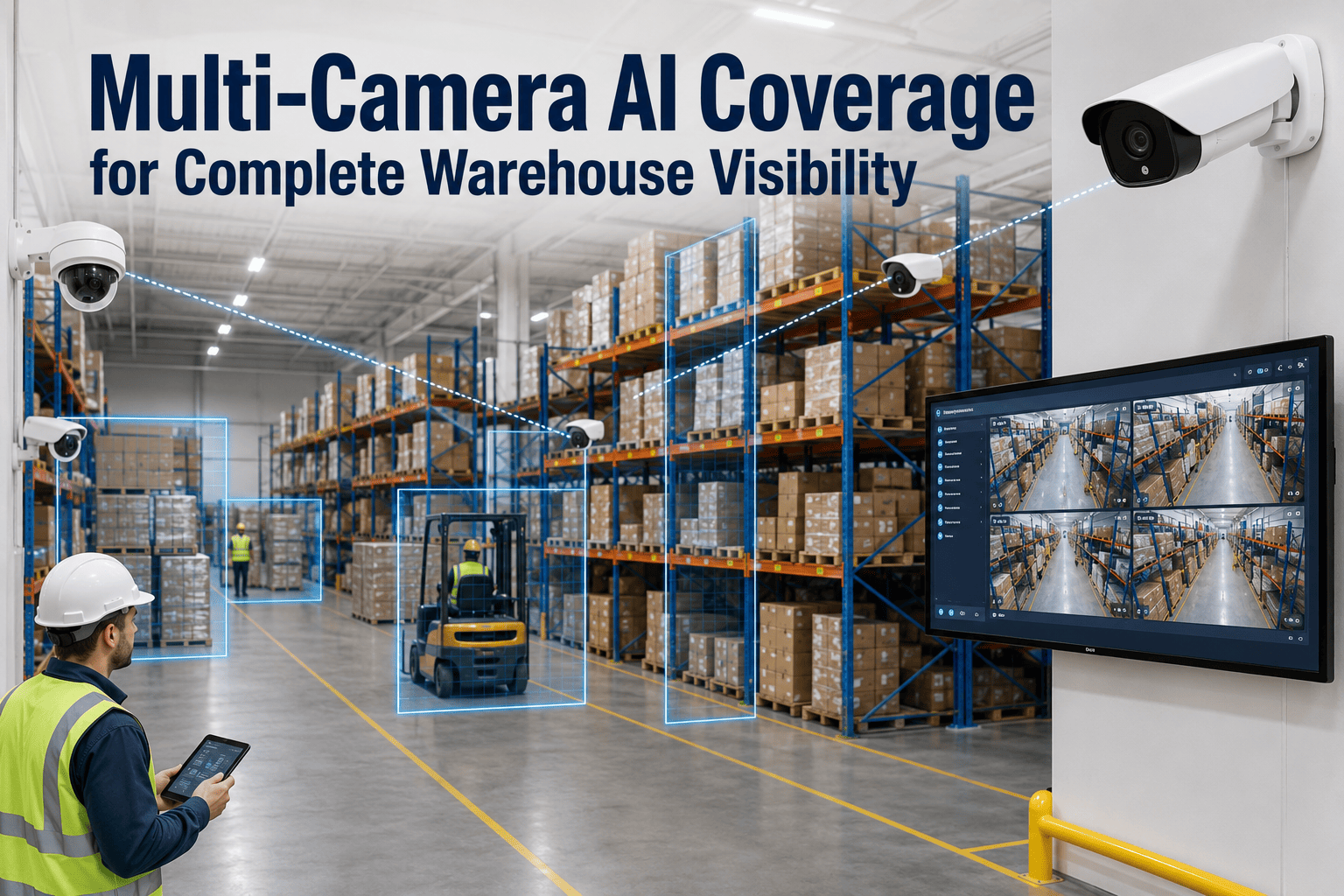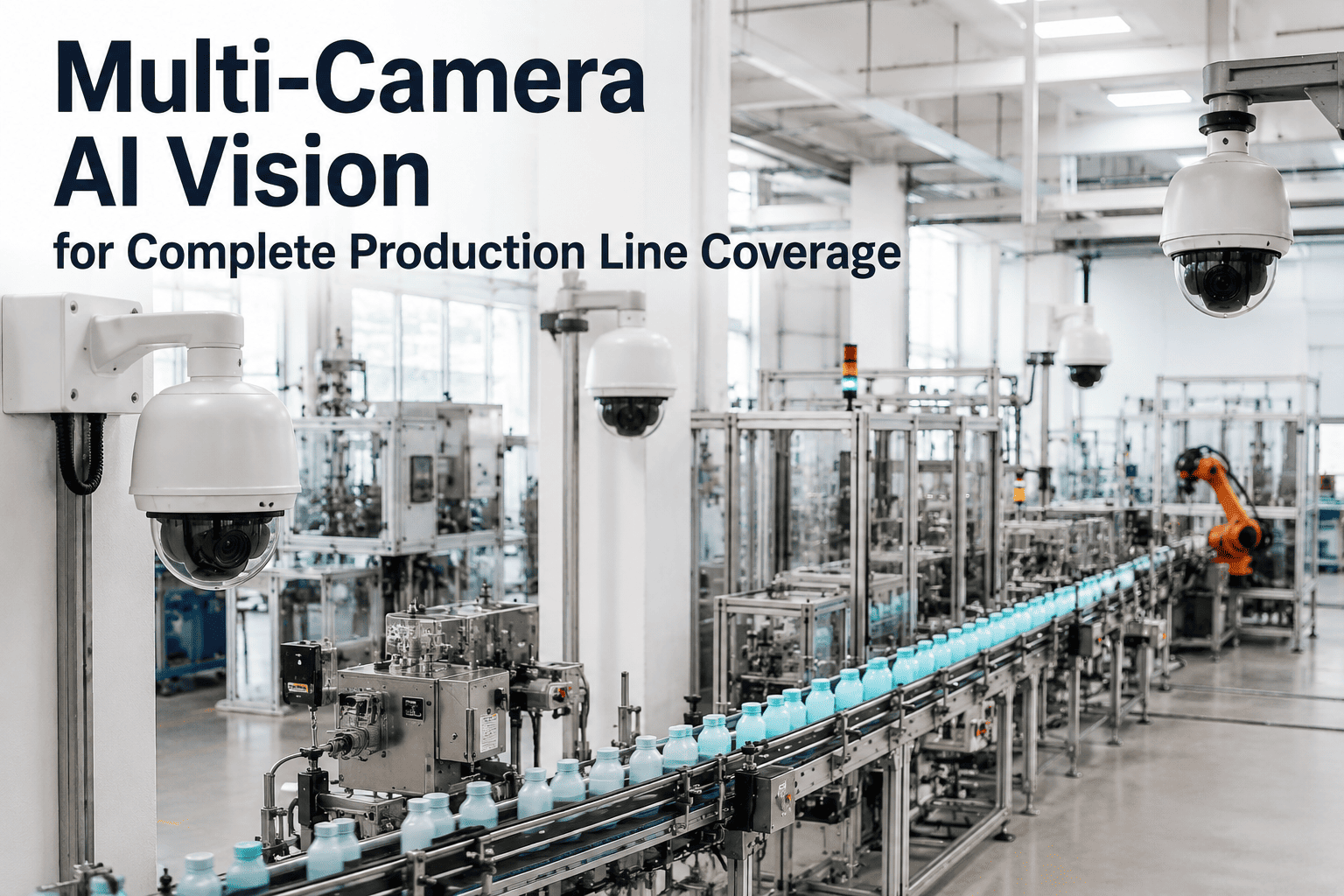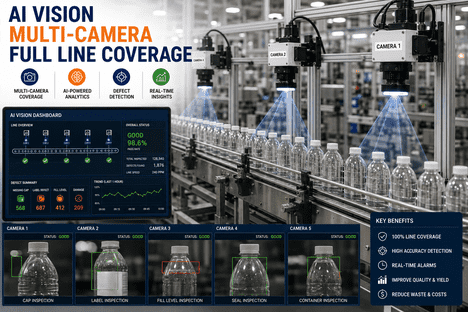
A single camera mounted above a conveyor can only see one face of one product at one instant — which means every other surface, every other angle, and every defect that only appears from the side or underneath passes through completely uninspected. Complex products and high-mix production lines have surfaces that a top-down camera simply cannot reach: the underside of a molded part, the back face of an assembled component, the threads on a closure, the seam on a curved container. Multi-camera AI vision coverage solves this by synchronizing several cameras around the product or the line, capturing every relevant face in a single pass and fusing the results into one defect decision per unit — so coverage gaps stop being an accepted limitation of automated inspection and become a solved engineering problem instead.
Why a Single Camera Can Never Deliver Complete Inspection Coverage
The Hidden-Surface Problem That Single-View Vision Systems Cannot Solve
Most quality escapes are not the result of a weak detection model — they are the result of a camera that was never pointed at the surface where the defect actually occurred. A top-down camera mounted over a packaging line will reliably catch a label that is missing from the front of a bottle, but it has no view of a cracked seam on the back, a missing cap on the far side, or a scuff on the base. The same limitation applies to discrete manufactured parts: a single fixed camera captures one face of a 3D assembly while the other five faces — top, bottom, both sides, and back — pass through the inspection station unseen. Adding a second or third camera does not automatically solve this, because images from unsynchronized cameras cannot be reliably correlated to the same physical unit, especially on a moving line. iFactory's multi-camera AI vision coverage is built around solving both halves of this problem at once: positioning enough cameras to physically see every relevant surface, and synchronizing them precisely enough that every image from every angle is provably tied to the same product, at the same instant, in the same inspection decision.
How iFactory Synchronizes Multiple Cameras Into One Inspection Decision
From Camera Array Design to Pixel-Accurate Time Synchronization
What Multi-Camera Coverage Catches That Single-View Inspection Misses
Hidden Surfaces, Occluded Features, and Defects That Only Appear From One Angle
The value of additional camera angles is not redundancy — each camera typically sees something the others cannot. A defect on the underside of a part is invisible to a top-down camera no matter how good the lighting or the AI model is, because the information simply is not in that camera's field of view. The same is true for a tamper band on the far side of a bottle, a weld seam on the back of an assembly, or a thread defect on a cap that only shows up when viewed from the correct angle relative to the thread pitch. Multi-camera coverage also resolves a more subtle problem: occlusion, where one part of the product blocks the view of another part from a given angle, such as a connector that hides a seam behind it from the front but not from the side. By capturing every relevant angle simultaneously and fusing the results, iFactory's platform eliminates the blind spots that are built into any single-camera or even partial multi-camera setup that was not engineered around the product's actual geometry. Manufacturers evaluating where their current inspection coverage has gaps often Book a Demo to map their product geometry against a recommended camera array before committing to a station design.
The 5 Engineering Decisions Behind Reliable Multi-Camera Coverage
What Separates a Working Multi-Camera Station From a Rack of Disconnected Cameras
iFactory Multi-Camera Coverage Across Product and Line Types
What Changes by Product Geometry — and What Stays Constant
| Product / Line Type | Coverage Challenge | iFactory Camera Approach | Outcome |
|---|---|---|---|
| Cylindrical Containers & Closures | Caps, labels, and seams wrap around the full circumference | Ring array or rotation-stage line-scan capture for full 360° surface | Complete circumferential coverage at full line speed |
| Complex 3D Assemblies | Six or more faces, internal features, occluded components | Scalable array from 8 to 32 cameras matched to assembly geometry | 100% surface coverage, no hidden-face escapes |
| High-Speed Web & Sheet Production | Continuous material moving faster than frame-based capture can track | Multiple line-scan cameras with encoder-triggered spatial capture | Full-width inspection without slowing the line |
| Mixed-SKU Production Lines | Different product geometries on the same line require different coverage per SKU | Configurable array with per-SKU camera and lighting profiles | Consistent coverage across every product variant |
| Flat or Simple Parts | Lower defect-risk surface count but still multiple relevant faces | Four-camera array covering top, bottom, and both sides | Right-sized coverage without overbuilding the station |
What iFactory's Edge AI Vision Platform Delivers for Multi-Camera Deployments
Synchronized Hardware, Fused Intelligence, One Decision Per Unit
Multi-camera coverage only delivers value when the underlying platform can process every camera's feed in real time without becoming the bottleneck on the line. iFactory's Edge AI Vision Platform runs on-premise NVIDIA GPU hardware that processes every camera stream locally, with sub-100ms inference across the entire fused multi-view decision — fast enough to make a reject decision before the unit reaches the next station, regardless of how many cameras contributed to that decision. The platform connects to existing IP cameras and frame grabbers over standard GigE Vision, CoaXPress, and ONVIF protocols, so a multi-camera upgrade does not require replacing infrastructure that is already in place where it can be reused. Every inspection produces one structured report per product — a unified defect map across all views rather than a stack of per-camera results — which keeps downstream CMMS integration, work order generation, and audit documentation simple regardless of how complex the camera array becomes. Engineering teams scoping a multi-camera station for a new or existing line can Book a Demo to review array design, synchronization architecture, and fusion logic against their specific product geometry.
Frequently Asked Questions
How many cameras does a multi-camera inspection station actually need?
The right number depends on product geometry rather than a fixed rule. A simple flat part may only need four cameras to cover top, bottom, and both sides, while a complex 3D assembly with internal features and curved surfaces can scale to thirty-two cameras in a single station. iFactory determines camera count by first mapping every surface on the product where a defect could occur, then specifying the minimum array that gives full visibility into each of those surfaces — avoiding both coverage gaps and unnecessary camera overhead.
Why can't a few independently triggered cameras achieve the same result as a synchronized array?
Independently triggered cameras can capture images from multiple angles, but without precise time synchronization there is no reliable way to confirm that the images from each camera correspond to the exact same physical unit at the exact same moment, especially on a moving line. Trigger-cable daisy-chains accumulate jitter and drift that make this correlation unreliable at speed. iFactory synchronizes every camera to a common PTP grandmaster clock with ±100 nanosecond accuracy, which is what makes pixel-accurate, unit-level correlation across the array actually possible.
Does adding more cameras slow down the inspection station?
No — when the fusion architecture is designed correctly, additional camera views are processed in parallel on edge GPU hardware rather than sequentially, so inference time does not scale linearly with camera count. iFactory's Edge AI Vision Platform fuses all camera views into one decision in under 100 milliseconds regardless of array size, which keeps full multi-camera coverage compatible with high-speed production lines rather than forcing a tradeoff between coverage and throughput.
Can a multi-camera setup handle a line that runs several different product types?
Yes — mixed-SKU lines are one of the more common reasons facilities adopt multi-camera coverage in the first place, since different products on the same line often have different geometries and different defect-risk surfaces. iFactory configures per-SKU camera and lighting profiles within the same physical array, so the system automatically applies the correct coverage configuration for each product variant as it moves through the line without requiring a hardware change between SKUs.
How does multi-camera coverage integrate with existing CMMS and quality systems?
Multi-camera inspection results are delivered as a single unified report per unit — one defect map across all camera views — rather than separate results per camera that would otherwise require manual reconciliation before they are useful to a maintenance or quality system. This unified output integrates with CMMS platforms over standard OPC-UA, MQTT, and REST API connections, so a multi-camera deployment does not add integration complexity in proportion to the number of cameras involved.