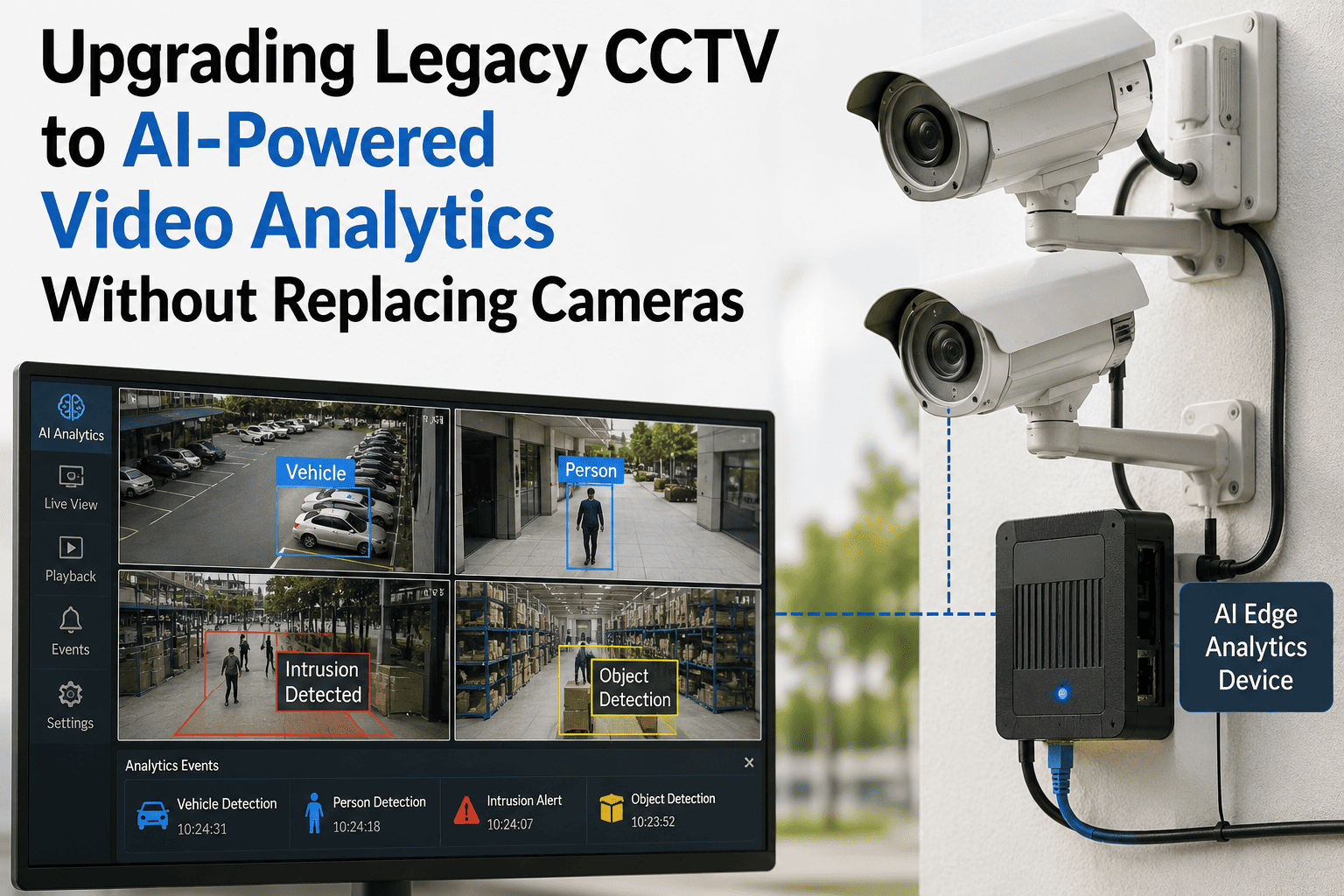
Most warehouses don't need to rip out their camera system to get AI vision — they need to know which cameras can actually support it. The mistake happens in the opposite direction just as often: a team assumes every camera is AI-ready, discovers half are analog feeds bridged through an old encoder with no analytics support, and the project stalls mid-deployment. A legacy CCTV upgrade is a compatibility and capacity project first, software second. See how iFactory audits and integrates an existing camera fleet without a forklift replacement.
Logistics Intelligence · CCTV Retrofit · Upgrade Checklist
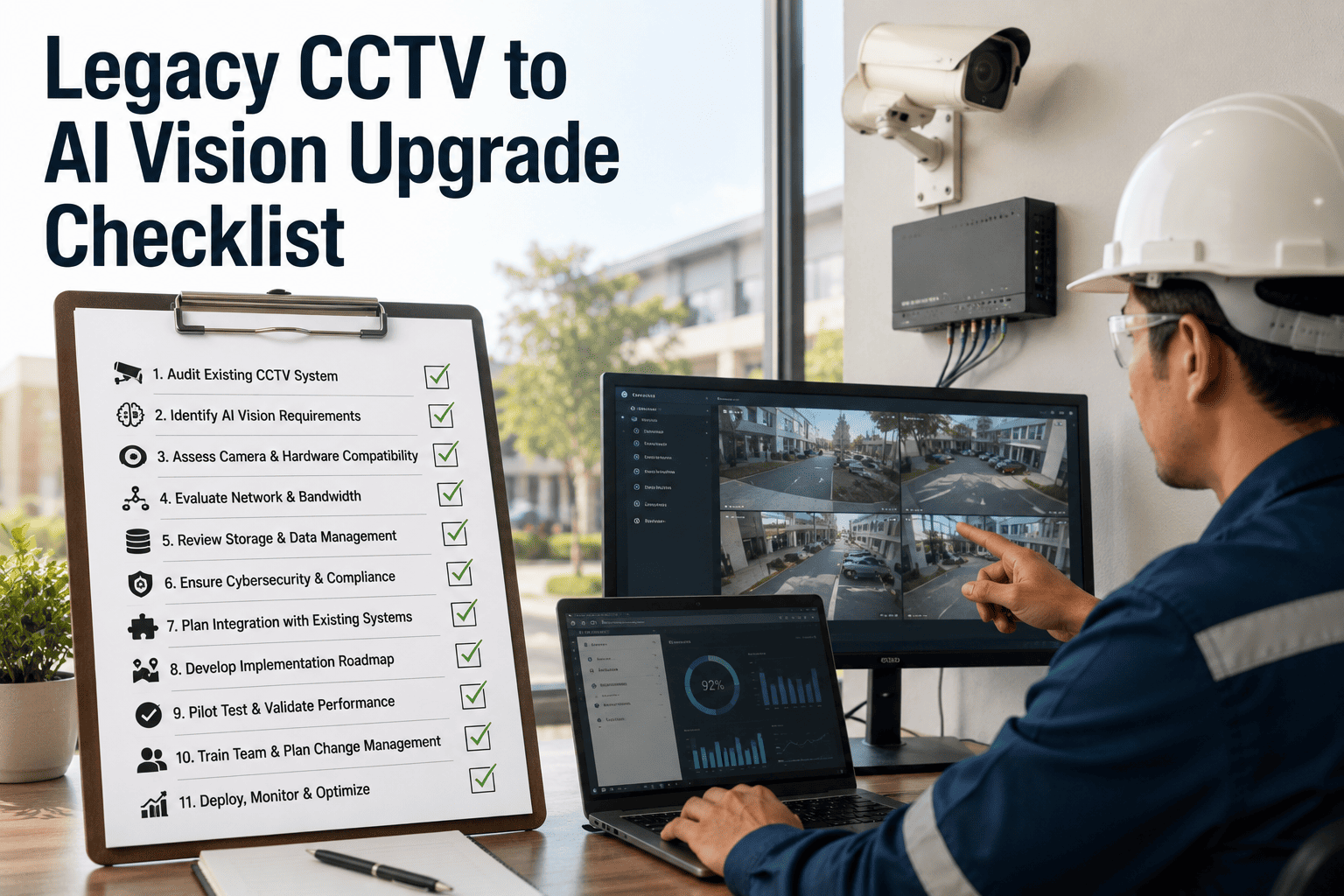
Legacy CCTV to AI Vision Upgrade Checklist
Six components a CCTV-to-AI retrofit actually needs — ONVIF compatibility, bandwidth headroom, edge server sizing, model selection, alert routing, and WMS integration — built for teams working with the cameras already on the wall.
Profile S → T
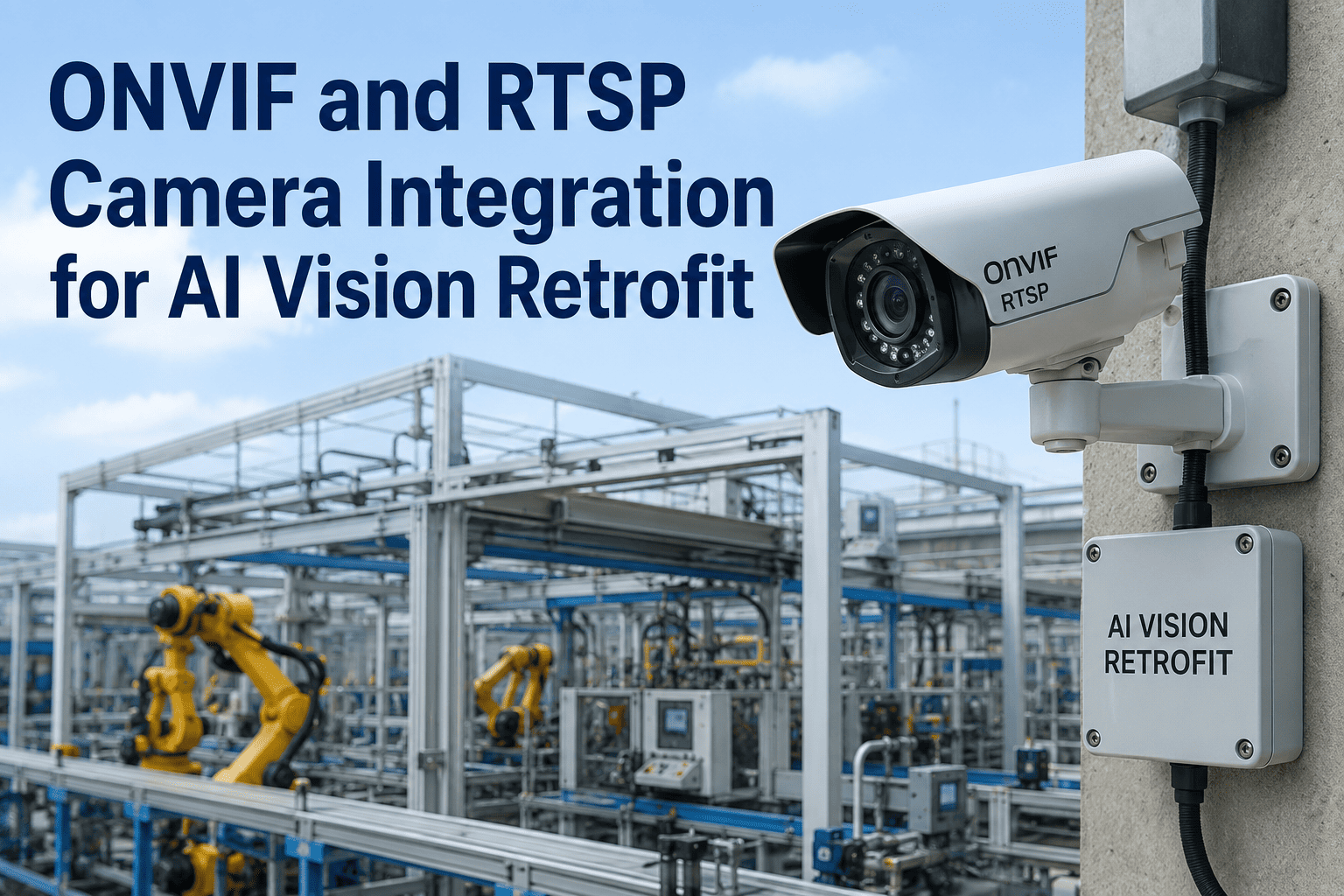
ONVIF is sunsetting Profile S; new retrofits should specify Profile T conformance on both camera and analytics side
8-12 Mbps
Typical bandwidth draw of a single 1080p stream at 30fps — before AI processing overhead is added
Decode-First
Edge server capacity is usually capped by video decode throughput before it's capped by raw AI compute
Why This Project Fails Mid-Stream
The Camera Fleet Is Rarely as Uniform as the Inventory Sheet Says
A facility that has added cameras over a decade rarely has one camera fleet — it has three or four generations stitched together: some genuine IP cameras with full ONVIF support, some analog cameras bridged through an encoder with limited metadata capability, and a few oddballs on proprietary firmware that never spoke a standard protocol at all. Every one of the six components below depends on knowing which camera is which before a model gets deployed against it, not after.
Section 01 — ONVIF Camera Compatibility Audit
Sorting the Fleet Before Anything Else Gets Planned
Not every camera claiming ONVIF support delivers on it equally, and the gap between "ONVIF certified" and "ready for AI analytics" is wider than most inventory sheets capture. Certification is based on manufacturer self-testing submitted for logo approval, not an independent field audit — which means the only reliable way to confirm a camera's real capability is to check it directly rather than trust the spec sheet.
Compatibility Audit Checklist
Every camera's exact ONVIF profile is confirmed against the official ONVIF conformant products list, not the vendor's own marketing spec sheet
Confirms: True certified profile, not claimed profile
Cameras are separated into Profile T (current, supports analytics metadata and stronger authentication) versus Profile S-only (older, lacks H.265 and analytics metadata support)
Confirms: Which cameras are AI-analytics-ready as-is
Any purely analog camera on coaxial cabling is identified separately, since it cannot run ONVIF natively and requires a certified video encoder to bridge it onto the IP network at all
Confirms: Analog fleet requiring an encoder bridge
WS-Discovery and credential authentication are tested on a segmented network, not just a flat test bench, since documented cases show certified devices failing discovery once VLANs are involved
Confirms: Discovery actually works on the production network
Firmware version is recorded per camera, since some manufacturers have removed or disabled ONVIF compliance in later firmware updates on models originally sold as ONVIF compliant
Confirms: Firmware hasn't silently dropped ONVIF support
Encoder-bridge reality
An analog camera isn't automatically a write-off. Routing the coaxial feed through a video encoder certified to ONVIF Profile T turns it into a usable IP stream under a standard network address — a genuine transitional path that preserves capital investment in cameras and mounting hardware that are otherwise still functional.
Section 02 — Network Bandwidth Assessment
Confirming the Network Can Carry What the Cameras Will Send
Every camera stream competes for the same network capacity, and AI processing adds a second load on top of the raw video — either the bandwidth to a central analytics server, or the compute load on an edge device pulling multiple streams at once. Undersizing this step is one of the most common causes of dropped frames and degraded video quality after go-live.
| Stream Configuration |
Typical Bandwidth |
Planning Note |
| 720p, 30fps, H.264 |
~4-6 Mbps |
Lower load, often sufficient for wide-area monitoring |
| 1080p, 30fps, H.264 |
~8-12 Mbps |
Common baseline for most retrofit fleets |
| 4K, 60fps, H.265 |
~120 Mbps |
Significant load — plan dedicated capacity per camera |
Bandwidth Assessment Checklist
Total network load is calculated across the full camera count at each camera's actual configured resolution and frame rate, not an assumed average
Verify: Real per-camera load summed across the fleet
Peak-load conditions are tested, not just average load, since motion-heavy periods on variable bitrate encoding can spike well above the nominal figure
Verify: Peak-motion bandwidth, not average
Whether AI inference runs at the edge (near the cameras) or on a central server is decided before bandwidth is finalized, since the two architectures put the network load in different places
Verify: Edge-vs-central architecture decided first
Existing network infrastructure — switches, PoE budget, cabling — is confirmed to have headroom for the added load rather than assumed adequate because it currently works for basic recording
Verify: Switch and PoE capacity headroom confirmed
Section 03 — Edge Server Sizing
Sizing Against Decode Throughput, Not Just GPU Power
An edge server sits between camera-level AI and the cloud, pulling multiple streams at once and running detection locally — keeping video on-premises and latency low. The common sizing mistake is planning around raw GPU compute alone: before a GPU can run inference on a frame, the server first has to decode the incoming video stream, and decode throughput — not AI processing power — is frequently what actually caps how many camera streams one server can handle.
GPU-Only Sizing
Server is specified against advertised AI compute (TOPS) figures alone, with camera count estimated from that number without checking decode capacity separately.
Often stalls below claimed camera count
Decode-Aware Sizing
Server is specified against actual hardware-accelerated decode throughput for the specific resolution and codec in use, with AI compute sized second against that confirmed stream count.
Camera count matches real capacity
Sizing sequence
Size the edge server in this order: confirm hardware-accelerated decode capacity for your actual stream resolution and codec, confirm that capacity comfortably exceeds your camera count with margin, then confirm the GPU has enough compute headroom to run your chosen model against every decoded stream in real time. Reversing this order produces a server that looks sufficient on paper and stalls in production.
Upgrade the camera fleet you already have — ONVIF audit, bandwidth and edge sizing, model validation, and WMS integration handled end to end.
Section 04 — AI Model Selection
Matching the Model to What You're Actually Trying to Catch
Not every use case needs the same detection model, and a model tuned for one application generally underperforms when pointed at a different one without retraining. Model selection should follow directly from the specific events the facility needs flagged, not from whichever model happens to ship as the vendor's default.
01Define the specific events that matter — safety zone intrusion, forklift proximity, dock door dwell time, inventory movement — before evaluating any model
02Confirm the model's training data resembles your actual camera angles, lighting, and warehouse conditions rather than a generic benchmark dataset
03Run a validation pass against your own footage before full rollout, since accuracy on a vendor's demo reel doesn't guarantee accuracy on your floor
04Confirm the model's output format includes metadata your alert routing and WMS integration can actually consume, not just a bounding box on a video overlay
Section 05 — Alert Routing Configuration
Getting the Right Alert to the Right Person Without the Noise
A detection is only useful if it reaches someone who can act on it, in a format they'll actually respond to, without burying them in low-value notifications until they start ignoring the channel entirely. Alert routing is a configuration decision that deserves the same deliberate planning as the camera hardware itself.
Alert Routing Checklist
Alert severity tiers are defined explicitly, so a genuine safety event routes differently — faster, louder, to a different recipient — than a routine informational flag
Config: Severity-based routing tiers
Each alert type is mapped to a specific recipient or role, not broadcast to a general channel where responsibility for acting on it is unclear
Config: Named recipient or role per alert type
A confidence threshold is set per alert type before go-live and tuned during an initial observation period, so the team isn't drowned in low-confidence false alerts in week one
Config: Confidence threshold tuned per alert type
Escalation logic exists for an alert that goes unacknowledged within a defined window, rather than sitting unread in a queue nobody is required to check
Config: Unacknowledged-alert escalation path
Section 06 — WMS Integration Testing
Confirming the Vision Data Actually Reaches the System of Record
A vision system that generates accurate detections but never writes them back into the warehouse management system creates a second, disconnected source of truth — someone still has to manually cross-reference camera alerts against inventory records. Integration testing confirms the detection data actually lands where operations teams already work, rather than living only in a separate vision dashboard nobody checks.
Field-Level
Confirm which specific WMS fields the vision system writes to, not just that a connection exists
Bi-Directional
Test whether WMS status changes can also inform vision-side logic, not just one-way reporting
Failure-Mode
Confirm what happens to a detection when the WMS connection is briefly down — queued, dropped, or retried
What Goes Wrong
Common Retrofit Pitfalls
Trusting the spec sheet over the camera
A camera marketed as ONVIF compliant turns out to have had that support quietly disabled or removed in a later firmware update, discovered only after installation.
Sizing the edge server by GPU alone
A server specified against advertised AI compute figures stalls well below its claimed camera count because decode throughput was never checked separately.
Bandwidth calculated on averages
Network capacity planned against nominal bitrate figures gets overwhelmed the moment motion-heavy conditions push variable bitrate streams above their average.
Generic model with no on-site validation
A model that performed well on a vendor demo reel is deployed directly against the facility's own cameras without a validation pass against real footage first.
Alerts routed to a general channel
Every detection lands in one shared feed with no severity tiering or named ownership, so genuine events get lost in routine notification volume.
Vision data never reaches the WMS
Detections stay inside a standalone vision dashboard instead of writing back into the warehouse management system, so operations teams keep working from two disconnected sources of truth.
FAQs
Frequently Asked Questions
Do I need to replace my analog CCTV cameras to add AI vision analytics?
Not necessarily. Analog cameras on coaxial cabling can't run ONVIF natively, but routing them through a certified video encoder — sometimes called an analog-to-IP bridge — translates the signal into a standard IP stream that a modern analytics system can work with. Image quality on an encoder-bridged analog camera won't match a native IP camera, and not every analog camera is worth bridging if it's already near end of life, but a full fleet replacement is rarely the first move — most retrofit projects mix targeted replacement of the oldest or lowest-value cameras with encoder bridging for cameras that are otherwise still functional.
Book a demo and bring your current camera inventory — it's usually clear within the first conversation which cameras are worth bridging.
What's the difference between ONVIF Profile S and Profile T, and does it actually matter?
It matters more now than it used to. Profile S has been the default video streaming profile since 2011, but it lacks H.265 compression, HTTPS streaming, and analytics metadata support, and its authentication method no longer meets current cybersecurity standards — which is why ONVIF has been sunsetting it in favor of Profile T. A camera that supports only Profile S can generally still be integrated into an AI vision system, but the integration carries known authentication weaknesses worth pricing into the decision, and it won't natively pass the analytics metadata that Profile T is built to carry.
How do I know if my existing network can handle the added bandwidth from AI processing?
Start by calculating the actual bandwidth draw of every camera at its real configured resolution and frame rate — not an assumed average — and compare that total against current switch and PoE capacity with meaningful headroom, not a razor-thin margin. The architecture decision matters just as much as the math: running AI inference on an edge server near the cameras keeps most of the processing load off the wider network, while sending every stream to a central or cloud analytics platform puts significantly more load on the network itself. Peak motion periods on variable bitrate encoding can spike well above nominal figures, so plan and test against peak conditions rather than the average day.
Can one edge server realistically handle our entire camera fleet, or do we need several?
That depends far more on decode throughput than most sizing guides suggest. A server's advertised GPU compute figure describes its AI processing power, but before any frame reaches the GPU it has to be decoded first, and decode capacity for your specific resolution and codec is frequently the real ceiling on how many camera streams one server can handle — sizing by GPU compute alone commonly produces a server that stalls well below its claimed camera count. The reliable approach is confirming hardware-accelerated decode capacity first, then checking that figure comfortably covers your camera count, and only then confirming AI compute headroom on top of that.
How long does a legacy CCTV to AI vision retrofit typically take?
The ONVIF compatibility audit and bandwidth assessment can usually be completed within the first couple of weeks once camera access and network documentation are available, since those steps are primarily discovery rather than physical installation. The full timeline extends from there depending on how much of the fleet needs encoder bridging or targeted replacement, how much model validation the specific use cases require, and how deep the WMS integration needs to go — most facilities move from kickoff to a validated production system within 6 to 12 weeks.
Contact solutions engineering for a realistic timeline based on your specific camera fleet and facility layout.
Upgrade the Cameras You Have, Not the Ones You'd Have to Buy
iFactory's AI Vision Camera platform is built to work with the fleet already on your walls — a real ONVIF compatibility audit, bandwidth and decode-aware edge sizing, validated model selection, configured alert routing, and tested WMS integration — so your retrofit goes live on the schedule you planned instead of stalling on a camera inventory nobody fully mapped.