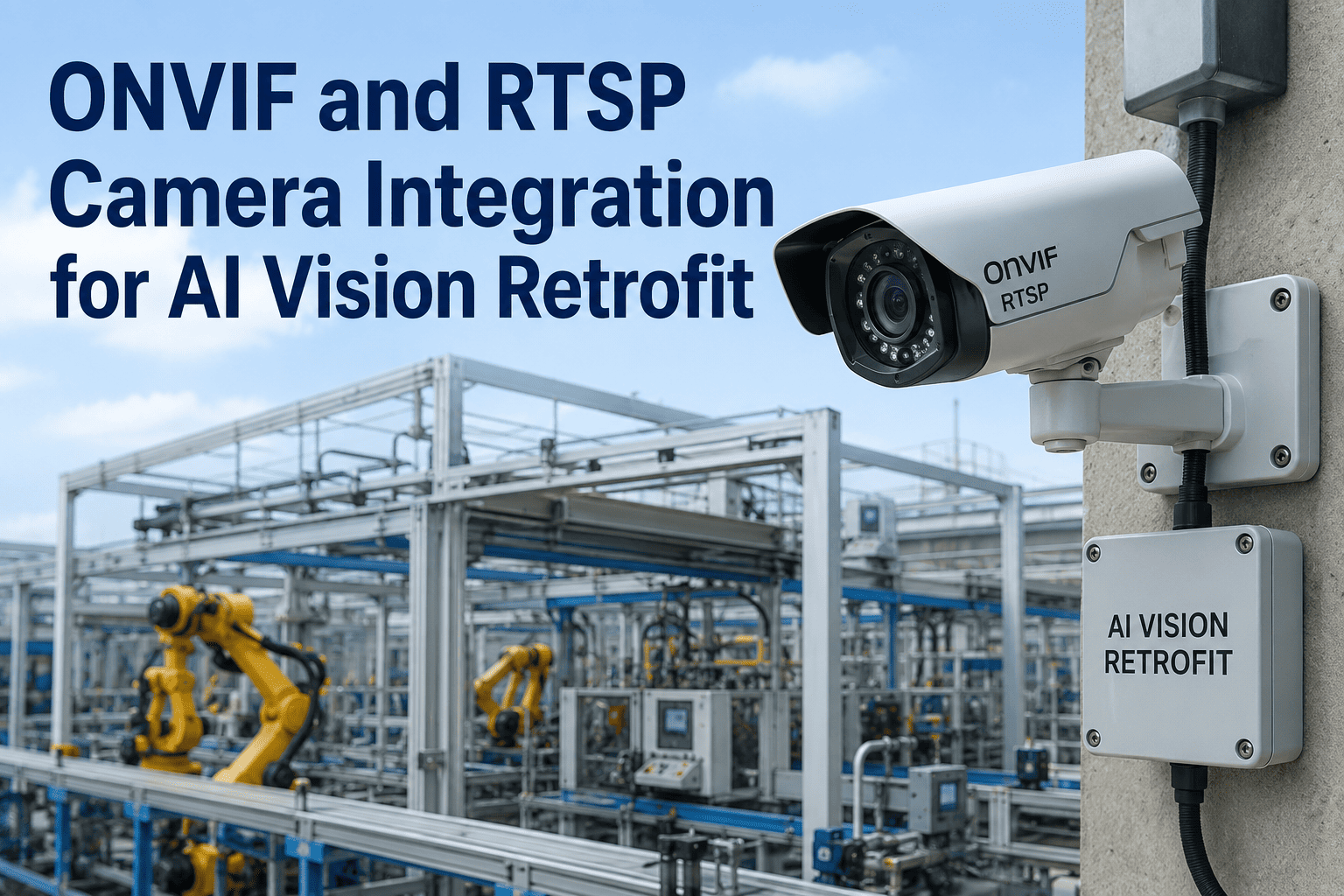
Your CCTV system has been running for years, recording every shift, every shipment, every incident — and doing absolutely nothing with any of it. The footage only becomes useful after something goes wrong, when someone finally sits down to scrub through hours of video looking for the one moment that matters. Most facilities assume the fix is a full camera replacement, but that is rarely true. If your cameras support ONVIF or RTSP — and most IP cameras installed in the last decade do — the intelligence gap has nothing to do with the hardware you already own. It is a software problem, not a camera problem, and it can be solved without pulling a single cable or mounting a single new device. Book a Demo to see how iFactory adds AI analytics directly to the cameras you already have.
Your Cameras Already Work. They Just Never Learned to Think.
iFactory adds real-time AI analytics to your existing ONVIF and RTSP cameras — anomaly detection, automated alerts, and searchable insight, without replacing a single device.
Your Cameras Capture Everything and Understand Nothing
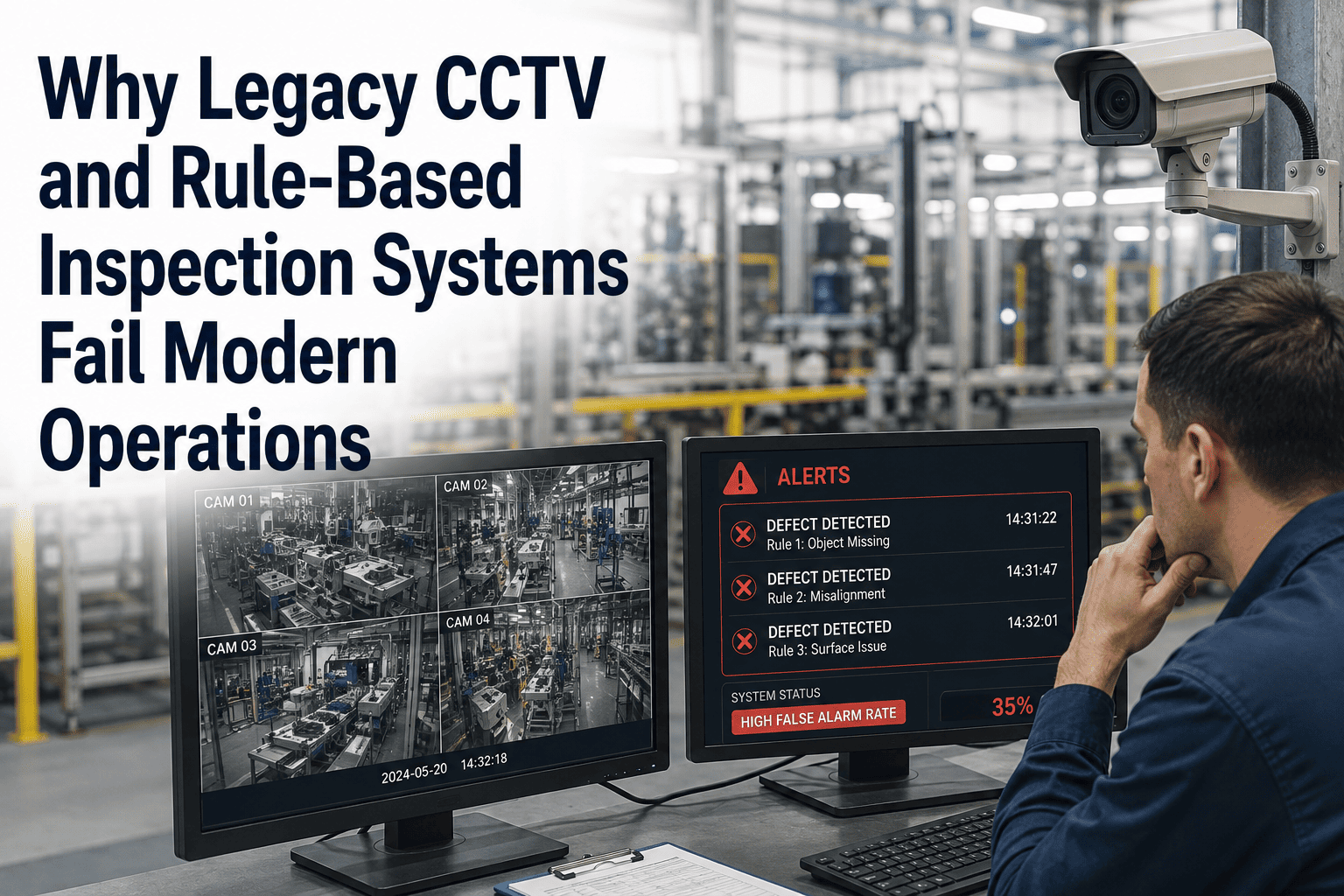
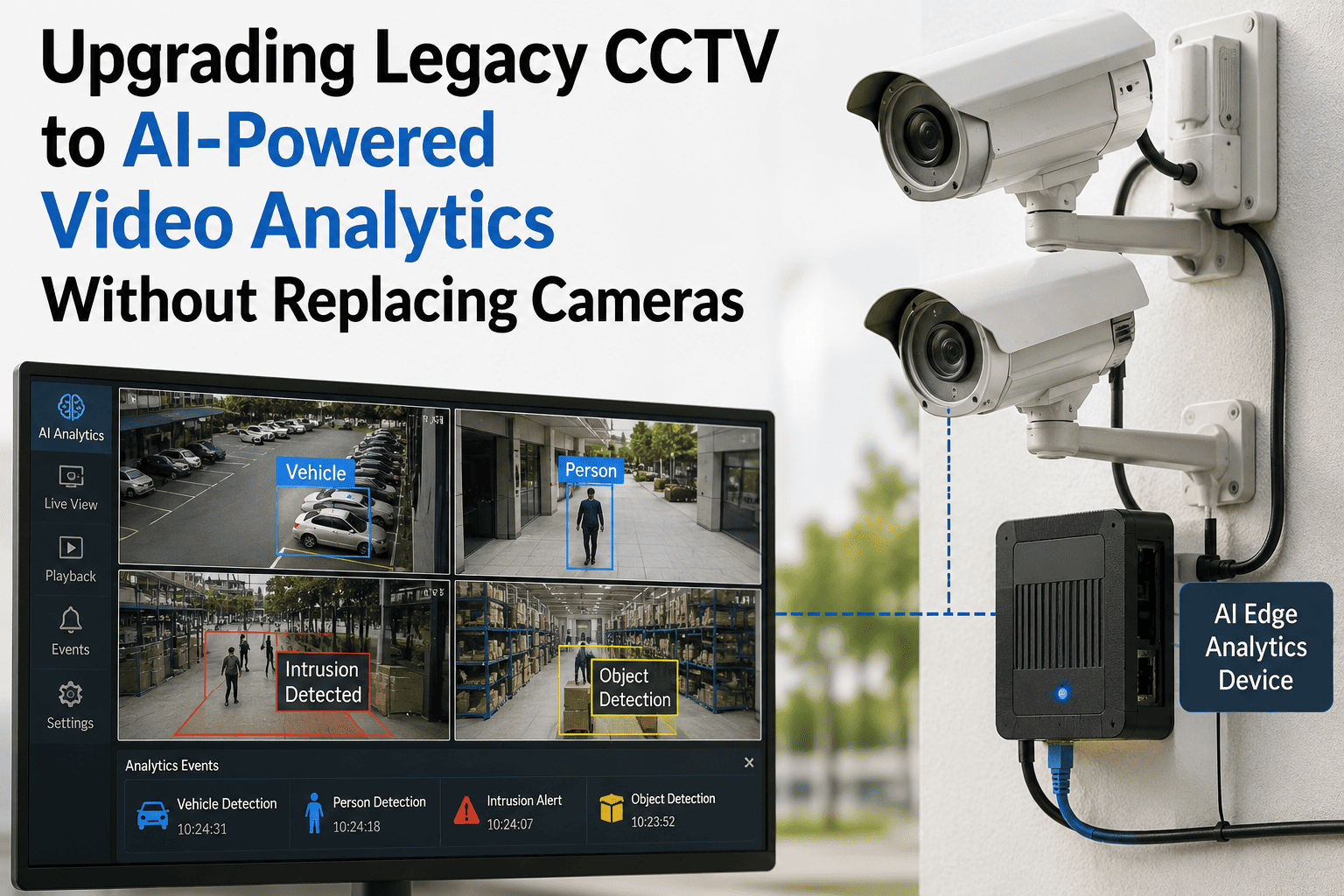
A legacy CCTV system is a recording device, not a monitoring system. It stores footage continuously, and that footage only becomes valuable after the fact — when a supervisor is manually scrubbing through hours of video trying to find the moment a pallet was dropped, a dock door was left open, or an unauthorized person walked through a restricted zone. Nothing about that footage actively alerts anyone while the event is happening, and by the time anyone reviews it, the operational damage — the missed shipment, the safety incident, the theft — has already occurred. The gap is not resolution, and it is not camera placement — it is the complete absence of a layer that actually interprets what the camera is seeing in real time. The panel below shows the difference between what a legacy system captures and what the same footage becomes once an AI analytics layer is added on top of it.
- Continuous video stored to a hard drive or cloud archive
- No alerts unless a person is actively watching the feed
- Searching footage means manually scrubbing hour by hour
- Every anomaly is invisible until someone reports it after the fact
- Every frame is interpreted in real time as it is captured
- Automated alerts fire the moment an anomaly is detected
- Footage is searchable by object, event, or behavior in seconds
- Supervisors are notified before the incident fully unfolds
Does Your Existing Camera System Qualify for a Retrofit?
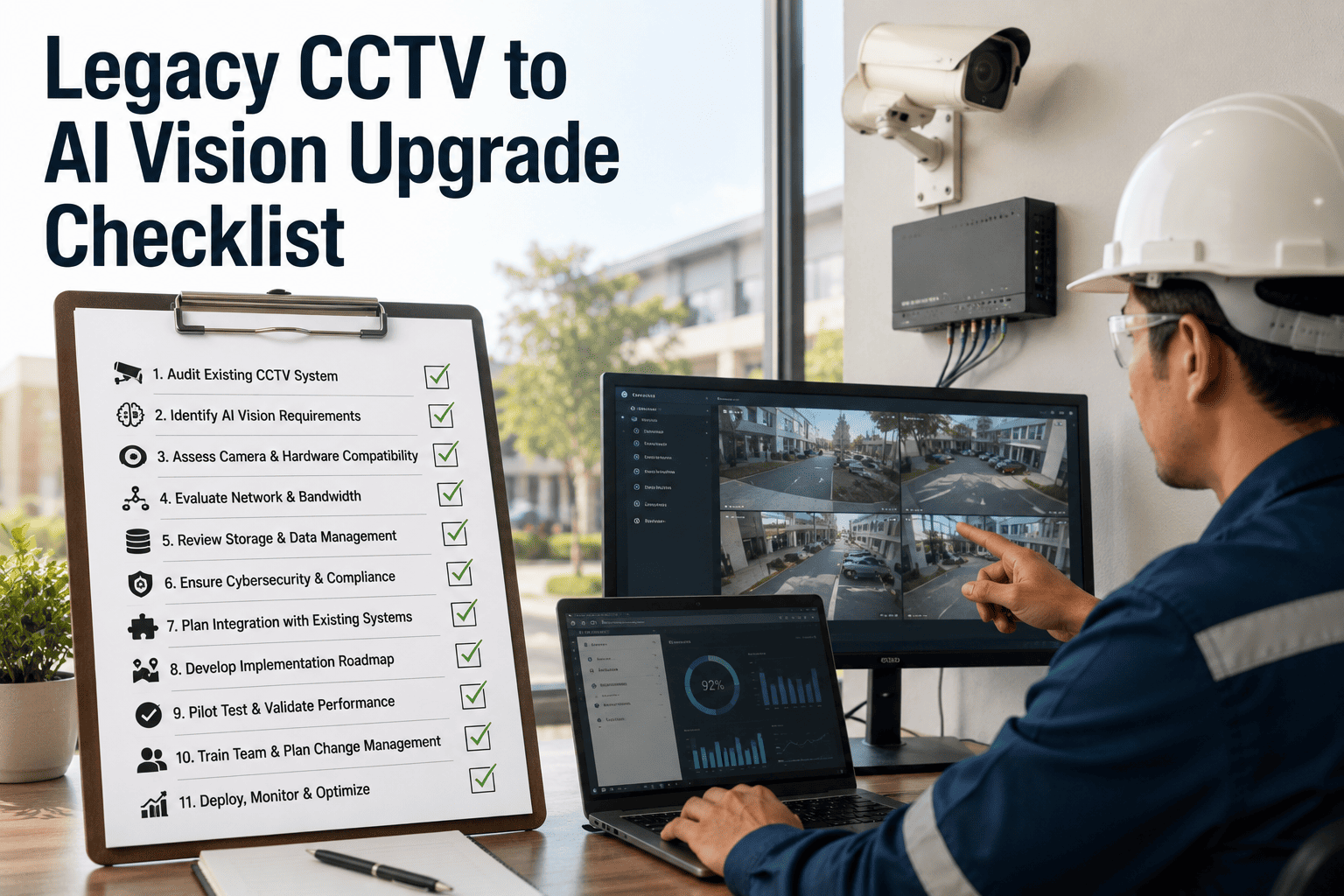
Before assuming a full replacement is necessary, it is worth checking what your current cameras actually support. The vast majority of IP cameras manufactured in the last decade already meet the baseline requirements for an AI retrofit, since ONVIF and RTSP have been the industry standard for interoperability for years, specifically so that footage could move between different vendors' hardware and software without proprietary lock-in. Most facility teams have never actually audited their camera fleet against these standards, simply assuming that "old cameras" automatically means "incompatible cameras" — which is rarely the case in practice. Run through the checklist below against your current system before budgeting for anything new.
Cameras support ONVIF or RTSP streaming — the two standard protocols that let third-party analytics platforms ingest video without proprietary integration.
Video resolution is 1080p or higher — enough clarity for AI models to reliably classify people, vehicles, and objects in the frame.
Cameras are connected to a stable IP network — whether by PoE, existing cabling, or Wi-Fi, as long as the stream reaches the analytics layer reliably.
Camera positioning already covers the zones that matter — dock doors, aisles, entry points — since AI analytics improves what a camera sees, not where it points.
The Three Layers That Turn Existing Footage Into Real-Time Intelligence
Adding AI to an existing CCTV system is not a rebuild — it is a layer added on top of infrastructure you already have. The camera hardware and network stay exactly as they are. What changes is what happens to the video stream after it leaves the camera, which is where the actual intelligence gets built in. Understanding this as a layered architecture rather than a single monolithic upgrade is what makes the retrofit approach so much less disruptive than most facility teams initially expect.
Existing Camera Infrastructure
Your current ONVIF or RTSP-compatible cameras, cabling, and network stay exactly as installed — no hardware swap, no new cable runs, no reconfiguration of camera placement, and no disruption to whatever recording workflow your team is already used to.
AI Analytics Engine
iFactory's platform ingests the live stream from each camera or your existing NVR, running detection models on the decoded frames to identify people, vehicles, and behavior patterns in real time, with processing running locally on-site so latency stays low even at high camera counts.
Alerts, Search, and Dashboard
Detected anomalies trigger automated alerts to the right team, while every event becomes instantly searchable through a dashboard that replaces hours of manual footage review.
The Facility Types Where a CCTV Retrofit Pays Off Fastest
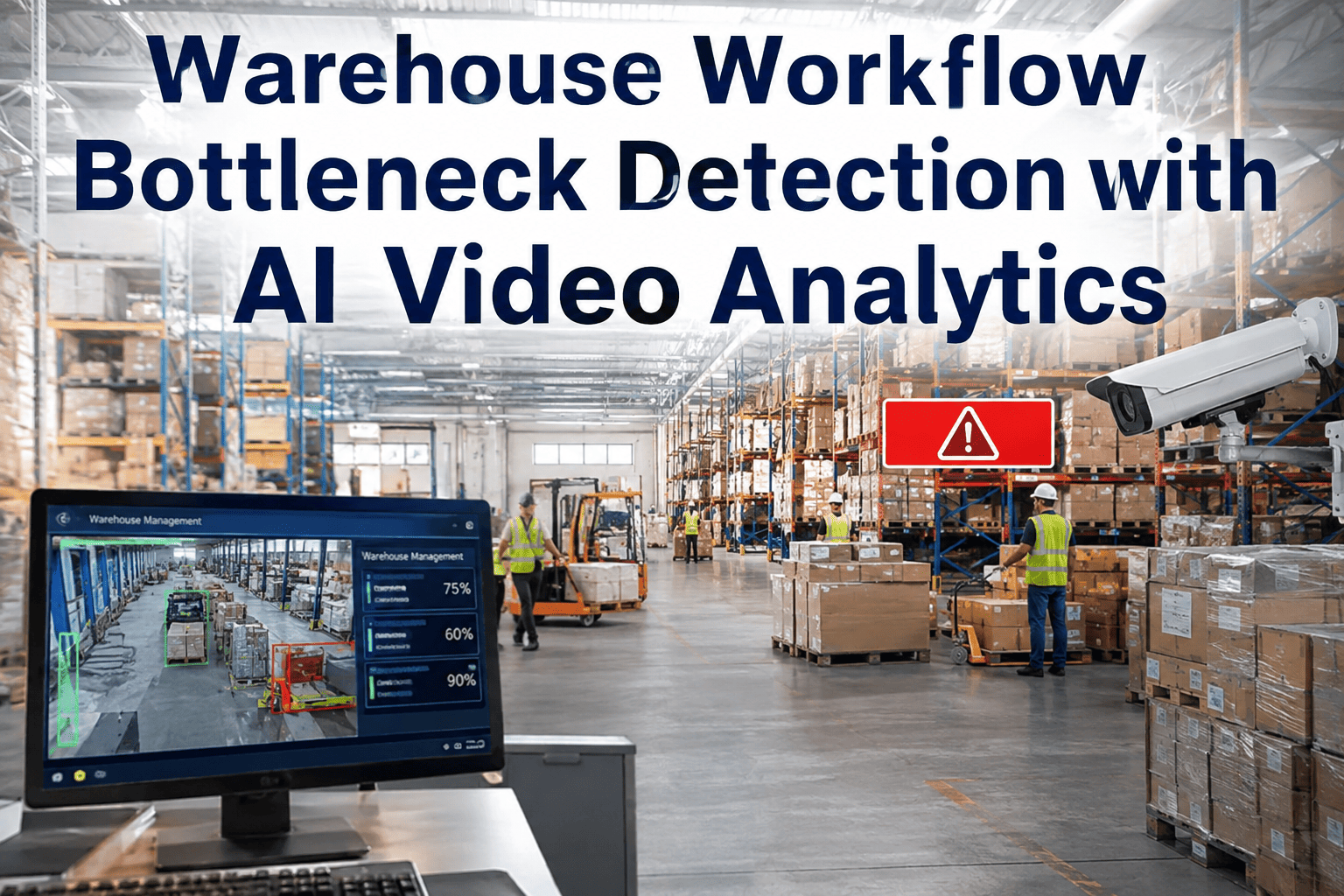
Not every camera network benefits equally from an AI retrofit, but operations with high-value activity spread across large physical footprints tend to see the fastest return. Warehouses, distribution centers, and manufacturing plants generally run dozens to hundreds of cameras already covering dock doors, aisles, and access points — exactly the kind of footprint where manual review does not scale, and where an automated layer catches issues no supervisor could realistically monitor across every feed simultaneously.
Warehouses and Distribution Centers
Dock door activity, aisle traffic, and loading zones generate the highest volume of footage that no one has time to review manually, making automated anomaly detection especially valuable here.
Manufacturing Plants
Restricted zones, equipment access points, and safety-critical areas benefit from real-time alerts that catch unauthorized entry or unsafe behavior before it becomes an incident report.
Multi-Site Operations
Facilities managing several locations get the most value from a centralized dashboard that surfaces what actually matters across sites, instead of leadership needing to check each local recorder separately.
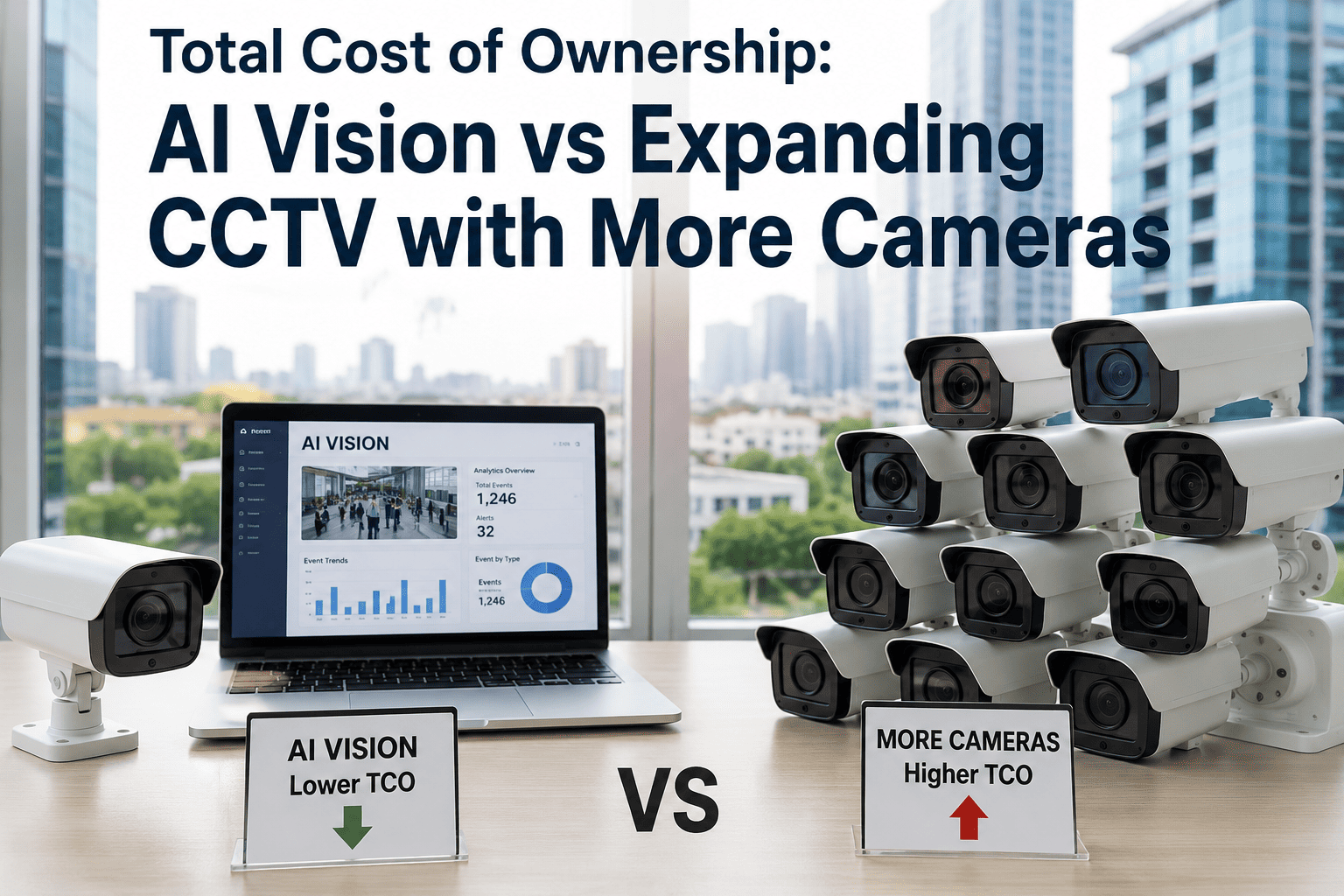
What a Full Camera Replacement Actually Costs Versus a Retrofit
Most facilities never seriously compare the two options side by side before assuming a full system replacement is the only path to modern analytics. A rip-and-replace project means new cameras, new cabling in many cases, mounting labor, and network reconfiguration — costs that compound quickly across a facility with dozens or hundreds of camera points. A retrofit keeps every one of those costs off the table and replaces them with a single predictable software line.
Rack It, Plug It In, and Every Existing Camera Starts Thinking.
iFactory ships as a complete hardware-and-software bundle — a pre-configured NVIDIA AI server arrives racked and ready with detection models pre-loaded. Connect it to your existing network, point it at your current ONVIF or RTSP cameras, and analytics are live. We handle the camera compatibility audit, alert routing setup, staff training, and 24×7 remote monitoring so your team gets intelligence, not another system to manage.
The Capabilities Your Existing Cameras Never Had
Once the AI analytics layer is running on top of your existing camera feeds, the system stops being a passive archive and starts actively working for your operation. None of these capabilities require touching a single camera — they all come from what happens to the video stream after it leaves hardware you already own. These are the core capabilities that come online without a single new camera being installed.
Real-Time Anomaly Detection
The system flags unusual activity — a person in a restricted zone, an object left in an aisle, a dock door open outside scheduled hours — the moment it happens, not after a review.
Automated Alert Routing
Verified events route directly to the right supervisor or team through the channel they already use, instead of sitting unnoticed on a monitor wall no one is actively watching.
Searchable Video Archive
Instead of scrubbing hours of footage manually, search by object type, event category, or time window and get the relevant clip in seconds.
False-Positive Filtering
Detection models distinguish genuine anomalies from routine activity, so operators are not buried in alerts for events that do not actually need attention.
Multi-Site Dashboard
Every camera across every facility feeds into a single dashboard, giving operations leadership visibility across locations without visiting each site's local recorder.
Historical Trend Analysis
Recurring patterns — a specific dock door, a specific aisle, a specific shift — become visible over time, turning raw footage into an operational data set.
Live in 6 to 12 Weeks — A Software Rollout, Not a Construction Project
Because the underlying camera hardware is not changing, a retrofit deployment moves at the speed of software configuration rather than the speed of a physical installation crew. iFactory's rollout follows a fixed three-phase timeline built specifically around keeping your existing infrastructure exactly where it already is.
Compatibility Audit and Zone Mapping
Our team inventories your current camera fleet against ONVIF and RTSP compatibility, confirms which cameras qualify as-is, and maps priority zones based on your operational risk areas and the incident history your team already tracks.
Weeks 1–3Connect, Train Models, and Configure Alerts
The analytics platform connects to your existing camera streams, detection models are calibrated to your specific facility layout, and alert routing is configured to your team's actual workflow.
Weeks 4–8Go-Live With 24×7 Monitoring
Detection goes fully live across every connected camera, with iFactory's remote monitoring team validating accuracy and tuning alert thresholds during the first weeks of operation.
Weeks 9–12What Facility and IT Teams Ask Before Retrofitting Legacy CCTV
How do I know if our existing cameras actually support ONVIF or RTSP?
Most IP cameras manufactured in the last decade support one or both of these protocols by default, since they have been the industry standard for interoperability for years, but the fastest way to know for certain is a compatibility audit against your specific camera models and firmware versions. Camera specification sheets typically list ONVIF conformance directly, and many recorders and NVRs also expose this information through their admin interface without needing to check each camera individually. iFactory's onboarding process includes this audit as the first step precisely because it removes the guesswork before any commitment is made, and in most facilities the vast majority of the existing camera fleet qualifies without any changes. The iFactory Support team can run this check against your current camera inventory and tell you exactly what qualifies as-is.
What happens to cameras that do not meet the compatibility requirements?
Not every camera in an older fleet will meet the baseline, and that is expected rather than a blocker to the overall project. Cameras that fall short — often older analog units or devices with outdated firmware — can typically be brought into the system through an encoder that converts the signal into a compatible stream, which is significantly cheaper than a full camera replacement and usually costs well under two hundred dollars per channel. In many cases, only a small percentage of a facility's total camera count falls into this category, meaning the retrofit can move forward across the majority of the fleet immediately while the remaining cameras are addressed separately, often during their normal end-of-life replacement cycle rather than as an urgent additional cost that has to be budgeted upfront alongside the rest of the project.
Will adding AI analytics slow down our network or overload our existing infrastructure?
This depends heavily on where the analysis actually runs, which is why architecture choice matters during the planning phase. Running inference on a local edge appliance keeps the bulk of processing on-site and off your internet connection entirely, sending only alerts and relevant metadata upstream rather than raw video, which keeps bandwidth impact minimal even across a large camera fleet spanning a full facility. A pure cloud-based approach requires more bandwidth since raw streams travel off-site continuously, which is why most facility deployments favor a hybrid model — local edge processing for real-time detection and cloud for multi-site dashboards and historical analysis. iFactory's turnkey hardware is designed around this hybrid pattern specifically to avoid straining existing network infrastructure, so your IT team does not need to plan a separate network upgrade project alongside the analytics rollout.
Does this replace our existing video management software, or work alongside it?
In most deployments, the AI analytics layer works alongside your existing VMS rather than replacing it outright, pulling a secondary stream from the same cameras or connecting directly to the recorder without disrupting whatever recording and storage workflow your team already relies on. This matters for facilities that have invested significant time in configuring their current VMS, since a full software replacement would introduce a second migration project on top of the analytics rollout itself. The analytics platform publishes detection alerts and searchable event data through its own dashboard, giving your team a new capability layer without forcing a change to the underlying recording infrastructure that already works.
How quickly can we expect to see the retrofit paying for itself compared to a hardware replacement?
Because a retrofit avoids the per-camera hardware and installation cost entirely, most facilities see the cost advantage immediately in the initial budget comparison, before any operational savings are even factored in. Beyond the upfront savings, ongoing value comes from reduced manual video review time, faster incident response through automated alerts, and fewer disputes or investigations that drag on for days because footage had to be manually located across multiple recorders. Facilities running a mixed fleet of dozens to hundreds of cameras typically see the software-subscription model pay for itself well within the first year purely on the avoided hardware cost, before counting the labor hours saved on manual footage review or the operational value of catching incidents while they are still preventable. Book a Demo to get a facility-specific cost comparison based on your current camera count and fleet age.
Stop Paying to Record Footage No One Watches Until It's Too Late.
Every day your cameras run without an analytics layer is a day of footage that only becomes useful after something has already gone wrong. Talk to iFactory about turning your existing CCTV system into a real-time intelligence platform in as little as six weeks.