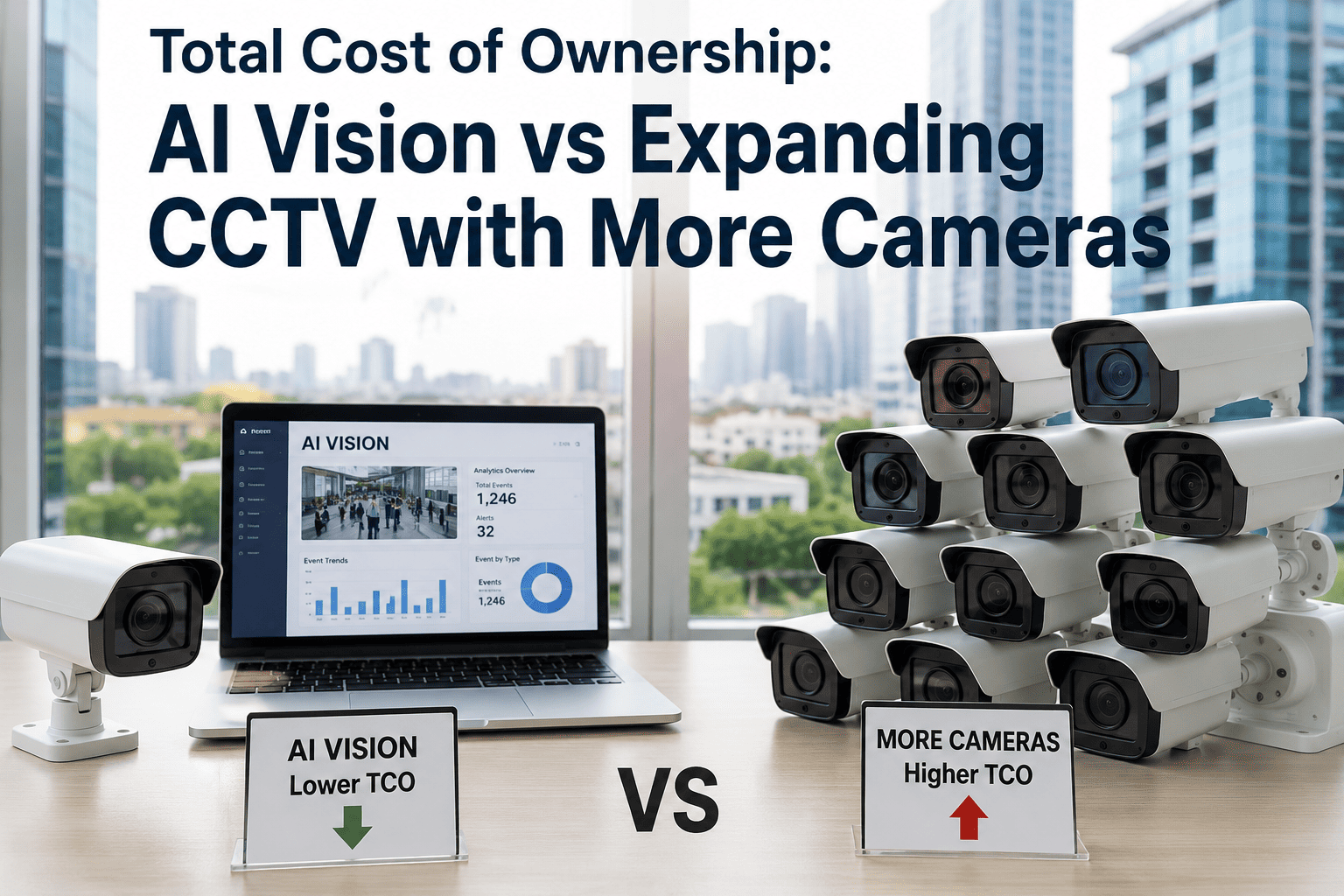
Most facilities facing a blind-spot problem reach for the same fix: buy more cameras. It feels intuitive — more coverage, more eyes on the floor. But a camera only records; it does not decide, alert, or count anything on its own. Every additional unit adds installation labor, cabling, storage, and a maintenance contract that compounds every year it stays in service, while the footage itself sits untouched until something goes wrong and someone has to scrub through it manually. iFactory adds AI analytics to the cameras already mounted on your walls, turning passive recording into real-time detection without a single new camera purchased.
Logistics Intelligence · Cost Comparison
More Cameras Cost More Every Year. AI on Existing Cameras Costs Once.
A side-by-side breakdown of what it actually costs, over five years, to expand a CCTV network camera by camera versus layering AI vision analytics on the cameras a facility already owns.
The Core Trade-Off
Two Ways to Solve the Same Blind Spot
When a plant manager says "we need better coverage," two very different projects can follow from that sentence. One buys hardware. The other buys intelligence for hardware that is already installed. Both get labeled a security upgrade in a budget request, but the money moves through completely different channels — one toward procurement, cabling, and mounting labor, the other toward a software line that starts working the same week it is switched on. The table below lines them up on the same five factors a finance team actually asks about before approving either.
| Factor | Adding More Cameras | AI Vision on Existing Cameras |
| Upfront hardware |
$250–$1,500 per new camera installed, including mounts, cabling, and labor |
$0 — runs on cameras already mounted and wired |
| Recurring cost driver |
Storage and VMS licensing scale per camera, per month, forever |
Single analytics subscription layered on the existing feed |
| What it actually delivers |
More raw footage to store and eventually review |
Real-time detection, alerts, and searchable event data |
| Time to value |
Only helps after an incident, once someone reviews the tape |
Flags the event as it happens, before it becomes a loss |
| Scales with new sites |
Full install project at every new location |
Software rollout on cameras already present at the new site |
Where the Money Actually Goes
Five-Year Cost, Broken Into Its Real Parts
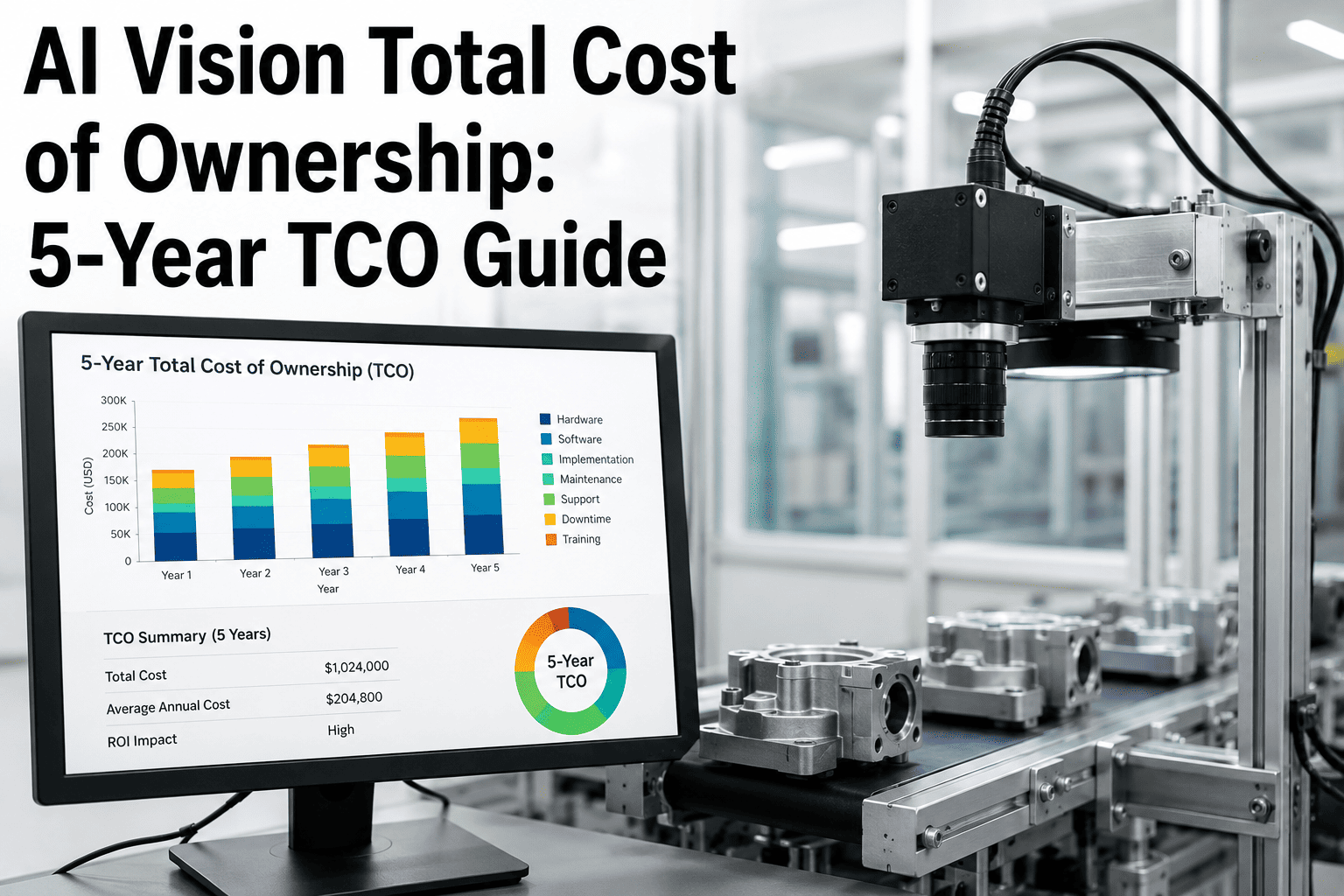
A camera quote rarely shows the full bill. Storage, licensing, and hard-drive replacement are usually separate line items that arrive later, after the purchase decision is already made. Industry pricing data puts commercial cloud VMS storage at roughly $10 to $30 per camera per month for standard retention, while AI analytics layered on existing IP cameras typically runs $3 to $15 per camera per month. Laid out side by side, the gap compounds fast.
$700–$1,500
Installed cost per additional commercial-grade camera, before any storage or software
$10–$30
Monthly cloud storage and VMS licensing cost, per camera, that never stops billing
3–5 yrs
Typical lifespan of a surveillance hard drive before replacement is required
$3–$15
Monthly AI analytics cost per camera when added to a facility's existing feed
$0
New camera hardware required to add AI detection to an existing installed base
10x
Rough multiple of operational value delivered per dollar when intelligence replaces raw storage growth
Visualized
Storage Keeps Climbing. Analytics Stays Flat.
This is the shape of the problem more clearly than any table can show it. Adding cameras adds a recurring storage bill that grows every time a new unit goes up on the wall. Adding AI to existing cameras adds one predictable line that does not multiply every time coverage needs to expand into a new zone.
10-camera network, storage only
25-camera network, storage only
50-camera network, storage only
AI analytics, same 50 cameras
The Infrastructure Is Already There
Stop Paying to Store More Footage Nobody Watches
iFactory connects to the IP cameras already mounted across a facility and adds detection, alerting, and searchable event history — no new hardware, no rewiring, no camera swap.
The Costs Quotes Skip
Four Expenses That Show Up After the Camera Order Ships
A hardware quote is easy to compare on price. What it leaves out is why the real five-year number is almost always higher than the number on the purchase order — and why that gap does not exist on the AI-analytics side of the comparison.
1
Hard drive replacement every 3 to 5 years
Surveillance-grade drives run 24/7 and wear out on a schedule. Commercial-grade drives cost roughly $50 to $80 per terabyte, and a growing camera count means replacing more of them, more often, indefinitely.
2
Bandwidth strain from continuous upload
A single 4MP camera recording continuously generates roughly 2 to 4 Mbps of upload traffic. Add enough cameras and a facility's network needs its own upgrade just to keep the footage moving.
3
Labor to review footage that was never flagged
More cameras mean more hours of footage that only gets reviewed after someone already knows something went wrong. The camera did its job; nobody was watching it in real time.
4
Re-installation cost at every new site or zone
Camera expansion is a project every time — mounts, conduit, labor. Software-based AI analytics rolls out to a new site's existing cameras without repeating the installation cycle.
Why the Default Answer Is Wrong
Cameras Were Never the Bottleneck
The instinct to add cameras comes from a reasonable place. If an incident happens in a spot with no footage, the obvious fix looks like putting a lens there. But most facilities running this cost comparison already have reasonable coverage — the real gap is not in what the cameras can see, it is in what happens to that footage after it is recorded. A camera pointed at a loading dock for three years has captured every near-miss, every safety-vest violation, every unauthorized forklift movement that ever happened in that frame. None of it mattered operationally, because nobody was watching in real time and nobody could search three years of footage fast enough to find the pattern. Buying a second camera for the same dock does not change that math. It just doubles the footage nobody is watching.
This is the part a hardware-first budget conversation tends to skip. The question finance teams should be asking is not "how much coverage do we have," it is "how much of our coverage is actually generating a decision." A camera that only produces footage for after-the-fact review is functioning as an insurance policy, not an operational tool. AI analytics changes what the same camera produces — from a passive archive into a live feed of events, counts, and alerts that operations, safety, and quality teams can act on the moment they happen, not three weeks later when someone finally has a reason to scrub the tape.
Where Each Approach Actually Wins
When More Cameras Still Make Sense
This is not a case that hardware is always the wrong answer. A genuine coverage gap — a loading dock with no line of sight, a new building wing — needs a physical camera before it needs anything else. The distinction is what happens after that camera is mounted, and how a facility should sequence the two kinds of spend so it is not paying twice for the same problem.
Add a camera when coverage is missing
A blind corner, a new dock door, an unmonitored stairwell — these need glass and a lens pointed at them before software can help at all. No analytics platform can detect an event in a zone that has never been recorded.
Add AI when coverage already exists
If a camera is already recording a forklift lane, a packing line, or a receiving bay, the fastest path to real-time value is detection on that feed, not a second camera beside it pointed at the same activity.
Multi-site operations
Facilities expanding across warehouses or plants avoid repeating a full hardware install at every location by rolling AI analytics onto whatever cameras each site already runs, whatever brand or age they happen to be.
Retrofit-first budgets
Where capital is tight, software that activates existing infrastructure delivers measurable operational value faster than a hardware refresh cycle can be approved, procured, and installed across a facility.
What the Same Camera Can Do Differently
Four Feeds Already Recording, Now Producing Alerts Instead of Archives
The clearest way to see the value gap is to look at cameras a facility already owns and compare what they currently do against what the same physical feed could do with detection layered on top. None of the examples below require a new camera — only a different use of the one already mounted.
Dock door camera
Currently: records every truck arrival for later review if a claim is filed. With AI: flags unsafe forklift-pedestrian proximity and logs dwell time per dock automatically.
Production line camera
Currently: captures footage a supervisor might review after a quality complaint. With AI: counts units, flags line stoppages in real time, and timestamps the exact frame where a defect appeared.
Perimeter camera
Currently: sits idle overnight, storing hours of an empty lot. With AI: distinguishes a person or vehicle from shadows and headlights, alerting security only when something is actually there.
PPE compliance camera
Currently: a general safety record, reviewed only after an incident report is filed. With AI: flags missing hard hats or vests at the moment a worker enters a restricted zone.
Common Questions
Frequently Asked Questions
Does AI vision analytics work with the cameras a facility already has installed?
In most cases, yes. Standard IP cameras that support ONVIF or RTSP streaming, which covers the large majority of commercial installations from the last several years, can connect directly to an analytics platform without replacement. Older analog cameras typically need an encoder or NVR that presents the feed as an IP stream first, which is a one-time, low-cost step rather than a camera swap. Mixed brands and mixed camera ages across a facility are also normal and generally do not block a rollout, since the analytics layer works on the video stream itself rather than on any single manufacturer's proprietary format.
Support can confirm compatibility against a facility's specific camera models before any commitment is made.
How much does adding AI analytics actually reduce the five-year cost compared to buying more cameras?
The gap depends on camera count and retention needs, but the pattern holds consistently across facility sizes: hardware expansion adds a fixed installed cost per camera plus a storage bill that scales every month, while an analytics subscription on existing cameras adds one predictable line that does not multiply with each new zone covered. Over five years, facilities commonly see the analytics-first path land at a fraction of the cost of an equivalent hardware expansion for the same operational visibility.
What operational problems does AI vision actually solve that raw footage does not?
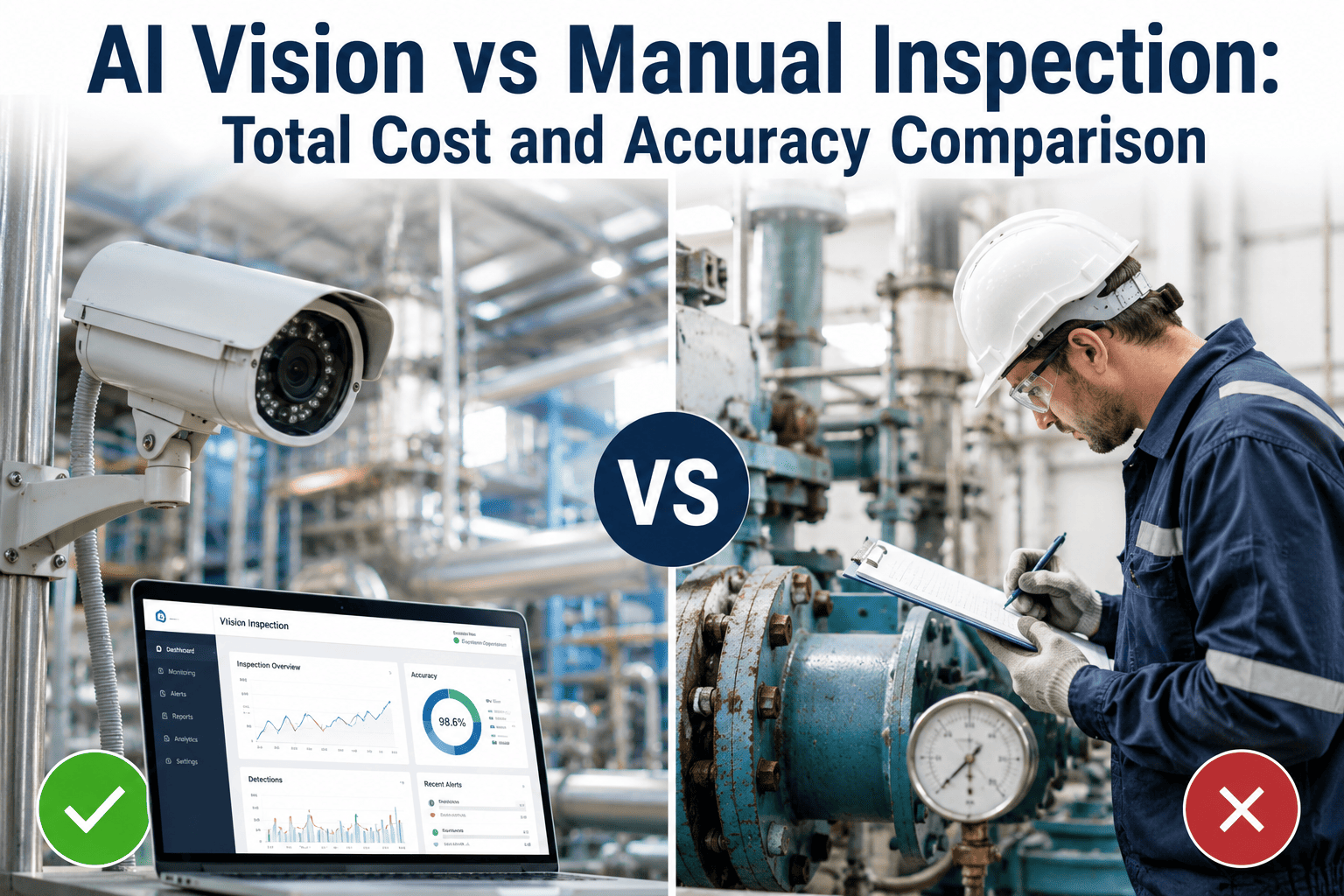
Raw footage answers questions after an incident, once someone reviews the tape. AI analytics answers them as the event happens — a forklift entering a restricted zone, a spill left unaddressed, a safety-vest violation on the floor, a bottleneck forming at a packing station. That shift from forensic review to real-time alerting is the actual value being purchased, not the storage itself. Over time it also builds a searchable event history, so instead of scrubbing hours of footage to find one moment, a supervisor can query for a specific type of event across weeks of activity in seconds.
How long does it take to get AI analytics running on an existing camera network?
Connecting existing IP cameras to an analytics platform is a configuration project, not a construction project, so it moves considerably faster than a hardware installation. Typical rollouts on an already-wired camera network are measured in weeks rather than the months a comparable camera expansion project would need for procurement, cabling, and mounting.
Book a demo to scope a rollout timeline against a specific facility's camera count and network setup.
Get More From What You Already Own
The Cameras Are Paid For. Make Them Work Harder.
iFactory adds real-time AI detection, alerting, and searchable event history to the camera network already installed across a facility — no new hardware, no rewiring, no storage bill that grows every month.