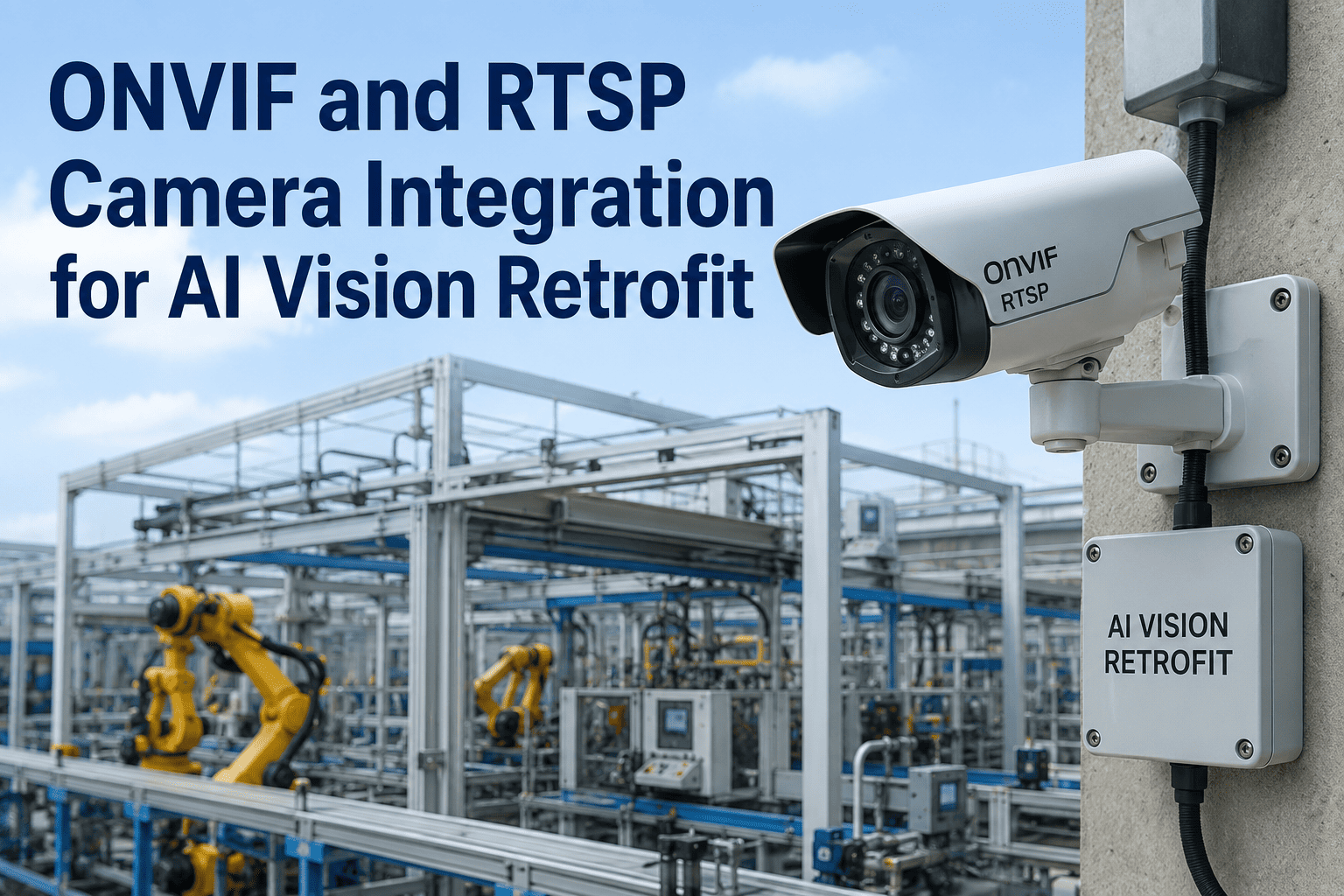
Somewhere on your plant network sit dozens of ONVIF cameras already watching the line for security or basic monitoring — and the instinct is always the same: point AI at what's already there and skip the capital request entirely. Sometimes that instinct is right. Other times a camera bought for perimeter security simply cannot resolve a 0.3mm crack or hold focus under the strobe lighting a defect model needs, and the retrofit quietly fails after go-live. The honest answer depends on resolution headroom, lighting control, and what the inspection is actually being asked to catch, not on which option looks cheaper on a quote. This framework walks through how to score that decision properly, and where our team can walk your specific camera list against it on a call.
DECISION FRAMEWORK · RETROFIT VS NEW CAMERAS
Keep the cameras you have, or replace them? Score it in fifteen minutes instead of guessing for six months.
Camera hardware is typically only a small slice of a full vision system investment, which is exactly why the retrofit-vs-replace call gets made on the wrong basis. Get the resolution, lighting, and integration questions right first, and the budget question answers itself.
RESOLUTION
LIGHTING
INTERFACE
FRAME RATE
SCORE EACH FACTOR · RETROFIT OR REPLACE · PER STATION
15–25%
Share of total vision system cost that camera hardware typically represents.
3–5x
Higher pixel density an AI defect model often needs versus a traditional rule-based check.
4 factors
Resolution, lighting control, interface bandwidth, and mounting decide most retrofit calls.
Per station
The right answer is rarely all-or-nothing — most lines end up mixed.
Why this decision is harder than it looks
An ONVIF camera that streams a clean picture to a security monitor can still be the wrong sensor for a defect model. Human eyes forgive soft focus and washed-out contrast; a neural network trained on pixel-level texture does not. The three questions below decide the outcome for each inspection point far more reliably than a general instinct about budget.
Q1
Can the camera resolve the smallest defect you need to catch?
A defect model generally needs a much denser pixel count across the smallest feature of interest than a traditional rule-based check does, since it is learning texture and shape rather than measuring a fixed dimension. A security-grade camera at the wrong working distance simply cannot supply that density, no matter how good the model is.
Q2
Is the lighting controlled, or ambient and variable?
Existing cameras are almost always lit for human viewing — ambient, inconsistent, shifting with the time of day. AI inspection models need repeatable, directed lighting so the same defect looks the same in every frame. This is frequently the single factor that makes or breaks a retrofit, more than the camera body itself.
Q3
Does the interface support the frame rate and data path you need?
Older ONVIF and analog cameras were built for continuous low-bandwidth streaming, not for triggered high-resolution capture synced to a moving line. If the interface caps out below what inspection speed requires, no amount of model tuning recovers the missing frames.
Score your cameras: retrofit or replace
Run each inspection point through this scorecard. A camera that scores mostly green is a retrofit candidate; a camera scoring mostly red is a replacement candidate — and it is completely normal for one line to end up with both.
| Decision factor | Retrofit-friendly signal | Replace-friendly signal | Why it matters |
| Resolution at working distance |
Defect is 3x+ larger than one pixel at distance |
Defect is near or below pixel-level resolution |
Sets the accuracy ceiling before any model training starts |
| Lighting control |
Enclosed station, controllable LED possible |
Open ambient area, uncontrollable glare |
Repeatable lighting is the biggest single driver of model accuracy |
| Interface and bandwidth |
GigE, USB3, or modern ONVIF profile |
Legacy analog or capped low-bitrate stream |
Determines whether triggered high-res capture is even possible |
| Mounting stability |
Rigid mount, minimal vibration at station |
Mounted on moving structure or high-vibration frame |
Motion blur destroys texture-based defect detection |
| Frame rate vs line speed |
Camera frame rate already exceeds inspection need |
Camera frame rate falls short of units-per-minute |
Missed frames mean missed units, not just missed defects |
| Field of view coverage |
Single camera already sees the full inspection zone |
Zone requires multiple angles the camera can't cover |
Blind spots on one camera can't be fixed by better software |
Get your camera list scored against this framework
Send us your inspection points and current camera specs. We'll map each one against resolution, lighting, and interface requirements before you commit to either path.
What a retrofit actually costs versus a new camera install
Camera hardware is usually a modest slice of the full bill — most of the spend goes into lighting, mounting, integration, and model training regardless of which path you take. That's why comparing "camera cost" alone leads people astray. The real comparison is across four cost layers.
LAYER 1
Sensing Hardware
Retrofit reuses the camera body and mount; new install adds camera, lens, and housing cost. This is usually the smallest layer either way, which is why it shouldn't drive the decision alone.
LAYER 2
Lighting and Enclosure
Retrofit often still needs a lighting retrofit even when the camera stays, since ambient lighting rarely meets inspection standards. This layer is frequently identical in cost whether or not the camera is replaced.
LAYER 3
Integration and Interface
Legacy interfaces sometimes need a bridge device to feed triggered high-res frames into an edge inference server. New cameras with modern interfaces can skip this cost entirely.
LAYER 4
Model Training and Tuning
Identical either way — the model still needs shadow-mode training on your specific defect library regardless of which camera feeds it. This layer is where most of the deployment timeline actually goes.
The five-step decision path
Work through these in order for each inspection point. Skipping a step is how plants end up mid-project discovering a retrofit camera can't hit the resolution the model needs.
01
Define the smallest defect that must be caught
Measure it in millimeters, then work out the pixel density required at your working distance. This single number rules cameras in or out before anything else is considered.
02
Audit the current lighting at each station
Walk the line and note where light is ambient, inconsistent, or subject to shift changes and outdoor glare. Any station lit this way needs a lighting retrofit regardless of camera choice.
03
Check interface and frame rate against line speed
Compare the camera's true sustained frame rate and interface bandwidth against units-per-minute at the station. A shortfall here is usually the deciding factor for full replacement.
04
Run a shadow-mode pilot before committing either way
Test the model against real production images from the existing camera before buying anything new. Shadow mode reveals accuracy gaps a spec sheet comparison never will.
05
Decide station by station, not line by line
Most plants land on a mixed outcome — retrofit for stable, well-lit stations and new cameras for tight-tolerance or high-speed ones. Treat each inspection point as its own decision.
Three common plant profiles
Most plants map to one of three archetypes once the scorecard is run. Finding your profile below gives a fast directional answer before the detailed audit confirms it.
Keep and Add AI
Modern GigE or recent ONVIF cameras, enclosed stations, stable mounting, and inspection targets well above pixel-resolution limits. Add a lighting upgrade and edge inference, keep every camera body as-is.
Retrofit Selectively
A mix of modern and legacy cameras across stations. Score each one individually — expect roughly half to qualify for retrofit and the rest to need replacement, usually the tight-tolerance or high-speed stations.
Replace Outright
Analog or low-bitrate legacy cameras across the board, open ambient lighting, and defect tolerances near or below current pixel resolution. Retrofitting here typically costs nearly as much as replacement while capping accuracy permanently.
Signals that retrofit is quietly failing
A retrofit that looked good on paper sometimes underperforms once it hits real production variation. Watch for these signs during the shadow-mode pilot rather than after live rejection has already started.
False rejects climb after a SKU change
Usually a lighting consistency problem, not a model problem — the camera's exposure settings weren't built for repeatable inspection lighting in the first place.
Accuracy is fine in testing, drops on the live line
A common sign that motion blur or frame-rate shortfall is clipping frames the model needs, which static bench testing never surfaces.
Model performs differently across identical stations
Points to inconsistent camera specs or mounting across stations that were assumed to be identical but were installed at different times with different hardware.
Frequently asked questions
Can AI models really work with our existing ONVIF security cameras?
Sometimes, yes — many plants successfully connect existing camera feeds to AI models without new hardware, particularly for coarser checks like presence detection, safety zone monitoring, or general activity tracking. Where it tends to fail is fine-grained defect detection, where pixel density and lighting control matter far more than they do for a security use case. The safest way to know for certain is a shadow-mode test against your actual cameras before committing budget either way.
Book a demo and we'll test your existing feeds against a sample defect set.
How do we measure whether our current cameras have enough resolution?
Start with the smallest defect dimension you need to catch, then calculate the pixel count that dimension occupies at your camera's working distance and field of view. AI-based inspection generally wants a meaningfully denser pixel count across that feature than a traditional rule-based check would, since the model is learning texture and edge patterns rather than measuring a fixed geometric tolerance. If the math comes up short, no amount of model tuning will recover the missing detail, and that station becomes a replacement candidate.
Contact our support team for a resolution worksheet you can run per station.
Is lighting really more important than the camera itself?
In most retrofit failures we see, lighting is the actual root cause rather than the camera hardware. Existing cameras are typically lit for human viewing, which tolerates shifting brightness and shadows in a way a defect model cannot. Adding controlled, directed lighting to an existing camera often closes more of the accuracy gap than swapping the camera body would on its own. This is why the lighting layer belongs in the budget conversation just as much as the camera choice does.
Book a demo to see lighting retrofit examples on cameras similar to yours.
What if half our cameras qualify for retrofit and half don't?
That outcome is common and not a problem — most plants end up with a mixed deployment rather than an all-or-nothing decision. Score each inspection point independently against resolution, lighting, interface, and mounting, and let the results fall where they fall. Stations with stable mounting, adequate resolution, and enclosed lighting are strong retrofit candidates, while tight-tolerance or high-speed stations more often justify new hardware. Treating the whole line as one decision is usually what drives unnecessary spend in either direction.
Contact our support team to help segment your station list.
How long does a retrofit assessment take before we know the answer?
A camera and lighting audit across a typical line can usually be completed within a couple of weeks, followed by a shadow-mode pilot of two to four weeks to confirm real accuracy against production images before any capital is committed. That timeline is considerably shorter and cheaper than ordering new hardware first and discovering a mismatch after installation. The goal of the assessment is to remove guesswork from the budget conversation entirely.
Book a demo to scope an assessment timeline for your specific stations.
Stop guessing which cameras to keep and which to replace
iFactory scores your existing cameras against resolution, lighting, and interface requirements, then runs a shadow-mode pilot before you spend a dollar on new hardware.