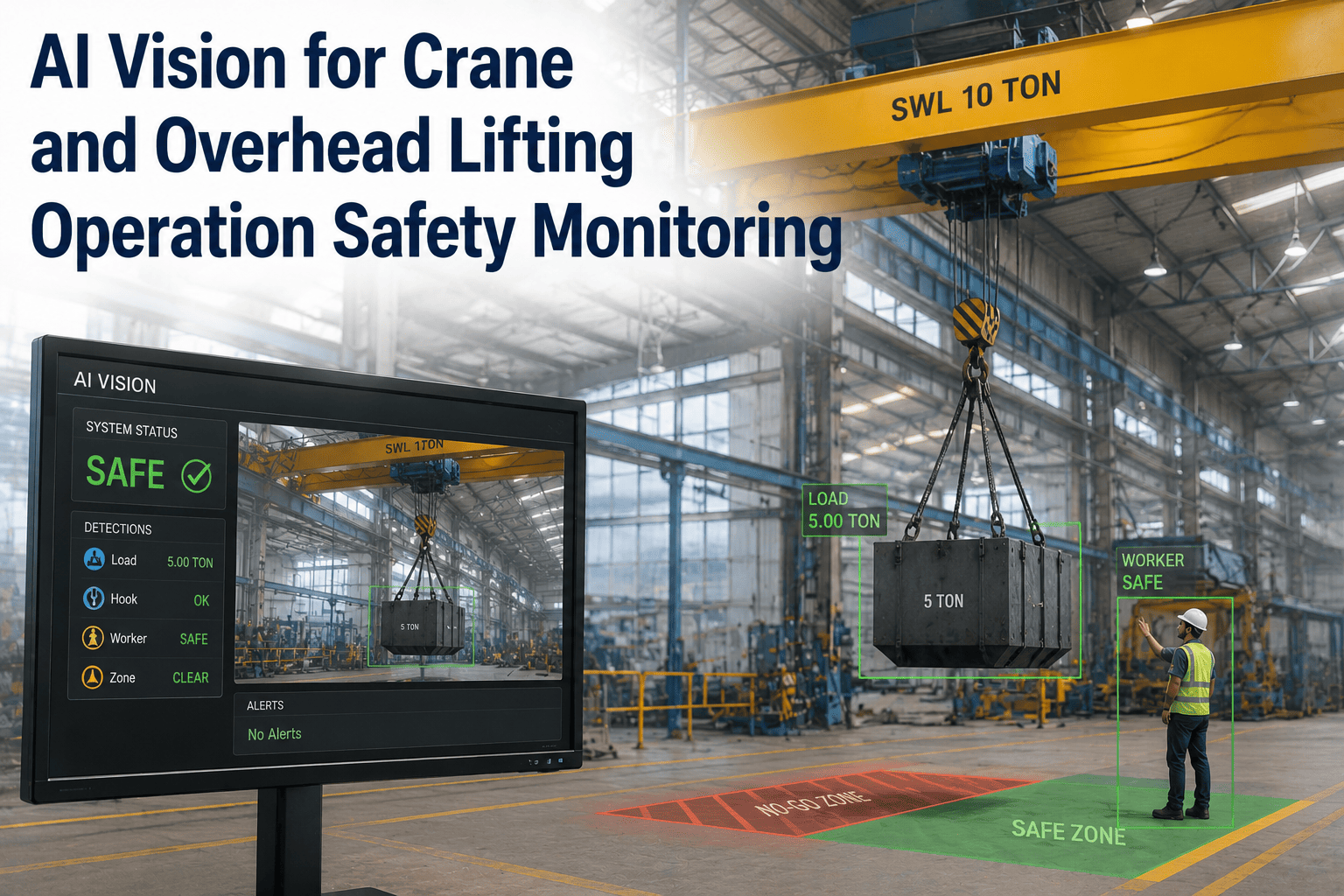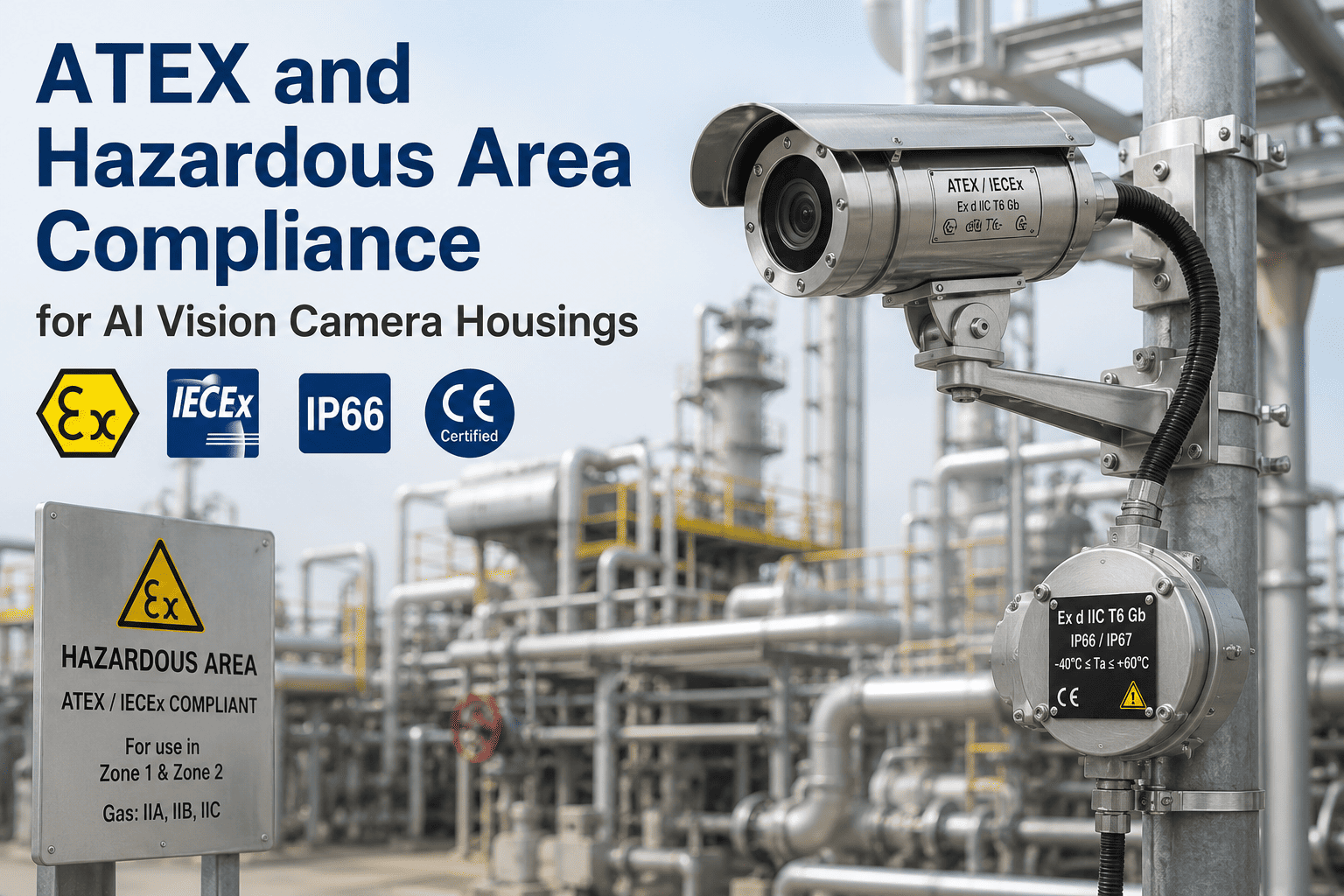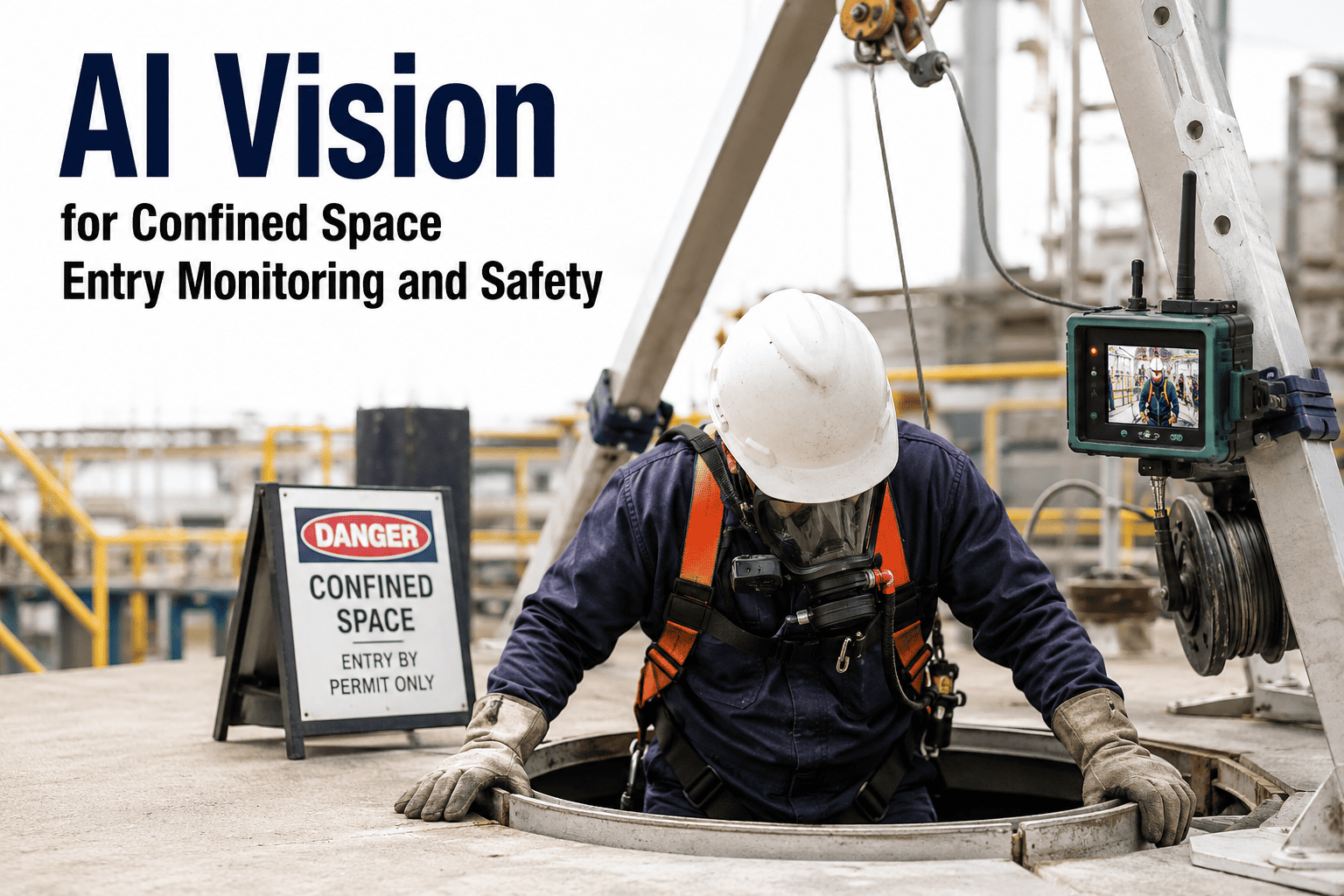
A worker steps past a barrier tape to grab a dropped tool near an energized panel, or a hole watcher gets pulled away for two minutes right when someone climbs into a confined space alone. These are the moments safety programs are built around, and they are also exactly the moments no supervisor is standing there to see. Over 100 workers die in confined spaces in the United States every year, and the majority of those deaths are preventable with the kind of continuous, unblinking attention a human attendant simply cannot maintain across every zone, every shift. AI vision cameras watching restricted zones, confined spaces, and hazardous equipment areas do not get pulled away, do not blink, and flag an unauthorized entry the instant it happens rather than after someone notices. If you want to see how this maps onto your own site's danger zones, you can book a demo.
Know the Instant Someone Enters a Zone They Shouldn't Be In
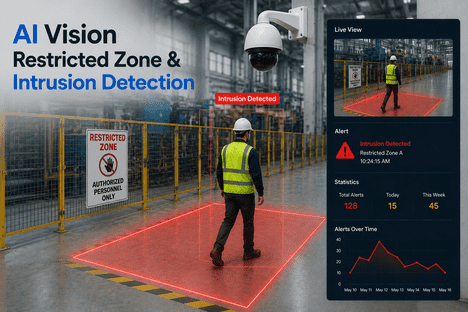
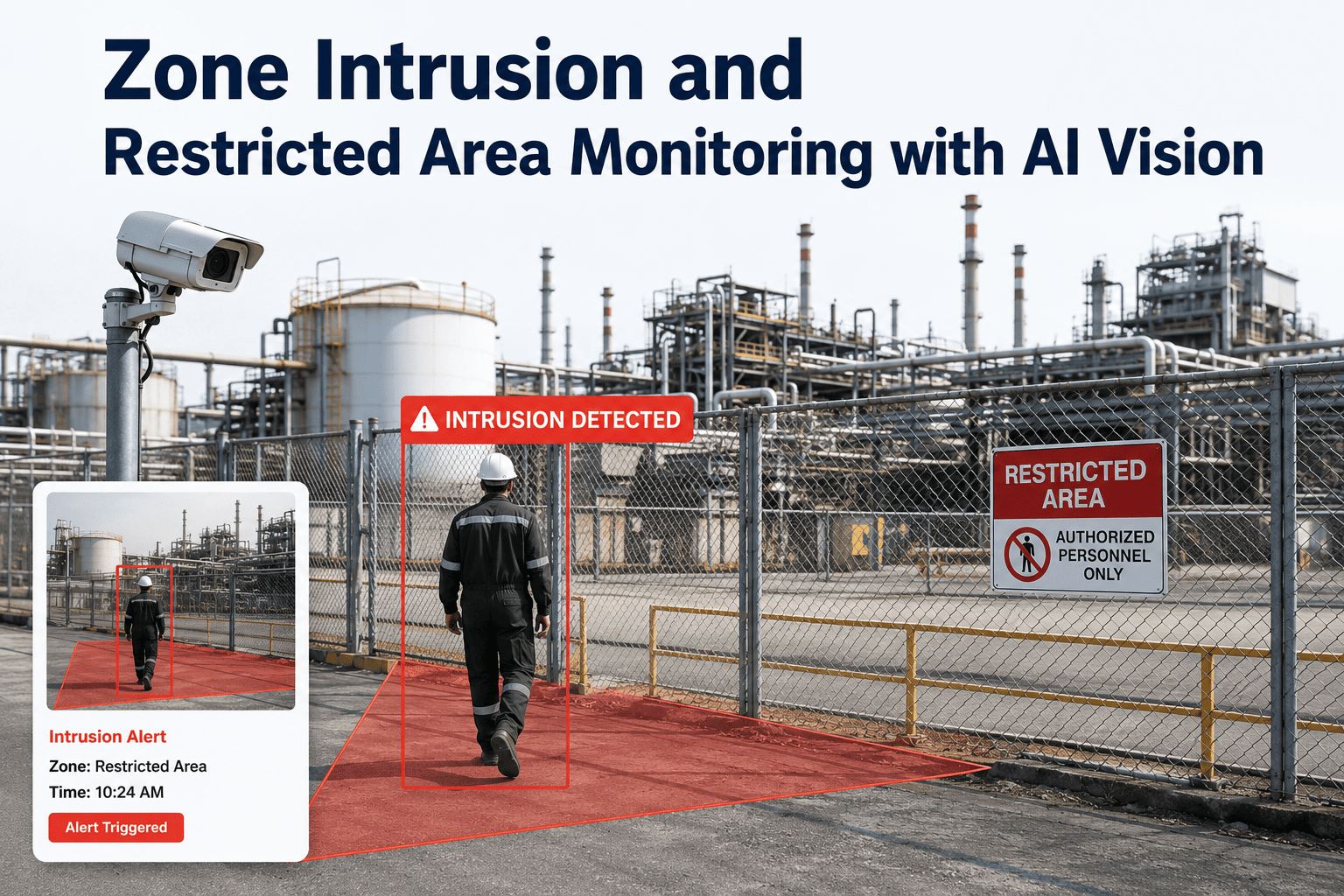
iFactory turns existing cameras into always-on virtual perimeters around exclusion zones, confined spaces, and hazardous equipment — triggering instant audio and visual alarms and building the incident record automatically.
Danger Zones Move. Barrier Tape Doesn't.
A restricted zone around a crane swing radius, an active excavation, or a chemical transfer point rarely stays in the same place all shift. Equipment repositions, work sequences change, and the boundary that was safe an hour ago can put a worker directly in a struck-by or engulfment hazard the next. Supervisors and EHS managers cannot physically watch every zone on every shift, and a barrier tape or a painted line on the floor does nothing to stop someone from stepping past it when nobody happens to be looking.
Confined space entries carry an even narrower margin. Atmospheric conditions inside a vessel or tank can shift in seconds, and OSHA 1910.146 requires a trained attendant to remain present for the entire entry, monitoring conditions and ready to initiate rescue. When that attendant steps away, even briefly, the space is effectively unmonitored for exactly the window when something is most likely to go wrong.
Four Zone Types, Each With Its Own Detection Logic
Not every restricted area carries the same risk, so iFactory lets you define nested zones around a hazard, each with its own alert rules, required PPE, and escalation path.
Every Violation Follows a Defined Escalation Path
Not every zone breach needs the same response, and treating a first-time wrong-turn the same as a repeat violation next to energized equipment either desensitizes your team or under-reacts to real risk. Escalation logic is configured per zone and violation type.
Response Time and Regulatory Reference by Hazard Type
| Hazard Type | Primary Risk | Alert Response | Governing Standard |
|---|---|---|---|
| Confined space / vessel entry | Atmospheric hazard, engulfment | Immediate, continuous | OSHA 29 CFR 1910.146 |
| Crane swing radius / excavation | Struck-by, cave-in | Immediate on entry | OSHA excavation & crane standards |
| High-voltage equipment area | Arc flash, electrocution | Immediate on entry | NFPA 70E / site LOTO procedure |
| Chemical storage / transfer zone | Exposure, spill contact | Immediate on entry | OSHA hazard communication |
Walk Through Your Site's Actual Danger Zones on a Call
Bring your site layout and existing camera locations, and see exactly which zones can go live first and what alert rules would apply to each one.
Every Entry Becomes a Record, Not a Memory
When an inspector asks how a confined space attendant requirement was actually enforced, or how a struck-by near-miss was documented, the answer needs to be more than a supervisor's recollection. iFactory logs the following automatically, without a form to fill out after the fact.
- Attendant presence verified continuously for the full duration of a permit-required entry
- Entry and exit timestamps logged against the active confined space permit
- Zone-specific PPE compliance checked automatically on entry
- Camera frame captured and attached to every violation for OSHA Form 300 documentation
- Full event history searchable by zone, shift, and violation type for audits
We had a near-miss where our confined space attendant stepped away for what felt like thirty seconds to help with something on the next tank over, and nobody realized the entrant had gone quiet until he called out himself. Once we had continuous zone monitoring on that entry point, attendant absence started triggering an alarm within seconds instead of us finding out after the fact. It changed how confident our team feels sending someone into a vessel.
The Numbers Behind Continuous Zone Monitoring
Zone Intrusion & Restricted Area Monitoring — Frequently Asked Questions
Stop Relying on Barrier Tape to Enforce a Safety Boundary
iFactory watches every zone, every shift, and turns an unauthorized entry into an instant alarm and a documented record — before it becomes an incident report.