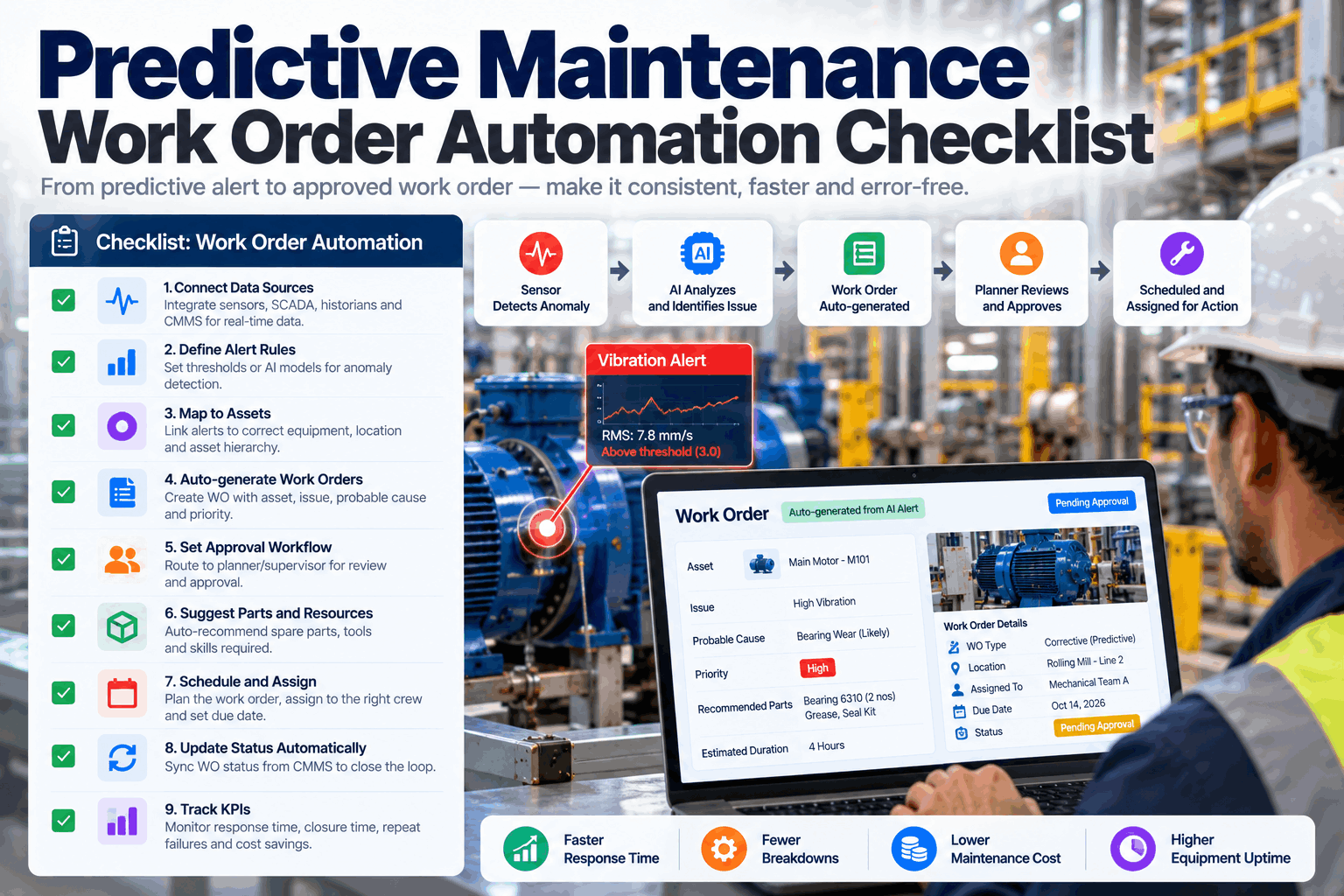
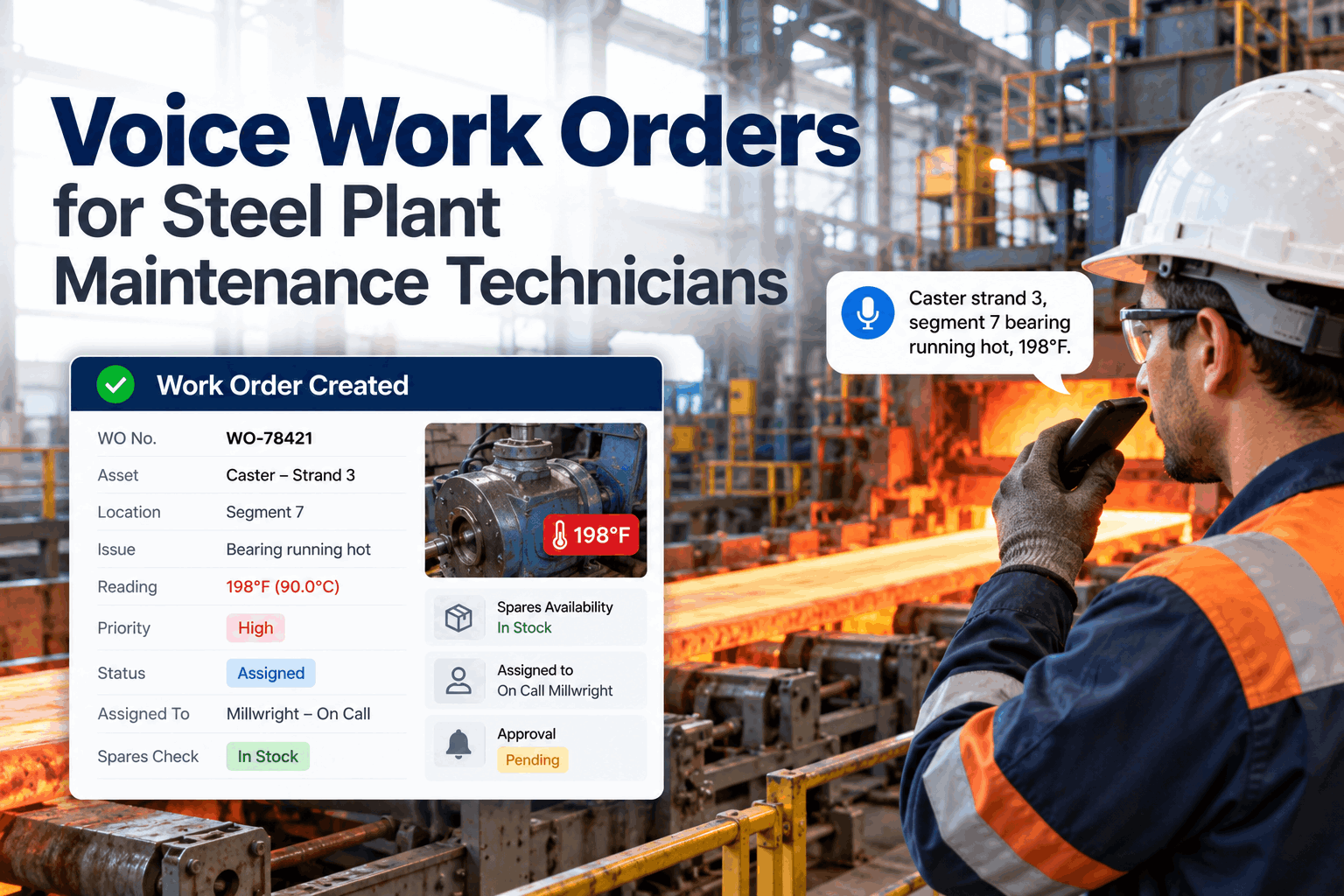
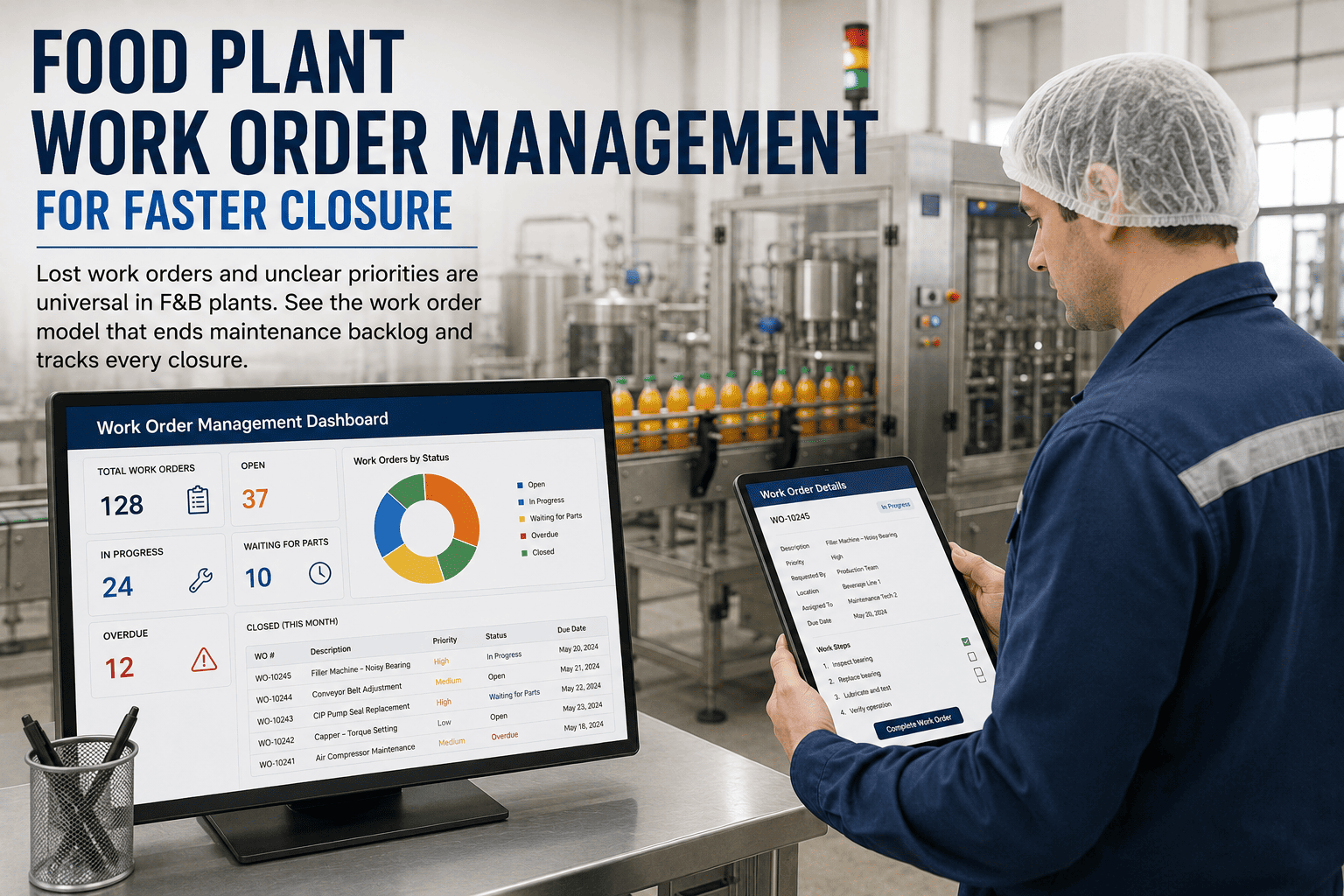
On an automotive line, a maintenance work order is not paperwork. It is the only thing standing between a degrading torque tool and a missed JPH target, between a flagged conveyor drive and a four-hour line stop that costs around $22,000 a minute. Yet in most plants the work order system is exactly where reliability quietly leaks away: requests arrive by phone, text, and shouted hallway conversation; 10 to 20% are duplicates; priority is whatever the person reading the request that morning decides it is; and the highest-impact PM keeps getting deferred to absorb the next fire. The result is a maintenance team running at 50/50 planned-to-reactive when the mature benchmark is 80/20, a backlog stretching past six weeks, and an IATF auditor asking for a closure record nobody can produce. The fix is not more technicians. It is a disciplined work order model — a request gate, a real priority scheme, mobile execution, and a closure that is audit-ready by default. This page lays out exactly what that model looks like on an automotive floor.
Automotive Work Order Management
Lost Work Orders Kill JPH. Structured Ones Protect It.
Phone calls and sticky notes don't survive an automotive line. iFactory runs every maintenance request through a real gate, a real priority scheme, and a closure that's IATF-audit-ready the moment it's signed.
$22K
Per minute a line stop can cost
80/20
Planned-to-reactive maturity target
6→2 wk
Backlog cut within 90 days
+22%
Wrench time from mobile execution
Sources: IATF 16949:2016 (TPM §8.5.1.5) · Maintenance Work Order Benchmarks 2026 · Automotive Downtime Cost Studies · iFactory Deployment Data 2026
The Six-Stage Work Order Lifecycle
Every reliable maintenance operation runs work through the same six stages. The discipline is not in knowing them — it is in never letting a job skip one. When a request goes straight to a technician without review, or a job gets "closed" verbally without a record, the lifecycle breaks and the backlog and the audit gap grow together.
1
Request
Operator, sensor, or PM trigger raises a need
2
Review & Approve
Planner screens duplicates, validates scope
3
Prioritize
P1–P4 by line impact and safety
4
Assign
Skill-matched to the right technician
5
Execute
Mobile, with photos and parts captured
6
Verified Closure
Signed, timestamped, audit-ready
The Gate That Stops the Backlog at the Source
The single biggest cause of work order chaos is treating a request and a work order as the same thing. They are not. A request is an unscreened need; a work order is an approved, scoped, scheduled plan. Skip the gate between them and 10 to 20% duplicate requests flood the active queue and priority becomes whoever shouts loudest. The two-step conversion is where a reactive plant becomes a planned one.
Step One
Work Request
Any authorized person raises it in under a minute by scanning the asset QR code. Unscreened, unscheduled, not yet real work. This is where duplicates and low-value asks are caught.
Step Two
Work Order
Approved, prioritized, resourced, and scheduled. The single unit of accountability that links the job to asset history, parts, labor cost, and IATF compliance evidence.
A Priority Scheme Built for a Running Line
"Urgent" is not a priority — it is what every requester writes. An automotive priority scheme has to be objective, tied to line impact and safety, and carry its own target response time with escalating alerts before the deadline. That is what lets a planner protect PM time instead of surrendering it to whoever called last.
Level
Trigger
Automotive Example
Response Target
P1
Line down / safety
Conveyor halt, weld cell fault, guard interlock failure
Immediate
P2
Imminent stop
Torque tool drifting out of tolerance, robot axis warning
Same shift
P3
Scheduled PM
Cycle-count PM on press, drive-hour service on conveyor
Planned window
P4
Low priority
Cosmetic, non-critical spare swap, deferrable improvement
Weekly batch
Want to see this priority scheme scored automatically against your asset criticality? Book a 30-minute demo and we'll map it to your line.
Trigger Work Orders the Way an Automotive Line Actually Wears
Calendar PM alone misses how automotive equipment really degrades. The work order should fire on whichever trigger comes first — and on a line, that is rarely the date. iFactory generates work orders from production-based triggers, so the order exists before the failure does.
Cycle & Count Triggers
Schedule by stroke count, weld count, cycle count, or runtime hours — not just the calendar. Whichever threshold fires first generates the work order automatically.
200–500 torque tools per line, tracked by use
Mobile Execution
Assign, capture photos, request parts, and complete from any smartphone on the floor — with offline capability. No walking back to the office to update a job.
+22% wrench time, zero duplicate entry
Inventory-Linked Closure
Every work order ties to MRO stock, so parts consumed auto-deduct, reorder triggers fire, and stockouts stop quietly extending MTTR on critical assets.
Parts and labor on every closed order
Without Structure vs With iFactory
The difference between a firefighting plant and a planned one is not effort — it is structure at each stage of the work order. Here is the same maintenance day, run both ways.
Stage
Without Structure
With iFactory
Intake
Phone, text, verbal — 10–20% duplicates
QR-scan request, duplicates caught at the gate
Priority
Whoever reads it that day decides
Objective P1–P4 with escalating alerts
Assignment
Wrong tech, delayed start, low first-time fix
Skill-matched to certification and workload
Closure
Verbal "it's done," no record
Signed, timestamped, photo-documented
Audit
Scramble to reconstruct for the IATF registrar
Filterable compliance export in a click
From Six-Week Backlog to Cleanest IATF Audit
A representative multi-line automotive plant running 45 lines was stuck at a 50/50 planned-to-reactive split, a backlog past six weeks, and an audit process its team dreaded. Deploying a structured work order model across the highest-downtime lines first, then plant-wide, changed both the reliability numbers and the audit story.
Before
Planned vs reactive~50 / 50
Backlog6+ weeks
Work order recordsPaper / verbal
IATF audit prepDays of scramble
Half the team's capacity spent fighting fires.
After
Planned vs reactiveToward 80 / 20
BacklogUnder 2 weeks
Work order recordsSigned & timestamped
IATF audit prepFiltered export
Same team, planned work, audit-ready by default.
What a Structured Work Order Model Returns
6→2 wk
Backlog reduction within 90 days
40%
Fewer emergency repairs as backlog clears
100%
Closures signed, timed, and audit-ready
+22%
Wrench time from mobile work orders
Frequently Asked Questions
What's the difference between a work request and a work order?
A work request is the raw, unscreened submission from anyone who notices a maintenance need. A work order is that request after a planner has reviewed it for duplicates, validated the scope, assigned a priority, and allocated resources. The gate between the two is what stops 10 to 20% duplicate requests and low-value asks from clogging your active queue. iFactory manages both in one workflow so nothing falls through the transition.
Book a demo to see the conversion in action.
How does this help us pass an IATF 16949 audit?
IATF 16949 requires an auditable trail for total productive maintenance under section 8.5.1.5. Every work order in iFactory is timestamped, linked to the specific asset, signed by the completing technician, and stored with photo documentation and parts records. Calibration tracking for torque tools includes due-date alerts and out-of-tolerance escalation. Compliance reports filter by equipment class, date range, and audit category and export in formats that satisfy both your IATF registrar and OEM customer quality audits.
We're drowning in reactive work. How fast can the backlog actually come down?
Plants that deploy a structured request gate, objective prioritization, and mobile execution typically cut backlog from around six weeks to under two within 90 days. The mechanism is compounding: clearing chronic backlog reduces the emergency repair rate that backlog itself drives, which frees capacity for PM, which prevents the next breakdown. The goal is a healthy two-to-four-week backlog of planned work — not zero, which signals no PM is queued.
Why trigger work orders on cycle counts instead of just a calendar?
Automotive equipment wears by use, not by date. A press near its stroke-count threshold or a conveyor at its drive-hour interval needs service regardless of where the calendar sits. iFactory schedules by stroke count, weld count, cycle count, and runtime hours alongside calendar intervals, and whichever trigger fires first generates the work order — so the order exists before the failure does, protecting your JPH target.
Ask support about production-triggered work orders for your assets.
Will mobile work orders actually change anything on the floor?
Paper and desktop-only work orders force technicians to walk back to the office for every update and re-enter data. Mobile access with offline capability raises wrench time by around 22% and eliminates duplicate entry, while photos and parts are captured at the point of work. On a line where every minute of a stop carries real cost, that recovered technician time is reliability you can measure.
Your Next Line Stop Is Already in the Queue Somewhere
See Every Work Order, Every Closure, Every Audit Trail in One Place
Book a 30-minute session and we'll walk the full request-to-closure lifecycle mapped to your automotive lines and IATF requirements — the gate, the priority scheme, mobile execution, and the audit-ready export.
6 Stages
Request to verified closure
P1-P4
Objective priority, escalating alerts
Mobile
Photos, parts, offline capable
IATF
Signed, timestamped, exportable