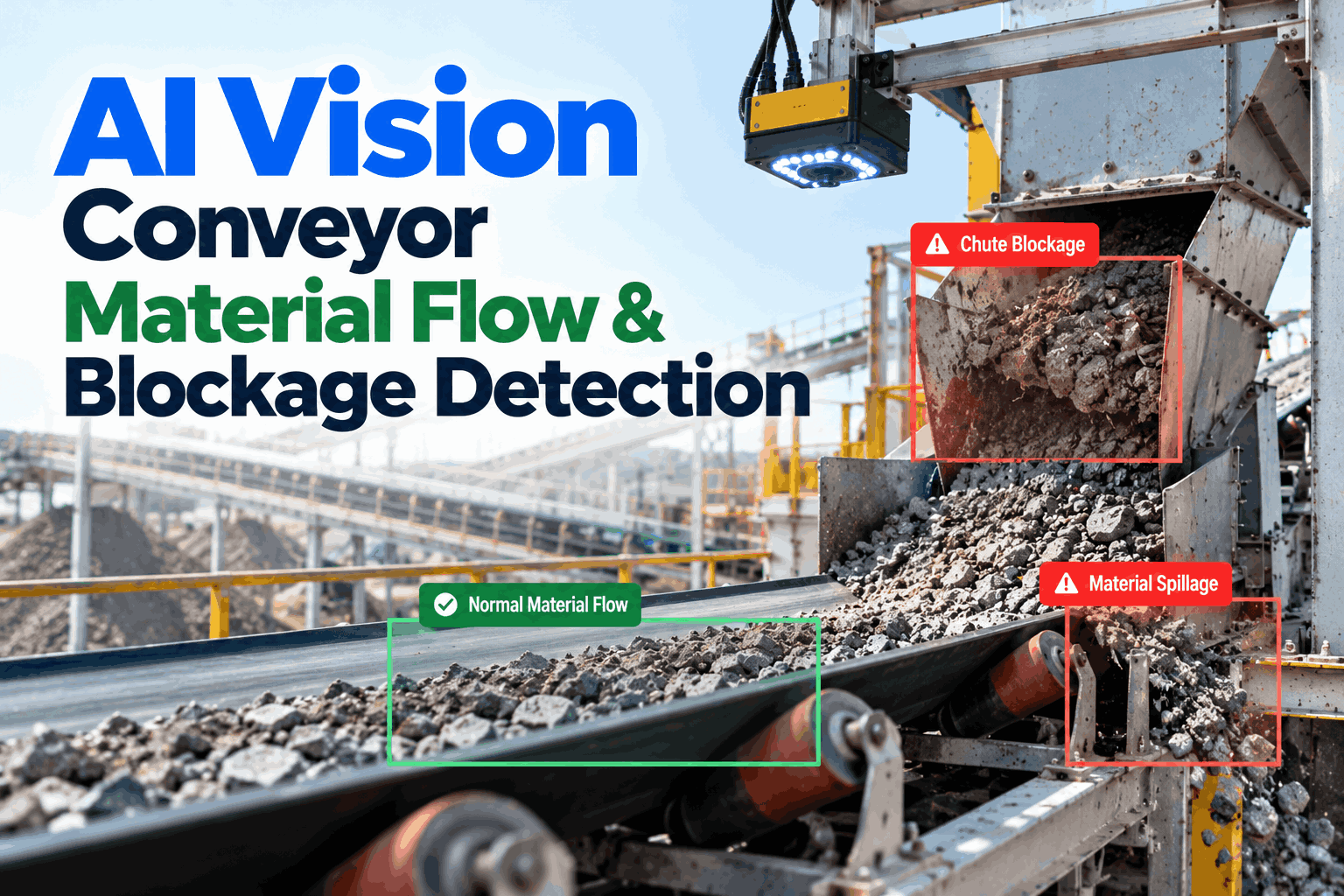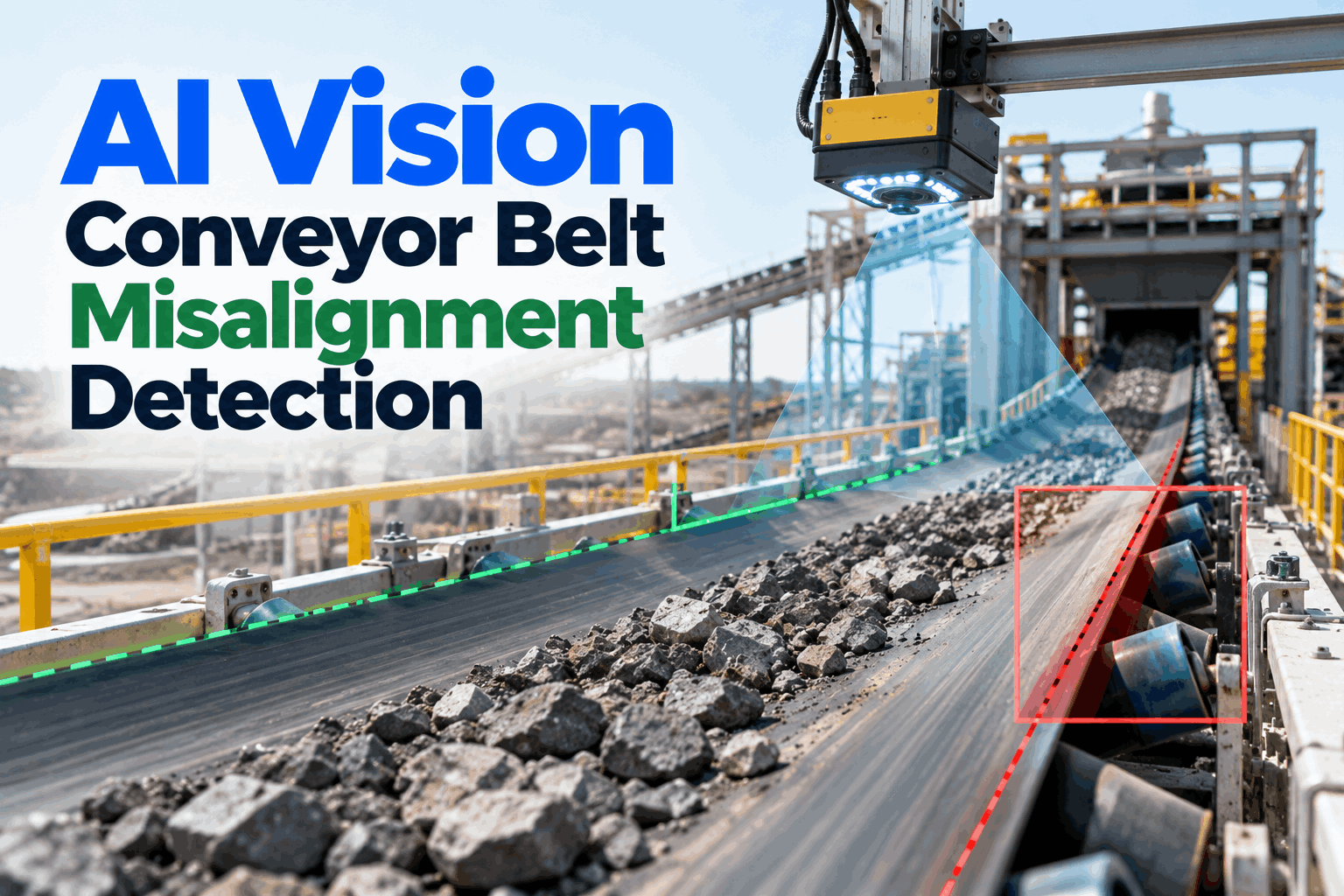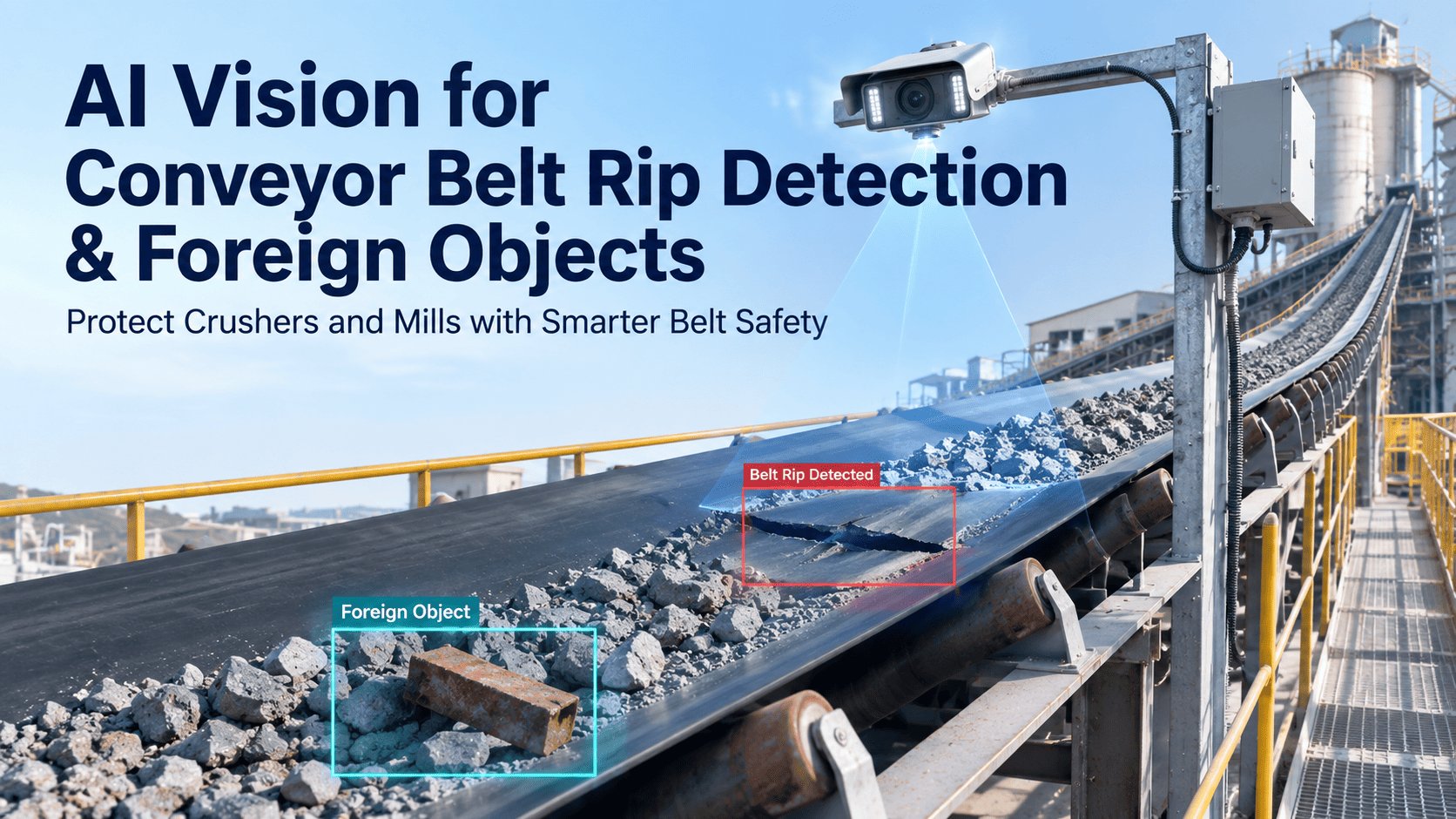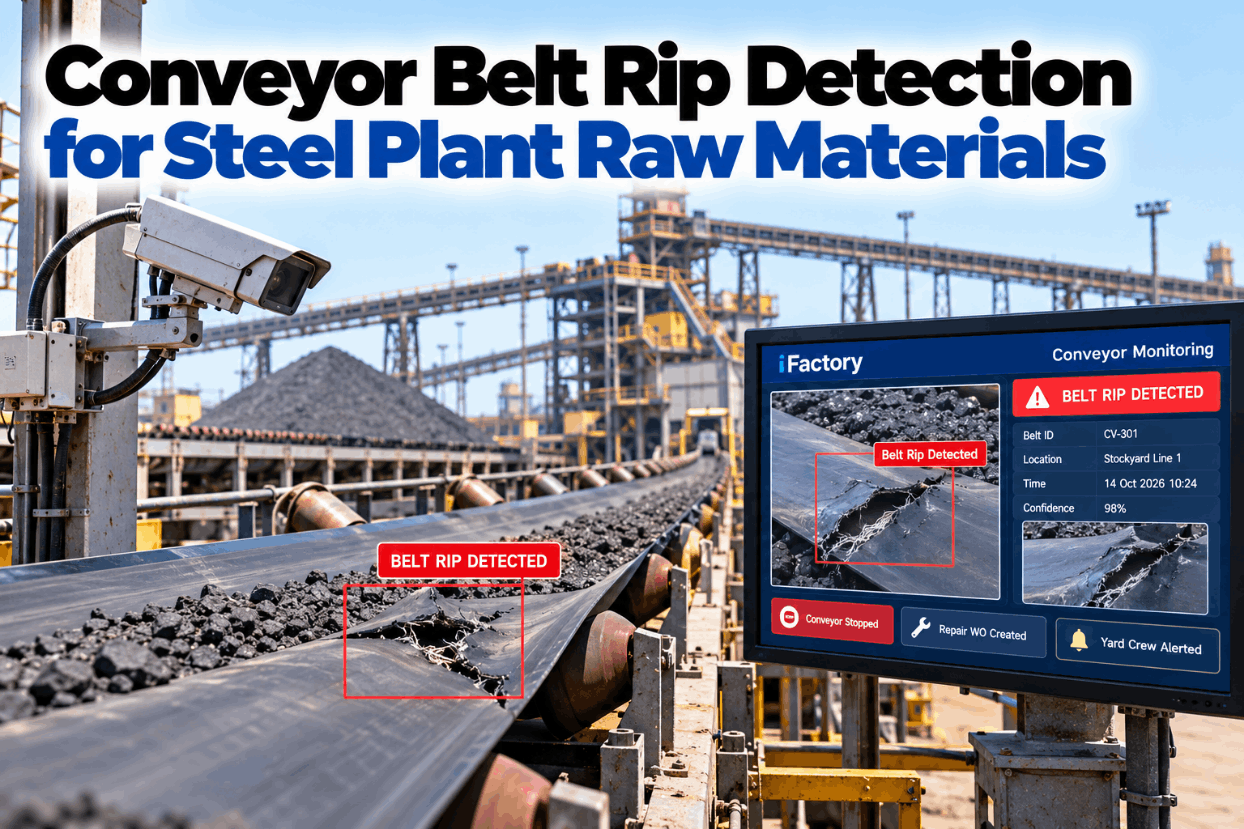
On a raw materials conveyor, a single lump of tramp steel jammed in a chute can slice a belt lengthwise while it keeps running at full speed. Every second before the belt stops adds metres of damage, and on a 4 m/s belt that adds up fast. Conveyor belt rip detection closes that gap by spotting the tear, stopping the drive and getting a repair crew moving with the facts already in hand. See the full stop sequence on real belt footage in a short rip detection demo.
Catch a Belt Rip in Seconds and Stop It Before It Runs the Length of the Belt
iFactory combines AI vision cameras with your rip and misalignment sensors. When a tear is confirmed, it triggers a PLC stop, raises the repair work order with images and tells the yard crew by voice where to go.
Four Ways a Raw Materials Belt Gets Torn
Iron ore, sinter, pellets, coke and limestone are heavy and abrasive, and lump ore can arrive with sharp edges and stray steel from mining or handling. Most longitudinal rips start where material lands on the belt. Continental, a major belt maker, states that the majority of longitudinal rips occur near material loading. That is why detection is concentrated at loading points and transfers. Map the loading points on your own belts in a belt survey session.
How Far a Rip Runs Before the Belt Stops
A jammed object stays still while the belt moves past it, so the rip grows by the belt speed for every second the drive keeps running, plus the distance the belt coasts after the stop. The worked example uses an assumed 4 m/s belt that coasts to rest over 6 seconds, which adds about 12 metres. Detection times are assumed too, so plug in your own. Work through your belt speeds with our conveyor engineers.
Detection Methods Compared
No single method catches everything, which is why critical belts usually carry two. Embedded loops are proven and simple, but only see a rip when a damaged loop passes the detector. Patent literature describes loops placed every 100 to 200 feet, so spacing sets the delay. Cameras see the belt surface continuously but need a clear view. Compare options for each belt in a detection methods review.
From First Signal to a Stopped Belt
A stop that fires on every shadow will soon be bypassed, and a stop that waits too long costs belt. iFactory confirms a camera detection across several frames, checks it against the rip and misalignment switches, and only then sends the stop to the PLC. Hardwired pull cords and safety circuits stay exactly as they are. Ask our controls team how it links to your PLC.
Not every finding needs a stop. A confirmed rip or open hole stops the belt. Edge damage or a lifting splice can raise a watch alert and a planned work order instead. Your engineers set these classes for each belt.
The Yard Crew Hears It Before Anyone Reads It
Stockyard crews are spread over long distances. iFactory speaks the alert on their radios or headsets, names the belt and the loading point, and answers follow-up questions so nobody has to walk back to a screen.
Make the Belt Safe Before Anyone Touches the Tear
A stopped belt is not a safe belt. MSHA's belt conveyor safety alert warns that stored mechanical, electrical, hydraulic and gravitational energy must be controlled, that belt tension should be relieved at the take-up, and that start and stop switches are not lockout points. Use this checklist as a prompt, alongside your own lockout procedure. See how LOTO steps are attached to each rip work order in a short walkthrough.
A Work Order That Already Knows What Happened
The repair crew should arrive with the right splice kit, not a guess. iFactory raises the work order the moment the belt stops and fills it from the detection record, so the planner only has to assign people and parts. Ask our support team for a sample filled-in order.
Check the Splices Every Time a Rip Is Repaired
A rip repair adds new joins or patches, and splices are often the weakest points on the belt. The same cameras that watch for rips can photograph every splice as it passes, so changes are compared over weeks rather than spotted by chance. Plan splice checks in a belt inspection session.
- Cover lifting or separating at the splice edges
- Bulges or cracks along the step pattern
- Exposed cords or fabric at the joint
- Splice length changing between inspections
- Missing, worn or loose fastener plates
- Belt tearing out around fastener rows
- Fasteners catching on scrapers or skirts
- Splice running out of square with the belt
- Record the new patch or splice position
- Replace any cut detection loops
- Recheck tracking at head and tail
- Photograph the repair for the next comparison
Three Raw Material Belts, Three Responses
These illustrations show how the stop classes usually play out. They are not case studies, and your own thresholds decide the response. Walk through your own belts with our conveyor team.
A Worksheet for the Belt You Do Not Have to Replace
The clearest value is the metres of belt and hours of downtime saved by stopping sooner. Every figure below is an assumption to show the arithmetic only. Use your own belt price, rip history and downtime value. Fill it in with your records in a value review session.
Add downtime separately: shorter repairs mean fewer hours without raw material flow. Use your own hourly value, and do not count production loss if stockpiles cover the outage.
Implementation Guide: Setups That Get Bypassed and Setups That Last
Most rip systems that fail are switched off after a run of false trips, or quietly lose a sensor that nobody replaces. The difference is usually in the setup, not the hardware. Review your current setup with our conveyor specialists.
- One sensor type, tripping on spillage or splices
- Stop on any single detection, no confirmation
- Cut loops left unreplaced after repairs
- Camera lenses never cleaned
- Alarm only in the control room
- Two methods on critical belts, cross-checked
- Stop, slow and watch classes agreed per belt
- Loop and sensor health shown on the board
- Cleaning built into the PM schedule
- Voice alert to the crew with location and LOTO
Cameras, Stop Logic and AI Server in One Package
iFactory delivers belt rip detection as a turnkey bundle. Dust-protected cameras are installed at loading points and transfers, and a pre-configured NVIDIA AI server ships racked and ready with rip and misalignment models pre-loaded, so video is processed on site with no delay. You rack it, plug in power and Ethernet, and the AI is live. To scope your belts, request a turnkey quote.
- Pre-configured NVIDIA AI edge server, racked and ready
- Dust-protected cameras for loading points
- Rip, hole, edge and misalignment models
- Links to rip switches, loops and the belt PLC
- Automatic repair work orders with images
- Voice alerts to yard crews and control room
- 24×7 remote monitoring of models and hardware
Critical belts ranked, cameras and server fitted, PLC and sensor signals linked.
Models tuned to your belts and run silently, every alert checked by your engineers.
Stop logic switched on, work orders and voice alerts live, crews trained.
Built for the Dust, Distance and Pace of a Stockyard
iFactory is designed for long belt networks where people are few and far apart, and where a minute of delay means metres of belt. Our support team can plan a pilot on your most critical belt.
What Plant Managers Ask About Belt Rip Detection
Stop Rips at Metres, Not Hundreds of Metres
Put AI vision and stop logic on your raw material belts, with repair work orders and voice alerts built in. Delivered turnkey and live in 6 to 12 weeks.