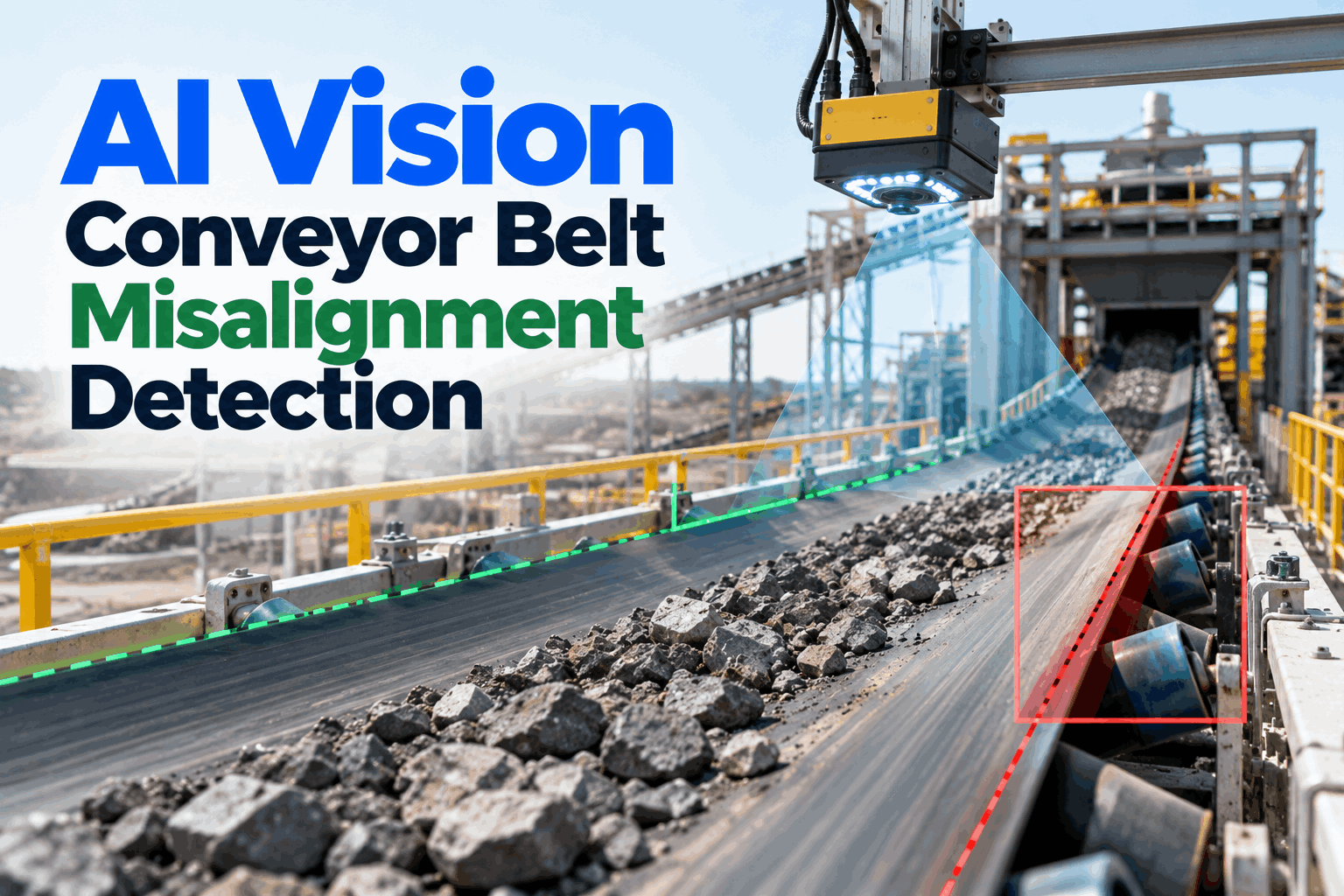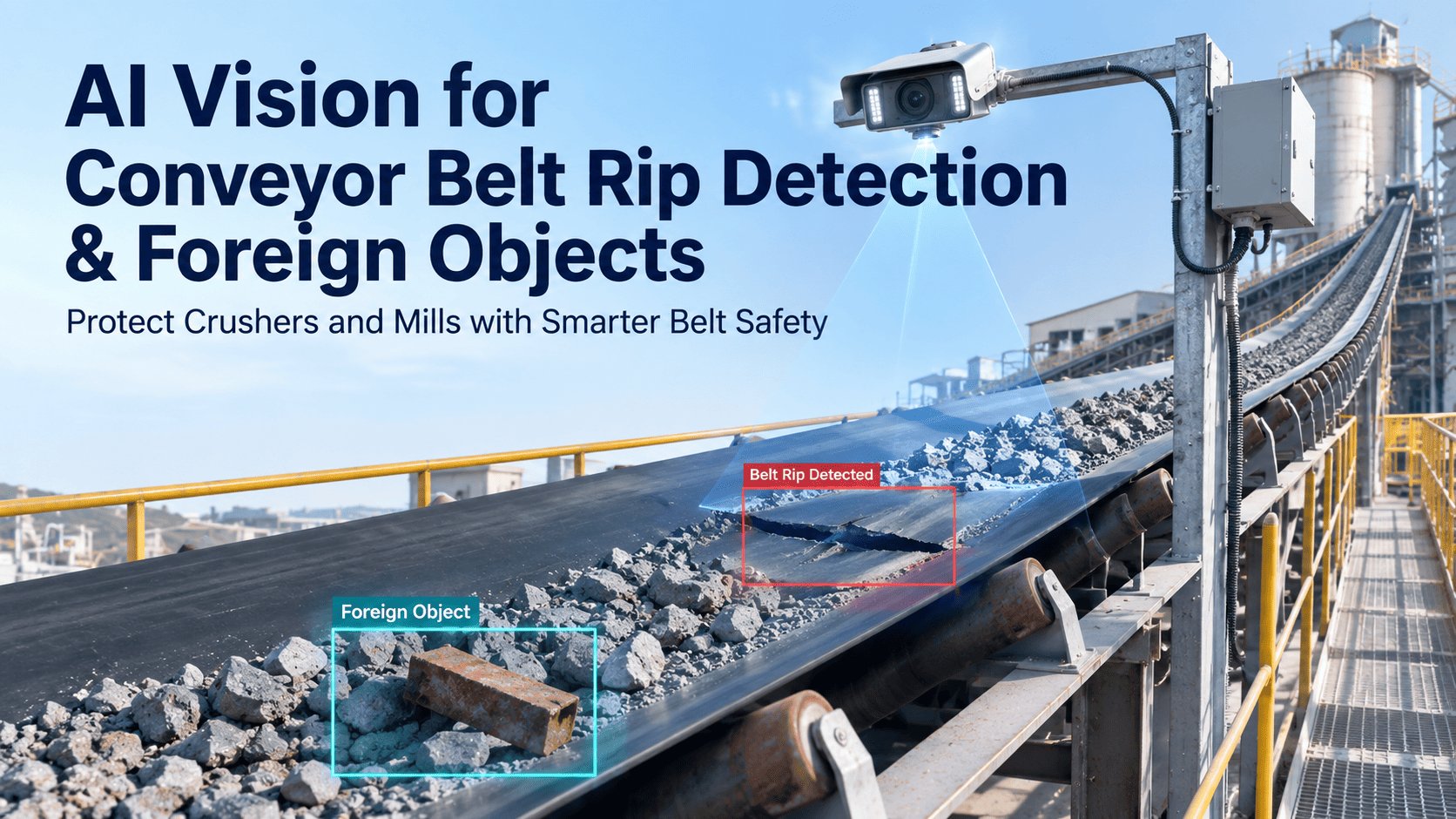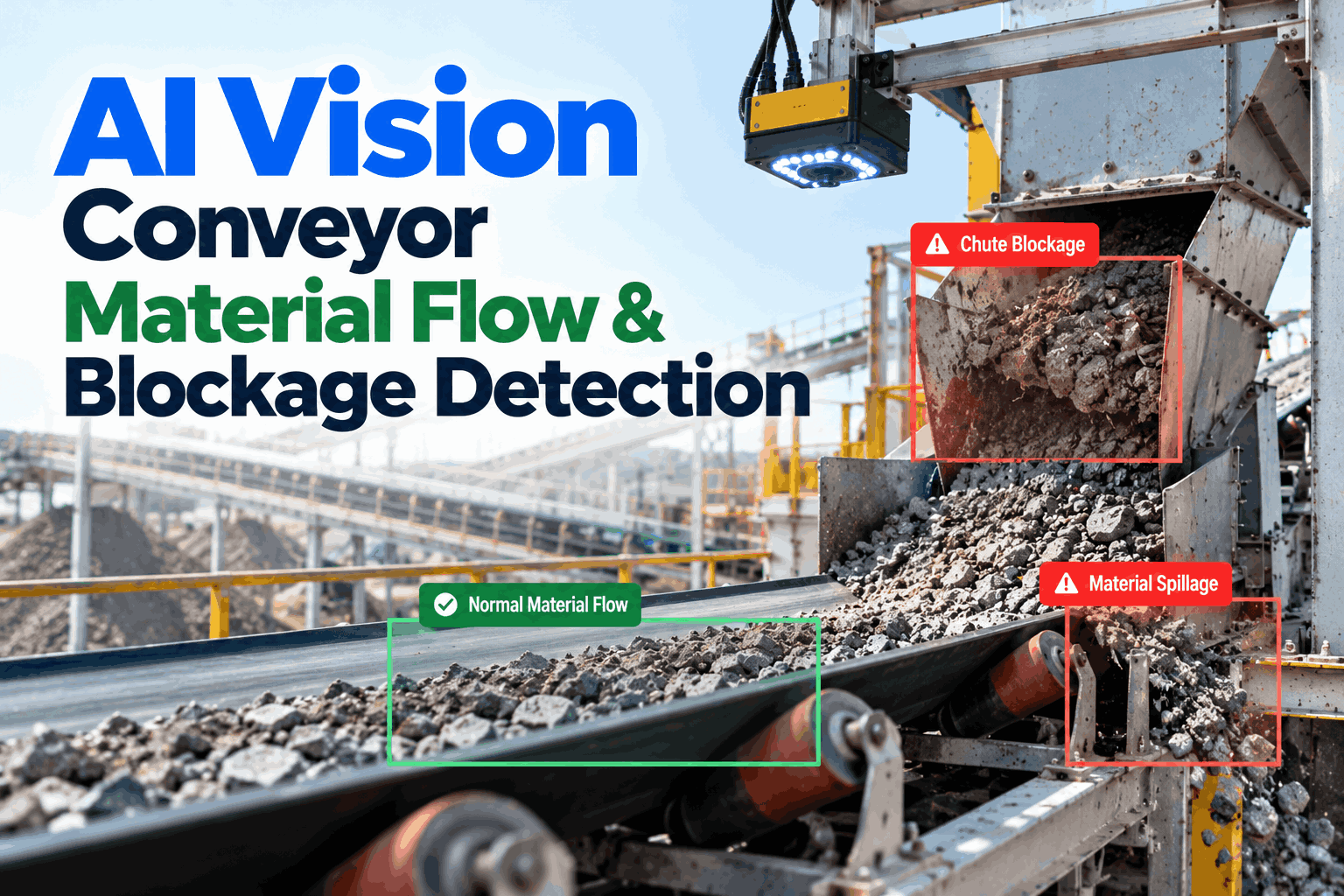
Most conveyor stops do not start with a broken part. They start with material going where it should not: a chute filling with sticky fines, carryback on return idlers, a surge that overloads the belt, or spillage under a transfer point. By the time a plug switch trips, the line has stopped and a crew is shovelling. AI vision watches every transfer point and raises a work order while it is still a cleaning task. To see it on your own conveyors, book a flow monitoring session.
AI Vision Conveyor Material Flow and Blockage Detection
Cameras at chutes, transfer points and along the belt watch how material moves. When flow slows, builds up, overloads or spills, the system warns the control room and raises a work order before the plug switch stops the line.
- The five flow faults that stop conveyors, and how each one starts
- Where chute sensors help, and where they miss build-up
- How flow alerts turn into cleaning and maintenance work
Five Flow Faults That Stop Conveyors
Each one starts small and gets worse if no one sees it.
Blockages, carryback, overload, spillage and build-up are separate problems, but they feed each other. Build-up narrows a chute, a surge then plugs it, the backed-up material spills over the skirting, and spillage on the return side becomes carryback and wear. Our conveyor support team can help you see which of these drives your stops.
Chute blockage
Material jams in the chute, flow out stops, and the feed belt backs up until a switch trips.
Build-up
Sticky fines coat chute walls, corners and impact plates, slowly narrowing the path.
Overload
Surges load the belt past its rated capacity, raising spillage and stress on the drive.
Spillage
Material falls over the belt edge or skirting and piles up under the conveyor.
Carryback
Fines stick to the belt past the head pulley and fall off along the return run.
Wear and safety
Each fault adds clean-up near moving parts, idler wear, dust and risk to the crew.
Moisture, fine particle size, temperature and chute shape decide how much material sticks. A chute that runs clean for months on dry feed can block within a shift when wet or fine material arrives, which is why fixed cleaning schedules miss so many blockages.
The Transfer Point: Where Flow Goes Wrong
Most flow problems start where one belt hands over to the next.
A transfer point packs a lot into a small space: a head pulley, a belt cleaner, a chute, an impact zone, skirting and the load zone of the next belt. Each part has its own way of going wrong, and each leaves a different sign. Knowing which zone to watch tells you where cameras earn their place. To map the zones on your own conveyors, book a transfer point review.
A pile under a transfer point is a symptom, not the problem. Linking the pile to the zone that made it, such as a worn cleaner blade or a gap in the skirting, stops the same crew shovelling the same spot every week.
What One Plugged Chute Can Cost
Here is one blockage on a 1,000 tonnes-an-hour line, using the price range Coal Age quotes for bulk material. Your own numbers will differ, but the shape of the sum is the same.
Chute Sensors and Their Blind Spots
A plug switch tells you the chute is full. It does not tell you it is filling.
Most plants already protect chutes with a blocked-chute switch or level sensor. These are important and should stay. But most are on/off devices that trip when material reaches them, and several can be fooled by build-up on the chute wall. Turning their sensitivity down to stop false trips can also hide real blockages. If you want help reviewing your chute instruments, our engineers can help.
The plug switch is your last line of protection and should stay wired to the conveyor interlock. Vision sits in front of it, showing the build-up and the flow mismatch that come before a trip, so most blockages are cleared before the switch ever has to act.
Reading the Flow: What the Camera Measures
Four signals, watched all the time, at every point that matters.
A camera cannot weigh material, but it can see how much is on the belt, where it sits, how fast a chute is coating, and where material is escaping. Compared over time and between points, those signals show a problem forming long before it stops the line. To choose camera points on your conveyors, book a camera layout session.
Load profile
How full the belt is and where the load sits, compared with its rated load.
Flow in versus out
Flow onto a chute compared with flow off it. A gap means material is staying inside.
Build-up growth
Coating on chute walls, plates and pulleys, trended shift by shift.
Escape points
Spillage at skirting and carryback on the return, linked to the zone it came from.
See
Cameras watch belts, chutes and the floor below.
Measure
Load, flow and build-up worked out for each point.
Compare
Flow in checked against flow out, and against normal.
Alert
Control room warned when a pattern points to a blockage.
Raise
Work order with location, images and the fault type.
Confirm
After cleaning, flow is checked back to normal.
Carryback and Spillage: The Slow Leak
Not every flow problem stops the line. Some just cost a little every hour.
Carryback and spillage rarely cause a sudden stop. Instead they wear idlers and pulleys, build piles under the conveyor, raise dust, and send people with shovels next to moving belts. Martin Engineering puts fugitive material at anywhere from 3% of material conveyed on poorly run systems to under 0.1% on the best. The gap between those two is mostly found at transfer points and cleaners.
Signs worth trending
- Material left on the belt after the cleaner
- Piles growing under return idlers
- Spillage at the same skirting gap each shift
- Load running near or above rated capacity
Design rules that help
- Run the belt at 80–90% of theoretical capacity
- Keep the loading angle low, under about 5°
- Centre the load as it lands on the belt
- Give crews safe access for cleaning
Martin Engineering notes that doubling belt speed can roughly double the fugitive material problem, along with clean-up and wear costs. If a line is being pushed harder to hit targets, carryback and spillage are worth watching more closely, not less.
How iFactory Vision Anomaly Detection Works on Conveyor Flow
Every transfer point watched, every alert tied to a job.
iFactory's Vision Anomaly Detection runs deep learning models on an edge server near your conveyors. It learns normal flow at each point, flags blockage, build-up, overload, spillage and carryback as they start, and raises work orders with the location, images and fault type attached, so crews clean the right spot at the right time. Questions on fit go to our support desk.
Normal flow
A baseline for each point, by material, feed rate and season.
Chutes and belts
Cameras at transfer points, viewing ports and along the belt.
Early alerts
On flow mismatch and growing build-up, not just a full chute.
Work orders
Sent to your maintenance system with images and priority.
What operators see
- Live flow at every transfer point
- Alerts ranked by how soon a stop is likely
- Images of build-up and spillage
What maintenance sees
- Cleaning jobs planned before a blockage
- Repeat spots ranked by clean-up hours
- Flow before and after each fix
How early a blockage is caught depends on camera access, dust, lighting and the material. We measure it on your own transfer points during the pilot, against your own stop records, rather than promising a general figure.
Turnkey AI: Delivered, Connected and Live in 6–12 Weeks
You do not build this. It arrives ready.
iFactory ships as a pre-configured NVIDIA AI server, racked and ready, with the software pre-loaded. Rack it, plug in power and Ethernet, and the AI is live on your network.
Our team handles cabling, network setup, PLC and SCADA integration, operator training and 24×7 remote monitoring. The server sits inside your own network, so images and plant data stay on site. For a scope matched to your conveyors, request a turnkey quote.
Ship, network and data
Server and cameras installed at the pilot transfer points. Conveyor signals and the maintenance system connected.
Baseline and pilot
Normal flow learned for each point. Alerts compared with stop records and shift reports.
Go-live and training
Automatic work orders switched on once results are agreed. Crews trained. 24×7 remote monitoring begins.
Frequently Asked Questions
How does AI vision detect a chute blockage?
It compares the flow going into a chute with the flow coming out and watches build-up on the chute walls. When material keeps going in but less comes out, or coating grows quickly, it raises an alert before the chute is full.
Can a camera see inside an enclosed chute?
Often, yes, through an existing inspection door or viewing port, or a small port added during a planned stop. Where the inside cannot be seen, the camera watches the belts either side and the flow mismatch between them.
Does it detect carryback and spillage?
Yes. It sees material left on the belt after the cleaner, spillage along the skirting and piles growing under the conveyor, and links each one to the zone it most likely came from.
Can it spot overload?
It estimates how full the belt is from its load profile and flags when it runs near or above the rated load you set. It does not replace a belt scale where an exact tonnage is needed.
Do we still need plug switches?
Yes. Blocked-chute switches stay as your protection and interlock. Vision adds the early warning and the cause, so most blockages are cleared before the switch has to trip.
Will dust and wet material affect it?
Dust, spray and dirty lenses make imaging harder. Camera housings, air purging, lighting and position are planned for each point, and image quality is checked during the pilot before alerts are relied on.
How do we start?
With the transfer points that block or spill most often, so the gains are easy to see. A 6-week pilot installs cameras, learns normal flow and checks alerts against your stop records. To plan it, contact our team.
Clear the Chute Before It Stops the Line
In thirty minutes we look at your conveyors, blockages and clean-up work, pick the transfer points most likely to pay back first, and sketch where cameras would go. You keep the plan whether or not you go further with iFactory.
- 1A list of transfer points and chutes
- 2Recent blockage stops and plug switch trips
- 3Photos of build-up, spillage and carryback
- 4Belt rates and the materials you handle
- 5Clean-up hours by area, if you track them