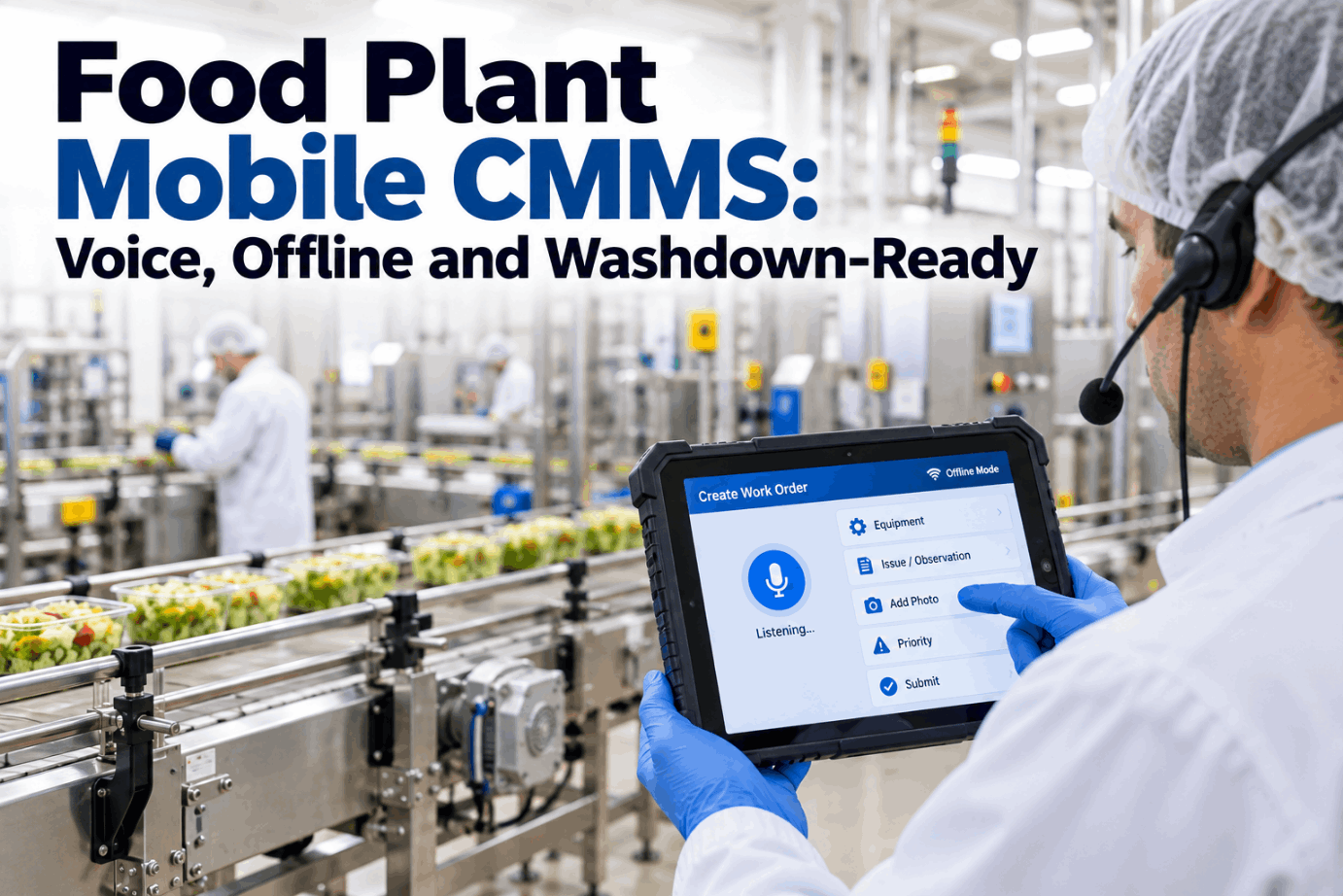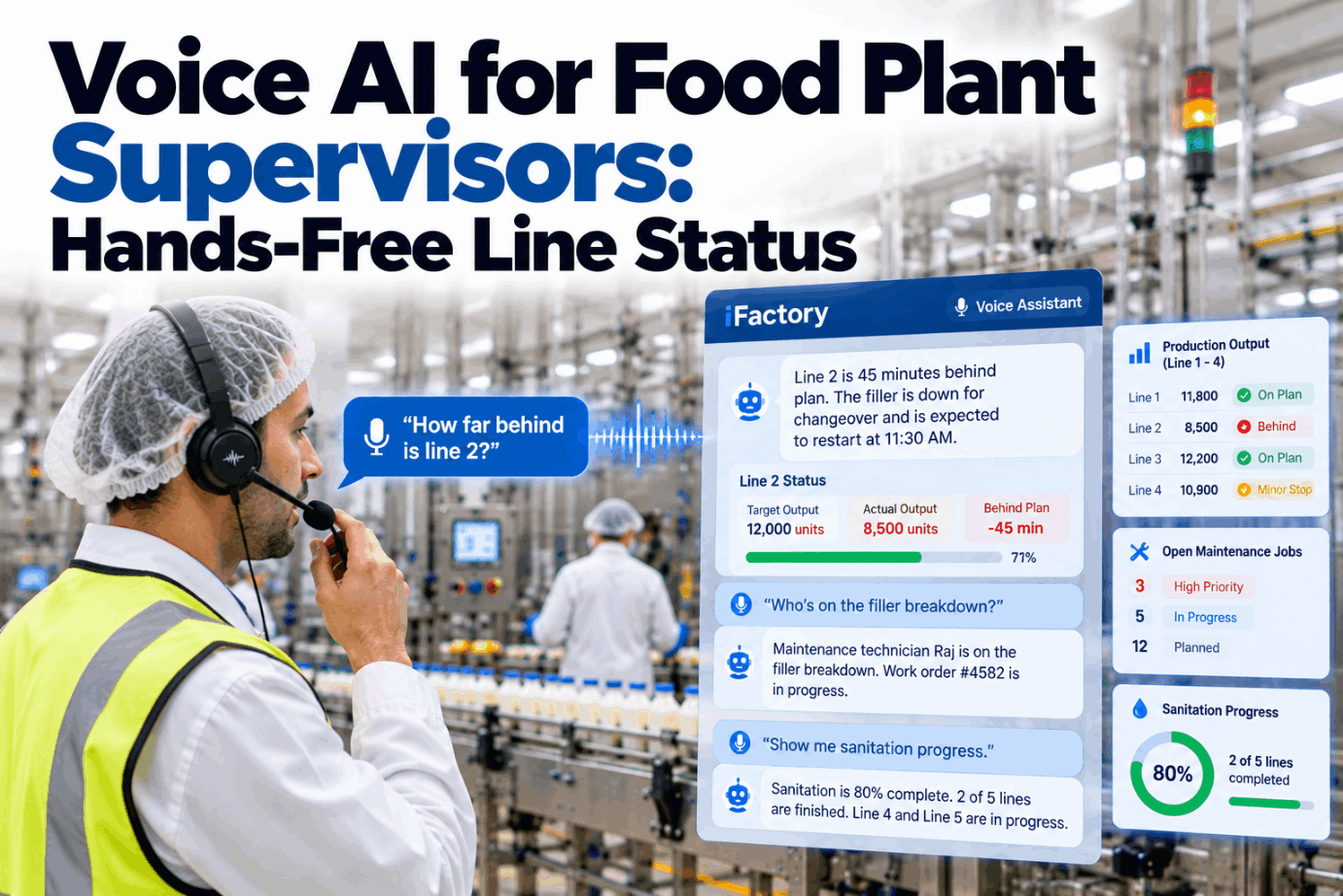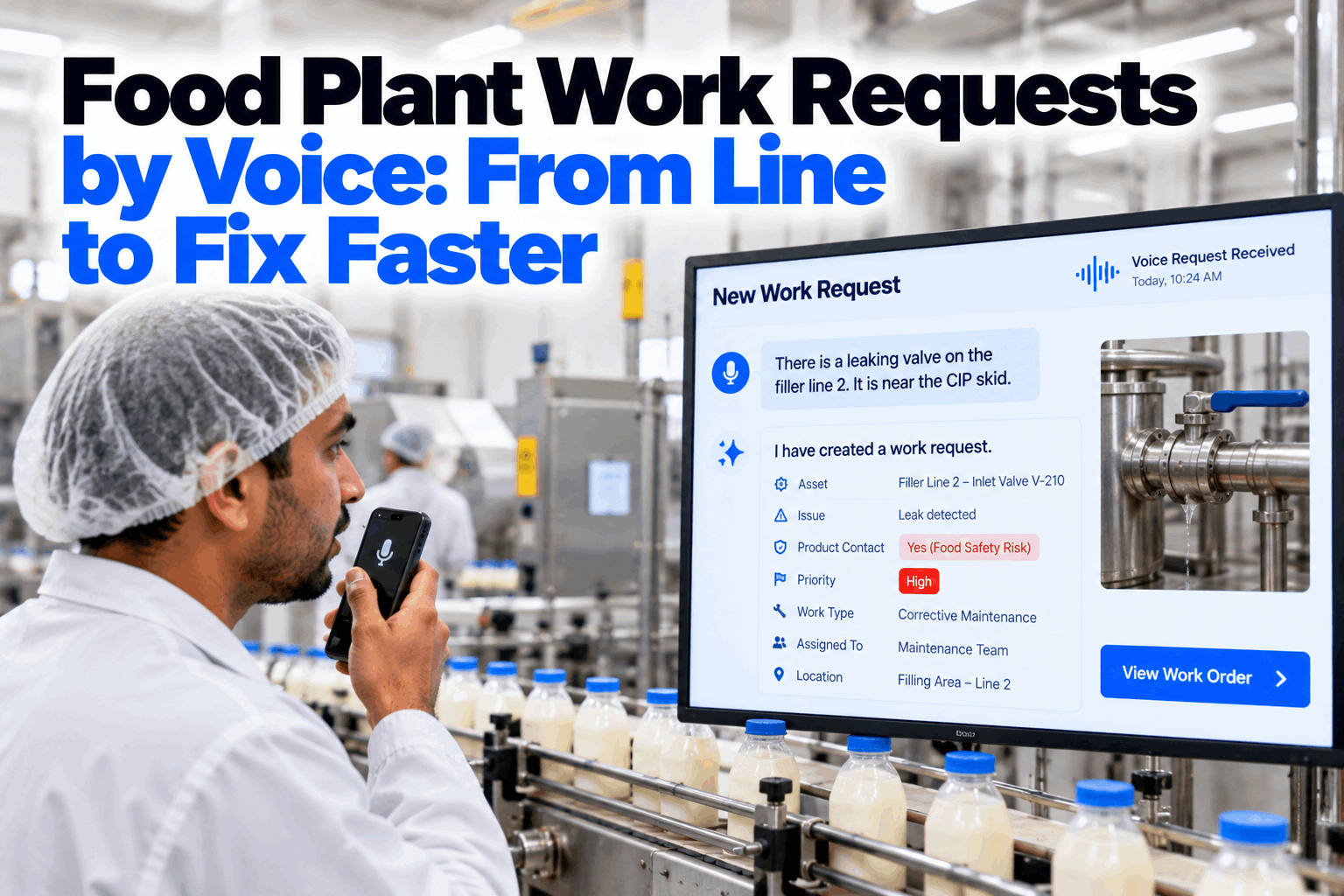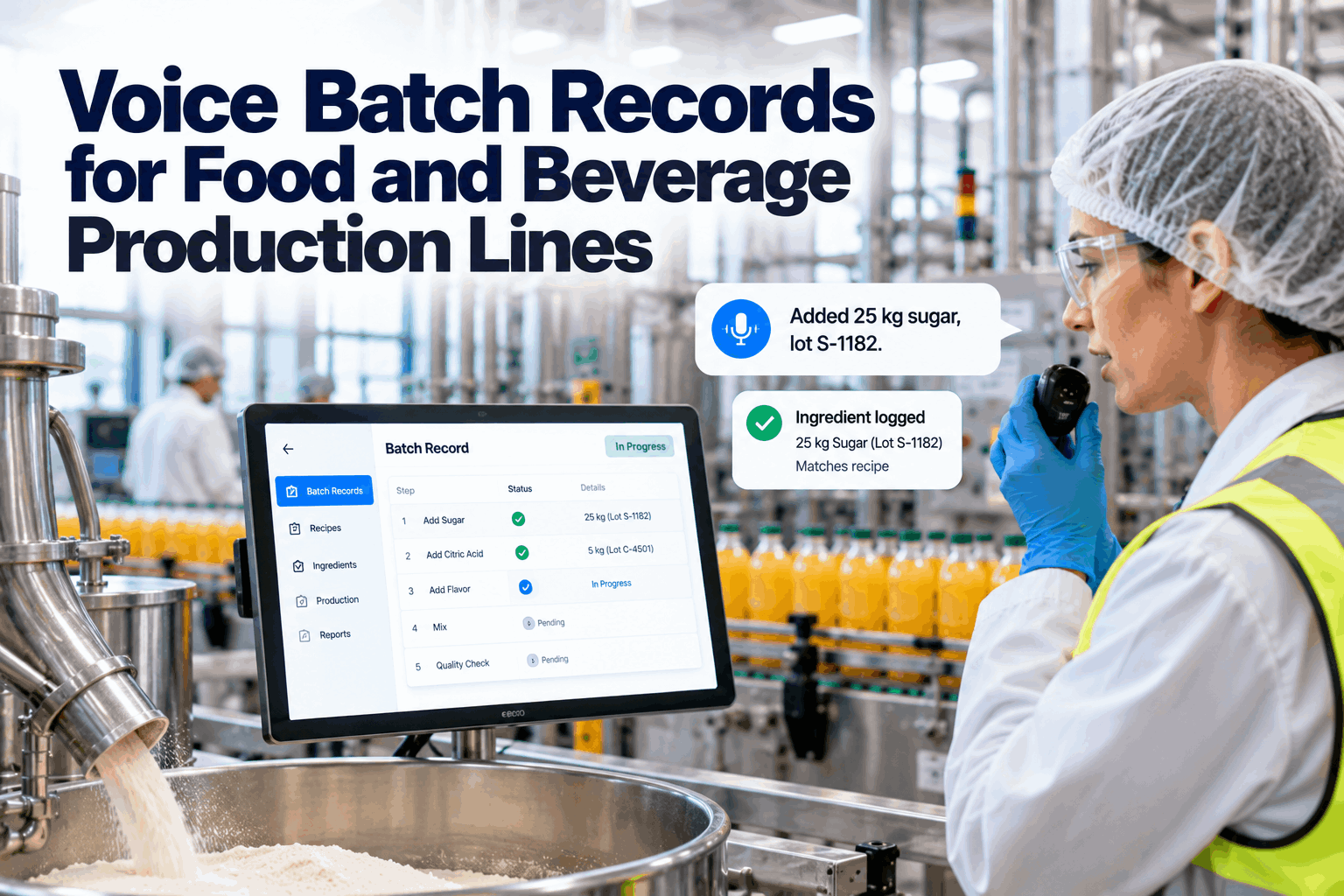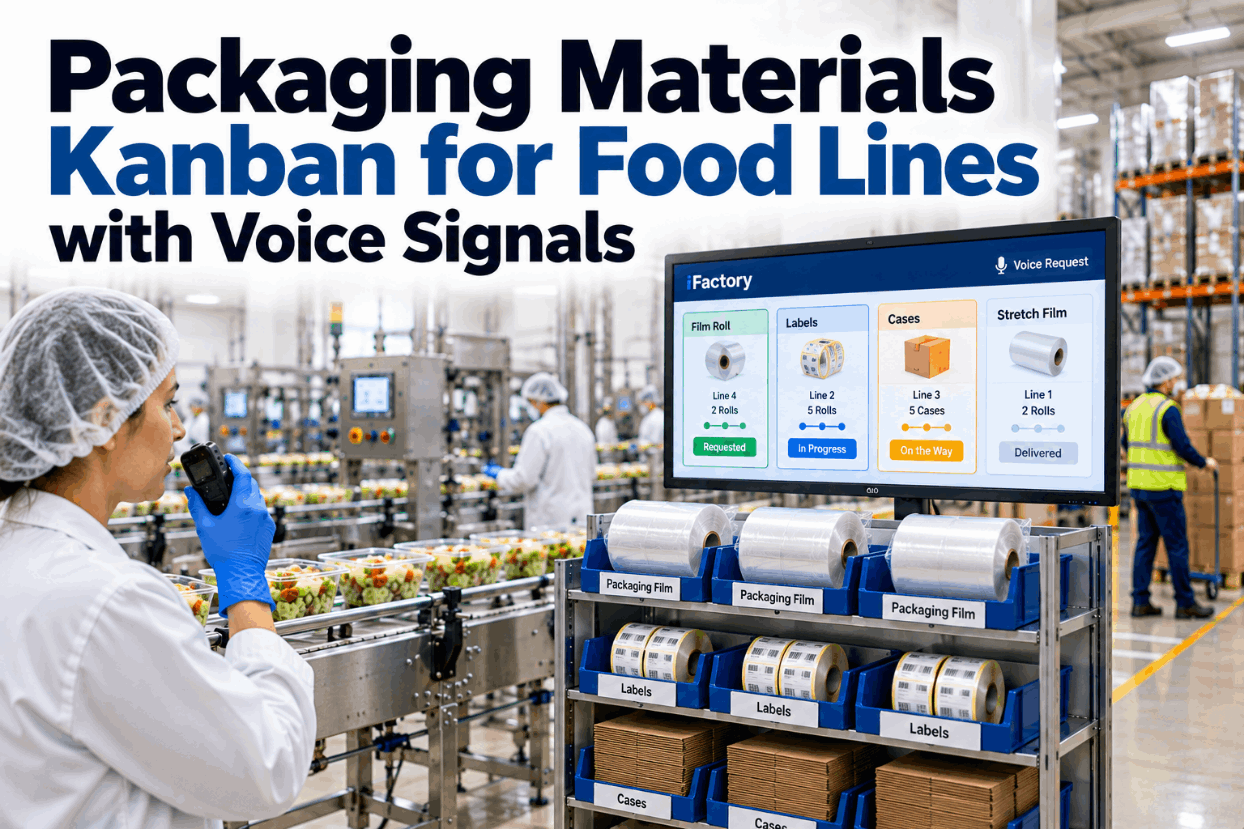
A food line can have product, people and a running filler and still stop, because the film ran out, the next case bundle is still in the warehouse or the labels on the rack are for yesterday's product. Packaging shortages are one of the most avoidable reasons a line stops, and wrong packaging is one of the riskiest. A packaging materials kanban fixes both: material is pulled to the line by a clear signal before it runs out, and every delivery is checked against the product being packed. See a voice-driven material call in a short line-side kanban demo.
Call for Film, Labels and Cases Before the Line Runs Short
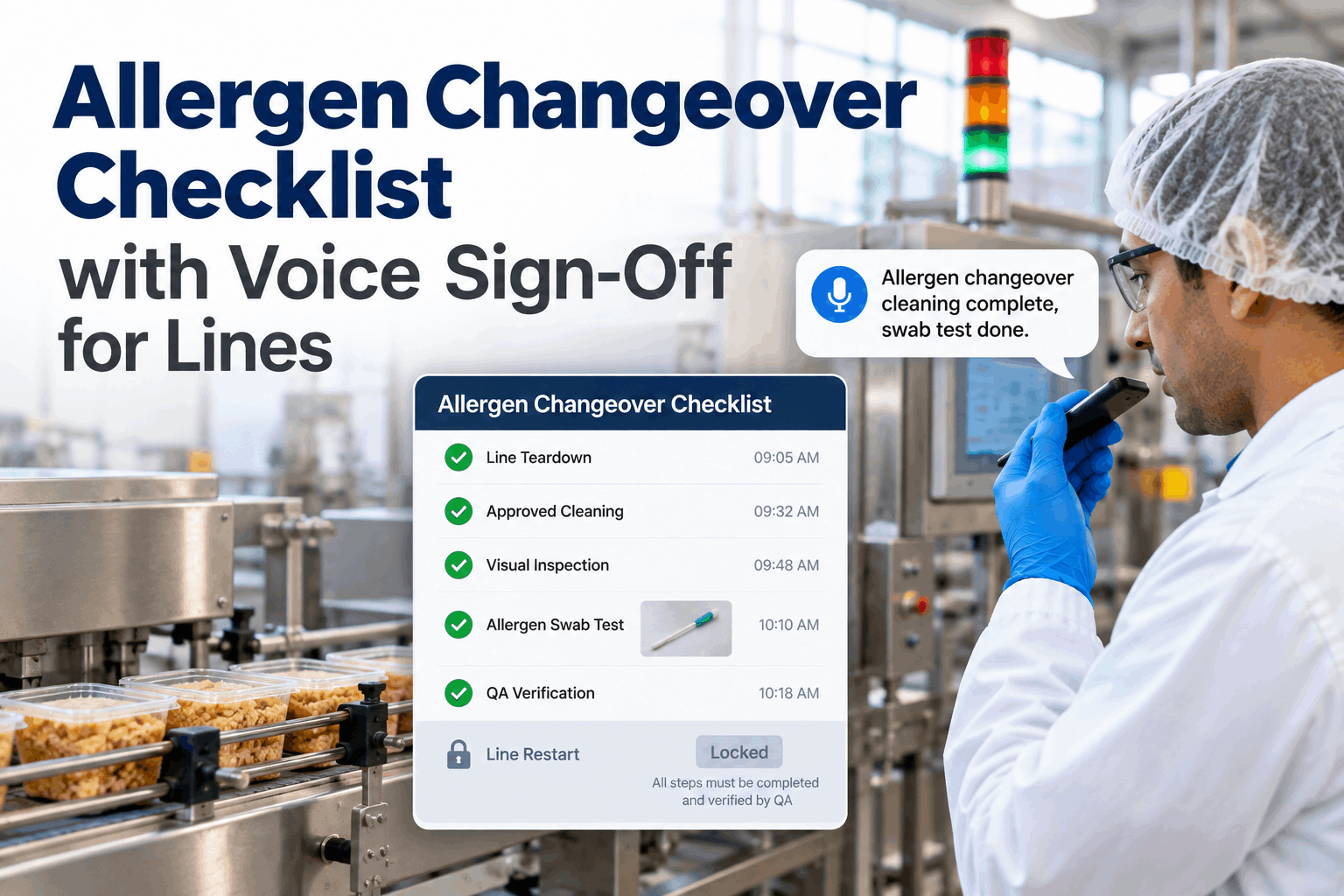
Operators say what the line needs, such as "line 4 needs two rolls of film". iFactory raises the replenishment card, routes it to the warehouse and tracks delivery time to the line, with the label code checked against the running product.
Two Flows That Must Stay in Step
Every line-side supply loop has two flows. Material moves forward from the warehouse to the line. Signals move back from the line to the warehouse. Most packaging shortages, whether in packaging film supply, labels or case supply, happen because the signal is late, lost or unclear, not because stock is missing from the building. A kanban makes the signal simple and visible, and voice makes it instant. Map your own loops with our lean support team.
The Two-Bin Idea in Three Pictures
The simplest kanban is two bins, carts or pallet spots for each item. The line uses the first while the second waits full beside it. When the first is empty, that empty container is the signal to refill it, and the second must last until the refill arrives. A card, a light or a spoken call can replace the empty bin as the signal, but the logic stays the same. See it applied to your packaging in a kanban design session.
The reorder point is the stock level at which a refill must be called: demand during the lead time plus safety stock. In a two-bin loop, the full bin left at the line must hold at least that much. When an item is used fast or the store is far away, more cards in the loop usually work better than bigger bins, because line-side space stays tidy.
A Worked Kanban Calculation for Packaging Film
The standard formula sets how many kanban containers a loop needs: demand during the replenishment lead time, plus a safety factor, divided by the quantity in one container, rounded up. Lead time means the whole loop, from signal to material at the line, including waiting. The inputs below are assumed, so use your own line rates and measured delivery times. Ask our support team for the sizing sheet.
This formula assumes the call goes out when a full container is opened. If your line calls only when a container is empty, the full container left at the line must cover the whole lead time, so add one container to the result. In this example that means 3 carts.
Measured Lead Times Make Better Kanbans
Every voice call is timed from the moment it is spoken to the moment material reaches the rack. iFactory uses those real times to show where the loop is slow and when a kanban size needs to change.
What Operators Say and What Happens Next
A good material call system needs no screen and no searching. The operator names the line, the item and the amount, and the system reads it back before it acts. Calls can also report problems, such as wrong or damaged material, so the warehouse hears about them at once. Hear the calls in a short voice signal demo.
Delivery Time by Material, Against Target
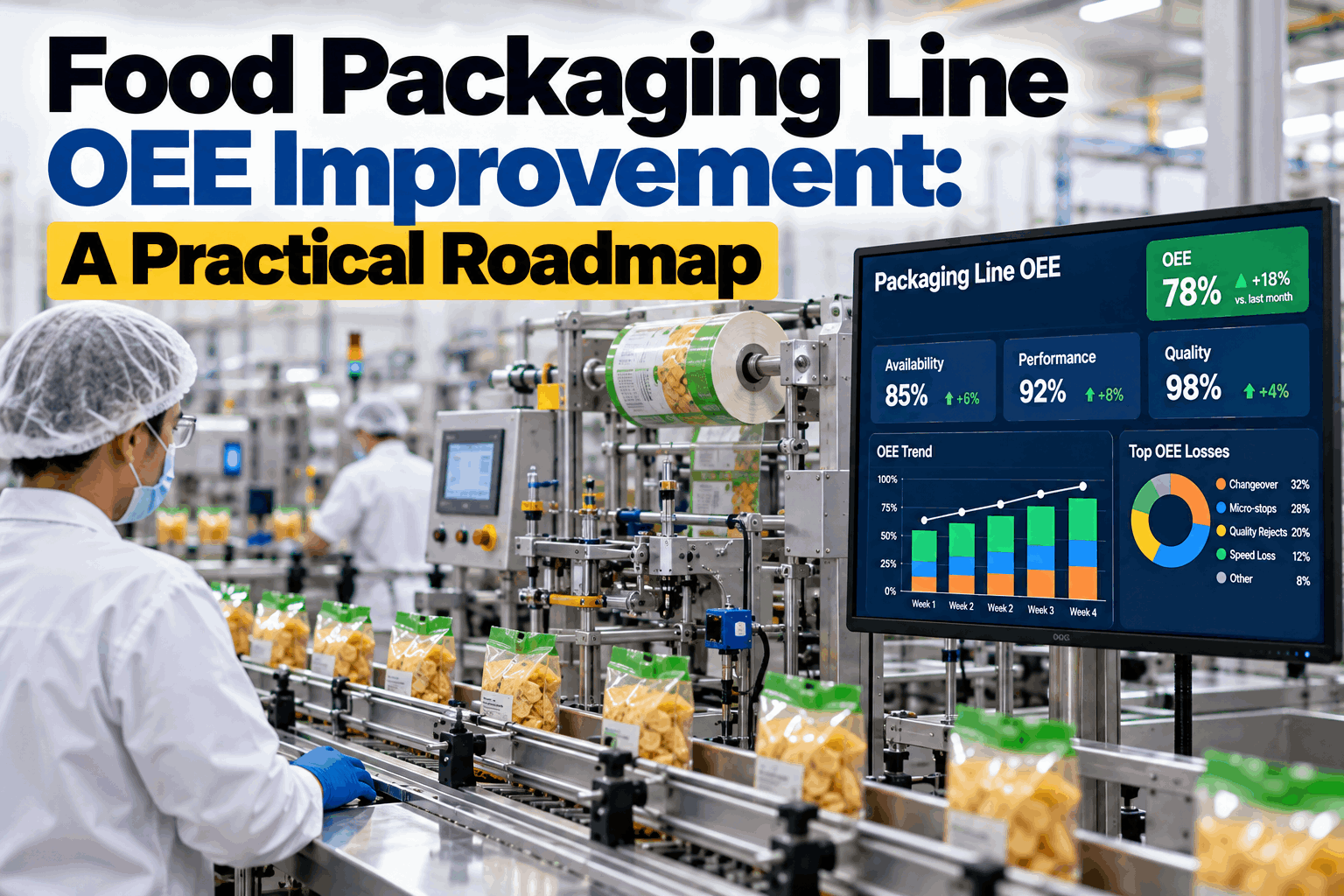
Once every call is timed, the slow loops show up quickly. The chart below shows average call-to-line time for one week on a packing hall, with the 30 minute target marked. The figures are illustrative. Our support team can help you set targets for your own loops.
The Right Label Matters More Than a Fast Delivery
A wrong label is not a supply problem, it is a food safety problem. FDA's preventive controls rule lists labeling the finished food among the required food allergen controls (21 CFR 117.135(c)(2)), and an FDA review of allergen recalls found that using the wrong package or label was a leading root cause. So every packaging delivery and every changeover passes a check before material reaches the machine. Walk through your changeover steps in a label control review.
When a line moves between products with different allergen profiles, printed film and labels from the last run are the easiest things to miss. Keep part rolls off the line rack, return them at once and let the system refuse a call for packaging that does not belong to the product now scheduled.
What Every Kanban Card Should Carry
Whether the card is paper, a light or a voice-raised record, it needs the same fields. Clear cards stop pickers guessing and keep label inventory tied to the product it belongs to. Ask our support team for a printable version of this template.
Do This, Avoid That: Guidance for Plant Managers
Kanban loops are easy to start and easy to let drift. These habits keep them honest once the first enthusiasm fades. Review your current loops with us in a short working session.
- Size loops from measured lead times, not hopes
- Give every item a fixed rack position and label
- Re-size loops when line speed or pack format changes
- Link packaging codes to the product and allergen profile
- Review late deliveries weekly with the warehouse
- Extra "just in case" stock that hides a slow loop
- Calls by radio that nobody records
- Leftover labels kept at the line after changeover
- One kanban size for every line and every SKU
- Skipping the read-back when the line is busy
Three Illustrations From a Packing Hall
These show how the system typically helps. They are illustrations, not case studies or customer results. Talk through your own lines with our support team.
Line-Side Kanban and Voice on a Server That Arrives Ready
iFactory delivers Line-Side Kanban and Voice as a turnkey package. A pre-configured NVIDIA AI server ships racked and ready with the speech models, item list and kanban loops pre-loaded, so calls are processed on site even if the network to head office is slow. You rack it, plug in power and Ethernet, and the AI is live. To scope it for your plant, request a turnkey quote.
- Pre-configured NVIDIA AI edge server, racked and ready
- Voice calls from headsets, handhelds and line stations
- Digital kanban cards for film, labels, cases and trays
- Routing to pickers with delivery timing to the rack
- Label and film code checks against the running SKU
- Loop sizing from measured lead times
- Links to your ERP or WMS for stock and orders
Lines, racks and items mapped, server installed, current lead times measured.
Loops sized, voice calls piloted on one line, label checks agreed with QA.
All packing lines live, pickers and operators trained, weekly loop review started.
Packaging Materials Kanban Software That Listens to the Line
iFactory turns a spoken request into a tracked delivery and a checked label. Our support team can walk you through a pilot plan.
What Plant Managers Ask About Packaging Materials Kanban
Never Stop a Line for Film, Labels or Cases Again
Let operators call for packaging by voice, route every card to the warehouse, time every delivery and check every label against the product. The full system is delivered turnkey and goes live in 6 to 12 weeks.