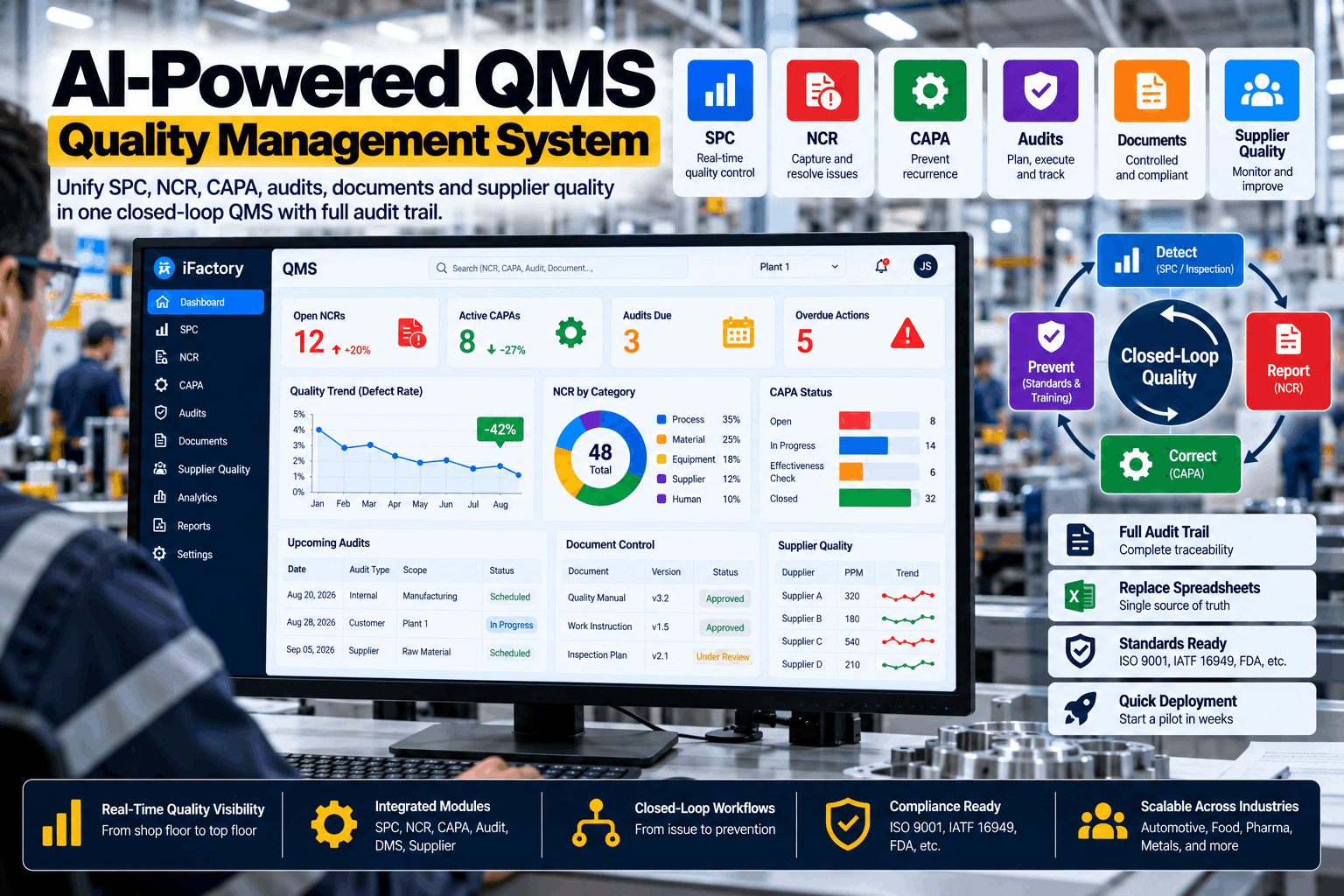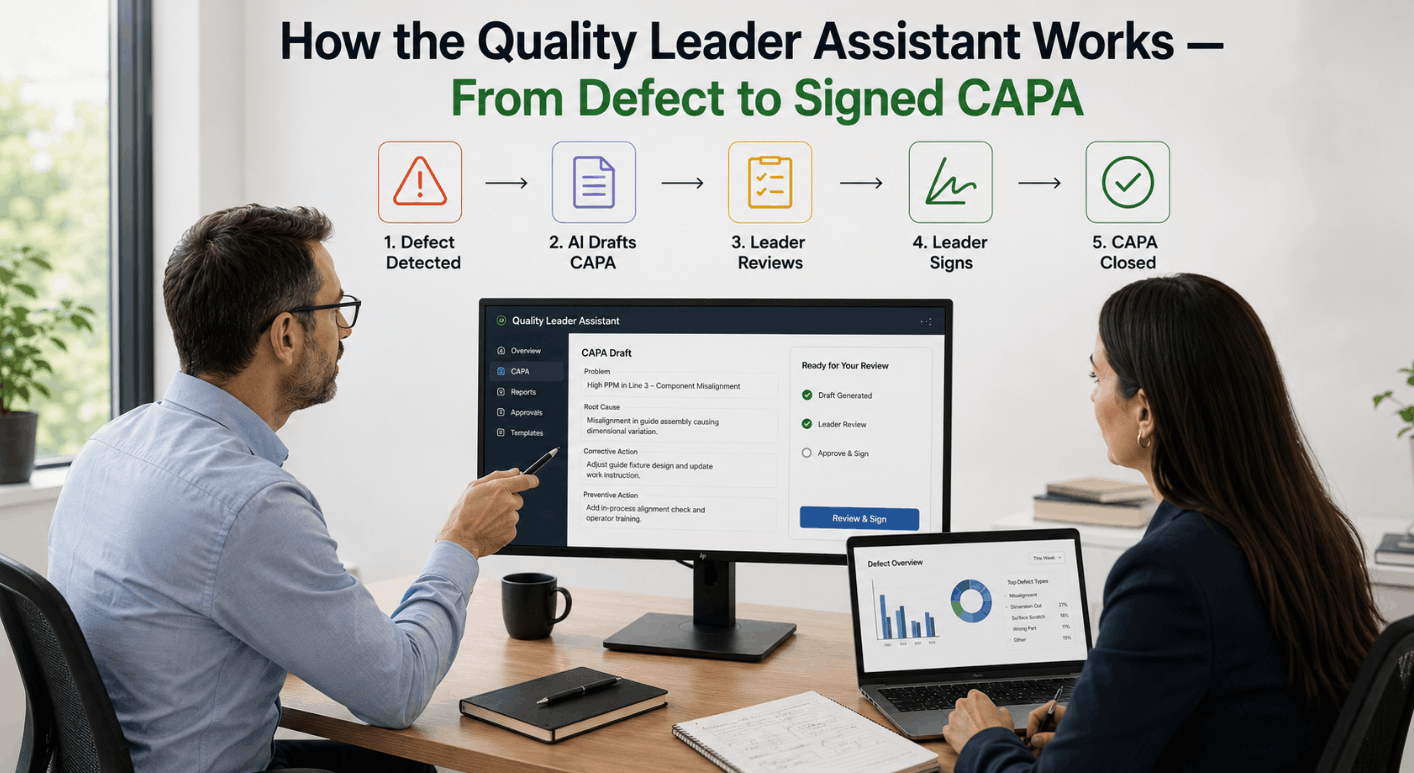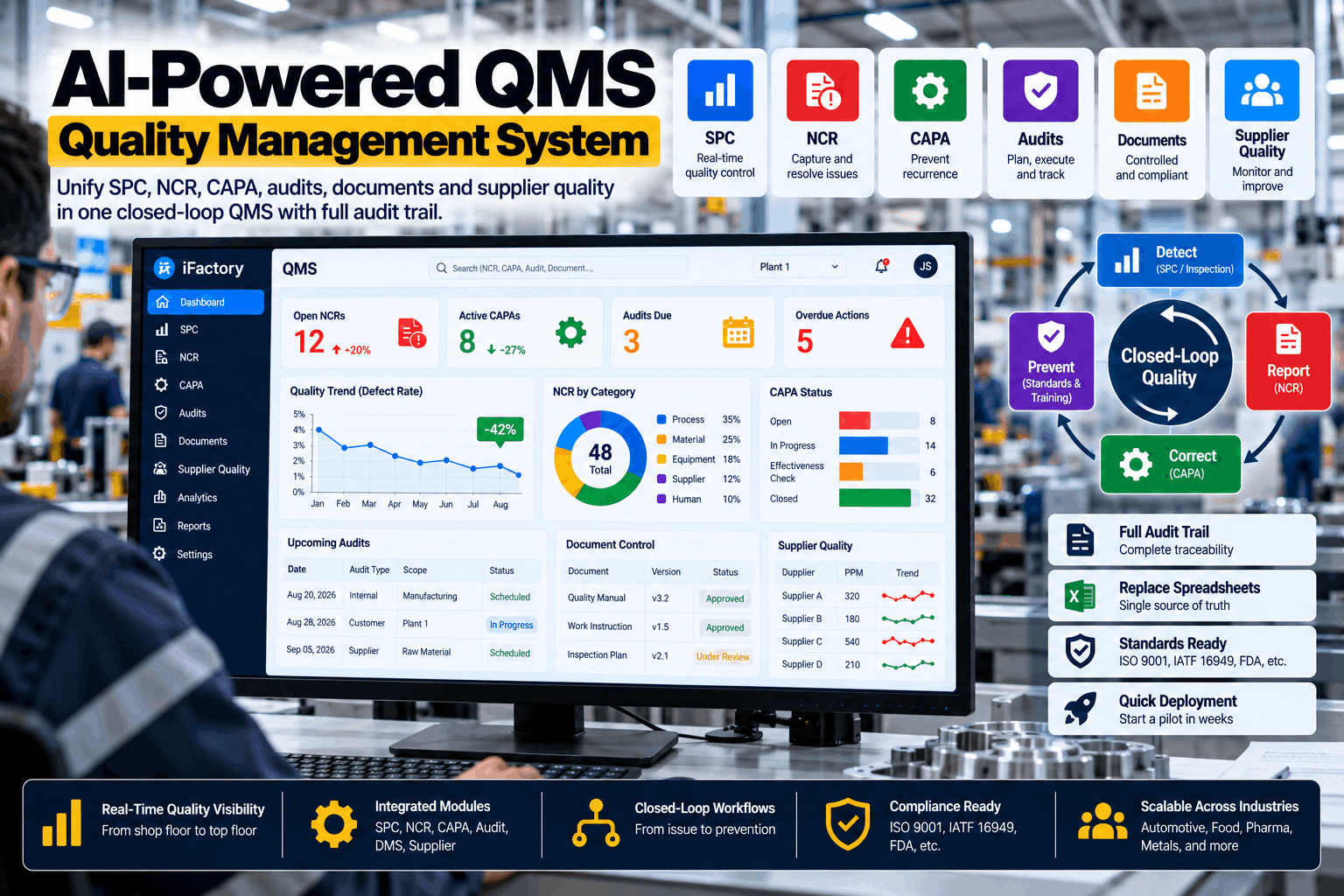
A procedure is only useful if the person doing the work is reading the right version of it. In most plants that is harder than it sounds: revision C is taped to the machine, revision D is on the shared drive, the approval is somewhere in email, and nobody can say who has been trained on the change. iFactory's Document and Training Control keeps SOPs, work instructions and forms under version control, routes them through approval with electronic signatures, ties each release to training, and shows operators only the current revision. To see it with your own documents, book a document walkthrough.
The Current Revision at Every Station — Approved, Signed and Trained
iFactory controls quality documents through their whole life: drafting, review, approval by electronic signature, training, release, use at the point of work, periodic review and retirement. A new revision does not reach the floor until the people who need it have been trained, and the old one is withdrawn the moment it does.
- Version control with a complete, time-stamped history
- Approval workflows with electronic signatures
- Release gated on training, per role
Four Ways the Wrong Revision Reaches the Floor
Document control failures are rarely about missing procedures. In FY2025 the most-cited provision in FDA drug inspections was the one requiring quality-unit procedures to be in writing and followed. The document usually exists; what is in use is something else. Auditors under every scheme look for the same four gaps, because they are where the written system and the working system part company. If any of these describe your plant, our quality specialists can review your current flow.
Obsolete copies in use
Printed instructions at the machine, a PDF saved to a desktop, a photo on a phone. The master was revised; the copies were not.
Approval by email
"Looks fine to me" in a reply-all thread. No record of which version was approved, by whom, in what role.
Released before anyone is trained
The document goes live on Monday and the training session is on Thursday. For three days the procedure and the practice differ.
Changes made in isolation
One work instruction is revised, but the form it refers to, the control plan and the related procedure still carry the old value.
One Lifecycle, Enforced at Every Stage
A controlled document moves through eight stages. Most systems store the file at each one; iFactory enforces what must be true before it can move to the next. That is the difference between a place to keep documents and a way to control them. To map the stages to your own procedure for document control, book a workflow session.
Draft
Written from a numbered template, with the reason for change recorded and the previous revision shown alongside.
Review
Routed to named reviewers by document type. Comments are kept with the revision, not lost in email.
Approve
Signed electronically by each required role. The signature is bound to that exact revision.
Train
Training is assigned automatically to every role that uses the document. Progress is tracked per person.
Release
The revision becomes effective on its date or when training completes. The prior revision is withdrawn in the same step.
Use
Station screens, handhelds and QR codes show the effective revision only. Controlled prints are numbered and logged.
Review periodically
Each document carries a review date. Owners are reminded ahead of it, and overdue reviews are escalated.
Retire
Superseded and obsolete documents are archived for the retention period, readable for audit and unavailable for use.
Every Level of the Document Hierarchy
Not every document needs the same control. A policy changes rarely and is approved at the top; a work instruction changes with the process and must reach an operator the same day. iFactory applies the right route to each level and keeps the links between them, so a change at one level flags what depends on it. The review cycles shown are common practice — yours are set by your own procedure. Our application engineers can help structure numbering and levels.
Bring One Department's Documents Under Control in Six Weeks
Choose one area. We import its procedures, work instructions and forms with their numbers and history, set the approval routes, link each document to the roles that use it, and put the current revisions on the stations.
Training Tied to the Revision, Not to the Calendar
A signature on an attendance sheet proves someone was in a room. It does not prove they were trained on the revision now in force. iFactory links every controlled document to the roles that need it, assigns training when a revision is approved, and records completion against that revision — so competence and document control are one record instead of two that drift apart. To see the matrix built for your roles, book a training review.
Release waits for people
A revision can be set to become effective only when the required roles have completed training, or on a date with the gap reported.
More than read-and-sign
Each document can carry a short check of understanding or a supervisor sign-off for practical tasks, recorded with the result.
New starters and movers
When someone joins or changes role, the documents for that role are assigned automatically and their status shows before they are scheduled.
At the Point of Use: Only the Current Revision
Control ends where the document is read. Everything before that is preparation.
Station screens and handhelds
The display at each station shows the effective work instruction for the product running. When a new revision releases, the screen changes with it.
Scan to open
A QR code on the machine or fixture opens the current document for that asset on a phone or handheld. The code never needs reprinting.
Controlled prints
Where paper is needed, each print is numbered, logged to a location and recalled when the revision changes. Other prints are marked as uncontrolled.
Electronic Signatures and Records That Stand Up to Inspection
In regulated industries the rules for electronic records are specific. 21 CFR Part 11 sets out what a system must do before an electronic signature can stand in for a handwritten one. iFactory is designed to support those controls; validating the system for your intended use remains part of your own quality system, with our documentation to help. Ask our compliance team for the control-by-control summary.
What the AI Adds to Document Control
Documents are text, and text is what language models are good at. iFactory runs its models on a GPU server in your plant, so procedures and drawings stay on site, and uses them where people lose the most time: finding the answer, and working out what a change affects.
- Ask the document. Operators put a question in plain language and get the answer from the effective revision, with the document, revision and step shown.
- See what a change affects. When a revision is raised, the AI lists other documents, forms and training that mention the same parameter or step.
- Read the change, not the whole document. A plain summary of what differs between revisions goes to reviewers and trainees.
- Catch contradictions. Two documents giving different values for the same setting are flagged before an auditor finds them.
Shared Drive, General Document System and Quality Document Control Compared
General document systems are good at storing files and sharing them. Quality document control is a narrower job with stricter rules, which is why specialist tools are a market of their own — and why a folder structure with good intentions rarely holds up in an audit.
Delivered as a Turnkey AI System — Hardware and Software Together
iFactory ships as a complete bundle: a pre-configured NVIDIA AI server, racked and ready, with document control, training management and the AI models pre-loaded. Rack it, plug in power and Ethernet, and the AI is live on your network — your procedures stay under your control. Our team handles cabling, network setup, station displays, PLC and SCADA links for product-specific instructions, user training and 24×7 remote monitoring. For a scoped proposal, book a deployment call.
Ship, network and data
Server delivered and racked. Existing documents imported with numbers, revisions and history. Roles, approval routes and numbering rules configured.
Model training and pilot
Documents linked to roles and stations. AI indexed on your procedures. One department runs the full lifecycle, including a live revision and training cycle.
Go-live and training
All areas live, station displays and QR codes in place, uncontrolled copies withdrawn, and authors, approvers and operators trained.
Frequently Asked Questions
What is document control in a quality system?
It is the set of rules that make sure documents are approved before use, identified by revision, available where the work is done, reviewed periodically, and withdrawn when superseded. ISO 9001 covers it in clause 7.5 on documented information, and every sector standard built on it carries the same expectation.
How is this different from a general document management system?
A general system stores and shares files. Document control adds enforced approval routes, revision status, effective dates, training links, withdrawal of superseded revisions and an audit trail. Without those, having the file is not the same as controlling it.
Does it support 21 CFR Part 11 electronic signatures?
It is designed to support the Part 11 controls: individual accounts, signatures using two components at signing, signature blocks showing name, time and meaning, signatures bound to the exact revision, and time-stamped audit trails. Validation for your intended use is still your responsibility, and we supply documentation to support it.
How do operators access the current revision?
On a station screen or handheld that shows the effective work instruction for the product running, by scanning a QR code on the equipment, or from a numbered controlled print where paper is necessary. Superseded revisions are not available at the point of use.
Can a document be released before training is complete?
That is your choice per document type. A revision can be held until the required roles have completed training, or released on a set date with untrained individuals reported and blocked from the task. Either way the gap is visible instead of assumed away.
Can we bring in our existing documents?
Yes. Existing Word and PDF documents are imported with their numbers, current revision and available history, and mapped to your document levels. Numbering schemes are kept, so references in other documents and records remain valid.
How long does deployment take, and what do we need to provide?
A typical site is live in 6–12 weeks. You provide rack space, power, an Ethernet connection, your current documents and document-control procedure, a list of roles, and a document controller. iFactory supplies the pre-configured NVIDIA AI server, software, integration and training. To scope your site, contact our scoping team.
Make the Written System and the Working System the Same
One turnkey system — NVIDIA AI server, document and training control, integration and training — delivered and live inside 12 weeks. Start with the department that has the most revisions in circulation.
- 1Which revision is effective, and who approved it?
- 2Is that the revision at the station right now?
- 3Who has been trained on it, and who has not?
- 4What changed since the last revision, and why?
- 5When is it next due for review?