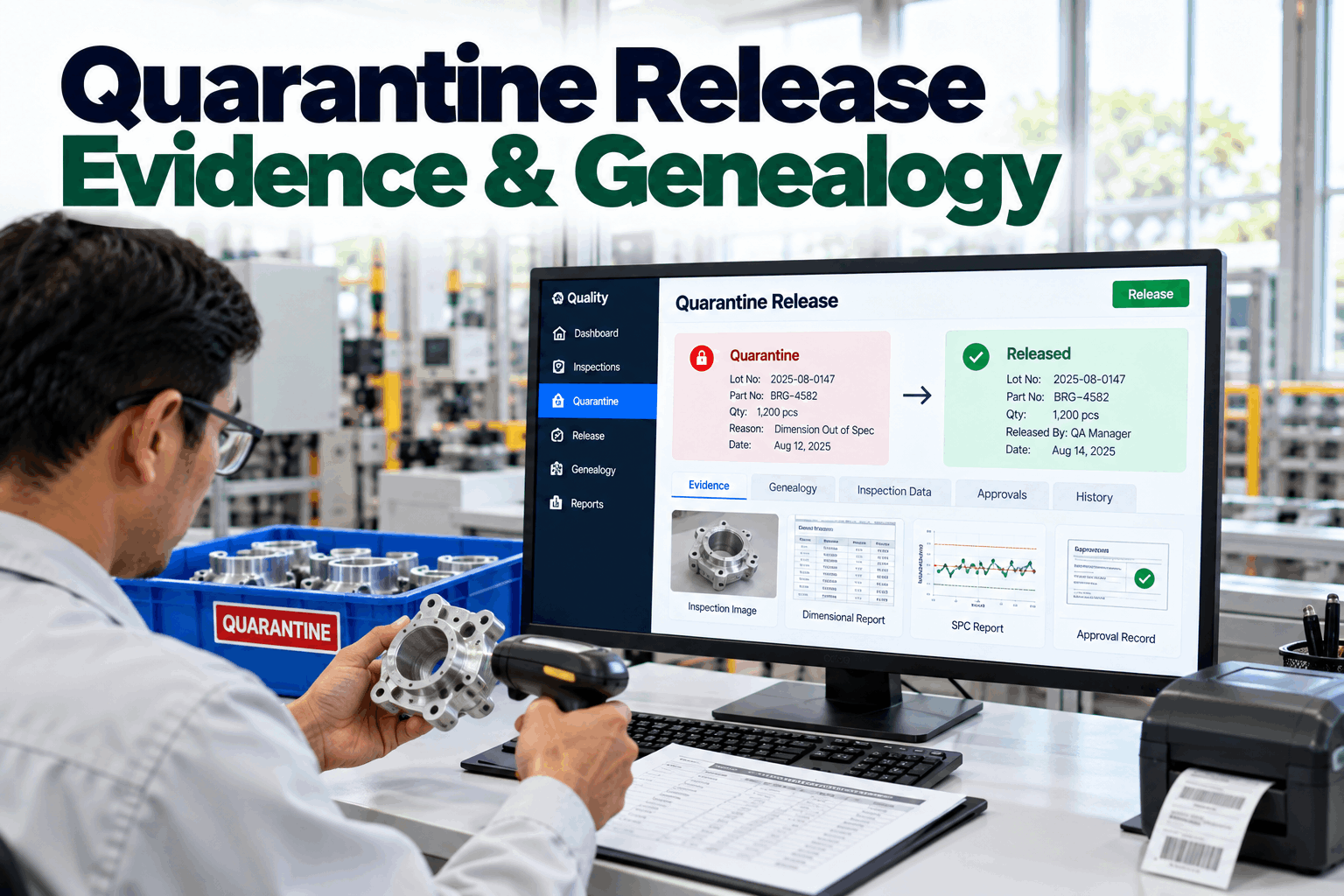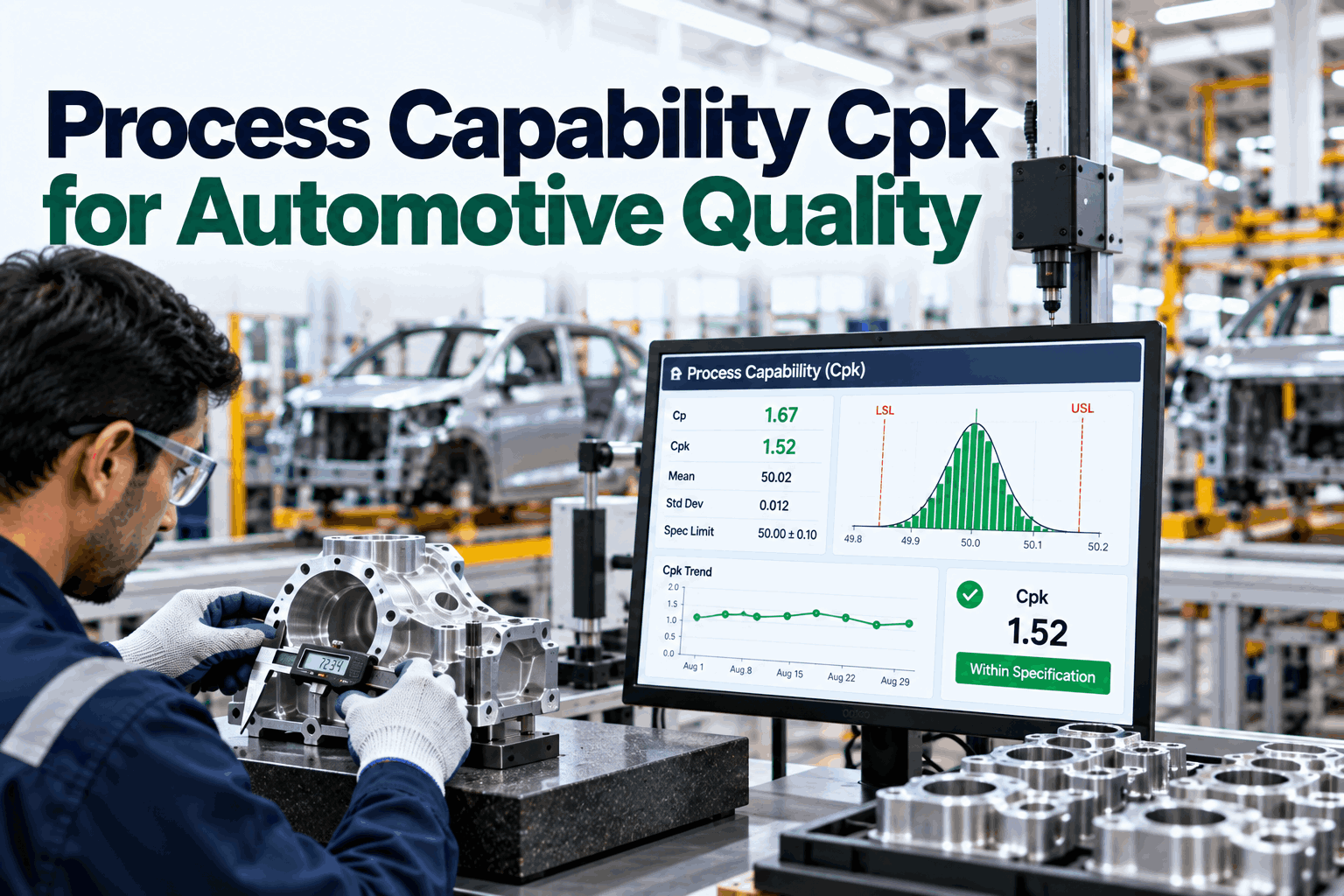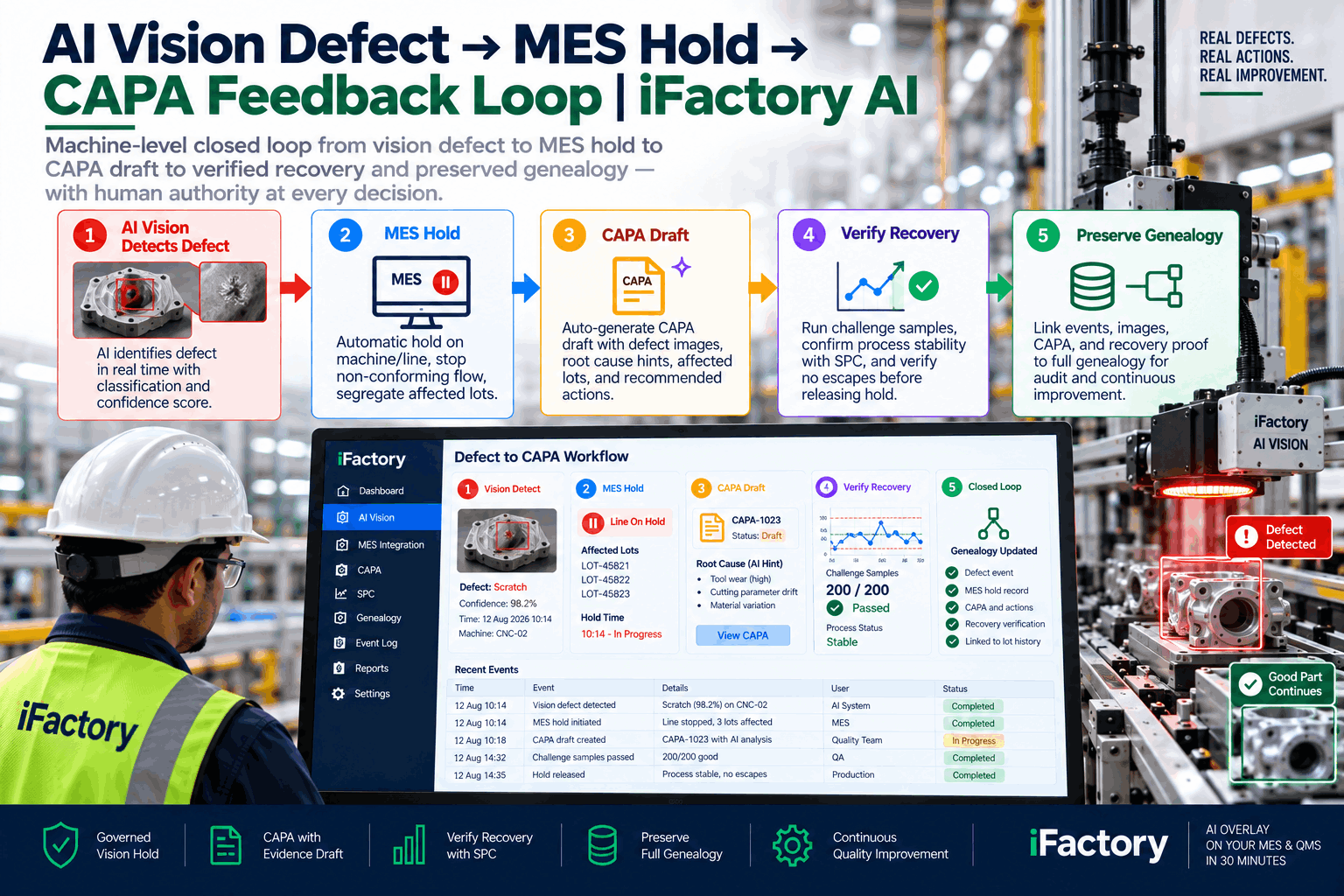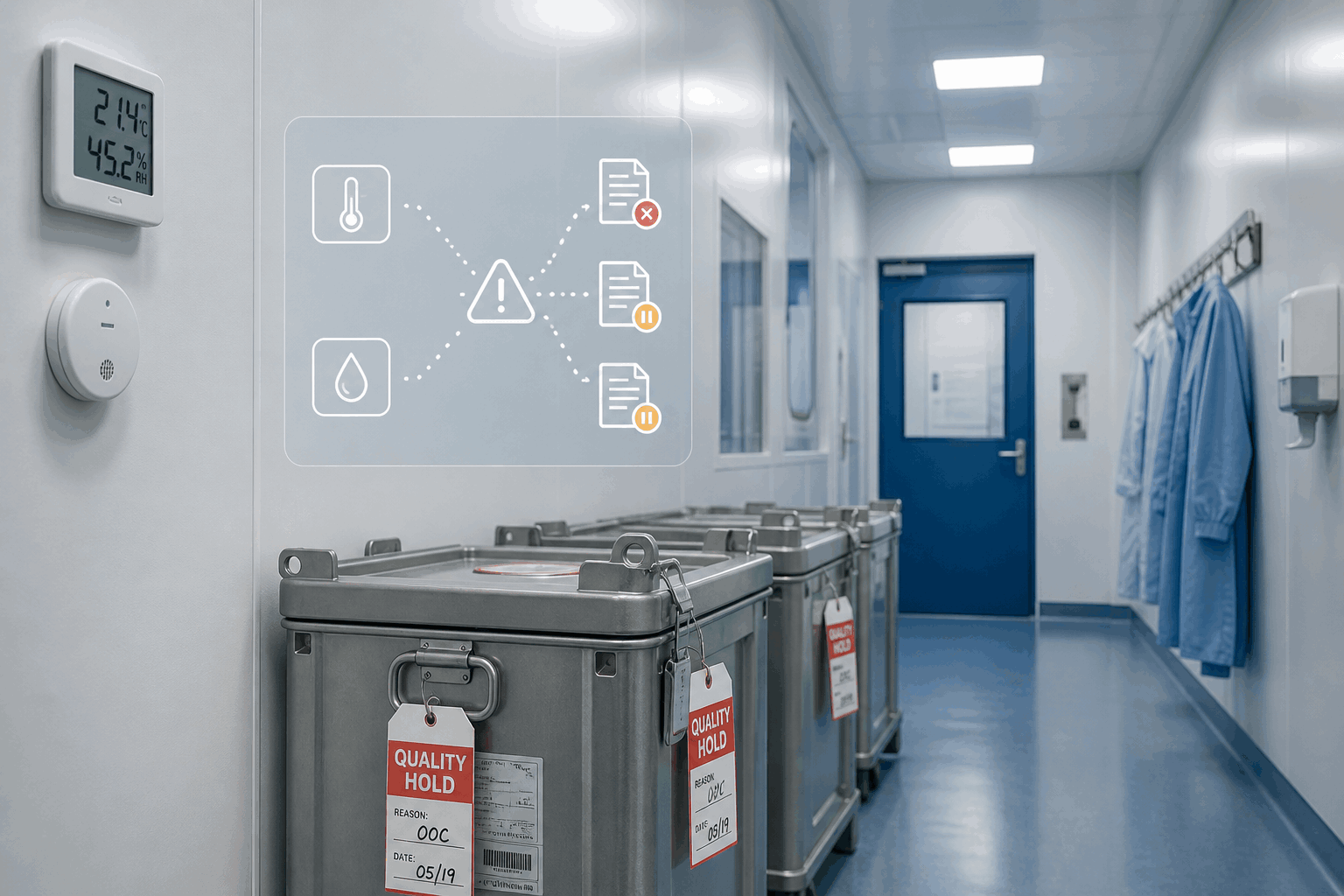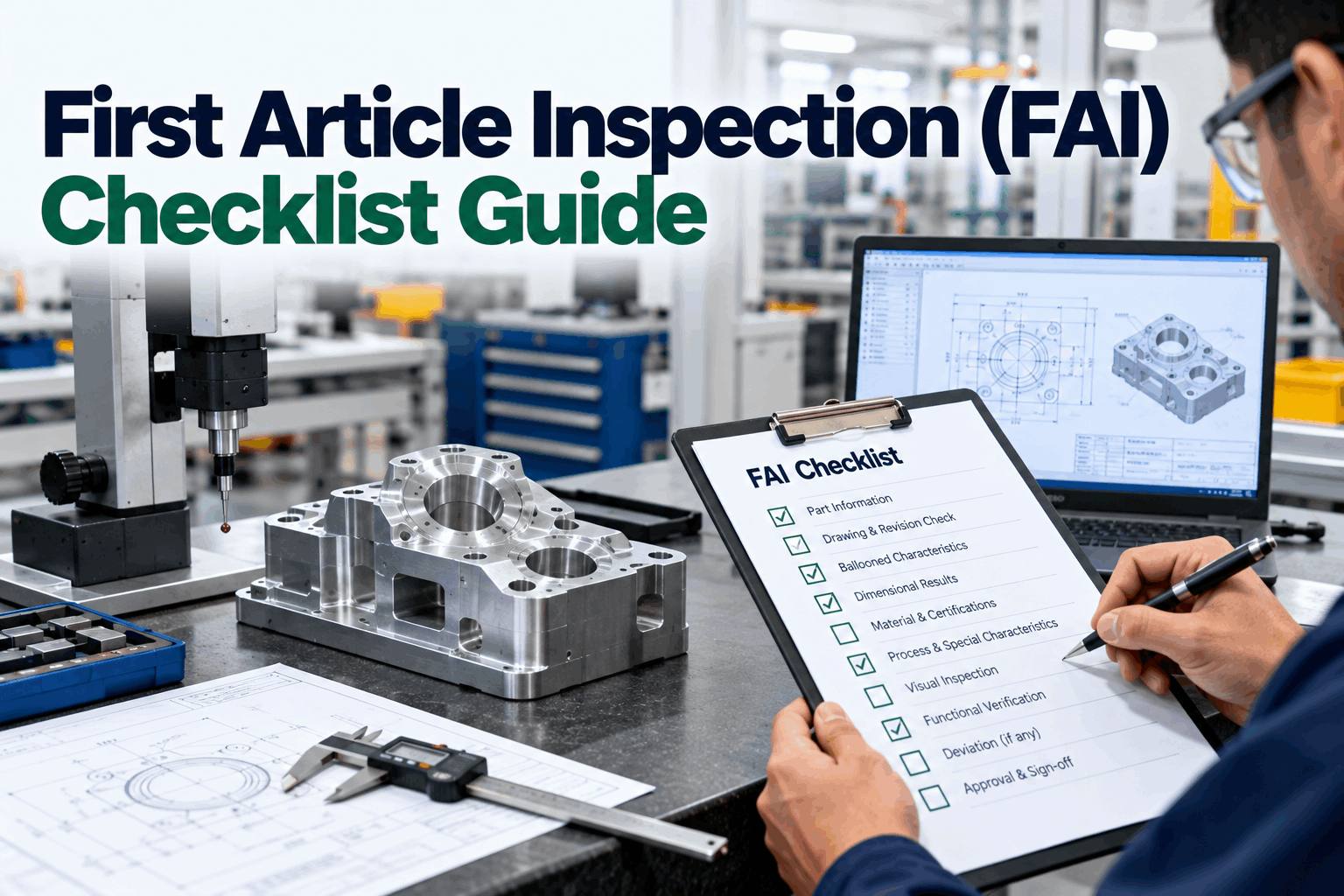
An FAI package is signed off Friday afternoon, the first production lot runs Monday morning, and by Tuesday a customer inspector flags a ballooned characteristic that was measured out-of-spec on the AS9102 Form 3 but got signed off anyway. That is the First Article Inspection checklist blind spot 2026 quality teams are finally addressing — the FAI process itself is mature, but the workflow that turns a failed characteristic into a CAPA and a preserved genealogy record is often ad hoc. iFactory AI overlays your existing FAI, MES, QMS, and CMM stack so every FAI fail opens a scoped CAPA draft with the ballooned drawing evidence attached, verified recovery before production release, and a genealogy trail that shows every part in the qualification lot. Book a 30-minute walkthrough of FAI fail to CAPA closure.
The FAI catches the miss. The workflow around the fail decides whether the plant qualifies the process or ships a problem into production.
At a Glance
Why FAI Fails Do Not Always Open a Real CAPA
First Article Inspection is one of the most standardized quality gates in aerospace, automotive, and regulated discrete manufacturing. AS9102 defines the forms, the ballooning rules are clear, and inspection teams know how to run the process. The gap is not the FAI itself — it is what happens when a ballooned characteristic comes back out of specification and the team has to decide what to do next. The FAI package is not usually connected to the CAPA workflow. The failed characteristic gets noted, a correction gets discussed, and the process moves forward without the same discipline any in-production quality event would receive.
That gap matters because FAI qualifies the process, not just the part. A failed characteristic that gets patched without a formal CAPA leaves the plant unable to prove what changed between the failing measurement and the signed-off FAI. When the customer inspector asks in month six why a production part is out of specification, the plant is reconstructing a decision that should have been documented at qualification.
Where the FAI Overlay Actually Adds Value
The overlay does not change the AS9102 forms or the ballooning process. It changes what happens between the failed measurement and the signed-off FAI — the workflow, the evidence trail, and the connection to production release.
Every characteristic tagged to its balloon, measurement, tolerance, and pass or fail status — audit-ready from day one.
A failed measurement on Form 3 opens a CAPA draft with the drawing image, the measurement, and the tool and setup context attached.
Every part in the qualification lot stays held until the failed characteristic is verified and the FAI is signed off.
Design changes, process changes, and supplier changes that triggered the FAI are linked in the record.
Partial re-qualifications after changes carry the same workflow — no shortcuts on the affected characteristics.
Every qualification-lot part traced through use, scrap, or return with the FAI record permanently linked.
The Closed-Loop Path — FAI Fail to Production Release
CMM or manual measurement tied to the balloon number, tolerance, and Form 3 row.
Structured event with the drawing image, measurement, tolerance, and expected value routes to the reviewer.
No production parts release until the failed characteristic is corrected and the FAI is signed off.
Tool, offset, fixture, and process changes recorded — the CAPA becomes the record of what qualified the process.
Verified characteristic, updated Form 3, signed FAI package — production release traceable to a specific decision.
Bring one FAI package and one ballooned characteristic that failed. We walk through fail flag, qualification-lot hold, CAPA draft with drawing evidence, and verified sign-off — all beside your existing FAI stack.
Where iFactory AI Fits in an AS9102 Stack
- AS9102 Forms 1, 2, and 3 as the record
- Ballooning tools and drawing packages
- CMM programs and measurement data
- MES production tracking
- QMS approvals and audit trail
- Structured event contracts on failed characteristics
- Qualification-lot hold logic before release
- CAPA draft with ballooned drawing evidence
- Change-triggered delta FAI workflows
- Genealogy across qualification and production
Frequently Asked Questions
No. The AS9102 forms stay as the record. The overlay adds the workflow around a failed characteristic so the CAPA, qualification lot hold, and evidence trail become governed rather than ad hoc.
The out-of-spec measurement fires a structured event with the drawing image, tolerance, and setup context. That event pre-populates the CAPA draft for reviewer sign-off.
Yes. The same workflow applies to delta FAIs — the affected characteristics are re-qualified through the same governed sequence with no shortcuts on the impacted balloon numbers.
Yes, when the workflow is configured that way. No production parts release until every ballooned characteristic is signed off and the FAI package is complete.
Genealogy traces every qualification-lot part into production so if a downstream issue appears, the CAPA record from the FAI is one query away — no reconstruction from spreadsheets.
AS9102 is mature. The workflow around a failed characteristic is where quality teams still lose evidence and time. iFactory AI turns every FAI fail into a governed CAPA, a held qualification lot, and a genealogy trail every reviewer can defend.