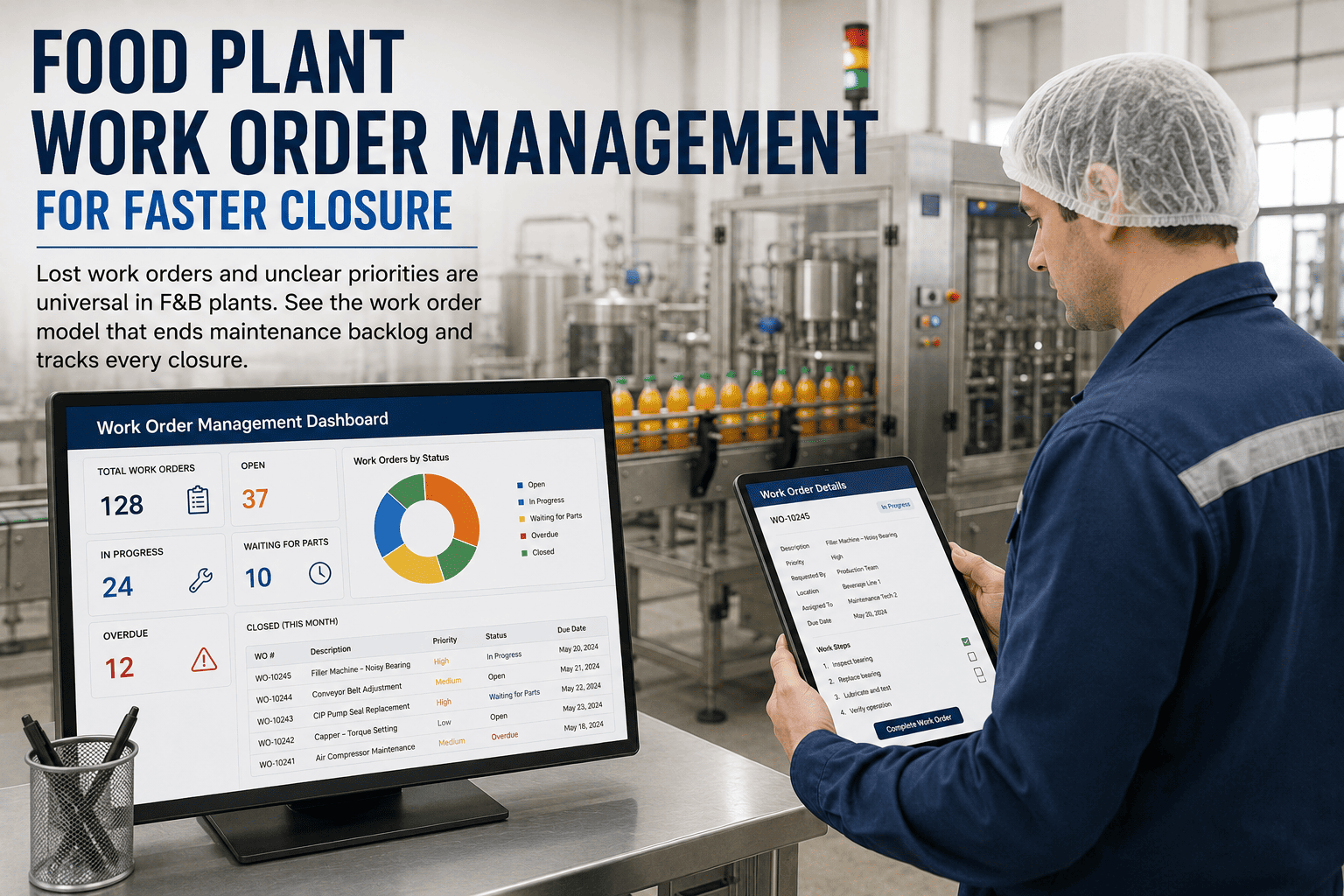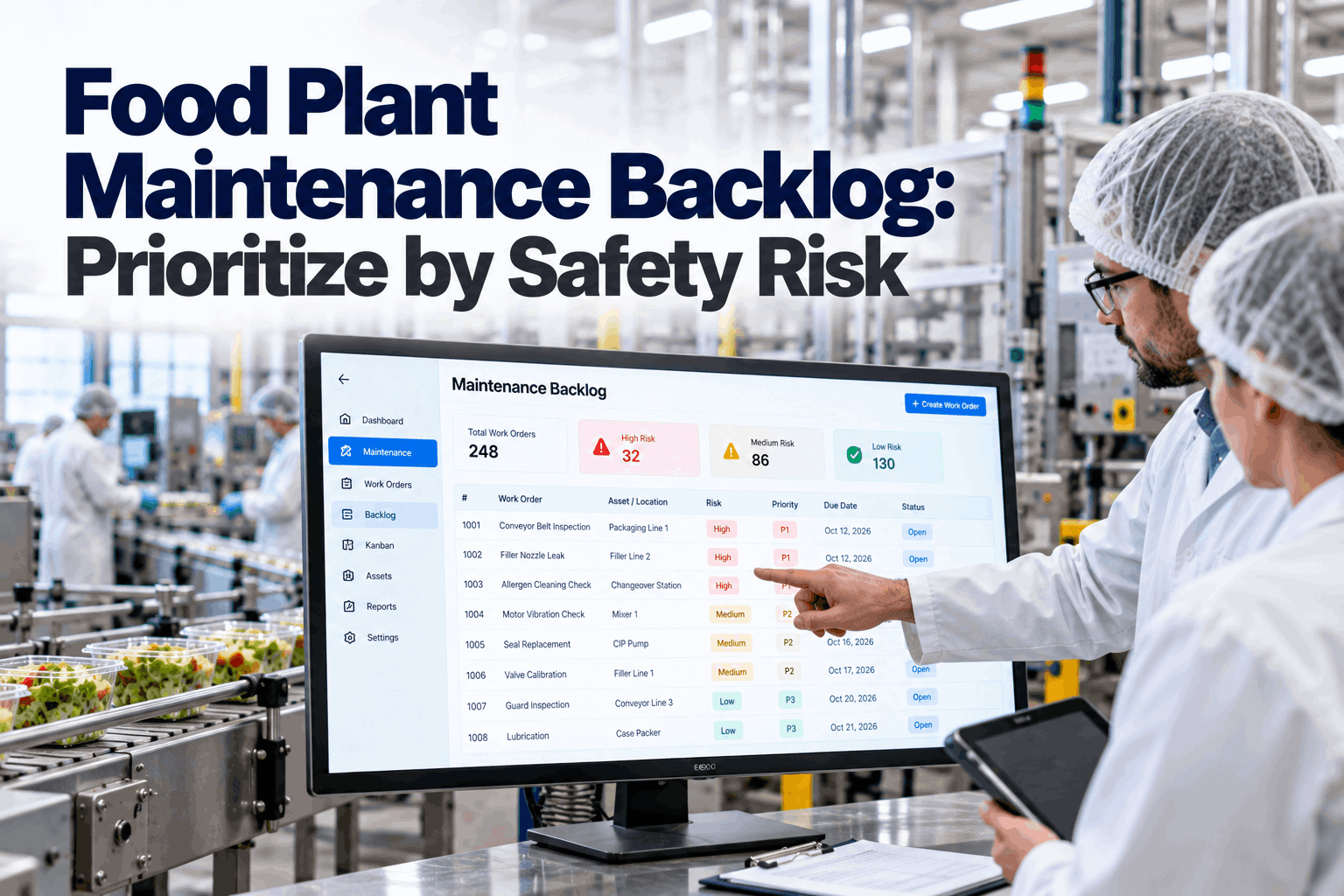
Ask a food plant maintenance planner what is in the backlog and you will often hear a number, not a story. Two hundred open jobs, sorted by date raised or by whoever shouted loudest. Somewhere in it, a cracked seal on a product contact surface waits behind a squeaky office door. In a food plant, that order is a food safety risk. This guide shows how to score maintenance jobs by food safety, worker safety and production impact, then schedule the right ones into sanitation windows first. Review your backlog in a backlog session.
Food Plant Maintenance Backlog: Prioritize by Safety Risk
Every open job tagged for food safety, worker safety and line impact. The backlog re-ranked every day, with the riskiest product contact jobs pushed into the next sanitation window.
- Why date-order backlogs hide food safety risk
- A simple risk scoring model with a worked example
- Scheduling top jobs into sanitation windows
Why Date-Order Backlogs Hide Food Safety Risk
The oldest job is rarely the most dangerous one.
Most CMMS backlogs are sorted by date raised, by a simple priority code or by the department that asked. None of these reflect what a maintenance job means for the food. A worn gasket on a filler bowl, flaking paint over an open product zone or a damaged screen on an ingredient line can each lead to contamination or a foreign material complaint. FDA's current good manufacturing practice rules in 21 CFR Part 117 require equipment and utensils to be designed, built and maintained so they can be cleaned and kept from contaminating food. A risk-blind backlog makes that harder, and it leaves planners defending their choices with gut feel instead of a clear, shared rule. Our maintenance specialists can review how your backlog is ranked today.
Priority codes inflate
Everything becomes "high" until the code means nothing.
Loud requests win
Visible nuisances jump ahead of hidden hazards.
Temporary fixes linger
Tape and cable ties stay on product zones for weeks.
Windows wasted
Sanitation shutdowns pass without the jobs that need them.
A Simple Risk Scoring Model
Score what the job means for the food, the people and the line.
A scoring model does not need to be complex to work. Rate each job on a few clear factors, weight food safety highest, and add a small amount for age so old jobs cannot sit forever. The model below is a practical starting point. Adjust the weights with your food safety and maintenance leads in a scoring workshop.
Scoring is for work that can safely wait. Immediate hazards, such as a missing machine guard, a broken product screen on a running line or an active leak onto product, should be made safe at once under your hold and stop procedures. The backlog handles the permanent repair after that.
Food Safety Scoring in Practice
Where the job is matters as much as what it is.
The food safety score depends mostly on how close the job is to exposed product. Many plants already use hygienic zones for environmental monitoring, with direct food contact surfaces in the closest zone and areas far from product in the outer ones. The same idea works for maintenance. Map your zones with our food safety team.
Product contact
Seals, gaskets, nozzles, belts and surfaces that touch exposed food.
Over or near product
Overheads, frames and guards above or beside open product.
Processing area
Non-contact equipment in production rooms.
Away from product
Offices, warehouses of sealed goods, external areas.
A damaged surface that is hard to clean on a line that runs allergens raises the risk of cross-contact as well as contamination. Many plants add one point to the food safety score for jobs on allergen lines, so these rise to the top a little faster.
A Worked Scoring Example
Five jobs, scored and ranked.
The grid below scores five real-world style jobs with the model above. Notice how peeling paint over open product ranks above a gearbox leak that has been open longer and bothers production more. The office door closer, the oldest job of all, stays at the bottom, because age alone adds only a little to the score. That is exactly the behaviour a food plant needs. All scores are illustrative. Score your own backlog in a working session.
Put the Riskiest Jobs First, Every Day
Every open job scored for food safety, worker safety and production, re-ranked daily and matched to your next sanitation window.
Scheduling Into Sanitation Windows
The line is already down. Use the time for the work that needs it.
Product contact repairs usually need the line stopped and cleaned afterwards. Sanitation windows are the natural time for them, but only if the right jobs, parts and people are ready. The agent matches top-ranked jobs to each window by duration, crew and parts, and leaves time for cleaning and hygiene clearance afterwards. If a window is cut short, the agent re-plans on the spot, keeping the highest-scoring jobs and moving the rest to the next window rather than rushing work on product contact surfaces. Plan windows with our planning team.
Rank
Backlog scored and sorted at 06:00.
Match
Top jobs fitted to the next window.
Prepare
Parts, permits and crew confirmed.
Repair
Work done with tools and parts controlled.
Clear
Clean, inspect and hygiene sign-off.
Maintenance in production areas can leave behind tools, swarf, lubricant or loose parts. Most GFSI-benchmarked food safety schemes expect a documented hygiene clearance before production restarts. Build that step into every job scheduled in a sanitation window, with time allowed for it.
Keeping the Backlog Honest
The score is only useful if the data behind it is right.
A risk-ranked backlog depends on accurate job descriptions, locations and asset links. The agent helps by suggesting tags from the job text and asset, but people confirm them. When a technician finds that a job is more or less serious than its description suggested, they can re-tag it on a handheld, and the ranking changes the next morning. A weekly review keeps the list clean. Discuss review routines with our support team.
Temporary Repairs on Product Zones
A quick fix that keeps the line running can become a hazard of its own.
Tape, cable ties, wire and improvised parts are common on busy lines. On product contact or overhead areas they can fall into food, trap soil or resist cleaning. Treat every temporary repair in a production area as an open job with a food safety score and a date for the permanent fix. Track temporary repairs with our implementation team.
Good control of temporary repairs
- Logged as a job the moment they are made
- Food-safe materials only near product
- Checked at every pre-op inspection
- Permanent fix scheduled with a due date
Warning signs
- Tape and ties found during audits
- No record of when a repair was made
- Temporary fixes older than a month
- Repeat temporary fixes on the same part
Backlog Health Measures
Watch the risk in the backlog, not just its size.
Total backlog hours tell you about workload. They say nothing about risk. Add a few measures that show whether the riskiest jobs are moving. Review them weekly with our reliability team.
High-score jobs open
Count of jobs above your food safety threshold.
Age of risky jobs
Oldest high-score job and the average days open.
Window use
Share of sanitation window hours spent on top-ranked jobs.
Temporary repairs
Number open on product zones and their age.
Backlog Mistakes to Avoid
A bigger backlog is not the main risk. A badly ordered one is.
These are the patterns most often found in food plant backlogs. A short backlog review can spot them.
What works
- Food safety weighted highest
- Jobs tagged by hygienic zone
- Product contact work in sanitation windows
- Hygiene clearance after every job
What fails
- Sorting only by date raised
- Temporary fixes left on product zones
- Windows filled with easy jobs
- Scores never checked by people
How iFactory Runs Risk-Based Backlog Management
Risk-Scoring Agent, on your own network.
iFactory's Risk-Scoring Agent tags each job with food safety, worker safety and production impact, re-ranks the backlog daily and pushes top jobs into sanitation windows with parts and crew checked. It runs on an on-prem AI server inside your plant and works with your CMMS. Fit questions go to our solutions team.
Risk tags
Food safety, worker safety and line impact.
Daily re-rank
Scores refreshed every morning.
Window scheduling
Top jobs fitted to sanitation windows.
Parts and crew
Checked before a job is scheduled.
Hygiene clearance
Built into every scheduled job.
Kanban view
Backlog shown by risk and status.
Scores support planners and food safety teams. They do not replace your hold, stop and hazard procedures for immediate risks.
Turnkey AI: Delivered, Connected and Live in 6–12 Weeks
You do not build this. It arrives ready.
iFactory ships as a pre-configured NVIDIA AI server with the software pre-loaded, racked and ready. Rack it, plug in power and Ethernet, and the AI is live on your network. Our team handles cabling, network setup, PLC, SCADA, DCS and CMMS integration, CMMS and sanitation schedule links, operator training and 24×7 remote monitoring. Data stays on your network. For a scope matched to your plant, request a turnkey quote.
Ship, network and data
Server installed. CMMS backlog, asset list, zones and sanitation schedule connected.
Model training and pilot
Scoring weights agreed. Backlog ranked and windows planned for one area.
Go-live and training
Risk-ranked backlog live plant-wide. Planners trained. 24×7 monitoring begins.
Frequently Asked Questions
How should a food plant prioritize its maintenance backlog?
By risk, with food safety weighted highest, then worker safety and production impact, plus a small factor for age so old jobs do not sit forever.
What counts as a high food safety risk job?
Jobs on or above product contact surfaces, on allergen lines, or that could add foreign material or allow microbial growth.
Why use sanitation windows for repairs?
The line is already stopped and will be cleaned, so product contact repairs can be done and cleared without extra downtime.
What is a hygiene clearance?
A documented check after maintenance that the area and equipment are clean, free of tools and loose parts, and fit to restart production.
How often should the backlog be re-ranked?
Daily works well, because jobs age, new jobs arrive and the next sanitation window changes what can be done.
Who sets the scoring weights?
Food safety, maintenance and operations leads together. Weights should be written down and reviewed when products or lines change.
How are temporary repairs handled?
Each temporary repair in a production area is logged as an open job with a food safety score and a due date for the permanent fix, and checked at pre-op inspections until then.
Does it replace our CMMS?
No. Jobs stay in your CMMS. The agent reads them, scores them and writes back the ranking and schedule.
How do we start?
Start with one production area. A 6-week pilot connects your backlog, agrees the weights and plans the first sanitation windows. To plan it, contact our team.
Rank Your Backlog by What Matters Most
In thirty minutes we score the top of your backlog with your team and show which jobs belong in your next sanitation window. You keep the ranked list either way.
- 1An export of open work orders
- 2Your sanitation schedule
- 3Hygienic zone map if you have one
- 4List of temporary repairs in production
- 5One job that waited too long