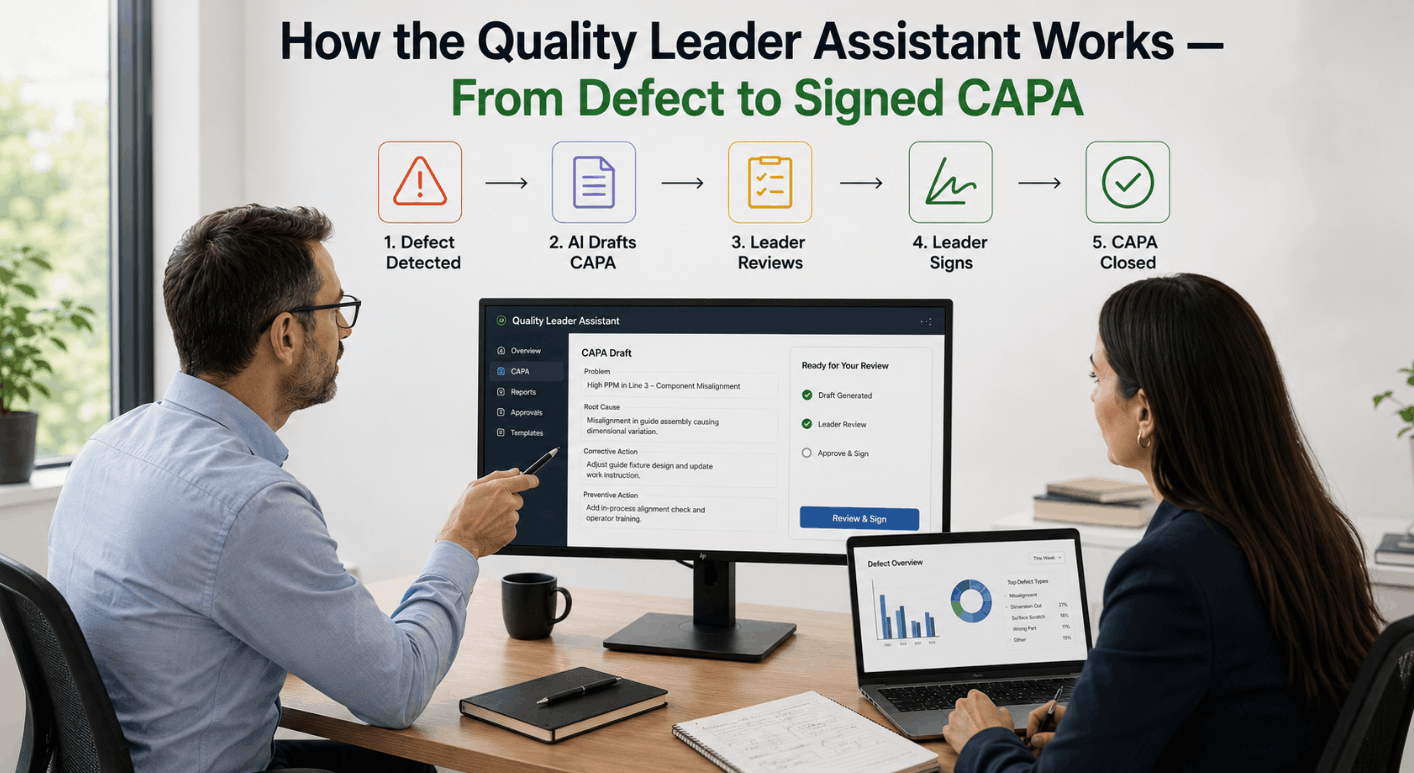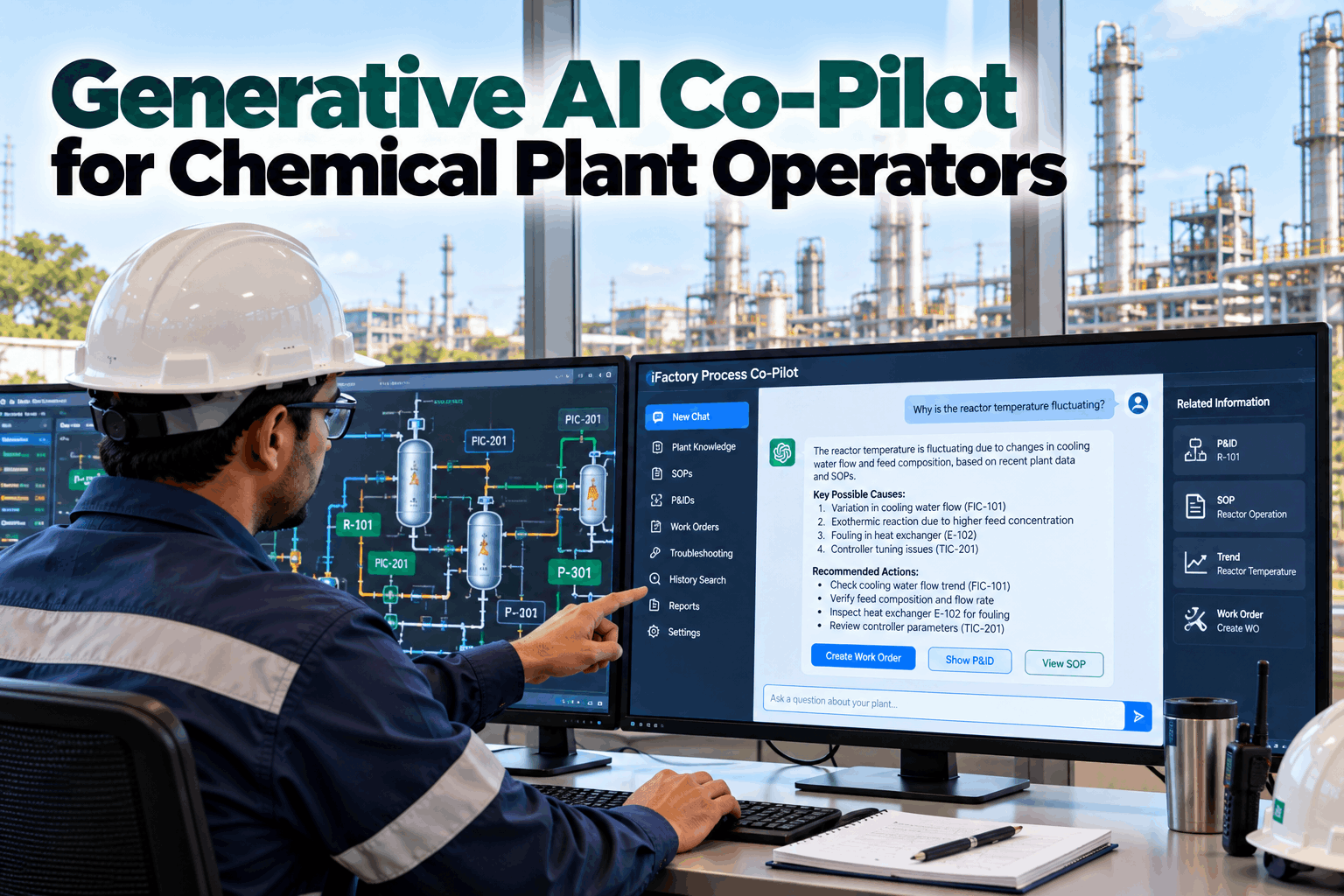
The answer to most operator questions already exists somewhere: in a procedure, on a P&ID, in last year's work orders or in the historian. Finding it at 3 a.m. is the hard part. iFactory's Process Co-Pilot brings those sources together and answers in plain language, with every answer pointing back to its source. To try it with your own documents, book a co-pilot demo.
Generative AI Co-Pilot for Chemical Plant Operators
A plant assistant that runs on your own server, reads your procedures, drawings and history, and answers in plain language. It drafts work orders and handovers. People approve and act.
- Answers built from your SOPs, P&IDs and history, with sources shown
- Where the co-pilot stops, and people take over
- Runs on-premise, so nothing leaves the plant
Where the co-pilot stops
Find
Pulls the right procedure, drawing, record or trend.
Explain
Answers in plain language, with each source shown.
Draft
Writes the work order, handover or report for review.
Approve
A named person checks and signs off.
Act
Operators run the plant. The co-pilot never touches the controls.
Three steps for the co-pilot, two for people. That line does not move.
What Operators Ask, and Where the Answers Live
The knowledge is in the plant already. It is just spread across five places.
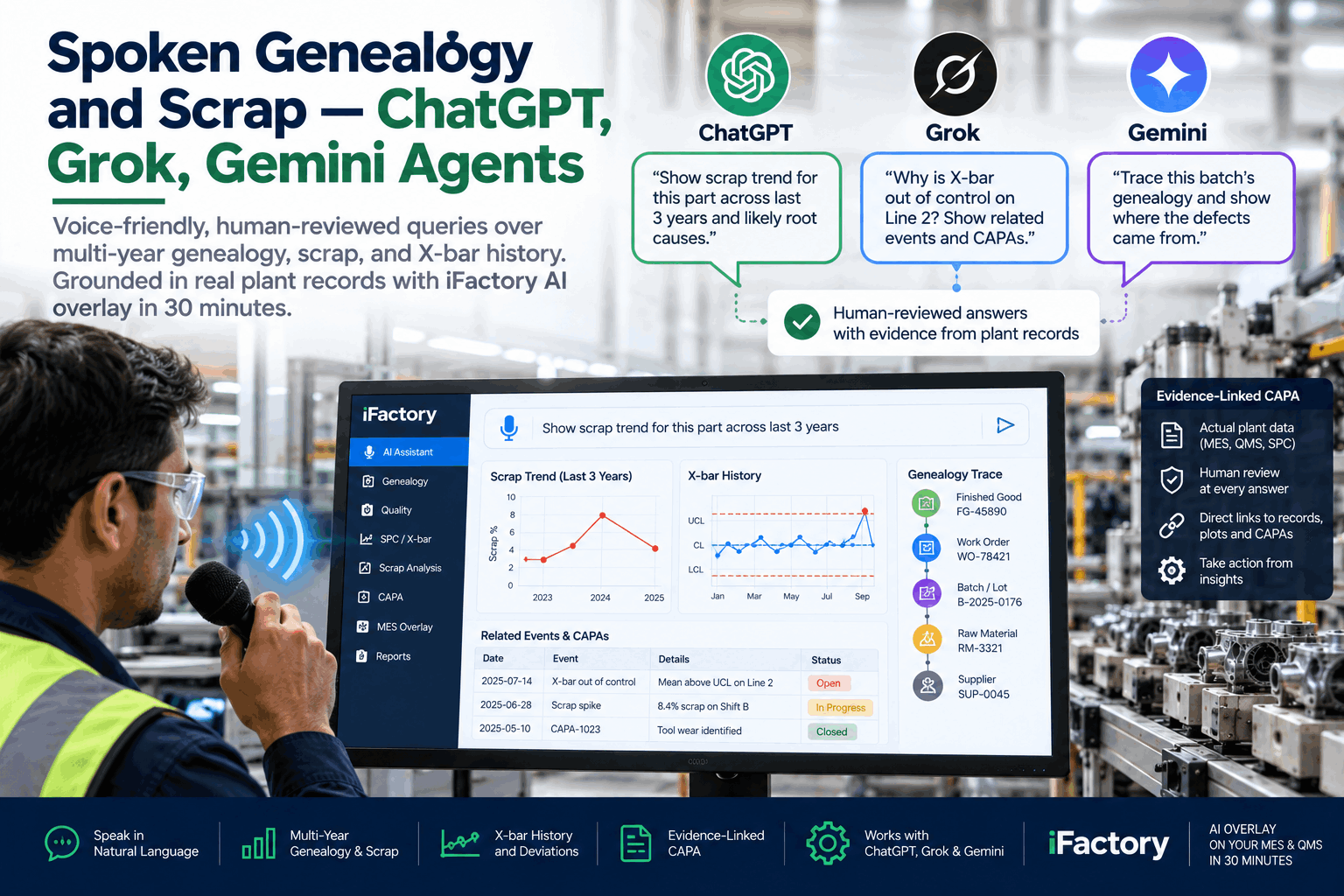
An experienced operator carries much of it in their head. A newer one has to search binders, drawings, the maintenance system and the historian, often on night shift with nobody to ask. The co-pilot searches all of them at once, and gives the answer with the page, drawing or record it came from. Our support team can show which of your sources it would read first.
When a senior operator retires, the reasons behind dozens of small habits leave with them. Much of that reasoning is written down somewhere, in a procedure note, a past work order or an incident report. The co-pilot makes it findable for the next person on shift. It does not replace mentoring. It means a newer operator can find the written reason behind a step, then ask a colleague with a better question.
Built on Your Documents, Not the Internet
It answers from your plant's records. When they are silent, it says so.
A public chatbot answers from what it learned on the internet. It has never seen your procedures and cannot tell you which revision is current. The co-pilot works differently. It searches your own documents first, then writes its answer only from what it found, and shows where each part came from. If nothing in your records supports an answer, it says so rather than guessing. To see this on your own files, book a working session.
What it reads
- Procedures. SOPs and operating instructions, current revision first.
- Drawings. P&IDs, with scanned ones digitised and checked by your engineers.
- Maintenance history. Work orders, failure codes and repairs.
- Process history. Trends and alarms from your historian.
- Shift logs and reports. Handovers, incident reports and change records.
How it answers
- Searches your sources for the passages that match the question
- Writes the answer only from those passages
- Shows each source, with its revision and date
- Says when sources disagree, or when there are none
- Marks superseded documents clearly as old
What the pilot measures
- Share of answers operators rate as correct and useful
- Time to find a procedure step, before and after
- Drafts approved without changes
- Questions where no source could be found
What happens to a wrong answer
- It is traced back to the source it used
- The document, or how it was read, is fixed
- The same question is asked again to confirm
- Gaps in your documents are listed for owners
This approach is called retrieval-augmented generation. A 2024 study comparing it with fine-tuning, where a model is retrained on the documents, found the retrieval approach gave answers closer to the source on most measures. It also means a revised procedure is used the day it is approved, with no retraining.
A Work Order, Drafted for You
An operator says what they saw. The co-pilot fills in the rest from the plant's own records, and a supervisor approves it before it goes anywhere.
Guardrails for a Process Safety Plant
Helpful is not enough. In a chemical plant it also has to be safe.
Operating procedures under process safety rules are controlled documents, and changes go through management of change. The co-pilot respects that. It points to approved procedures. It does not write new ones or overrule them. Ask our safety specialists how it fits your process safety system.
No control access
It cannot write to the DCS, PLCs or safety systems. It only reads, and that limit is set in the network design, not just in the software.
Procedures stay in charge
Answers point to the approved procedure. Where it conflicts with history, the procedure wins.
Sources always shown
Every answer names its documents, with revision and date, so it can be checked.
People approve
Work orders, handovers and reports are drafts until a named person signs off.
Access by role
Each user sees only the documents their role allows.
Every exchange logged
Questions, answers and sources are kept, for review and for learning.
When operators ask about a step and the co-pilot finds two procedures that disagree, it says so. Those conflicts are often the first sign a document needs review before its annual certification. The co-pilot lists them for the document owner, and leaves the fix to the people who own the procedure.
Agentic, With a Human in the Loop
It does the paperwork. People make the decisions.
"Agentic" means the co-pilot can carry out a short task, not just answer a question: gather the facts, fill in a form, send it to the right person. In a chemical plant, every one of those tasks ends with a person approving. To pick the first tasks for your site, book a use-case workshop.
Draft work orders
From an operator's note, with asset, history and parts filled in.
Write shift handovers
Alarms, upsets, open work and changes, gathered from the shift's records.
Look up procedures
The current step, with the warnings and checks that go with it.
Search alarm history
When an alarm last fired, how often, and what was done about it.
Find past changes
Change records that touched a piece of equipment, and why.
Prepare incident notes
A first draft with the timeline and trends, for the investigator to complete.
Good first tasks
- Procedure look-up on one unit
- Shift handover drafts
- Work order drafts from operator notes
Frequent, low-risk and easy to check.
Leave for later
- Anything touching emergency response
- Tasks with no clear approver
- Sources nobody has checked in years
Add these once trust is earned and documents are clean.
The fastest way to win operators over is one unit, one or two tasks and a short list of good documents. Broad roll-outs with every document loaded at once tend to surface old, conflicting files and give weak first answers. Widen the scope once the first unit trusts it.
Why On-Premise, Instead of a Public Chatbot
Your procedures and process data are not something to paste into a website.
Public AI tools are convenient, but they run on someone else's servers. For a chemical plant, recipes, procedures and operating data are commercially sensitive, and in some cases security-sensitive too. The co-pilot runs on an NVIDIA server inside your own network, with no outside connection needed. Our integration team can walk your IT and OT leads through the set-up.
A public chatbot
- Has never seen your procedures or drawings
- Cannot tell a current revision from an old one
- Sends what you type to an outside service
- Gives no source for its answers
The Process Co-Pilot
- Reads your own documents and history
- Uses the current revision, and flags old ones
- Runs inside your network, on your server
- Shows the source behind every answer
Three parts, all inside your network: the language model that writes answers, the search index that holds your documents, and the connectors that read your document system, maintenance system and historian. The server is sized to your plant, so answers come back quickly even with many users on shift.
One assistant, three kinds of user
- Operator. Procedure steps, alarm history and "what does this feed?"
- Shift lead. Handovers, open work and drafts to approve.
- Engineer. Past incidents, changes and repairs on any asset.
Each sees only what their role allows.
Turnkey AI: Delivered, Connected and Live in 6–12 Weeks
You do not build this. It arrives ready.
iFactory ships as a pre-configured NVIDIA AI server, racked and ready, with the software pre-loaded. Rack it, plug in power and Ethernet, and the AI is live on your network.
Our team handles cabling, network setup, PLC and SCADA integration, operator training and 24×7 remote monitoring. The server sits inside your own network, so documents, questions and answers stay on site. For a scope matched to your plant, request a turnkey quote.
Ship, network and data
Server installed. Procedures, drawings and maintenance history loaded for one unit. Access rules agreed.
Model training and pilot
Operators and engineers test it with real questions. Wrong or weak answers reviewed and sources fixed.
Go-live and training
More units and sources added. Users trained. 24×7 remote monitoring begins.
Frequently Asked Questions
Is the model trained on our documents?
Mostly it searches them rather than being retrained on them. That keeps answers tied to the exact source, and means a revised procedure is used the moment it is approved. Some tuning to your plant's terms, tag names and abbreviations is done during the pilot, so it understands questions the way your operators phrase them.
Can it make mistakes?
Yes, as any person or tool can. That is why every answer shows its sources, why it says so when it finds nothing, and why drafts need a person's approval. Operators are trained to check the source for anything that matters, and every wrong answer reported during the pilot is traced and fixed.
Can it read scanned P&IDs?
Scanned drawings are digitised first, so symbols, tags and lines can be searched. Your engineers check the result for key drawings before operators rely on it. Drawings that are already digital can be read directly.
Does it change anything in the plant?
No. It has no access to the DCS, PLCs or safety systems. Anything it drafts, such as a work order, a handover or a request to review a procedure, goes nowhere until a named person approves it.
How is it different from ChatGPT?
It runs on your own server, reads your own documents, shows its sources and sends nothing outside the plant. A public chatbot has never seen your procedures and cannot tell which revision is current. It also cannot see your historian or maintenance records, so it cannot say what happened on your unit last week.
Which languages does it support?
Questions and answers can be in the languages your operators use, and documents in several languages can be searched together. Which languages to cover is agreed during the pilot, and answers always show the original document so nothing is lost in translation.
How long does it take to go live?
Six to twelve weeks from delivery for a first unit. We need a place for the server, access to your document system, maintenance system and historian, and time with a few operators to test it. To check your set-up first, contact our team.
Bring Ten Real Questions
In thirty minutes we look at the questions your operators actually ask, and where the answers sit today. You keep the map of sources whether or not you go further with iFactory.
- 1Ten questions operators often ask
- 2One procedure, current revision
- 3One P&ID for the same unit
- 4A month of work orders for that unit
- 5Your rules on who may see which documents