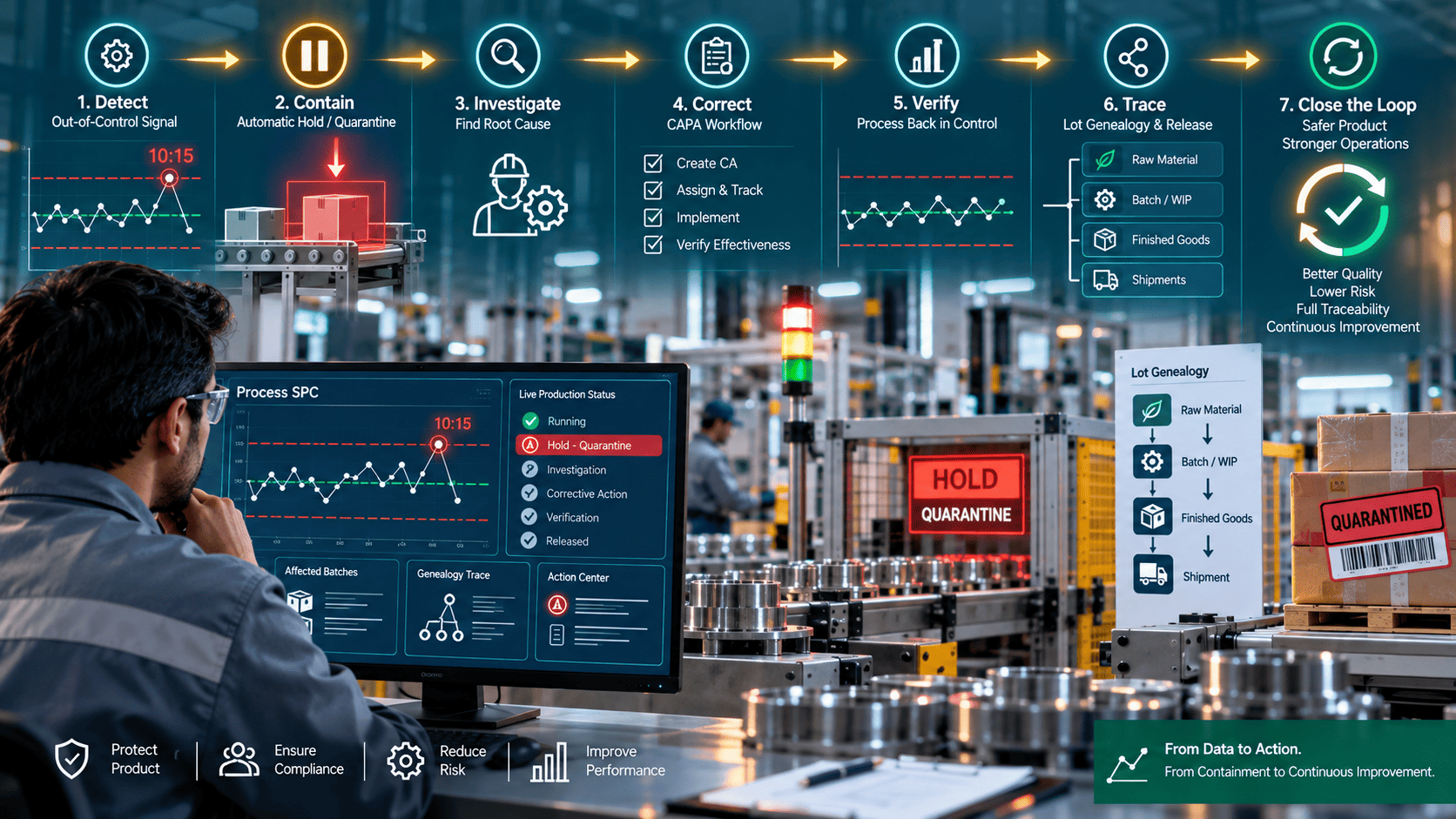
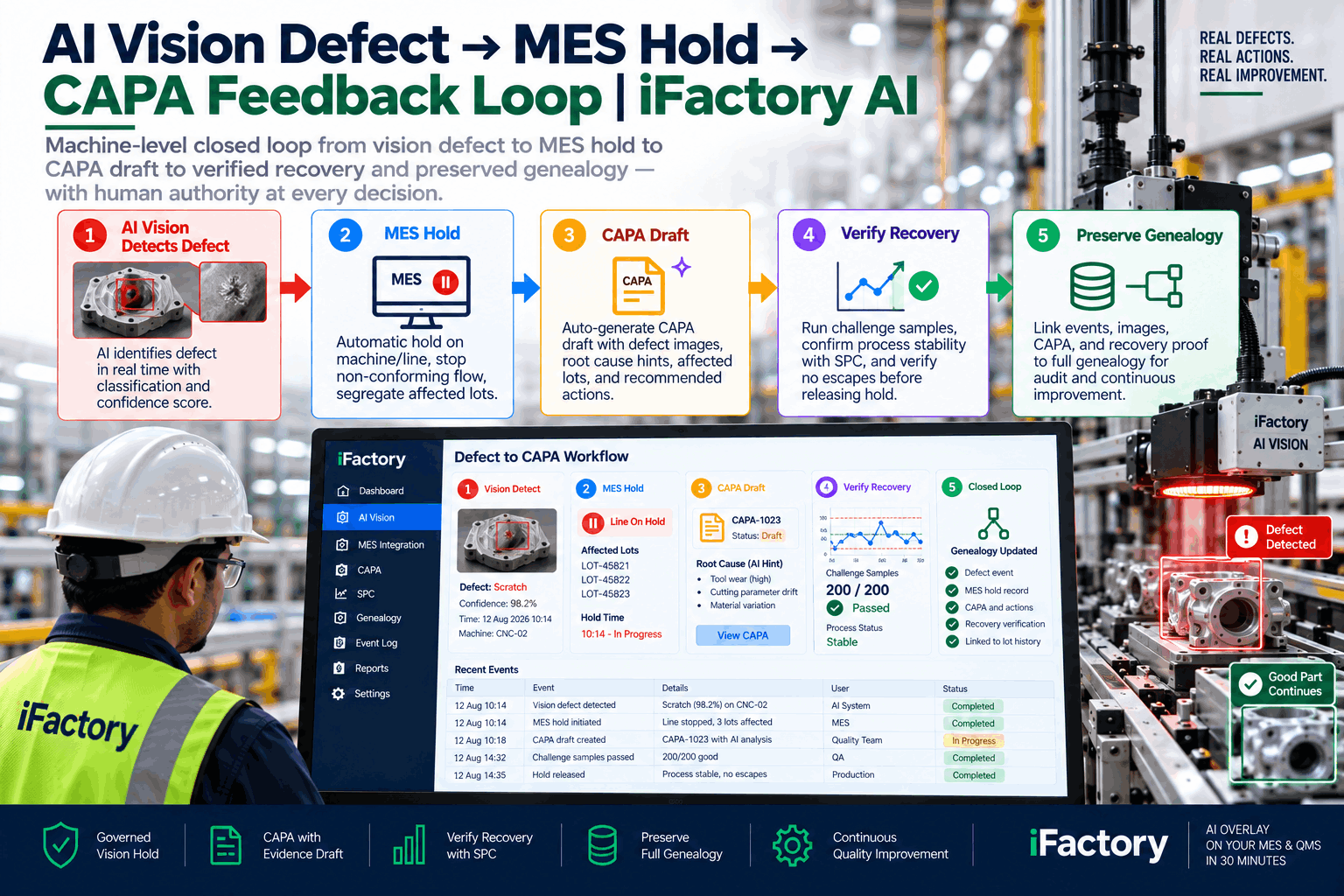
An SPC chart flags an out-of-control point at 10:15 AM. Manual review, siloed alerts, and procedural bottlenecks let suspect lots keep flowing until 1:00 PM — and by then multiple shipments have left the plant. That quarantine lag is the whole problem. Closing the loop means detection plus automated containment, corrective workflow, verification, and instant traceability, so the gap between knowing and holding is measured in seconds rather than in shipments.
iFactory / Closed-loop SPC, quarantine & CAPA
From Out-of-Control Signal to Quarantine in Seconds
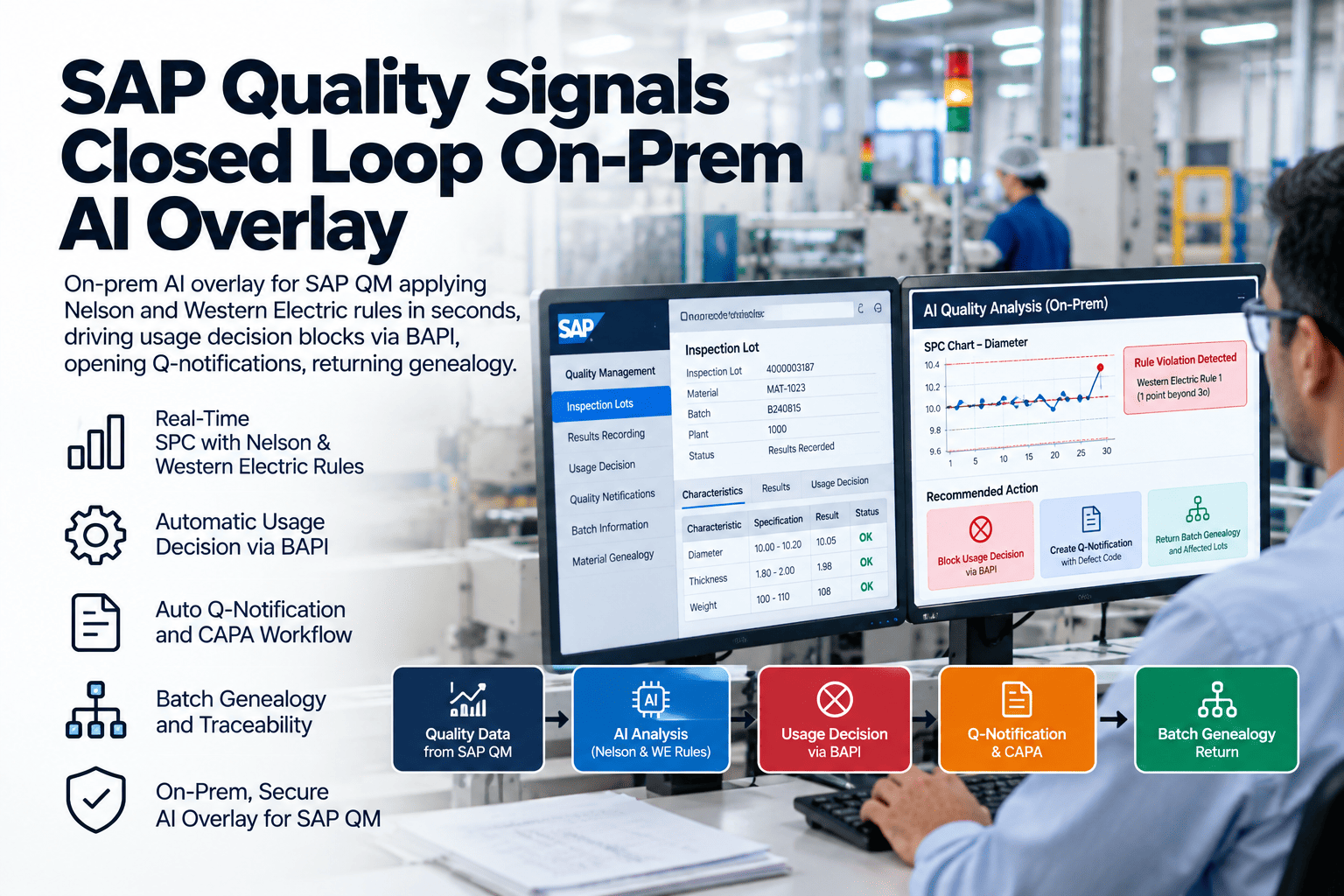
An overlay action layer that detects the OOC event, applies machine-enforced digital holds using genealogy links, launches the CAPA, verifies the fix on the chart, and gates release — all beside your existing MES, QMS, historian and ERP.
OOC signal
Trend rule · 10:15
↓
Auto-quarantine
WIP held · ship blocked
↓
CAPA launched
Tasks · evidence · owner
↓
Verified + released
Back in control · gated
Machine-enforced
holds, not emails
Release gated
verification required
Overlay
no rip-and-replace
The Problem on the Floor
Open-loop SPC separates detection from response. A chart alerts, people read, emails propagate, and actions may or may not happen quickly. That gap is where escapes, customer issues, and recalls originate. Closed-loop SPC shortens the chain: the system detects the out-of-control event, immediately contains the affected lots, initiates corrective action, verifies the result, and ties every action back into lot genealogy for rapid traceability and auditability. The statistics do not change. What changes is that nothing waits for someone to notice.
Why Open-Loop SPC Leaks
Four failure points account for most of the delay between an alert firing and product being held.
Manual review lag
A chart alerts, but a human must read it, judge it, and decide. Between shifts and breaks that judgement can be hours away.
Siloed alerts
Notifications propagate by email to people who may not be the right owner, with no enforcement that anyone acted.
Unenforced holds
A hold that exists only as a note or a verbal instruction does not stop downstream transactions, packing, or shipment.
Unstructured CAPA
Without templates and decision trees, each corrective response is improvised, slow, and inconsistent between events and shifts.
What a Practical Implementation Includes
Closed-loop SPC is an automated, auditable workflow that links statistical detection to containment and correction. Four components do the structural work.
Real-Time SPC
Individuals and X̄–R charts, Cp/Cpk trending, and rule-based alarm logic operating on streaming or batch data as it arrives.
Discipline: live detection
Enforced Holds
Digital quarantine tags that are machine-enforced — blocking movement, packing, and shipment — and human-verifiable at each step.
Discipline: containment
CAPA Automation
Root-cause templates, routed corrective tasks, approvals, and required evidence capture tied to the originating SPC event.
Discipline: structured response
Release Gating
Live before-and-after SPC views, with holds lifted only on documented verification and explicit manager approval.
Discipline: proof to release
Overlay-Friendly: Integrate, Don’t Rip
iFactory AI is designed as an overlay intelligence and action layer that integrates with your MES, QMS, historians, and ERP. Your existing systems remain the system of record for transactions. The overlay listens to measurement streams, applies the SPC rules, writes holds back into the MES, and creates CAPA records in your QMS or mirrors them there for visibility. There is no wholesale system replacement and minimal disruption to production — which matters most precisely in the plants where an unplanned cutover would be least survivable.
How iFactory AI Closes the Loop
Detection criteria are configurable per part, line, shift, or critical characteristic. From there the sequence runs without waiting on an inbox:
Detect the Signal
SPC Engine
Continuously evaluates your charts and rule sets, picking up single-point limit breaches as well as multi-point Nelson and Western Electric trends.
Auto-Quarantine
Action Layer
Issues digital holds across WIP and related lots using genealogy links — blocking movement, packing, and shipment until release criteria are met.
Launch CAPA
QMS Integration
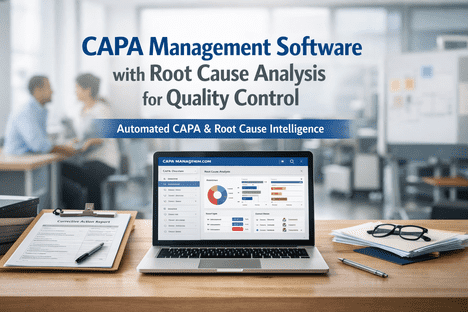
Auto-creates a CAPA record tied to the SPC event and impacted lots, routing tasks to engineers with the required evidence steps attached.
Verify and Release
Overlay Layer
Re-applies SPC monitoring against the pre-event baseline; release gates require trending back in control, completed evidence, and approval.
Time your own quarantine lag. Take the last out-of-control event on a critical characteristic and measure the gap between the chart point and the moment product was actually held. Then ask how many units moved downstream inside that window. That number is the case for closing the loop. Book a demo and bring the event — we’ll walk the same signal through automated containment.
An Illustrative Scenario — Solder Joint Resistance
A mid-size electronics plant tracks solder joint resistance. A subtle trend rule fires on the Individuals chart at 10:15 AM. iFactory AI flags the out-of-control condition and instantly applies holds to all WIP lots processed since the last in-control reading, blocks shipments, auto-creates a CAPA with tasks to inspect assembly lines and review the solder paste lot, and notifies the line engineer and quality manager. Genealogy shows which finished assemblies used the suspect boards and which customer shipments could be impacted. The CAPA team corrects a paste viscosity issue, SPC verifies return to control, and held lots are released with a documented verification trail. This scenario is illustrative rather than a guarantee; real behaviour depends on data latency and configured rules.
Six Checks Before You Automate
Automated containment is powerful and unforgiving. Work through this list before enabling a single automatic hold.
Step 1
Define Critical Characteristics
Agree which characteristics warrant automated response, and which Western Electric or Nelson rule variants apply to each one.
Step 2
Map Genealogy Sources
Confirm data quality for lot, recipe, and equipment IDs across ERP, MES, and historian. Inaccurate links undermine containment precision.
Step 3
Set Quarantine Policy
Decide explicitly what is held automatically versus routed for manual review. Overly aggressive holds stop production unnecessarily.
Step 4
Build CAPA Templates
Create templates and assignment rules for recurrent failure modes to avoid decision paralysis, while keeping room for novel events.
Step 5
Configure Release Criteria
Define the verification steps and approvals required to lift a hold, so resolution is safe, documented, and auditable.
Step 6
Secure Buy-In and Access
Align alerts and workflows with frontline practice, and set role-based access with a full audit trail for compliance.
What You’ll Walk Through in Thirty Minutes
The demo follows the loop end to end, using your rules or a close analog to your process.
Detection
Live SPC on your rules
Identify an out-of-control event using your own rule set or a close analog, including multi-point trends rather than only limit breaches.
Containment
Holds applied and enforced
Watch digital holds apply to WIP and block packing and shipment, rather than a notification that asks someone to remember.
Correction
CAPA created and routed
Auto-generated corrective task creation, assignment, and evidence capture, with the verification dashboard and release gate that follows.
Traceability
Genealogy drilldown
Find affected customers, downstream assemblies, and upstream suppliers, plus a preview of how holds and CAPAs write back to your stack.
What This Cannot Do
Automation amplifies whatever your configuration says, including its mistakes. Holds without clear release criteria will halt production unnecessarily, and inaccurate genealogy links will contain either too much or too little. Quarantine timing depends on data latency: where live measurement streams exist, holds follow detection closely, but batch-transferred data moves at the speed of that transfer. The overlay does not replace regulatory certification or your documented process controls — it produces the auditable record those reviews rely on. And operator buy-in is a prerequisite, not an outcome; alerts that ignore frontline practice become an obstacle to work around.
FAQ
Is iFactory AI an MES or QMS?
No. iFactory AI is an overlay intelligence and action layer that integrates with your existing MES, QMS, and historians. It automates detection, quarantine, CAPA initiation, verification, and traceability while leaving your systems of record in place.
Book a demo to see where the boundary sits.
How quickly can OOC events trigger quarantine actions?
Quarantines are applied based on configured rules and data latency. In practice, holds are issued within seconds to minutes of detection where live measurement streams are available. Automation removes the manual email-and-review delay entirely.
Can iFactory AI use my existing SPC rules and also add Nelson or Western Electric rules?
Yes. The platform supports standard SPC chart types and advanced rule sets including Western Electric and Nelson, and allows custom rule definitions so you can detect both acute limit breaches and subtle trends.
Can the system identify shipped product that might be impacted?
Yes. Genealogy aggregation from MES, ERP, and historians enables immediate queries against shipments, assemblies, and customer lot links, so you can assess and quarantine downstream exposure quickly.
How are CAPAs and releases audited for compliance?
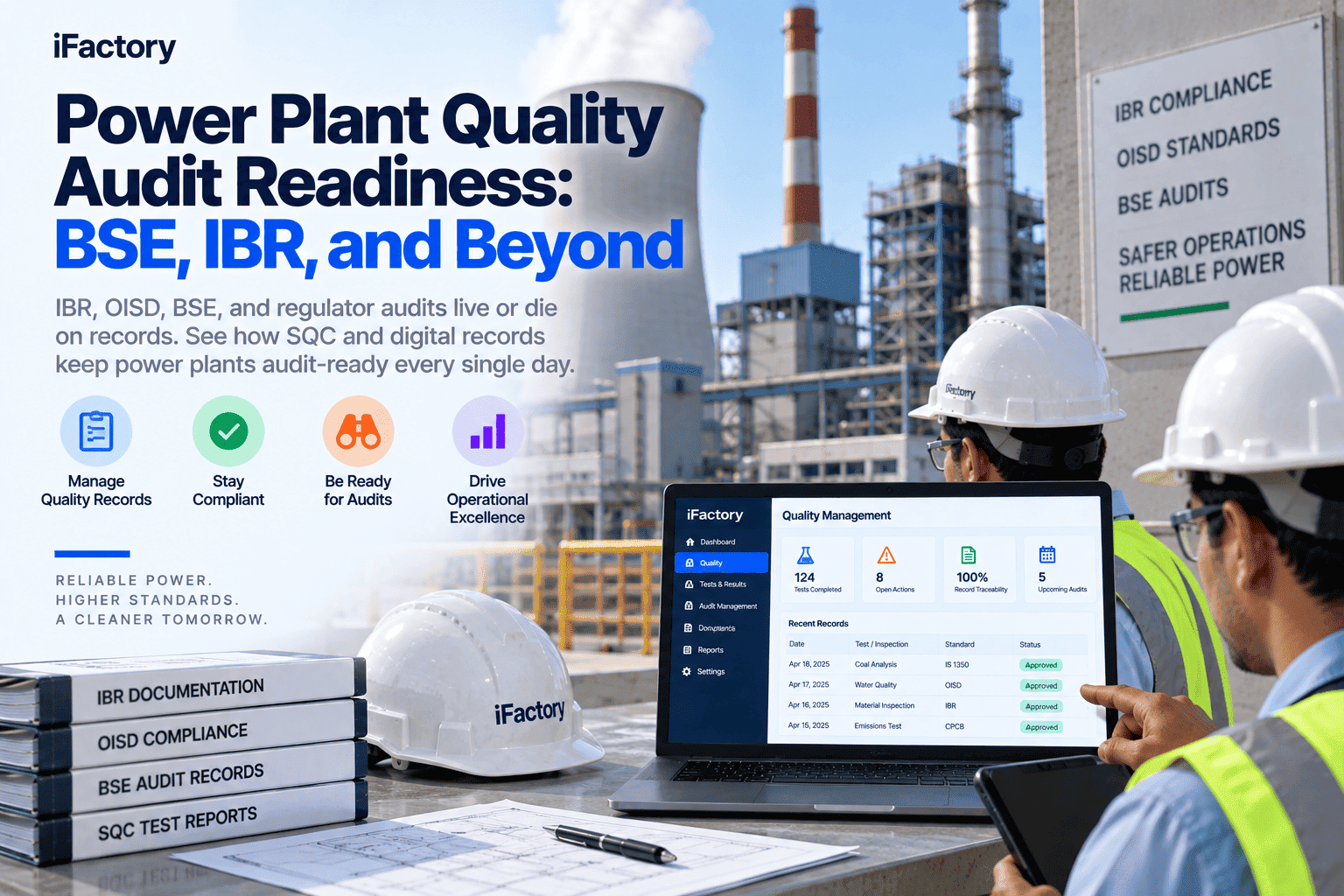
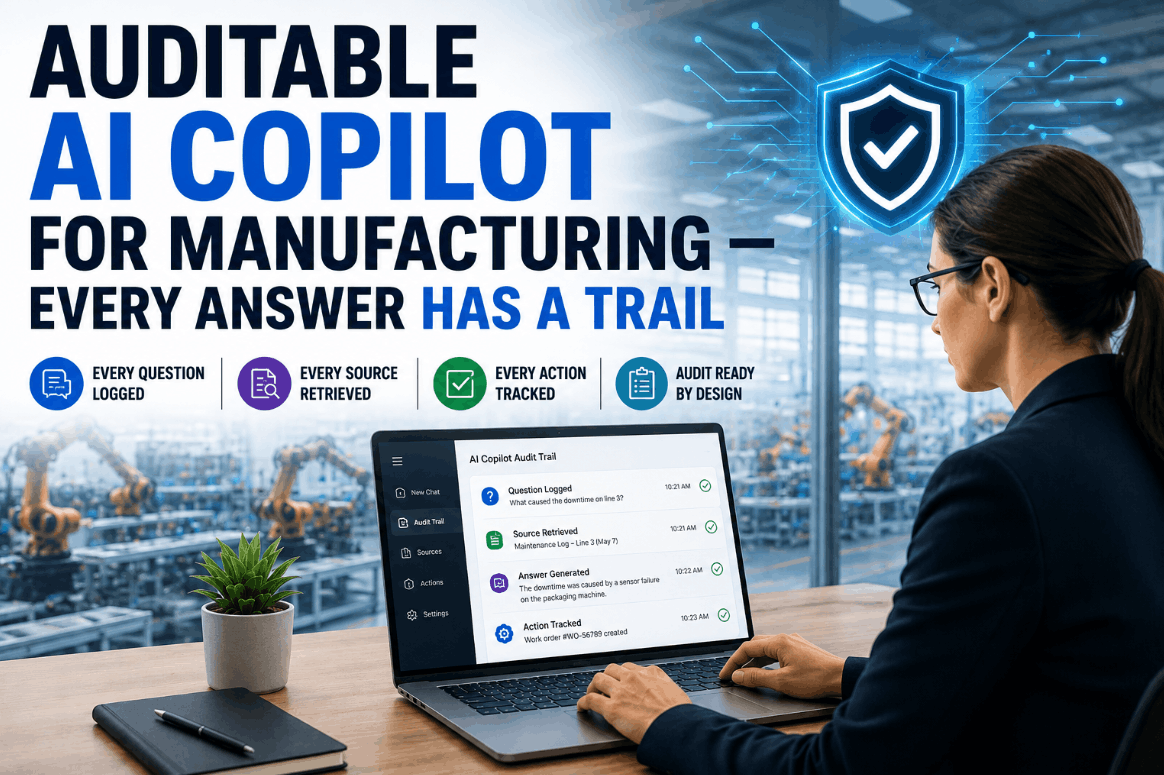
Every action — detection, quarantine, CAPA creation, task completion, verification checks, and release approvals — is logged with timestamps, user IDs, and attached evidence. That audit trail supports compliance reviews and continuous improvement.
See it in your context.
Bring One OOC Event — We’ll Close the Loop On It
Thirty minutes covering live detection, automated quarantine, guided CAPA, the verification dashboard, and a genealogy drilldown — plus how it overlays your MES, QMS, and historian to write holds without replacing them.
WE + Nelson
plus custom rules