SAP IDoc LOIPRO to Live SPC Streaming — Zero Manual Reconciliation
By Henry Green on June 2, 2026
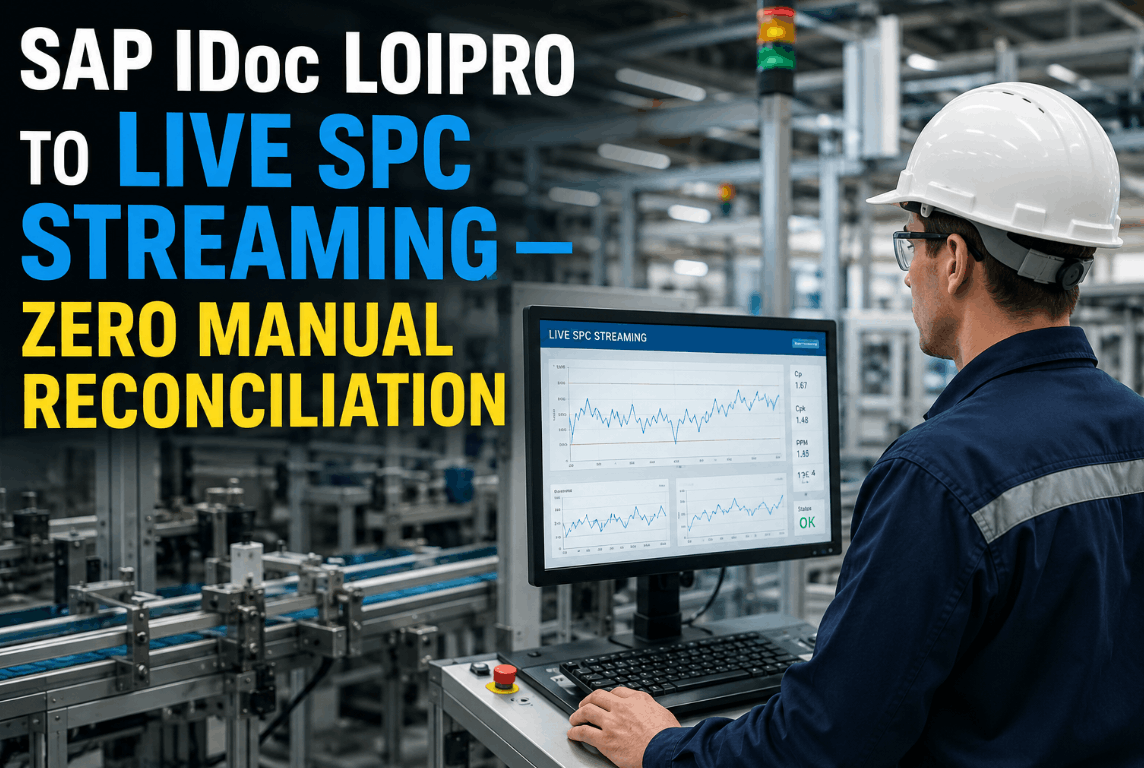
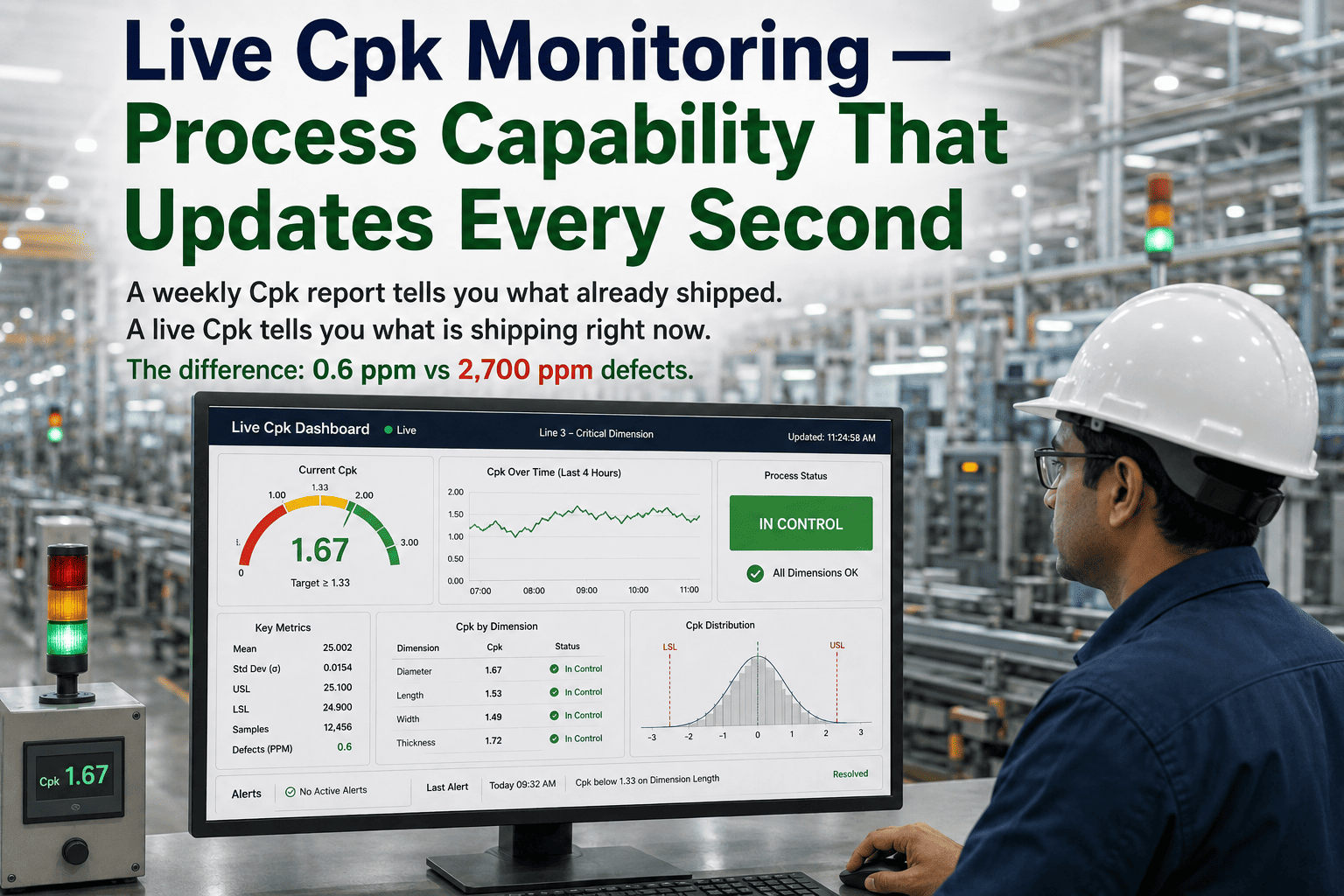
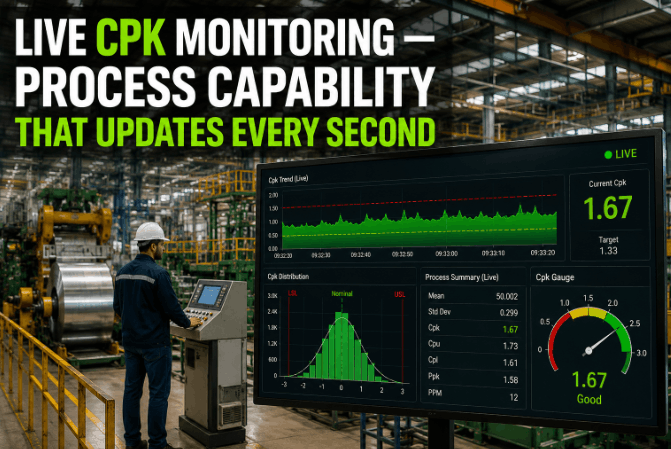
Most SAP PP environments produce a steady outbound stream of LOIPRO, QPL01, and MBGMCR IDocs every shift — and almost none of that data reaches a live control chart before someone has already spotted the defect manually. The IDoc sits in the inbox, the MES log sits in a separate system, and the SPC chart gets refreshed once a day if the quality engineer remembers to export the CSV. iFactory's SAP IDoc integration changes that sequence entirely: the MSMQ bridge ingests LOIPRO production order data, QPL01 quality notification events, and MBGMCR material consumption confirmations the moment they land, and streams every relevant measurement into live Shewhart and CUSUM control charts within seconds — no reconciliation, no export, no lag. For a Book a Demo to see how that works against your own IDoc volume.
SAP IDoc Integration · Live SPC Streaming
LOIPRO, QPL01 & MBGMCR IDocs to Live Control Charts — in Seconds
Stop reconciling SAP IDoc inboxes against MES logs by hand. iFactory auto-ingests LOIPRO, QPL01, and MBGMCR IDocs via MSMQ bridge and streams every measurement into live SPC charts with zero manual intervention.
Sources: SAP PP-MES Integration Guide · ASME SPC Standards · SAP IDoc Technical Documentation · iFactory Deployment Data 2026
The Three IDocs That Drive Shop-Floor Quality — and Why They Stay Siloed
In a standard SAP PP environment, quality data arrives in three distinct IDoc streams, each triggering at a different point in the production lifecycle. Each has a defined purpose, a defined transaction, and — in the typical plant — a defined destination that is not your SPC engine.
LOIPRO
Production Order Master
Carries production order header, operation sequence, component assignments, routing steps, and scheduled quantities. Fires on order creation, release, and status change (COR1/COR2). Contains the context every SPC point needs: order number, material, plant, work center, and target values.
Trigger: Order release · Transaction COR1/COR2
QPL01
Quality Notification
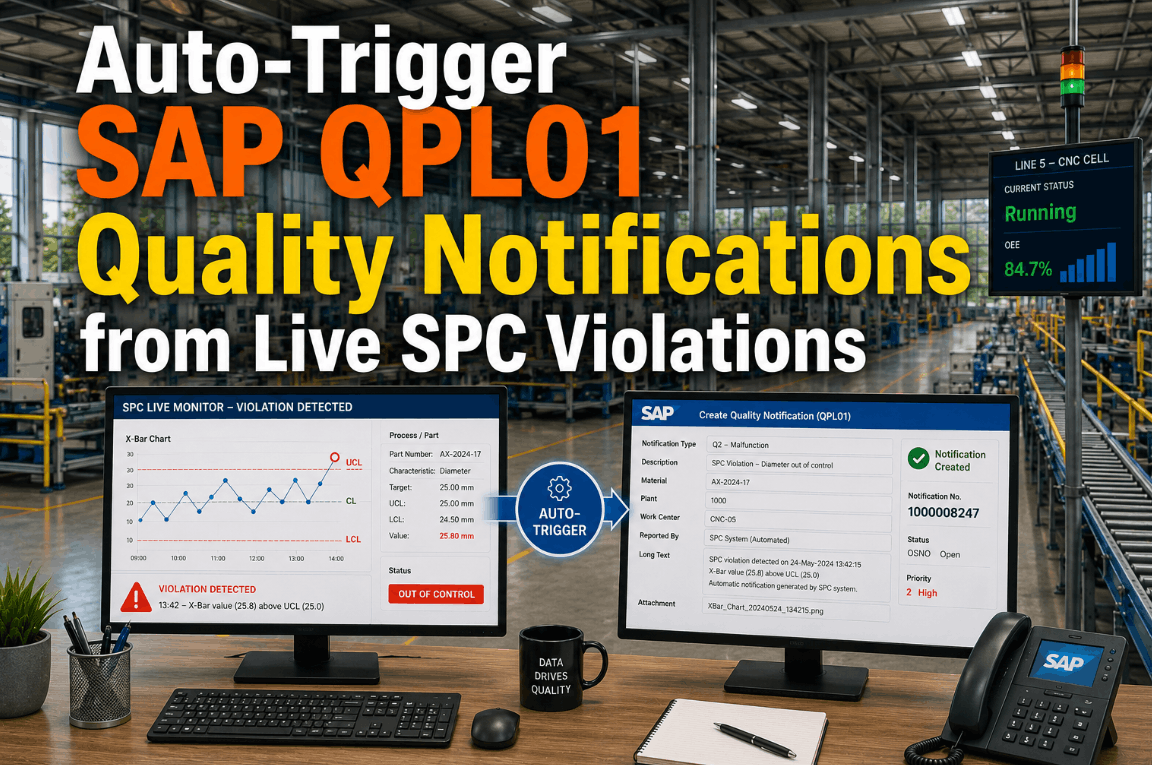
Carries quality inspection results, characteristic measurements, inspection lot references, defect codes, and disposition decisions. The IDoc that holds the actual measured values your control charts need. Without streaming QPL01 into SPC in real time, inspection data ages by hours before any chart point appears.
Trigger: Inspection lot save · QM module
MBGMCR
Goods Movement Confirmation
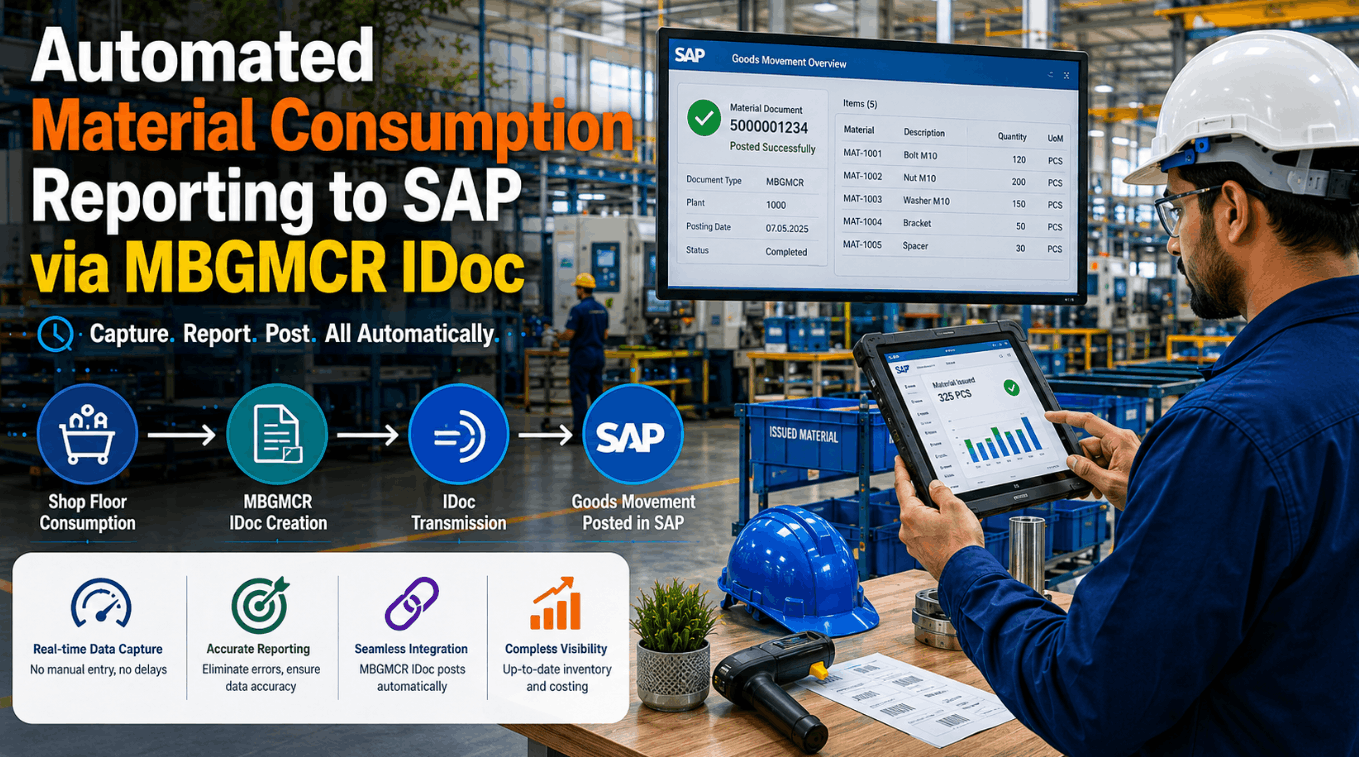
Carries material document data for every goods receipt, goods issue, transfer posting, and backflush. Tells SPC exactly what quantity of which material moved through which plant storage location — closing the loop between consumption and conformance at the batch or lot level.
Trigger: MIGO save · BADI MB_DOCUMENT_BADI
Seeing all three IDocs in isolation explains nothing. Seeing them joined — order context from LOIPRO, measurement from QPL01, lot confirmation from MBGMCR — is what makes a live control chart possible. Book a Demo and we'll demonstrate that join on your IDoc data.
How the MSMQ Bridge Works: From IDoc Inbox to Live Chart
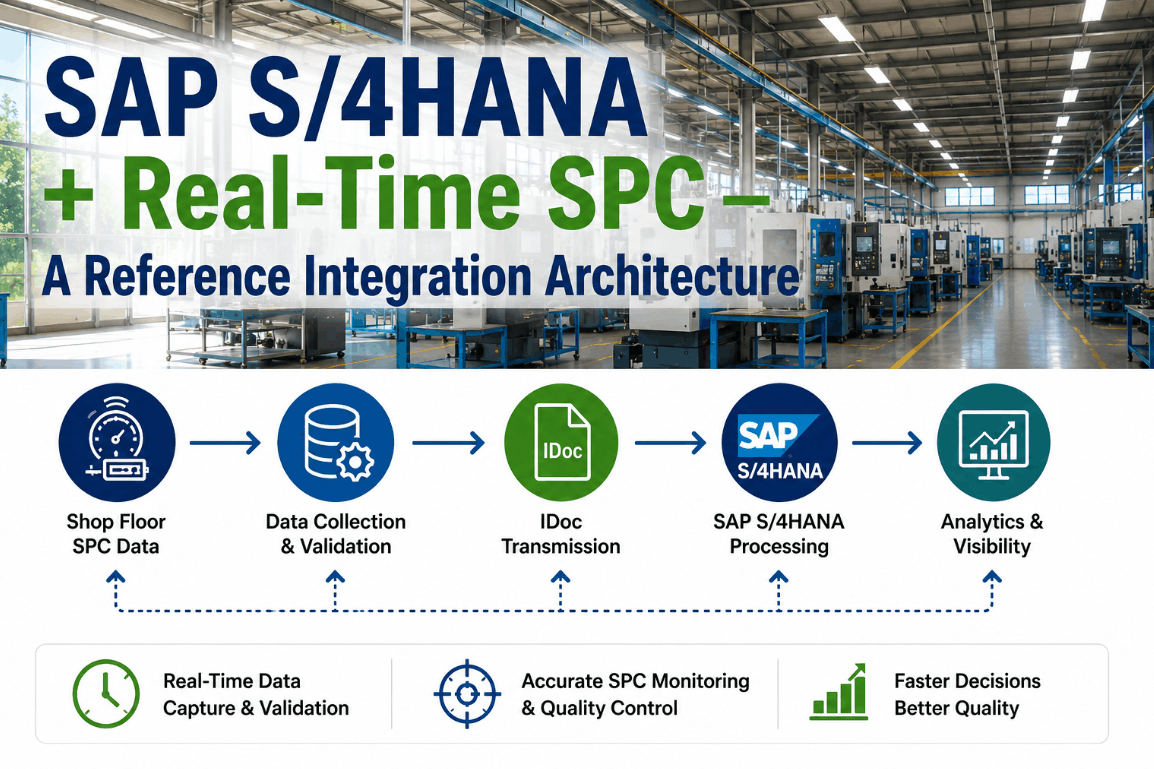
The path from an SAP outbound IDoc to a plotted SPC point involves five deterministic steps. The bridge runs on-premise, requires no middleware cloud subscription, and adds no SAP customizing beyond the partner profile configuration you already maintain in WE20.
1
SAP Outbound Partner Profile
WE20 partner profile routes LOIPRO, QPL01, and MBGMCR IDocs to an RFC/file port. No ABAP development required — standard ALE output configuration.
2
MSMQ Bridge Listener
iFactory's lightweight Windows service listens on the configured MSMQ queue. Each arriving IDoc XML payload is validated against the LOIPRO01/QPL01/MBGMCR03 segment schema before processing.
3
Segment Parser & Context Join
The parser extracts characteristic values from QPL01, maps them to the order number and work center from the corresponding LOIPRO, and attaches the material document reference from MBGMCR — creating a fully-contextualized measurement record.
4
SPC Engine Ingestion
The enriched record is written to iFactory's SPC engine, which evaluates it against configured control limits (X-bar R, X-bar S, CUSUM, EWMA, individuals), computes Western Electric rules, and flags any out-of-control condition immediately.
5
Live Control Chart + Alert
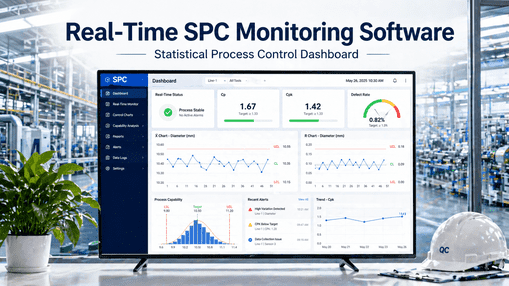
The new point appears on the live control chart within seconds of the IDoc arriving. Out-of-control signals trigger configured alerts — operator display, email, or work order — before the next piece is run.
Manual Reconciliation vs. Streaming Integration
The hidden cost in most SAP PP environments is not defects — it is the labor and latency of connecting IDoc data to quality charts after the fact. The comparison below reflects what SAP PP consultants consistently encounter in plants that have not yet automated this path.
Scenario
Manual / Siloed
iFactory IDoc to SPC
QPL01 to chart point
Hours — export CSV, open SPC tool, import
Under 5 seconds via MSMQ bridge
Order context on SPC point
Manual entry or missing entirely
Auto-joined from LOIPRO at ingestion
Goods movement correlation
Post-shift reconciliation against MIGO log
MBGMCR streamed with each measurement
Out-of-control detection
Next day report review
Rule fired within seconds of IDoc arrival
IDoc monitoring
WE02 checked manually per shift
Bridge health dashboard, automatic retry on failed IDocs
SAP customizing required
Varies — often ABAP exits for each interface
WE20 partner profile only — no ABAP
Audit trail
Spreadsheet, version-dependent
IDoc number, timestamp, and parsed payload stored per SPC point
What the IDoc Segments Actually Carry — and What iFactory Extracts
The value of streaming is only as good as the data extracted. Here is what each IDoc type contributes to the enriched SPC measurement record iFactory builds at ingestion time.
LOIPRO
Fields extracted for SPC context
Production order number & release status
Material number, plant, and production version
Work center and operation sequence
Scheduled start/finish and order quantity
Routing reference for characteristic mapping
QPL01
Fields extracted for SPC measurement
Inspection lot number and inspection type
Characteristic name, measured value, and unit
Upper and lower specification limits
Usage decision and defect codes
Inspector ID and recording timestamp
MBGMCR
Fields extracted for lot traceability
Material document number and posting date
Movement type and quantity confirmed
Batch or lot number for SPC stratification
Storage location and plant for traceability
Reference to originating production order
Your IDoc Inbox Is Already Full of SPC Data
Connect LOIPRO, QPL01 & MBGMCR to Live Control Charts Today
In a 30-minute session, an iFactory SAP integration specialist will map your active IDoc types, configure the MSMQ bridge against your partner profile, and show a live SPC chart populated from your own IDoc data — no MES export required.
Expert Perspective: What SAP PP Consultants Encounter in the Field
The pattern I see in plant after plant is the same: the SAP QM team did the work to configure QPL01 outbound correctly, the partner profile in WE20 is clean, the IDocs are firing and landing in the inbox on time. But nobody built the next step. The SPC tool is a standalone application, the quality engineer exports a weekly CSV, and the control charts are always at least a shift behind. By the time a Western Electric Rule 1 violation shows up on the chart, the out-of-control material is already in the next operation — sometimes already shipped. The data was there in the IDoc the whole time. The gap was always the bridge, not the SAP configuration.
SAP PP / QM Consultant Perspective
Composite insight based on common SAP PP-QM integration patterns encountered across discrete and process manufacturing implementations
IDoc Monitoring: Knowing Your Bridge Is Working
A streaming integration is only as reliable as its error handling. iFactory's MSMQ bridge includes an IDoc monitoring dashboard that gives SAP PP consultants and plant IT teams full visibility into bridge health — without requiring access to SAP's WE02 or BD87 transactions.
Real-Time Throughput View
IDoc arrival rate per message type per minute. Instant visibility when LOIPRO or QPL01 volume drops below expected thresholds — indicating an upstream SAP issue before quality data goes dark.
Latency Tracking
End-to-end latency from IDoc creation timestamp in SAP to chart point written in iFactory SPC. Alerts when processing lag exceeds configured thresholds — typically 30 seconds for non-peak loads.
Parse Error Log
Any IDoc that fails schema validation or segment mapping is logged with the exact segment, field, and error reason — not silently dropped. Reprocessable from the dashboard after upstream correction.
IDoc Audit Trail
Every SPC data point carries its originating IDoc number, SAP system ID, message type, and parse timestamp. Full traceability from a control chart violation back to the source IDoc and SAP material document.
Frequently Asked Questions
Do we need to write custom ABAP to trigger LOIPRO or QPL01 IDocs for this integration?
No. For standard outbound scenarios, WE20 partner profile configuration and the standard ALE output channel are sufficient — no user exits or custom function modules required on the SAP side.
Which SAP releases and IDoc basic types does the bridge support?
The bridge supports ECC 6.0 and S/4HANA releases for LOIPRO01, QPL01, and MBGMCR03 — the current standard basic types for each message. Extended or custom Z-segments are configurable via mapping profiles.
What happens if an IDoc arrives with missing or malformed segment data?
The bridge logs the error with full segment detail, holds the IDoc in a retry queue, and continues processing all subsequent IDocs — no single bad payload blocks the stream.
Can iFactory SPC support multiple chart types — not just X-bar R?
Yes. iFactory SPC supports X-bar R, X-bar S, individuals (ImR), CUSUM, and EWMA charts, with Western Electric and Nelson rule sets configurable per characteristic.
Does the MSMQ bridge require the plant network to be connected to the cloud?
No. The bridge runs fully on-premise and air-gapped — all IDoc processing, SPC computation, and chart storage remain inside the plant network with no cloud dependency.
Conclusion: The IDoc Data Is Already There
In most SAP PP environments, the quality data pipeline is nearly complete. LOIPRO fires on every order release. QPL01 carries every inspection result. MBGMCR confirms every goods movement. The IDocs are landing in the inbox on schedule, the partner profiles are configured, and the ALE infrastructure is working. What is missing is the final 100 meters: a reliable, low-latency path from that IDoc inbox into a live control chart. iFactory's MSMQ bridge closes that gap without additional SAP customizing, without a cloud middleware subscription, and without the manual reconciliation shift that currently sits between your quality data and your quality decisions. The next out-of-control signal is in the next QPL01 IDoc your system sends. The question is whether it reaches a control chart in five seconds or five hours. Book a Demo to see the difference on your own data.
Ready to Close the Gap Between SAP and SPC?
Stream Your LOIPRO, QPL01 & MBGMCR IDocs to Live Control Charts
Book a session with an iFactory SAP integration engineer. We'll connect to a sample of your IDoc data, demonstrate the MSMQ bridge configuration, and show live SPC charts populated from your own quality records — in the same session.